Top 10 Weavy AI Alternatives in 2026
Weavy AI was a node-based creative workflow platform that let designers chain image generators, editors, and style controls together on a single canvas. In late 2025 Figma acquired the product and folded it into Figma Weave, leaving standalone Weavy users looking for tools that still work outside the Figma ecosystem. If the workflow approach was the part you liked, Wireflow AI is the closest direct replacement and a reasonable first place to look. This article covers ten platforms across different price points, interfaces, and specialties so you can pick the one that fits how you actually work.
Why Weavy users are looking for alternatives
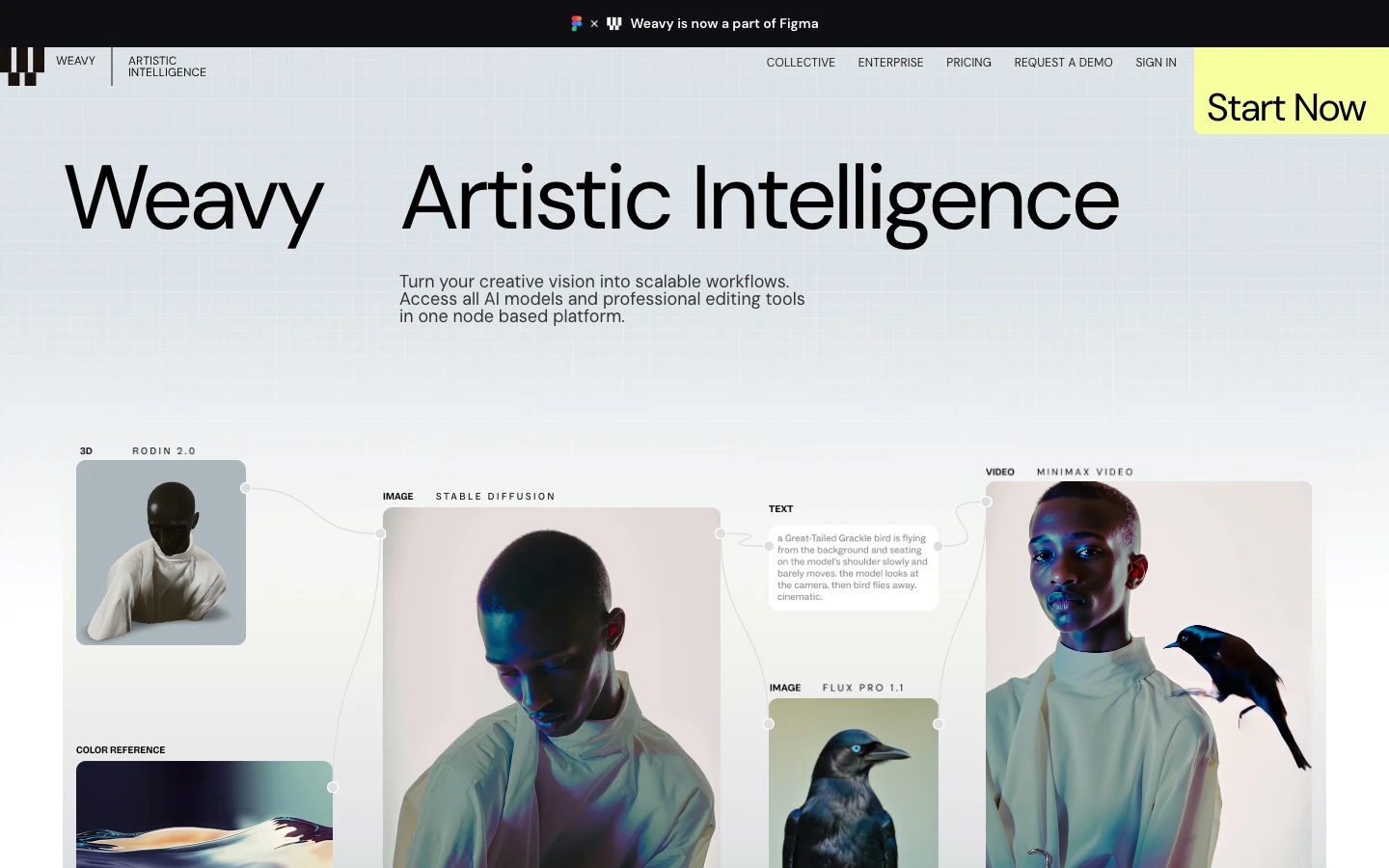
The Weavy team joined Figma in 2025 and the product now lives as Figma Weave inside the Figma ecosystem. That works well for teams already using Figma for design, but it is a significant change for independent creatives, small studios, and anyone who preferred a standalone tool with its own pricing and its own roadmap. The platforms below offer node based canvases, linear editors, or something in between, with the shared goal of chaining AI models together to produce usable creative output.
The list at a glance
- Wireflow AI: Best overall. Node based canvas built specifically for AI creative workflows.
- Flora: Best visual canvas. Horizontal infinite canvas with strong iteration tools.
- ComfyUI: Best open source. Self-hosted node graph with the largest community model library.
- Freepik Spaces: Best for teams that need stock assets alongside AI generation.
- Krea AI: Best for real time iteration. Live generation and enhance workflows.
- Higgsfield: Best for AI video. Directed camera moves and cinematic output.
- Tap Now: Best mobile first option for creators who want a simple interface.
- Veras: Best for architects and industrial designers working from 3D input.
- n8n: Best general automation that can also run AI nodes end to end.
- Midjourney: Best single model output for prompt-driven creators who prefer chat.
1. Wireflow AI
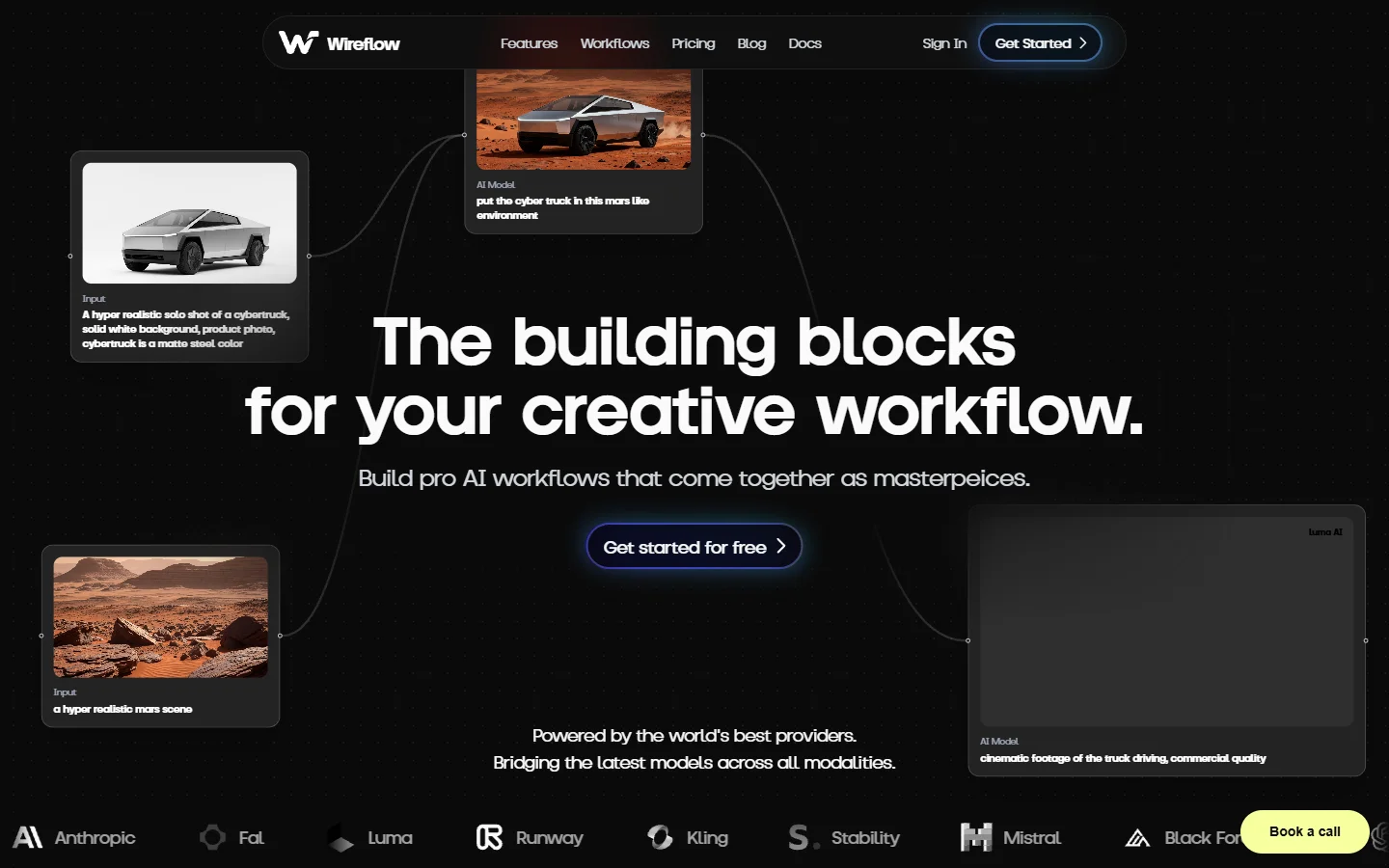
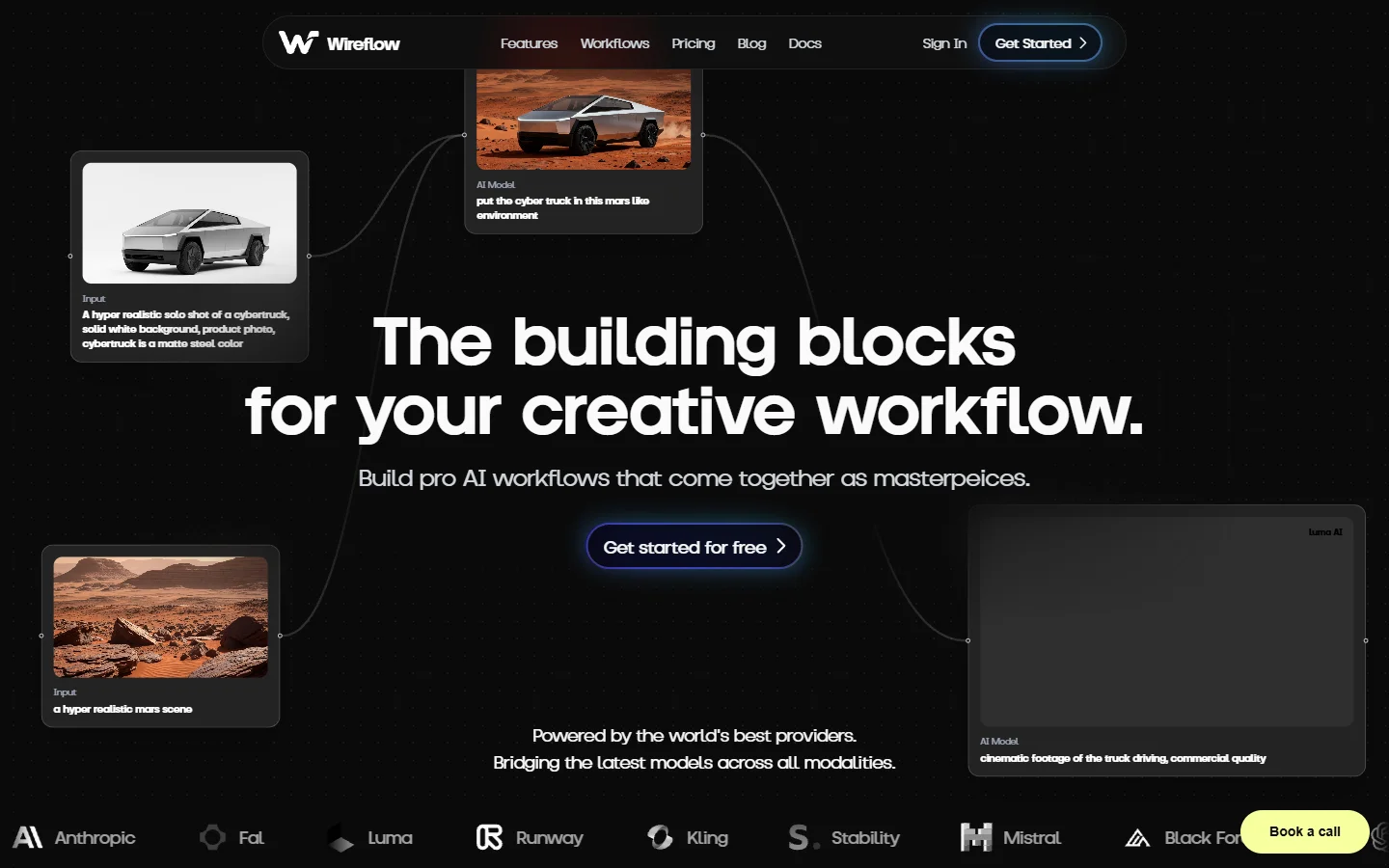
Wireflow is a node based canvas built from the ground up for AI creative workflows, which makes it the closest direct swap for Weavy users. The interface places image, video, text, and utility blocks on an infinite canvas, and you connect them with simple wires to build pipelines that go from a text prompt to a finished asset. Chain an AI image generator into an upscaler into a background remover without writing any glue code or worrying about aspect ratios breaking between stages.
The platform supports all major providers including FLUX, SDXL variants, Recraft, and fine tuned proprietary models, and new models are added as they ship. What separates it from generic automation tools is that every block understands its inputs and outputs, so the canvas catches type mismatches before you run a workflow. Saved workflows can be re-run with different inputs, which is useful when you want to produce variations of the same creative at scale.
Pricing starts with a free tier that includes enough credits to try the main models, and paid plans scale with usage rather than per seat. For teams evaluating a long term visual AI workflow builder, the ability to produce consistent output across model providers is the most important factor, and this is where Wireflow feels the most mature compared to the other options on this list. You can see the current pricing before committing to a plan.
2. Flora
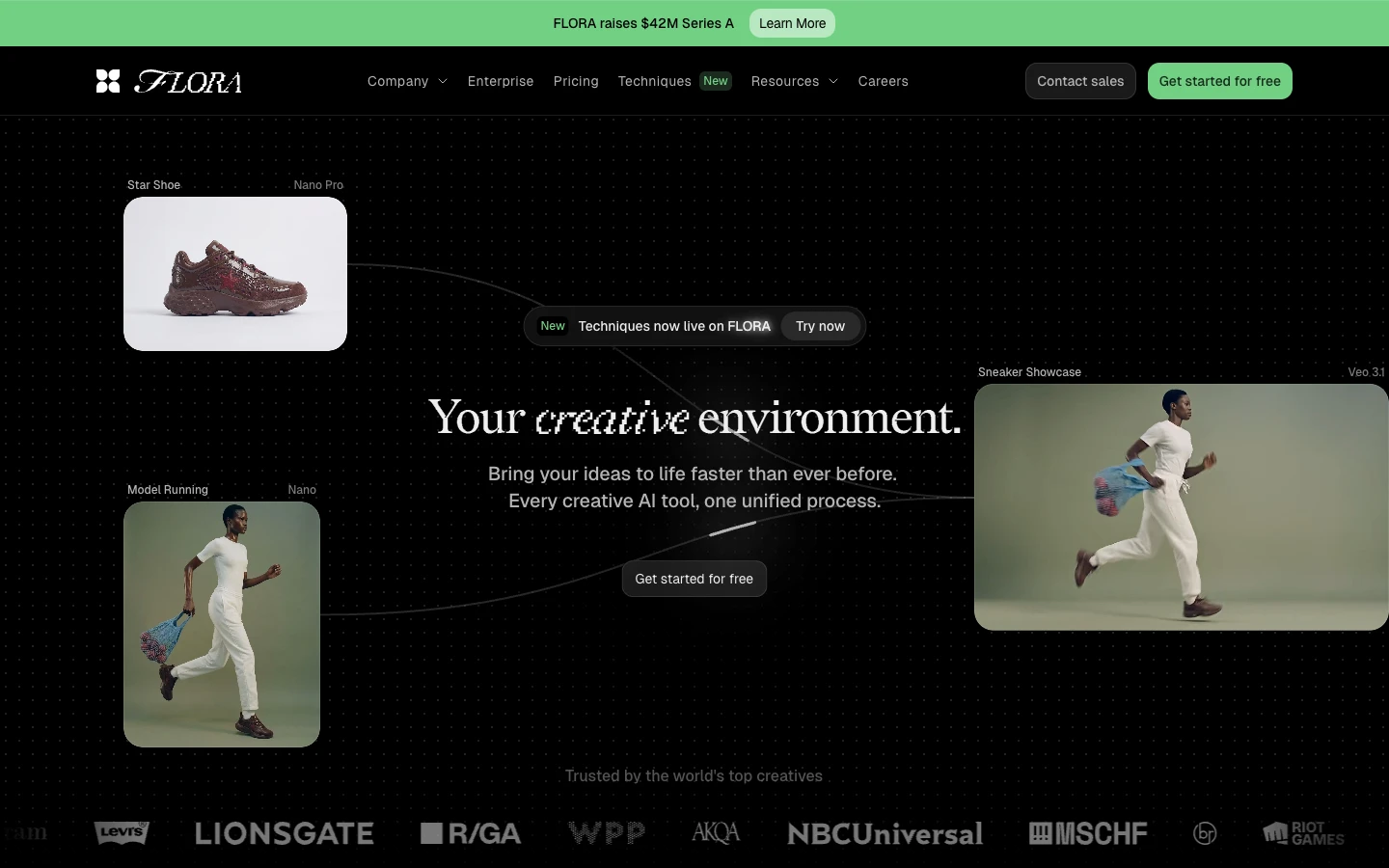
Flora takes a horizontal canvas approach instead of a strict node graph. You drop generators, references, and edits on a single board and connect them visually. It is especially strong for iteration, since multiple versions of an image can sit side by side with their parent prompts visible. Flora raised funding from major brand investors in 2025 and has been adding scripted automation features, which makes it a legitimate option for production creative teams who want something more approachable than ComfyUI but more flexible than a single model web app. Pricing is per seat with a free starter tier.
3. ComfyUI
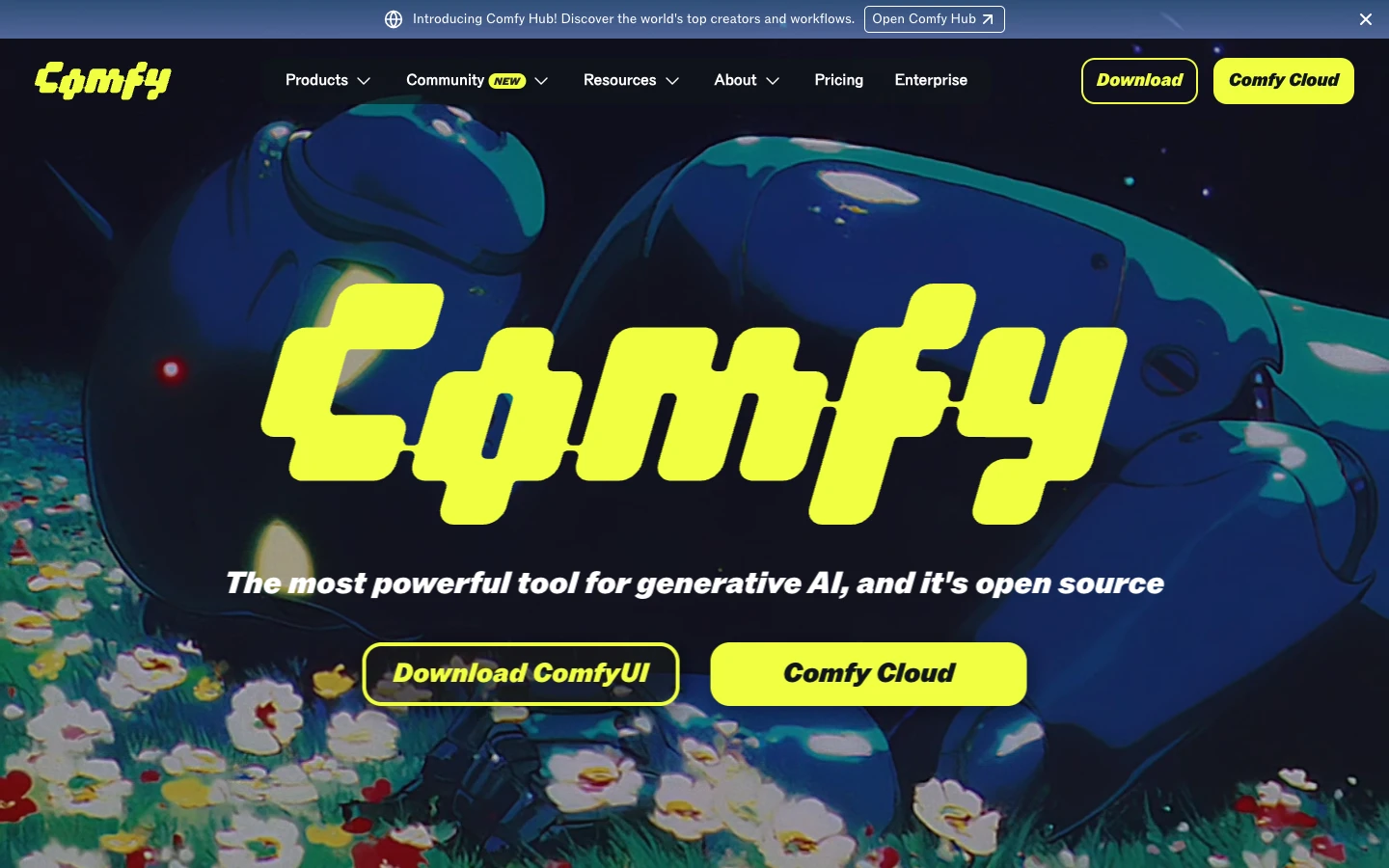
ComfyUI is the open source reference for node based image generation and by far the most flexible option on this list. It runs locally on your own GPU or via Comfy Cloud, and it supports basically every Stable Diffusion variant, LoRA, ControlNet, and custom node the community has released. The tradeoff is setup complexity: you are responsible for installing the app, managing model files, and building workflows that handle errors gracefully. For technical users who want full control with no running costs beyond electricity, ComfyUI is still the benchmark. Teams that do not want to self host can use managed ComfyUI offerings for a monthly fee.
4. Freepik Spaces
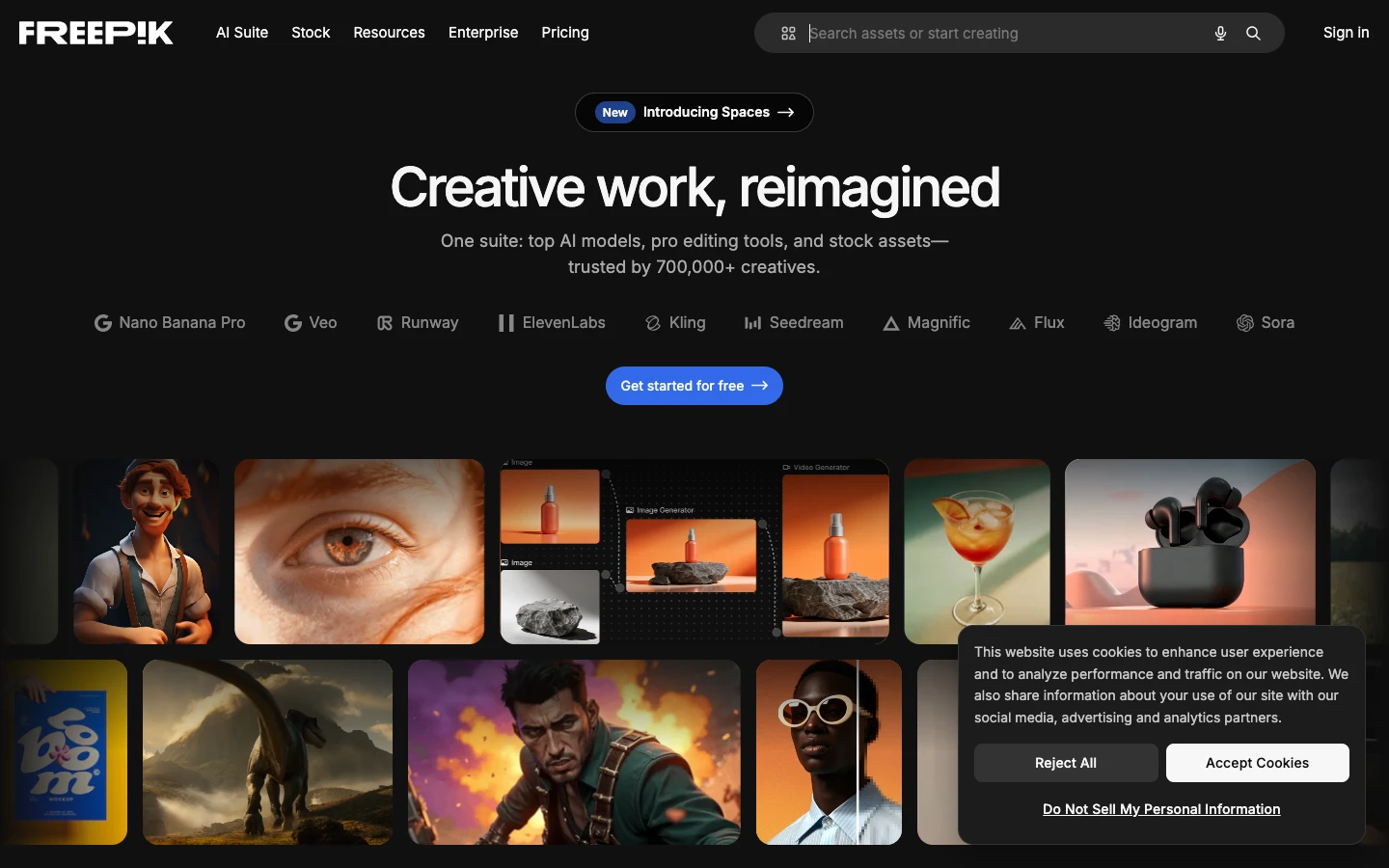
Freepik Spaces is the canvas layer inside Freepik’s broader AI suite. The distinguishing feature is the integration with Freepik’s stock library, which means you can drop licensed photos, vectors, and templates onto the same canvas you are generating on. This is useful for marketing teams who need brand-safe visuals and do not want to worry about the licensing ambiguity of purely generated imagery. The generation models themselves include FLUX, Google Imagen, and Freepik’s own tuned variants. Pricing bundles with Freepik subscriptions and scales based on generation count.
5. Krea AI
Krea is built around real time generation, where changes to the prompt or a rough sketch update the output in under a second. It is the best option if your workflow relies on iterating quickly rather than rendering one perfect image. Krea supports image, video, upscaling, and LoRA training, and the canvas is designed to keep all of those tools in one place. Real time mode uses a lighter model and lower resolution for speed, and you then run a final high quality pass once you are happy with the direction. Pricing is a straightforward monthly subscription.
6. Higgsfield
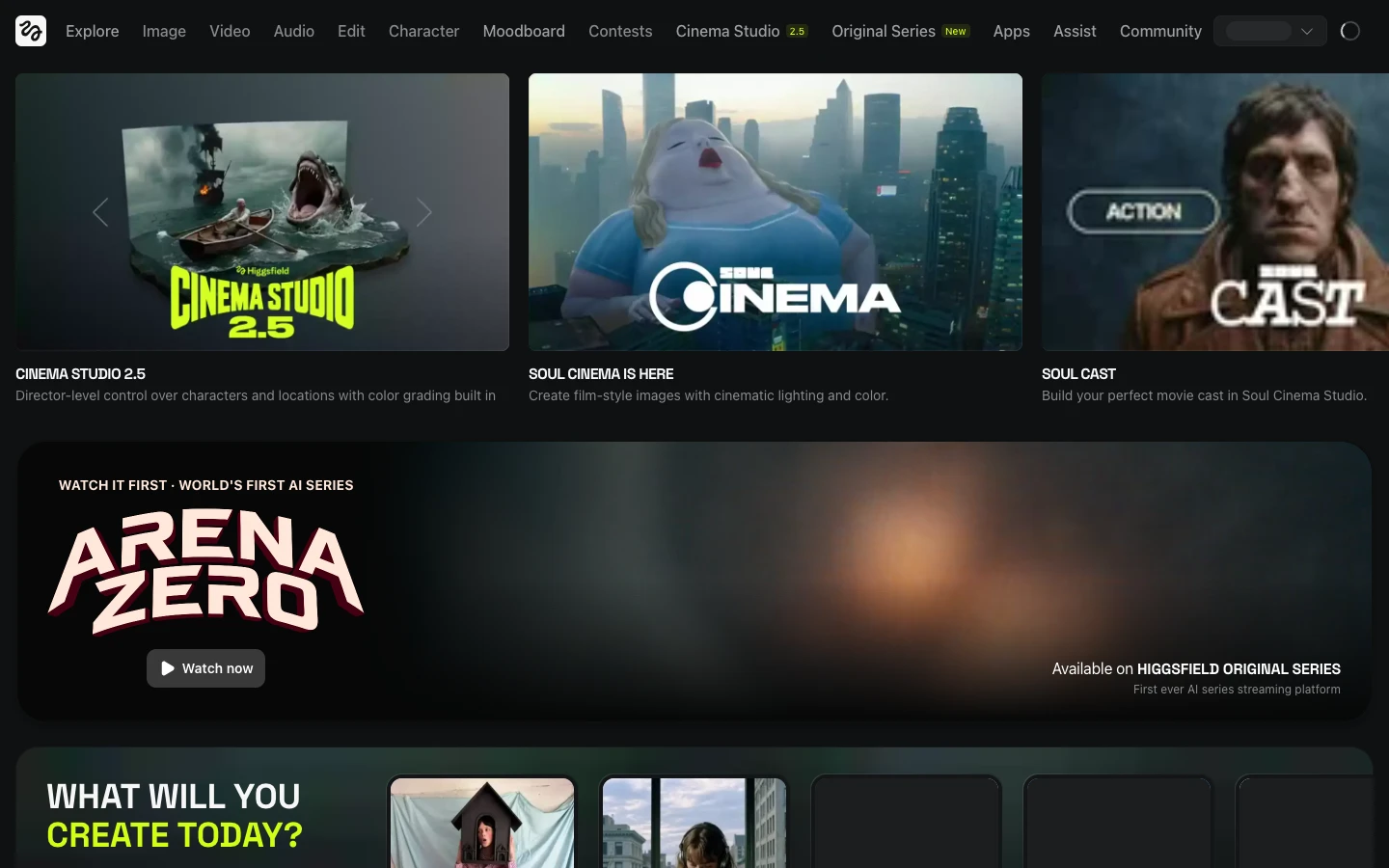
Higgsfield is the strongest pure AI video platform in this comparison. Its flagship feature is directed camera control, meaning you can specify dolly, pan, zoom, and orbit moves rather than hoping the model decides on a camera that reads as cinematic. For creators producing short form content or ad mockups, this level of control compresses the feedback loop from hours to minutes. Higgsfield also supports image inputs for character consistency, which matters for any video that needs a recognizable subject across clips. Pricing is credit based with tiered plans.
7. Tap Now
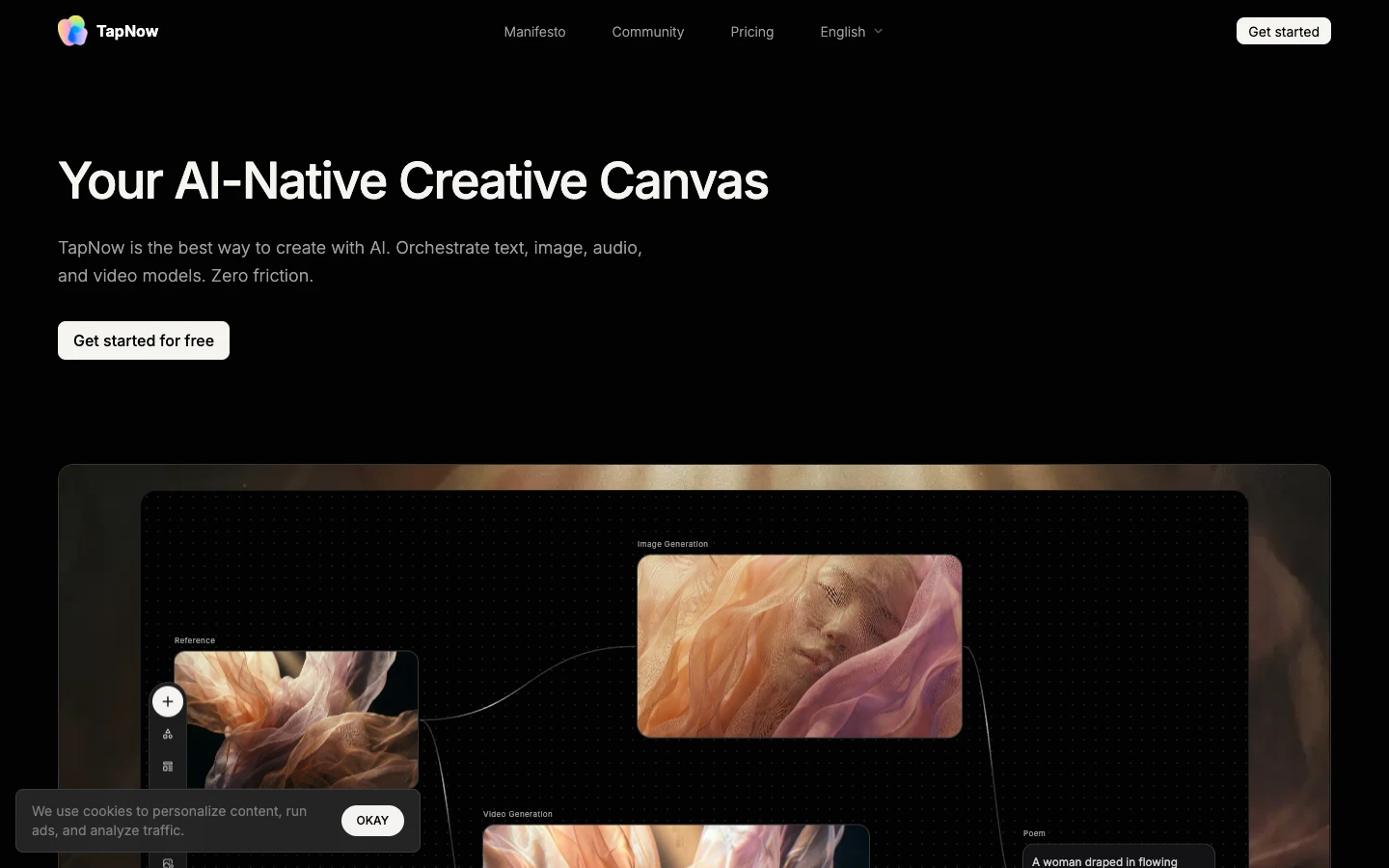
Tap Now is focused on mobile creators and content producers who want AI generation with minimal setup. The interface is intentionally simple, biased toward preset workflows rather than fine grained control, and it handles most of the model selection for you. If you are a creator who wants to turn a selfie into a product shot or a short clip without learning a node editor, Tap Now is the least intimidating entry on the list. It is not the right choice when you need full control over intermediate steps, but for the speed and simplicity end of the market it is well positioned.
8. Veras
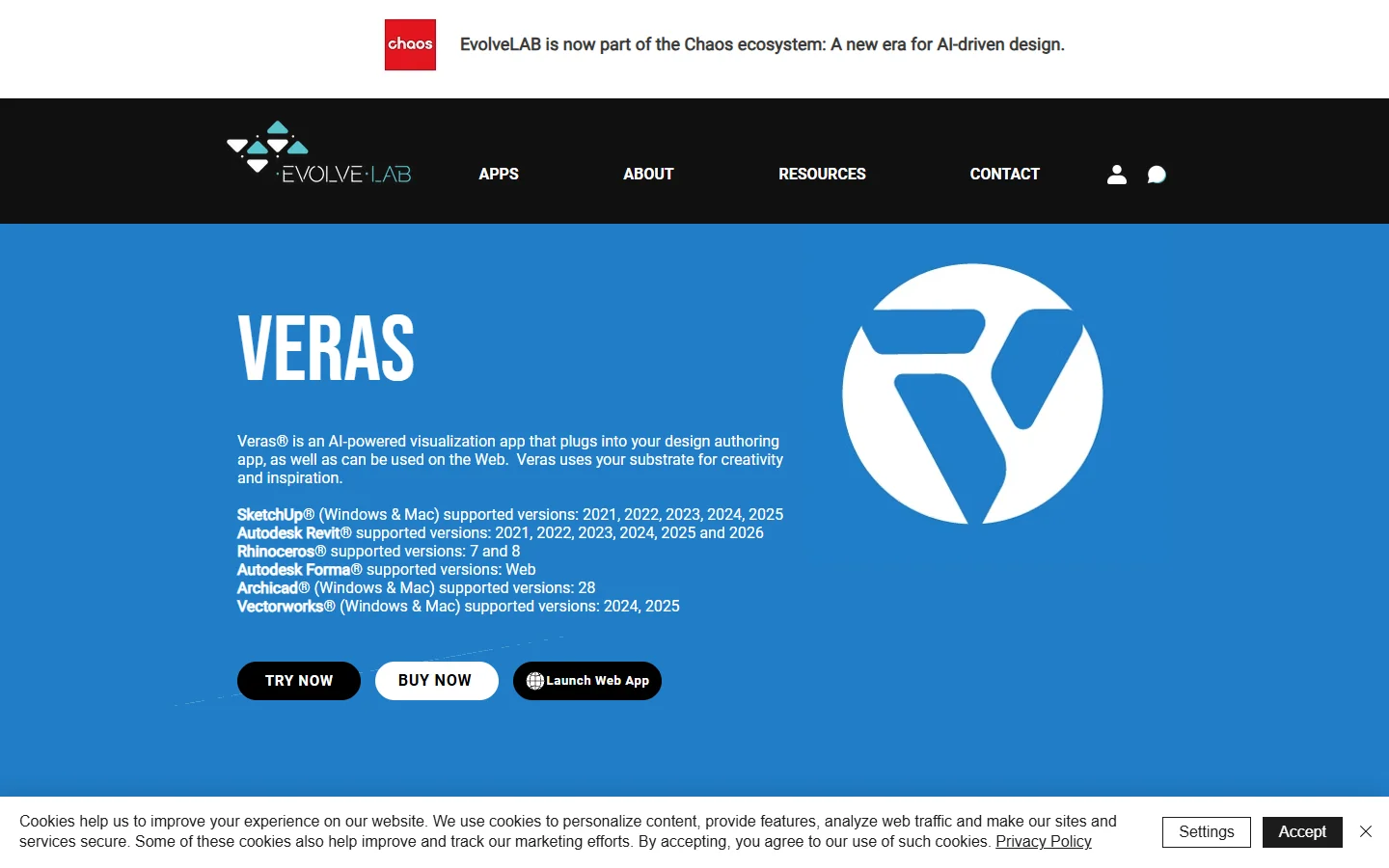
Veras is a specialized tool built for architects and industrial designers who want to transform 3D geometry into rendered imagery using AI. It plugs into SketchUp, Rhino, Revit, and other design tools, and it lets you describe the style you want while keeping the underlying geometry locked. This is a narrower use case than the other entries, but for its audience Veras is uniquely good since most general AI tools cannot preserve structural accuracy from a 3D input. Pricing is subscription based with plans aimed at studios and solo practitioners.
9. n8n

n8n started as a general automation tool and has become a credible choice for AI workflow builders who need to connect creative output to downstream systems. You can wire an image generation node into an S3 upload, a CMS webhook, a Slack notification, and so on, all inside the same canvas. It is less specialized than the dedicated creative tools on this list, but it wins when the creative work is one step in a larger pipeline. Self hosted is free and open source, and a managed cloud tier handles hosting for teams that do not want to run their own servers.
10. Midjourney

Midjourney is not a workflow tool in the node graph sense, but it earns a spot because of the sheer output quality of its latest models. The interface is chat driven, with prompt refinements and style controls happening in a conversation rather than on a visual canvas. For creators who only need one image at a time and do not want to manage a pipeline, Midjourney produces the most polished results on this list. The limitation is composability: if your work involves chaining multiple generators and edits together, you will still want one of the canvas tools above.
Side by side comparison
| Platform | Interface | Best for | Self-hosting | Open source | |—|—|—|—|—| | Wireflow AI | Node canvas | AI creative workflows end to end | No | No | | Flora | Horizontal canvas | Iteration and team review | No | No | | ComfyUI | Node graph | Technical users with GPU access | Yes | Yes | | Freepik Spaces | Canvas with stock | Marketing teams | No | No | | Krea AI | Real time canvas | Fast iteration | No | No | | Higgsfield | Linear video editor | AI video with camera control | No | No | | Tap Now | Mobile first UI | Solo creators and content producers | No | No | | Veras | 3D plugin | Architects and industrial designers | No | No | | n8n | General node automation | Pipelines across tools | Yes | Yes | | Midjourney | Chat interface | Best single image quality | No | No |
Frequently asked questions
Is Weavy AI still available as a standalone product? No. Weavy was acquired by Figma and its capabilities now live inside Figma Weave. If you were using Weavy outside the Figma ecosystem you will need to migrate to one of the alternatives listed above.
Which alternative is most similar to the old Weavy interface? Wireflow and Flora are the closest in interface terms. Both are canvas based tools built specifically for AI creative work. ComfyUI is also node based but has a steeper learning curve and requires more setup.
Are any of these free to try? Yes. Wireflow, Krea, Flora, Higgsfield, and most of the others on this list offer a free tier or trial credits. ComfyUI and n8n are free to self host if you are comfortable managing your own infrastructure.
Which tool handles AI video best? Higgsfield is the strongest dedicated video option on this list thanks to its camera control system. Several of the canvas tools also support video generation through integrated models, but Higgsfield is the one built specifically for that use case.
Do any of these work on mobile? Tap Now is designed mobile first. Most of the others have web apps that technically work on a phone but are built for desktop use.
Where should I start if I just want to evaluate one tool? Start with a canvas based tool that has a free tier and supports multiple models. For most former Weavy users that means starting with a dedicated AI workflow platform before looking at specialized options like Higgsfield or Veras.
Final thoughts
Weavy was valuable because it put multiple AI models on the same canvas and let you treat them like building blocks. The ten tools above all solve part of that problem, with tradeoffs in complexity, specialization, and pricing. For most former Weavy users the fastest path back to productive work is a canvas built specifically for AI creative workflows, which is why the Wireflow platform leads this list. Whichever tool you choose, keep the workflow mindset Weavy taught you and resist the temptation to collapse back into single-shot prompt tools.