AI image editors have become essential tools for photographers, designers, and content creators in 2026. Whether you need quick background removal, intelligent retouching, or full-scale creative editing powered by models like FLUX, the options available today handle tasks that once required hours of manual work. This guide compares the best AI image editors side by side so you can find the right fit for your workflow.
The tools in this comparison range from professional desktop suites to browser-based editors and mobile-first platforms. Each approaches AI differently, from layered neural filters to one-click automated edits.
What Sets the Best AI Editors Apart in 2026
The gap between basic filters and genuine AI editing has widened considerably. The strongest tools use trained models that understand image context, not just pixel data. Features like AI-powered image generation and object-aware selection have moved from experimental to reliable in the past year.
Key criteria for evaluating AI image editors:
- AI feature depth: Background removal, object erasing, generative fill, upscaling, style transfer
- Ease of use: How quickly a new user can produce usable results
- Output quality: Resolution, artifact handling, and natural-looking edits
- Pricing: Free tiers, subscription costs, per-image credits
- Platform availability: Desktop, web, mobile, or all three
Top AI Image Editors and Photo Tools
We tested seven editors that represent the full range of options in 2026, from professional desktop software to lightweight web tools. The best choice depends on whether you prioritize depth of control or speed of output. Understanding how AI image models work helps clarify why some editors feel more capable than others.
Adobe Photoshop
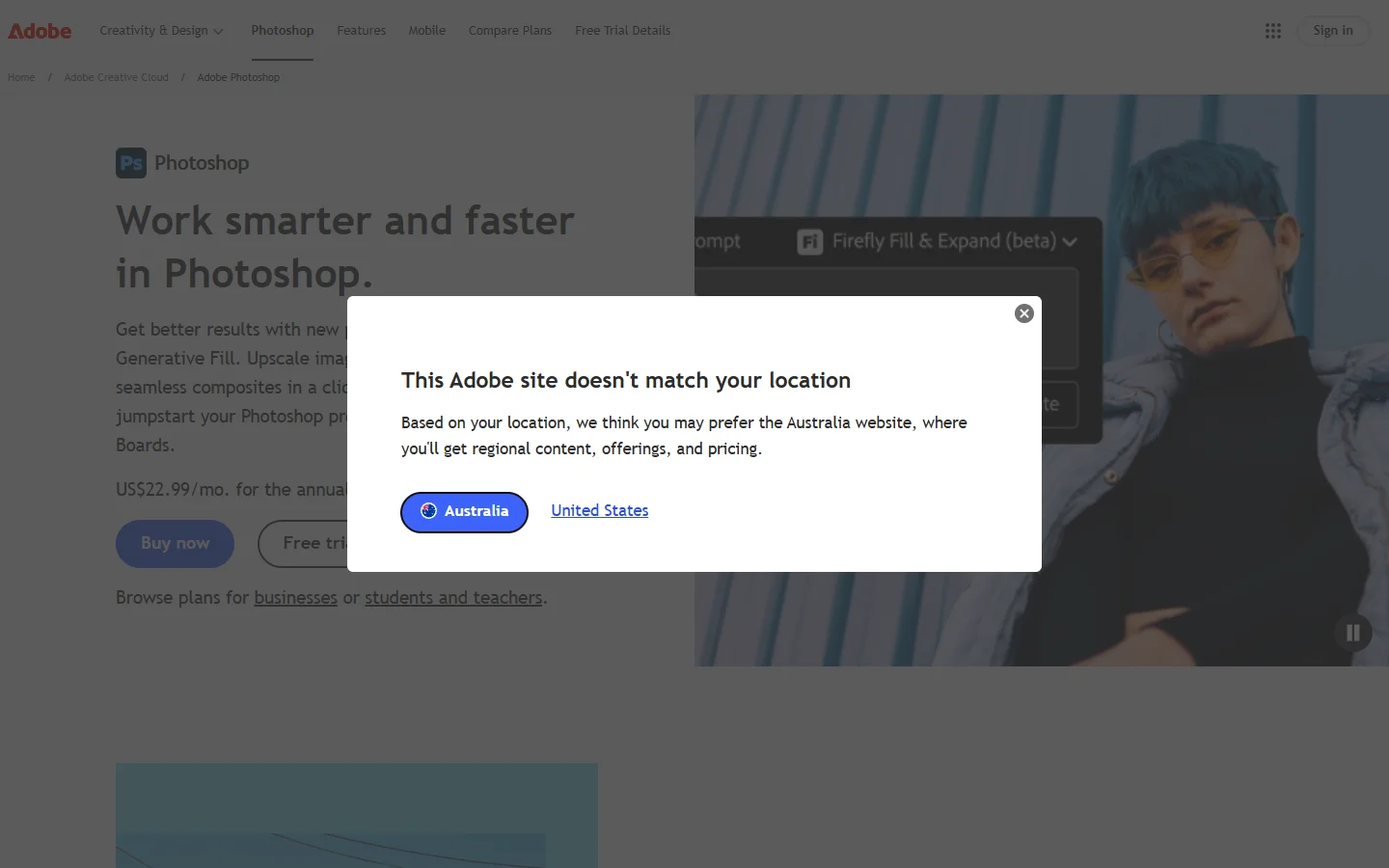
Photoshop remains the standard for professional photo editing. Adobe’s Firefly integration brings generative fill, neural filters, and content-aware removal directly into the layer-based workflow. The AI features work best for users who already understand masking and adjustment layers. Pricing starts at $22.99/month, which makes it the most expensive option on this list, though the feature set justifies it for professionals.
Luminar Neo
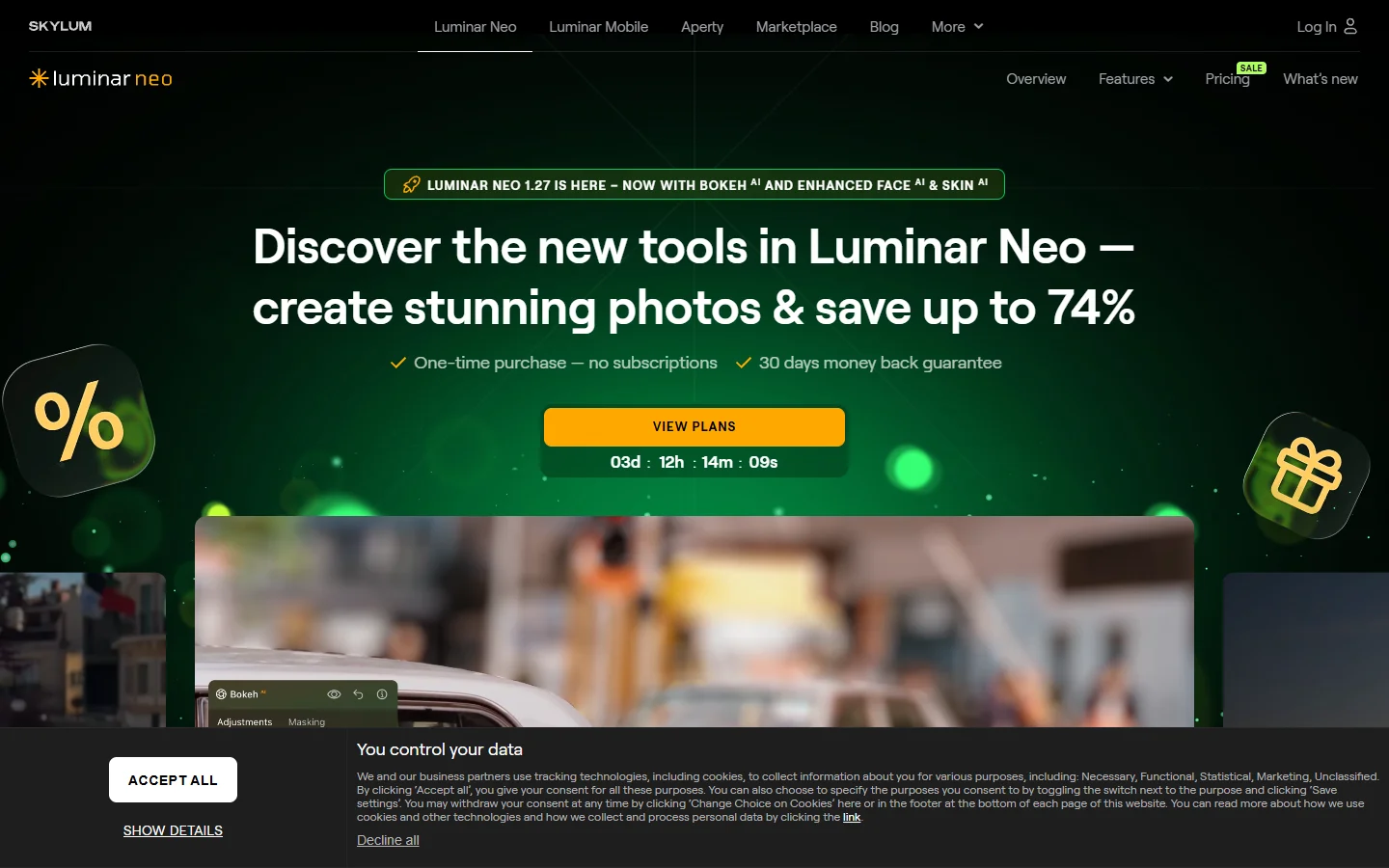
Skylum’s Luminar Neo focuses entirely on AI-driven editing. Sky AI, Face AI, and Structure AI each target specific editing tasks with minimal manual input. The results are impressive for portrait and landscape photography, producing pro-level output with fewer steps than Photoshop requires. A one-time license is available alongside subscription plans, making it accessible for hobbyists who want powerful results without a monthly commitment.
Canva
Canva is not a traditional photo editor, but its AI features have expanded significantly. Magic Eraser, background removal, and AI image generation are built into the design platform. The strength here is integration: you can edit a photo and drop it straight into a social post, presentation, or print design. The free tier covers basic editing, while Pro ($12.99/month) unlocks the full AI toolkit.
PhotoRoom

PhotoRoom specializes in product photography and e-commerce visuals. Its AI handles background removal, shadow generation, and scene creation automatically. For anyone running an online store or managing product catalogs, this tool cuts editing time from minutes to seconds. The automated prompt-based workflow mirrors what many e-commerce teams need: batch processing with consistent quality across hundreds of images.
Pixlr
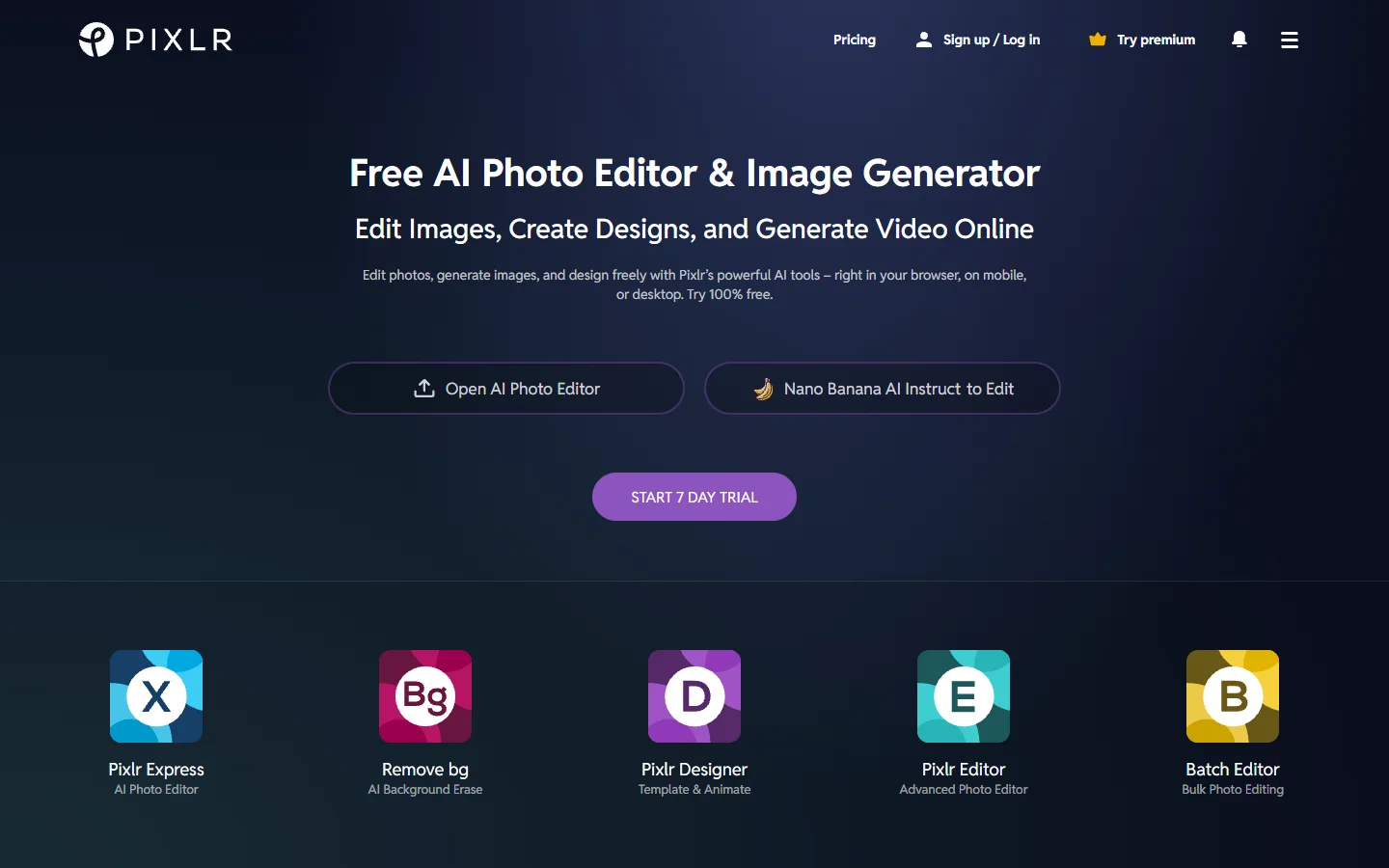
Pixlr runs entirely in the browser and offers both a simple editor (Pixlr X) and an advanced one (Pixlr E). AI tools include background removal, object erasing, and auto-enhancement. Performance is solid for quick edits, and the free tier is generous. The trade-off is that heavier edits can feel slow compared to desktop software, and the AI models lag behind those in Photoshop or Luminar Neo.
Fotor
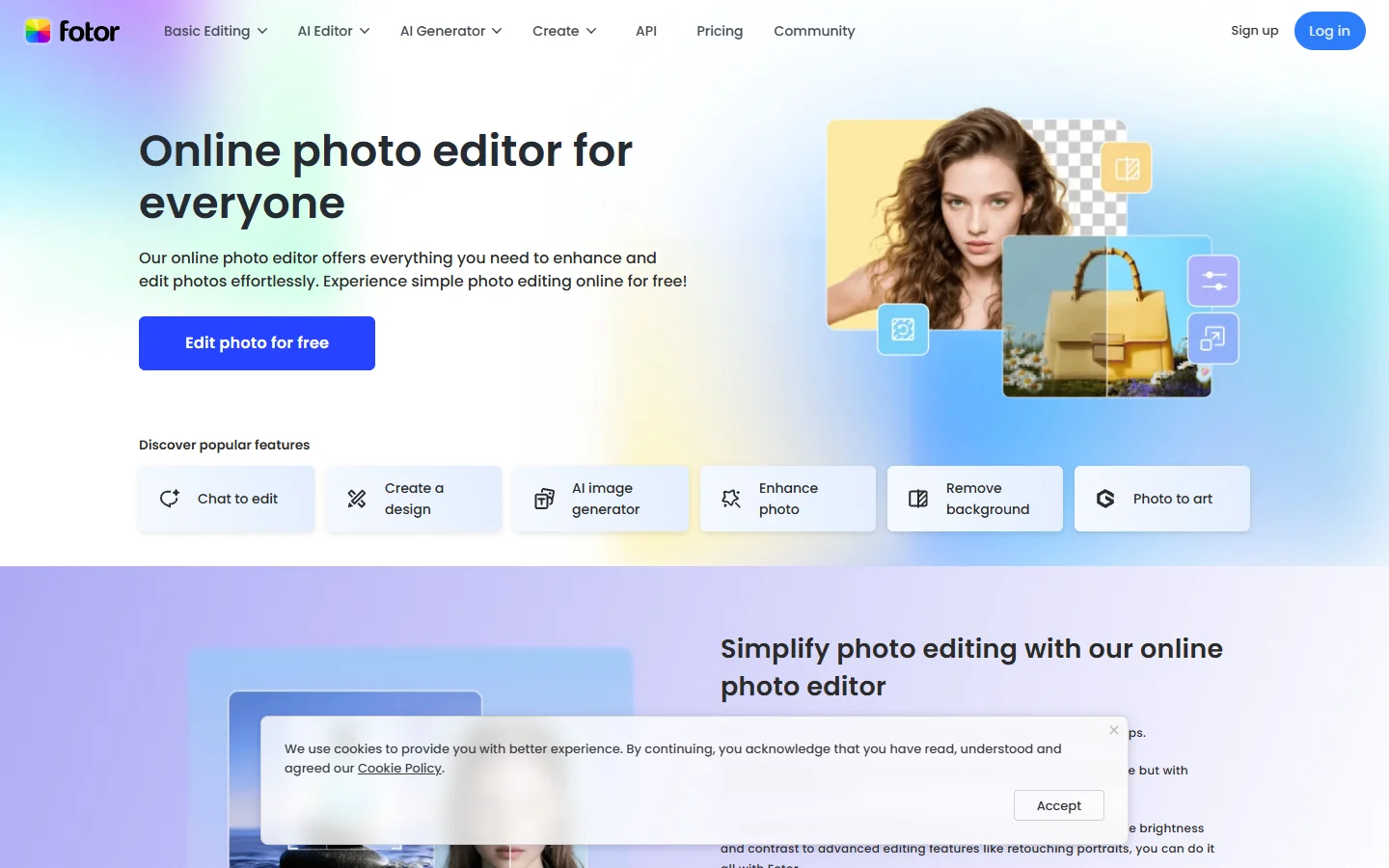
Fotor combines photo editing with design templates, positioning itself between Canva and dedicated editors. AI features include one-tap enhancement, background removal, and style transfer. The real-time processing approach keeps the editing experience responsive even on large files. Fotor Pro costs $8.99/month, making it one of the more affordable options with a capable AI feature set.
PicsArt
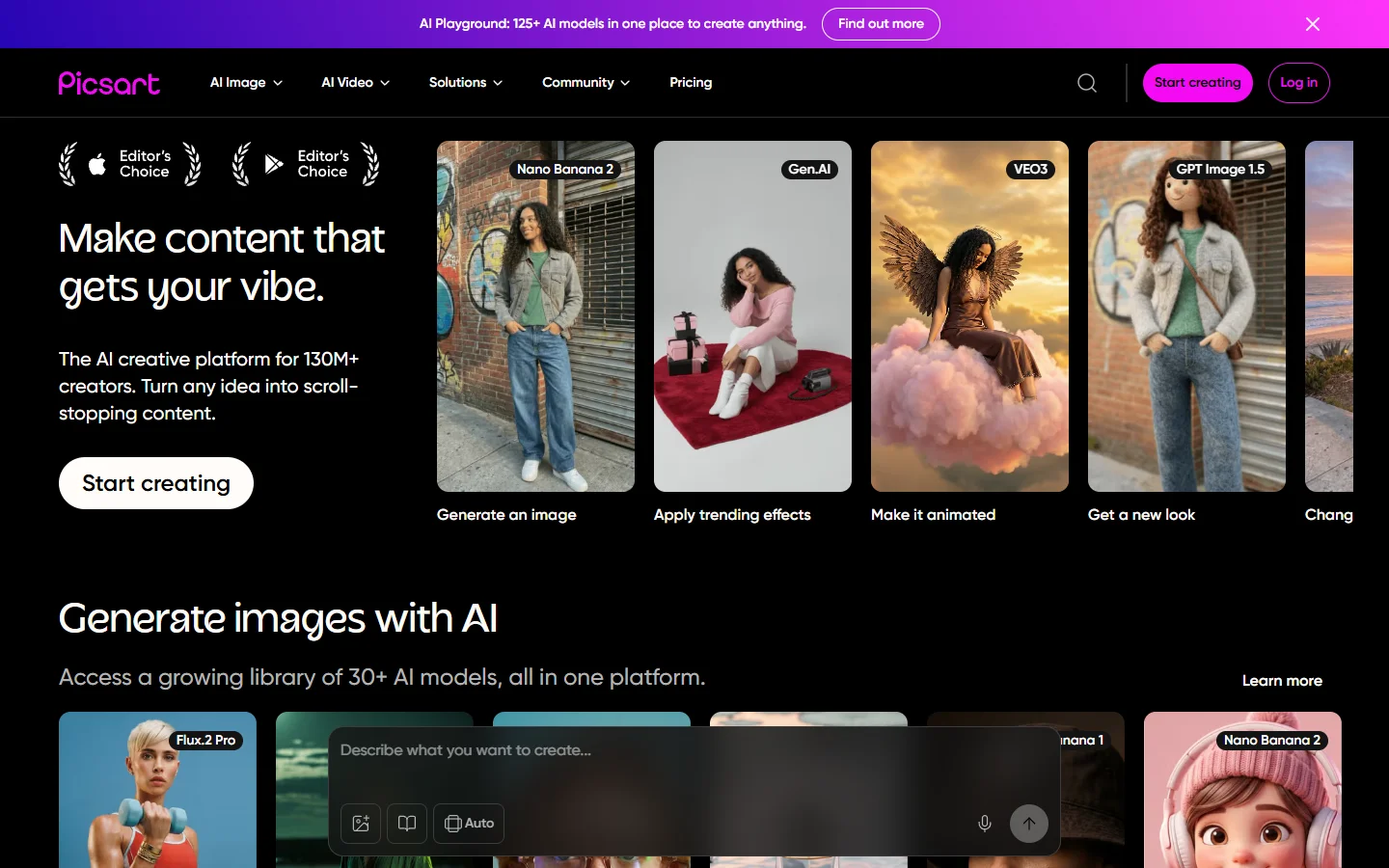
PicsArt targets mobile-first creators with AI effects, stickers, and collage tools. The AI image generator and style transfer features work well for social media content. It is less suited for professional photo retouching but excels at creative experimentation. When comparing AI tool alternatives, PicsArt consistently ranks high for accessibility and creative variety.
Side-by-Side Comparison
| Tool | Best For | AI Highlights | Starting Price | Platform |
|---|---|---|---|---|
| Adobe Photoshop | Professional editing | Generative Fill, Neural Filters | $22.99/mo | Desktop, Web |
| Luminar Neo | AI-first photography | Sky AI, Face AI, Structure AI | $14.95/mo or one-time | Desktop |
| Canva | Design + editing | Magic Eraser, AI image gen | Free / $12.99/mo | Web, Mobile |
| PhotoRoom | Product photography | Auto background, batch processing | Free / $9.99/mo | Web, Mobile |
| Pixlr | Browser-based editing | Auto-enhance, object erasing | Free / $7.99/mo | Web |
| Fotor | Budget-friendly editing | One-tap enhance, style transfer | Free / $8.99/mo | Web, Mobile |
| PicsArt | Creative mobile content | AI effects, style transfer | Free / $13/mo | Mobile, Web |
For workflows that involve generating images from text prompts before editing them, tools with real-time AI processing offer a smoother pipeline from creation to final output.
How to Choose the Right AI Photo Editor
The right tool depends on three factors: what you are editing, how often you edit, and your budget. Professionals working with RAW files and complex composites will get the most from Photoshop or Luminar Neo. Content creators who need fast social media visuals should look at Canva or PicsArt. E-commerce teams benefit most from PhotoRoom’s batch capabilities. Browsing prompt libraries can also help you understand what AI tools can generate before you start editing.
Consider these practical steps:
- Start with a free tier to test the AI features on your actual images
- Check whether the tool supports your file formats (RAW, PSD, WebP)
- Evaluate batch processing if you handle more than 20 images per week
- Compare output quality at your target resolution, not just preview size
A newer branch of the market is agent-style editing, where you describe the change and the tool plans the steps itself. If that workflow appeals to you, this rundown of RoboNeo alternatives covers tools that pair conversational editing with repeatable workflows.
Frequently Asked Questions
What is the best free AI image editor in 2026?
Canva and Pixlr both offer strong free tiers. Canva is better for design-integrated workflows, while Pixlr provides a more traditional editing experience. For AI image generation specifically, models like Recraft V3 have made free-tier generation surprisingly capable.
Can AI editors fully replace Photoshop?
For basic tasks like background removal, color correction, and object erasing, yes. For complex compositing, advanced color grading, and print preparation, Photoshop still offers control that AI-first tools cannot match.
Are AI edits detectable?
Most AI edits leave metadata traces, and some tools embed watermarks. For professional use, this is rarely an issue. The broader AI image generation community continues to track developments in authenticity and detection standards.
Which AI editor is best for e-commerce product photos?
PhotoRoom leads this category with automated background removal, shadow generation, and batch processing built specifically for product catalogs.
How do AI image editors compare to AI video tools?
Image editors focus on single-frame quality and precision. AI video tools handle motion, transitions, and temporal consistency, which is a fundamentally different challenge. Some platforms are beginning to bridge both capabilities, but dedicated image editors still produce sharper results frame by frame.
Do AI image editors work offline?
Luminar Neo and Photoshop support offline editing for most features. Browser-based tools like Pixlr, Canva, and Fotor require an internet connection. PicsArt’s mobile app offers limited offline functionality.
The AI image editing landscape in 2026 gives creators more options than ever before. Whether you choose a professional desktop suite or a mobile-first platform, the quality floor has risen across the board. Start with the tool that matches your primary use case, then expand as your needs grow. For those exploring AI-powered image creation alongside editing, the line between generating and editing continues to blur in useful ways.