
The idea of an AI canvas with a REST API has shifted from wishful thinking to production-ready tooling. Designers and developers no longer need to choose between a visual editor and programmatic control. A growing number of platforms now combine a drag-and-drop canvas for composing AI-powered image workflows with a full REST API for triggering those same workflows from code. For teams already exploring AI canvas concepts, the question is no longer whether these tools exist, but which ones deliver real API coverage.
What Makes a Canvas API Different from a Standard Image API
A standard image generation API accepts a prompt and returns a single image. An AI canvas with a REST API goes further: it exposes a scene graph of layers, masks, regions, and per-region prompts. That means you can compose multi-element images, lock certain layers, regenerate only specific regions, and batch-render variants from a single template.
This distinction matters for production use cases. E-commerce product photography needs a fixed product layer with swappable backgrounds. Marketing teams need templated layouts where only the hero region regenerates per campaign. Developers already familiar with building AI pipelines through REST will recognize the pattern: structured input, deterministic output, no manual intervention.
Core Capabilities to Evaluate
Not every platform calling itself an “AI canvas” delivers the same API depth. Here is what separates a useful canvas API from a GUI with a thin REST layer:
- Layer and mask endpoints: the ability to create, read, update, and delete individual layers through the API, not just trigger a full-canvas render
- Template management: define reusable layouts with locked zones (logo placement, product region, text overlay) and expose them as callable templates
- Per-region prompts: send different text prompts to different canvas regions in a single API call, so a product shot and its background generate from separate instructions
- Batch rendering: iterate over prompt arrays or asset swaps to produce hundreds of variants from one template, a pattern already used in batch image generation via API
- Webhook callbacks: get notified when a render completes instead of polling, which matters at scale
If a platform only lets you hit “Run” in the browser and then download the result, it is a canvas tool with no real API. That is fine for solo creators, but it does not scale.

Comparing Leading AI Canvas Platforms with REST API Access
Several platforms now offer some combination of visual canvas editing and REST API access. The depth varies significantly. For a broader look at the visual AI canvas editor category, the comparison below focuses on API depth specifically.
Flora AI
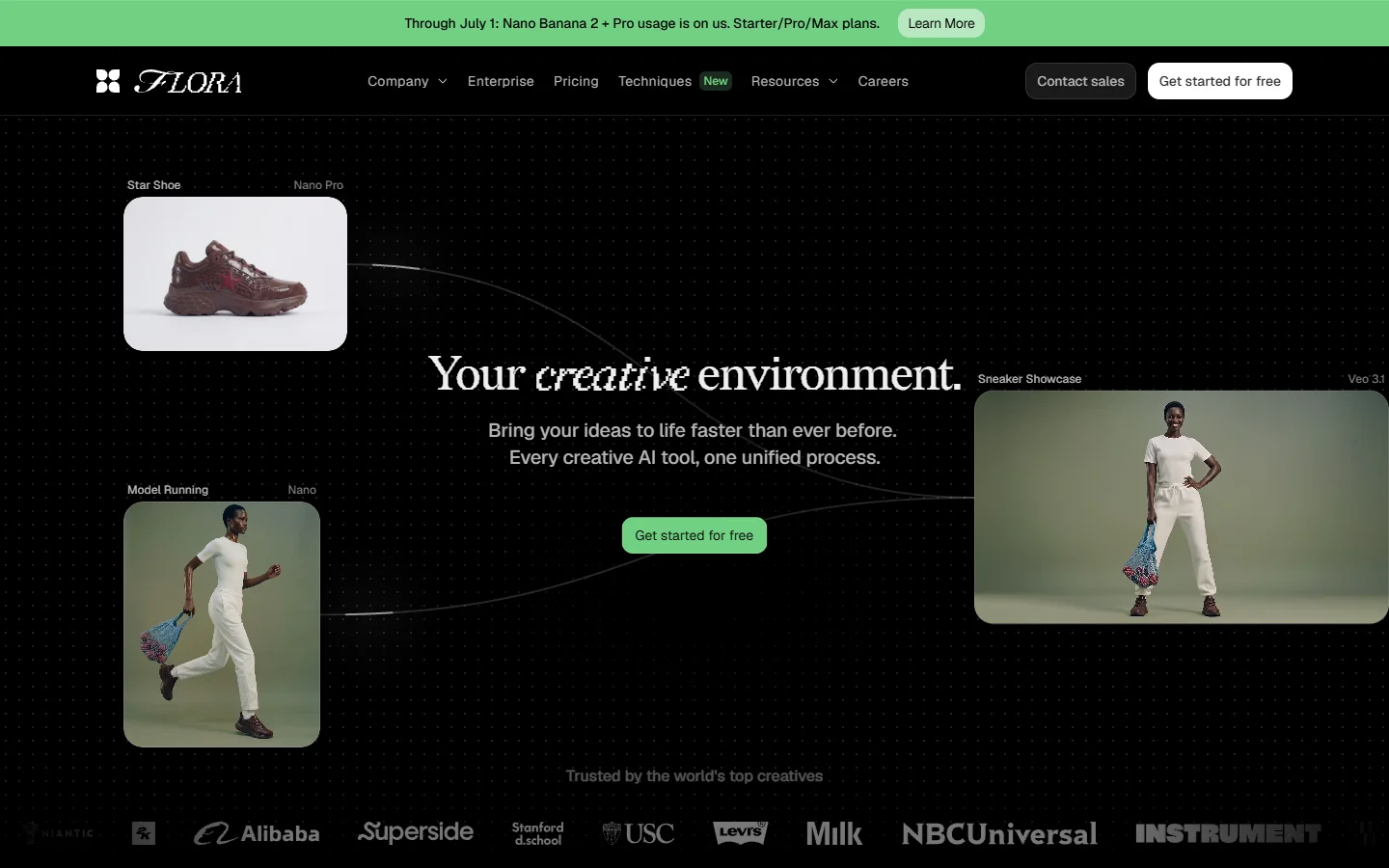
Flora provides an infinite node-based canvas where users chain 50+ image, video, and language models together without writing code. The visual editor is strong. However, as of mid-2026, the API covers execution only. You cannot create, modify, or chain workflow nodes through the API. Techniques must be built by hand on the canvas first, and then triggered via API. This makes Flora a good fit for teams that want a designer to build workflows visually and a developer to trigger them programmatically, but it limits full automation.
Krea AI
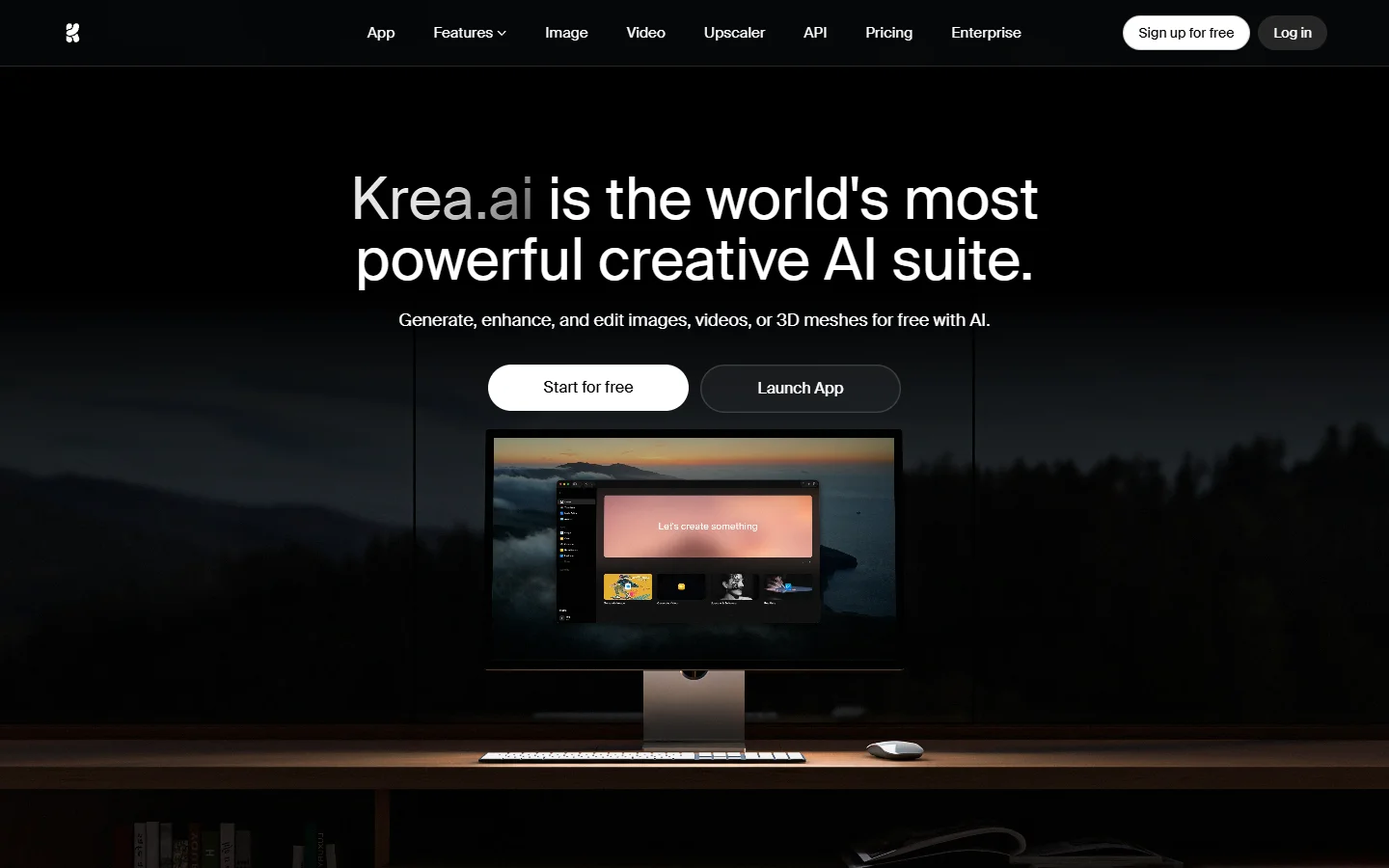
Krea focuses on real-time image generation with a canvas-style interface. Users can sketch, refine, and generate images interactively. The real-time feedback loop is impressive for creative exploration, similar to what you would find in a dedicated AI image generator. API access exists but is limited to generation endpoints. There is no scene-graph manipulation or template system through the API, which restricts its use for automated pipelines.
Freepik Spaces
Freepik has expanded into AI generation with its Spaces product, offering a visual editor for creating and editing AI images. The platform provides API access for image generation, but the canvas composition layer is largely browser-only. For teams that need to generate standalone images at scale, it works. For teams that need programmatic control over multi-layer compositions, the API coverage is thin. Teams evaluating Freepik often compare it alongside node-based AI platforms with API access to see which approach fits their stack.

Wireflow
The Wireflow platform takes a different approach by treating every canvas workflow as a first-class API endpoint. You build visually on a node-based canvas with 157+ model nodes spanning image, video, audio, and text generation. Once built, each workflow gets a unique API endpoint that accepts structured input and returns the composited result. The REST API covers workflow execution, input parameter injection, and async callbacks, making it the strongest option for developers who need both visual prototyping and full programmatic deployment.
Practical Workflow: REST API Call to Canvas Render
Here is a typical flow for integrating an AI canvas API into a product. Teams who have explored building AI workflows with an API will find this pattern familiar:
- Design the template on the visual canvas. Place a product image region, a background generation region, and a text overlay zone. Lock the layout.
- Export the template ID from the canvas editor. Most platforms assign a UUID or slug to each saved canvas state. If you are working with FLUX models, the FLUX Pro API pricing guide covers how endpoint costs factor into template design decisions.
- Call the REST endpoint with your template ID, input parameters (product image URL, background prompt, overlay text), and preferred output format.
- Handle the response synchronously (for fast renders) or via webhook callback (for complex multi-model pipelines). The response includes the composited image URL and metadata. For code examples of calling generation endpoints directly, the FLUX 2 REST tutorial covers curl and Python patterns.
- Integrate into your app: product pages pull the rendered image, marketing dashboards display generated variants, or e-commerce feeds auto-populate listings.

When to Choose a Canvas API Over a Raw Model Endpoint
Raw model endpoints (like calling FLUX 1.1 Pro directly) are simpler and cheaper for single-shot generations. A canvas API adds value when your workflow involves multi-element composition, template reuse at scale, selective regeneration of individual regions, or non-technical team members building workflows that developers call via API.
For simple “prompt in, image out” use cases, a direct API call to a FLUX-based image generator is faster and more cost-effective. For anything involving composition, templating, or team collaboration, a canvas API pays for itself quickly.
Design tools with AI integration are evolving rapidly. A recent review of VisualizeAI highlights how creative teams evaluate these platforms based on output quality, workflow flexibility, and API depth.
Authentication and Rate Limits
Most AI canvas APIs use bearer token authentication with project-scoped API keys. Rate limits vary significantly by platform and tier. Check whether rate limits apply per-API-key or per-account, and whether batch requests count as one call or as N individual renders. Platforms offering headless AI workflow access tend to offer more generous rate limits since their users are primarily developers running automated pipelines.
FAQ
What is an AI canvas with a REST API? It is a visual editor for composing AI-generated images (layers, masks, prompts per region) that also exposes those compositions as programmable REST endpoints. You design once in the browser, then trigger renders from code.
Can I use a canvas API without designing workflows manually? Some platforms offer pre-built templates you can call directly via API. Others require building the workflow on the canvas first. Check whether your chosen platform supports API-driven workflow construction or only API-driven execution. The best AI content generation APIs comparison covers which platforms support template-less API calls.
How does a canvas API handle multi-model workflows? The canvas manages model routing internally. You define which model handles each region (FLUX for backgrounds, a face model for portraits, a text renderer for overlays), and the API orchestrates them in a single call.
Is a canvas API more expensive than a direct model endpoint? Per-render costs are typically higher because the platform handles composition, routing, and hosting. But total cost is often lower because you eliminate manual post-processing, reduce failed generations through structured templates, and cut development time. The AI orchestration API comparison breaks down cost models across platforms.
What output formats do canvas APIs support? Most support PNG, JPEG, and WebP. Some offer SVG for vector elements. Response payloads usually include the image URL, dimensions, model metadata, and generation parameters for reproducibility.
Can I self-host a canvas API? A few open-source canvas tools exist, but most production-grade canvas APIs are SaaS only. Self-hosting requires managing GPU infrastructure, model weights, and the canvas rendering engine, which is why most teams opt for hosted solutions. The FLUX 1.1 Pro overview explains what model hosting entails if you go the self-managed route.
How do I choose between Flora, Krea, Freepik, and Wireflow? Start with your primary need. If you want a rich visual editor and are fine with browser-only composition, Flora or Krea work well. If you need full API coverage from workflow creation to execution, Wireflow’s creative tools offer the deepest REST integration. If you need stock assets alongside AI generation, Freepik covers both.
Conclusion
An AI canvas with a REST API bridges the gap between visual prototyping and programmatic deployment. The tools covered here each take a different approach: Flora prioritizes the visual editor, Krea focuses on real-time generation, Freepik bundles stock assets with AI, and Wireflow treats every canvas workflow as a callable API endpoint. The right choice depends on whether your bottleneck is design flexibility, API depth, or both. For teams building products that need reliable, repeatable, and scalable image generation, the canvas API pattern is worth evaluating against raw model endpoints.