
Building image generation into an app is a different job from opening a chat window and typing a prompt. Developers need stable endpoints, predictable pricing, and models that return the same quality on the thousandth call as they did on the first. Over the last year the market for AI image and media generation has split into a handful of platforms that treat the API as the product, and the difference between a good developer experience and a frustrating one has become easy to measure. If you are working through the current crop of AI content generation APIs, the criteria below will save you a lot of trial and error.
This guide focuses on platforms built for people who ship code, not marketing dashboards. Each one exposes REST or SDK access to text-to-image models, supports batching, and gives you enough control over parameters to make the output reproducible. We will look at what separates them, walk through five of the strongest options, and cover the practical questions that come up when you wire generation into a real workflow.
What developer friendly means for an image API
“Developer friendly” is easy to claim and harder to prove. The platforms that earn the label share a few concrete traits rather than a friendly marketing tone. The clearest signal is how quickly you can go from an API key to a generated image in your own language, and how the service behaves when you push it to batch hundreds of images at once.
- Predictable latency and clear rate limits, documented in numbers rather than adjectives
- SDKs for at least Python and JavaScript, plus raw HTTP for everything else
- Versioned models, so an upstream upgrade does not silently change your output
- Transparent per-image pricing you can forecast before you commit
- Webhooks or polling for long jobs instead of a single blocking request
The last point matters more than it looks. A platform that only offers synchronous calls tends to fall apart the moment you generate at scale, which is why the stronger options lean on queues and headless job runners instead of one blocking endpoint.

fal.ai
fal.ai has built its reputation on speed. It hosts FLUX, Stable Diffusion, and a large catalog of open models behind an inference API tuned for low latency, and its serverless design means you pay per call rather than for idle GPUs. For teams that want to call FLUX from code with a few lines of curl or Python, it is one of the quickest paths to a production endpoint. The Python and JavaScript clients are thin, the docs ship with copy-paste examples, and cold starts are rare enough that real-time features are practical.
Replicate
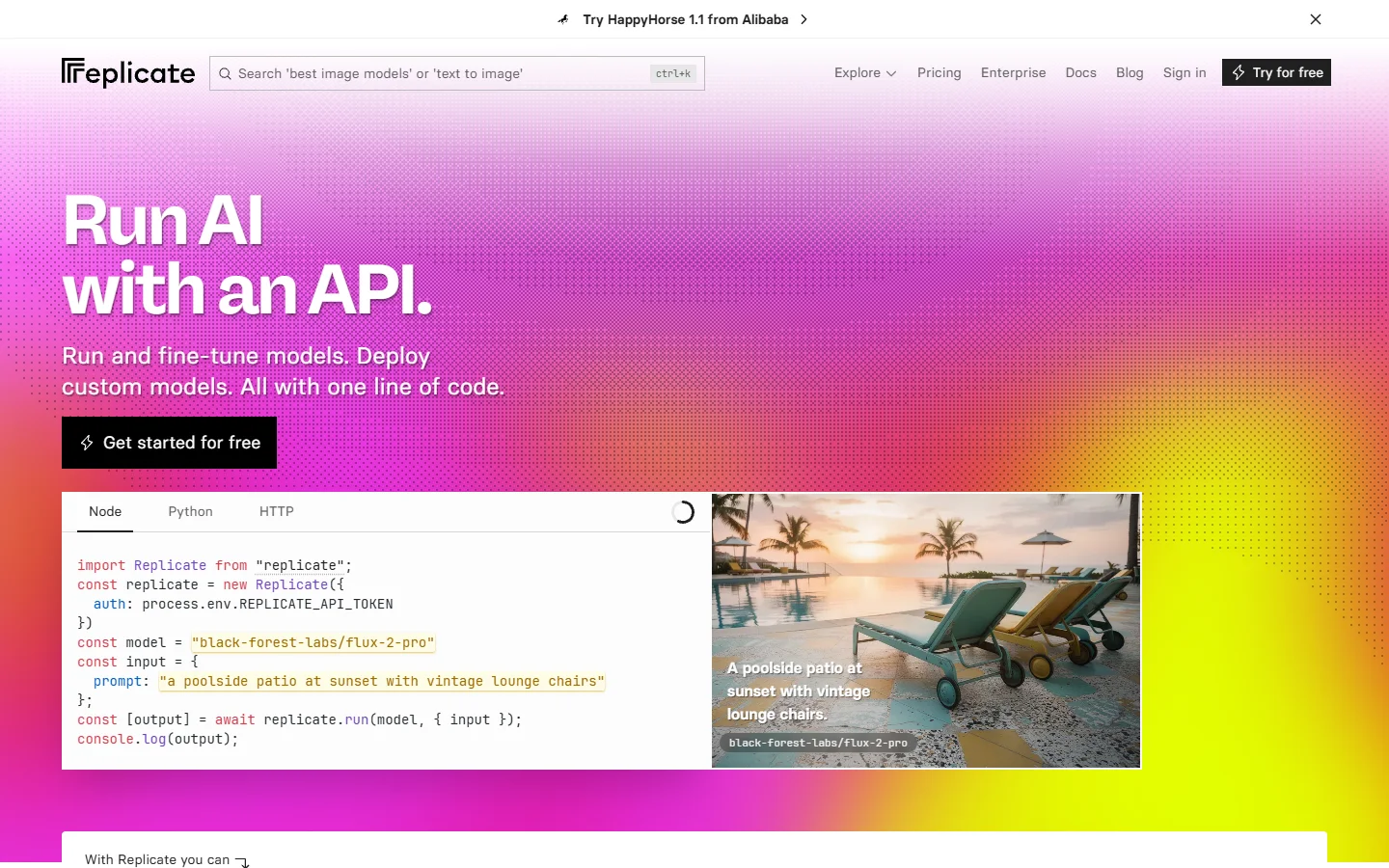
Replicate runs thousands of community and commercial models behind one consistent API, which makes it the easiest place to try a new model without changing your integration. Each model has a documented schema, versions are pinned by hash, and long jobs return through webhooks or polling. It is a strong fit when you are assembling multi-step pipelines with REST and want to swap models in and out while keeping the same request pattern.
Black Forest Labs
Black Forest Labs is the team behind the FLUX family, so going direct gives you the newest checkpoints first and the fewest layers between your request and the model. The API covers FLUX Pro, Dev, and Krea, with fine control over guidance, steps, and seed for reproducible output. If cost forecasting matters, the published FLUX Pro API pricing and code examples make it simple to model spend before you scale a feature.
Stability AI
Stability AI remains the reference point for open-weight image models, with SDXL and the Stable Image endpoints available through a hosted API or self-hosting for teams that need full control. The tradeoff is flexibility against convenience: you can run the weights yourself, but you own the infrastructure. Seeing how its output holds up when compared against other image generators is the fastest way to decide whether the open route fits your quality bar.
Recraft
Recraft takes a design-first angle, with strong brand style controls and native vector output that most diffusion APIs do not offer. For product teams that need on-brand assets at scale rather than one-off art, the style sets are the differentiator. The documented Recraft V4 API examples show how to lock a palette and layout so every generated asset stays consistent with the rest of your product.

Side by side comparison
| Platform | Best for | Model access | Pricing model |
|---|---|---|---|
| fal.ai | Low-latency, real-time features | FLUX, Stable Diffusion, many open models | Per-call, serverless |
| Replicate | Trying many models behind one API | Thousands of community and commercial models | Per-second compute |
| Black Forest Labs | Direct, first-party FLUX access | FLUX Pro, Dev, Krea | Per-image, tiered |
| Stability AI | Open weights and self-hosting | SDXL, Stable Image | Credits or self-host |
| Recraft | Brand-consistent and vector output | Recraft V3 and V4 | Per-image, subscription |
No single row wins for every case. Latency-sensitive apps favor fal.ai, teams that value model breadth favor Replicate, and design-heavy products lean toward Recraft. If your app coordinates several of these behind the scenes, it is worth reading how the orchestration APIs for production apps handle retries, fallbacks, and rate limits, because that plumbing is where most integrations actually break.
How to choose and combine them
Most production systems do not settle on a single provider. You might generate a base image with FLUX, upscale it with a second service, and remove a background with a third. If you would rather connect several of these image APIs on one canvas instead of gluing them together with scripts, you can try it free and route FLUX, Recraft, and an upscaler through a single visual pipeline.
Chaining models this way keeps credentials in one place and makes it easy to swap a model without rewriting your app. It is still worth comparing the workflow platforms that expose their own API so the visual layer does not become a new form of lock-in of its own.
Frequently asked questions
Which platform is fastest for real-time generation?
fal.ai is usually the answer for interactive features, since its serverless inference is tuned to keep cold starts and queue time low. Pairing it with a fast model such as FLUX 1.1 Pro gives you sub-second to low-second responses that hold up inside a live product.
Can I use the output commercially?
Most of these platforms grant commercial rights on paid tiers, but the terms differ by model, especially for open weights hosted on someone else’s infrastructure. Always read the license for the specific checkpoint you call, not just the platform’s headline policy.
Do I need my own GPU?
No. Every platform here runs the compute for you, which is the point of a hosted API. Self-hosting is only worth it if you have steady, high-volume traffic; the primer on what FLUX 1 is covers when running weights yourself starts to pay off.
How do I keep output consistent across calls?
Pin the model version and fix the seed, then keep your prompt and parameters in version control alongside your code. Platforms that expose versioned model hashes make this far easier than ones that quietly update a shared endpoint.
What does generation cost at scale?
Cost depends on resolution, model, and volume, so estimate with real numbers before committing. The main FLUX image generator is a useful baseline for per-image cost, and batching plus caching repeated prompts is the simplest way to keep spend flat as usage grows.
Which one should a small team start with?
Start with whichever removes the most work for your specific feature. A team that wants breadth picks Replicate, one that wants speed picks fal.ai, and one that wants brand control picks Recraft. You can always add a second provider once the first is in production.
Conclusion
The best developer platform is the one that matches the shape of your product rather than the one with the longest feature list. Weigh latency, model access, and pricing against what you actually ship, and test two candidates with real traffic before you commit. Teams that expect to combine several models often end up reaching for an AI creative workflow tool that lets them wire these services together visually and ship features faster.