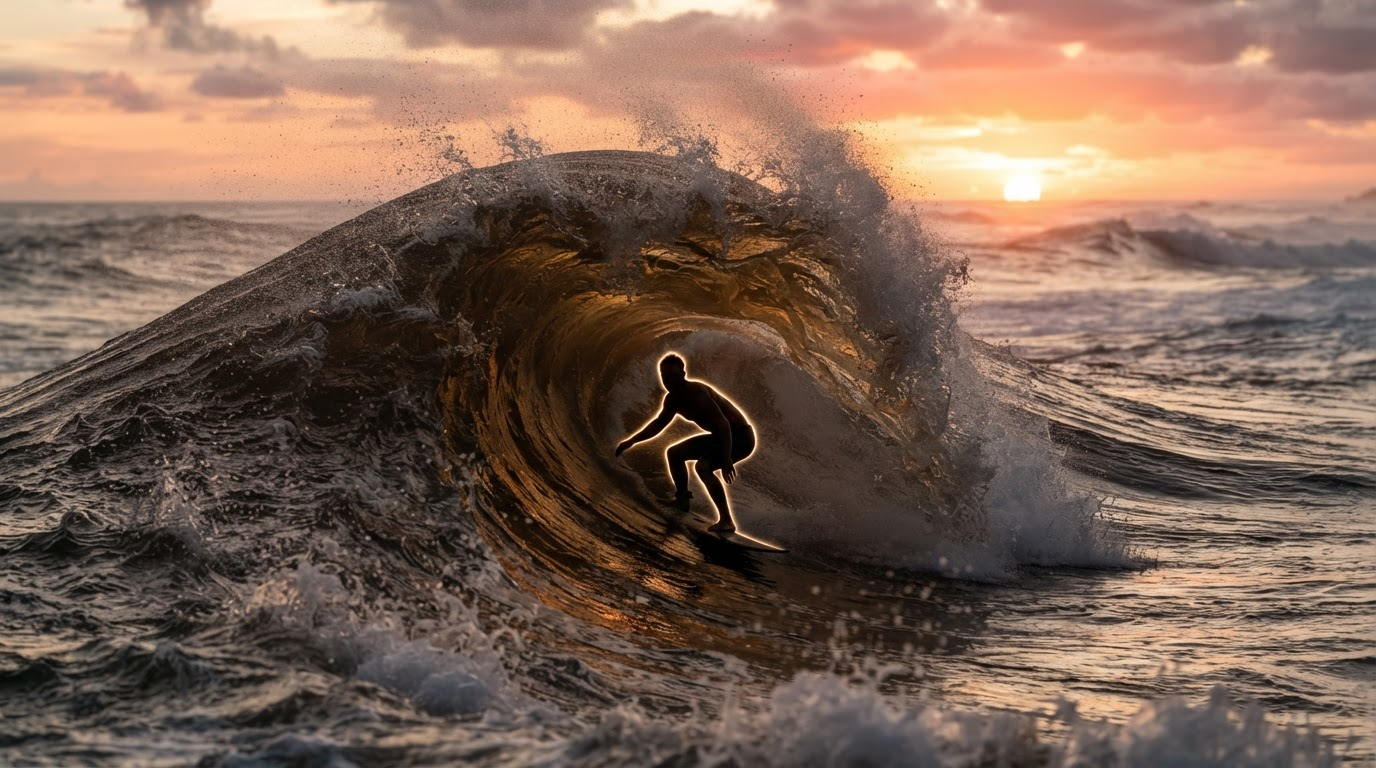
Almost every good ecommerce product video starts life as a still image. The camera move, the lighting, the reflection on the bottle cap, all of it is decided in the frame you feed the video model, not in the video model itself. That is why the teams shipping the best product clips in 2026 are usually the ones who got serious about AI product photography for their store first and treated motion as the second step.
This list is written from that angle. Instead of ranking video generators in isolation, it ranks them by how well they take a high quality still, a FLUX render or a cleaned up studio shot, and turn it into something a shopper will actually watch. If you have never run that handoff before, the walkthrough on turning a single image into a video covers the mechanics this article assumes you already have.
How the ranking works
Eight tools, ordered by how much of the still-to-motion pipeline they carry for you. A tool that returns one gorgeous clip from one prompt is useful; a tool that takes 400 SKU photos and returns 400 usable clips is a different category of useful, and for ecommerce the second one pays. The broader field is covered in the 2026 AI video generator roundup; this piece narrows it to product work.
Four criteria did the sorting:
- Image fidelity on input. Does it preserve shape, label text, and material when it animates?
- Batch behaviour. Can you run a catalogue through it, or is it one clip at a time?
- Format coverage. 9:16, 1:1, and 16:9 without three separate exports.
- Cost per finished clip, not cost per generation. Retries count.
1. Wireflow, best overall for still-to-video pipelines
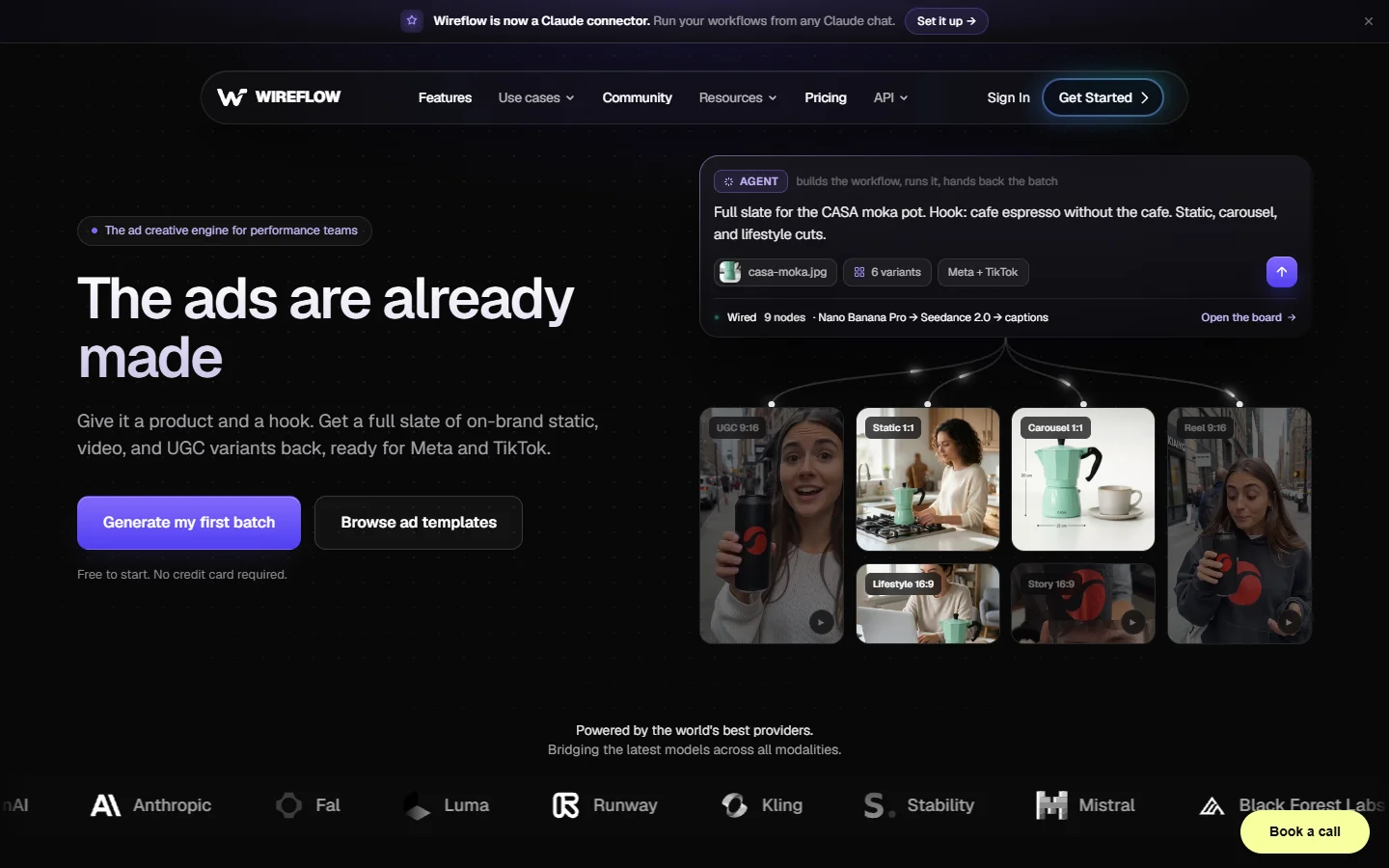
Wireflow ranks first here because it is the only tool on the list that treats the still and the clip as one job. You drop a product photo on the canvas, chain an image model to clean or restage it, pass the output into a video model, and branch the same node into three aspect ratios. The Wireflow ecommerce image tooling sits in the same canvas as the video step, so the frame you approve is exactly the frame that gets animated.
The practical advantage is batch variants. Because each node runs on a list rather than a single asset, one approved graph can process a whole product category and return per SKU clips without you rebuilding the prompt each time. It is also model agnostic, so when a better image-to-video model lands you swap one node instead of migrating tools, which is the same argument made in the walkthrough on taking FLUX images into Seedance.
The tradeoff is real: it is a builder’s tool. If you want to type a prompt and get a finished ad in ninety seconds with no setup, entries 4 and 6 below will suit you better. It pays off once you have more products than patience, which is the same threshold described in the notes on programmatic video generation.
2. Kling AI, best motion fidelity on a static product
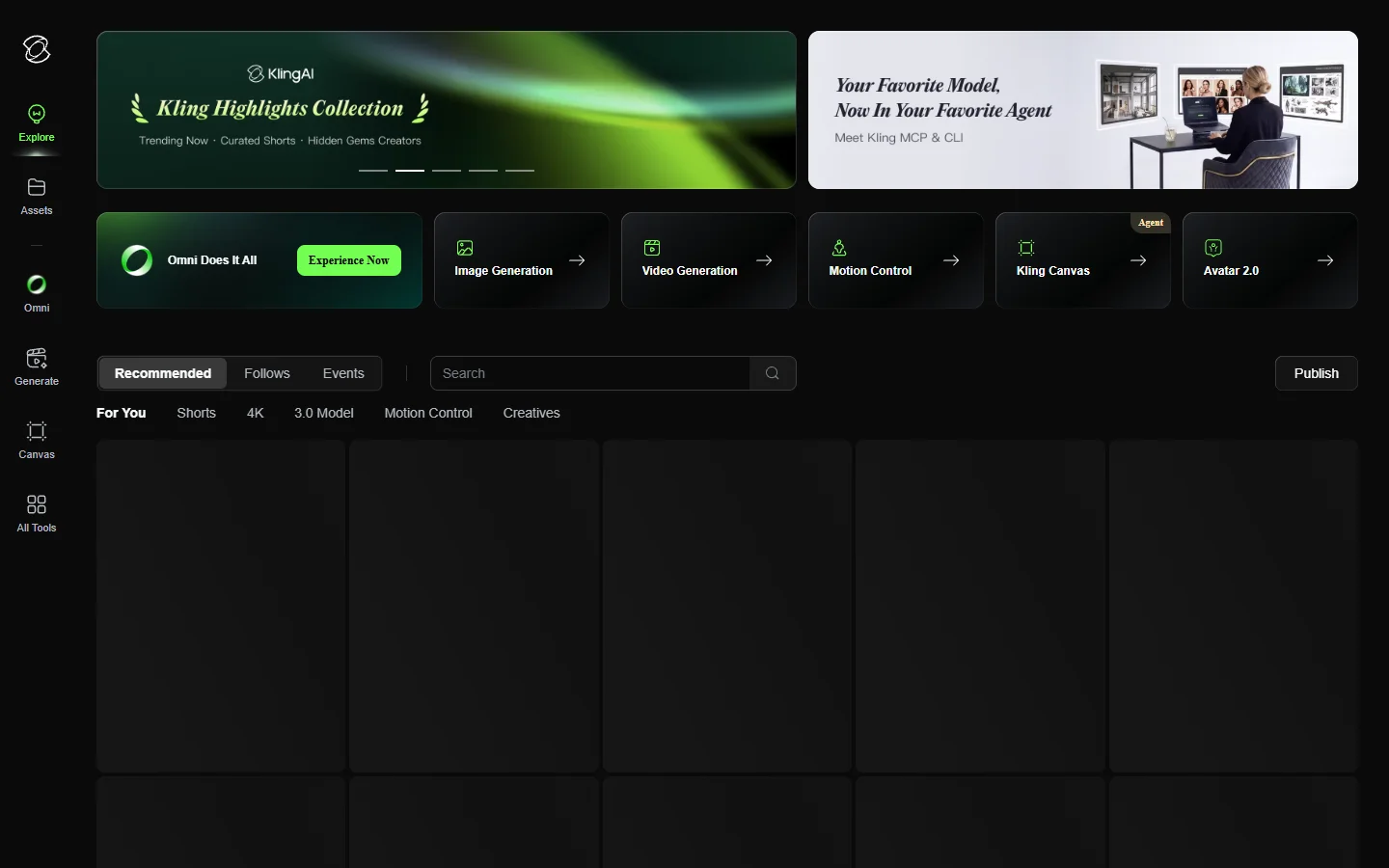
Kling AI is currently the strongest general purpose image-to-video model for hard-surface products. Glass, metal, and glossy packaging hold their shape through a camera push better than most competitors manage, and label text usually survives two to three seconds before it starts to smear.
Where it struggles is anything with fine repeated detail, knitwear, mesh, engraved logos, so test one SKU per material family before committing a batch. Teams running volume tend to drive it through its API rather than the web app, and the Kling API guide covers the request shape and the polling pattern.
3. Runway, best for creative control
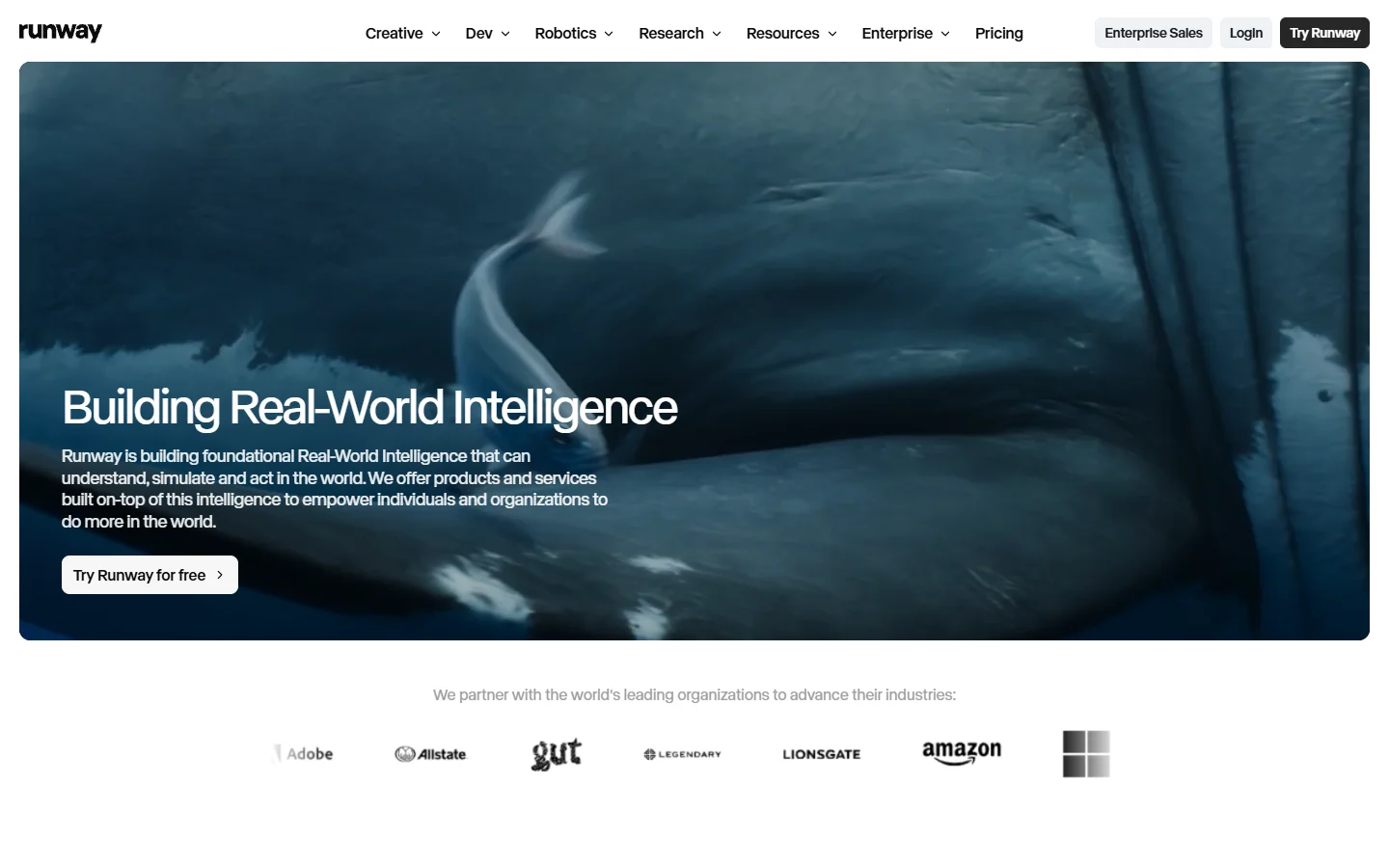
Runway gives you the most direct control over camera behaviour of anything here. Motion brush, explicit camera paths, and frame-level direction mean you can specify a slow orbit around a shoe rather than hoping the prompt lands. For hero content that goes above the fold on a product page, that control is worth the extra minutes.
It is not a catalogue tool. Per-clip cost and the amount of hands-on direction each shot needs make it a poor fit for 200 SKUs, and its editing surface is deeper than most ecommerce teams will use. If you like the direction but not the pricing, the Runway alternatives comparison lists cheaper models with similar control.
4. PixVerse, best for fast social product ads
PixVerse is built for the speed a social calendar demands. Its ad-focused templates take a product still and wrap it in the motion grammar that performs on TikTok and Reels, quick zooms, transitions on the beat, text that lands on the cut. Quality per clip sits below Kling or Runway, but you get four variants in the time the others take to render one.
That makes it a volume tool for paid social rather than a hero-content tool. Use it for the twenty variants you will A/B test and something more controlled for the one clip that lives on the product page, a split covered in the social video tooling comparison.
5. Luma Dream Machine, best for camera moves on a static shot
Luma Dream Machine does one thing unusually well: it moves a believable camera through a scene that never moves. For a product sitting on a surface, that is often all the video you need, a slow dolly in with correct parallax on the background reads as a real shot rather than an animated photo.
It rewards a good input frame more than most models here. A flat, evenly lit product photo gives it nothing to build depth from, so a properly lit render from something like FLUX 1.1 Pro will produce a noticeably better move than a phone snapshot.
6. Creatify, best for UGC-style spokesperson ads

Creatify takes a product URL, scrapes the images and copy, and returns an ad with an AI presenter talking about it. For categories where the buying decision is driven by a person vouching for the product, supplements, cosmetics, small kitchen gear, this format still outperforms clean product-only footage.
The presenters are recognisably synthetic on close inspection, and hook quality varies enough that you should write your own opening line rather than accept the generated one. Treat it as one format in a rotation, not the whole account, and pair it with the creative patterns in the AI ad generator roundup.
7. HeyGen, best for avatar explainers

HeyGen is the stronger choice when the video needs to explain rather than sell. Setup instructions, sizing guidance, care and warranty content: an avatar reading a clean script with accurate lip sync does that job well, and the translation feature makes localising a product explainer across markets cheap.
It is deliberately not a product-motion tool. Your product appears as an inset or a cutaway, not as the animated subject, so it complements the image-to-video tools above rather than replacing them. The wider case for explainer content is laid out in the guide to making marketing videos with AI.
8. CapCut, best free finishing layer

CapCut is not really a generator and does not need to be. It is where generated clips get trimmed, captioned, resized, and scored before they go out, and the free tier covers everything a small store needs.
Watch the export settings, because the default free export can stamp branding depending on which template you started from. If that matters for your placements, the notes on watermark-free exports explain what to check before you publish.
Comparison table
| Tool | Best for | Batch friendly | Input still matters | Free tier |
|---|---|---|---|---|
| Wireflow | Full still-to-video pipeline | Yes | Yes, generated in-pipeline | Credits |
| Kling AI | Motion fidelity on hard surfaces | Via API | Yes | Limited |
| Runway | Directed camera work | No | Yes | Limited |
| PixVerse | Fast social ad variants | Partial | Moderate | Yes |
| Luma | Camera moves on static shots | Partial | Critical | Limited |
| Creatify | UGC spokesperson ads | Partial | No | Trial |
| HeyGen | Avatar explainers | Partial | No | Limited |
| CapCut | Editing and finishing | No | No | Yes |
Building the still-to-video pipeline
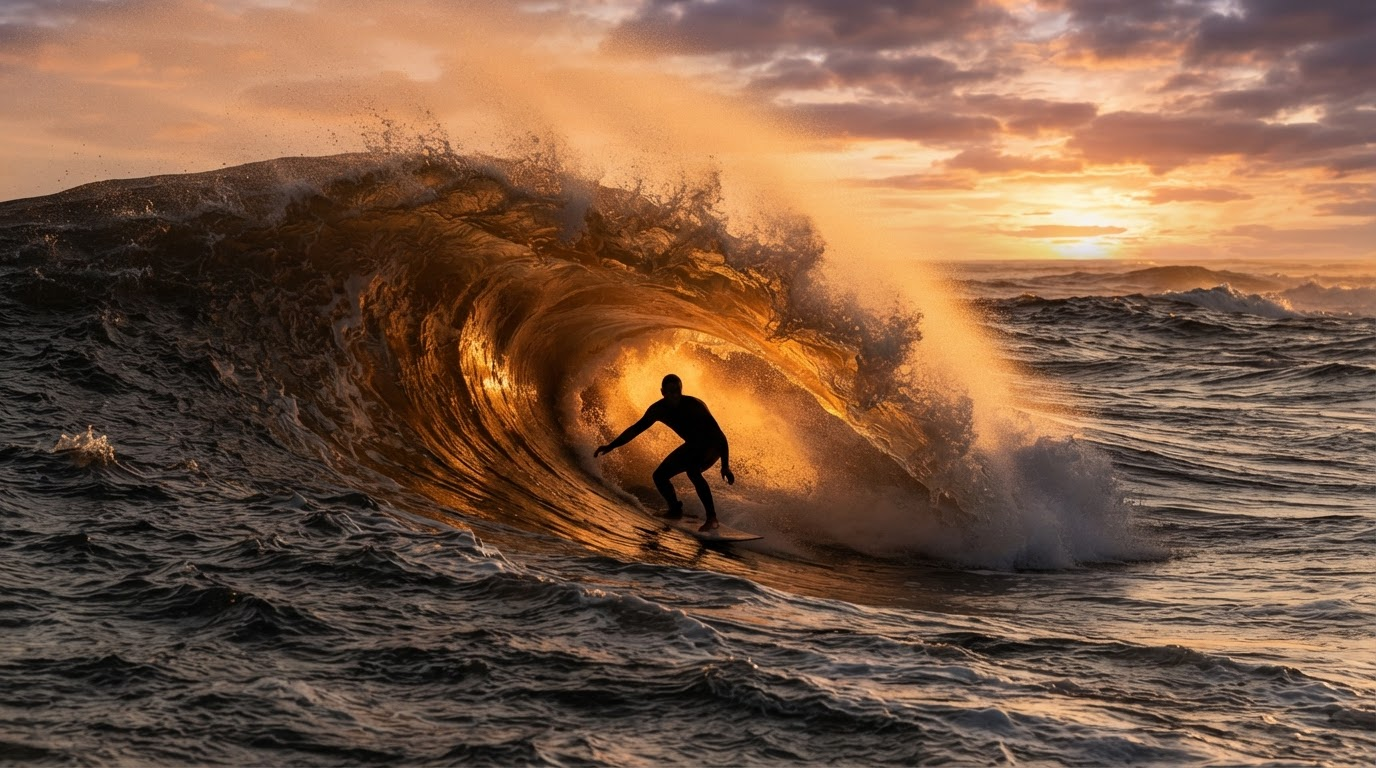
The order of operations matters more than the tool choice. Get the still right, then animate, then finish. Running that sequence inside a single text-to-image workflow platform removes the export and re-upload step between each stage, which is where most of the wasted time in a manual process actually sits.
A working sequence for a single SKU:
- Start from a clean product cutout on transparent background.
- Generate or restage the scene at the aspect ratio you will publish in, not a square you plan to crop later.
- Approve the still before any video credit is spent. A bad frame animates into a bad clip every time.
- Animate with a short, physical prompt: one camera move, one lighting note, nothing else.
- Cut to length, caption, and export per placement.
Step two is where most of the quality comes from, and it is worth spending real effort on the prompt. A structured starting point from a FLUX prompt generator beats freehand description for product work, because it forces you to name the lens, the light source, and the surface.
Backgrounds deserve their own pass. Animating a product against a background the model invented on the fly is how you get warped shelves and floating shadows, so generate the environment deliberately using the approach in custom AI backgrounds for product photos and lock it before the video step.
What usually goes wrong

The two failure modes that account for most unusable output are label drift and material collapse. Text on packaging warps within a couple of seconds, and fabrics or fine textures turn into smooth plastic under motion. Both are input problems as often as model problems: a sharper, higher resolution frame from a realistic photo model gives the video model more to hold onto.
The other common mistake is over-prompting the motion. Video models handle one instruction well and four instructions badly, so ask for a slow push in and stop there rather than requesting a push, an orbit, a light change, and a product rotation in one shot. If the still is not holding up, regenerating it with a more photographic model like FLUX Krea usually fixes more than rewriting the video prompt does.
FAQ
Do I need a real product photo, or can the whole thing be generated?
Both work. Regulated goods and anything the customer will compare to the item in hand should start from a real photo; lifestyle and staging shots can be fully generated using the process in AI product images for online stores.
How long should an ecommerce product video be?
Three to six seconds for paid social, eight to fifteen for a product detail page loop. Longer clips give current models more time to drift.
Can these tools keep my product consistent across a batch?
Partly. Consistency comes from the input still, so generating every frame from the same reference and lighting setup matters more than the animation step. Fast models such as FLUX Realtime make that reference pass cheap enough to redo until it locks.
What does a finished clip actually cost?
Roughly ten cents to two dollars depending on model, length, and retries. Retries dominate the number, which is why approving the still first is the biggest cost lever you have.
Do I need a separate editor?
Usually yes, for captions and format variants. Colour, pacing, and text still get a manual pass, and the image editing tool comparison covers the still-side equivalent of that cleanup.
Will marketplaces accept AI generated product video?
Most do, provided the video represents the product accurately and does not imply features it lacks. Check each marketplace policy before scaling, since disclosure requirements have tightened through 2026.
Conclusion
The tool that wins for your store depends on how many SKUs you need to cover and whether the video has to sell or explain. For one hero clip a month, direct control from Runway or Luma is worth the manual effort. For a catalogue, the pipeline approach wins, and the still is still where the quality is decided, which is why a solid FLUX image generation setup remains the foundation under all of it.