TikTok rewards creators who post consistently, but producing scroll-stopping visuals every day is exhausting without the right tools. AI has changed that equation entirely. In 2026, creators are using generative AI to build eye-catching thumbnails, animated sequences, and fully produced short-form videos in minutes instead of hours. Whether you are a solo creator or running a brand account, this guide covers the practical workflow for turning AI-generated imagery into viral TikTok content.
Why AI-Generated Visuals Perform Well on TikTok
TikTok’s algorithm prioritizes content that holds attention in the first three seconds. AI-generated images, especially hyperrealistic or surreal visuals, create instant pattern interrupts that stop the scroll. Creators using FLUX 1.1 Pro for thumbnail and scene generation report higher completion rates because the visuals are genuinely unusual compared to stock footage or phone-camera clips.
There are a few reasons AI visuals outperform traditional content on the platform:
- Novelty factor. AI art looks different from what most creators post. The uncanny, hyperdetailed quality grabs attention.
- Speed. You can generate 20 visual variations in the time it takes to set up a single physical shot.
- Consistency. Maintaining a visual brand across dozens of weekly posts is straightforward when you control the prompt.
- Low cost. No studio, no props, no photographer. A text prompt and a generation tool are enough.
The FLUX prompt generator is a good starting point if you want to experiment with different visual directions before committing to a style.
Choosing the Right AI Tools for TikTok Content
Not every AI tool suits short-form video. You need tools that handle both image generation and video assembly. Here is a breakdown of the most practical options available right now.
CapCut
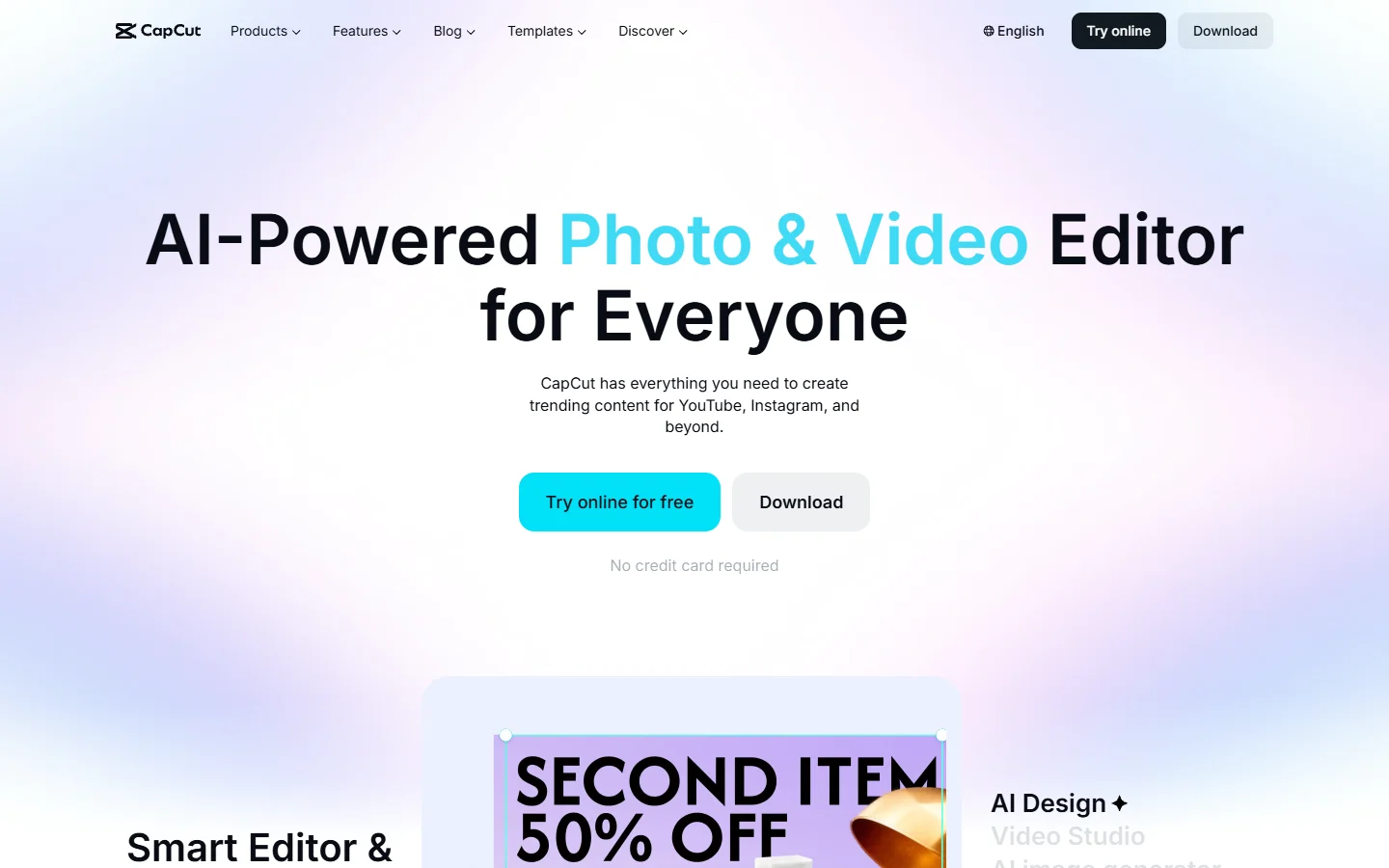
CapCut is TikTok’s native editing app, and its AI features have expanded significantly. It offers auto-captioning, background removal, and AI-powered effects. The integration with TikTok makes the publishing workflow straightforward. Best for creators who want to edit AI-generated images into polished video sequences with minimal friction.
InVideo AI
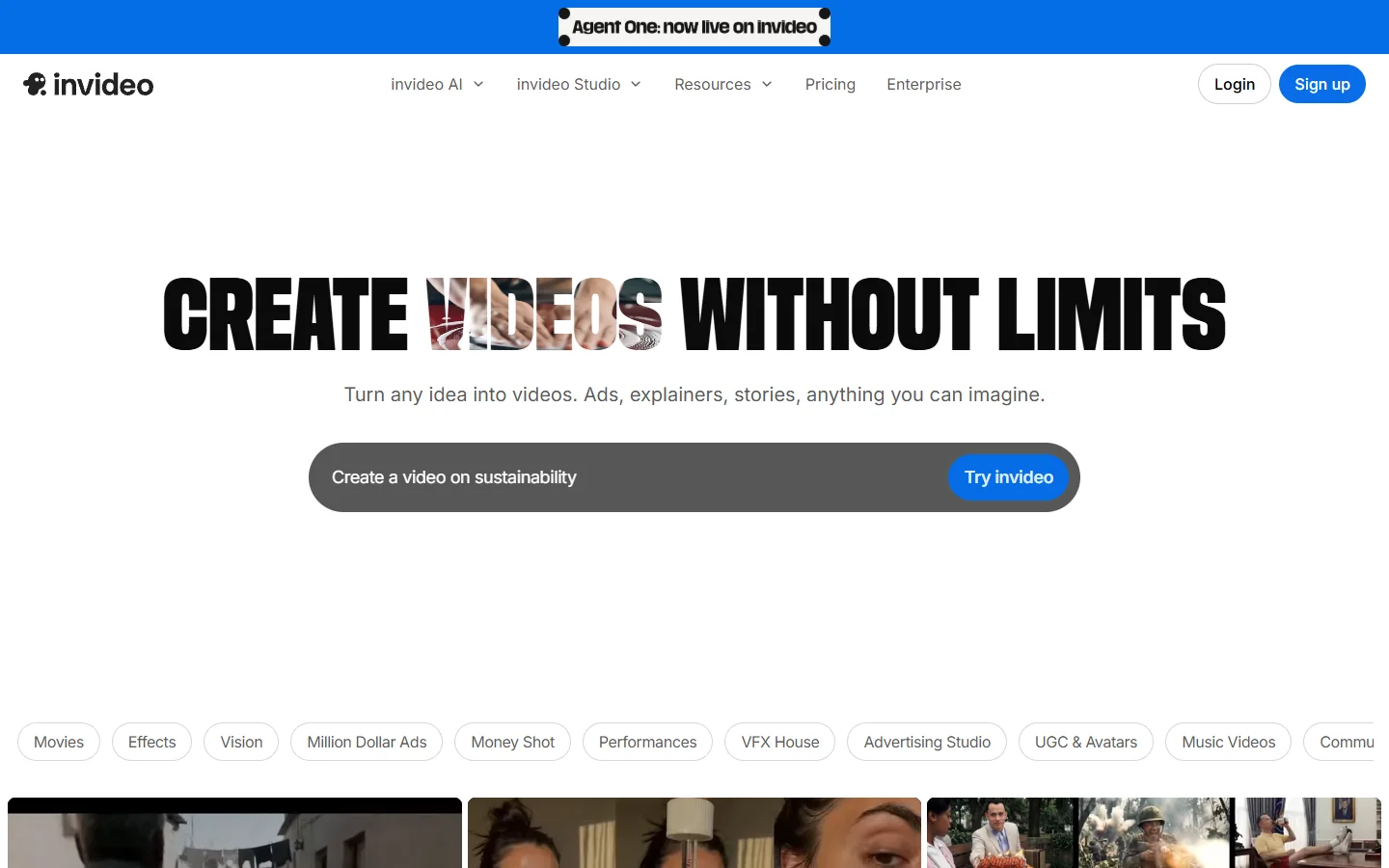
InVideo AI generates full videos from a text prompt, including scene selection, voiceover, and transitions. You describe the video you want, and it assembles a draft you can edit. Useful for creators who want to scale content production without touching a timeline editor. Wireflow’s video workflow tools offer a similar text-to-video pipeline but with more control over individual generation nodes, which matters if you want to fine-tune each visual frame.
Creatify
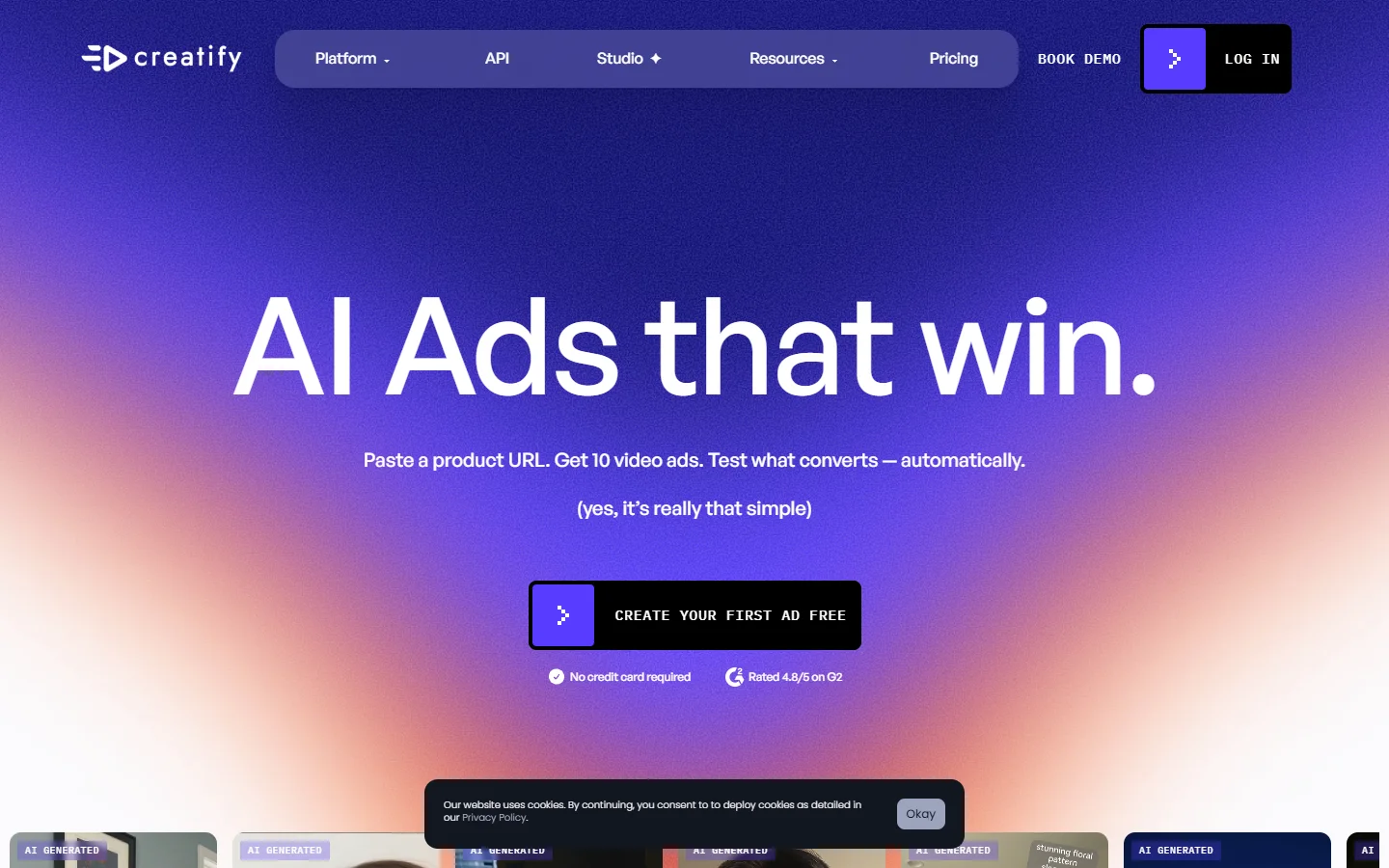
Creatify focuses on AI-generated ad content for social platforms. It creates UGC-style videos with AI avatars, product showcases, and script variations. If you are running a brand account and need high-volume ad creatives, Creatify is purpose-built for that use case.
Revid AI
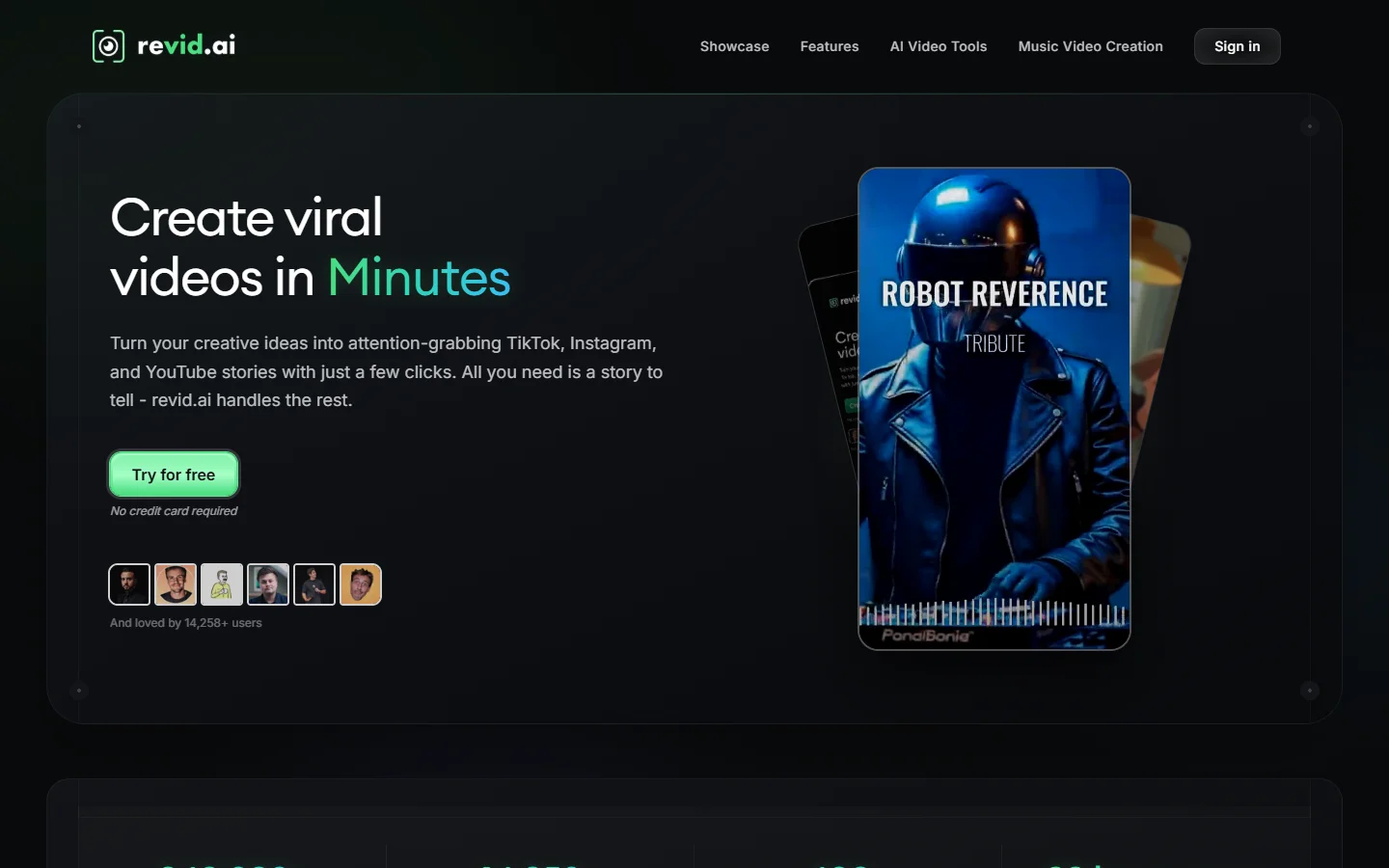
Revid AI is built specifically for viral short-form content. You paste a URL, script, or topic, and it generates a ready-to-post video optimized for TikTok’s algorithm. It includes hooks, captions, and trending audio suggestions. The tool works well for news-style or commentary content where speed matters more than custom visuals.
The AI-to-TikTok Workflow: Step by Step
Here is the practical workflow that creators are using to go from idea to published TikTok in under 30 minutes.
- Pick your hook. Start with a question, bold claim, or visual surprise. The hook determines whether anyone watches past second three.
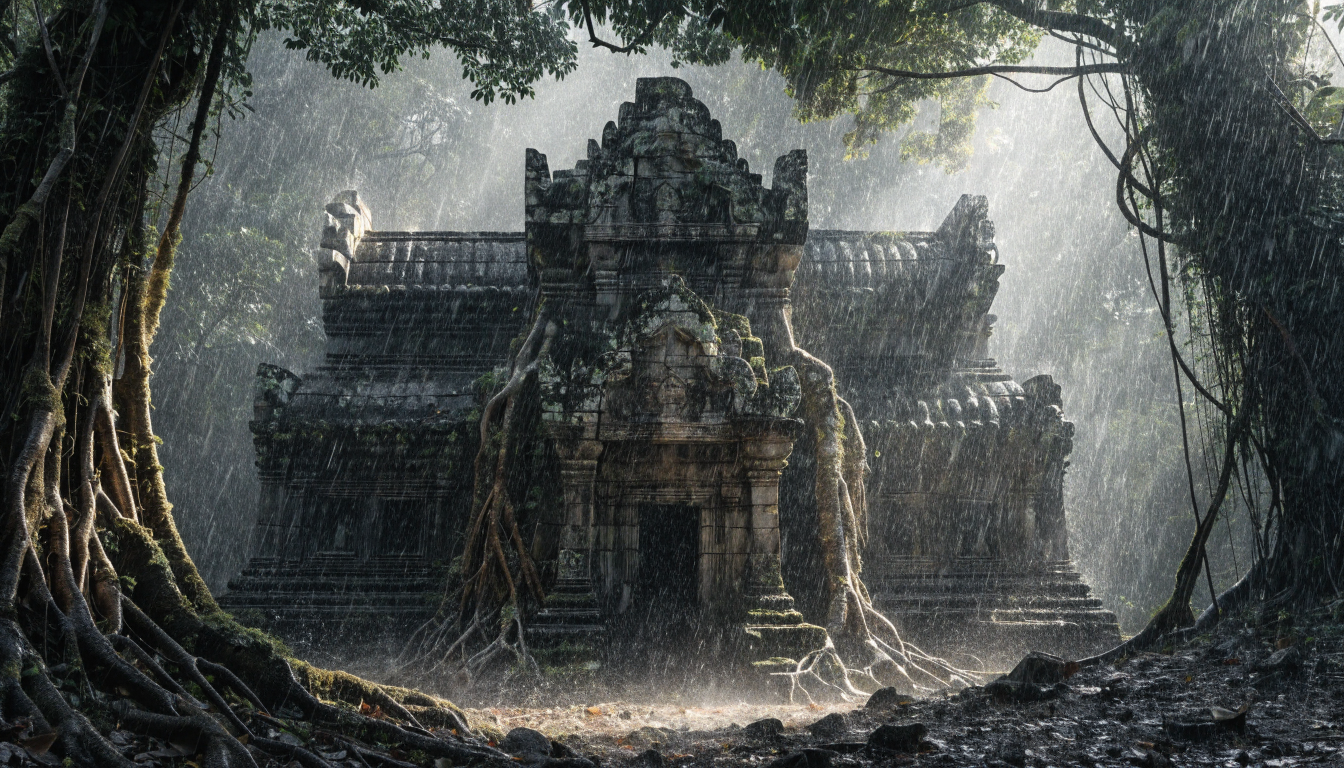
- Generate your visuals. Use a text-to-image model like FLUX to create 5-10 scene images. Prompt for cinematic lighting, tight crops, and high contrast, as these perform best on mobile screens.
- Add motion. Import your generated images into an image-to-video tool. Even subtle zoom, pan, or parallax effects transform static images into watchable content.
- Layer audio. Add a voiceover (AI-generated or recorded), trending audio, or both. TikTok’s algorithm can read captions, so include text overlays for the 80% of viewers watching on mute.
- Edit and trim. Cut anything that does not serve the hook. TikTok rewards tight editing. Aim for 15-45 seconds for maximum completion rate.
- Post with context. Write a caption that adds value, use 3-5 relevant hashtags, and post during your audience’s active hours.
This workflow scales well. Once you have a style template dialed in, you can produce 3-5 videos per day with consistent quality. Many creators pair this approach with AI background removal to isolate subjects before compositing them into new scenes.
Prompting Techniques That Drive Engagement
The quality of your AI-generated visuals depends entirely on your prompts. Here are the techniques that produce the most engaging TikTok imagery.
Be specific about lighting. “Dramatic volumetric lighting with rim light” produces far more striking results than “good lighting.” TikTok thumbnails need contrast to read well at small sizes on a phone screen. The FLUX prompts library has examples you can adapt.
Use close-up compositions. Faces, products, and food shot from close range with shallow depth of field perform better than wide establishing shots. Mobile screens are small, and detail gets lost in wide compositions. The FLUX Realtime model is especially good for rapid iteration on close-up compositions.
Reference real photography styles. Prompts like “editorial fashion photography” or “National Geographic wildlife close-up” give the AI model a concrete visual direction that produces more coherent results.
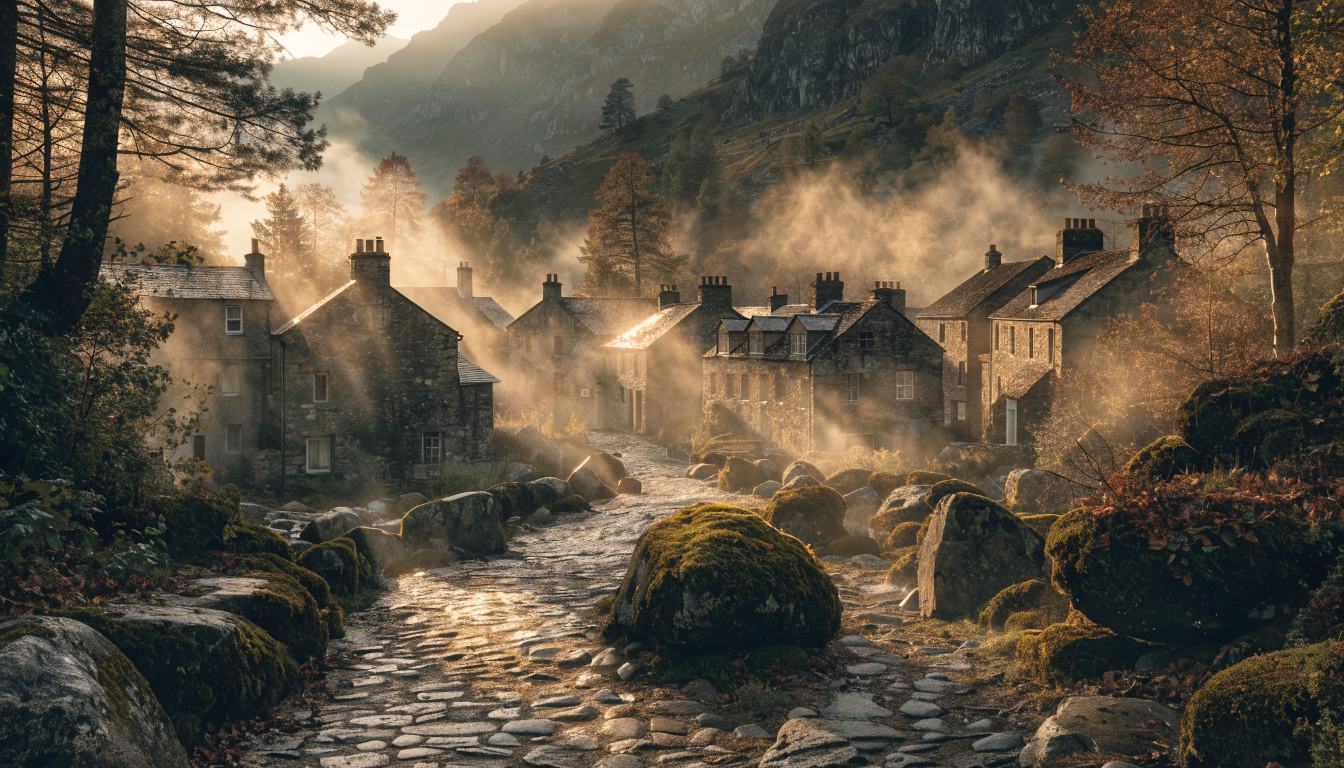
Iterate fast. Generate 10 variations, pick the best 3, and move on. Spending too long perfecting a single image is counterproductive when the platform rewards volume. A growing number of professionals are using Wireflow’s creative tools to batch-generate and manage visual assets across multiple campaigns simultaneously.
Comparing AI Video Approaches for TikTok
| Approach | Best For | Speed | Visual Quality | Cost |
|---|---|---|---|---|
| Text-to-video (InVideo, Revid) | Commentary, news, educational | Very fast | Medium | Free-$30/mo |
| AI images + video editor (FLUX + CapCut) | Art showcases, visual storytelling | Moderate | High | Free-$20/mo |
| AI avatar + script (Creatify) | Product ads, UGC-style | Fast | Medium-High | $29-$99/mo |
| Manual filming + AI editing | Vlogs, personal brand | Slow | High | Free-$15/mo |
For most creators, the hybrid approach (AI-generated images assembled in a video editor) gives the best balance of quality and speed. Pure text-to-video tools are faster but offer less creative control. In wellness and lifestyle niches, creators are finding creative ways to blend AI tools with authentic storytelling, as covered in this analysis of digital wellness branding.
Common Mistakes to Avoid
Several patterns consistently kill engagement for AI-generated TikTok content. Avoiding them is as important as following best practices.
- Over-relying on AI voice. Robotic narration triggers immediate skips. Either use a high-quality voice clone or record your own audio. The bar for voice quality on TikTok is higher than most creators realize.
- Ignoring the 9:16 ratio. AI image generators default to square or landscape formats. Always specify vertical aspect ratios or crop after generation. A landscape image that’s been letterboxed looks amateur on TikTok.
- Posting without a hook. Even stunning visuals need context. The first frame should create a question in the viewer’s mind.
- Using obvious AI artifacts. Check for distorted hands, text gibberish, and face inconsistencies before posting. These break immersion immediately.
- Neglecting captions. 80% of TikTok users watch without sound. If your video relies on audio alone, you are losing most of your potential audience.
Frequently Asked Questions
Can AI-generated TikTok videos actually go viral?
Yes. Multiple creators have built accounts past 100K followers using primarily AI-generated content. The algorithm does not penalize AI visuals; it optimizes for watch time and engagement regardless of how the content was made.
What is the best AI image model for TikTok content?
For photorealistic content, FLUX 1.1 Pro and the FLUX Realtime model produce high-fidelity images that hold up on mobile screens. For stylized or artistic content, Midjourney and DALL-E 3 are also strong options.
How many TikTok videos should I post per day?
Most growth experts recommend 1-3 posts per day. AI tools make this volume sustainable for solo creators. The free AI video generator options available today lower the barrier further. Focus on consistency over volume once you identify what formats resonate with your audience.
Does TikTok flag or suppress AI-generated content?
TikTok requires disclosure of AI-generated content in some regions, but there is no evidence that labeled AI content receives lower distribution. Authentic-looking AI content that drives engagement performs the same as traditionally produced videos. You can review how realistic AI-generated faces have become to see why disclosure norms are evolving.
Is it legal to use AI-generated images in TikTok videos?
Yes, in most jurisdictions. The key restrictions are around using real people’s likenesses without consent and misrepresenting AI content as real footage in news or documentary contexts. For creative and marketing content, AI-generated imagery is widely accepted.
What resolution should AI images be for TikTok?
Generate at the highest resolution your tool supports, then export your final video at 1080×1920 (9:16). TikTok compresses all uploads, so starting with higher quality preserves more detail after compression.
How much does it cost to make AI TikTok videos?
You can start for free. Most AI image generators offer free tiers, and CapCut’s core editing features are free. A professional setup with premium AI generation tools and advanced editing runs $20-50 per month.
Conclusion
Making viral TikTok videos with AI is not about replacing creativity. It is about removing the production bottlenecks that prevent consistent publishing. The creators who are growing fastest on the platform are the ones who use AI to handle the visual heavy lifting while focusing their energy on hooks, storytelling, and audience interaction. Start with a simple workflow, refine your prompts, and publish daily. The tools are ready; the only variable left is execution.