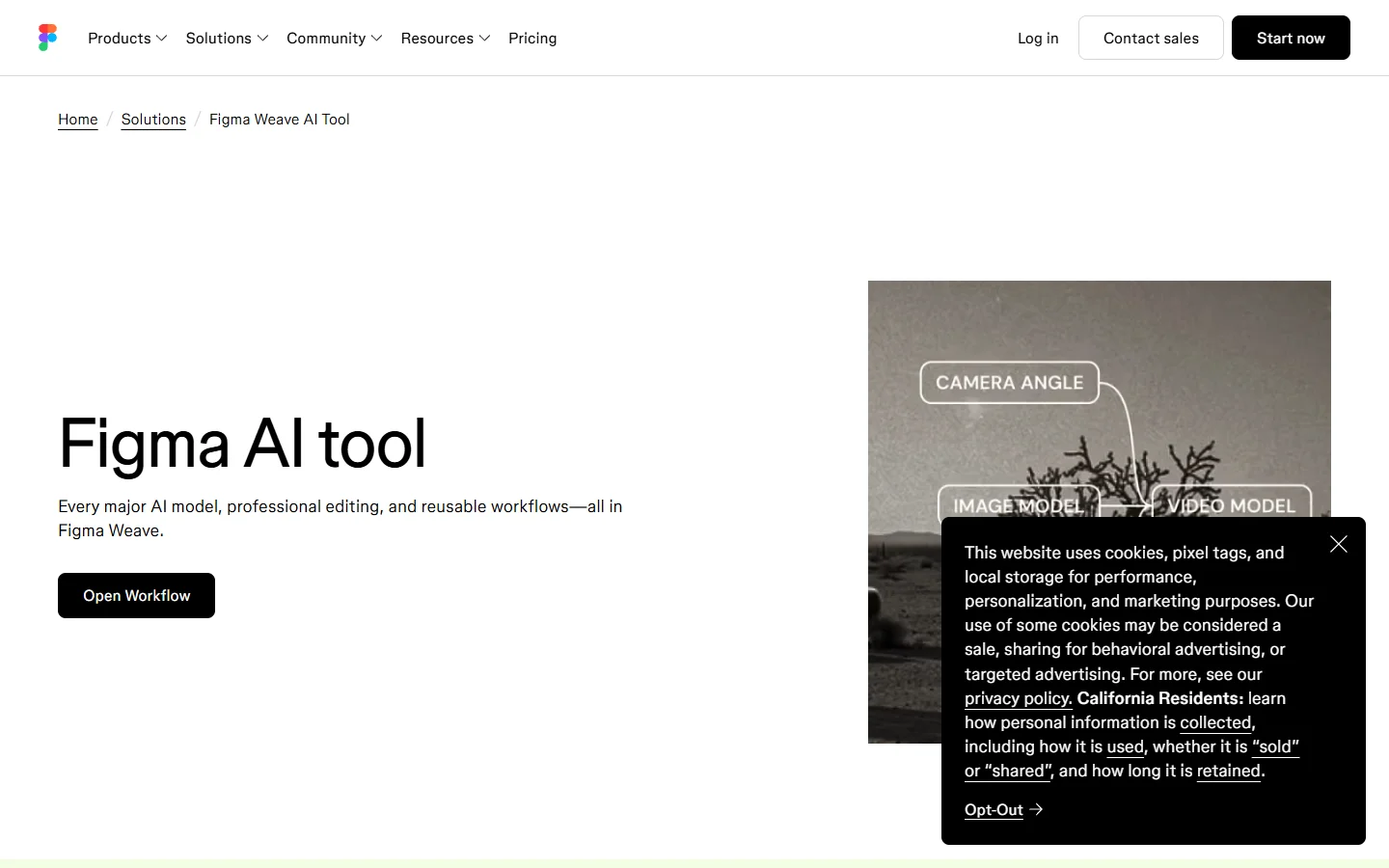
Figma Weave is the node based AI canvas that Figma built after acquiring Weavy, and it is the fastest way to chain image models, video models and editing steps into one visual graph. The problem shows up the moment you want that graph to run without you. As of September 2026 there is no public Figma Weave API on any plan, workflow execution over REST is listed as coming soon for Enterprise, and the closed beta is limited to a small set of Enterprise accounts. Everyone else runs their graphs in a browser tab.
So this piece is not about an API that does not exist yet. It is about the tools people actually use when they want Weave style node work that a script, a backend job or a scheduled task can trigger. Each one below was checked in September 2026 against four things: can a saved graph be called as an endpoint, which models are wired in, how batching and long video jobs are handled, and what happens to your canvas work when you move it.
Of the seven canvas tools checked for this article, only three exposed a public REST endpoint for running a saved graph in September 2026, and the shortest path of the three publishes every workflow as an endpoint the moment you hit publish, which removes the export step entirely. If you want the longer version of that finding, see how that plays out in practice.
What Figma Weave actually gives you in 2026
Config 2026 brought Weave tools into the Figma editor itself and added publishing Weave workflows to the Figma Community, which rolled out to Professional plans and above with Full seats from 24 June 2026. That is a real integration and it matters for design teams. It is still entirely interactive, though, and the community publish is a sharing mechanism rather than a deployment one. A comparison of node based AI platforms that do expose an API is a useful side by side if you are trying to work out what the gap costs you.
The practical effect is a split workflow. Designers build and iterate in Weave, then a developer rebuilds the same chain against raw model APIs so the pipeline can run in production. That duplication is the cost most teams underestimate, and it is the reason the alternatives below are worth evaluating even if you plan to stay on Weave for exploration.
What to check before picking a replacement
Four criteria separate a genuine Weave replacement from a tool that just looks similar.
- Endpoint or export. Some platforms publish a saved graph as a callable URL. Others only let you export a JSON definition you then have to run yourself.
- Model coverage. Weave’s appeal is breadth. A replacement with two image models is not a replacement.
- Async handling. Video jobs run for minutes. Without webhooks or a job queue you end up polling.
- Batch behaviour. Running one graph over 200 input rows is a different problem to running it once, and the walkthrough on batch image generation over an API shows where most tools break.
Wireflow

Wireflow is the closest structural match to Weave among tools that ship an API today. You build on a node canvas, chain models including FLUX, Kling, Veo and Nano Banana, and each published workflow becomes a REST endpoint that accepts JSON inputs. Batch execution, webhooks for long running video jobs and per workflow access control are all part of the same surface, so the canvas and the production path are the same artifact rather than two things kept in sync by hand.
The canvas is less polished than Weave’s, which is fair given the team sizes involved, and the editing tools are thinner than what Figma ships. The background on AI canvases with a REST API covers how that architecture works in general terms and why publishing the graph rather than exporting it changes what you can automate.
Flora

Flora is the closest competitor to Weave on feel. It runs 50 or so models across image, video and audio on an infinite canvas, and its agent layer lets you direct and chain outputs conversationally instead of wiring every connection manually. For teams whose main complaint about Weave is collaboration, Flora is the natural first stop.
API access is early access rather than generally available, so it solves the creative problem before it solves the automation one. The direct Weavy and Flora comparison for API access goes deeper on where each sits, and most of it still applies now that Weavy carries the Figma Weave name.
ComfyUI
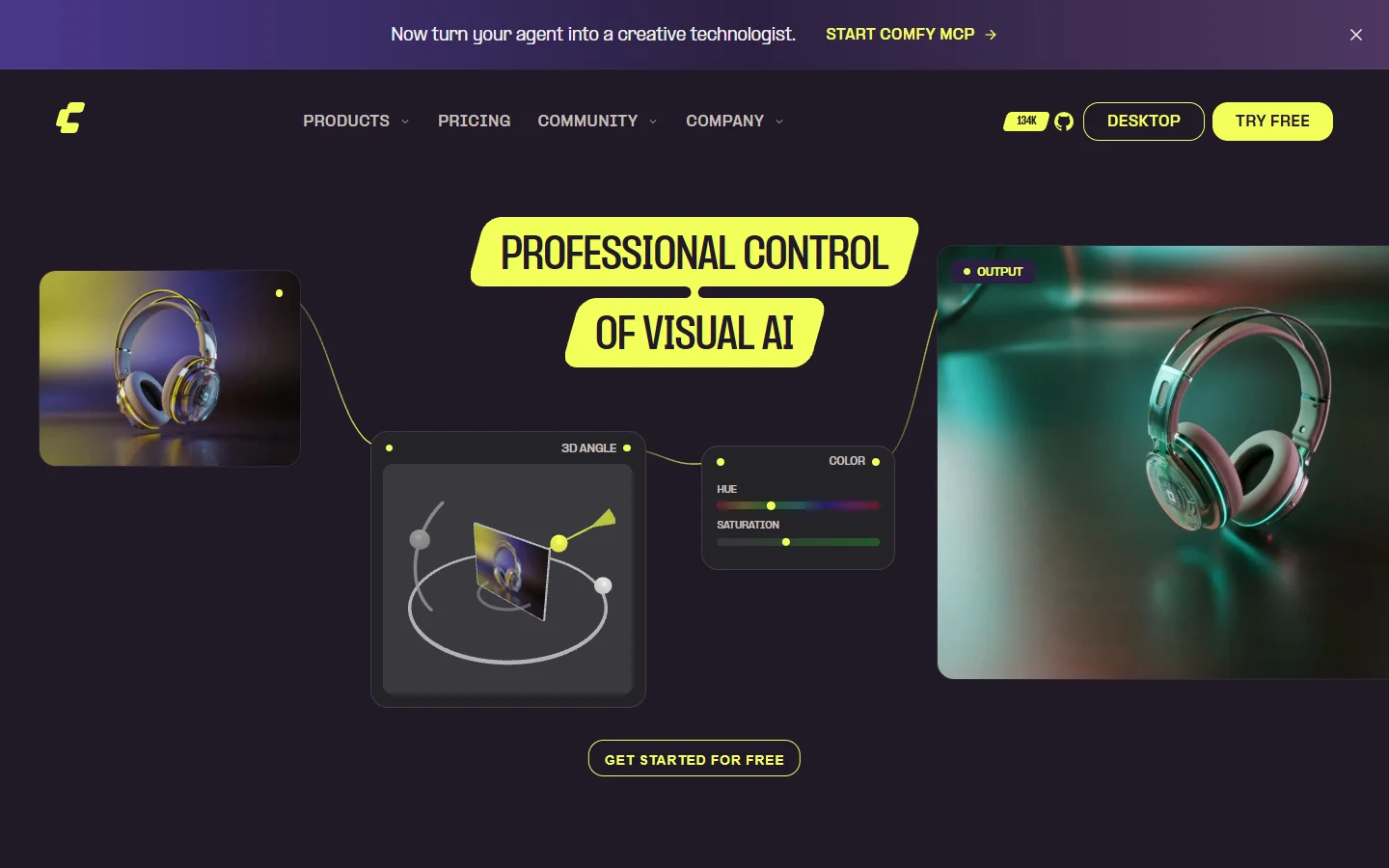
ComfyUI is the open source answer. You get total control over the graph, custom nodes, your own checkpoints and LoRAs, and no per generation cost beyond the GPU you are paying for anyway. Its API mode accepts a workflow JSON and queues it, which makes it genuinely scriptable in a way Weave is not.
The tradeoff is operational. You own the install, the model files, the GPU and the cold starts, and a graph that works on your machine does not automatically work on a colleague’s. Teams who want the graph without the maintenance usually land on a hosted ComfyUI setup that exposes an API instead of self hosting.
fal
fal is not a canvas at all, and that is the point. It is a fast inference layer with a large catalogue of image and video models behind a consistent request shape, with queue endpoints and webhooks for the long jobs. If the only thing you liked about Weave was the model breadth, fal delivers that without any visual layer.
You lose the graph, which means chaining, branching and conditional steps become your application code. That is fine for a two step pipeline and painful for a twelve step one, and the notes on FLUX API pricing and code examples are a reasonable place to sanity check per generation costs before committing.
Krea
Krea is built for fast visual exploration rather than pipeline work. Real time generation, strong image to video, and an interface that rewards iteration make it a good scratchpad, and its API covers the core generation endpoints even though there is no concept of publishing a saved multi step graph.
Treat it as a companion rather than a replacement. A fuller breakdown of where it fits sits in the Krea alternative comparison, which is worth reading if real time preview is the feature you actually care about.
Freepik Spaces
Freepik Spaces is a node canvas bundled into a much larger creative suite, with stock assets, editing tools and a wide model list in one subscription. For teams already paying Freepik, it is the cheapest way to get Weave style node work.
Its developer story runs through Freepik’s generation API rather than through the canvas, so the graph itself stays interactive. The writeup on Freepik Spaces for developers covers what the API does and does not reach.
Comparison table
| Tool | Canvas | Saved graph as endpoint | Model breadth | Best for |
|---|---|---|---|---|
| Figma Weave | Yes | No, Enterprise beta only | Very wide | Design teams already in Figma |
| Wireflow | Yes | Yes, on publish | Wide | Graphs that need to run unattended |
| Flora | Yes | Early access | Wide | Collaborative creative exploration |
| ComfyUI | Yes | Yes, self hosted | Depends on your models | Full control and custom nodes |
| fal | No | N/A, per model endpoints | Very wide | Raw speed without a graph |
| Krea | Partial | No | Moderate | Real time iteration |
| Freepik Spaces | Yes | No, separate generation API | Wide | Teams already on Freepik |
Moving a Weave graph into an API driven pipeline
The migration is less painful than it looks because a Weave graph is mostly a sequence of prompts and model choices, not proprietary logic. The general pattern is covered in the guide to building AI workflows with an API, and the five steps below are the version specific to leaving a Weave canvas.
- Write the graph down. Screenshot the canvas and list every node in order with its model, prompt and key parameters. This document, not the canvas, is what you rebuild from.
- Identify the variables. Anything a person types or drops in per run becomes an input parameter. Everything else is a constant baked into the graph.
- Rebuild the chain on the target platform. On a canvas tool this is node for node. On an inference API it becomes a small script that calls each model in turn.
- Match one known output first. Run a single input you have already produced in Weave and compare the two results before you touch anything else.
- Then add the volume. Only once one input matches should you point a batch or a queue at it. The survey of AI canvas platforms with API access is a useful reference for which platforms handle step five without extra glue code.
Keeping Weave for exploration and a callable platform for production is a perfectly reasonable end state. The duplication only hurts when nobody has written the graph down, and the notes on headless AI workflow platforms are worth a look if the production side is closer to backend infrastructure than to art direction.
FAQ
Does Figma Weave have a public API in 2026? No. As of September 2026 there is no public Weave API on any plan. Enterprise lists workflow execution over API as coming soon and a closed beta is running with a limited set of Enterprise customers, but graphs otherwise run only inside the browser app. The wider category of AI node editors that do ship an API is where teams go when that gap blocks them.
Can I trigger a Weave workflow from a script or a CI job? Not on generally available plans. Publishing a workflow to the Figma Community shares it with other people, it does not create a callable endpoint, which is why teams needing automation move the graph to a platform that publishes REST endpoints.
What is the closest tool to Weave that has an API today? Among hosted canvases, the platforms that publish a saved graph as a REST endpoint are the closest match, because they preserve the node structure rather than asking you to rewrite the chain in application code. Self hosted ComfyUI gets you there too if you are willing to run the infrastructure, and the Weavy API overview covers how this looked before the Figma acquisition.
Will Weave workflows export to another tool? There is no shared graph format across these platforms, so migration means rebuilding the chain rather than importing a file. In practice that is an hour of work for a typical graph because the prompts and model choices carry over unchanged.
Do these alternatives support video models as well as image models? Most do. Model coverage across Kling, Veo, Seedance and the FLUX family is now common on the larger canvases, though async handling differs and the top Weavy alternatives roundup breaks down which ones handle long video jobs with webhooks rather than polling.
Is it worth waiting for the official Weave API? If your timeline is flexible and your team lives in Figma, waiting is defensible. If you have a shipping deadline, the beta being Enterprise only and the feature being listed as coming soon are not dates you can plan around.
Conclusion
Figma Weave is a good canvas with no public API, and in 2026 that single fact decides the tool choice for most teams. If the work is exploratory and stays in the browser, Weave is hard to beat. If the graph has to run on a schedule, inside a product or over a list of inputs, you need a platform that turns the canvas into an endpoint, and the options above cover the realistic range from a hosted canvas to a plain inference API. Start by writing your graph down, then pick the shape that matches how often it has to run, and if FLUX is the model doing the actual work the FLUX image generator overview explains what each platform is running underneath.