
Visual node editors have changed how creators and developers work with AI image generation. Instead of writing scripts or chaining API calls manually, you can drag nodes onto a canvas, connect them, and watch your pipeline run. The best part: many of these tools now expose their workflows through REST APIs, so you can prototype visually and deploy programmatically. If you want to explore one platform that combines a visual canvas with full API access, the space has matured quickly in 2026.
What Makes a Node Editor Different from a Code-First Approach
A node editor lets you represent each step in your image generation pipeline as a visual block. Text prompts, model selection, upscaling, background removal, and style transfer each become discrete nodes that you wire together. This approach offers several advantages over pure scripting:
- Visual debugging: you can see intermediate outputs at every stage, not just the final result
- Faster iteration: swapping a model or adding a processing step takes seconds, not code refactoring
- Collaboration: non-technical team members can understand and modify workflows
- Reproducibility: the graph itself is a shareable, versioned artifact
The API layer on top means you can take a workflow you built visually and call it from your app, webhook, or batch processing pipeline without rebuilding the logic in code.
Top AI Node Editors with API Access in 2026
Here are four platforms that combine a visual node editor with production API support, each with a different focus and approach to AI image workflows.
ComfyUI
ComfyUI is the open-source standard for node-based Stable Diffusion workflows. Its graph editor supports hundreds of community nodes covering everything from ControlNet and IP-Adapter to custom samplers. The API is JSON-based: you export a workflow as a prompt graph, POST it to the server, and poll for results.
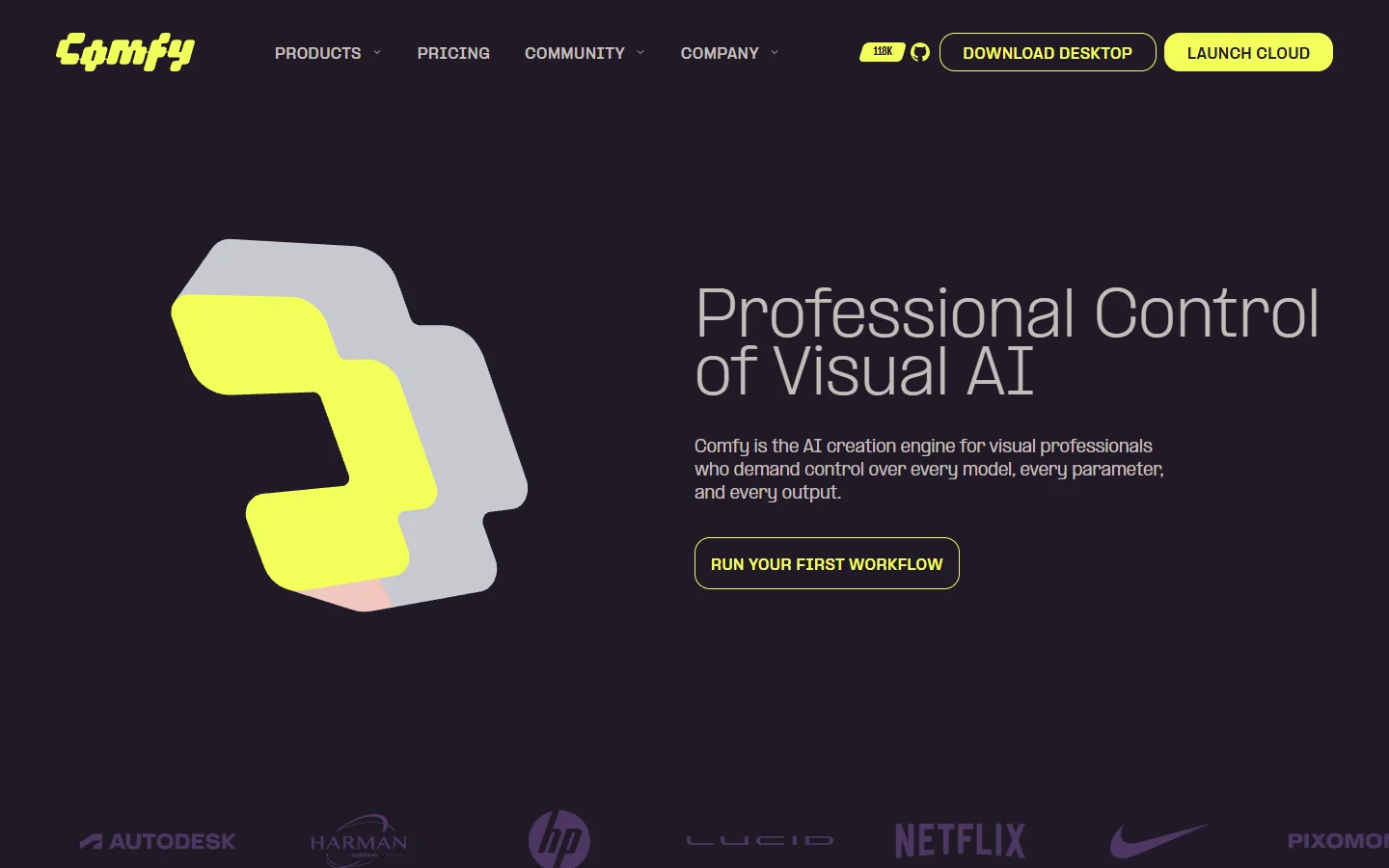
Strengths: massive community, total model flexibility, runs on your own GPU. Limitations: requires local GPU hardware or a cloud GPU instance, and the API has no built-in auth or rate limiting. For teams that want a hosted alternative without managing GPUs, cloud-wrapped versions exist but add complexity.
Krea
Krea offers a polished node editor focused on real-time AI generation. Its canvas supports FLUX and SDXL models with live preview as you adjust parameters. The nodes handle generation, enhancement, and style transfer in a streamlined interface aimed at designers rather than ML engineers.
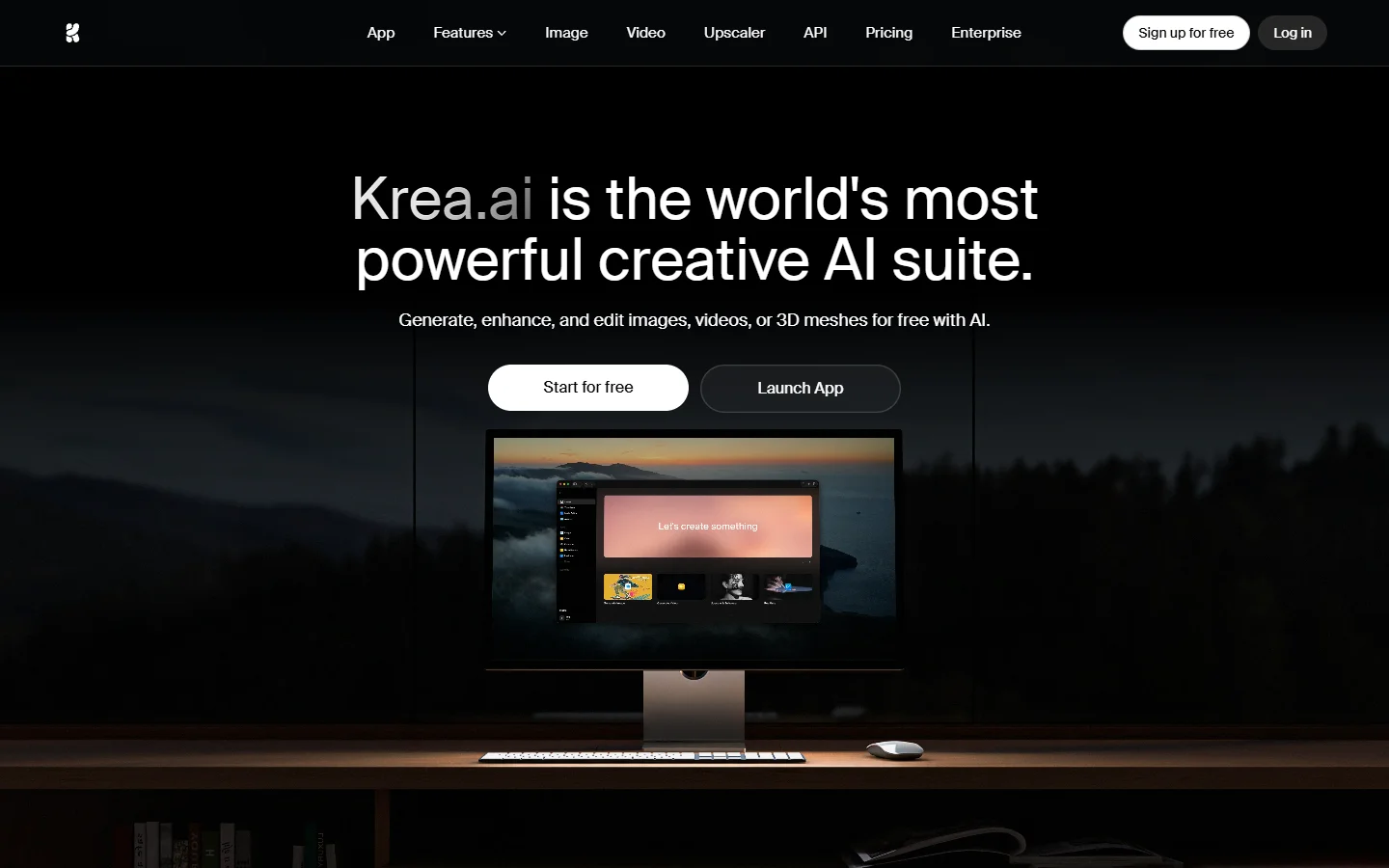
API access is available on higher-tier plans, letting you trigger workflows externally. The trade-off is less model flexibility compared to ComfyUI, but the experience is significantly more approachable. Krea works well for teams that value speed over deep customization, and its approach to AI image editing keeps things intuitive.
MoodNode
MoodNode connects 50+ AI models through a single node-based interface. You can chain text-to-image, image-to-video, upscaling, and audio generation in one graph. The platform handles GPU infrastructure, so there is nothing to deploy or maintain on your end.
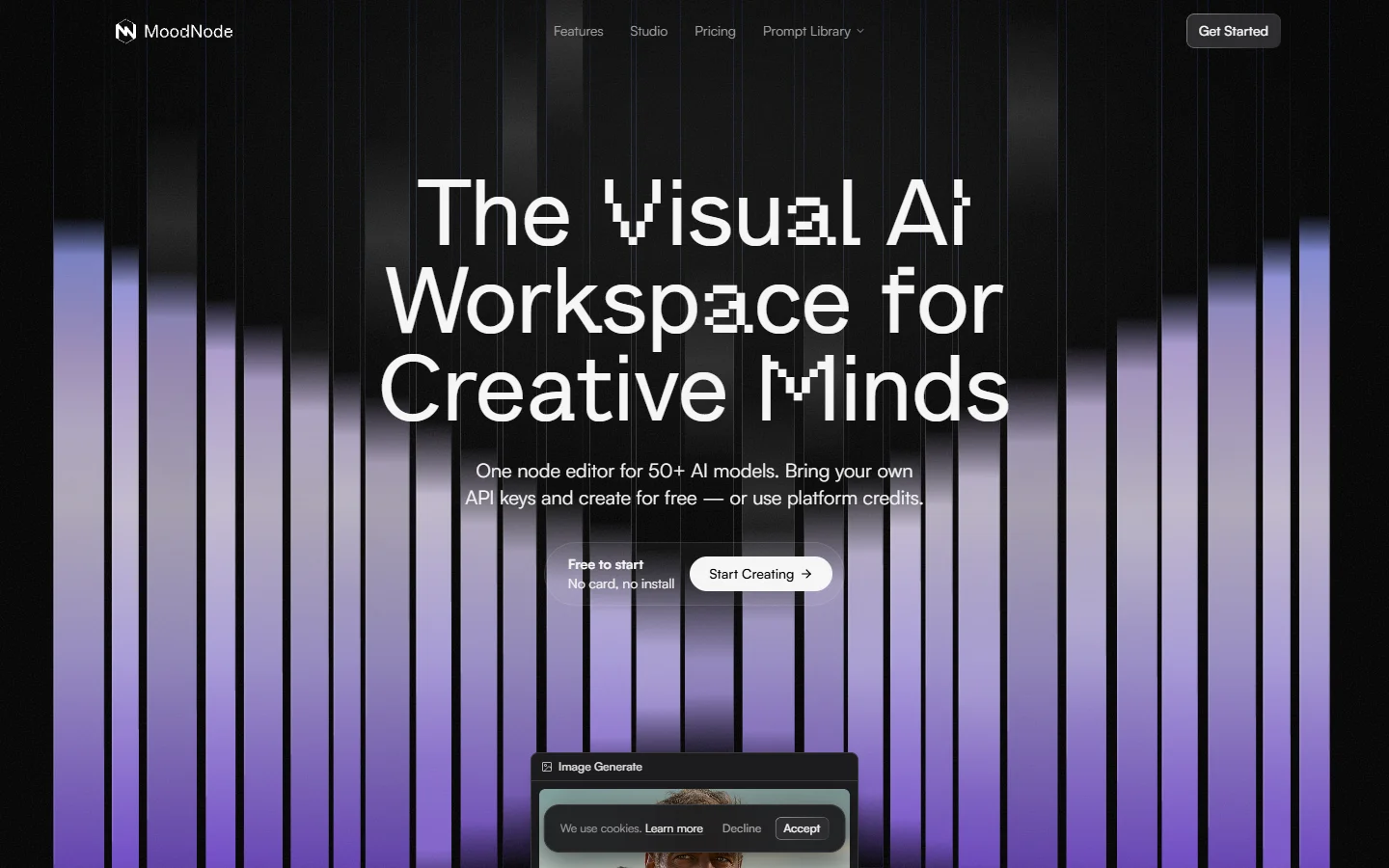
MoodNode exposes workflows via API endpoints, which makes it practical for integrating creative generation into apps. Its multi-model approach is useful when your pipeline spans different capabilities, like generating an image with FLUX and then animating it into a video.
InvokeAI
InvokeAI provides a professional-grade node editor for Stable Diffusion with a strong focus on artist workflows. The editor includes nodes for generation, inpainting, outpainting, and post-processing. Its API layer supports programmatic execution of any workflow built in the canvas.
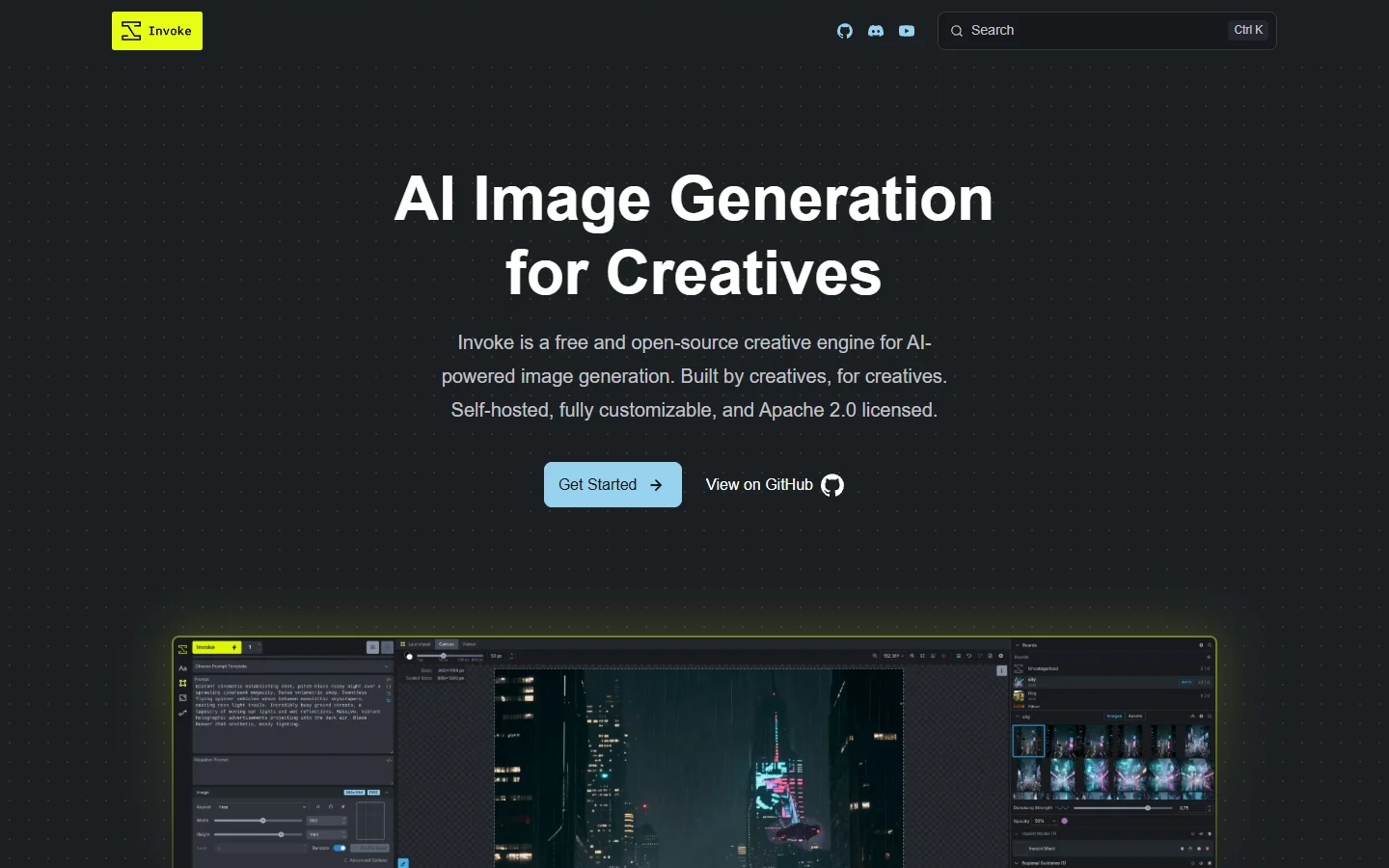
InvokeAI is open source and self-hostable, with an active community contributing custom nodes. It strikes a balance between ComfyUI’s raw flexibility and Krea’s usability, making it a solid pick for studios that need both creative control and API-driven automation.
How to Choose the Right Node Editor
The right platform depends on your primary use case:
| Factor | ComfyUI | Krea | MoodNode | InvokeAI |
|---|---|---|---|---|
| Self-hosted | Yes | No | No | Yes |
| GPU required | Yes | No | No | Yes |
| Model variety | Extensive | Moderate | 50+ models | Extensive |
| API access | JSON POST | Paid plans | Built-in | REST API |
| Best for | Power users | Designers | Multi-model | Studios |
For teams evaluating a platform that offers both canvas editing and a REST API, see how it works to understand how a managed node editor handles the full pipeline from prompt to production.
Practical Workflow: Text-to-Image with API Deployment
A typical workflow in a node editor follows this pattern:
- Prompt node: define your text prompt and negative prompt
- Model node: select FLUX 1.1 Pro, SDXL, or another supported model
- Sampler node: configure steps, CFG scale, and scheduler
- Upscale node: add a 2x or 4x upscaler for high-quality output
- Output node: save to disk or return via API

Once this workflow runs correctly on the canvas, you export it and call the API endpoint. Most platforms return a workflow ID that you can trigger with a simple POST request containing your variable inputs (prompt text, seed, dimensions). This separation of design-time and run-time is what makes node editors with APIs so practical for production use. For a deeper look at monthly SEO trends in the AI tools space, the landscape shifts regularly as new models arrive.
Frequently Asked Questions
What is an AI node editor? A visual tool where each processing step (text prompt, model inference, upscaling, style transfer) is represented as a draggable block. You connect these blocks to build generation pipelines without writing code. Most modern options support FLUX and other popular models.
Do I need a GPU to use a node editor? It depends on the platform. ComfyUI and InvokeAI require local GPU hardware. Cloud platforms like Krea and MoodNode handle GPU infrastructure for you, which removes the hardware requirement entirely. See how headless AI platforms handle this.
Can I call a node editor workflow from my own application? Yes. Platforms with API support let you export a workflow and trigger it via REST API calls. You send input parameters (prompt, image URL, settings) and receive the generated output, usually as a URL to the result image.
What models work in node-based editors? Most support Stable Diffusion variants (SDXL, SD 1.5), FLUX models (FLUX 1.1 Pro, FLUX Dev, FLUX Schnell), and specialized models like ControlNet and IP-Adapter. Some platforms also include video generation models in their node libraries.
How is a node editor different from a prompt playground? A prompt playground typically offers a single input-output interface: you type a prompt and get an image. A node editor lets you chain multiple operations, branch logic, and build reusable pipelines. The API layer then makes those pipelines callable from external systems, similar to how prompt-based generation feeds into larger workflows.
Are node editor workflows reproducible? Yes. The graph definition (nodes, connections, parameters) is typically saved as JSON. You can version it, share it across teams, or roll back to a previous configuration. This makes node editors more reliable for production image generation than ad-hoc scripting.
What is the advantage of API access over just using the canvas? API access lets you integrate generation into automated workflows: e-commerce product shots triggered by inventory updates, social media content scheduled in batches, or real-time personalization in apps. The canvas is for building and testing; the API is for scaling.
Conclusion
AI node editors with API access bridge the gap between visual prototyping and production deployment. Whether you choose ComfyUI for maximum control, Krea for real-time design, MoodNode for multi-model workflows, or InvokeAI for studio-grade editing, the pattern is the same: build visually, deploy programmatically. Platforms like Wireflow are pushing this further by combining the canvas experience with managed infrastructure and a full REST API, making it easier to go from experiment to production without managing servers or GPUs.