
A headless video editor renders finished video from code instead of a timeline. You send a JSON edit description or a script, the service composites clips, images, audio, and text, and it returns an MP4. Seven tools cover this job in 2026, and they split into three groups: hosted render APIs priced per minute, code-first frameworks you host yourself, and command line encoders that do the muscle work underneath both. If you are still choosing between the visual and programmatic approaches, the comparison of headless AI workflow platforms covers that decision first.
The ranking below is based on how fast a working render endpoint comes together, whether AI generation steps can run inside the same job, and what a thousand short renders per month actually costs.
What headless means for a video editor
Headless means no editing UI at runtime. There is no preview window, no playhead, and nobody dragging a clip. The edit lives as data: a track list, per clip start and length, transforms, captions, and an output profile. A server reads that data, renders, and writes the file to storage. It is the same architectural move that separated headless CMS from WordPress themes, applied to a timeline. The REST API pipeline walkthrough shows the request shape most of these tools use.
That structure is what makes automation possible. Because the edit is data, you can template it, loop it over a spreadsheet, and generate 500 variants of the same ad with different product shots and voiceovers. It also means every render is reproducible, which matters when a client asks for the same cut with one line of copy changed.
How these seven were ranked
Four criteria, weighted in this order: time to a first successful render from a cold start, whether AI generation nodes such as text-to-image, text-to-video, and voice run inside the same job or need a separate service, per minute render cost at volume, and how much infrastructure you own. Tools that force you to run and scale your own render workers were marked down, which is the same trade-off covered in the roundup of AI orchestration APIs for production apps.
1. Wireflow
Verdict: best when the video has AI generated parts.
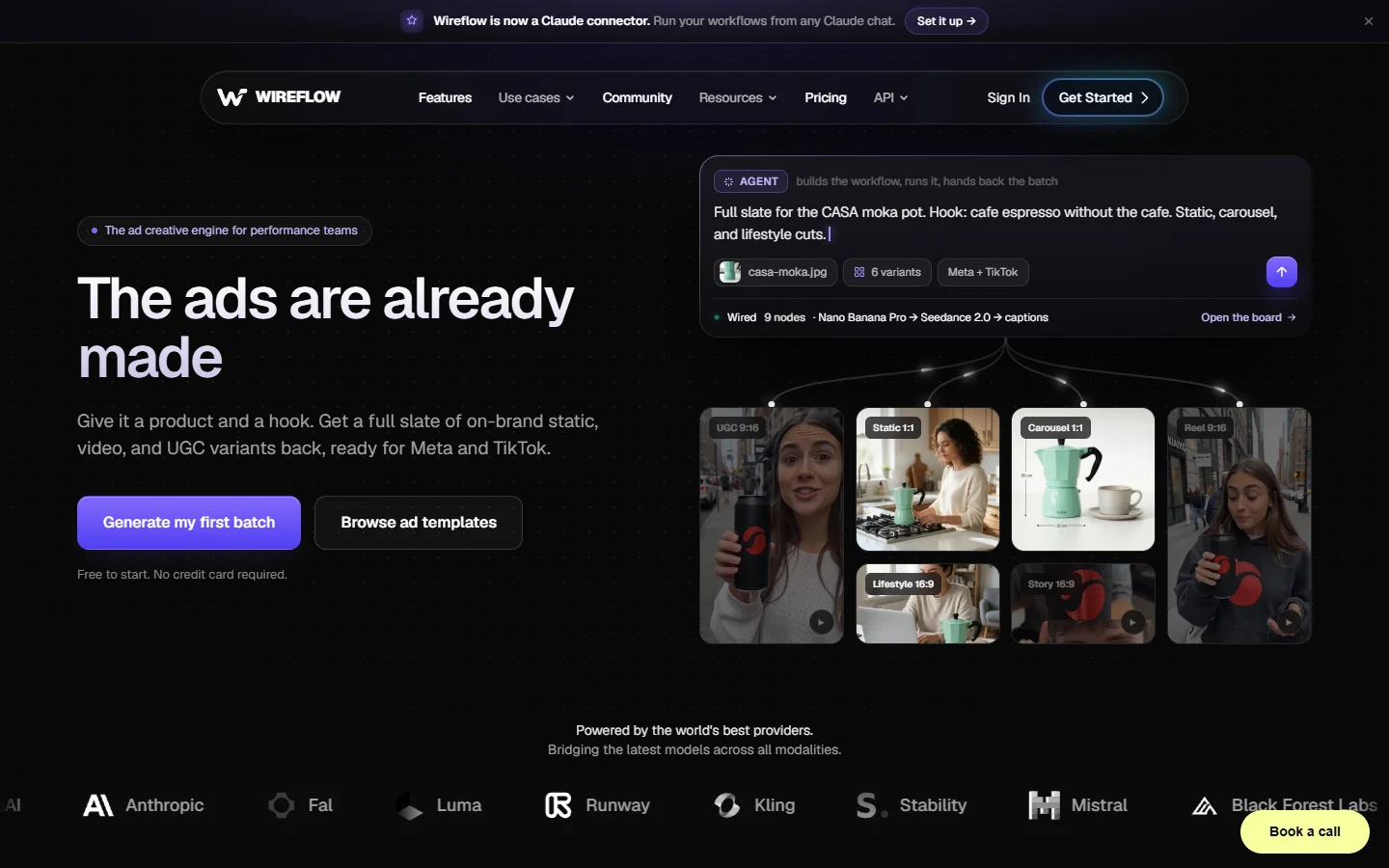
Wireflow builds the edit as a node graph on a canvas, then exposes that graph as a callable endpoint over REST or MCP. The difference from a pure render API is that generation nodes live in the same graph as the edit nodes, so a job can produce an image with FLUX, animate it, generate a voiceover, and composite the result into a finished cut without leaving the run. That covers the case where the source footage does not exist yet, which is most AI ad work. The approach is the same one described in this primer on node based video generation, with the canvas kept as an authoring surface rather than a runtime one.

2. Shotstack
Verdict: best pure render API for template driven video.
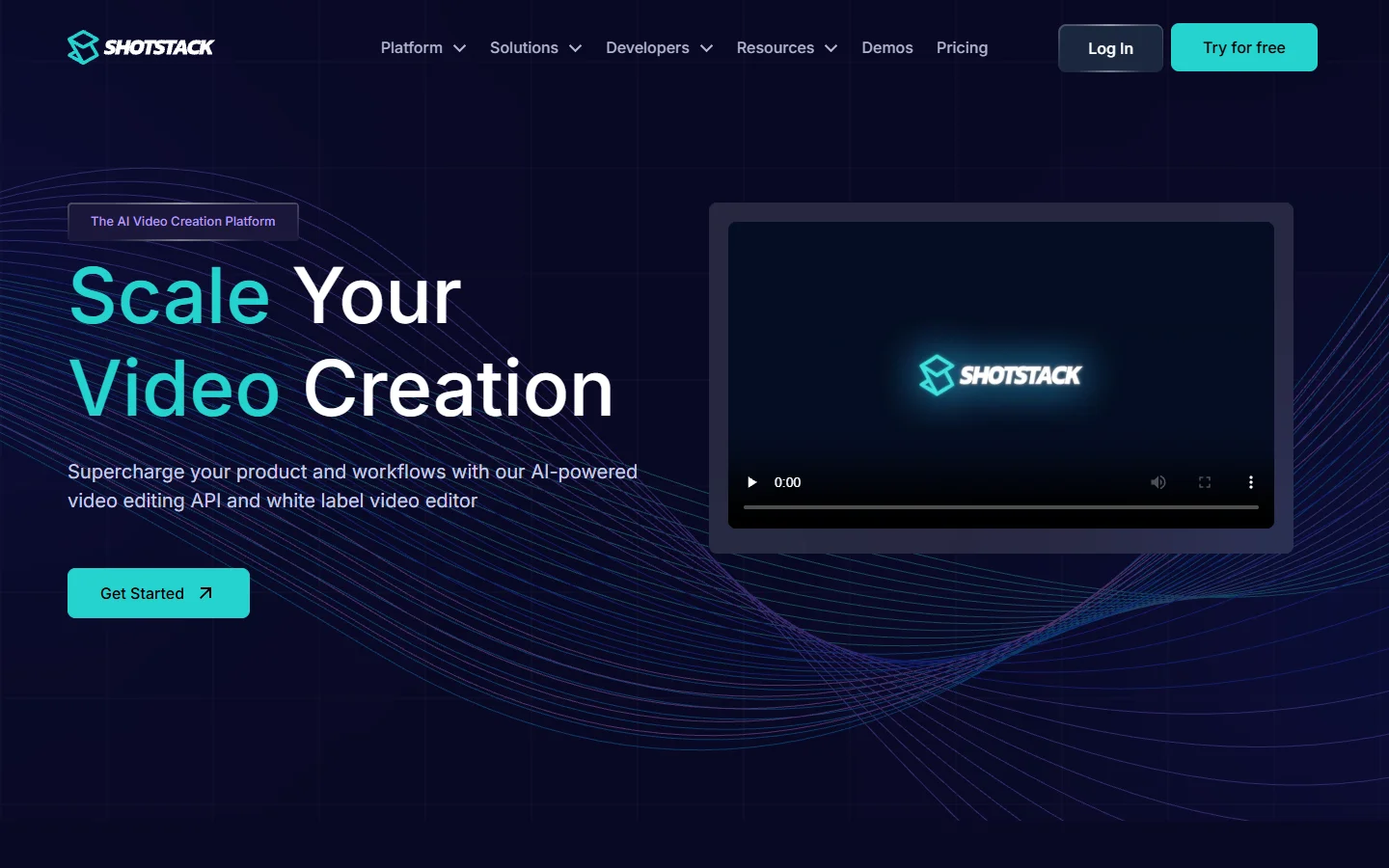
Shotstack is the reference implementation of the JSON edit format. You POST a timeline object with tracks and clips, poll a render id, and collect a hosted MP4. It has been in production since 2019, handles captions, transitions, HTML overlays, and merge fields for bulk personalisation, and the sandbox tier is free with a watermark. It does not generate source media, so anything AI produced has to be created upstream and passed in as a URL.
3. Creatomate
Verdict: best for no code teams who still want an API.
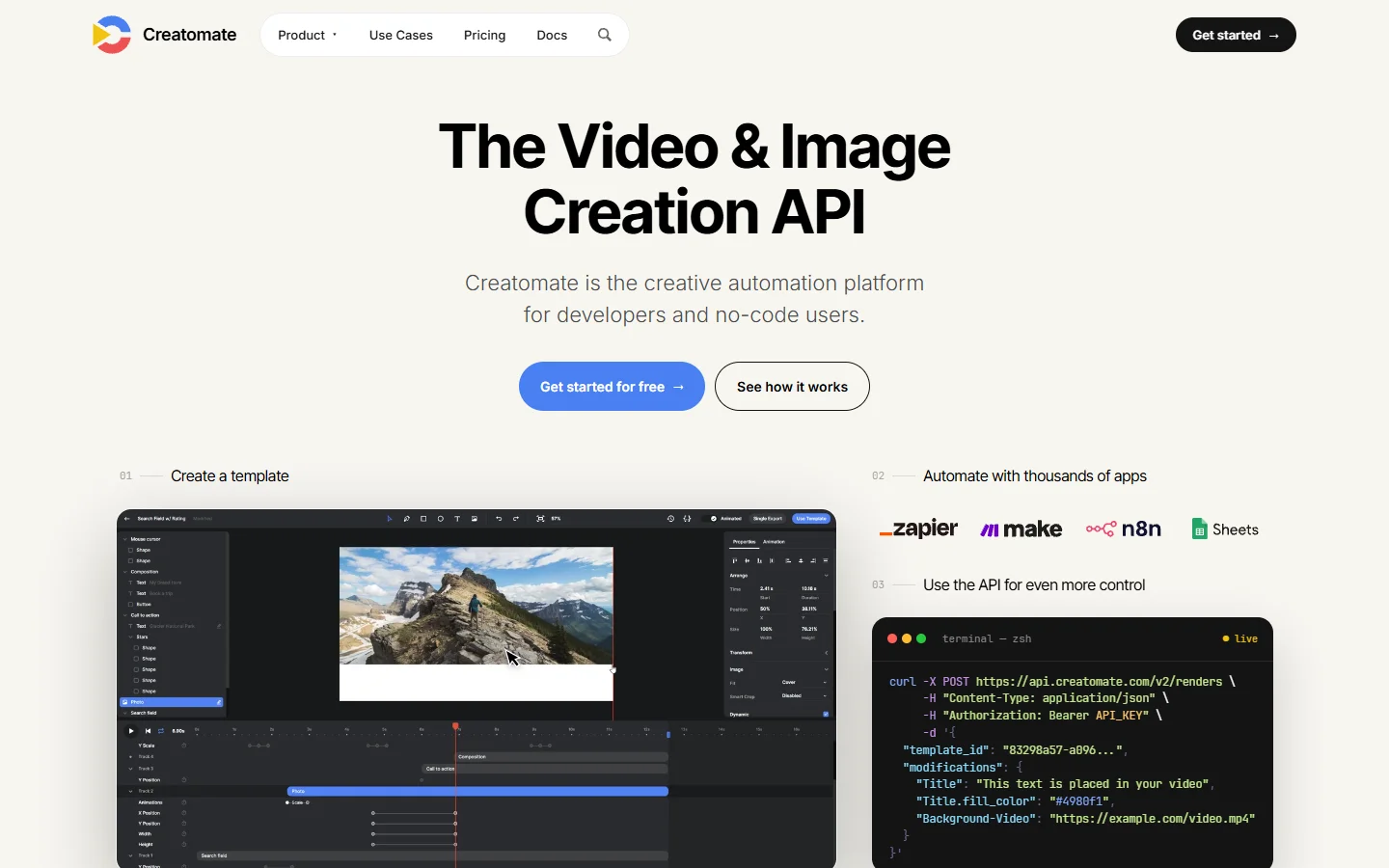
Creatomate pairs a browser template editor with a render API, so a designer builds the layout once and a developer fires modifications at it. Native Zapier, Make, and n8n connectors mean a spreadsheet row can trigger a render with no backend at all, which is the pattern in this guide to n8n video editing workflows. Pricing is credit based and gets expensive above a few thousand renders.
4. Remotion
Verdict: best for developers who want full control of every frame.
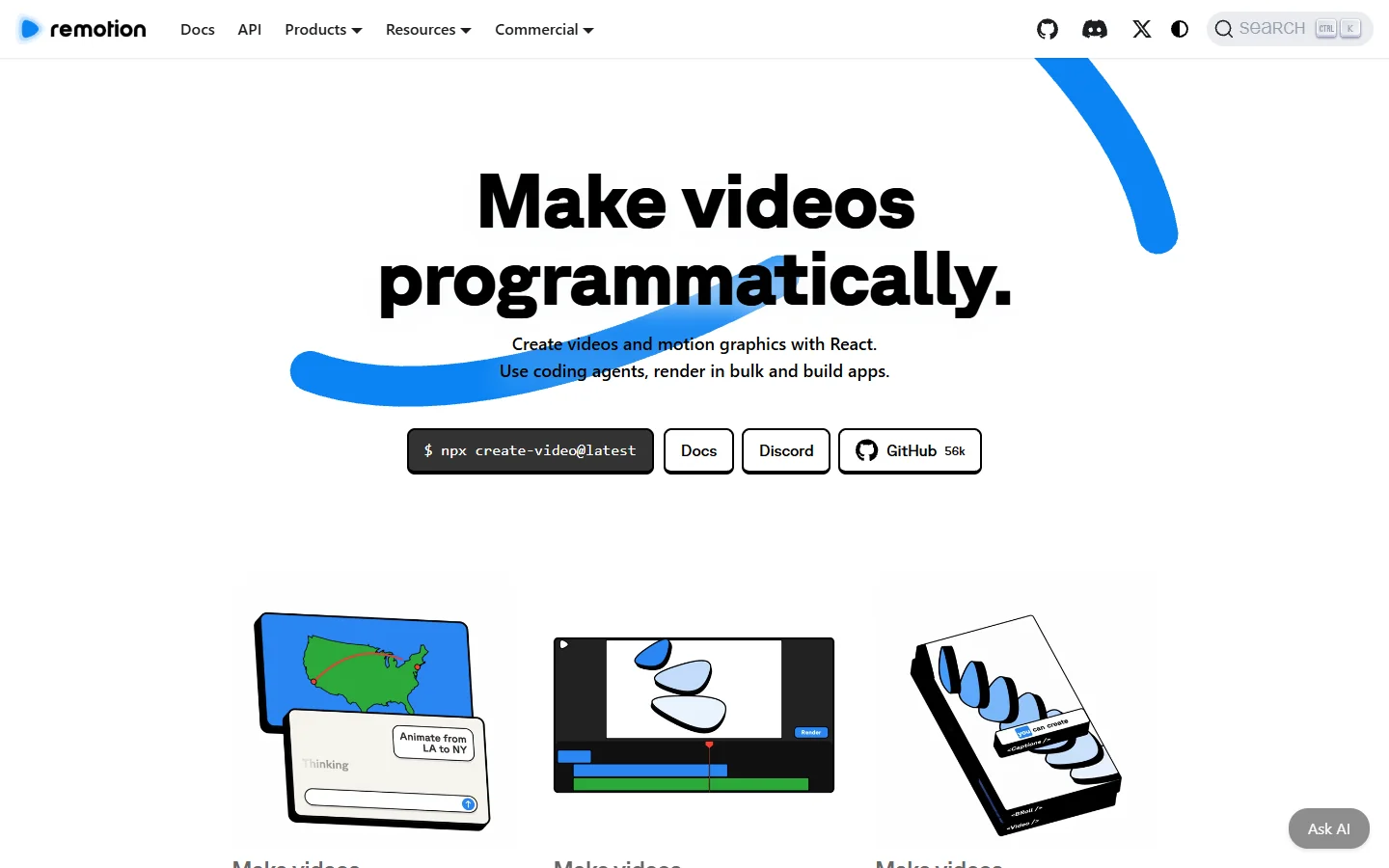
Remotion lets you write video as React components, then renders them frame by frame in headless Chromium. Remotion Lambda parallelises that across AWS so a two minute video renders in under a minute. You get real programming for animation logic, and in exchange you own the AWS account, the cold starts, and the bill. That is the same trade covered in this look at running a hosted ComfyUI alternative with an API instead of your own cluster. It is free for individuals and small teams, with a company licence above that.
5. IMG.LY CE.SDK
Verdict: best for embedding an editor inside your own product.
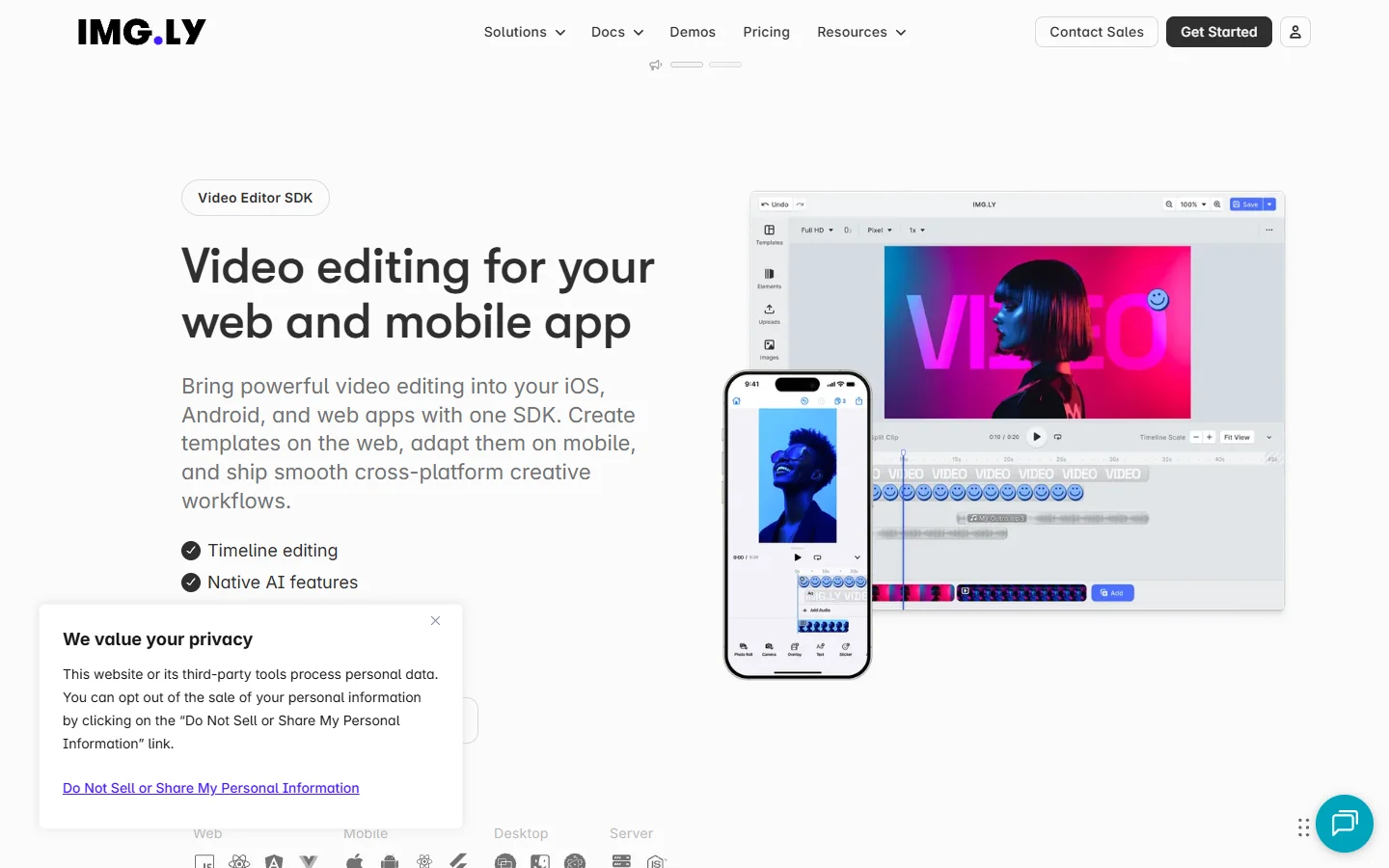
IMG.LY ships one engine that runs both as an in browser editor and as a Node.js headless renderer, so a user edit made in your app renders server side with identical output. That parity is rare and it is the reason to pick this over a render only API. Licensing is annual and enterprise priced, so it is a poor fit for a side project.
6. FFmpeg
Verdict: best for deterministic, high volume encoding at near zero cost.
FFmpeg is not an editor, it is the encoder every tool above wraps. Concat, overlay, drawtext, and the filter graph syntax will do most compositing work if you are willing to write it. You pay only for compute, which at volume beats every hosted option, and you get no templating, no asset management, and filter chains that become unreadable fast. Most teams end up here anyway for the last mile, the same way batch image generation via API still ends with a local resize step.
7. OpenCut
Verdict: best open source option if you want to self host the whole stack.
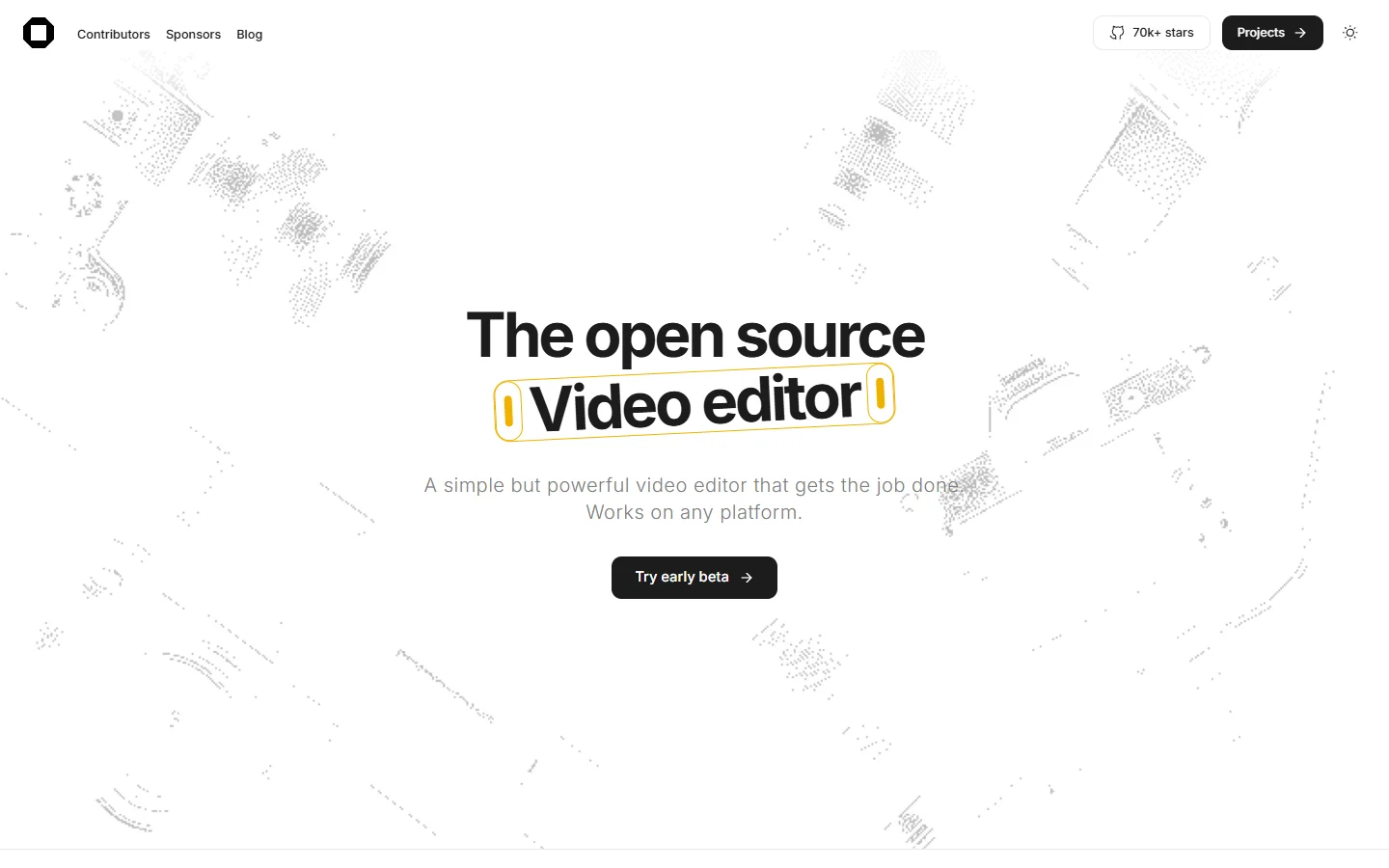
OpenCut is an MIT licensed CapCut alternative with a headless mode for batch rendering and an editor API. It is young, so expect gaps around effects and format coverage, but it is the only entry that gives you a full timeline UI and a scriptable renderer with no licence cost, which puts it in the same budget bracket as the hosted free online video makers without the export limits.
Comparison
| Tool | Type | AI generation in job | You host infra | Free tier |
|---|---|---|---|---|
| Wireflow | Node graph, REST and MCP | Yes | No | Yes |
| Shotstack | JSON render API | No | No | Sandbox |
| Creatomate | Template render API | Partial | No | Trial |
| Remotion | React framework | No | Yes | Yes |
| IMG.LY CE.SDK | Embeddable SDK | No | Yes | Trial |
| FFmpeg | CLI encoder | No | Yes | Yes |
| OpenCut | Open source app | No | Yes | Yes |
How to wire up your first automated render
Start with the smallest job that produces a real file, then add steps. Build the edit once in a visual tool, confirm it renders correctly, and only then call it from code. If the video needs generated shots rather than stock footage, run a headless video editor for automation so the generation and the edit happen inside a single job instead of two systems you have to keep in sync.
- Define the output profile first: resolution, frame rate, codec, and duration. Downstream steps depend on it.
- Assemble one hardcoded render with real assets. No variables yet.
- Replace the parts that change with named inputs: headline text, product image URL, voiceover script.
- Call the endpoint from your backend with one row of data and check the file.
- Loop the call over the full dataset with concurrency capped, then store the output URLs.
Step three is where most pipelines break. Keep the variable list short and typed, because an edit with thirty free-form inputs is harder to debug than thirty separate templates. The same discipline applies to programmatic video generation of any kind.

Frequently asked questions
Is a headless video editor the same thing as FFmpeg?
No. FFmpeg is an encoder and filter engine you drive with command line arguments. A headless video editor sits above it with a timeline data model, asset handling, templating, and a job queue. Most hosted editors call FFmpeg internally for the final encode.
Can a headless editor generate the footage as well as cut it?
Only some can. Render APIs expect finished assets by URL. Graph based platforms can run generation nodes in the same job, which is the pattern described in the guide to building AI workflows with an API.
What does a render actually cost?
Hosted APIs typically bill per output minute, roughly $0.10 to $0.50 depending on resolution and tier. Self hosted Remotion or FFmpeg on your own compute lands well under that at volume, once you account for the engineering time to build and maintain the workers.
How long does a render take?
A 30 second 1080p composite of existing clips usually completes in 10 to 60 seconds. Jobs that generate video with a model first are dominated by model latency, often several minutes per shot, which is why ad variant work batches well. Tools built for video ad variant generation queue those runs rather than blocking on them.
Do I need a GPU?
Not for editing and encoding, which are CPU bound and run fine on standard instances. You need GPU capacity only if you are running image or video models yourself rather than calling a hosted endpoint, and the published FLUX Pro API pricing and code examples show what that hosted route costs per generation.
Can I trigger renders from n8n, Zapier, or an AI agent?
Yes. Anything with an HTTP node can call a render endpoint, and tools that expose MCP can be called directly by an agent as a named tool rather than a raw HTTP request.

Conclusion
Pick by where your source media comes from. If the footage already exists and you need it composited on a template, a render API like Shotstack or Creatomate is the shortest path. If you want frame level control and already run AWS, Remotion wins. If the shots have to be generated before they can be edited, a graph based platform keeps both halves in one job, and the survey of node based video generation tools is the next thing to read.