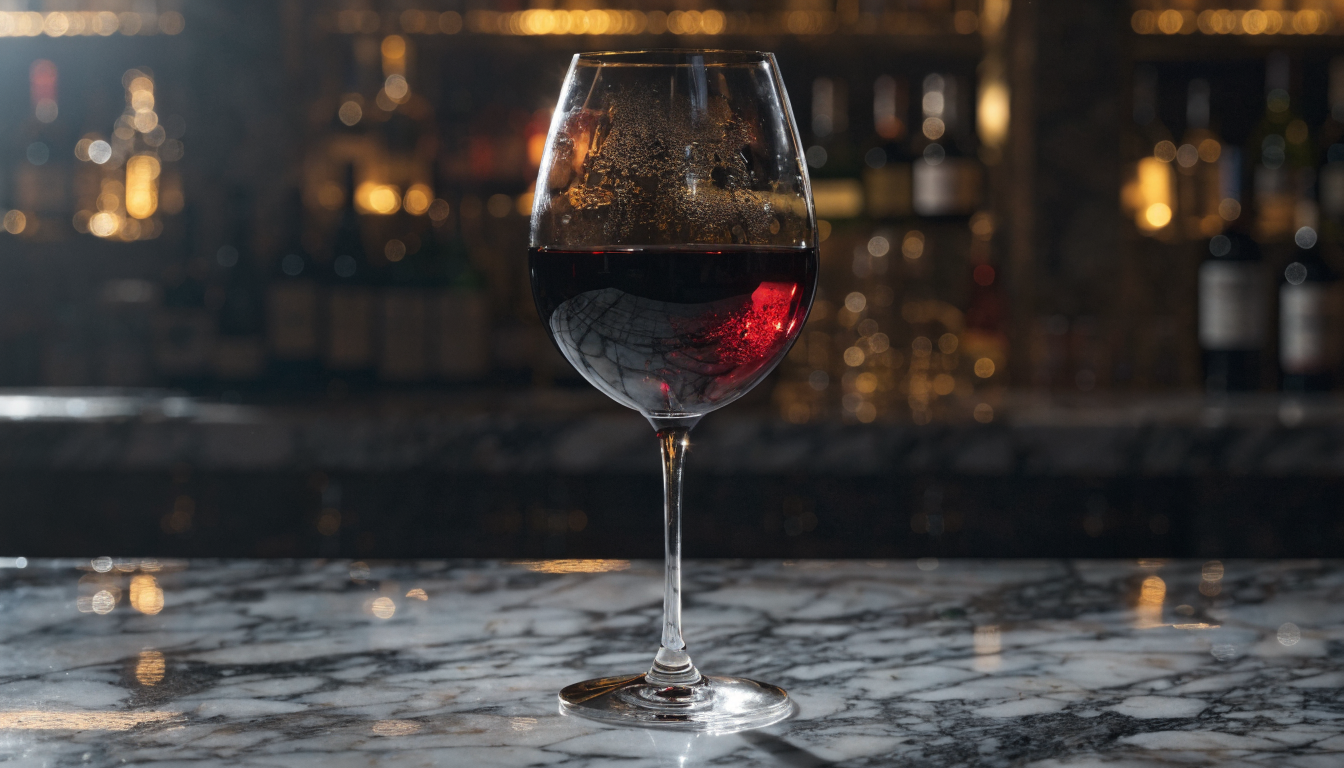
AI art generators have transformed digital creation in 2026, giving artists, designers, and hobbyists tools that turn text descriptions into polished visual work in seconds. Whether you want photorealistic portraits, concept art for a game, or illustrations for a marketing campaign, the latest AI image generation models make it possible without years of training in traditional software.
What Are AI Art Generators?
AI art generators are tools that use diffusion models or transformer architectures to create images from text prompts. You type a description of what you want, and the model produces an image that matches your intent. The most capable models in 2026, including FLUX 1.1 Pro and Recraft V3, can generate images at resolutions above 2K with fine detail in faces, hands, and text rendering.
These tools differ from traditional digital art software like Photoshop or Procreate. Instead of manually painting pixels, you guide the output through natural language. The skill shifts from brush control to prompt writing, composition planning, and iterative refinement.
Choosing the Right AI Generator for Your Project
Not every generator suits every use case. Here is a quick breakdown of what to consider:
- Photorealism: FLUX 1.1 Pro and Google’s Imagen 3 lead for lifelike portraits, product shots, and editorial photography. They handle skin texture, lighting, and depth of field with minimal artifacts.
- Illustration and concept art: Midjourney V7 and Leonardo AI excel at stylized work, from anime to oil painting aesthetics. Their community-driven prompt libraries help beginners get started quickly.
- Speed and iteration: FLUX Realtime and similar low-latency models generate images in under two seconds, which is useful for brainstorming sessions where you need to explore dozens of directions fast.
- Commercial licensing: Check the license before using generated art commercially. Some models restrict certain use cases. FLUX Dev, for example, is open-weight but has a non-commercial license, while FLUX Pro offers full commercial rights through API providers.
For a detailed side-by-side comparison, see this roundup of the best AI image generators in 2026.
Step-by-Step: Creating Your First AI Artwork
Here is a practical workflow that applies to most AI image generators:
1. Define your concept. Before opening any tool, write down what you want: subject, mood, color palette, composition, and intended use. A clear brief produces better results than vague exploration. Looking at how text-to-video workflows handle concepts can also help you think in sequences rather than single frames.
2. Write your initial prompt. Be specific. Instead of “a cat,” try “a ginger tabby cat sitting on a windowsill, afternoon sunlight streaming through lace curtains, soft bokeh background, natural indoor lighting.” Descriptive prompts consistently outperform short ones.
3. Add style modifiers. Append terms that control the visual style: “oil painting,” “35mm film photography,” “watercolor illustration,” “isometric 3D render.” These steer the model toward a particular aesthetic without fighting the base output. Browse the FLUX prompt library for tested style modifier combinations.
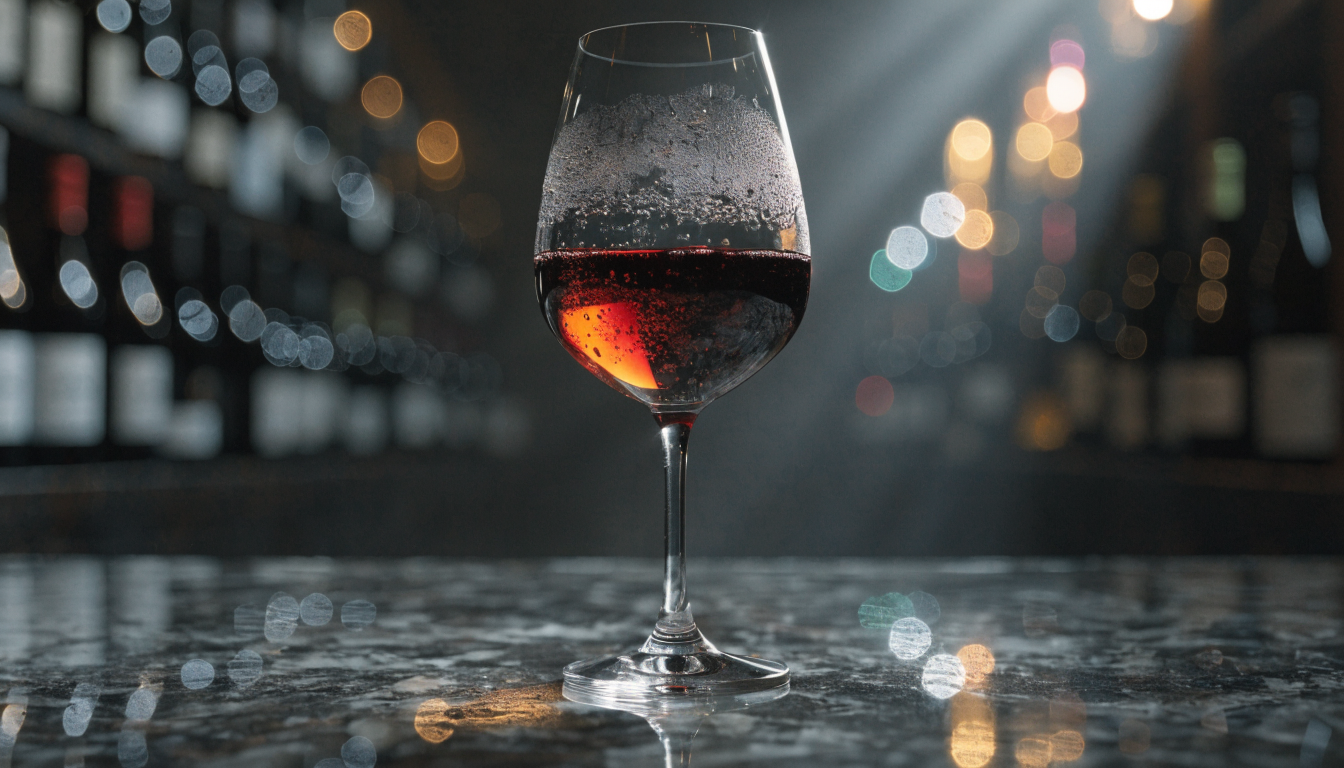
4. Generate and evaluate. Run the prompt and review the output critically. Check for anatomical errors, inconsistent lighting, blurred text, or composition issues. Most generators let you create 4 variations at once so you can compare options.
5. Iterate. Adjust your prompt based on what worked and what didn’t. If the lighting is too flat, add “dramatic side lighting” or “golden hour.” If the composition is too centered, specify “rule of thirds composition” or “off-center subject.” The FLUX prompt generator can help you discover modifiers you might not think of on your own.
6. Upscale and refine. Once you have a strong base image, use an upscaler or AI image editor to increase resolution for print or large-format display. Some generators include built-in upscaling; others require a separate tool.
Prompt Engineering Tips That Actually Work
Writing effective prompts is the core skill for AI art creation. The FLUX model family responds particularly well to structured prompts. Here are techniques that produce consistent results across most generators:
- Front-load the subject. Place the most important element at the beginning of your prompt. Models weight earlier tokens more heavily.
- Use reference artists or art movements. “In the style of Edward Hopper” or “Art Nouveau illustration” gives the model a clear visual target. Combine two references for unique blends: “Moebius meets Blade Runner.”
- Specify what you do not want. Negative prompts help eliminate common issues. “No text, no watermark, no extra fingers” prevents frequent artifacts.
- Control composition explicitly. Terms like “close-up portrait,” “wide establishing shot,” “bird’s eye view,” and “Dutch angle” give you camera-like control over framing.
For more advanced prompting strategies, explore how FLUX models handle different prompt structures compared to other generators.
Working with Different Art Styles
One advantage of AI generators is their ability to switch between radically different aesthetics using the same tool. Here are styles that work well in 2026 models:
| Style | Prompt Keywords | Best For |
|---|---|---|
| Photorealism | “photorealistic, DSLR, natural lighting” | Product shots, headshots, stock photography |
| Digital painting | “digital painting, concept art, artstation” | Game art, book covers, character design |
| Watercolor | “watercolor illustration, soft edges, paper texture” | Greeting cards, editorial illustration |
| Anime/manga | “anime style, cel shading, vibrant colors” | Social media content, fan art, stickers |
| Vintage photography | “vintage film, grain, faded colors, 1970s” | Brand nostalgia, editorial, social posts |
| 3D render | “3D render, octane, studio lighting, clean background” | Product mockups, icon design |
Common Mistakes to Avoid
Even experienced users fall into these traps:
- Overloading prompts. Cramming 15 style references into one prompt confuses the model. Stick to 2-3 clear style directions.
- Ignoring aspect ratio. A landscape scene in a square format wastes composition potential. Match your aspect ratio to the content: 16:9 for cinematic scenes, 4:5 for portraits, 1:1 for social media.
- Skipping iteration. Your first generation is rarely your best. Plan to run 5-10 variations before selecting a final image. See how realistic photo generators handle iterative refinement for reference.
- Forgetting about licensing. Using AI art commercially without checking the model’s license terms can create legal risk. Always verify before publishing.
If you want to experiment with prompt structures and generation settings, try different combinations systematically rather than changing everything at once.
Frequently Asked Questions
Do I need art skills to use AI generators? No traditional drawing or painting skills are required. The primary skill is prompt writing, which is closer to creative writing than visual art. That said, understanding composition, color theory, and lighting helps you write better prompts and evaluate outputs more critically.
Which AI art generator is best for beginners? Midjourney and Leonardo AI offer the most beginner-friendly interfaces with strong community support. For those who want more control, FLUX-based generators provide advanced settings like guidance scale and step count that let you fine-tune outputs precisely.
Can I use AI-generated art commercially? It depends on the model and platform. FLUX Pro, Midjourney (paid plans), and Adobe Firefly all permit commercial use. Free or open-source models may have restrictions. Always read the specific license terms before using generated images in commercial projects. Understanding what FLUX models offer helps clarify the licensing landscape.
How do I get consistent characters across multiple images? Most generators in 2026 offer character reference or IP adapter features. Upload a reference image of your character, and the model maintains consistent facial features, clothing, and proportions across generations. FLUX 1.1 Pro and Midjourney V7 handle this particularly well.
What resolution can AI generators produce? Native generation typically ranges from 1024×1024 to 2048×2048 pixels. For higher resolutions, use built-in or third-party upscalers and editing tools. Some workflows chain generation with upscaling to produce images at 4K or higher.
Is AI art considered real art? The creative decisions, the concept, the prompt refinement, the curation, and the post-processing all involve artistic judgment. AI is a tool, similar to how digital cameras changed photography without making it less valid as an art form. The creative community around FLUX demonstrates how artists integrate AI into serious artistic practice.
How much does AI art generation cost? Free tiers exist on most platforms with daily generation limits. Paid plans typically range from $10-30 per month for individual creators. API-based pricing runs $0.01-0.06 per image depending on the model and resolution.
Conclusion
Creating digital art with AI generators in 2026 comes down to three things: choosing the right model for your style, learning to write effective prompts, and iterating until the output matches your vision. The technology has matured enough that the limiting factor is no longer the model’s capability but the creator’s ability to direct it. Start with a clear concept, experiment with different style modifiers and techniques, and treat each generation as a step in a creative process rather than a finished product.