
AI-powered tools have transformed how creators produce Instagram Reels, making it possible to go from idea to published content in minutes rather than hours. Whether you are building a brand, growing a faceless account, or promoting products, understanding how to combine AI image generation with smart content strategy is the difference between a Reel that gets 200 views and one that reaches 200,000.
Why AI Is Reshaping Instagram Reels in 2026
The barrier to creating polished short-form video has dropped significantly. Tools that generate images, voices, scripts, and even full video sequences from text prompts let solo creators compete with production teams. The same text-to-image models powering professional design workflows now run in seconds through cloud APIs.
Instagram’s algorithm in 2026 prioritizes completion rate, shares, and saves over raw likes. That means your Reel needs to hold attention from the first frame to the last. AI helps here by letting you rapidly test different visual styles and hooks without spending hours on each variation.
Setting Up Your AI Reel Production Pipeline
A reliable production pipeline turns a single topic into a finished Reel in under 15 minutes. The same principles apply whether you are creating marketing videos or quick social clips. Here is a practical workflow:
- Script generation: Feed your topic into an LLM to get a concise 30-60 second script with a hook, body, and call to action.
- Visual asset creation: Use a text-to-image model like FLUX 1.1 Pro to generate backgrounds, product shots, or scene illustrations that match your brand palette.
- Voiceover: Generate narration with an AI voice tool, or record your own and use AI to clean the audio.
- Assembly: Combine visuals, voiceover, captions, and music in a video editor or automated pipeline.
- Caption overlay: Auto-generate animated subtitles, which boost watch time by 15-25% according to recent creator surveys.
Platforms like Wireflow’s AI workflow platform let you chain these steps into a single automated workflow, so you can batch-produce multiple Reels from a list of topics without manually handling each stage.

Writing Hooks That Stop the Scroll
You have roughly 1.5 seconds before a viewer decides to keep scrolling. The hook is everything. Here are formats that consistently perform well:
- Bold claim: “Most creators waste 3 hours on Reels that get zero reach. Here is the fix.”
- Question: “What if you could create a week of Reels in 20 minutes?”
- Visual surprise: Open with an AI-generated image that looks too good to be a phone photo, then reveal it was made with a prompt generator.
- Before/after: Show a raw photo next to its AI-enhanced version in the first frame.
The key is specificity. Vague hooks get ignored. Hooks that promise a concrete outcome pull viewers in, especially when paired with high-quality AI-generated visuals that grab attention immediately.
Optimizing for Instagram’s Algorithm
Understanding what the algorithm rewards lets you engineer virality instead of hoping for it. The same logic applies to TikTok viral content and YouTube Shorts, though the weights differ slightly. Here is what matters most on Instagram, ranked by impact:
| Signal | Weight | How to Optimize |
|---|---|---|
| Watch time / completion rate | Highest | Keep Reels to 7-15 seconds; front-load value |
| Shares | High | Create content people want to send to friends |
| Saves | High | Include actionable tips or reference material |
| Comments | Medium | Ask a specific question at the end |
| Likes | Lower | Still helpful but not the primary driver |
Post consistently. Accounts publishing five or more Reels per week see 3-4x more reach than those posting once or twice. AI pipelines make this sustainable because you are not manually producing each piece. The voice acting and dubbing space has seen similar shifts toward AI-driven workflows, as explored in this deep dive on modern voice-over artistry.
Scaling Without Losing Authenticity
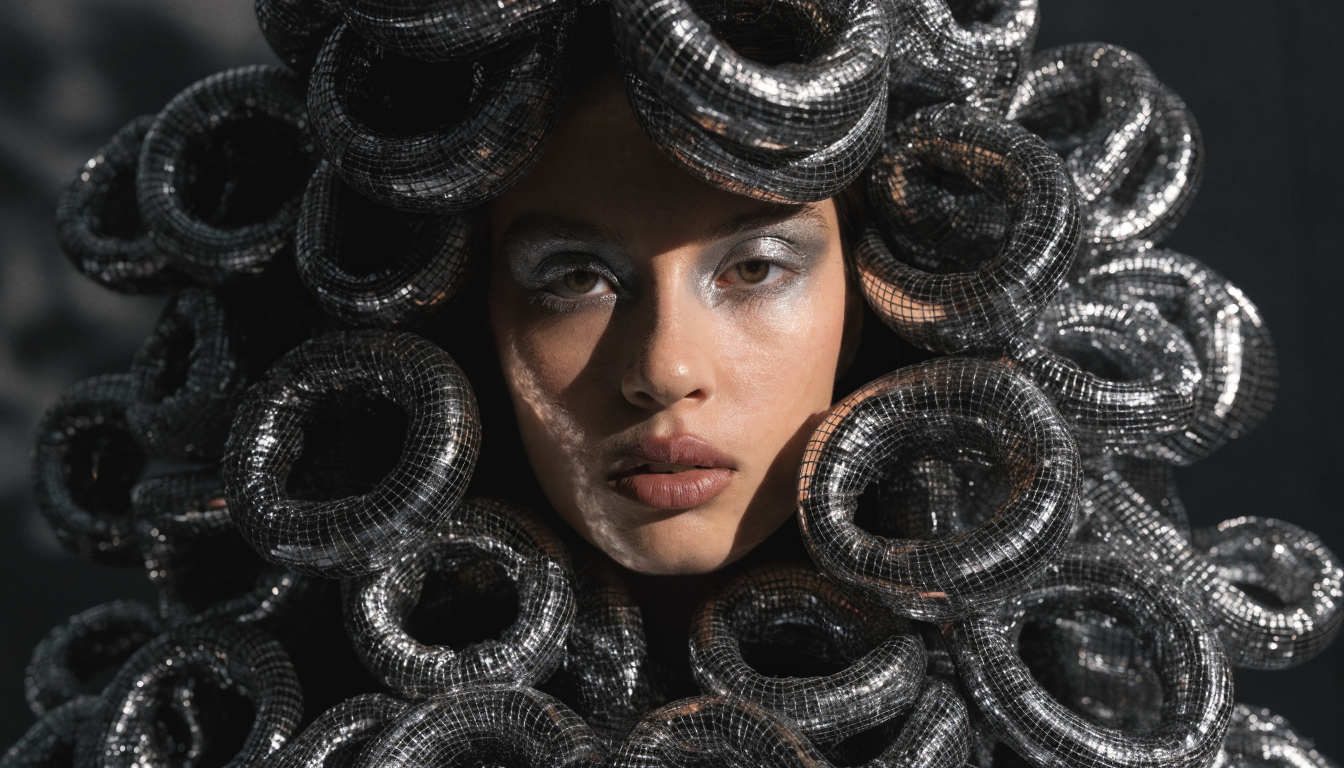
The biggest risk with AI-generated Reels is looking generic. When every creator uses the same templates and stock visuals, feeds start to blur together. Successful creators use AI animation techniques and custom prompts to develop a look that is recognizably theirs. Here is how to maintain a distinct presence:
- Develop a visual signature: Pick a consistent color palette, font style, and image aesthetic. Use the same text-to-image prompting techniques across all your content so viewers recognize your brand instantly.
- Mix formats: Alternate between talking-head clips, text-overlay Reels, product showcases, and behind-the-scenes content. AI handles the production, but you control the variety.
- Add personal context: Even faceless accounts benefit from a distinct editorial voice. Your AI generates the visuals, but your perspective on the topic is what makes the content worth following.
- Batch and customize: Generate 10-15 visual variants for a single topic, then pick the three that feel most on-brand. Quantity in production, selectivity in publishing.
Faceless accounts are growing fast in niches like finance tips, AI news, motivation, and product reviews. If you are running one, consistency in visual branding and ad creative matters even more than it does for personal brands.
Frequently Asked Questions
What is the ideal length for a viral Instagram Reel?
Most viral Reels in 2026 fall between 7 and 15 seconds. Shorter Reels have higher completion rates, and completion rate is the strongest signal Instagram’s algorithm uses to decide whether to push your content to the Explore page. Longer Reels (30-60 seconds) can work for tutorials, but they need exceptionally strong hooks to maintain viewer engagement through the full duration.
Can I use AI-generated images in Instagram Reels without getting flagged?
Yes. Instagram does not penalize AI-generated visuals in Reels. The platform cares about engagement metrics, not how the content was produced. Many top-performing accounts use AI image generators for backgrounds, illustrations, and product mockups.
How many Reels should I post per week?
Five or more Reels per week is the threshold where most creators see a meaningful jump in reach. Consistency signals to the algorithm that your account is active and worth distributing. Using free video maker tools alongside AI image generation makes this volume practical without burning out.
Do I need to show my face in Reels?
No. Faceless accounts perform well in many niches. Use AI-generated visuals, text overlays, screen recordings, or avatar-based presenters instead. The algorithm does not favor face-on-camera content over other formats.
What AI tools work best for creating Reel visuals?
Text-to-image models like FLUX 1.1 Pro and Recraft V4 produce high-quality visuals suitable for Reels. For full video generation, look at dedicated text-to-video tools that handle motion, transitions, and scene composition automatically.
How do I make AI Reels look less generic?
Develop a consistent visual style by using the same prompt structure, color palette, and composition rules across all your content. Avoid default templates. Tools like FLUX’s prompt library offer starting points you can customize to build a recognizable look.
Is it worth paying for AI tools or are free options enough?
Free tiers work for experimentation, but paid plans unlock higher resolution, faster generation, batch processing, and API access for automation. If you are posting five or more Reels per week, the time savings from a paid pipeline easily justify the cost. Check out free AI image generators to test before committing.
Conclusion
Creating viral Instagram Reels with AI in 2026 comes down to three things: strong hooks, algorithmic awareness, and a production pipeline that lets you publish consistently without sacrificing quality. The tools exist to handle every step from scripting to final export. Platforms like the Wireflow platform make it straightforward to build these automated workflows and scale your content output. Focus on developing a recognizable visual style, test your hooks aggressively, and let the data guide your format choices.