
A video assembly API is the service that takes a list of finished clips, images and audio tracks and returns one rendered MP4. It is the last step in every generative video pipeline, and it is the step most people skip until their first batch of 40 scene clips is sitting in a bucket with nothing to join them. This article ranks 6 options, split into 2 groups: template renderers that assemble media you supply, and graph platforms that generate the clips and assemble them in the same run. If you are building the frames first, the image to video route with Seedance covers how a FLUX still becomes a clip before any of this applies.
The distinction matters more than feature lists do. A renderer like Shotstack expects finished assets and a JSON timeline. A graph platform expects a prompt and does the generation, the sequencing and the stitch in one call. Picking the wrong group means you write glue code for the half the tool does not cover, which is the same problem described in the guide to building AI pipelines with REST APIs.
How this list is ranked
The ranking criterion is simple: how much of the path from prompt to finished MP4 the API covers without you writing orchestration code. Tools that only concatenate score lower than tools that also handle transitions, captions and audio, which score lower than tools that also generate the source clips. Everything here was assessed on public documentation and its own API surface, the same way the AI content generation APIs comparison was put together.
| # | Tool | Assembly model | Generates clips | Best for |
|---|---|---|---|---|
| 1 | Shotstack | JSON timeline, tracks and clips | No | Templated video at volume |
| 2 | Wireflow | Node graph published as an endpoint | Yes | Generate and assemble in one run |
| 3 | Creatomate | Template plus data merge | No | Data-driven variants |
| 4 | Segmind Video Stitch | Single-purpose concat endpoint | No | Joining clips inside a model pipeline |
| 5 | Eachlabs Merge Videos | Hosted merge model | No | Normalising mismatched formats |
| 6 | FFmpeg, self-hosted | Command line concat | No | Full control, own infrastructure |
1. Shotstack
Best for templated video produced at volume. Shotstack is an edit API built around a JSON document that describes tracks, clips, offsets and lengths, which the service renders to MP4 and hands back as a URL. You post the timeline, poll the render, collect the file. It handles transitions, titles, soundtracks and merge fields, so one template can produce hundreds of variants from a data table. It does not generate video, so the clips have to exist first, which is the gap the programmatic video generation platform overview walks through.
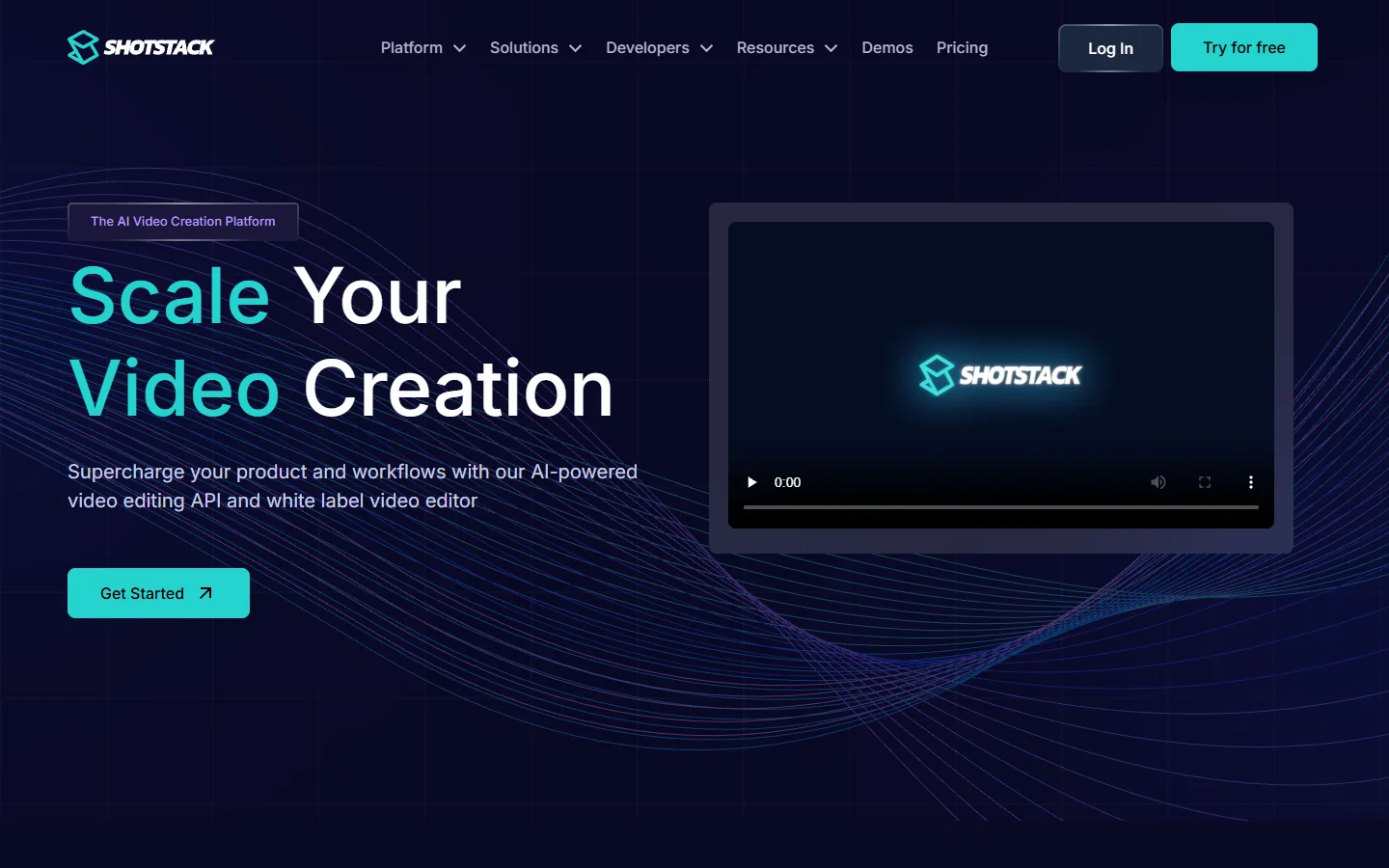
Verdict: the most mature dedicated assembly API, and the right default if your clips come from somewhere else and you want the timeline expressed as data rather than code.
2. Wireflow
Best for teams that want generation and assembly in the same call. Wireflow is a node canvas where each scene is a generation node and the last node joins them into a single MP4, then the whole graph is published as a REST endpoint or reached over MCP. The practical difference is that the scene prompts, the model choice and the stitch order all live in one place instead of being split between a generation vendor and a rendering vendor. It sits behind the renderers on raw timeline control and ahead of them on coverage, which is the trade also visible in the AI node editor with API breakdown.

Verdict: the strongest option when the clips do not exist yet and you would otherwise be gluing two services together.
3. Creatomate
Best for data-driven variants off one template. Creatomate takes a similar approach to Shotstack, with a visual template editor in front of the API so a non-developer can build the layout and a developer can fill it by posting JSON. Merging several videos is a single request with a source array, and the service normalises resolution and frame rate before joining. Its template library leans toward social formats, which makes it a common pick for teams producing the same 15-second cut in 9 aspect ratios.
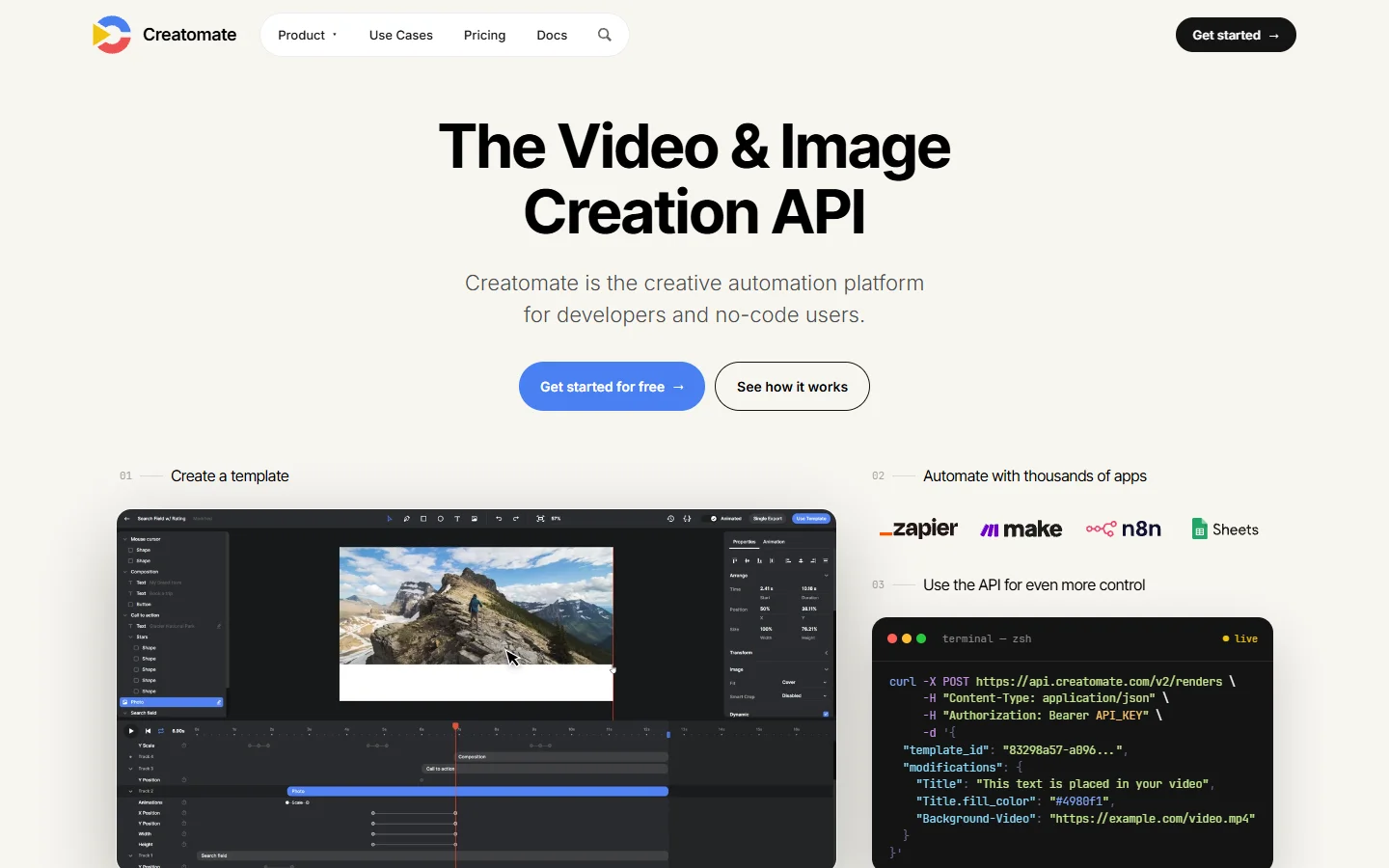
Verdict: choose it over Shotstack when someone non-technical needs to own the layout and the developer only supplies the data.
4. Segmind Video Stitch
Best for joining clips you are already generating on the same platform. Segmind runs a hosted model catalogue, and Video Stitch is a single-purpose endpoint in it that accepts an ordered list of video URLs and returns one file. Because it lives next to the generation models, the output of a text-to-video call can feed the stitch call without leaving the platform, which keeps the whole chain behind one key. It does not do titles, captions or audio beds, so treat it as concatenation rather than editing.
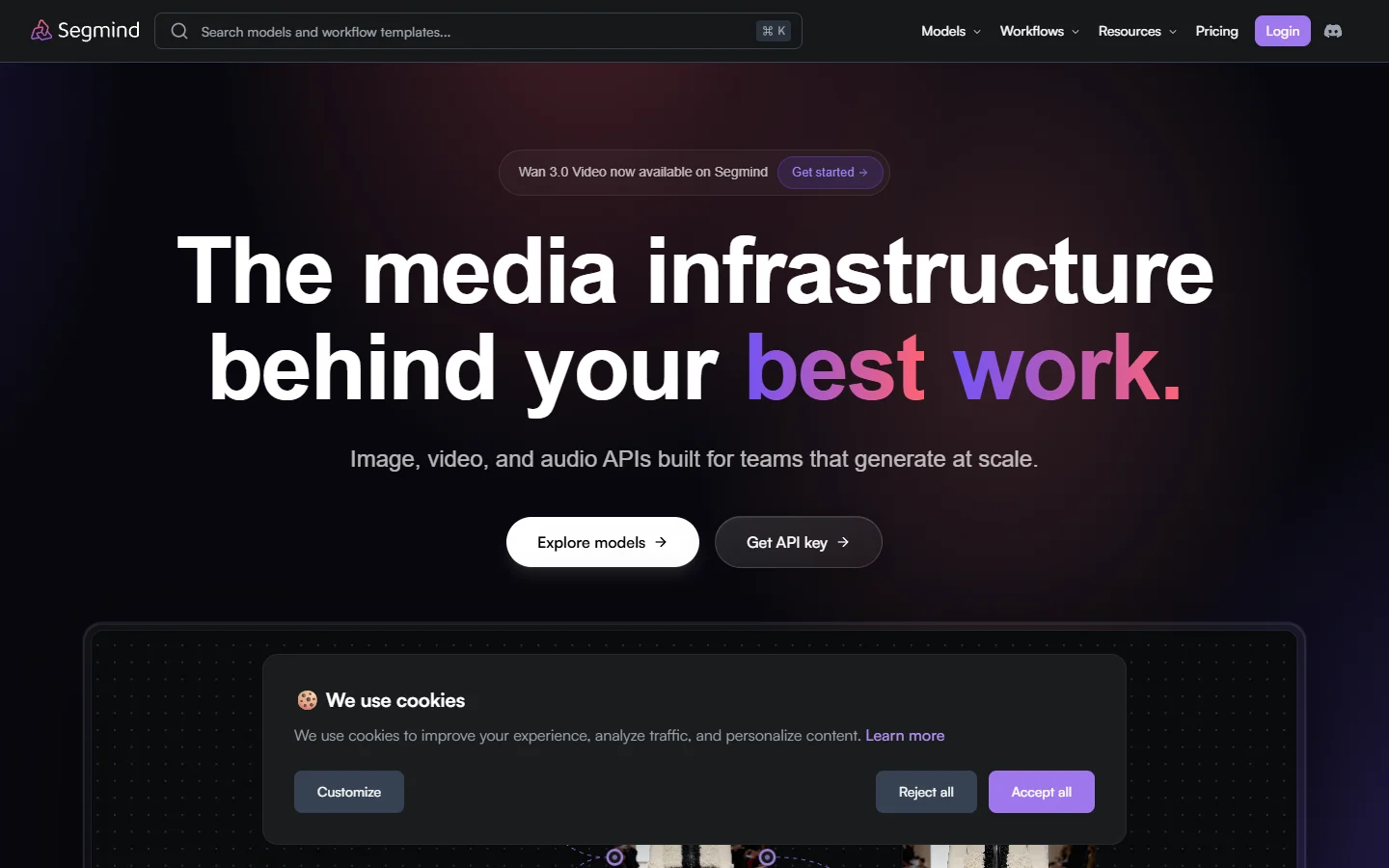
Verdict: the cheapest way to close the loop if your clips are already coming from Segmind models. Teams comparing model hosts more broadly should read the headless AI workflow platforms roundup.
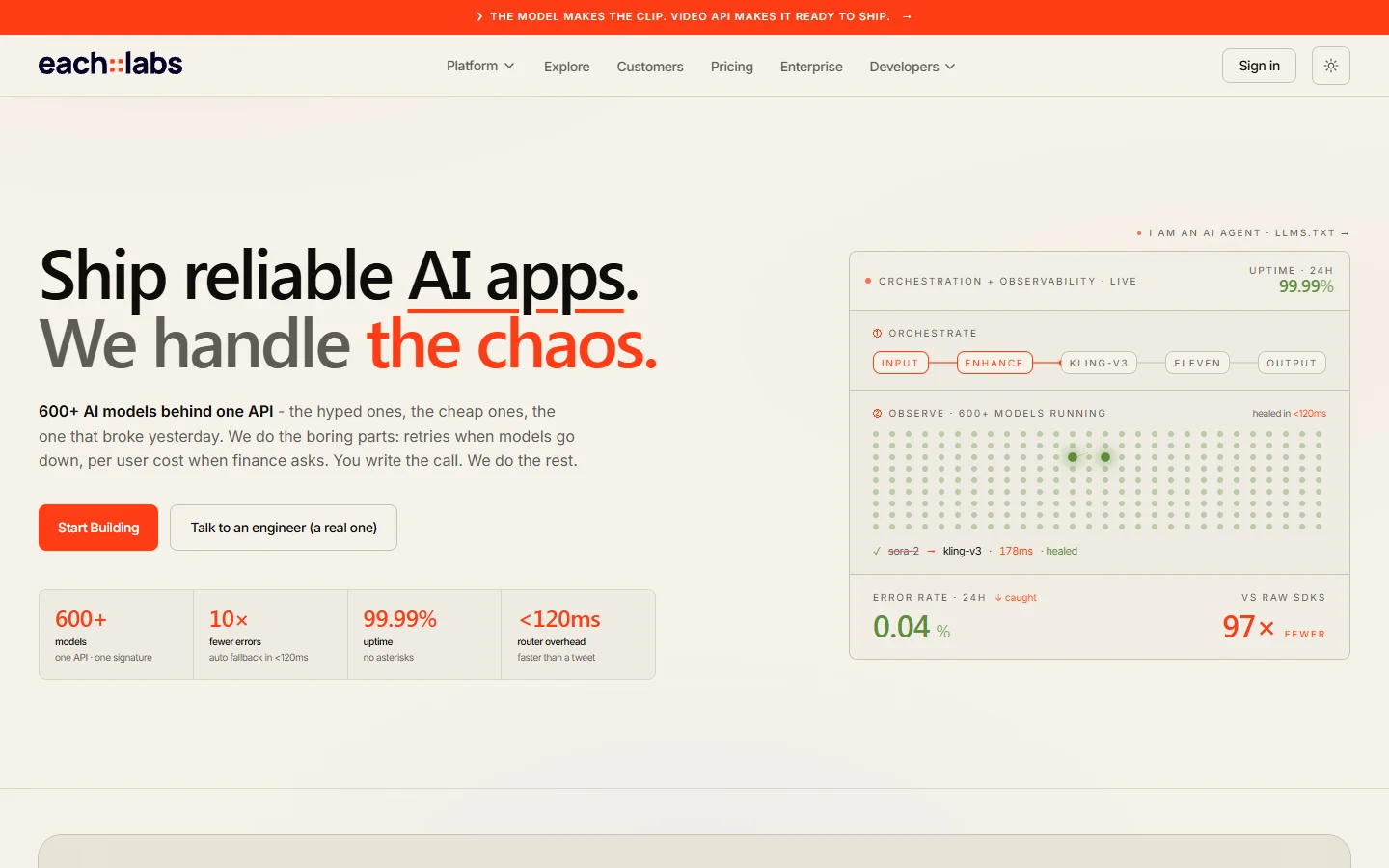
5. Eachlabs Merge Videos
Best for normalising clips that do not match. Eachlabs exposes a merge-videos model that concatenates files into one continuous output and handles format normalisation on the way through, which matters when half your clips came back at 24fps and the rest at 30. You call it with URLs or file paths and poll for the MP4. Like Segmind it is one step rather than an editor, but the normalisation behaviour saves a preprocessing pass that you would otherwise run yourself.
Verdict: worth the call over raw concat when your sources are mixed, and a reasonable companion to the batch image generation via API pattern where outputs also arrive inconsistent.
6. FFmpeg, self-hosted
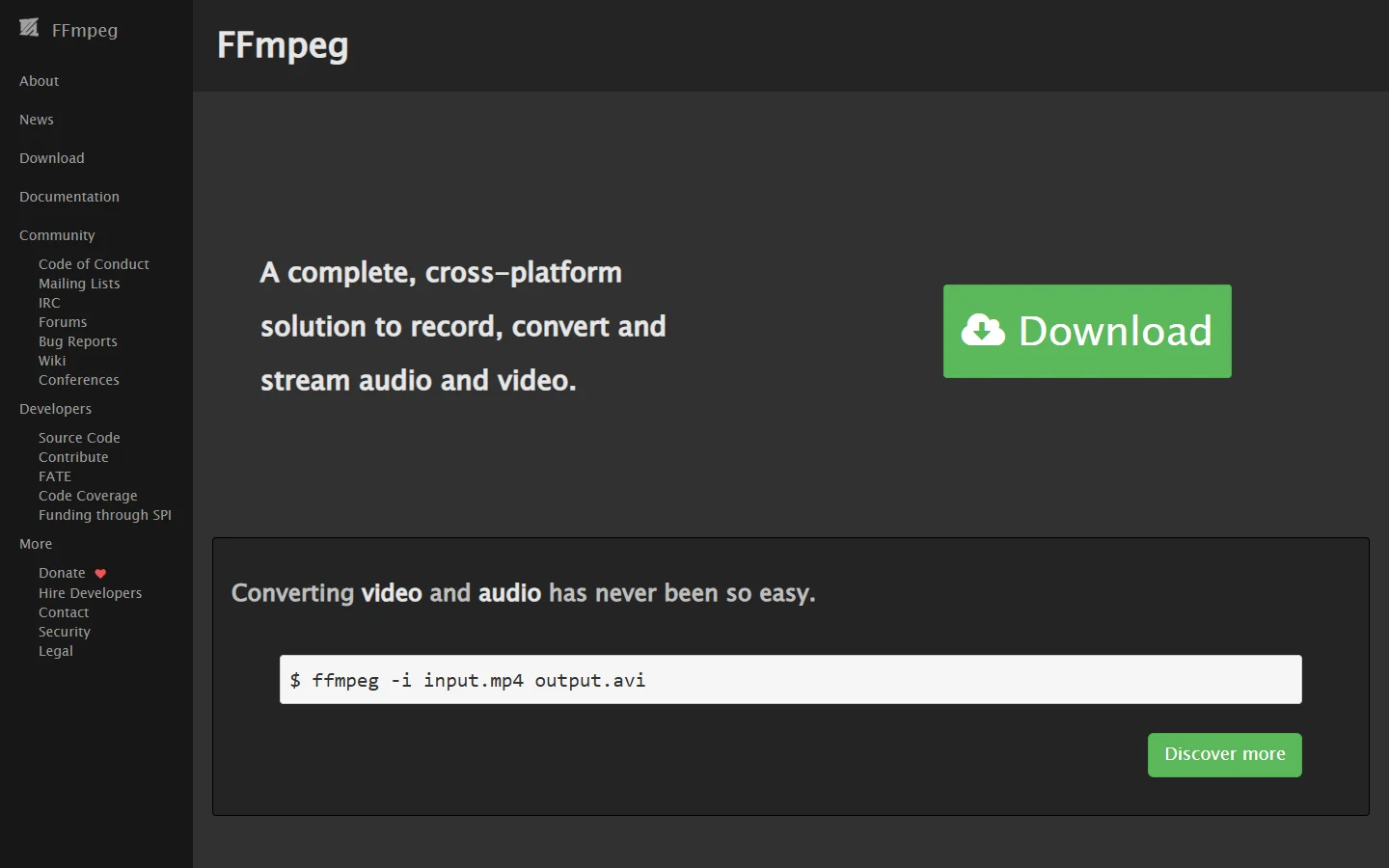
Best for teams with infrastructure and a reason to own the render. FFmpeg concat is the thing every API on this list is wrapping. Two clips with identical codecs join with a demuxer concat and no re-encode, which is close to instant; mismatched sources need the filter, which re-encodes and costs CPU time. The cost is operational rather than per-render: you run the workers, the queue, the storage and the retries.
Verdict: correct at high volume where per-render pricing stops making sense, wrong as a first move when you are still deciding what the video should look like.
Where FLUX fits before the assembly step
Assembly is only as good as the frames going into it, and most generative video pipelines still start with a still image. A FLUX render gives you a controlled first frame, which then drives an image-to-video model, which then produces the clip the assembly API joins. Holding the look steady across scenes is mostly a prompting problem, and the FLUX 1.1 Pro model page covers the settings that keep lighting and palette consistent between renders.

The common failure is treating each scene as an independent prompt. If scene 3 comes back with a different colour temperature, no stitch will hide it, and you will re-render rather than re-edit. Seeding every scene from the same reference still is the cheapest fix, and the FLUX prompt generator is a practical way to hold the style tokens constant while the subject changes.
How to wire a prompt-to-MP4 pipeline
- Write the scene list first, one line per shot, with the duration you expect. This is the document the rest of the pipeline reads.
- Generate a reference still for the look, then generate each scene’s first frame from it so the palette holds. The notes on animating a still image apply directly here.
- Send each frame to an image-to-video model and store the returned clip URL against its scene number, not against a timestamp.
- Post the ordered URL list plus any audio to the assembly API and poll until the render completes.
- Keep the scene list, the clip URLs and the render ID together, so a single bad scene can be regenerated and restitched without rebuilding the run.

Step 3 is where most homegrown pipelines break, because the clip has to be addressable by scene rather than by arrival order. The same discipline shows up in the REST API workflow guide, where naming outputs by their position in the plan is what makes reruns cheap.
FAQ
What is a video assembly API?
It is an HTTP service that takes an ordered set of media, usually video clips plus audio, and returns one rendered file. Some accept a full timeline with transitions and text; others only concatenate. Both are covered in the Veo 3.1 API examples writeup where generation and delivery are separated the same way.
Can one API both generate the clips and assemble them?
Yes, though most cannot. Wireflow is the clearest example of one graph that renders every scene and returns a single MP4, reachable over REST or MCP, so the generation calls and the stitch happen inside the same run rather than across two vendors.
Do I need to re-encode when joining clips?
Only when the sources differ. Identical codec, resolution and frame rate means a demuxer concat with no re-encode, which is near instant. Any mismatch forces a filter pass, so it is cheaper to pin the output settings at generation time, as the Kling 2.5 API tutorial sets out, than to fix the join afterwards.
How long does a render take?
For short social cuts, usually seconds to a couple of minutes depending on length and queue depth. Re-encoding long sequences with transitions and captions takes longer, and every hosted option here is asynchronous for that reason.
What is the difference between an assembly API and a video editor?
An editor is for one-off human decisions; an assembly API is for repeating a decision you already made. If you will make the same cut more than a few times with different content, it belongs in an API, a point the no-code AI with API access page makes for pipelines generally.
Is FFmpeg still worth self-hosting?
At high, steady volume, yes, because per-render pricing adds up faster than a worker fleet. Below that, the queue, retry and storage work costs more engineering time than the API fees it saves.
Conclusion
Pick by how much of the pipeline you still have to build. If the clips already exist and the layout repeats, a timeline renderer like Shotstack or Creatomate is the shortest path. If the clips do not exist yet, a graph platform that generates and assembles in one run removes an integration you would otherwise own. And if the frames are the weak link rather than the join, the fix is upstream in the prompt, where the FLUX prompt library is a better place to spend an afternoon than any render setting.