
The AI image generation space has matured considerably since the early days of blurry faces and melted hands. In 2026, creators have access to a broad set of tools that produce publication-ready visuals from a simple text prompt. Whether you are a designer prototyping concepts, a marketer building ad creatives, or an indie developer who needs game assets, the right AI image generator can save dozens of hours per project.
This guide compares the leading AI image generators available right now. We test each tool against the same criteria: output quality, prompt adherence, speed, pricing, and commercial licensing. If you have been generating images with FLUX models and want to see how they stack up against the competition, this comparison will help you decide where each tool fits in your workflow.
What Separates a Good AI Image Generator from a Great One?
Before diving into individual tools, it helps to know what actually matters when evaluating an image generator. Five factors tend to determine whether a tool becomes part of your daily workflow or gets abandoned after the free trial.
Prompt adherence is the most important factor. A model that ignores half your prompt description wastes your time. The best generators in 2026 can handle multi-subject compositions with specific spatial relationships, accurate text rendering, and style constraints all in a single pass. Midjourney and FLUX 1.1 Pro both score well here.
Output quality covers resolution, detail consistency, and absence of common artifacts like extra fingers or warped backgrounds. Models like FLUX 1.1 Pro and GPT Image 1.5 now produce results that pass casual inspection as photographs, though each model has its own characteristic style that becomes apparent on close inspection.
Speed matters for iterative workflows. Some models return results in under two seconds, while others take 30 seconds or more for a single image. If you are generating hundreds of variations, that difference compounds quickly in a real production schedule. Stable Diffusion running locally and FLUX Schnell are the fastest options for high-volume work.
Commercial licensing is a deal-breaker for professional use. Adobe Firefly trains exclusively on licensed data, making it the safest choice for commercial output. Open-source models like FLUX allow full commercial use, but the training data provenance is less clear. Always review the terms for your specific use case before shipping client work.
Integration determines how the tool fits into your broader creative pipeline. Standalone generators are fine for one-off images, but production workflows benefit from tools that connect to editing, upscaling, and publishing steps. Platforms like Wireflow’s Midjourney alternative address this by chaining generation, editing, and export into a single automated workflow rather than requiring manual handoffs between separate apps.
FLUX Models: Open Source and Locally Deployable
The FLUX model family from Black Forest Labs occupies a unique position in this space. Unlike proprietary tools that lock you into a subscription and API, FLUX models can run entirely on your own hardware, giving you complete control over the generation pipeline.
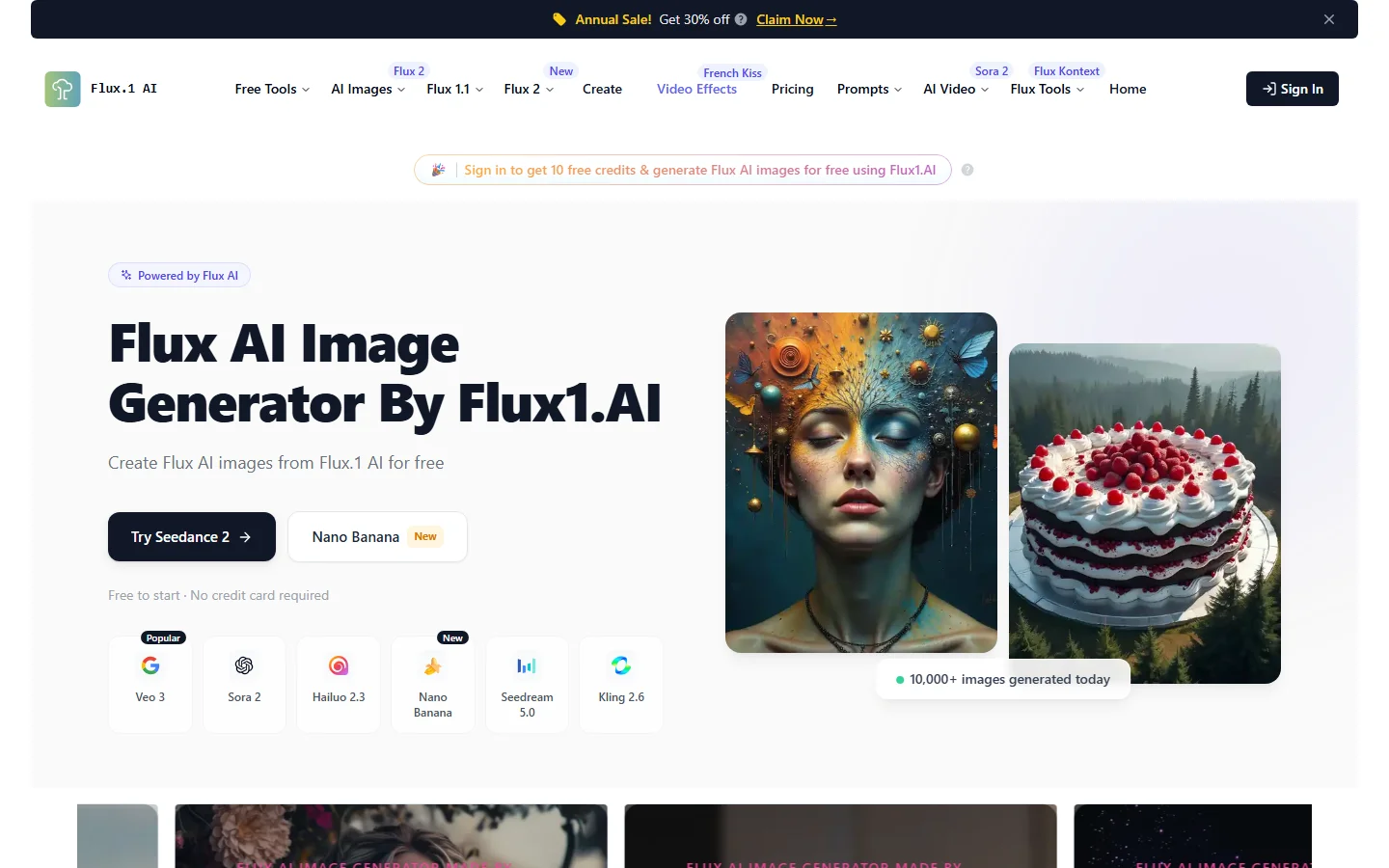
FLUX 1.1 Pro is the flagship model. It delivers photorealistic output that competes directly with Midjourney and GPT Image 1.5. The key advantage is control: you own the entire pipeline, from prompt to final pixel, with no content filters blocking legitimate creative use cases. See the FLUX 1.1 Pro overview for hardware requirements and API details.
FLUX Schnell is the fast variant, returning images in under two seconds on a modern GPU. The FLUX prompt generator helps translate simple ideas into optimized prompt structures without requiring knowledge of ComfyUI node graphs. An active community builds LoRA fine-tunes and custom pipelines on top of the open weights, making FLUX the most practical foundation for teams that need a model trained on their specific product photography or brand style.
Midjourney v7
Midjourney remains the default choice for creatives who prioritize visual impact over photorealism. Version 7 improved prompt adherence and added a web interface alongside the Discord workflow, making it more accessible than earlier versions. The artistic style is recognizable but not as limiting as it once was.

Midjourney’s pricing runs from $10 to $60 per month depending on generation volume. The FLUX realtime API offers a useful benchmark for comparing response speeds when evaluating Midjourney against open-source alternatives, since Midjourney’s generation time varies by queue load.
DALL-E 3
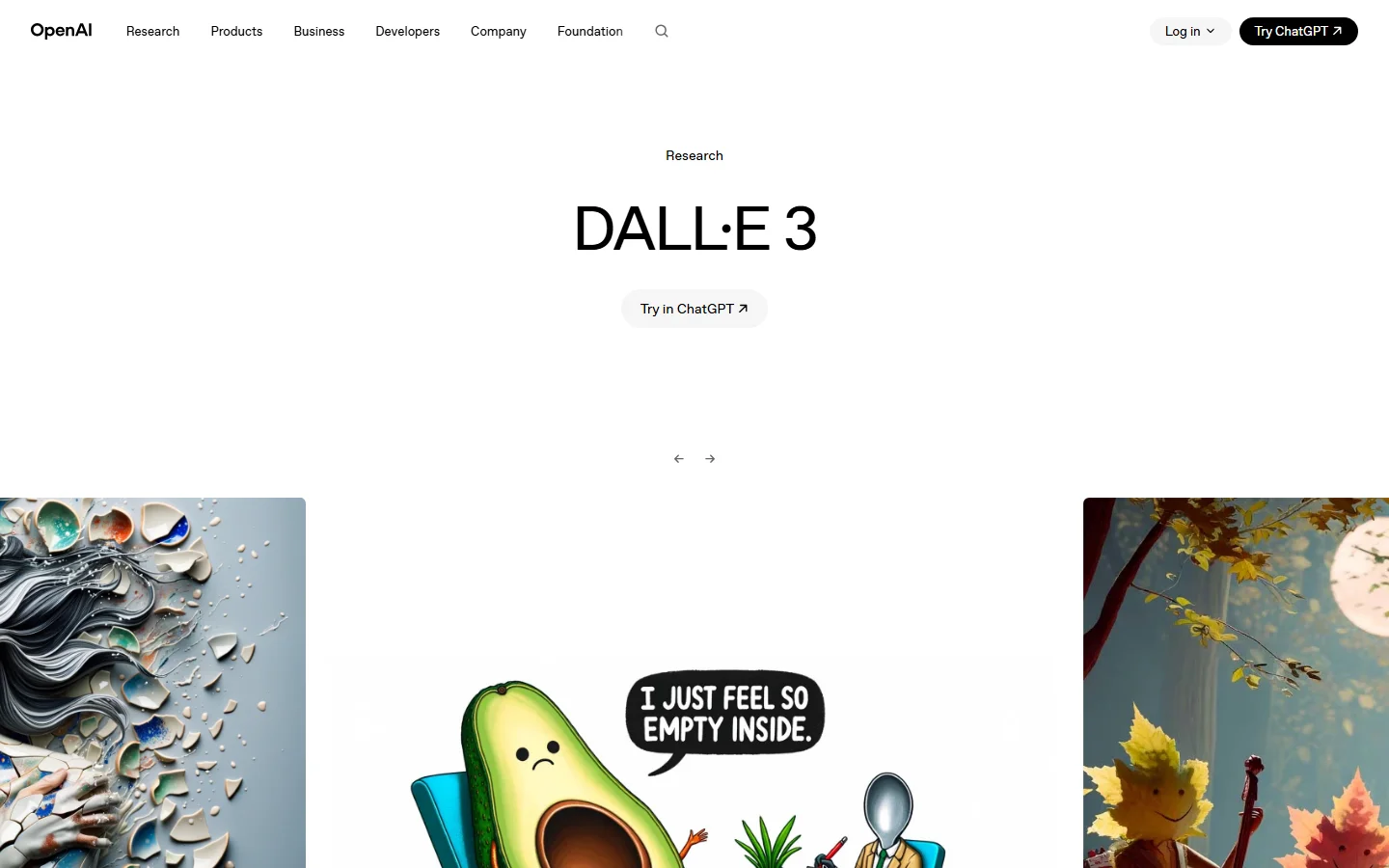
DALL-E 3 is embedded directly into ChatGPT Plus and the OpenAI API, which makes it the most frictionless option for users already inside that ecosystem. The conversational interface allows iterating on an image through back-and-forth refinement rather than rewriting prompts from scratch. Text rendering has improved compared to earlier versions, though Ideogram still leads in typography accuracy.
Stable Diffusion 3.5
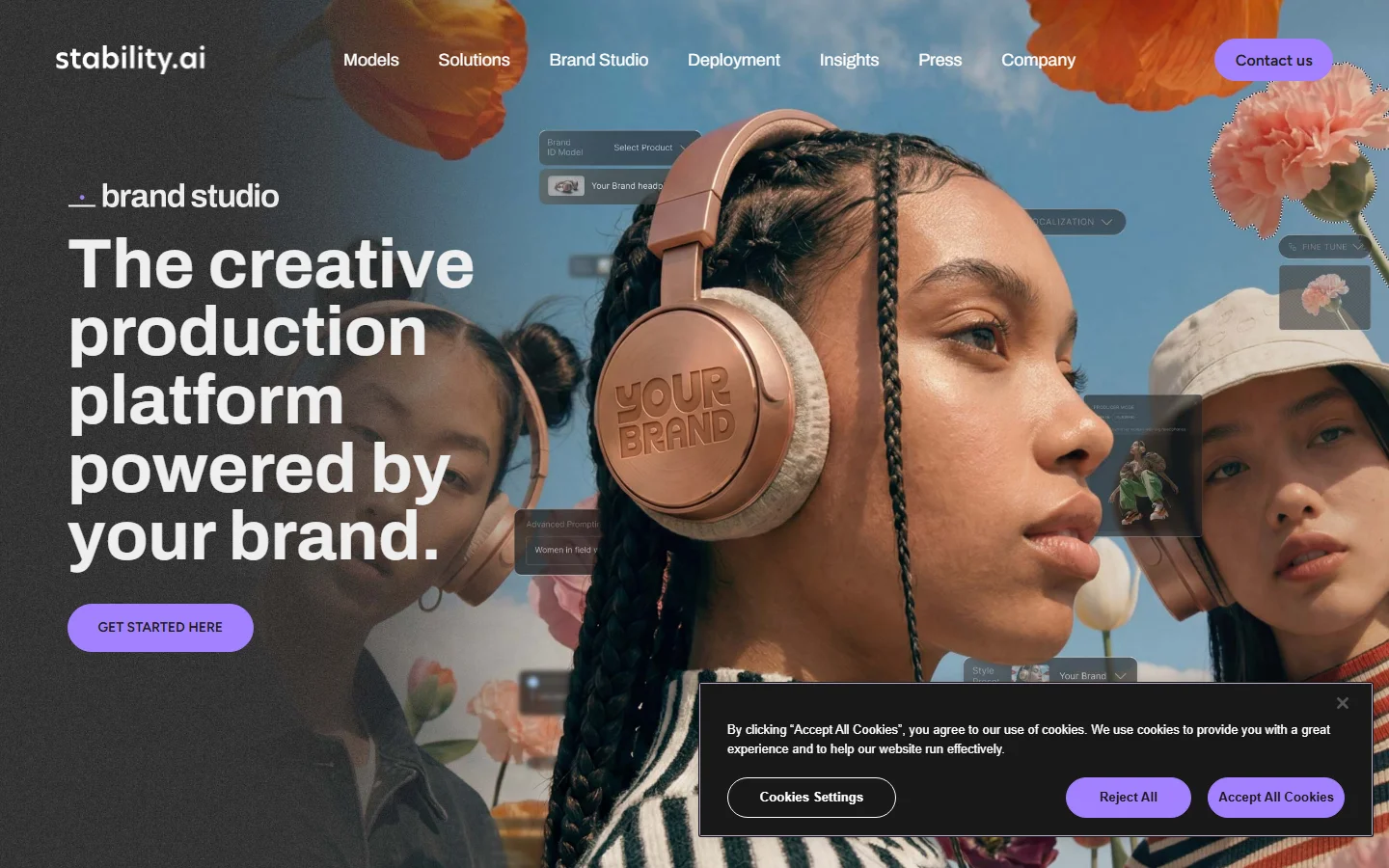
Stable Diffusion 3.5 gives developers the deepest level of control available in any public model. The open weights can be fine-tuned on custom datasets, integrated into ComfyUI pipelines, and deployed on private infrastructure. Output quality out of the box has improved substantially, but extracting the best results still requires familiarity with samplers, schedulers, and prompt formatting. Pairing it with the FLUX prompt guide can accelerate the learning curve, since many prompting strategies transfer across model families.
Leonardo AI
Leonardo AI has carved out a clear niche in game art and concept illustration. The platform ships with purpose-built models trained on game asset aesthetics, and it supports fine-tuning on uploaded reference images without requiring any infrastructure setup. Teams building asset libraries for games or animation will find Leonardo’s batch generation and training capabilities more useful than any API-based generator. The output style differs from photorealistic tools, which is a feature rather than a limitation for the target audience.
Ideogram 3
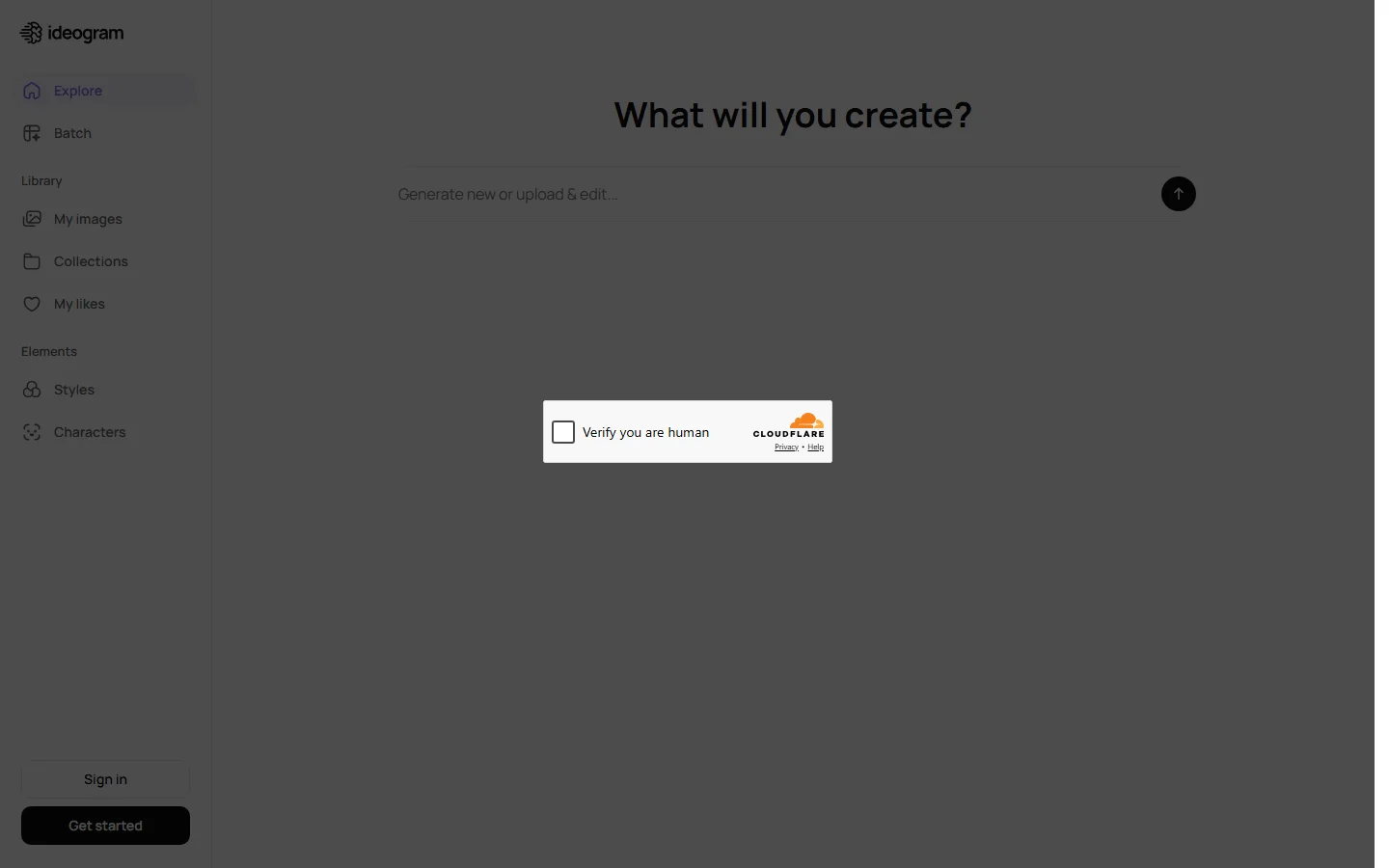
Ideogram 3 leads the field on typography accuracy. Other models produce readable text inconsistently; Ideogram handles headlines, captions, and multi-line poster copy with a reliability that makes it the practical choice for social media graphics, event posters, and any image where text is a core design element. The free tier covers everyday use, and the paid plans are competitively priced compared to alternatives at the same quality level.
Adobe Firefly 3
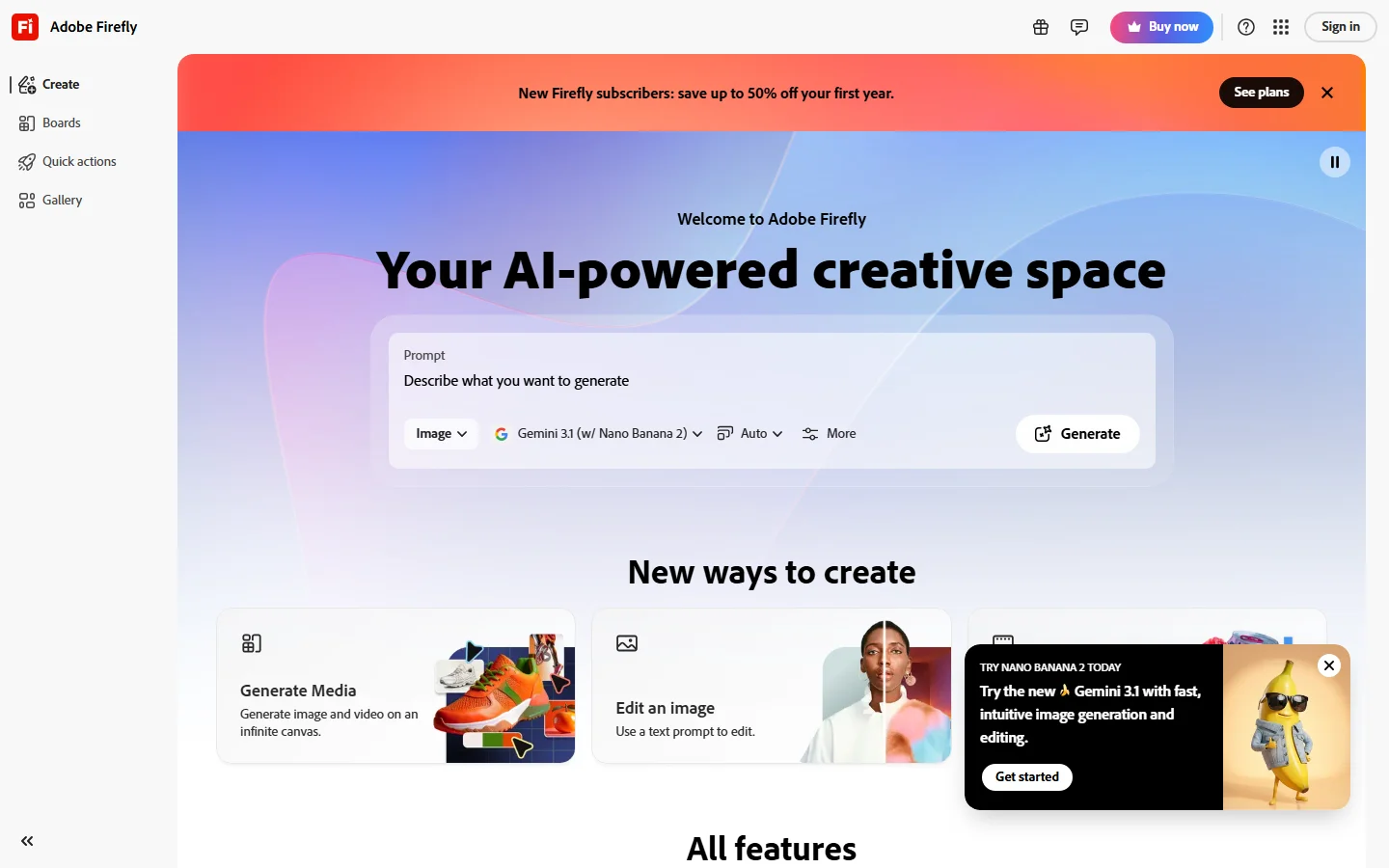
Adobe Firefly 3 is the safest tool in this comparison from an intellectual property standpoint. Adobe trains Firefly exclusively on licensed images and provides IP indemnity, meaning Adobe assumes liability for any copyright claims arising from commercial use. For agencies and freelancers doing client work, that indemnity removes a significant legal risk. For video professionals who need still-image generation to connect to motion output, text-to-video AI tools offer a complementary layer for animating concepts from Firefly or any other generator.
Google Gemini
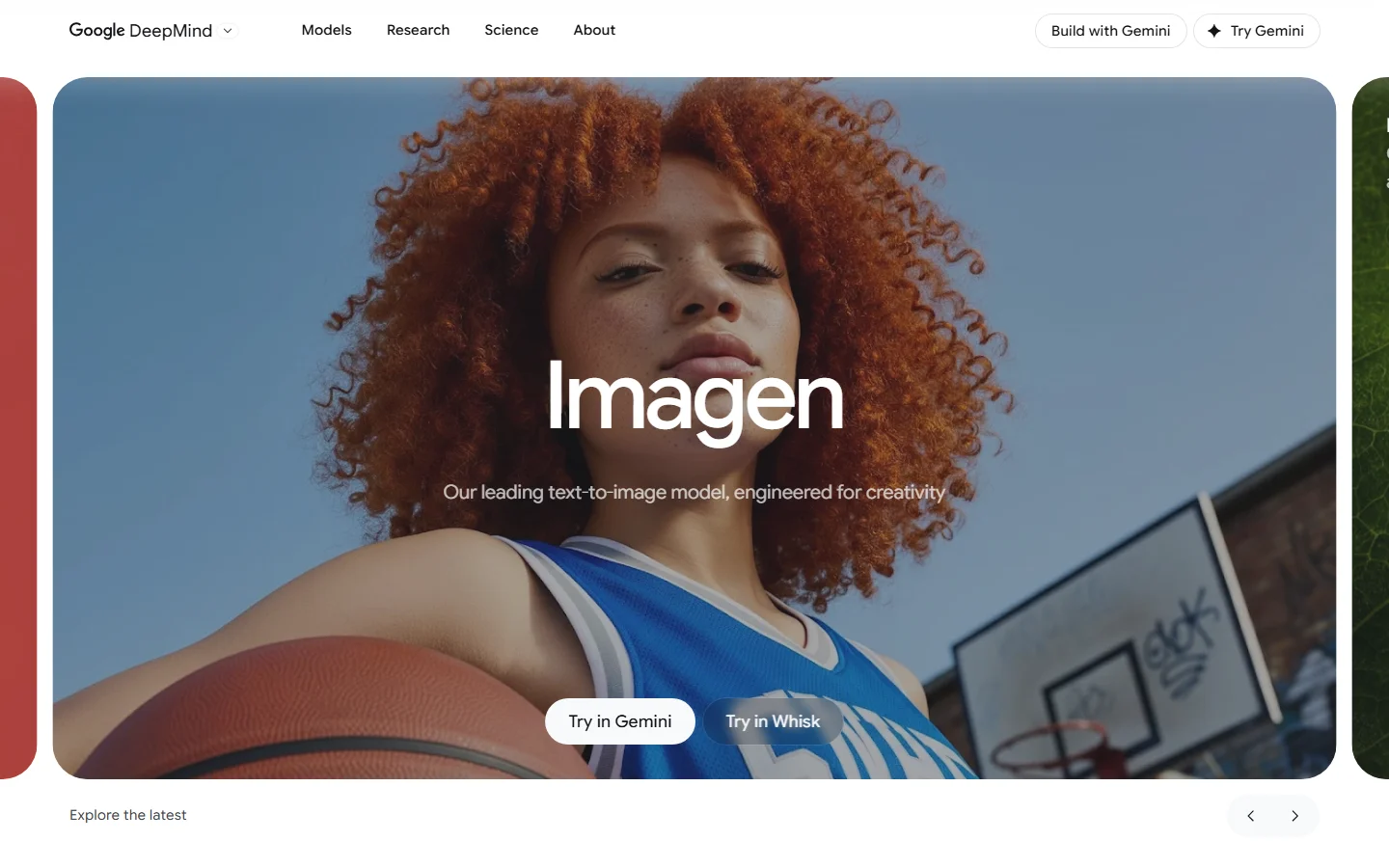
Google Gemini offers the best free-tier output quality available in 2026. The generation speed is competitive with paid tools, and the conversational interface requires no prompt engineering knowledge to get usable results. Daily limits on the free tier are the main constraint for high-volume users, but Gemini Advanced removes those limits and adds multimodal capabilities that connect image generation to Google Workspace workflows.
How to Choose the Right Tool for Your Workflow
The best generator depends entirely on what you are building and how you are building it. For marketing teams producing social media graphics and ad creatives at scale, GPT Image 1.5 or Ideogram 3 are strong choices, as both handle text rendering reliably. For photographers and retouchers working in an Adobe workflow, Firefly 3 integrates natively and the IP indemnity removes legal uncertainty from client work.
For indie developers and game studios, Leonardo AI offers style-specific models and training capabilities that cater to game art aesthetics. For general creative exploration where you want the highest-quality output with minimal setup, Midjourney v7 and Google Gemini are hard to beat.
For most creators, the practical answer is to use two or three tools depending on the task. Explore the top Weavy AI alternatives for a sense of how specialized generators compare against general-purpose image tools in focused use cases. Run FLUX locally for high-volume generation, use Midjourney or Gemini for creative exploration, and keep Firefly available for client work that needs IP protection.
Getting Better Results from Any Image Generator
Regardless of which tool you choose, a few techniques consistently improve output quality. Use FLUX prompt examples as a starting point; many of the patterns transfer across model families.
Be specific about composition. Instead of “a cat on a table,” try “a tabby cat sitting on a wooden farmhouse table, morning light from a window on the left, shallow depth of field.” The more spatial and lighting detail you provide, the more control you have. Reference real photography terms like “35mm lens,” “golden hour,” or “editorial portrait”; these act as style anchors that produce more cohesive results than vague descriptors. Iterate with negative prompts where supported: Stable Diffusion and FLUX both accept negative prompting to exclude unwanted elements or overused aesthetics. Build prompt templates for recurring tasks so you swap only the product description across a content batch, not the entire prompt.
Frequently Asked Questions
Which AI image generator produces the most realistic photos in 2026? FLUX 1.1 Pro and GPT Image 1.5 currently produce the most photorealistic output. See FLUX 1.1 Pro for sample outputs and hardware requirements.
Is there a free AI image generator that is actually good? Google Gemini offers high-quality generation at no cost with daily limits. FLUX Schnell is also free if you run it locally on a GPU with at least 12GB VRAM.
Can I use AI-generated images commercially? Most major generators allow commercial use, but the terms vary. Adobe Firefly offers IP indemnity, meaning Adobe assumes liability for copyright claims. Open-source models like FLUX and Stable Diffusion allow commercial use but do not provide indemnity.
What is the best AI image generator for text in images? Ideogram 3 and GPT Image 1.5 lead in text rendering accuracy. Both can produce readable text in images consistently, which is useful for social media graphics, posters, and marketing materials.
Which AI image generator is best for beginners? Google Gemini and DALL-E 3 are the most beginner-friendly options. For a deeper look at how AI-driven content tools compare, see how to turn text into video with AI in 2026; many of the same prompting principles apply across image and video generators.