
AI video generation has matured rapidly over the past year. What started as jittery five-second clips has evolved into tools capable of producing cinematic, temporally consistent footage with native audio. Whether you need short-form social content, corporate training videos, or creative film sequences, the options in 2026 are genuinely useful. This guide breaks down the six strongest AI video generators available right now, based on output quality, pricing, and practical use cases.
The shift from text-to-image models to text-to-video has been one of the defining trends in generative AI. Many of the same diffusion and transformer architectures that power image generation now underpin video pipelines, and understanding the overlap helps you pick the right tool.
We tested each tool below on the same set of prompts, comparing output quality, generation speed, pricing, and ease of integration. Here is what we found.
Google Veo 3.1: Best Overall Quality
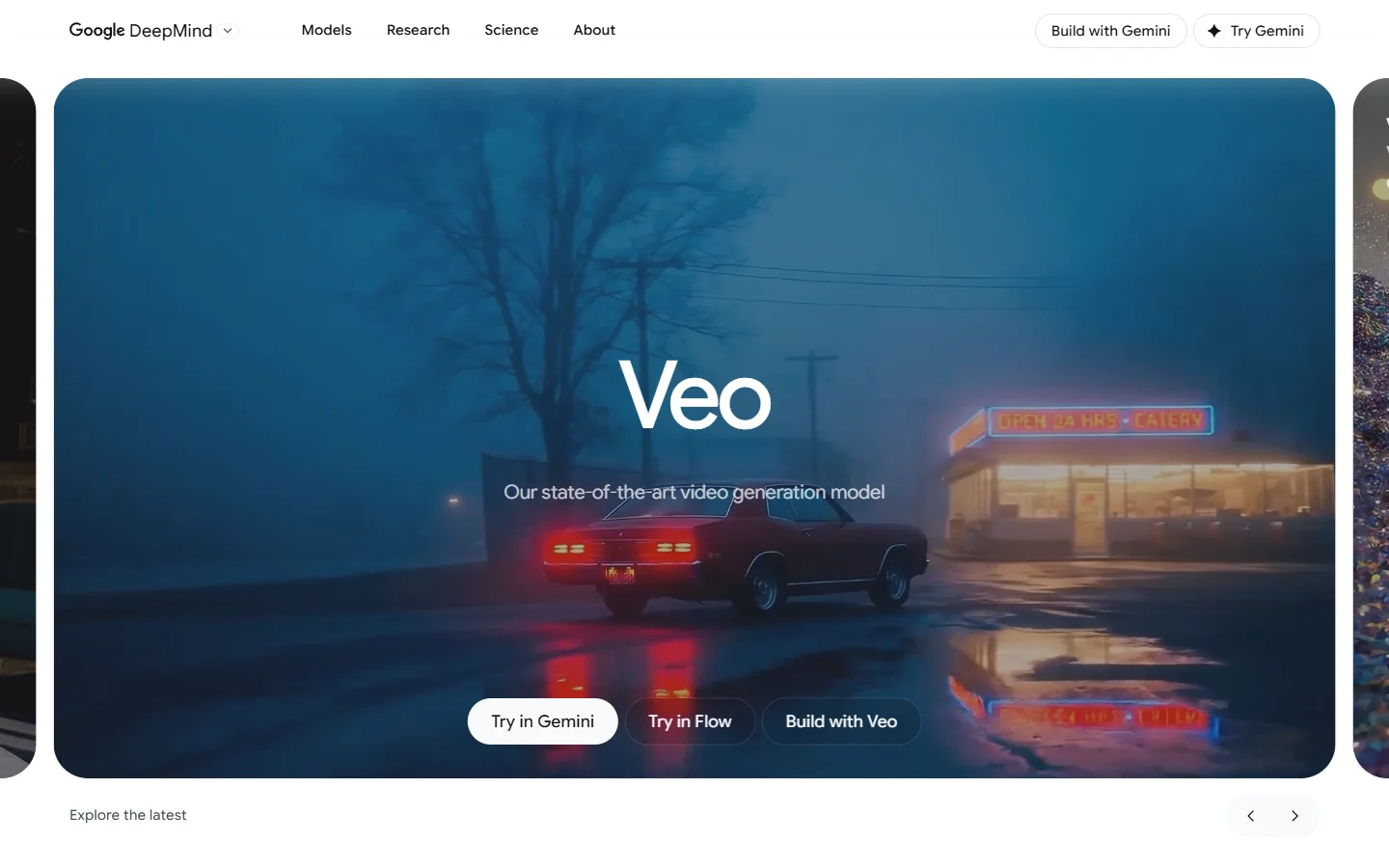
Google’s Veo 3.1 sits at the top of most benchmark comparisons for a reason. It generates 4K video with native audio synthesis, meaning the model produces synchronized sound effects and ambient audio alongside the visual output rather than layering them in post. The integration with Google’s ecosystem (Drive, YouTube Studio, Google Ads) makes it particularly practical for teams already working within that stack, especially those already using AI image generation tools in their pipeline.
Veo 3.1 costs roughly $0.40 per second of generated video, which places it at the premium end. For creators who need the highest fidelity output and can absorb the cost, it remains the benchmark. The main limitation is that generation times can run 2-4 minutes for a 10-second clip, and the free-tier access through Google AI Studio is heavily rate-limited.
Kling 3.0: Best Value for Quality
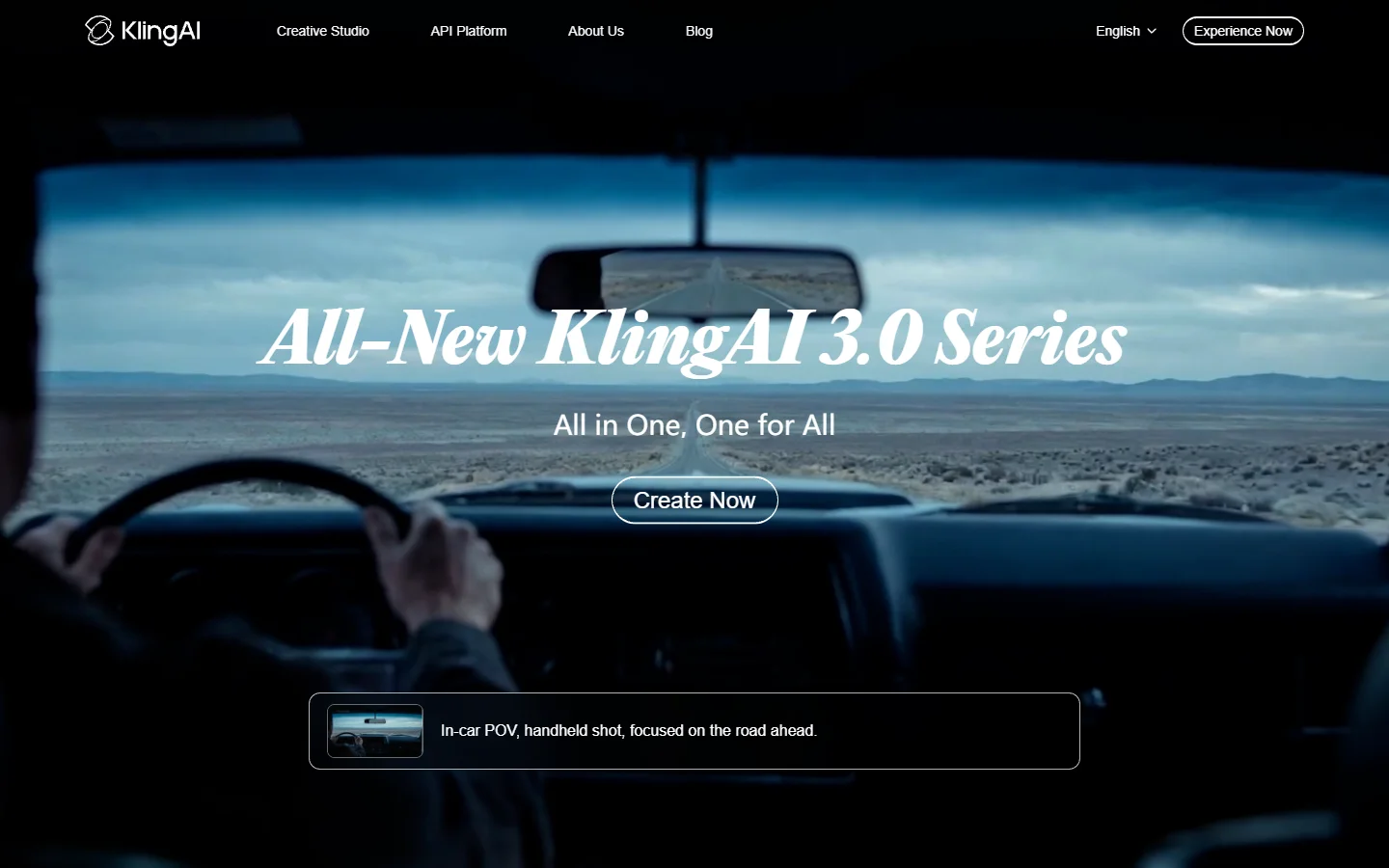
Kling 3.0 from Kuaishou has emerged as the strongest value proposition in the space. It scores an 8.4 on visual fidelity benchmarks (compared to Veo 3.1’s 8.7) while costing roughly $0.02-0.10 per second, depending on resolution and clip length. That pricing gap makes it the default choice for volume production, similar to how the FLUX model family disrupted image generation pricing.
The standout feature is multi-shot subject consistency. Kling can maintain a character’s appearance across different camera angles and scenes within a single generation session, which is critical for narrative content. It supports clips up to 15 seconds with configurable camera movements. For teams producing content at scale who need solid quality without premium pricing, Kling 3.0 is the practical pick. If you are building automated video pipelines, an AI workflow automation platform can help chain generation, upscaling, and audio steps into a single run.
Runway Gen-4.5: Best for Creative Control
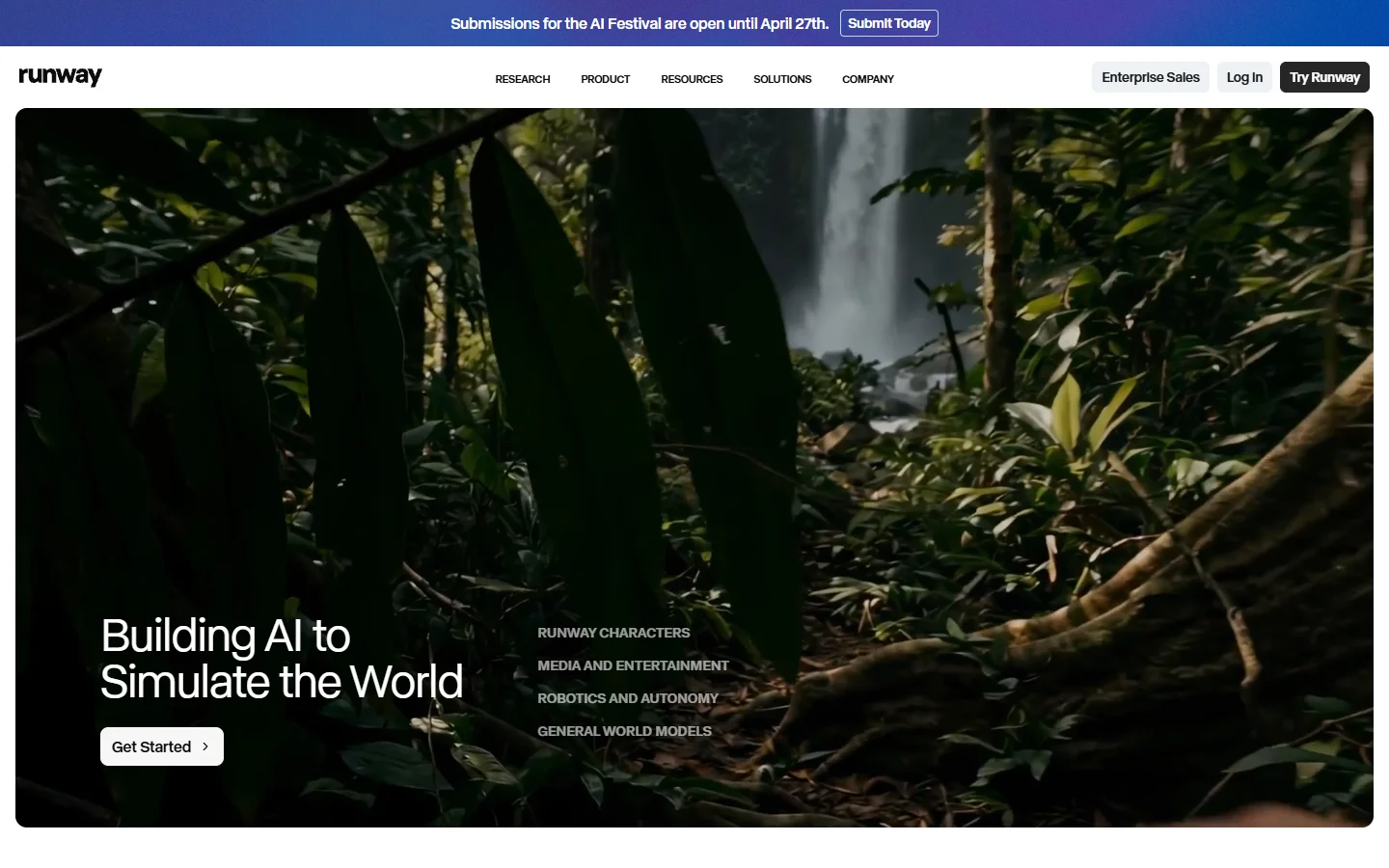
Runway has long been the filmmaker’s tool, and Gen-4.5 continues that positioning. The multi-motion brush lets you paint different movement vectors onto different regions of a frame, giving you precise control over how subjects and backgrounds move independently. Pan, tilt, zoom, and dolly controls are exposed as first-class parameters rather than buried in prompt syntax.
Pricing sits in the mid-range at roughly $0.15-0.25 per second. The trade-off is that Runway’s output occasionally exhibits what the community calls “the Runway look,” a slightly stylized quality that differs from Veo’s photorealism. For projects where creative direction matters more than raw photorealism, that distinctive character can actually be an advantage.

Synthesia: Best for Corporate and Training Videos

Synthesia occupies a different segment entirely. Rather than generating cinematic footage from text prompts, it produces talking-head videos using AI avatars that can deliver scripts in over 140 languages. The use case is corporate training, onboarding, internal communications, and localized marketing at scale.
The avatar quality has improved significantly. Lip sync is natural, gestures are contextually appropriate, and the latest models avoid the uncanny valley that plagued earlier versions. Pricing is subscription-based (starting around $30/month for individuals) rather than per-second, making costs predictable for teams with steady output needs. Synthesia is not the tool for cinematic or creative work, but for professional video content where consistency and multilingual delivery matter, it has no real competitor.
HeyGen: Best for Personalized Video at Scale
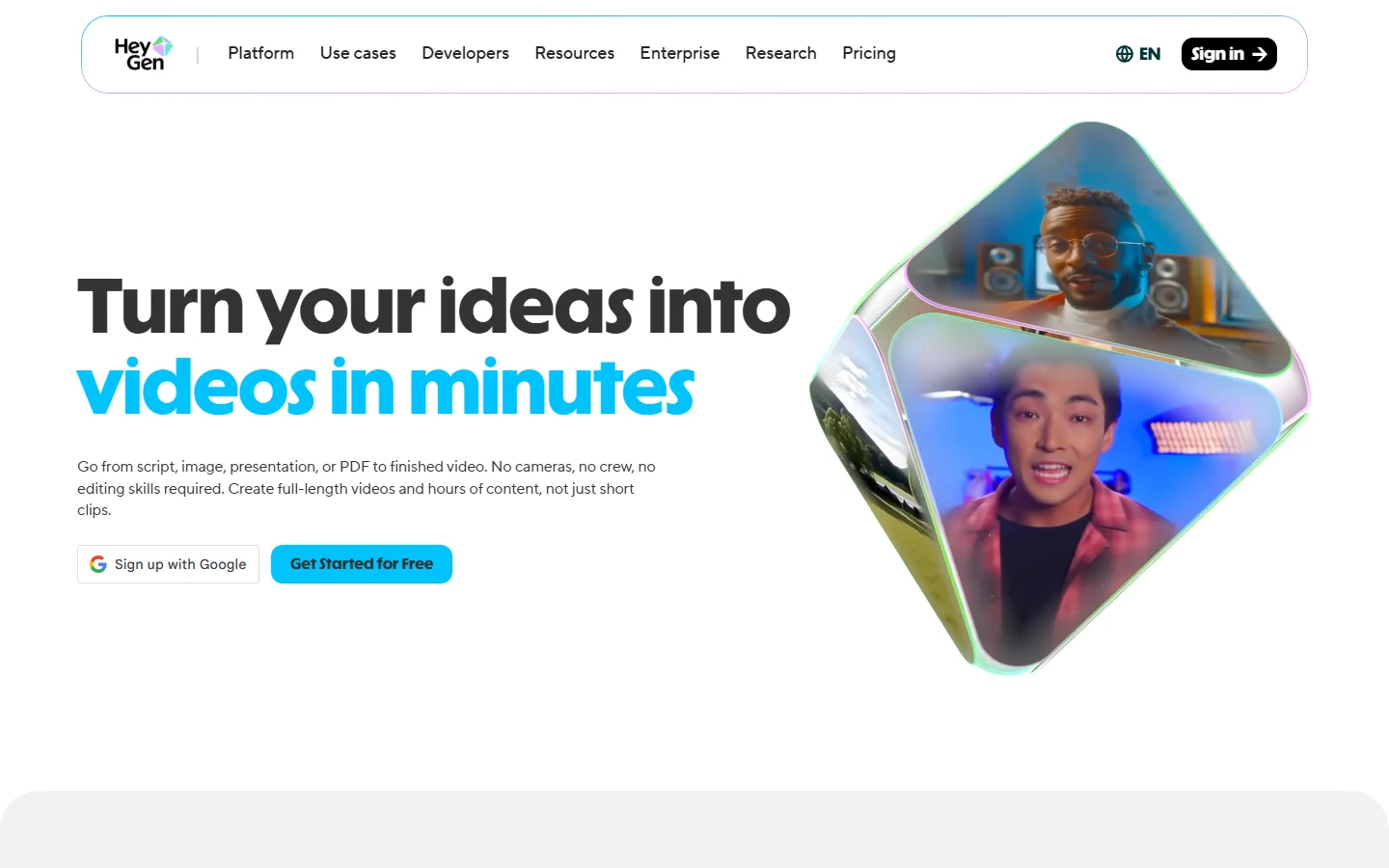
HeyGen overlaps with Synthesia on avatar-based video but differentiates on personalization and API access. Its video translation feature can take an existing video of a real person speaking English and produce a version where that same person appears to speak Japanese, Spanish, or any of 40+ supported languages, complete with matched lip movements. The approach is conceptually similar to how real-time AI models process inputs on the fly.
For sales teams and marketers, HeyGen’s batch personalization is the key feature: generate hundreds of individually addressed videos from a single template. The API is well-documented and integrates cleanly into CRM workflows. Pricing starts at $29/month with per-minute charges on higher tiers. The quality ceiling is lower than Runway or Veo for creative work, but for the personalization and localization use case, HeyGen delivers.
Luma Ray 3.14: Best for Post-Production Integration

Luma’s Ray 3.14 targets a niche that other generators overlook: integration with existing post-production workflows. It generates footage that composites cleanly with live-action material, maintains consistent lighting across generated and real elements, and exports in formats that drop directly into DaVinci Resolve or Premiere Pro timelines without re-encoding.
The filmmaker community has adopted Ray for B-roll generation, set extensions, and VFX pre-visualization. Quality is strong (comparable to Runway) and pricing is competitive at roughly $0.08-0.15 per second. The limitation is that Ray’s prompt interpretation is more literal than competitors, requiring precise prompt engineering to get the results you want.
Comparison Table
| Tool | Best For | Price/Second | Max Resolution | Audio | Clip Length |
|---|---|---|---|---|---|
| Veo 3.1 | Overall quality | $0.40 | 4K | Native | 8s |
| Kling 3.0 | Value + volume | $0.02-0.10 | 4K | Post-sync | 15s |
| Runway Gen-4.5 | Creative control | $0.15-0.25 | 1080p | Post-sync | 10s |
| Synthesia | Corporate/training | Subscription | 1080p | TTS avatar | Unlimited |
| HeyGen | Personalization | Subscription | 1080p | Clone/TTS | Unlimited |
| Luma Ray 3.14 | Post-production | $0.08-0.15 | 4K | No | 10s |
How to Choose the Right AI Video Generator
Picking the right tool depends on three factors: what kind of content you are making, how much you are producing, and your budget. The same logic applies when choosing AI image generation tools.
For cinematic and creative projects, Veo 3.1 or Runway Gen-4.5 give you the highest quality output. Veo wins on photorealism; Runway wins on directorial control. Both pair well with FLUX-based image generation for creating initial frames and concept art.
For volume production on a budget, Kling 3.0 is the clear choice. The quality-to-cost ratio is unmatched, and the multi-shot consistency means you can produce coherent sequences without manual editing.
For corporate and training content, Synthesia or HeyGen will save you from the cost and logistics of filming real people. Choose Synthesia for multilingual training content, HeyGen for personalized outreach at scale.
For post-production and VFX, Luma Ray integrates most cleanly with professional editing suites. If you need generated footage to sit alongside live-action material, start here.
If your workflow involves chaining multiple AI steps together, such as generating images, converting them to video, adding voiceover, and upscaling, you can learn more about platforms that connect these tools into automated sequences.
Frequently Asked Questions
What is the best free AI video generator in 2026?
Kling offers the most generous free tier with solid output quality. Google’s AI Studio also provides limited free access to Veo 3.1. For free video generation tools, expect watermarks and queue times on free plans.
Can AI video generators produce 4K output?
Yes. Veo 3.1, Kling 3.0, and Luma Ray 3.14 all support 4K resolution output. Runway and the avatar-based tools (Synthesia, HeyGen) currently max out at 1080p for most use cases. For comparison, image models like FLUX 1.1 Pro already generate at resolutions beyond 4K.
How much does AI video generation cost?
Per-second pricing ranges from $0.02 (Kling, lower quality settings) to $0.40 (Veo 3.1, max quality). Avatar tools like Synthesia and HeyGen use monthly subscriptions starting around $29-30/month.
Do AI video generators produce audio?
Veo 3.1 generates native synchronized audio alongside video. Seedance 2.0 also produces joint audio-video output with phoneme-level lip sync. Most other tools require you to add audio in post-production or use a separate text-to-speech service.
Which AI video generator has the best character consistency?
Kling 3.0 leads here with multi-shot subject consistency across different camera angles within a single session. Runway Gen-4.5 also performs well for maintaining character appearance across cuts. For static character portraits, dedicated AI photo generators offer even more control.
Are AI-generated videos commercially usable?
Most paid plans on these platforms grant commercial usage rights, similar to how models like Recraft V3 handle commercial licensing for image generation. Free tiers typically restrict commercial use or require attribution. Always check the specific terms for your plan level, as they vary between providers.
How long can AI-generated video clips be?
Single-generation clip lengths range from 5 seconds (some Veo modes) to 15 seconds (Kling 3.0). Avatar tools like Synthesia and HeyGen produce longer-form content since they render from scripts rather than generating frame-by-frame. For longer AI-generated footage, most workflows stitch multiple clips together using an image and video editing pipeline.
Conclusion
The AI video generation landscape in 2026 is segmented enough that no single tool dominates every use case. Veo 3.1 sets the quality ceiling, Kling 3.0 democratizes access with strong quality at low cost, and the specialized tools (Runway for creative control, Synthesia for corporate, HeyGen for personalization, Luma for VFX) each own their niche. The best approach is to match the tool to the job rather than looking for a universal solution. As these models continue to improve, the gap between AI-generated and traditionally produced video content keeps narrowing.