Most AI video generators slap a watermark on every clip you export, making the output unusable for professional projects. If you need clean, watermark-free video from an AI tool, the options are narrower than the marketing pages suggest. This guide covers the tools that actually deliver watermark-free output, what the tradeoffs are, and how to get the best results from each one. For creators who also work with AI image generation, many of these tools pair well with text-to-image workflows to produce complete visual content.
Why Watermarks Exist on AI Video
AI video generation is expensive to run. Models like Runway Gen-3, Pika, and Kling require significant GPU compute per second of output. Watermarks serve as the forcing function: they degrade free-tier output just enough to push users toward paid plans. Some platforms add visible logos, others embed invisible metadata watermarks for content provenance tracking. If you want to understand how AI models like FLUX handle this on the image side, the economics are similar but less restrictive since images are cheaper to generate.
The distinction between visible and invisible watermarks matters. A visible watermark ruins your clip for social media or client work. An invisible metadata watermark (like Google’s SynthID) is undetectable to viewers but identifies the content as AI-generated. Most creators care about the visible kind, and the tools below focus on removing or avoiding that visible branding.
Not every “free” tool truly delivers watermark-free output. Some remove the watermark only on paid plans, others add it only at higher resolutions, and a few genuinely provide clean exports at no cost. The tools below have been tested for actual watermark behavior on their free tiers as of 2026. For related comparisons on the image generation side, watermark policies tend to be more lenient since per-image costs are lower.
Luma Dream Machine
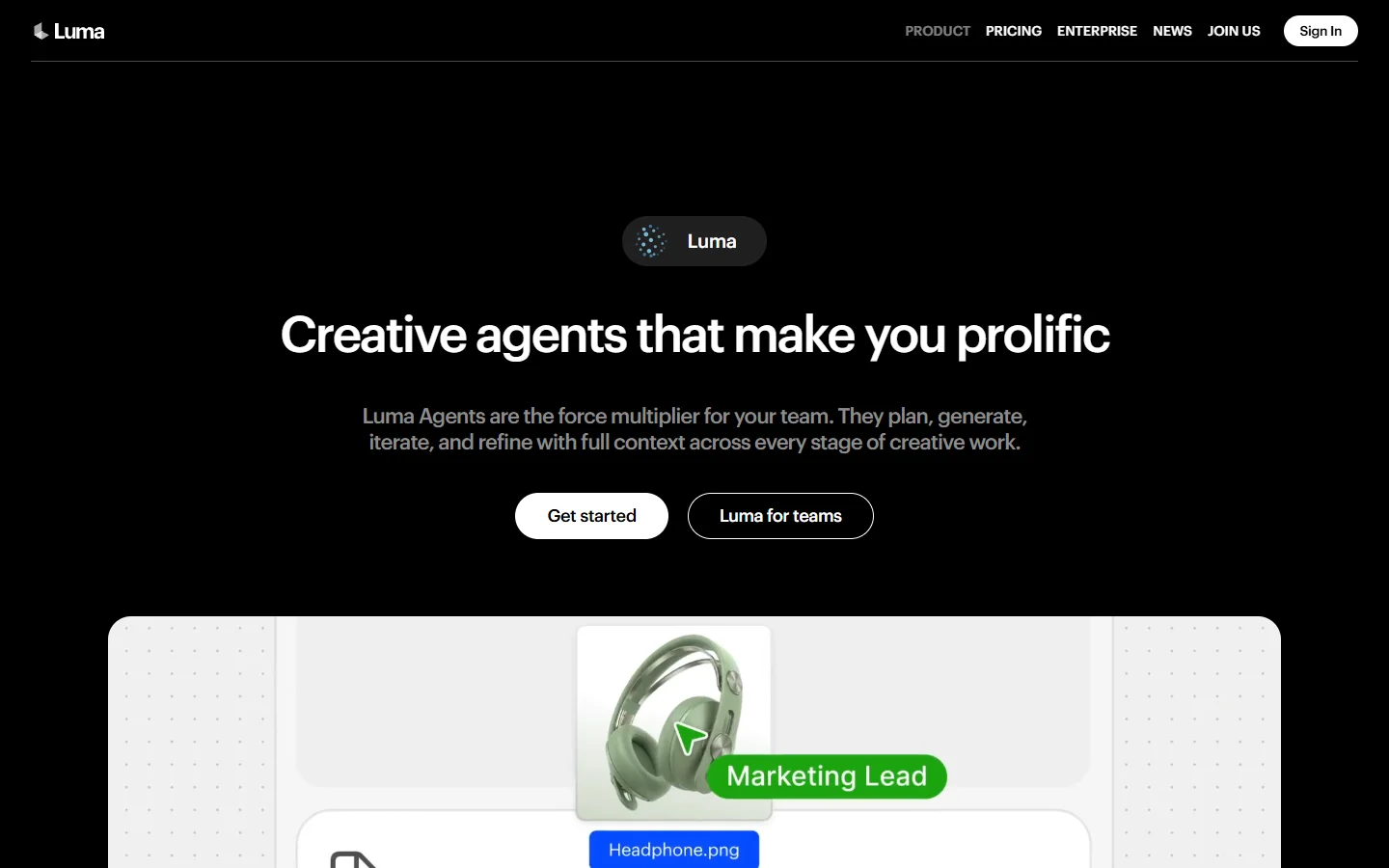
Luma AI’s Dream Machine generates 5-second clips from text or image prompts. The free tier provides a limited number of generations per day with no visible watermark on the output. Video quality is competitive with mid-tier paid tools, particularly for abstract and stylized content. The FLUX 1.1 Pro model handles similar quality benchmarks on the image side, so if you are used to that level of detail, Dream Machine’s output will feel familiar.
Strengths: fast generation times (under 60 seconds for most clips), solid motion coherence, and a clean export pipeline. Good for creative shorts, music visualizers, and social media teasers.
Limitations: resolution caps at 720p on free plans. Longer clips (beyond 5 seconds) require paid credits. Character consistency across frames can drift on complex prompts. Creators working on AI video projects often use Luma as a first-pass tool before upgrading to paid alternatives for final renders.
Dreamlux
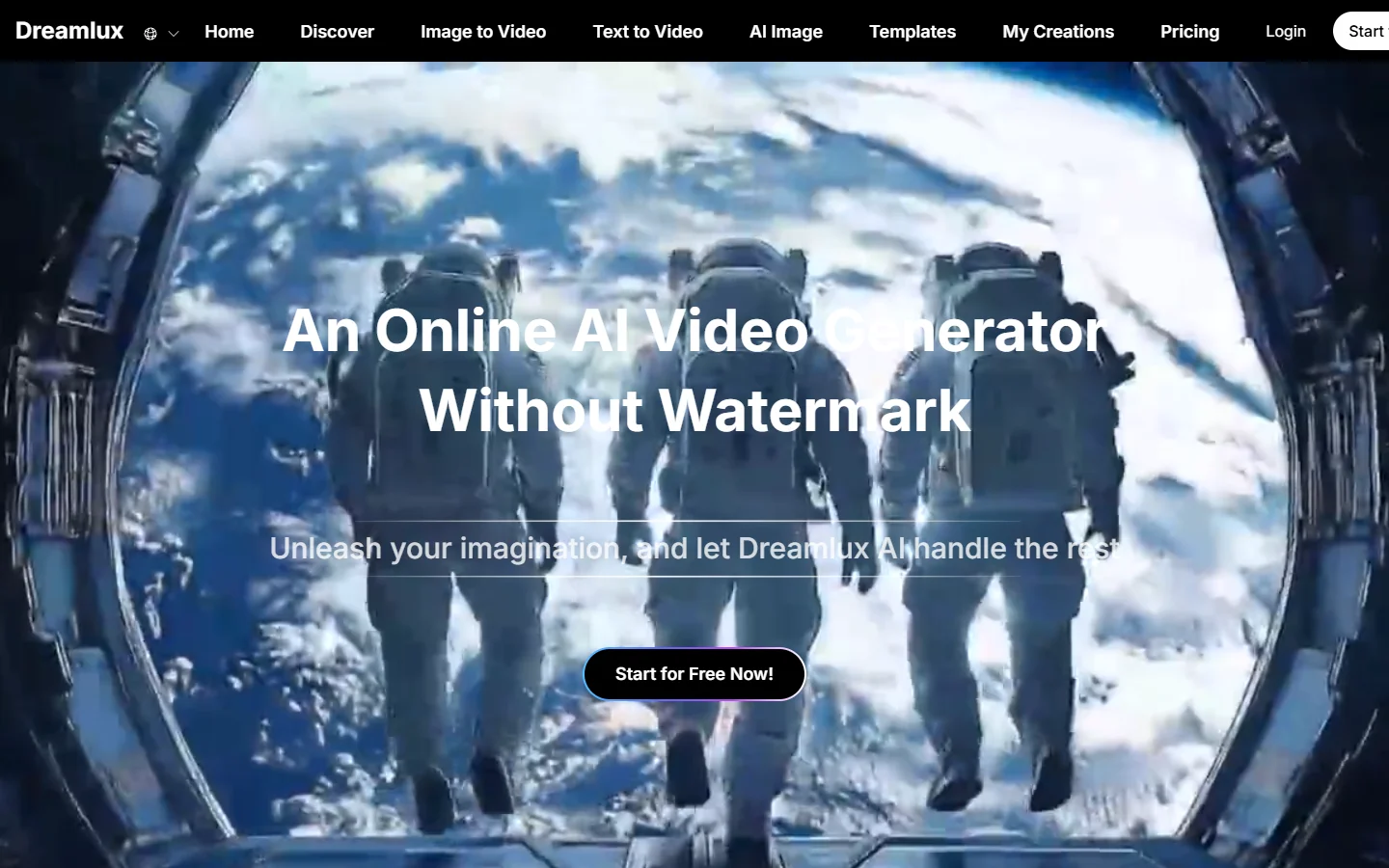
Dreamlux positions itself as a fully free, no-watermark AI video generator. The tool supports text-to-video and image-to-video workflows with no account required for basic use. If you have explored free AI video generation options before, Dreamlux is one of the few that delivers on the zero-cost promise without degrading output.
Strengths: zero friction to start generating. No sign-up, no watermark, no credit system on basic tier. Good for quick social media clips and prototyping visual ideas before committing to a paid tool.
Limitations: output quality sits below Luma and Kling. Motion can look choppy on complex scenes. Limited control over camera movement and scene composition. Pairing Dreamlux video with high-quality AI-generated images as input frames can improve results significantly.
Vivideo
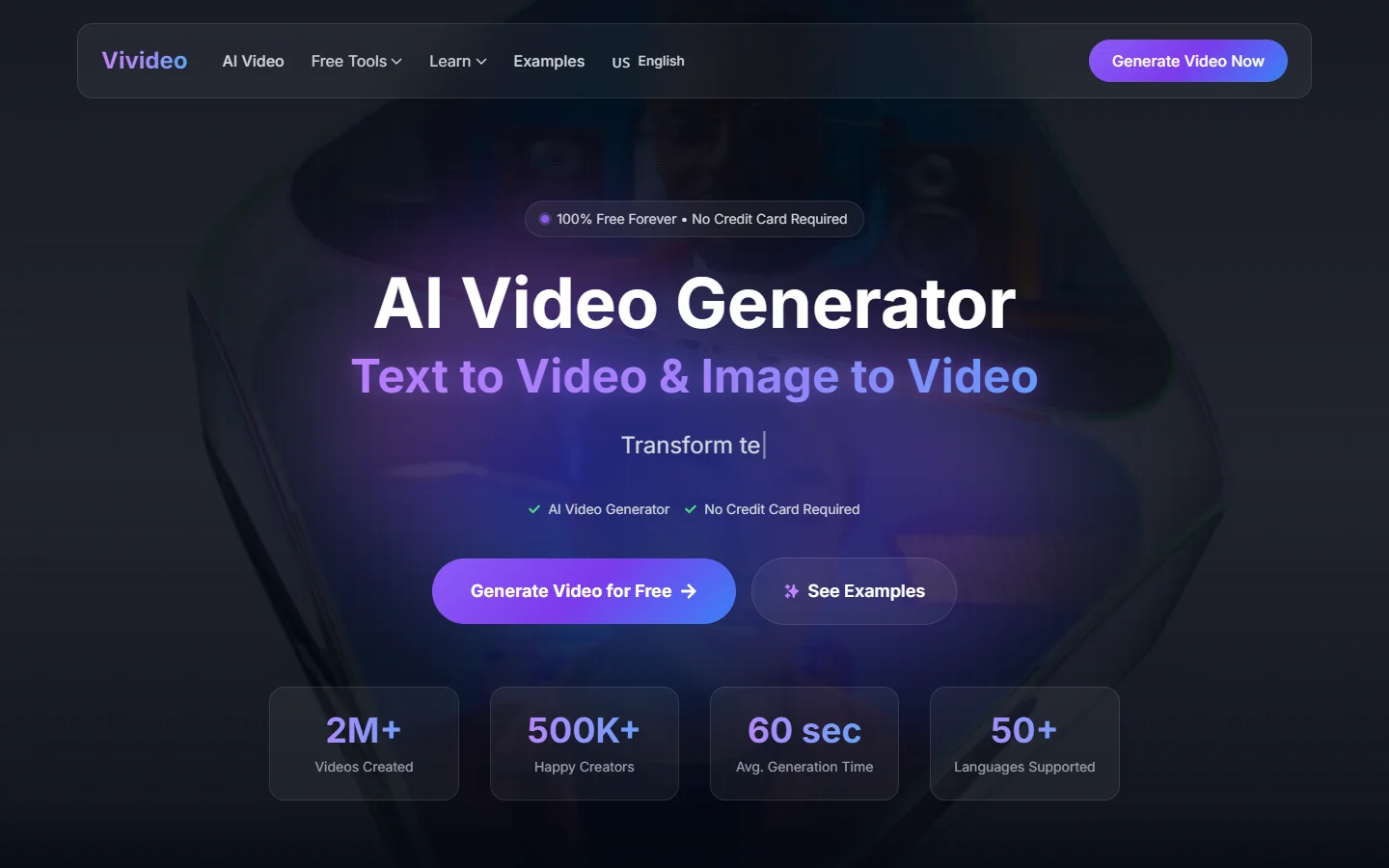
Vivideo offers text-to-video and image-to-video generation with watermark-free exports on its free plan. The platform focuses on short-form content creation, targeting creators who need quick video clips for social platforms.
Strengths: clean UI, fast generation, and genuine no-watermark output on free tier. Supports multiple aspect ratios including vertical (9:16) for TikTok and Reels. Creators building full content pipelines that include both still images and video can pair Vivideo with an AI image editing suite for end-to-end production.
Limitations: the free plan limits daily generations. Video length maxes out at 4 seconds on the free tier. No batch generation or API access on the free plan.
Virbo by Wondershare
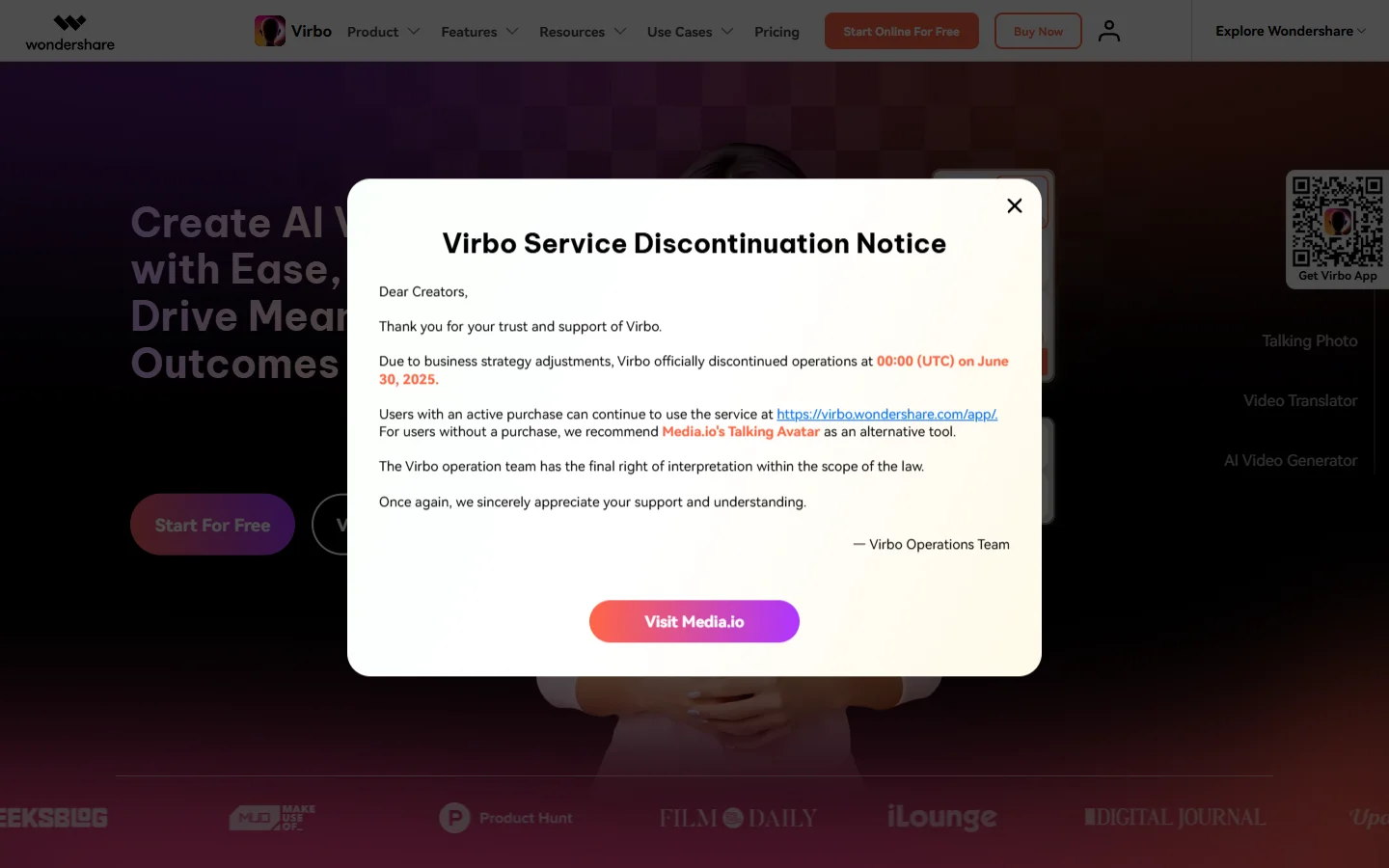
Virbo takes a different approach. Instead of pure generative video, it specializes in AI avatar videos: you type a script, pick an avatar, and get a talking-head video. Watermark-free export is available on paid plans, with limited free generations that include a small Virbo watermark. For visual assets to complement Virbo videos, tools like the FLUX Krea model can generate matching thumbnail images.
Strengths: excellent for explainer videos, tutorials, and marketing content where you need a human presenter. Avatar lip-sync quality is among the best in the category. Over 300 avatar templates available.
Limitations: this is not a general-purpose video generator. You will not get cinematic scenes or abstract art from Virbo. The free tier does include a watermark, so truly watermark-free output requires a subscription. The tool works best as part of a broader video creation workflow rather than as a standalone solution.
Upsampler
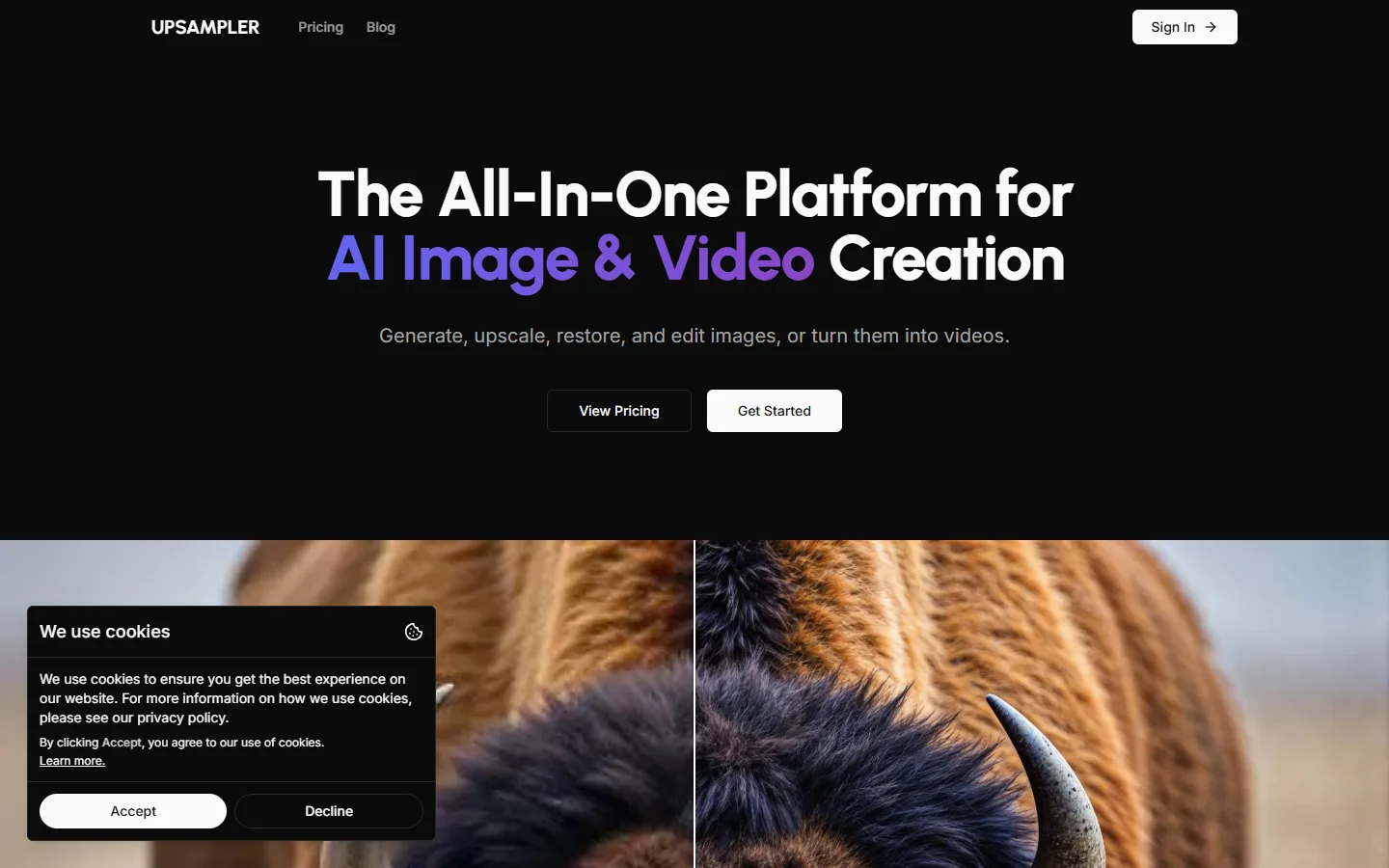
Upsampler provides free AI video generation with no registration and no watermark. The tool aggregates multiple AI models, letting you choose which backend generates your video. If you are comparing Midjourney alternatives for image work, Upsampler’s multi-model approach is the video equivalent of that kind of comparison shopping.
Strengths: model selection gives you flexibility. Some models excel at realistic scenes, others at anime or stylized content. No account needed. Completely free with no watermark. The multi-model approach mirrors how text-to-image platforms let you pick between FLUX, SDXL, and other backends.
Limitations: generation quality varies significantly between models. Wait times can be long during peak hours. Limited post-generation editing options. For better control over output quality, consider starting with a professionally generated input image and using image-to-video mode instead.
Comparison Table
| Tool | Watermark-Free (Free Tier) | Max Length (Free) | Resolution | Sign-up Required | Best For |
|---|---|---|---|---|---|
| Luma Dream Machine | Yes | 5 seconds | 720p | Yes | Stylized, abstract clips |
| Dreamlux | Yes | 4 seconds | 720p | No | Quick social content |
| Vivideo | Yes | 4 seconds | 720p | Yes | Short-form vertical video |
| Virbo | No (paid only) | 60 seconds | 1080p | Yes | Avatar/talking-head videos |
| Upsampler | Yes | Varies | Varies | No | Multi-model experimentation |
How to Get the Best Results from Free AI Video Generators
Getting usable output from these tools requires more than typing a prompt and clicking generate. The same principles that apply to AI photo generation carry over to video: input quality, prompt specificity, and iteration all matter.
Start with a strong input image. Image-to-video consistently produces better results than pure text-to-video. Generate a high-quality still frame first using a tool like FLUX Realtime, then feed that into the video generator. This gives the model a clear visual anchor and reduces hallucinated elements.
Keep prompts specific about motion. Instead of “a cat walking through a garden,” try “a tabby cat walking left-to-right through a sunlit English garden, steady medium shot, natural lighting.” Specify camera movement, direction, and lighting. The same prompting principles that work for image generation apply here.
Use the right aspect ratio from the start. Generating in 16:9 and then cropping to 9:16 for TikTok wastes composition. Most tools let you set the output ratio before generation.
Batch and select. Generate 3-4 variations of the same prompt and pick the best one. AI video is still inconsistent enough that your first generation is rarely your best. This mirrors the workflow most AI image creators already follow.
Frequently Asked Questions
Which AI video generator has no watermark for free?
Luma Dream Machine, Dreamlux, Vivideo, and Upsampler all offer watermark-free video exports on their free tiers. Dreamlux and Upsampler do not require sign-up at all. For a broader list, see our top free AI video generators roundup.
Are watermark-free AI videos safe to use commercially?
It depends on the platform’s terms of service. Most free-tier tools grant personal use rights but restrict commercial use. Luma and Vivideo include commercial rights on paid plans. Always check the specific tool’s license before using AI-generated video in client or commercial projects.
Can I remove watermarks from AI-generated videos?
Technically possible with video editing tools, but most platform terms of service prohibit watermark removal. It is better to use a tool that offers clean exports natively. Some platforms also embed invisible digital watermarks that persist even if the visible mark is removed.
What is the best free AI video generator for TikTok?
Vivideo is purpose-built for short vertical video and supports 9:16 output natively. Luma Dream Machine also works well for TikTok content, though you may need to set the aspect ratio manually. For more options, check our guide to making TikTok videos with AI.
How long can free AI-generated videos be?
Most free tiers cap at 4-5 seconds per generation. Virbo offers longer clips (up to 60 seconds) but requires a paid plan for watermark-free export. For longer content, you can stitch multiple short clips together in a video editor. See our marketing video guide for tips on combining clips effectively.
Do AI video generators work with AI-generated images as input?
Yes. Image-to-video is one of the strongest use cases. Feed a high-quality AI-generated image (from FLUX, Midjourney, or DALL-E) into the video generator as a starting frame. This produces more coherent motion than text-only prompts.
What resolution do free AI video generators output?
Most free tools output at 720p. Paid tiers typically unlock 1080p or 4K. For social media platforms that compress video anyway, 720p is often sufficient. If resolution matters for your project, consider image-to-video workflows that start from a higher-resolution input frame.
Conclusion
The watermark-free AI video generator space is still maturing. For quick, clean clips without paying anything, Luma Dream Machine and Upsampler are the strongest options today. If you need avatar-style talking-head videos, Virbo is the category leader but requires a paid plan for clean exports. Creators who work across both image and video pipelines can explore Wireflow for tools that connect text-to-image and video workflows in a single platform. The best approach is to test 2-3 tools with your specific use case and see which one produces output that matches your quality bar.