
A Luma MCP tool lets an AI assistant call Luma’s Photon image models and Ray video models directly, so a prompt in Claude or Cursor returns a finished frame in 5 to 15 seconds and a finished clip in 15 to 60 seconds. Six options are worth installing in 2026, ranked below by how much of the Photon and Ray surface they expose and how little glue code you have to write. If you are still generating stills by hand, the comparison of AI image generators covers the manual route first.
MCP, the Model Context Protocol, is the connector standard that Claude Desktop, Claude Code, Cursor, and VS Code all speak. A Luma MCP server wraps the Dream Machine API in that standard so your assistant treats image and video generation as ordinary tool calls, the same shape described in this walkthrough of building AI workflows with an API.
What a Luma MCP server actually does
Luma Labs ships two model families. Photon covers images, in photon-1 and the faster photon-flash-1, and Ray covers video, in ray-2, ray-flash-2, and the older ray-1-6. Both run on the same async job API, which is the part that makes hand-rolled integrations tedious and is why the comparison of AI image editors treats tooling as a separate question from model quality.
An MCP server adds three things: it exposes each Luma action as a named tool the assistant can discover, it handles submit-then-poll job lifecycles so your model does not sit in a retry loop, and it hands back a URL the next step can consume. Ranking below uses four criteria in order: coverage of the Photon and Ray parameter set including reference images and keyframes, job handling, whether output can feed a following step without a manual download, and setup cost. Multi-model reach was the tiebreaker, since most production work mixes Luma with other checkpoints the way this guide to batch image generation via API describes.
1. Wireflow
Best for chaining Photon and Ray into a repeatable pipeline. Wireflow is a node canvas where each model is a node and the connections between them are the pipeline. It matters here because a single MCP call gives you one image or one clip, while most real jobs are a chain: generate a Photon still, pass it into Ray as a starting frame, then upscale. That chaining problem is the same one covered in turning an image into a video with AI.
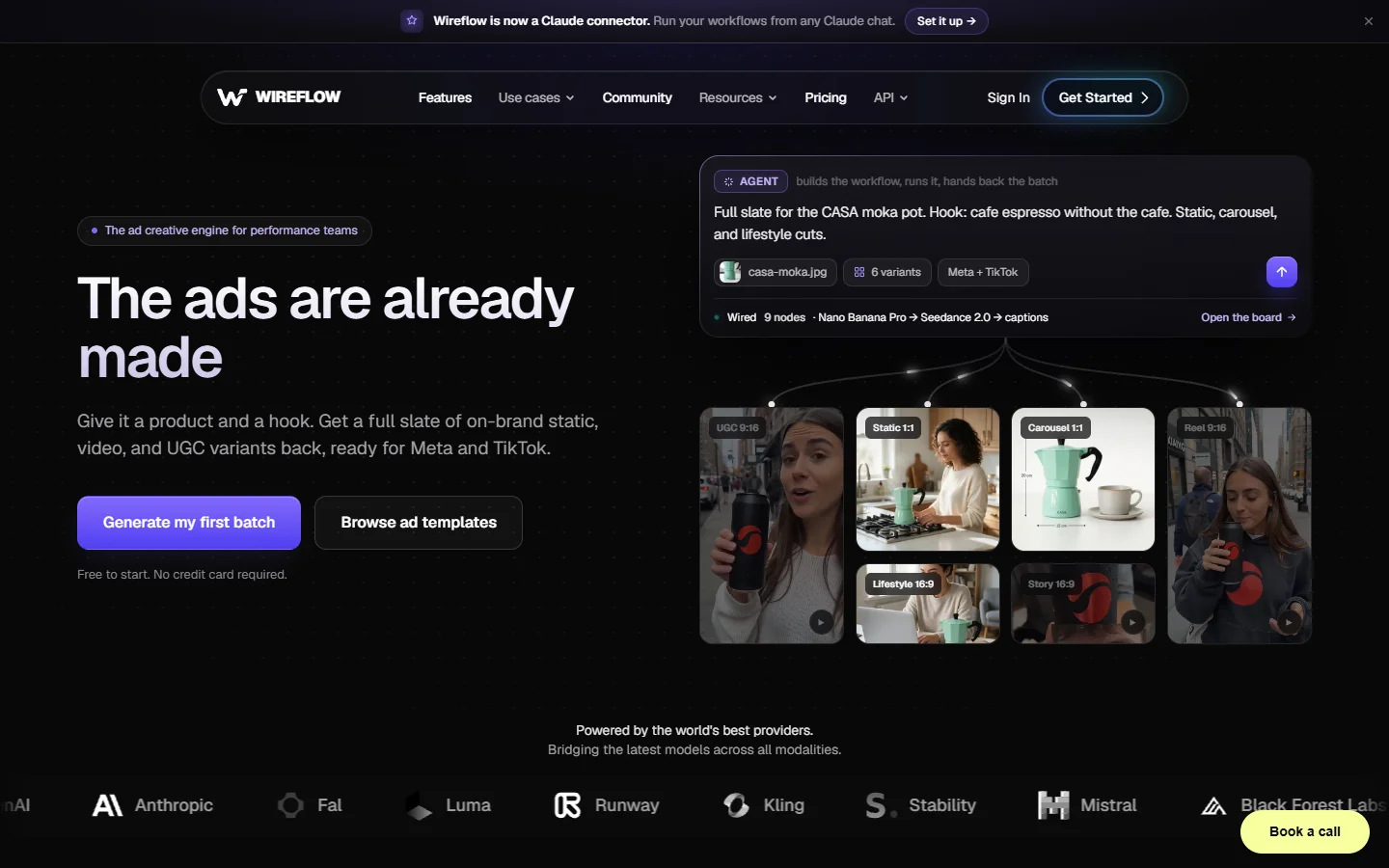
The tradeoff is honest. Wireflow is not a Luma MCP server in the strict sense, it is where the output of one lands and becomes an input to the next, closer in shape to an AI canvas API than to a protocol wrapper. Teams who only need one-off generations from a chat window will find a dedicated server simpler, and the next entry is the one to start with.

2. Luma API MCP (official)
Best overall for direct model access. The official server from Luma Labs, published at lumalabs/luma-api-mcp, is the reference implementation and tracks new model releases first. It exposes Photon and Ray behind a single API key, with prompt, aspect ratio, model selection, resolution, and duration all settable per call.
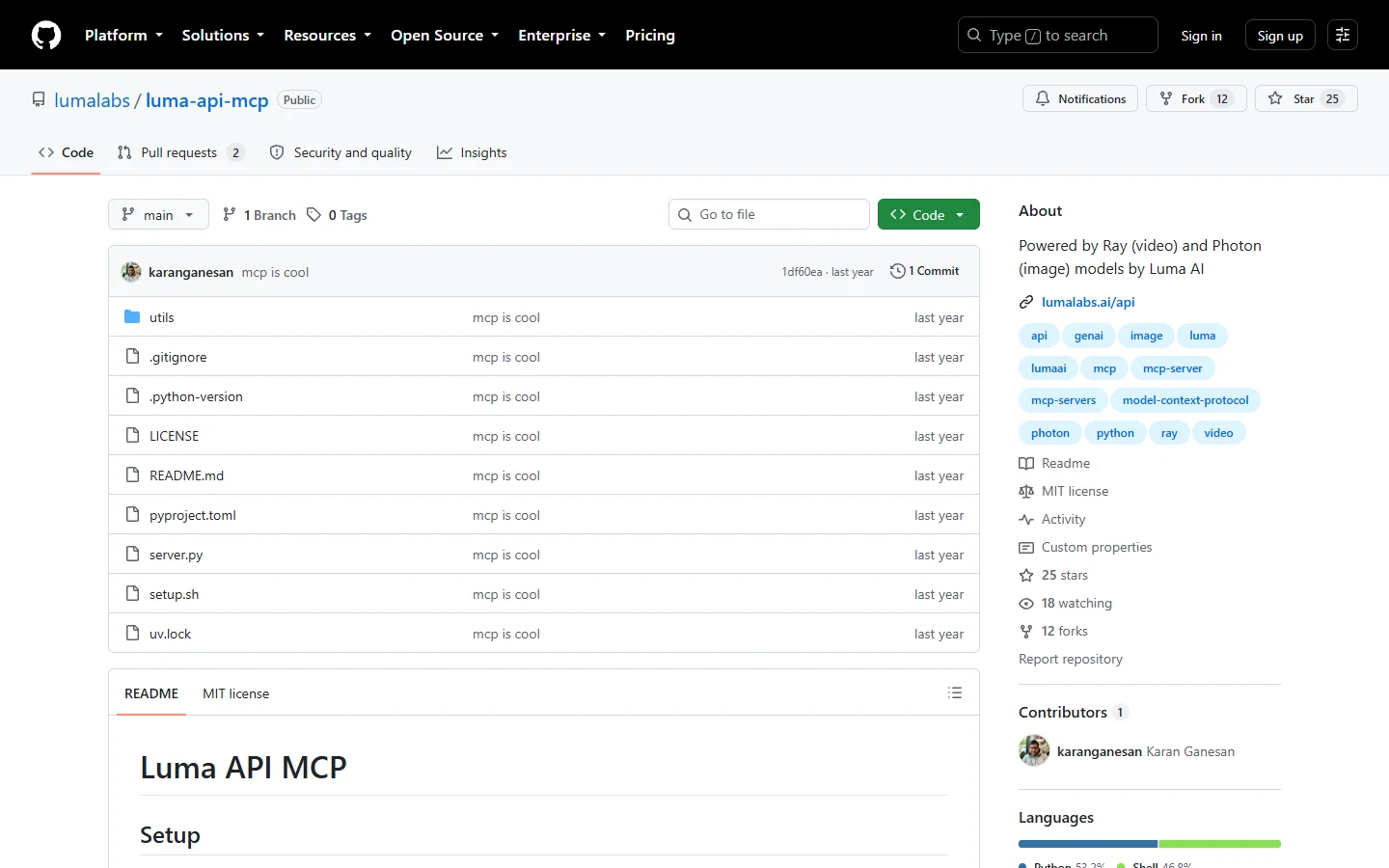
Setup is a script run plus an API key from the Luma dashboard, and it works in Claude Desktop or any other MCP client. Because it maps one to one onto the underlying REST endpoints, it is also the easiest to reason about when a call fails, the same debugging advantage described in this piece on building AI pipelines with REST APIs.
3. Luma AI MCP Server by bobtista
Best community server for full Dream Machine coverage. The server at bobtista/luma-ai-mcp-server targets Dream Machine API v1 and goes wider on the awkward parameters: character consistency, multi-image references, and keyframe interpolation for video. It also exposes generation management, so an assistant can list and inspect past jobs instead of firing blind.
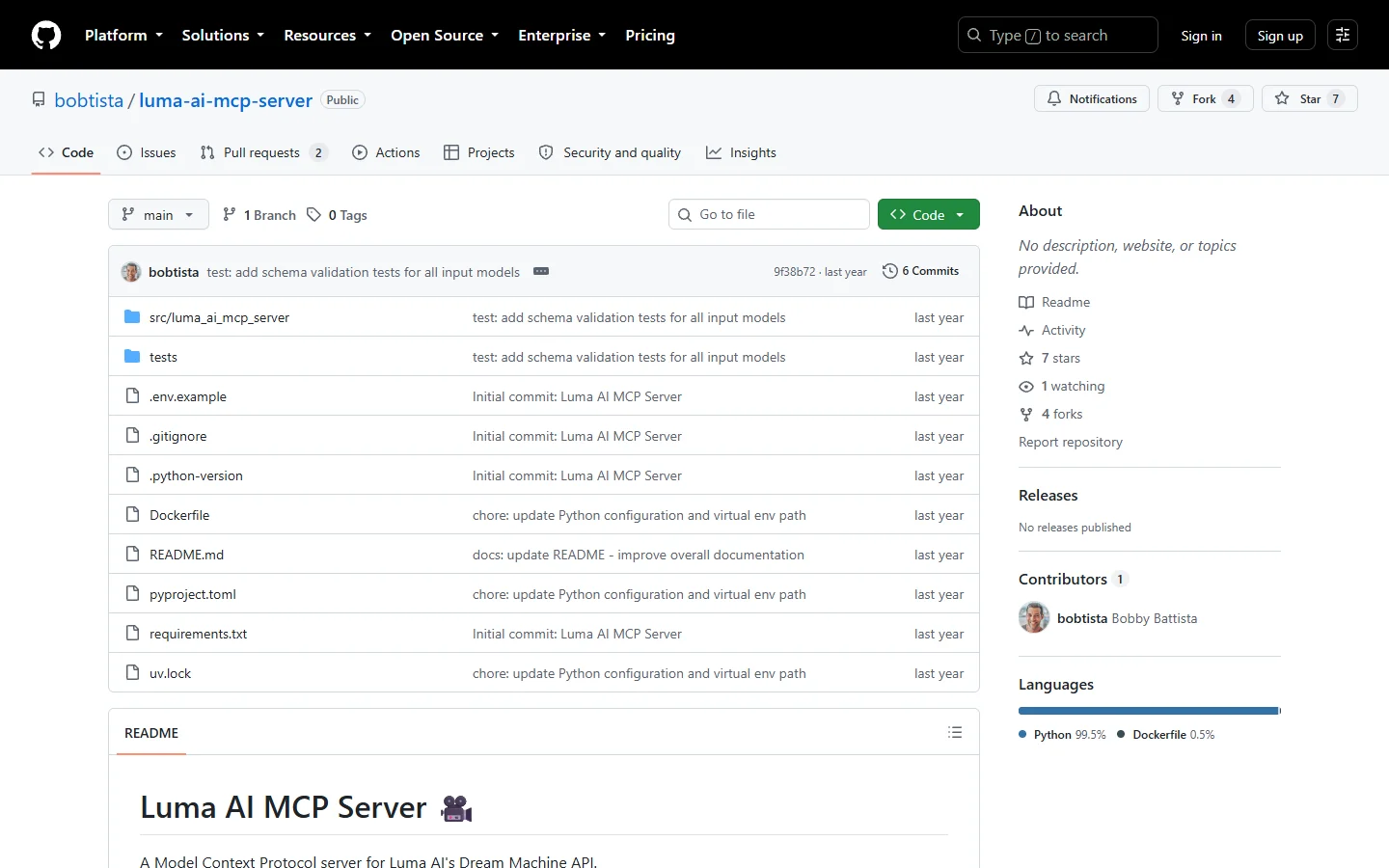
Pick this one when you care about reference-image control rather than raw text prompts. Style guidance from a reference frame behaves much like the image conditioning covered in the FLUX 1.1 Pro notes, and it is the difference between a series that looks consistent and one that drifts halfway through.
4. Replicate MCP
Best for mixing Luma with other models. Replicate hosts Luma’s models alongside thousands of others behind one billing account and one auth token, and its MCP integration lets an assistant call any of them by model identifier. If your pipeline swaps between Photon, FLUX, and a niche upscaler, one server covering all three beats three servers covering one each.
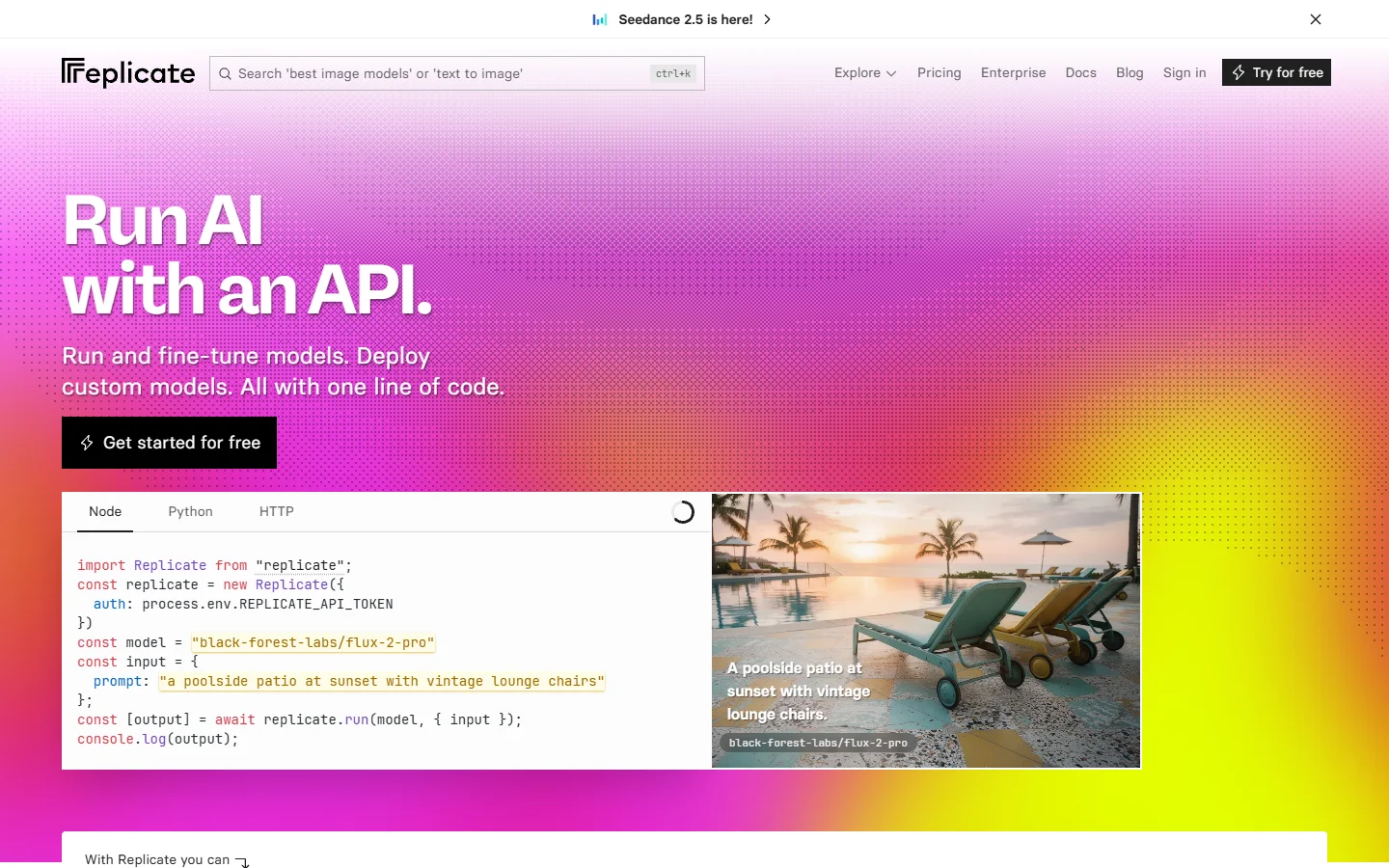
The cost is a thin abstraction layer over Luma’s own parameters, so brand-new Luma features can lag the official server by weeks. Pricing is per-second of compute rather than per-generation, which the breakdown of AI content generation APIs puts in context against flat per-image plans.
5. Glama MCP directory
Best for finding and vetting the server you need. Glama is not a Luma server itself, it is the index where the Luma servers are listed, inspected, and in some cases run for you. It is the fastest way to confirm which community fork is actually maintained before you commit a config file to your repo.
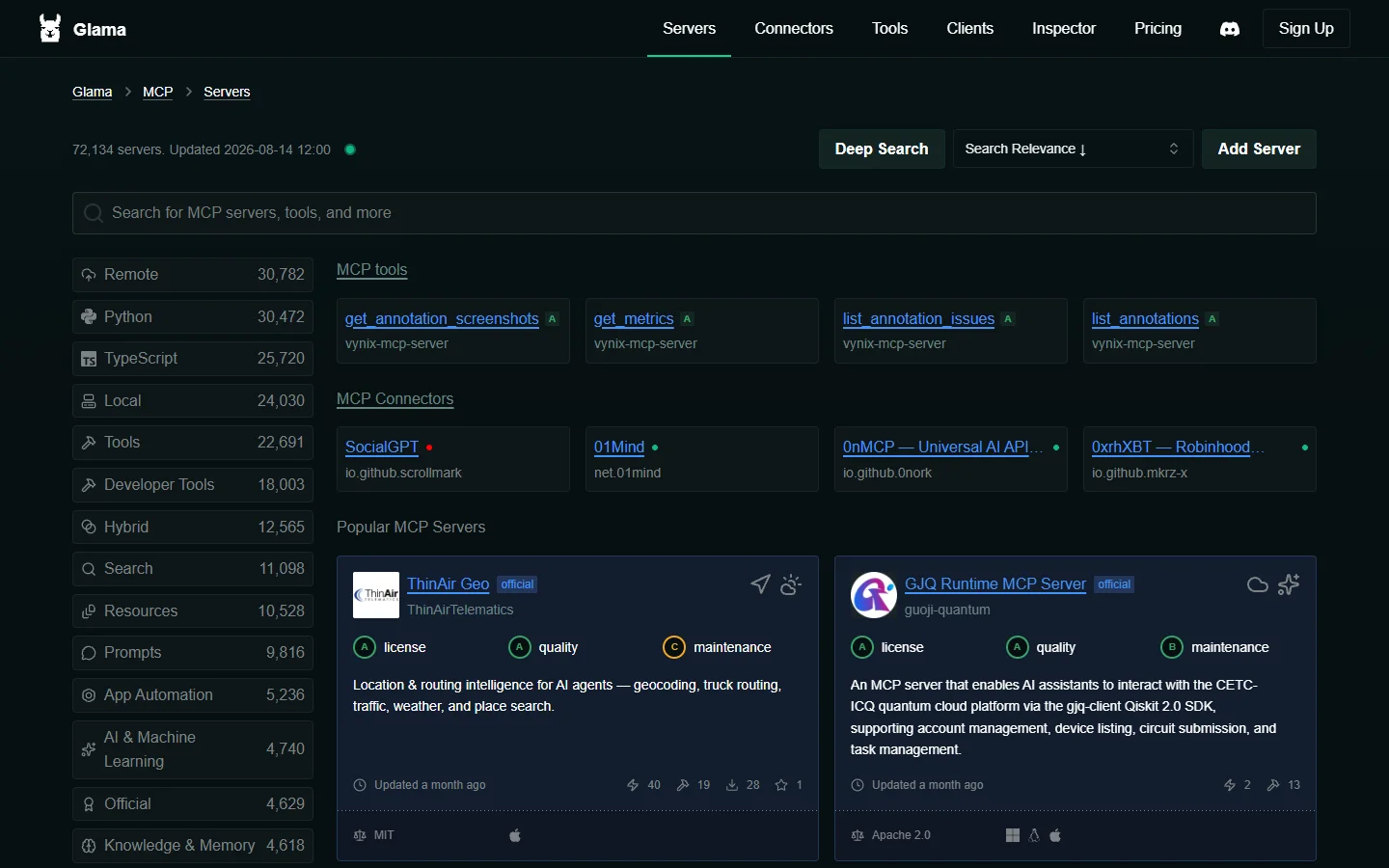
Treat it as reconnaissance rather than infrastructure: read the tool list a server advertises, check the last commit date, then install locally. The same due diligence is worth applying to any dependency, including the ones listed in the Nano Banana 2 API guide.
6. Luma Labs API console
Best for testing prompts before you automate them. Before any of the servers above go into a config file, the Luma Labs API console is where the parameters get settled. It is the only entry here that is not automation, and it saves more time than most of the ones that are.
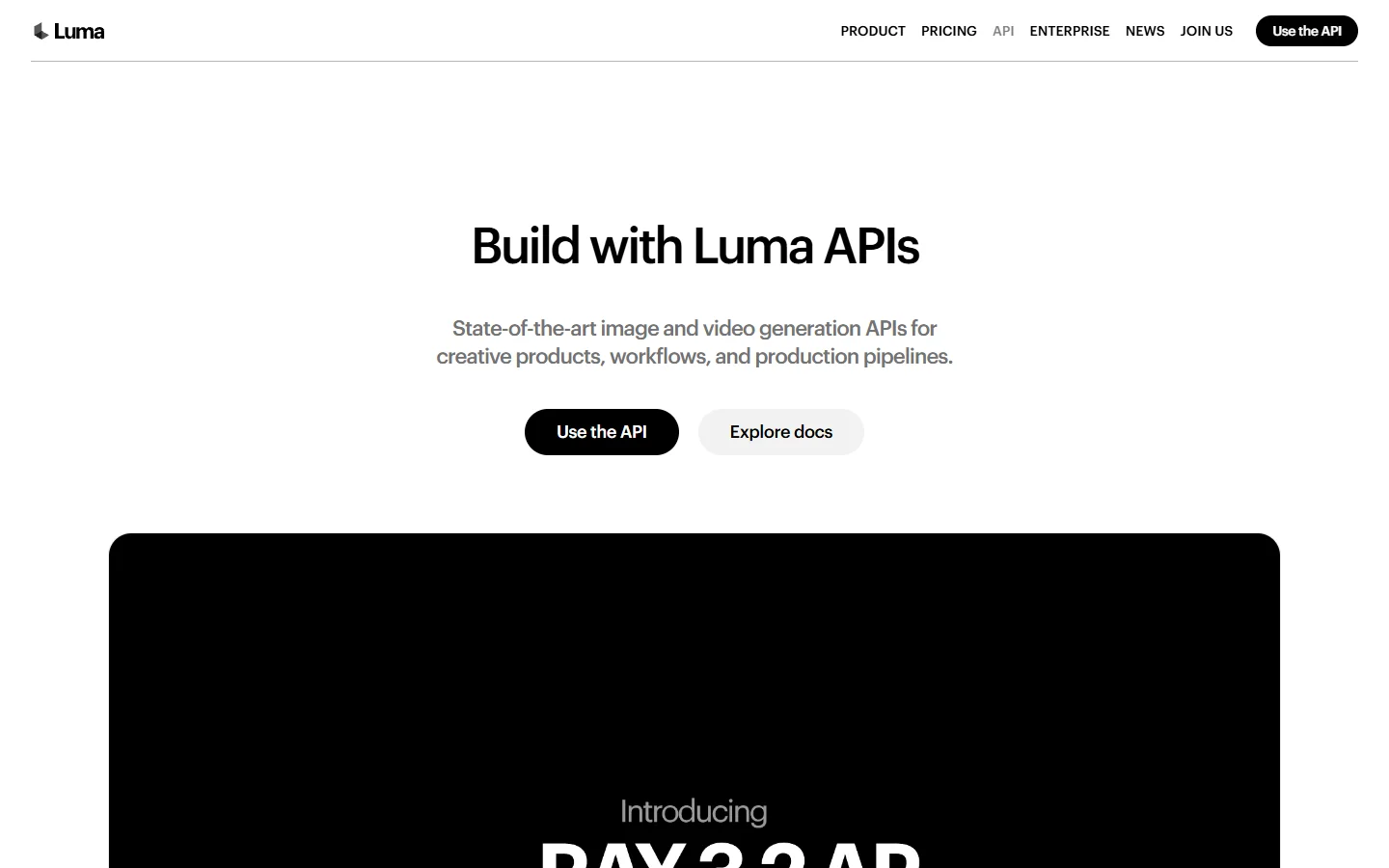
Validate that a prompt produces what you want, at which aspect ratio and on which model, before it becomes a tool call your assistant fires forty times. Prompt work is cheaper in a browser than in a loop, and the same discipline applies to stills, as the FLUX prompt generator page argues.
Comparison table
| Tool | Type | Photon (image) | Ray (video) | Multi-model | Best for |
|---|---|---|---|---|---|
| Wireflow | Node canvas | Yes | Yes | Yes | Chaining steps into a pipeline |
| Luma API MCP | Official MCP server | Yes | Yes | No | Direct, current model access |
| bobtista Luma AI MCP | Community MCP server | Yes | Yes | No | References and keyframes |
| Replicate MCP | Aggregator MCP | Yes | Yes | Yes | Mixed-model pipelines |
| Glama | Directory | n/a | n/a | Yes | Finding a maintained server |
| Luma Labs console | Web console | Yes | Yes | No | Prompt testing |

How to set up a Luma MCP server in about ten minutes
- Create an API key in the Luma Labs dashboard and store it in your shell environment, not in the config file.
- Install the official server and add it to your MCP client config, usually
claude_desktop_config.jsonfor Claude Desktop, the same config pattern used when generating videos with Kling AI via API. - Restart the client and confirm the Luma tools appear in the tool list.
- Run one Photon call at
photon-flash-1to verify auth cheaply before spending onray-2. - Only then wire the output into whatever consumes it downstream.
Step four is the one people skip. A failed auth on a video job costs a minute of waiting for an error you could have caught in seconds, and the cost math behind that habit is laid out in FLUX Pro API pricing and code examples.
Where Photon sits next to FLUX
Photon is fast and strong on stylized, cinematic frames, and its real advantage is that it lives in the same account as Ray, so image-to-video needs no handoff between vendors. FLUX still wins on typography, fine texture, and prompt adherence at high detail, which is why plenty of teams generate the still with FLUX and animate it with Ray. The differences are laid out in what FLUX 1 is if you are choosing between them for a specific shot.

FAQ
What is a Luma MCP server?
It is a small program that exposes Luma’s Photon image models and Ray video models as tools an AI assistant can call over the Model Context Protocol, instead of you calling the REST API by hand.
Do I need a paid Luma account?
Yes. Every server here authenticates with a Luma API key, and generation is billed per job on your Luma account regardless of which MCP wrapper sends the request, the same per-job billing model surveyed in the roundup of free AI image generators.
Which Luma model should I start with?
Start with photon-flash-1 for images and ray-flash-2 for video. Both are the cheaper, faster variants, so prompt iteration costs less, and you can switch to photon-1 or ray-2 once the prompt is settled.
Can I chain Luma output into another model?
Yes, and this is where a chat-only setup gets awkward, because each MCP call returns a URL you then paste into the next call by hand. A canvas keeps the connection explicit instead: if that is the part you are trying to solve, see the full 2026 rundown of how these tools compare on chaining.
How long does generation take?
Images typically land in 5 to 15 seconds depending on model and resolution. Video runs 15 to 60 seconds depending on duration, resolution, and queue depth, so any server you use has to poll rather than block.
Is the official server better than the community ones?
The official server tracks new models first and is easier to debug. Community servers often expose more of the awkward parameters, particularly keyframes and multi-image references, so the honest answer is to install both and keep whichever one your jobs actually need, a habit the guide to accessing Google Veo via API recommends for any fast-moving model API.
Conclusion
If you want one server and no fuss, install the official Luma API MCP and start with the flash variants. If your work is a chain rather than a single call, the ranking above puts a canvas at the top for a reason: the hard part of Luma work in 2026 is not generating the asset, it is passing it cleanly to the next step, a point the roundup of AI orchestration APIs makes at the infrastructure level. Either way, test the prompt in the console before you automate it.