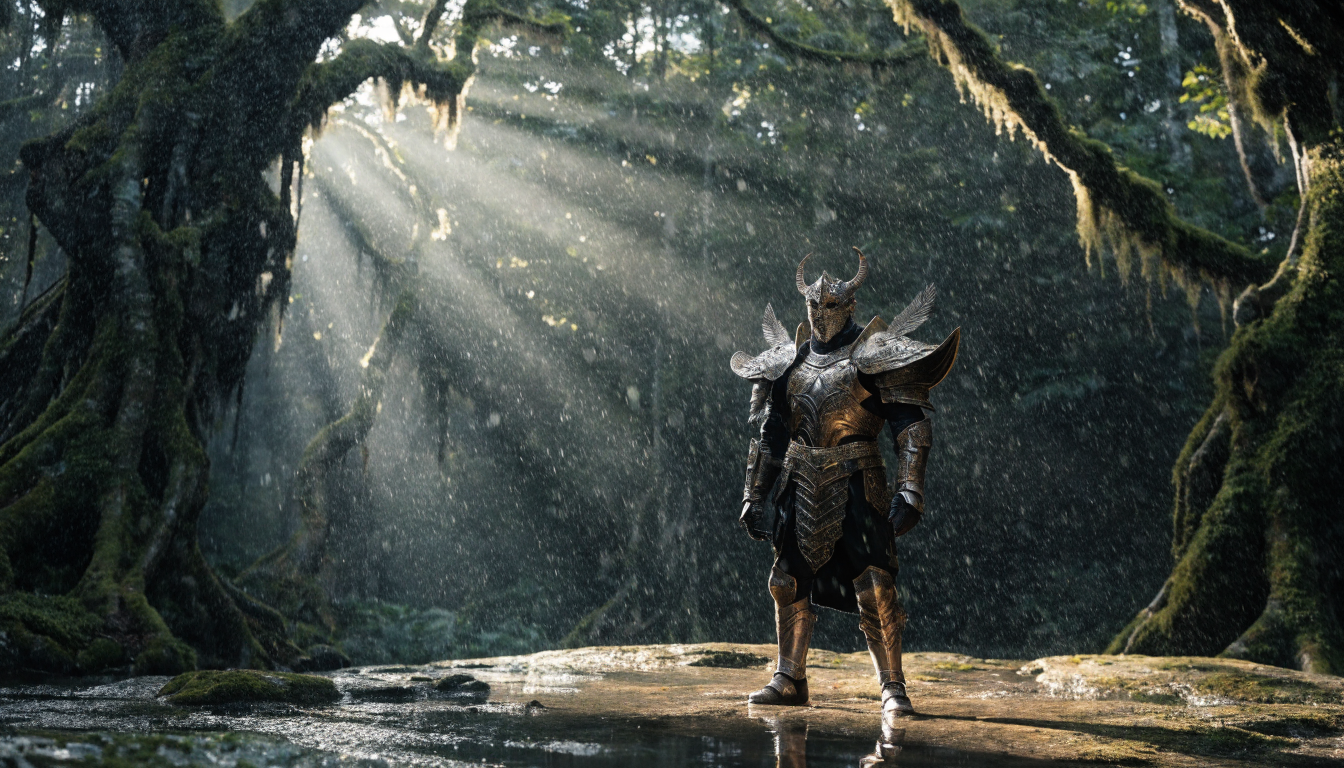
AI image generators have changed the way concept artists and game designers explore visual ideas. Instead of spending days roughing out environment compositions or character silhouettes by hand, you can now generate dozens of variations in minutes and spend your focused time refining the strongest directions. Whether you are an indie developer working solo or part of a studio art team, understanding how to fold these tools into your pipeline will save you real production hours. Platforms like FLUX’s text-to-image engine make it possible to go from a written brief to a polished concept board in a single sitting.
Why AI Matters for Concept Art Pipelines
Traditional concept art pipelines involve multiple rounds of thumbnail sketches, color studies, and feedback loops before a single direction gets approved. AI image generation compresses the earliest phase of that process. You can describe a scene, a character, or an environment in plain language and receive a visual starting point within seconds. This is not about replacing the artist; it is about giving artists more material to react to and iterate on.
The biggest advantage is volume. A concept artist who previously produced five to ten thumbnails per day can now generate dozens of starting points in the same time, then hand-paint over the most promising ones. Studios that have adopted this approach report cutting their pre-production exploration phase by 40 to 60 percent, freeing artists to spend more time on the refined work that actually ships in the final game.
Setting Up Your AI Concept Art Workflow
The first step is choosing the right model for your visual style. Photorealistic models like FLUX 1.1 Pro excel at environments, lighting studies, and grounded scene compositions. Stylized or painterly outputs work better with prompt modifiers that push the model toward illustration rather than photography.
Here is a practical setup that works for most game art teams:
- Define your style pillars. Pick 3 to 5 descriptors that define the project’s look (for example: “painterly, muted earth tones, soft rim lighting, gouache texture”). Reuse these across every image generation prompt.
- Write scene briefs. Treat each prompt like a one-sentence art brief. Include the subject, mood, lighting direction, and camera angle.
- Batch generate. Run 8 to 12 variations per brief, then curate the top 2 to 3 for paintover.
- Feed approved concepts back in. Use image-to-image workflows by passing your curated picks back through the model to generate tighter variations within the established visual language.
For a deeper look at how FLUX handles illustrated outputs, the AI illustration generation guide covers prompt structures that translate well to game art styles.
Character Design and Iteration
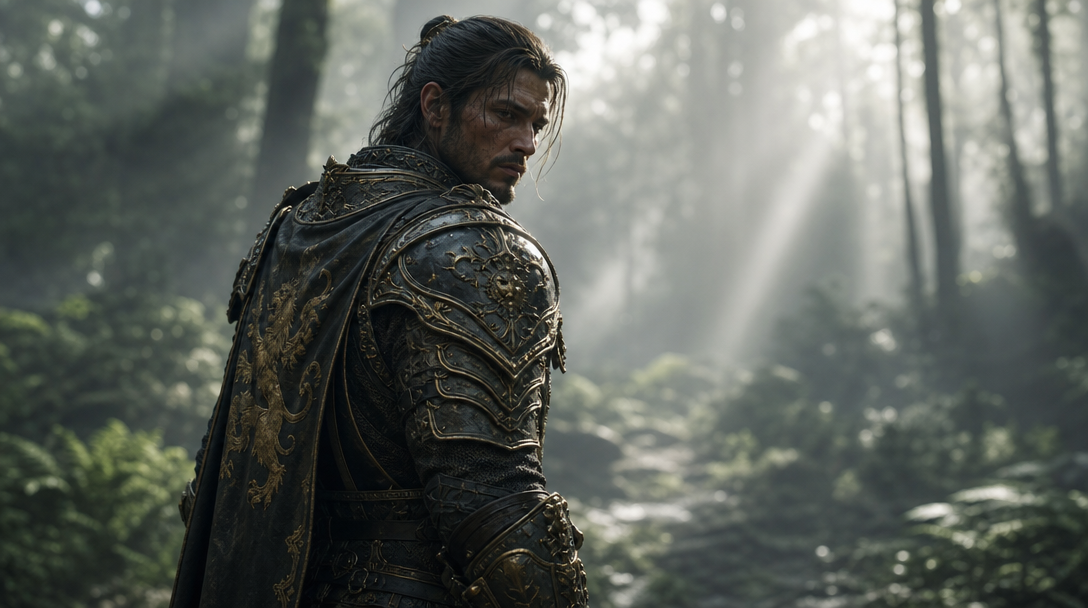
Character concept art benefits the most from AI-assisted iteration. You can describe a character’s silhouette, costume elements, and personality in a prompt and receive multiple visual interpretations to react to. The key is to think of these outputs as rough drafts, not finished designs. For teams exploring this at scale, character creation with AI covers workflows that maintain consistency across large rosters.
A practical approach for character concepting with AI:
- Silhouette exploration. Generate the character against a flat background to evaluate shape language. Strong silhouettes read clearly even at thumbnail size.
- Costume variations. Keep the base description consistent but swap out armor styles, color palettes, or cultural influences across batches.
- Expression sheets. Once you lock a design, generate the same character in different poses and emotional states to test whether the design holds up across contexts.
Environment and Level Design Concepting
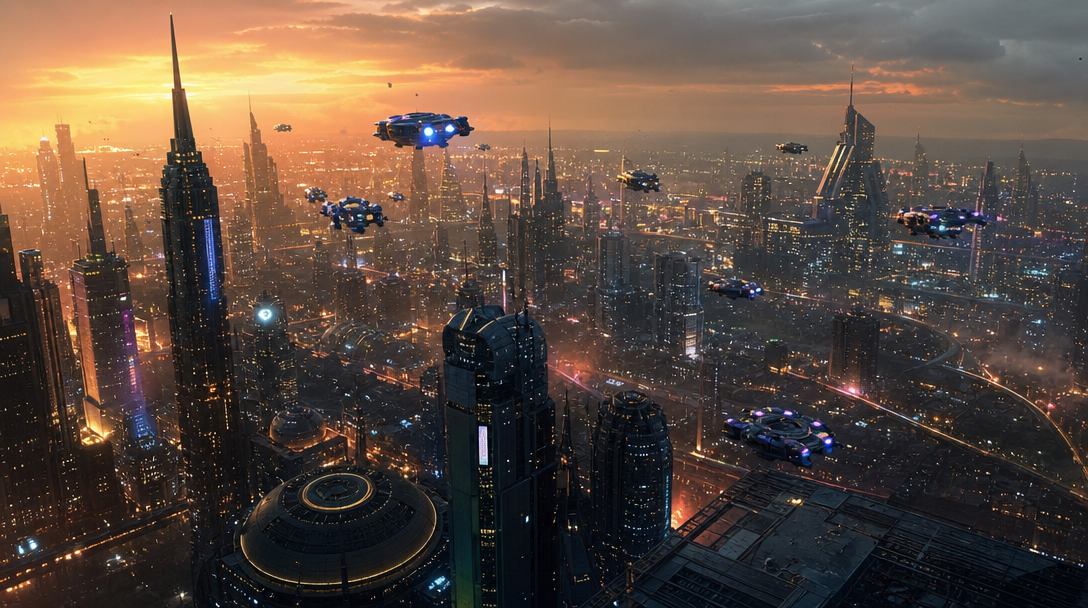
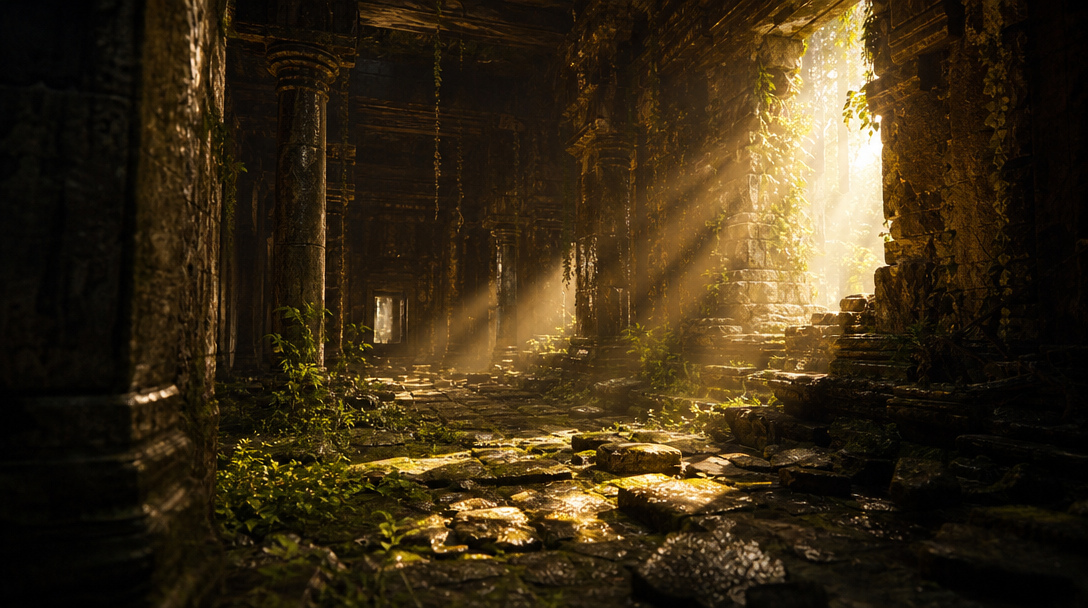
Environment art is where AI generation shines brightest in game production. Describing a scene’s mood, architecture, and lighting in natural language produces results that are immediately useful as composition references and color keys.
When concepting environments for games, keep these principles in mind:
- Establish scale with familiar objects. Include a human figure, a doorway, or a vehicle in your prompt to ground the viewer’s sense of space.
- Specify time of day and weather. “Golden hour with long shadows” produces fundamentally different mood boards than “overcast midday with diffused light.”
- Layer depth. Mention foreground, midground, and background elements separately. This trains the model to produce compositions with clear depth separation that translate well to parallax or 3D environments.
If you want to see how it works in a node-based pipeline where you can chain text-to-image with upscaling and style transfer in a single run, that approach is worth exploring for production-scale environment concepting.
For prompt crafting specifically, the FLUX prompt library is a useful reference. It contains tested prompts across a range of art styles that you can adapt for game-specific needs.
Managing Consistency Across a Project
The hardest part of using AI for game concept art is not generating individual images. It is keeping a consistent visual language across hundreds of assets. Without discipline, your concept folder will look like it was produced by ten different artists with ten different briefs. When comparing models, the best AI image generators overview breaks down where each option excels for production work.
Here is how experienced teams handle it:
- Lock your style tokens early. Create a “style prompt” document that every team member appends to their generation prompts. Update it only when the art director approves a change.
- Use reference images. Most modern generators support image-to-image inputs. Feed your approved key art back into the model so new generations inherit its palette and rendering style.
- Build a rejection library. Save examples of outputs that went off-style with notes on why they failed. This is just as useful as saving the good outputs.
The best results come from treating AI as one stage in a multi-step process rather than a standalone tool. You can find a broad directory of AI image tools to compare which generators handle style consistency best for your specific needs.
Practical Tips for Game Designers
Game designers who are not primarily artists can still use AI image generation effectively for prototyping and communication. Combining text-to-image with photo enhancement tools in a single pipeline eliminates manual export-import steps that slow down iteration.
- Mood boards for pitches. Generate 10 to 15 images that capture the tone you are going for. This communicates vision to stakeholders faster than a written design document alone.
- UI mockups. Generate icon concepts, menu backgrounds, and HUD element explorations before committing to pixel-level design work.
- Marketing assets. Concept art doubles as early marketing material. Strong AI-generated key art can go into pitch decks, Steam page placeholders, and social media teasers.
FAQ
What is the best AI model for game concept art? It depends on the style you need. FLUX 1.1 Pro handles photorealistic environments and cinematic lighting well. For stylized or painterly looks, adjusting prompt modifiers to push toward illustration gives better results than switching models entirely.
Can AI replace concept artists? No. AI generates raw material that still requires artistic judgment, curation, and manual refinement. The artists who use AI effectively produce more and better work, not less. Studios are hiring concept artists with AI prompting skills, not replacing them.
How do I keep a consistent art style across AI-generated concepts? Lock a set of style descriptors (palette, lighting, texture, mood) and reuse them in every prompt. Feed approved outputs back as reference images for subsequent generations. Maintain a style guide document that the whole team follows.
Is AI-generated concept art usable in production? Directly, rarely. AI outputs serve best as starting points for paintover, color reference, and composition studies. Final production assets almost always go through manual refinement to meet the precision and consistency standards of shipped game art.
What resolution should I generate concept art at? Generate at the highest resolution your model supports for key art pieces. For rapid exploration, medium resolution is fine since you are evaluating composition and mood, not pixel-level detail. Upscale only the pieces that make it past curation.
How do I write better prompts for game environments? Be specific about camera angle, time of day, architectural style, and atmosphere. Mention foreground and background elements separately. Include a sense of scale by referencing familiar objects. The FLUX prompts collection has tested examples you can adapt.
Can I use AI concept art commercially in my game? Check the license terms of the specific model you use. Most commercial AI image generators (FLUX Pro, Midjourney, DALL-E) grant commercial usage rights on paid plans. Keep records of your generation prompts and model versions for IP documentation purposes.
Conclusion
AI image generation is a practical tool for concept art and game design teams, not a replacement for artistic skill. The teams getting the most value from it treat AI as the first five minutes of a process that still involves hours of human refinement. By establishing clear style guides, batching generations strategically, and using outputs as starting points rather than final deliverables, you can compress your pre-production timeline without sacrificing visual quality. The Wireflow platform offers a node-based approach to chaining these generation steps together, which is particularly useful when your pipeline involves multiple models and post-processing stages.