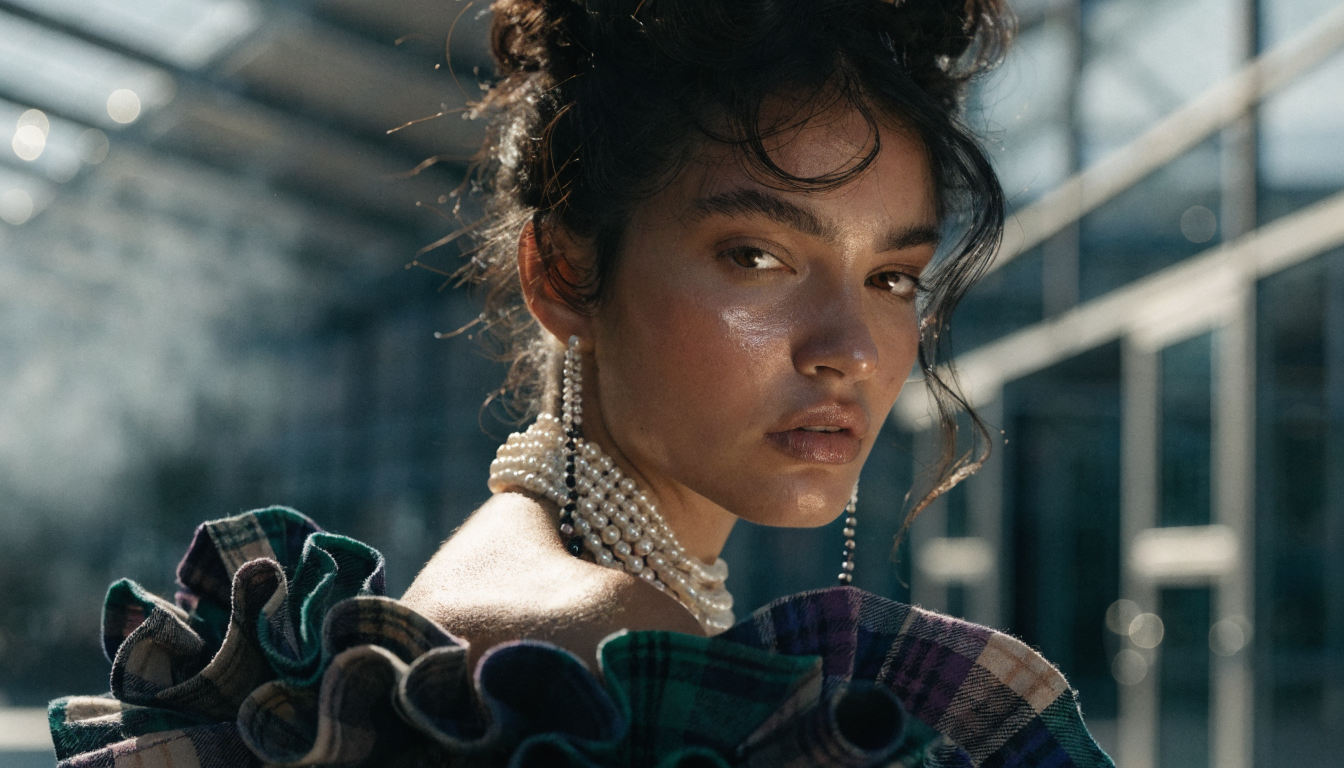
AI picture makers have matured rapidly over the past year, and the gap between amateur and professional-quality output has nearly closed. Whether you need product photos, social media visuals, concept art, or marketing assets, the right AI image generator can produce stunning results in seconds. This guide compares seven of the best AI picture makers available in 2026, covering features, pricing, output quality, and ideal use cases.
What Makes a Great AI Picture Maker
Not every AI image tool delivers the same results. The best ones share a few traits: high-resolution output, accurate prompt interpretation, flexible style controls, and fast generation times. Some excel at photorealistic portraits and product shots, while others lean toward illustration, concept art, or stylized visuals.
Pricing models vary widely, from free tiers with watermarks to pay-per-generation APIs and monthly subscriptions. The tools below were tested across multiple prompt categories and ranked on output quality, ease of use, speed, and value. For more context on how the FLUX model family works, see our explainer.
1. Midjourney
Midjourney remains one of the most popular AI picture makers in 2026, known for its distinctive aesthetic quality and strong prompt adherence. Version 7 introduced improved hand rendering, better text placement in images, and higher default resolution. The Discord-based interface still works, but the newer web app makes generation more accessible to users who prefer a traditional UI.
Midjourney shines for editorial photography, fantasy art, and stylized portraits. Its weakness is fine-grained control: you cannot easily specify exact layouts or composite multiple elements the way you can with node-based pipeline tools. Pricing starts at $10/month for 200 generations.
2. DALL-E 3 (OpenAI)
DALL-E 3 is integrated directly into ChatGPT and the OpenAI API, making it one of the most accessible AI picture makers for developers and casual users alike. It excels at following complex, detailed prompts and handles text rendering better than most competitors.
Output quality is consistently good across styles, from photorealism to cartoon illustration. The API pricing model works well for apps that need on-demand image generation at scale, though per-image costs can add up compared to subscription-based alternatives.
3. Adobe Firefly
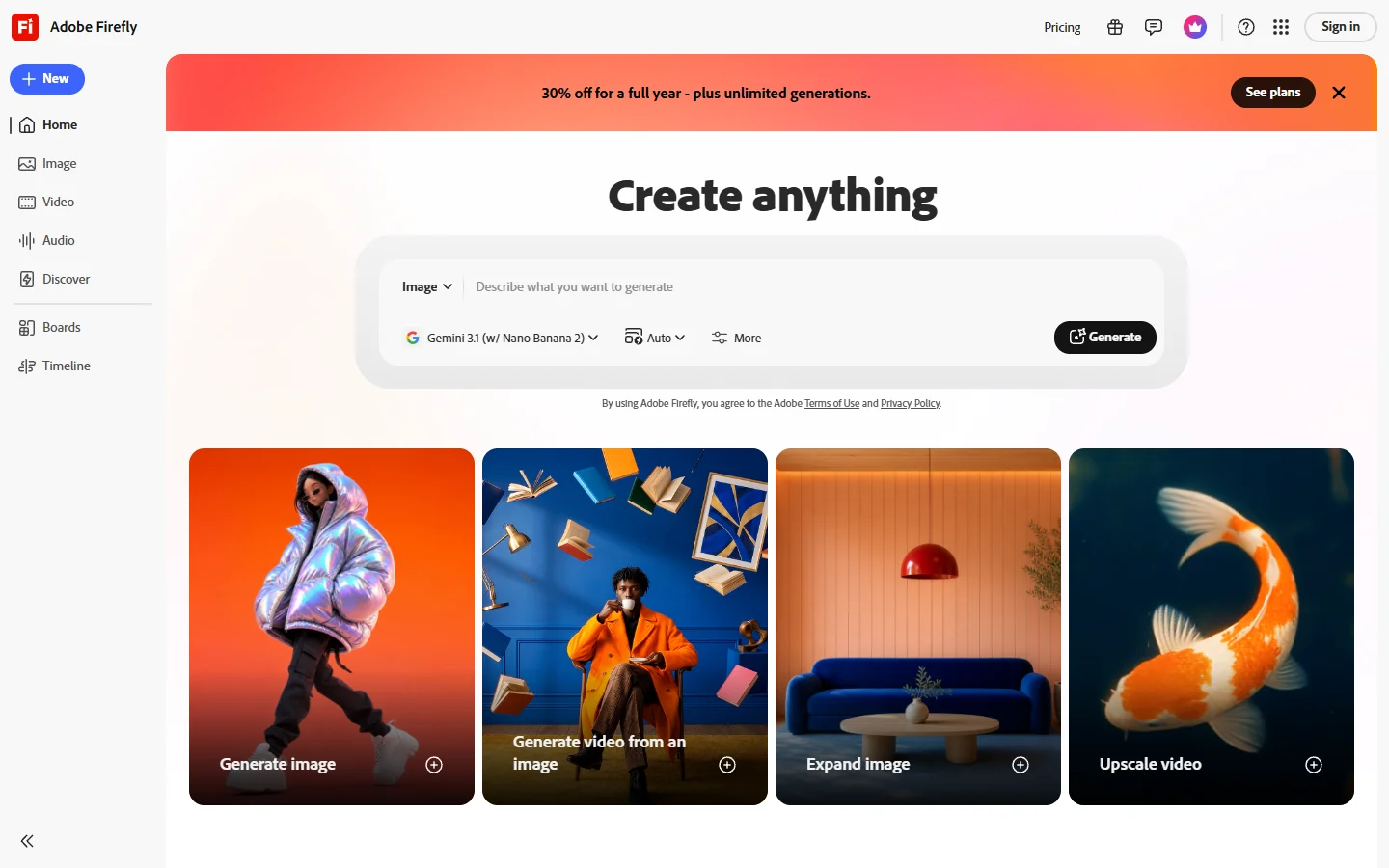
Adobe Firefly integrates directly into Photoshop, Illustrator, and Adobe Express, which makes it the natural choice for designers already in the Adobe ecosystem. Firefly’s strongest feature is Generative Fill, letting you edit specific regions of an existing image with text prompts.
For commercial use, Firefly has a clear advantage: Adobe trained it exclusively on licensed content and Adobe Stock, so generated images are covered by their IP indemnity program. That matters for brands and agencies that need legal certainty. The free tier includes 25 monthly credits, and Creative Cloud subscribers get expanded access to AI-powered editing.
4. Leonardo.Ai
Leonardo.Ai offers a strong balance between quality and creative control. It supports multiple model backends (including its own Phoenix model and community fine-tunes), real-time canvas editing, and ControlNet-style image guidance. This makes it particularly useful for game asset creation, texture generation, and iterative design work.
The platform also includes an image-to-image pipeline for style transfer and upscaling. Leonardo’s free tier is generous (150 daily tokens), and premium plans start at $12/month. For teams that need an AI image workflow platform with batch processing, dedicated tools can extend what Leonardo generates into production-ready assets.
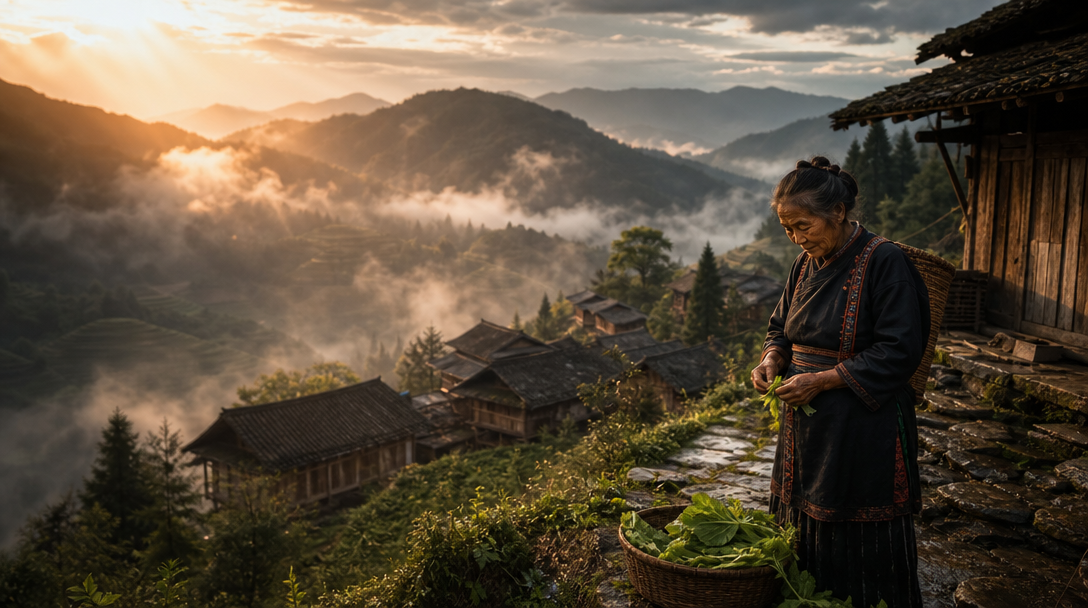
5. Canva AI
Canva has embedded AI image generation directly into its design platform. You can generate an image and immediately drop it into a social media post, presentation, or marketing asset without leaving the tool. Canva is ideal for marketers and non-designers who need quick visuals at volume.
Output quality is solid for social content, though it does not match dedicated generators for fine-art or photorealistic work. The Magic Studio suite includes text-to-image, background removal, and image expansion. Free users get limited generations, and Canva Pro ($13/month) unlocks the full set.
6. ImagineArt
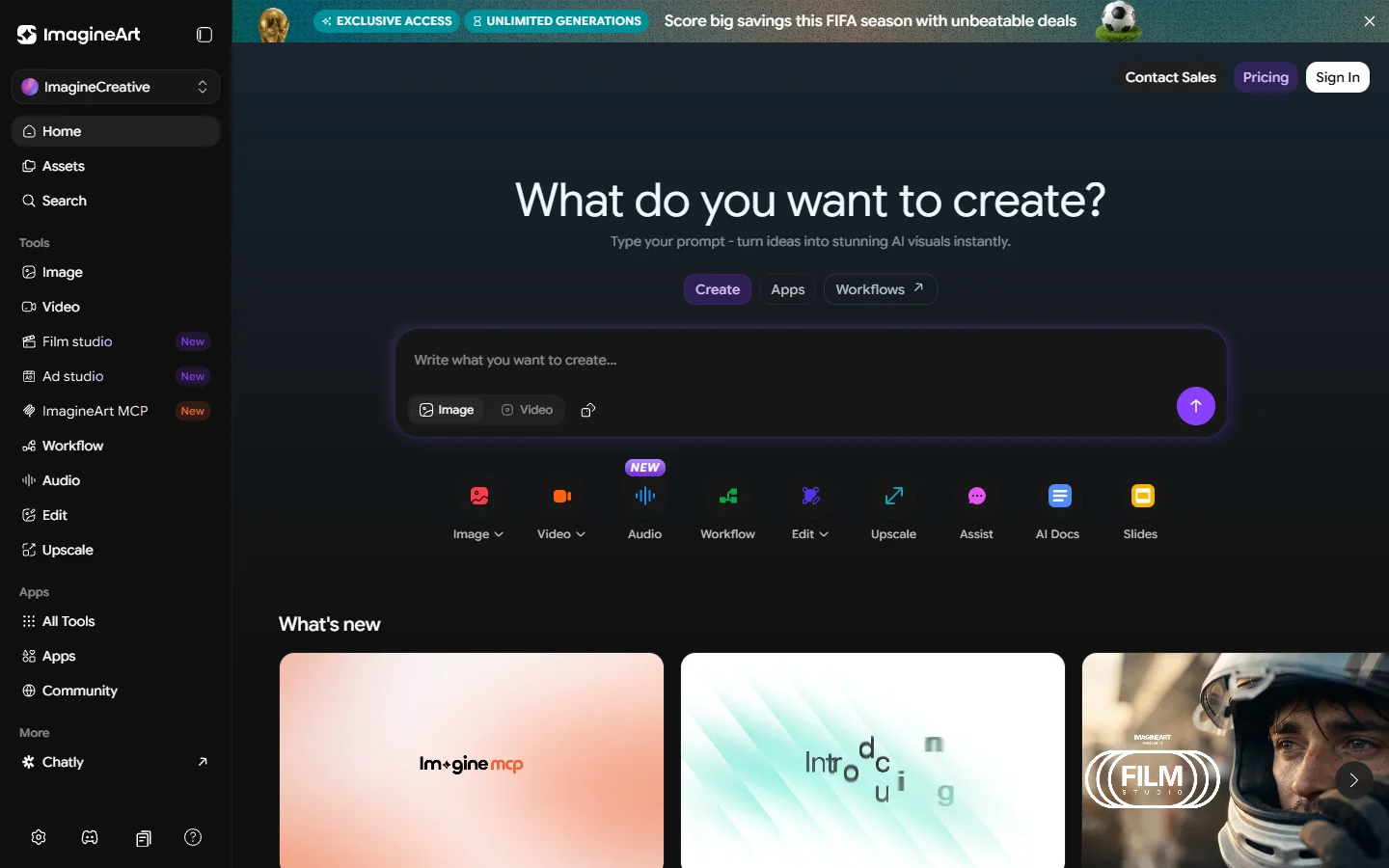
ImagineArt is a full AI creative suite aimed at marketers and content creators. It bundles text-to-image, image editing, background removal, and AI video generation into a single platform. The image generator supports over 90 art styles and produces commercially licensed output.
The quality is competitive with mid-tier generators, and for users looking to remove backgrounds without switching tools, the bundled editing saves time. Where ImagineArt stands out is the all-in-one value proposition: instead of subscribing to separate tools for each task, you get everything under one roof for plans starting at $7/month.
7. FLUX Models (via API)
The open-weight FLUX model family (FLUX 1.1 Pro, FLUX Dev, FLUX Realtime) has quickly become a favorite among developers who want to self-host or access image generation via API. FLUX 1.1 Pro delivers photorealistic output that rivals Midjourney, while FLUX Dev and Realtime models offer faster generation at slightly lower fidelity.
You can access FLUX models through providers like FAL, Replicate, and Together AI, typically paying per generation. For production workloads, FLUX’s API-first approach integrates cleanly into automated pipelines and batch image generation workflows.

Comparison Table
| Tool | Best For | Free Tier | Starting Price | API Access |
|---|---|---|---|---|
| Midjourney | Artistic quality, editorial | No | $10/mo | Limited |
| DALL-E 3 | Prompt accuracy, text in images | Via ChatGPT Free | Pay-per-use | Yes |
| Adobe Firefly | Commercial safety, editing | 25 credits/mo | Included in CC | Yes |
| Leonardo.Ai | Game assets, creative control | 150 tokens/day | $12/mo | Yes |
| Canva AI | Social media, quick design | Limited generations | $13/mo | No |
| ImagineArt | All-in-one marketing suite | Limited | $7/mo | Yes |
| FLUX Models | API/developer workflows | Via FLUX Dev | Pay-per-use | Yes |
How to Pick the Right AI Picture Maker
Choosing the right tool depends on three factors: what you are making, how you are making it, and what you are willing to pay. For a head-to-head look at Midjourney alternatives, see our dedicated breakdown.
If you produce marketing visuals or social media content at scale, ImagineArt or Adobe Firefly will save you time with built-in editing tools. If you are a developer integrating image generation into an app, DALL-E 3 or FLUX via API gives you the most flexibility. For pure artistic quality with minimal setup, Midjourney still leads. Our guide to free AI image generators covers budget-friendly options in more detail.
Consider also whether you need a single generation tool or an end-to-end pipeline. Standalone generators are fine for one-off images, but production workflows that involve upscaling and enhancement benefit from platforms that chain generation, editing, and delivery into a single automated flow.
Frequently Asked Questions
What is the best AI picture maker for free use?
Canva offers limited free AI image generation inside its design platform, and Leonardo.Ai provides 150 daily tokens on its free plan. FLUX Dev is open-weight and free to run locally if you have a compatible GPU with at least 12GB VRAM.
Which AI picture maker produces the most realistic images?
Midjourney V7 and FLUX 1.1 Pro consistently produce the most photorealistic results. Both handle skin texture, lighting, and depth of field with near-photographic accuracy. DALL-E 3 is also strong but sometimes adds a subtle “rendered” look to outputs.
Can I use AI-generated images commercially?
Most paid tools (Midjourney, DALL-E 3, Adobe Firefly, Leonardo.Ai, ImagineArt) grant commercial usage rights on their paid plans. Adobe Firefly goes further with IP indemnity for commercially safe output. Always check the specific terms of service for your plan tier before using generated images in commercial projects.
Do I need a powerful computer to use these tools?
No. All seven tools listed here run in the cloud. You only need a browser and an internet connection. The exception is self-hosting FLUX Dev locally, which requires a GPU with at least 12GB VRAM for acceptable generation speeds.
Which tool is best for batch image generation?
DALL-E 3 and FLUX models via API are best suited for batch generation since they support programmatic access. Leonardo.Ai also offers an API for automated workflows. For high-volume pipelines, API-based solutions outperform manual web interfaces by a wide margin.
How accurate are these tools at following complex prompts?
DALL-E 3 currently leads in prompt adherence, especially for complex multi-element scenes with specific spatial relationships. Midjourney interprets prompts more “artistically” and may deviate from literal instructions in favor of aesthetics. FLUX 1.1 Pro falls between the two, offering good accuracy with strong visual quality. For tips on writing better prompts, see our prompt engineering guide.
What about video generation from AI picture makers?
Several platforms are expanding into AI video. ImagineArt includes video generation, and FLUX-based pipelines can be combined with image-to-video models like Kling or Seedance for animation. These tools let you animate still images generated by any of the picture makers listed above.
Conclusion
The AI picture maker landscape in 2026 offers serious options at every price point and skill level. Midjourney and FLUX 1.1 Pro lead on raw image quality, Adobe Firefly wins on commercial safety, and Canva makes generation accessible to non-designers. For developers and teams building image generation into their products, API-first tools like DALL-E 3 and FLUX models provide the most scalable foundation. If you want to connect multiple AI models into a single production pipeline, the Wireflow platform lets you chain generation, editing, and delivery steps visually. The best choice ultimately depends on your specific workflow, budget, and whether you need standalone generation or an integrated creative pipeline.