
Node-based canvases have become the default way to run AI image models without writing glue code for every step. Instead of calling one model, reviewing the output, then feeding it into the next tool by hand, you wire the models together once and reuse the graph. Three products get named most often when developers compare this style of tool: Weavy, Freepik Spaces, and Flora. They look similar on the surface, but they diverge sharply the moment you ask a developer question: can I run this from code, on a schedule, or inside my own product?
This comparison is written for that reader. Not the designer who lives inside the canvas all day, but the developer who wants programmatic access, predictable pricing, and a clear model list. If you are still deciding whether a canvas fits your stack at all, our overview of node-based AI platforms with an API is a good primer before you read on.
What these three tools have in common
All three are visual canvases where each AI operation is a node. You drop a text-to-image node, connect it to an upscaler or a background remover, branch from any output to test variations, and the graph becomes a repeatable pipeline. This is the same pattern we cover in our guide to the visual AI canvas editor approach, and it is genuinely useful: you stop copy-pasting images between tabs.
The differences show up in three places that matter to engineers: whether there is a real API, which image models are wired in, and how the pricing behaves under production load. If you have already decided you want code access, our list of drag-and-drop AI tools with an API is a shortcut past the canvas-only options. The rest of this article walks each tool, then puts them in a single table so you can scan the tradeoffs at once.
Weavy: strong workflows, no public API
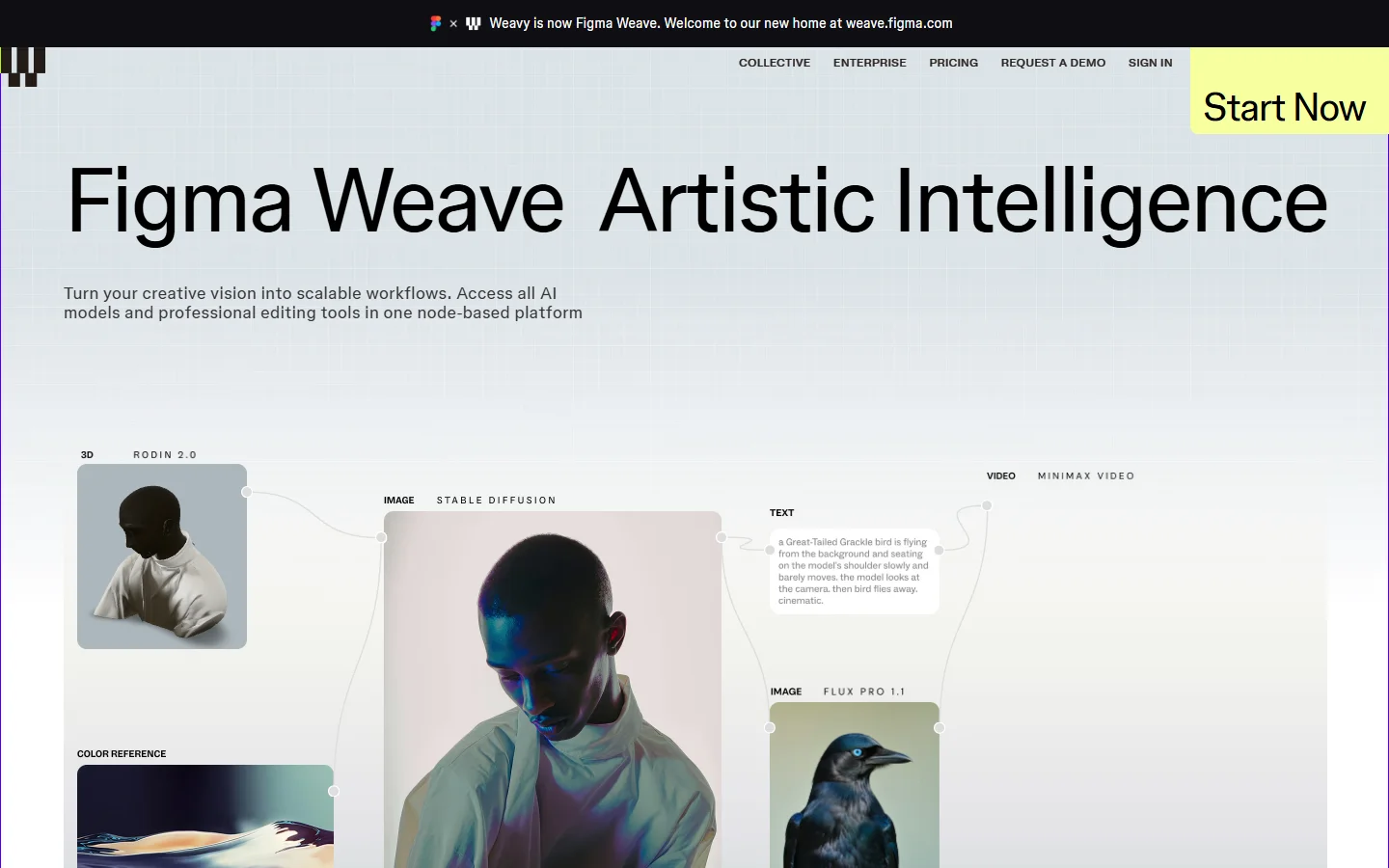
Weavy is the most polished canvas of the three for pure design work. It combines multiple AI models with proper editing tools on one board, and it leans hard into reusable multi-step workflows for teams and agencies. If your job is producing finished creative inside a browser, it is hard to beat.
The catch for developers is blunt: Weavy has no standalone public API. Everything runs through the browser, so there is no way to trigger a saved graph from your own code, queue batch jobs overnight, or embed the engine in another product. We go deeper on that constraint in our breakdown of Weavy for developers.
Weavy was also acquired by Figma in late 2025 and is being folded into Figma Weave, which adds some uncertainty about the standalone roadmap. If the missing API is a dealbreaker, our Weavy API notes cover the current workarounds and what to expect next.
Pricing is credit-based: a free tier around 150 credits per month, then Starter at roughly $19 and Professional near $36, with team seats above that. That is fine for a design team, but there is no metered API tier to budget against for automated workloads, which is the opposite of what a no-code AI tool with API access is built to offer.
Freepik Spaces: an API, but gated to Business and up

Freepik Spaces is a node canvas layered on top of Freepik’s very large stock-asset library. Its strength is fast generation plus instant access to millions of existing assets, which is a different value proposition from pure model orchestration. For teams already paying for Freepik, it is a natural extension.
Freepik does expose an API, which puts it ahead of Weavy for programmatic use. The problem is where the API sits: it is gated to the Business tier and above, which runs around $55 per seat per month on annual billing with a two-seat minimum, before you reach enterprise features like custom credit pools and priority parallel generations. For a solo developer or a small team testing an integration, that is a steep entry point. Our roundup of developer-friendly AI generation platforms puts that pricing in context against cheaper self-serve options.
Chaining models and running true batch jobs through the Freepik API also tends to require custom integration work rather than a clean, documented flow. If your main need is programmatic batch output, read our walkthrough on running batch image generation via API first so you know what a smooth version of that looks like.
Flora: the most developer-friendly of the three
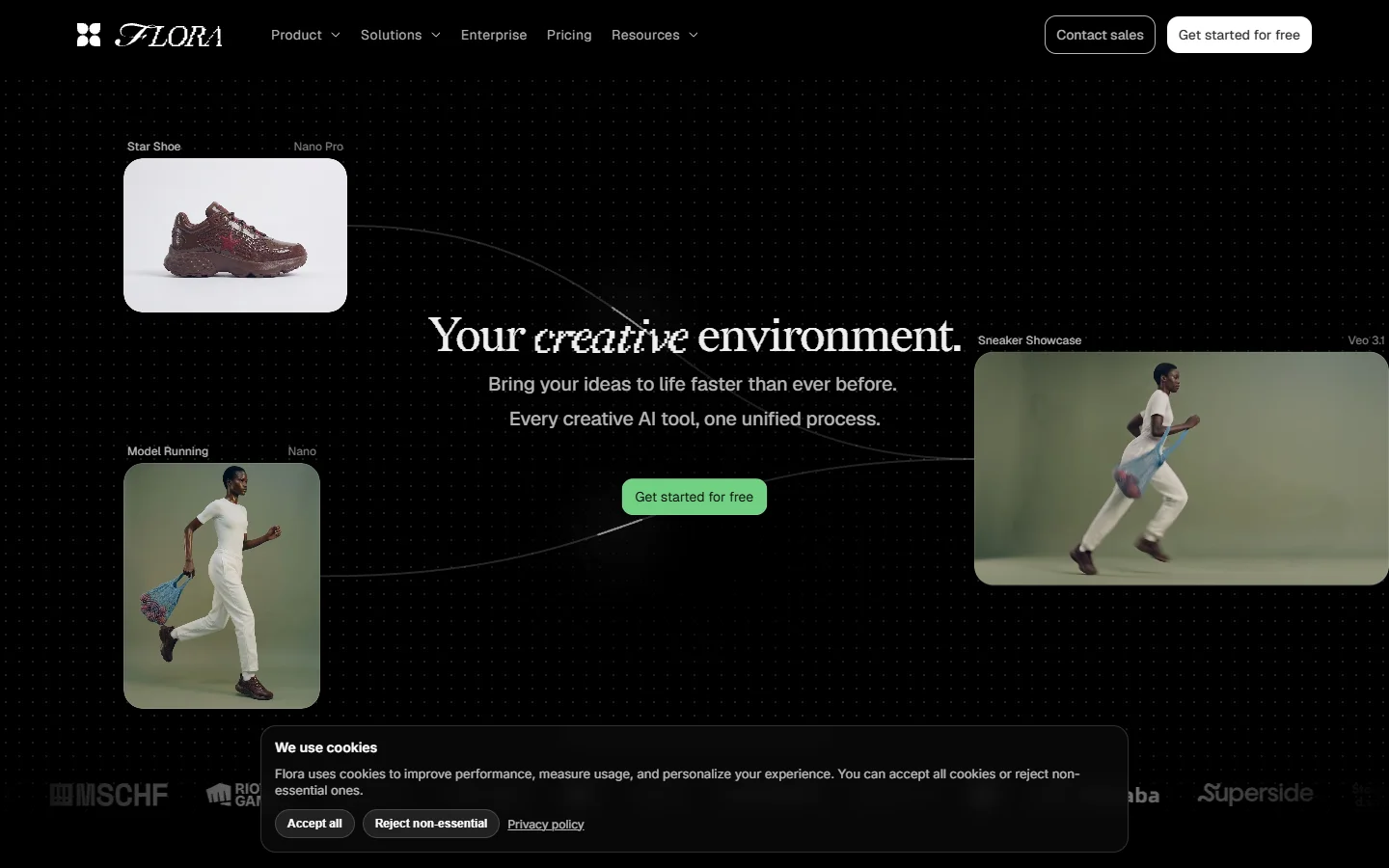
Flora is an infinite canvas that wires together more than fifty third-party models rather than training its own. FLUX, Nano Banana, Kling, Veo, and Runway all appear as nodes, so you can mix image, video, and text generation on one board and branch from any output without losing history. It is the closest of the three to a true multi-model workbench.
Crucially for this audience, Flora offers API and MCP access on its paid plans, which makes it the clearest developer story here. That said, exact pricing is in flux: sources disagree on whether it is per-seat or a shared credit pool, and a free tier of roughly 500 to 1,000 credits sits under paid plans that range widely. Check the live docs before you commit a budget. If you want to compare its automation ceiling against alternatives, our list of headless AI workflow platforms is the right next read.
Because Flora integrates FLUX directly, it is also a reasonable place to test prompt quality before you scale a job. Our FLUX AI image generator reference explains what the model does well so you can set expectations for output on any canvas that hosts it.
Side-by-side comparison

Here is the short version for developers evaluating all three at once:
| Tool | Node canvas | API / dev access | Models | Pricing entry | Best for |
|---|---|---|---|---|---|
| Weavy | Yes | None (browser only) | Multi-model, undisclosed list | Free 150 credits, then ~$19 | Design teams near Figma |
| Freepik Spaces | Yes | Yes, Business tier and up | Freepik models + stock library | Free tier, API from ~$55/seat | Teams wanting stock plus AI |
| Flora | Yes | Yes, API + MCP on paid plans | FLUX, Nano Banana, Kling, Veo, Runway (50+) | Free ~500-1,000 credits, paid varies | Developers chaining many models |
The pattern is clear. Weavy wins on finished-design polish, Freepik wins if you already live in its asset library, and Flora wins on raw developer access. For a wider field beyond these three, our AI workflow platforms with an API compared piece adds several more options to weigh.
What this actually means when you build

If you are wiring image generation into a product or a scheduled job, the deciding factor is rarely the prettiest canvas. It is whether you can call the pipeline from code and predict what it costs at volume. On that axis Weavy is out for now, Freepik is viable only if you can justify the Business seat, and Flora is the natural starting point. A workflow-based AI image platform that exposes the same graph you build visually as an API endpoint is what removes the rebuild-it-in-code step that trips up most teams.
The second factor is model choice. A canvas that locks you to one provider ages badly as new models ship. The tools that let you swap FLUX for Nano Banana or Kling on a node, without re-architecting the graph, are the ones worth committing to. Our best AI API for developers guide ranks options specifically on that flexibility.
How to choose in one minute

Pick Weavy if you are a design team that lives in the browser, values finished-output quality, and does not need automation. Pick Freepik Spaces if your team already pays for Freepik assets and can afford the Business tier for occasional API calls. Pick Flora if you want to chain many models and need programmatic access without an enterprise contract. If none of them fit cleanly, our top Weavy alternatives list covers the next tier of tools worth a look.
Frequently asked questions
Does Weavy have an API for developers? No. As of early 2026, Weavy runs entirely in the browser with no public API, so you cannot trigger workflows or batch jobs from code. Developers who need automation should look at Flora or a dedicated AI canvas platform with an API instead.
Is Freepik Spaces’ API worth it for a small team? Only if you can justify the Business tier, which starts around $55 per seat per month with a two-seat minimum. For light or experimental use, the entry cost is high relative to self-serve alternatives, as our Freepik Spaces for developers breakdown explains.
Which of the three supports the most AI models? Flora, by a wide margin. It integrates more than fifty third-party models including FLUX, Nano Banana, Kling, Veo, and Runway, letting you mix image, video, and text on one canvas.
Can I run batch image generation on these tools? Only through an API, which rules out Weavy. Freepik and Flora both allow it on paid tiers, though the setup effort differs. A programmatic image generation setup is easier to reason about than clicking through a canvas for hundreds of assets.
Do any of them support FLUX models directly? Flora exposes FLUX as a node. Weavy and Freepik use their own or undisclosed model stacks, so if FLUX output specifically matters, confirm the model list before committing.
Is a canvas tool or a raw API better for production? For one-off creative work, a canvas is faster. For anything repeatable or scheduled, an API-first tool wins because you can version it, test it, and run it without a human in the loop, as we show in our guide to building AI workflows with an API.
Bottom line
For developers, the three tools sort cleanly: Weavy is a design-team canvas with no API, Freepik Spaces gates its API behind a Business seat, and Flora offers the most open programmatic access with the widest model list. Match the tool to whether you need finished design output, stock-plus-AI convenience, or real automation. If your priority is running the exact graph you designed as a production endpoint, a visual AI workflow builder that exposes that same graph as an API endpoint will save the most engineering time in the long run.