
Model Context Protocol servers changed how a lot of us render video. Instead of opening a web app, typing a prompt, waiting, and downloading a file, you add a server to your coding agent and ask for the clip in plain language. The agent calls the model, polls the job, and hands back a URL. If you already build AI workflows through an API, MCP is the same idea with the plumbing pushed down a layer.
That matters most for people who generate stills and then animate them. A FLUX render is one call, the video pass is another, and stitching those two calls together by hand gets old fast. A programmatic video generation setup removes the copy and paste step entirely, which is why the MCP video servers below have picked up so much attention this year.
What an AI video MCP server actually does
An MCP server is a small process that advertises a list of tools to a client. Claude Code, Cursor, Cline and Zed all speak the protocol, so once the server is registered the agent can see something like generate_video, check_status and get_result and decide when to call them. The model provider stays the same. What changes is that your editor becomes the interface, the same way it already is for batch image generation over an API.
There are three shapes on the market right now, and mixing them up is the most common mistake, the same way people conflate a model endpoint with a full node-based platform that ships an API:
- Model gateways. One server, many checkpoints. You pick Kling, Veo, Seedance or Sora at call time.
- Render engines. The server does not generate anything. It composes clips, captions and audio into a finished timeline.
- Single-vendor servers. One company, their models only, usually the fastest to install and the least flexible.
Most production setups end up running two of these together, because generation and assembly are genuinely different jobs, and the same split shows up in any canvas driven by a REST API.
fal.ai MCP
fal exposes its model registry through MCP, which is the widest single-server model list available. fal.ai hosts hundreds of checkpoints including most of the current video families, so a single server entry gives your agent access to Kling, Veo, LTX and the various Wan builds without separate accounts. Pricing is per second of output and varies sharply by model, so a cheap test on one checkpoint tells you very little about the bill on another.
The tradeoff is that fal is a raw registry. Tool descriptions are thin, model IDs change, and the agent will occasionally pick a stale checkpoint unless you name it explicitly in the prompt. If you want a comparison of how the underlying models behave before you wire anything up, the roundup of AI video generators for 2026 covers the output quality side.
Higgsfield MCP
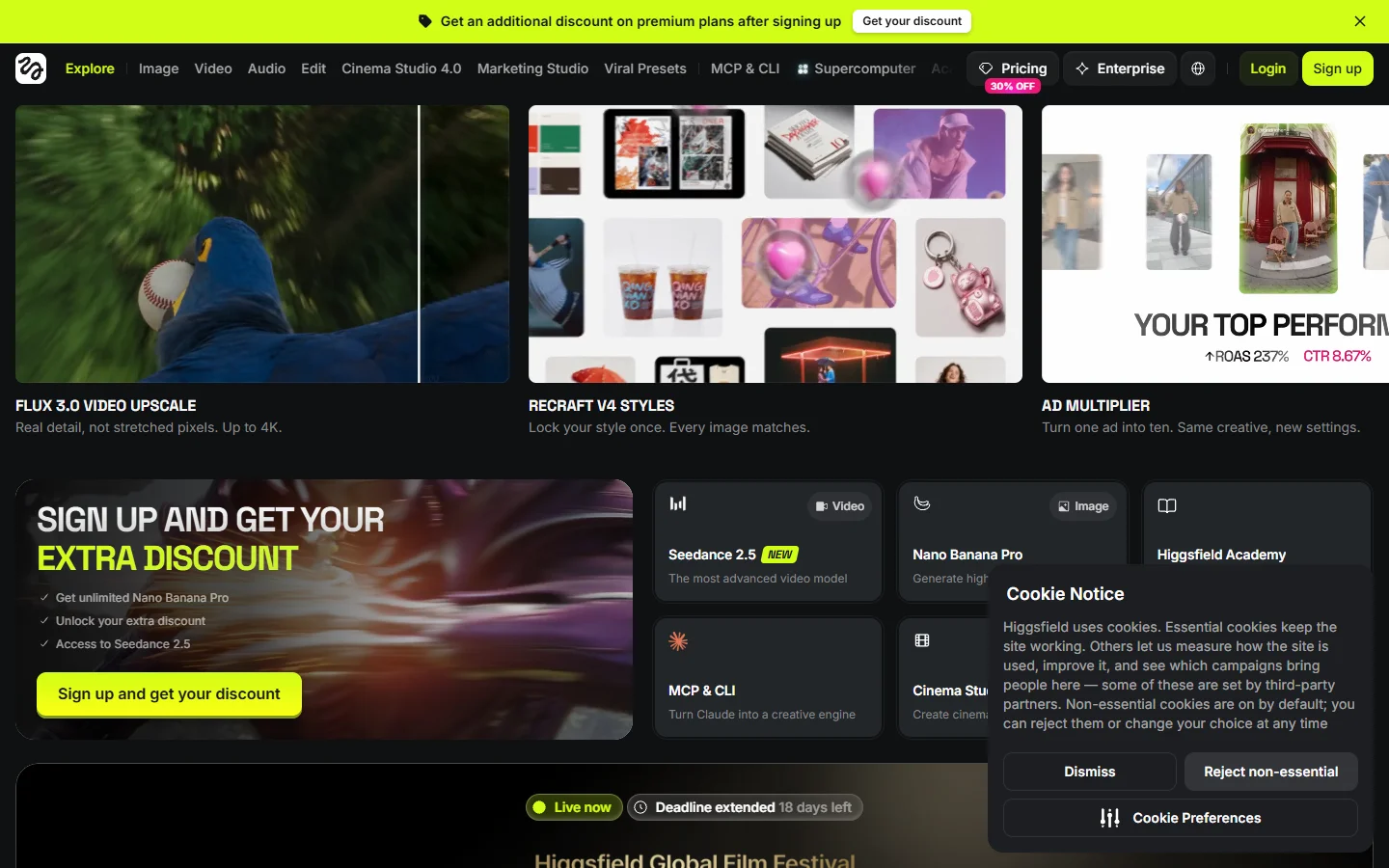
Higgsfield ships a hosted MCP endpoint covering more than 30 image and video models, with a strong bias toward cinematic camera motion presets. The pitch is that you describe a dolly-in or an orbit in words and the server maps it to the right motion control parameters, which is genuinely useful if you are producing shots rather than clips.
It is a closed catalogue, so anything outside their model list is off the table. For image-to-video specifically it handles the handoff well, and the walkthrough on turning a still image into video explains the prompt structure that gets the best results from this class of model.
Replicate MCP
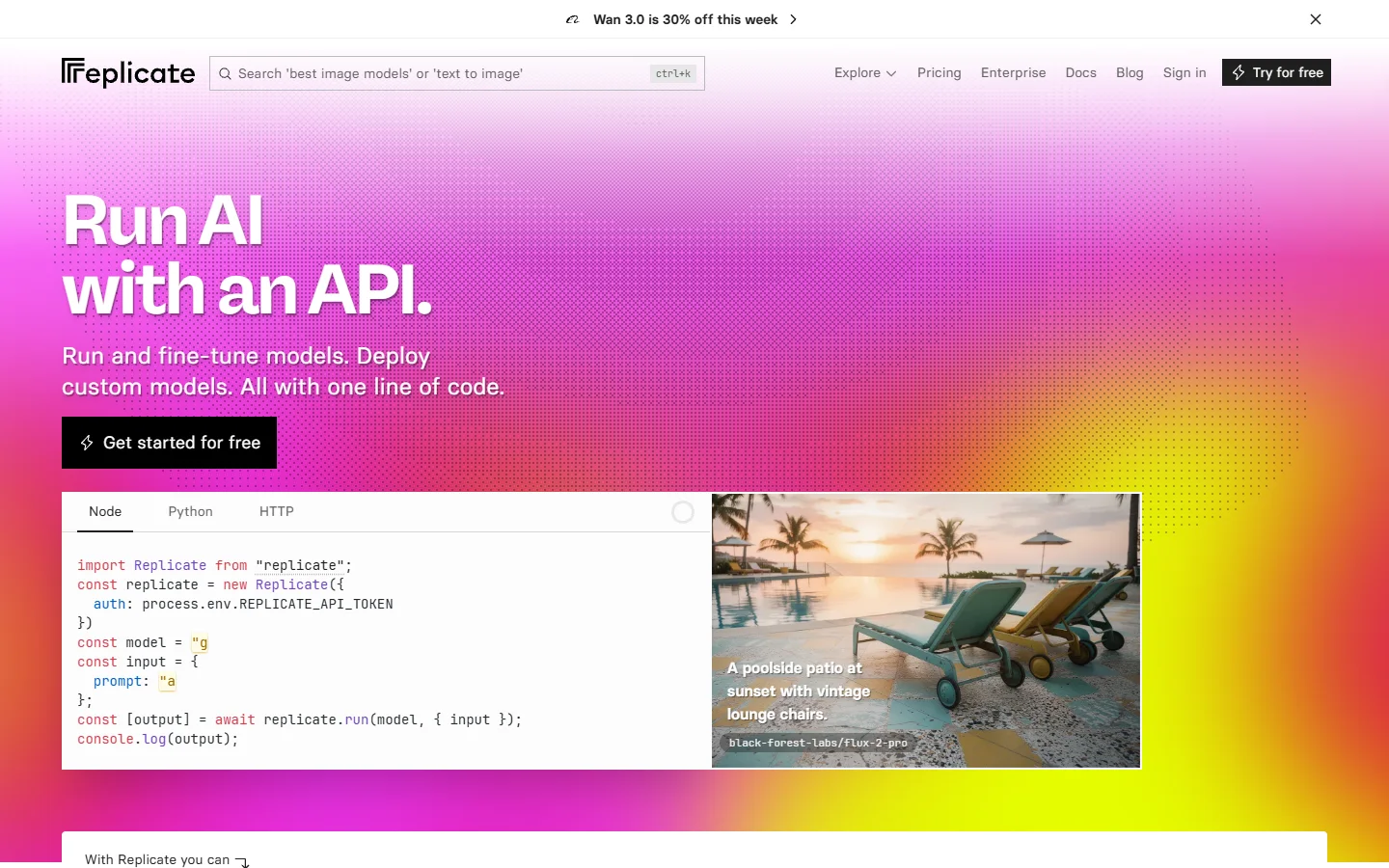
Replicate takes the gateway approach too, with a community model catalogue that is broader than fal’s but less curated. Its MCP server is thin by design: it lists models, runs predictions, and returns output URLs. Cold starts are the main annoyance, and a video model that has not been called recently can sit in boot for 30 to 60 seconds before the job even begins.
Where it wins is reproducibility. Every prediction is pinned to a version hash, so a render you ran in March produces the same output in August. That property is rarer than it sounds and it matters if you are building anything client-facing on top of an orchestration API in production.
Shotstack MCP
Shotstack is a render engine, not a generator. Its MCP server accepts a JSON timeline describing clips, transitions, text overlays and audio tracks, then returns a rendered MP4. Pair it with any of the gateways above and the agent can generate three shots, drop them on a timeline, and hand you one finished file.
Rendering is billed by output minute rather than by model second, which makes cost prediction much easier than on the generation side. If you are choosing between running your own compositor and calling a hosted one, the comparison of headless AI workflow platforms is a fair place to start.
Remotion MCP
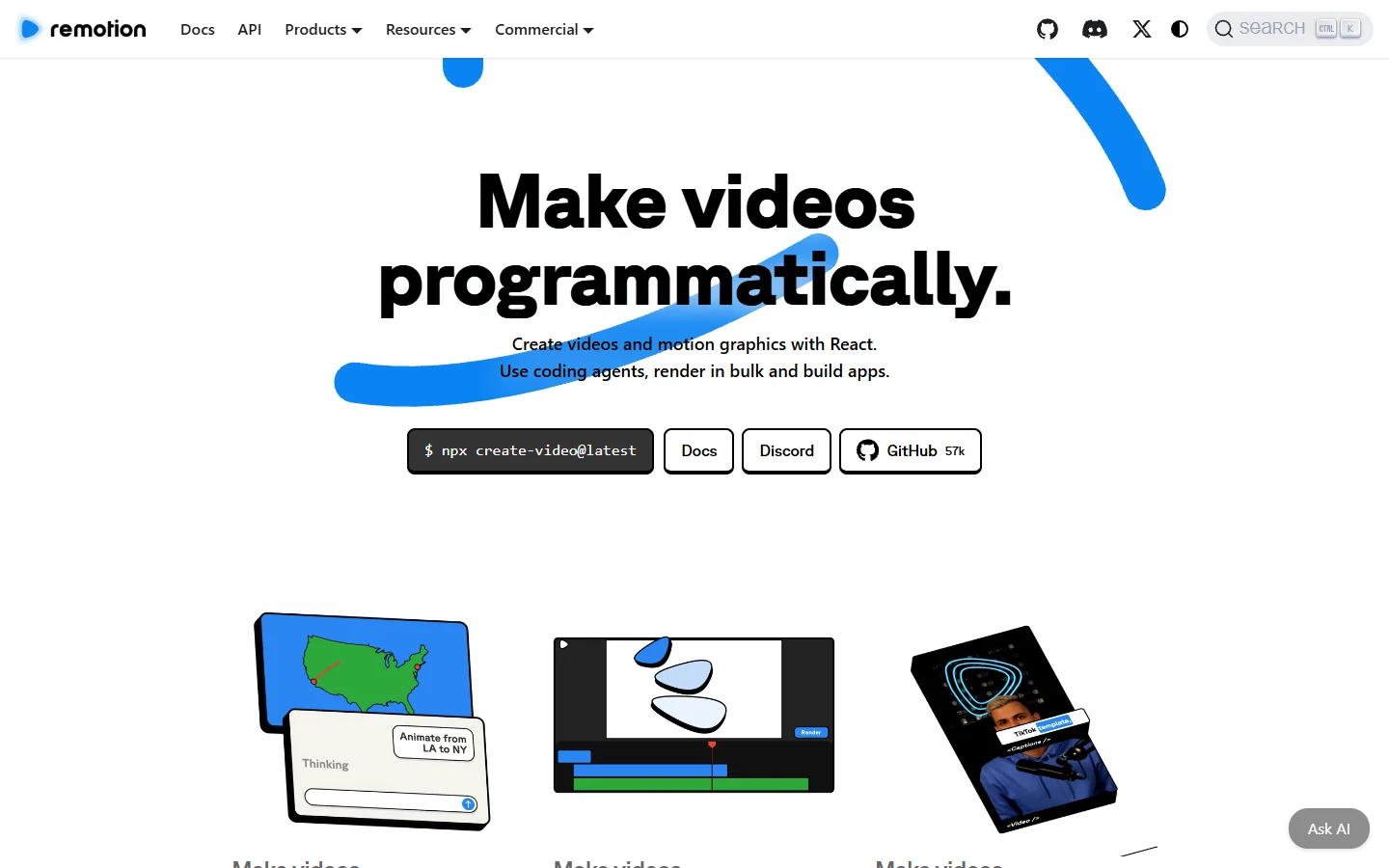
Remotion lets agents write React components and render them to video, which is an unusual fit for MCP and works better than it sounds. Because the composition is code, the agent can edit a caption, a colour or a timing value and re-render without touching a timeline UI.
It is the heaviest option to run. You need a Node environment, a Chromium install and enough RAM for the renderer, so it suits a local dev box or a container far better than a laptop with three other things open. For templated social output it is the strongest of the five, and it pairs well with the tactics in the roundup of AI tools for social video.
Comparison
| Server | Type | Model access | Best for | Main limitation |
|---|---|---|---|---|
| fal.ai | Gateway | Hundreds, all vendors | Widest model choice from one entry | Thin tool descriptions, shifting model IDs |
| Higgsfield | Single vendor | 30+ curated | Cinematic camera motion | Closed catalogue |
| Replicate | Gateway | Very broad, community | Reproducible pinned versions | Cold starts on idle models |
| Shotstack | Render engine | None, assembly only | Turning clips into a finished cut | Does not generate footage |
| Remotion | Render engine | None, code-driven | Programmatic captions and templates | Heavy local setup |
How to wire one up
The install is the same for every server on this list, and it takes about five minutes. It is a lighter lift than assembling the equivalent no-code AI workflow, because there is no canvas to lay out.
- Pick your generation server and get an API key from that vendor’s dashboard.
- Open your client’s MCP config file. For Claude Code that is
.mcp.jsonin the project root; Cursor uses.cursor/mcp.json. - Add the server entry with the command, the args, and the key passed through the
envblock. Never inline the key in the args array, because that file usually ends up in version control. - Restart the client and confirm the tools appear. Most clients list them under a tools or MCP panel; if the list is empty, the process crashed on boot and the client log will say why.
- Ask for a five second test clip at the lowest resolution the model offers before you run anything expensive.
Step three is where people lose the most time, because every vendor documents the config block slightly differently and a single misplaced brace stops the whole server from loading. The most useful shortcut is to copy a known-good entry rather than typing one from scratch, and Wireflow’s video generation MCP rundown publishes a working config block for each server covered here, so you can paste one in, swap the key, and restart. Once the test clip returns, add the render engine as a second entry and the agent will chain the two on its own.
FAQ
What is an AI video generation MCP server? It is a small program that exposes video model calls as tools an AI agent can invoke directly, so a request typed in Claude Code or Cursor becomes a rendered clip without a browser. The protocol handles the tool listing and the argument schema; the server handles the vendor API underneath, in much the same way a REST-driven AI pipeline does.
Do I need to code to use one? No, but you do need to edit a JSON config file once. After that every interaction is plain language inside your editor.
Which video models can I reach over MCP? Through the gateway servers you get most of the current families, including Kling, Veo, Sora, Wan and Seedance. The guide to generating video with Kling via API shows the parameter set these servers pass through.
How much does it cost? The MCP server itself is free in every case here. You pay the underlying model, typically 5 to 50 cents per second of finished video depending on resolution and family. Published rates for one of the pricier families are broken down in the Veo 3.1 pricing examples.
Can I start from a FLUX still instead of a text prompt? Yes, and it is the more reliable path. Generate the frame first, then pass its URL to an image-to-video call, which is exactly the sequence described in the FLUX image to Seedance walkthrough.
Is one server enough? For single clips, yes. For anything with cuts, captions or a soundtrack you want a generation server and a render engine registered together, plus whatever produces the audio bed, which is covered in the guide to AI voiceovers for video.
Are these safe to run on a work machine? Local servers execute code on your machine, so treat them like any other dependency and read the source before installing an unfamiliar one. Hosted endpoints avoid that but send your prompts to a third party.
Conclusion
The useful split in 2026 is between servers that make footage and servers that assemble it. Pick a gateway if you want model choice, a single-vendor endpoint if you want motion presets that work out of the box, and add a render engine the moment your output needs more than one shot. None of this replaces knowing what a good prompt looks like, which still starts on the image side with tools like the FLUX prompt generator before a single frame gets animated.