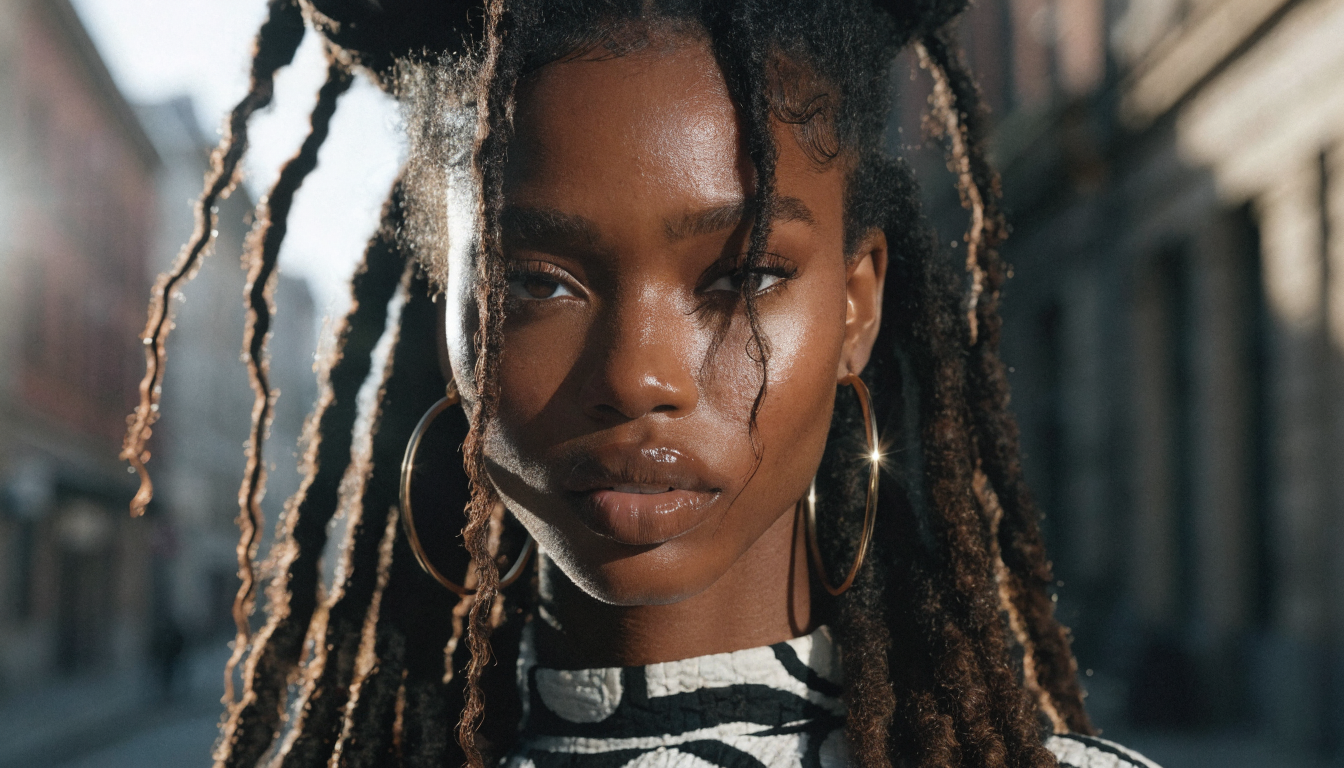
Building memorable characters for games and stories used to require concept artists and weeks of iteration. Today, text-to-image AI models like FLUX 1.1 Pro compress that process into minutes, letting indie developers, writers, and tabletop creators produce character art that holds up alongside studio-quality work. This guide covers the full process, from writing your first character prompt to generating consistent art across an entire cast using AI image generators.
Why AI Character Generation Matters
The economics of character design have shifted. Solo developers can now generate dozens of character concepts in an afternoon instead of commissioning each one individually. Narrative designers working on interactive fiction, tabletop RPGs, and visual novels benefit from rapid prototyping, where testing thirty variations of a protagonist costs nothing beyond compute time. The same applies to webcomic artists and authors who need consistent visuals across long-form projects. Tools built around the FLUX model family handle a wide range of styles, from photorealistic portraits to painterly concept art.
For game developers specifically, AI character generation solves a bottleneck that used to gate early production. You can validate character designs with playtesters before investing in final assets, reducing wasted art direction cycles. Writers who work with AI avatar tools can visualize their characters early in the drafting process, which often improves the written descriptions themselves.
Step 1: Define Your Character Brief
Every strong AI character starts with a written profile. Before generating any visuals, document these elements in a structured brief that you can feed directly into your prompt generator:
- Physical appearance: age, build, distinguishing features, skin tone, hair style and color. For photorealistic characters, reference the realistic AI face generation guide to understand what level of facial detail current models can handle.
- Costume and gear: armor type, clothing era, weapons, accessories, color palette
- Personality markers: posture, default facial expression, body language tendencies. These visual cues translate directly into digital art generation prompts.
- Setting context: fantasy, sci-fi, modern, post-apocalyptic, or historical
The more specific your brief, the better your outputs. A prompt like “warrior character” produces generic results. A prompt like “a scarred elven ranger in weathered leather armor, carrying a recurve bow, standing at the edge of a misty cliff” gives the model enough detail to produce something distinctive. For game characters, also note the camera angle that matches your game’s perspective, whether that is isometric, first-person, or side-scrolling.
Step 2: Write Effective Prompts for Character Art
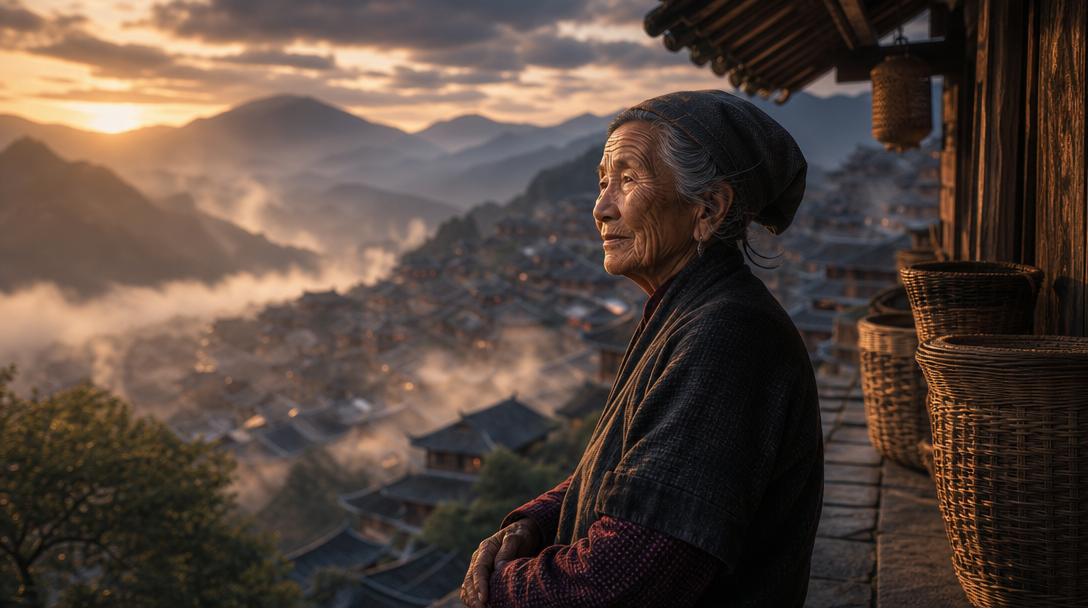
Prompt engineering is the skill that separates generic character art from production-ready assets. If you are new to structuring prompts, the FLUX prompt library includes tested formulas for common character art styles. Structure your prompts with these components in order:
- Subject description: the character’s physical appearance and pose
- Costume and equipment: specific details about what they wear and carry. Browse AI picture maker examples for inspiration on how detail levels affect output quality.
- Art style: painterly, cel-shaded, photorealistic, pixel art, anime
- Lighting and mood: dramatic side-lighting, soft ambient glow, harsh overhead. The FLUX 1.1 Pro model handles complex lighting setups particularly well.
- Technical specifications: aspect ratio, background treatment, framing
For example, a complete prompt for a game character might read: “Full-body portrait of a cyberpunk street medic, mid-30s, short silver hair, wearing a patched tactical vest over a hoodie, carrying a modified first-aid satchel, neon-lit alley background, cinematic rim lighting, concept art style, 2:3 portrait orientation.” Negative prompts also help: specifying “no watermark, no text overlay, no frame border” cleans up outputs that would otherwise need manual editing.
Step 3: Generate Consistent Character Variations
One of the biggest challenges in AI character art is maintaining visual consistency across multiple images. When you need the same character in different poses, outfits, or scenes, small prompt changes can produce wildly different faces and body proportions. Compared to other top image generators, FLUX models offer strong prompt adherence that helps with this. Strategies that work:
- Lock your style tokens: keep the art style and lighting descriptions identical across all prompts for one character. This is especially important when creating cartoon or stylized character art.
- Use a seed value: if your tool supports it, fix the seed and modify only the pose or action
- Reference descriptions: paste the exact same physical description at the start of every prompt, changing only the action and scene
- Batch by character: generate all variations for one character before moving to the next, so visual drift stays contained
For creators building entire character casts, Wireflow AI lets you lock style parameters in a pipeline template so every character shares the same visual language even when their individual traits differ. This is particularly useful for game studios producing NPCs, where dozens of characters need to feel like they belong in the same world.
Step 4: Refine and Upscale Your Characters
Raw AI outputs rarely ship directly into a game or publication. Most character art needs at least one round of refinement. The AI photo enhancement tools guide covers the full landscape, but the core post-processing steps are:
- Upscaling: increase resolution for print or high-DPI displays using dedicated AI upscalers
- Face correction: fix asymmetry, artifact teeth, or inconsistent eye direction. The AI image editing comparison covers tools that handle inpainting well.
- Background removal: isolate the character on a transparent background for compositing into game scenes
- Color grading: match the character’s palette to your project’s overall art direction
Running a second generation pass focused on the face region at higher resolution often fixes subtle artifacts without changing the overall composition. This two-pass approach works with most FLUX-based tools.
Step 5: Build a Character Pipeline
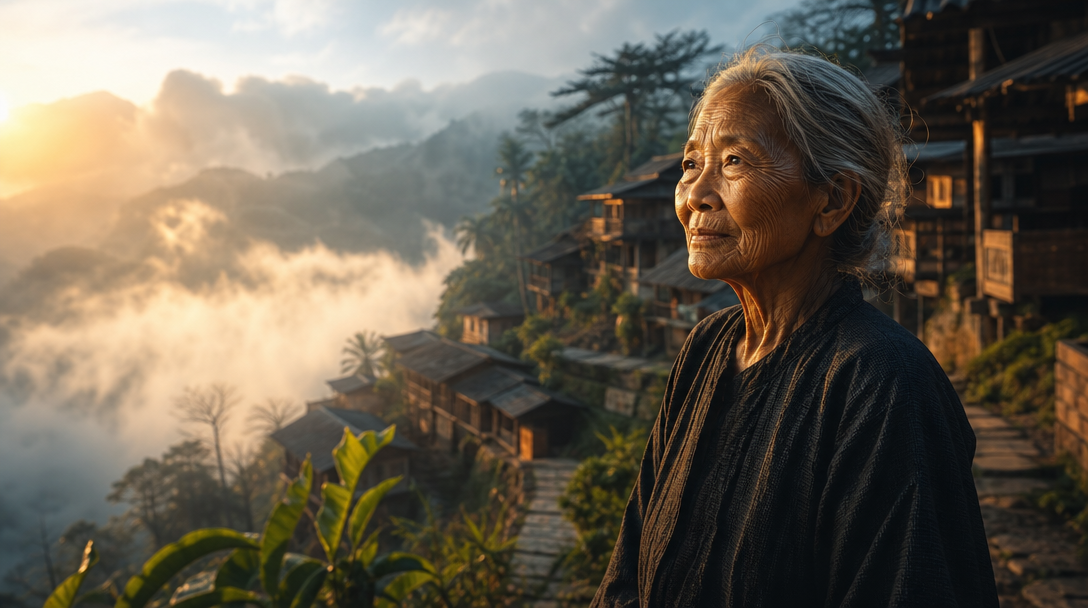
For projects with more than a handful of characters, manual prompt-and-download cycles become a bottleneck. Creators who have explored free AI image generators know the friction of downloading and organizing outputs one at a time. A structured pipeline automates the repetitive steps:
- Feed character briefs from a spreadsheet or JSON file
- Generate base portraits using locked style settings
- Run automatic background removal
- Upscale to final resolution
- Export with consistent naming and metadata
A visual AI workflow builder handles steps 2 through 5 without manual intervention, which matters when you are producing 20 or more characters for a game roster or illustrated novel. Some teams also automate the process of generating characters directly from structured data using tools like RoboWork, which can feed organized character specs into image generation workflows.
The difference between hobbyist and professional AI character work often comes down to pipeline maturity. Automated pipelines produce consistent batches at scale, which is what game production actually requires.
Frequently Asked Questions
What is the best AI model for generating game characters?
FLUX 1.1 Pro handles most character art styles well, from photorealistic to painterly. For anime-style characters, models fine-tuned on illustration datasets often produce cleaner line work. The best approach is to test your specific character brief across multiple image generators and compare results.
Can I use AI-generated characters commercially?
Most major AI image generators, including FLUX models, allow commercial use of generated outputs. Check the specific license terms for the model you use. Some models restrict commercial use for outputs that closely resemble real people. For game and story characters, original fictional designs are generally clear for commercial use.
How do I keep characters consistent across multiple images?
Lock your style tokens, use the same physical description as a prefix for every prompt, and batch-generate all variations for one character before moving to the next. Fixed seed values help when available. Pipeline tools that save style presets across generation runs produce the most reliable consistency. The FLUX Krea model is particularly good at maintaining style coherence across batches.
What resolution should I generate character art at?
Generate at or slightly above your target output resolution. For game sprites, that might be 256×256 or 512×512. For illustration and print, 2048×2048 or higher. Upscaling works for moderate increases (2x to 4x) but introduces artifacts at extreme scales.
How do I create characters in a specific art style?
Include the art style explicitly in your prompt: “in the style of watercolor illustration” or “cel-shaded anime style” or “oil painting with visible brushstrokes.” Adding references to specific art movements (Art Nouveau, Art Deco, ukiyo-e) also steers the output effectively. The FLUX prompt generator offers tested style formulas.
Can AI generate full character sheets with multiple views?
Yes, though results vary by model. Prompting for “character design sheet, front view and side view, white background” works reasonably well with FLUX models. For complex turnaround sheets (front, side, back, three-quarter), generating each view separately with locked style tokens usually produces cleaner results than trying to fit everything in one image.
How long does it take to generate a complete character cast?
A single character portrait takes 10 to 30 seconds depending on the model and resolution. A full character with 5 to 8 variations (different poses, expressions, outfits) takes roughly 15 to 30 minutes of generation time plus review. A cast of 10 characters with variations can be completed in a day with a structured AI workflow, compared to weeks with traditional illustration.
Wrapping Up
AI character generation has matured past the novelty stage. The models are capable enough that the bottleneck has moved from “can the AI make good characters” to “can you describe what you want precisely enough.” A clear character brief, structured prompts, and a repeatable pipeline will get you further than any single tool upgrade. Whether you are building a game roster, illustrating a novel, or populating a tabletop campaign, the workflow outlined here scales from one character to a hundred. Start with the FLUX AI image generator for your first character concepts and iterate from there.