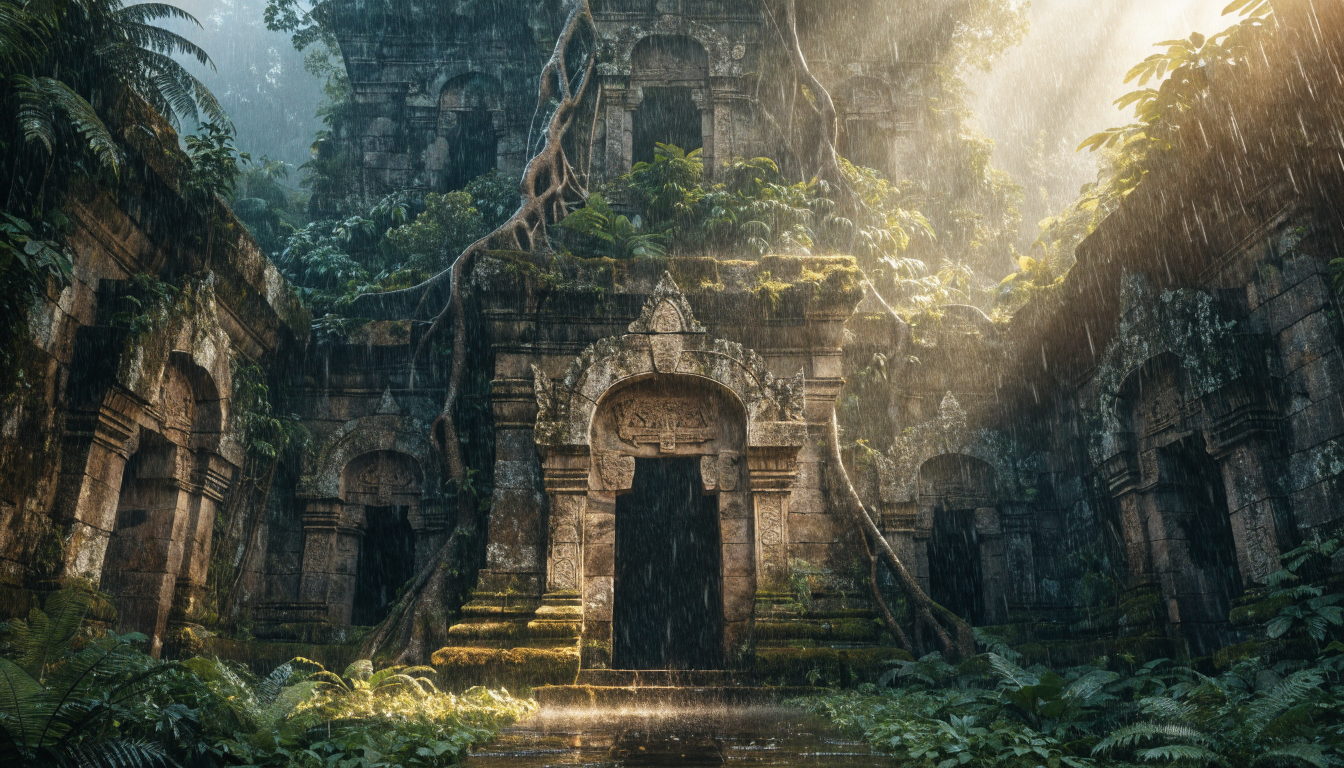
Visual AI workflow builders have changed how creators produce images, videos, and multimedia content at scale. Instead of writing Python scripts to chain API calls between models, you can now drag nodes onto a canvas, connect them, and run complex image generation pipelines in minutes. This guide covers the practical steps for building AI image workflows without code in 2026, from choosing the right platform to deploying production-ready automation.
What Is a No-Code AI Image Workflow?
A no-code AI workflow is a visual pipeline where each step represents an operation: text-to-image generation, upscaling, background removal, style transfer, or format conversion. You place nodes on a canvas and draw connections between them instead of writing API integration code. The platform handles authentication, queuing, error recovery, and data formatting between steps automatically. For creators working with FLUX models and other diffusion architectures, this means you can prototype new image styles and batch-produce content without touching a terminal.
Why Visual Workflows Beat Scripts for Image Generation
Manual scripting works fine for a single API call. But real creative production involves chaining multiple models: generate a base image with FLUX 1.1 Pro, upscale it, remove the background, composite it onto a template, and export in three sizes. Writing that in code means handling rate limits, retries, file formats, and error states across every step. The FLUX prompt generator can feed directly into generation nodes, making iteration faster than any script-based approach.
Visual workflow tools solve this by abstracting each operation into a reusable node. You connect outputs to inputs visually, and the platform handles execution order and data passing. When a new model launches, you swap one node instead of rewriting integration code.

Step 1: Choose Your Platform
Several platforms support no-code AI image workflows in 2026, each with different strengths. Picking the right one depends on your use case and how much control you need over the image generation process.
n8n is an open-source workflow automation tool with strong AI model integrations. It supports custom nodes, self-hosting, and has a growing library of image generation connectors.

ComfyUI remains the go-to for complex image generation graphs. It is specifically designed for diffusion model pipelines, with granular control over samplers, schedulers, and conditioning. The learning curve is steeper but the control is unmatched for serious AI art creation work.
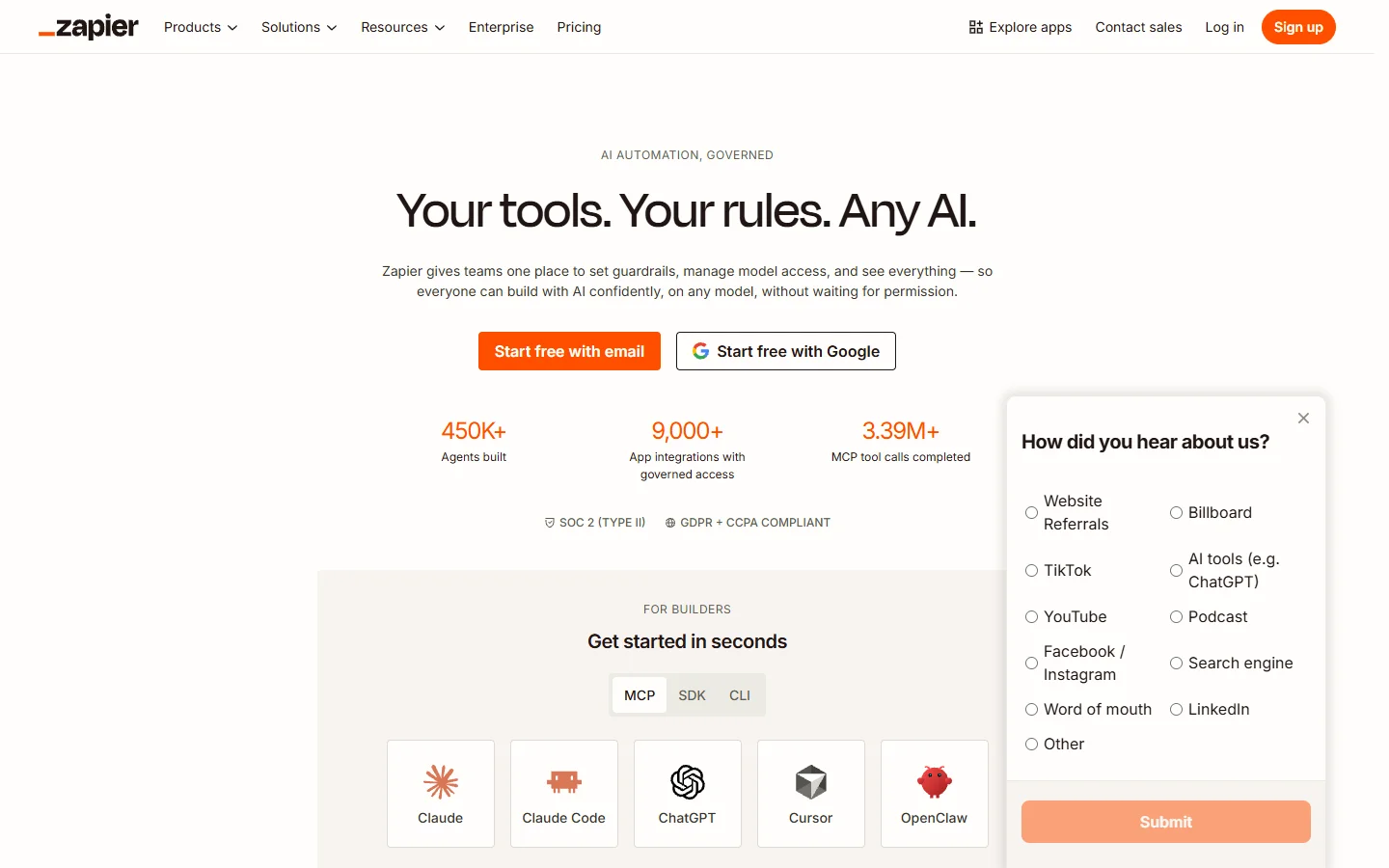
Zapier handles simpler automations well, connecting triggers (new Shopify order, form submission, scheduled time) to AI model calls and output delivery. Less granular than ComfyUI but faster to set up for straightforward pipelines.
For teams that need both the visual canvas experience and full API access for programmatic triggering, a multi-model AI workflow tool bridges the gap between no-code simplicity and developer-grade control.
Step 2: Design Your Image Pipeline
Start by mapping out what your workflow needs to accomplish. A typical image production pipeline for realistic photo generation looks like this:
- Input: Text prompt, reference image, or data from a spreadsheet/CMS
- Generation: Call FLUX 1.1 Pro, Recraft V4, or another model with the prompt
- Post-processing: Upscale, crop, remove background, apply color correction
- Output: Save to cloud storage, post to CMS, or return via webhook
Keep your first workflow to three or four nodes. You can add branching logic, conditional routing, and batch processing once the core pipeline works reliably.
Step 3: Connect Models and Test
Once your nodes are placed, configure each one. Set the model endpoint (FLUX 1.1 Pro for photorealistic output, FLUX Dev for experimentation), define input parameters like prompt template, negative prompt, dimensions, and seed. Configure output format: PNG for quality, WebP for web delivery, JPEG for email. Set error handling with retry count, fallback model, and notification on failure.
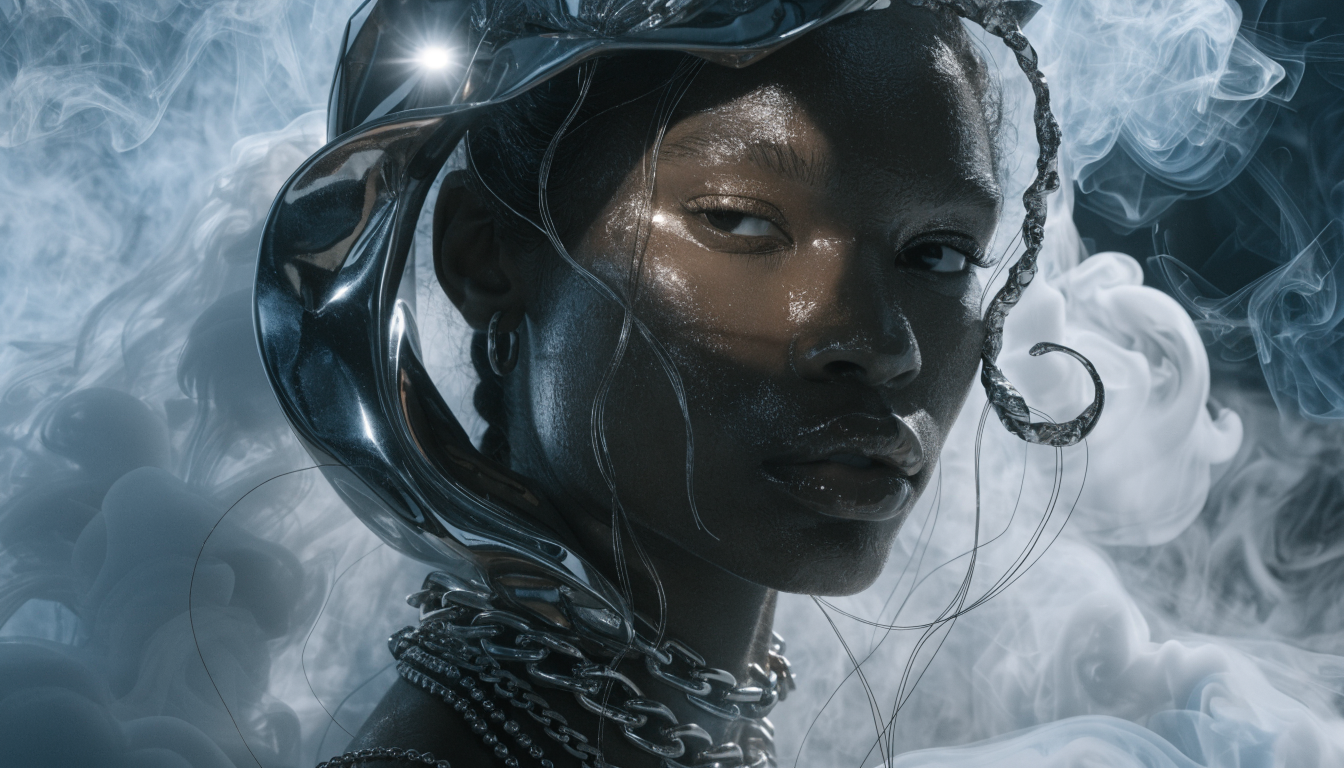
Run the workflow with a single test input first. Check that data passes correctly between nodes and that the output quality meets your standards. Most platforms show intermediate results at each node, so you can identify exactly where issues occur.
Step 4: Scale with Batch Processing and Triggers
After your workflow runs correctly for single inputs, add scale. Batch mode lets you feed a CSV of prompts or a folder of reference images, with the platform processing each row through your pipeline automatically. Scheduled triggers can run the workflow every morning to generate fresh social media content using proven prompts, or every hour to produce new product mockups from updated inventory data.
This is where no-code workflows deliver the most value. A workflow that generates, processes, and delivers 500 images overnight would take weeks to build and maintain as custom code. On a visual platform, it takes an afternoon to set up and runs unattended. Platforms offering a node-based AI canvas make this particularly straightforward since you can see the entire pipeline at a glance and adjust bottlenecks visually.
Comparing No-Code Workflow Approaches
| Approach | Setup Time | Flexibility | Best For |
|---|---|---|---|
| ComfyUI | 2-4 hours | Very high | Complex diffusion pipelines, LoRA experiments |
| n8n | 1-2 hours | High | Multi-service automation with AI steps |
| Zapier | 15-30 min | Medium | Simple trigger-to-generation flows |
| Custom scripts | Days-weeks | Maximum | Unique requirements no platform covers |
For most creators producing AI-generated images at scale, a visual workflow platform hits the sweet spot between flexibility and speed. The right choice depends on whether you need deep model control (ComfyUI), broad service integration (n8n/Zapier), or a balance of both. Many Midjourney alternatives now offer direct workflow integrations that make them plug-and-play nodes.
Common Mistakes to Avoid
- Over-engineering the first workflow: Start with three nodes. Add complexity only after the basics work.
- Ignoring error handling: Models fail, APIs rate-limit, images come back corrupted. Build retry logic and fallback paths from day one.
- Hardcoding prompts: Use variables and templates so you can reuse workflows across different content types.
- Skipping quality gates: Add a node that checks image resolution, file size, or content safety before the output goes live.
FAQ
Do I need any technical background to build AI image workflows? No. Modern visual workflow platforms are designed for non-developers. If you can use a spreadsheet or design tool, you can build a workflow. Basic understanding of what AI models do (input prompt, output image) is helpful but not required.
Which AI models work best in no-code pipelines? FLUX 1.1 Pro and Recraft V4 are popular choices for image generation nodes because they offer consistent quality and fast inference. For specialized tasks like background removal or upscaling, dedicated models outperform general-purpose ones.
How much does it cost to run AI workflows? Costs depend on model usage and volume. Most platforms charge per execution or per node-run. A typical workflow generating 100 images per day might cost $15-50/month in model API fees plus platform fees. Self-hosted options like n8n reduce platform costs but require server maintenance.
Can I mix different AI providers in one workflow? Yes. Most platforms support multiple providers. You can use FLUX for generation, a separate model for upscaling, and another for transparent backgrounds, all in the same pipeline without writing integration code.
What happens when a model in my workflow gets deprecated? You swap the node for a new model and reconnect. No code changes needed. This is one of the biggest advantages over scripted approaches, where a model deprecation might require rewriting API calls, adjusting response parsing, and updating error handling. The FLUX model family maintains backward-compatible outputs that make swaps straightforward.
Can I share or sell my workflows? Many platforms support workflow templates and marketplace sharing. You can export a workflow as a template, share it with your team, or publish it for others to use. Some AI image editing communities have active template exchanges.
How do I handle large batches without hitting rate limits? Add a delay node or throttle between generations. Most workflow platforms support configurable concurrency limits and automatic queuing. Set your parallel execution to match your API tier’s rate limit.
Conclusion
Building AI image workflows without code is now practical for any creator or team producing visual content at scale. The combination of visual canvas editors, pre-built model nodes, and automated execution means you can go from concept to production pipeline in hours rather than weeks. Start simple, test thoroughly, and scale gradually. The tools are mature enough in 2026 that the bottleneck is no longer technical skill; it is knowing what you want to build.