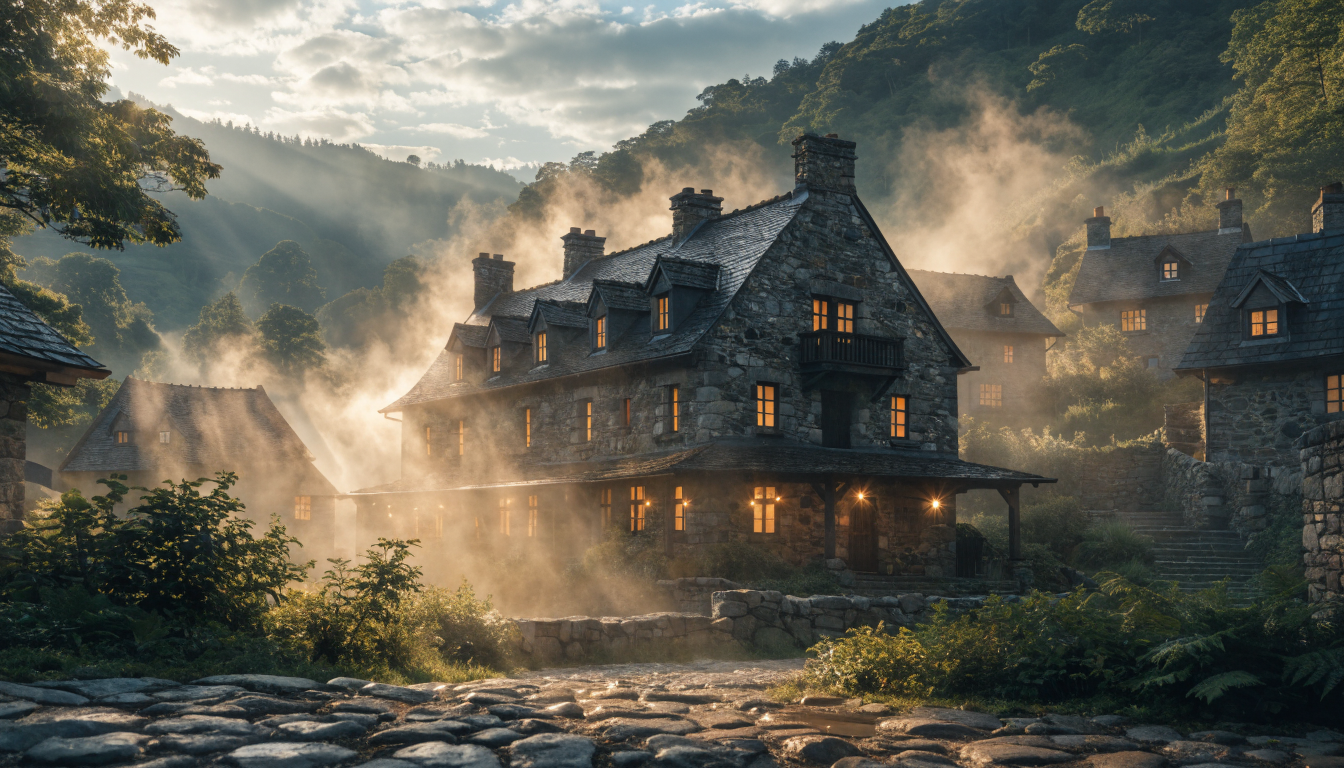
AI video generation has matured rapidly, and in 2026 you no longer need a subscription or a powerful GPU to create short clips from text or images. Several platforms now offer free tiers that are genuinely usable for social content, product demos, and creative projects. We tested dozens of tools and narrowed the list to the ten that deliver the best combination of output quality, free-tier generosity, and ease of use. For a broader look at how these platforms stack up, see our full AI video generator comparison.
Quick Comparison
| Tool | Best For | Free Tier | Max Resolution | Watermark |
|---|---|---|---|---|
| Kling AI | Motion quality | 66 daily credits | 720p | Yes |
| Pika | Creative effects | 80-150 daily credits | 1080p | No |
| Luma Dream Machine | Fast prototyping | 30/month | 720p | Yes |
| Runway | Professional editing | 125 credits | 720p | Yes |
| Hailuo AI | Scenic content | 10/day | 720p | No |
| InVideo AI | Long-form content | 10 min/week | 1080p | Yes |
| HeyGen | Avatar videos | 3 videos/month | 1080p | Yes |
| CapCut | Short-form editing | Unlimited | 1080p | No |
| Canva | Templates | 5 videos/month | 1080p | No |
| Synthesia | Training videos | 3 min free trial | 1080p | Yes |
1. Kling AI
Kling AI, developed by Kuaishou, uses spatial-temporal attention to produce videos with realistic physics and consistent character motion. Version 3.0 brought significant improvements to human movement generation. The daily refresh of 66 credits (roughly 6 to 10 videos) makes it one of the most generous free video tools online, with text-to-video and image-to-video modes, motion brush control, and up to 720p output in 5 to 10 second clips.
2. Pika
Pika differentiates itself with Pikaffects, a creative effects toolkit that lets you crush, melt, inflate, or explode objects in your generated videos. The free tier gives 80 to 150 daily credits with 1080p output, which is rare among free tools. Clips run 3 to 4 seconds with VFX-style effects built in, making it a strong pick for social media creators who need eye-catching video content.
3. Luma Dream Machine
Luma Dream Machine generates surprisingly coherent videos from text or image inputs. The standout is speed; most clips finish in under two minutes, making it practical for rapid iteration. You get 30 free generations per month with up to 5-second clips. If you are exploring how to turn text into video with AI, Luma is one of the fastest ways to get started.
4. Runway

Runway pioneered browser-based AI video generation with Gen-3 Alpha and remains one of the most polished platforms available. Beyond generation, it includes a full editing suite with inpainting, motion tracking, and green screen removal. The 125 free credits support text-to-video, image-to-video, and video-to-video at up to 720p in 10-second clips. For more options in this category, see our list of Runway alternatives for AI video generation.
5. Hailuo AI
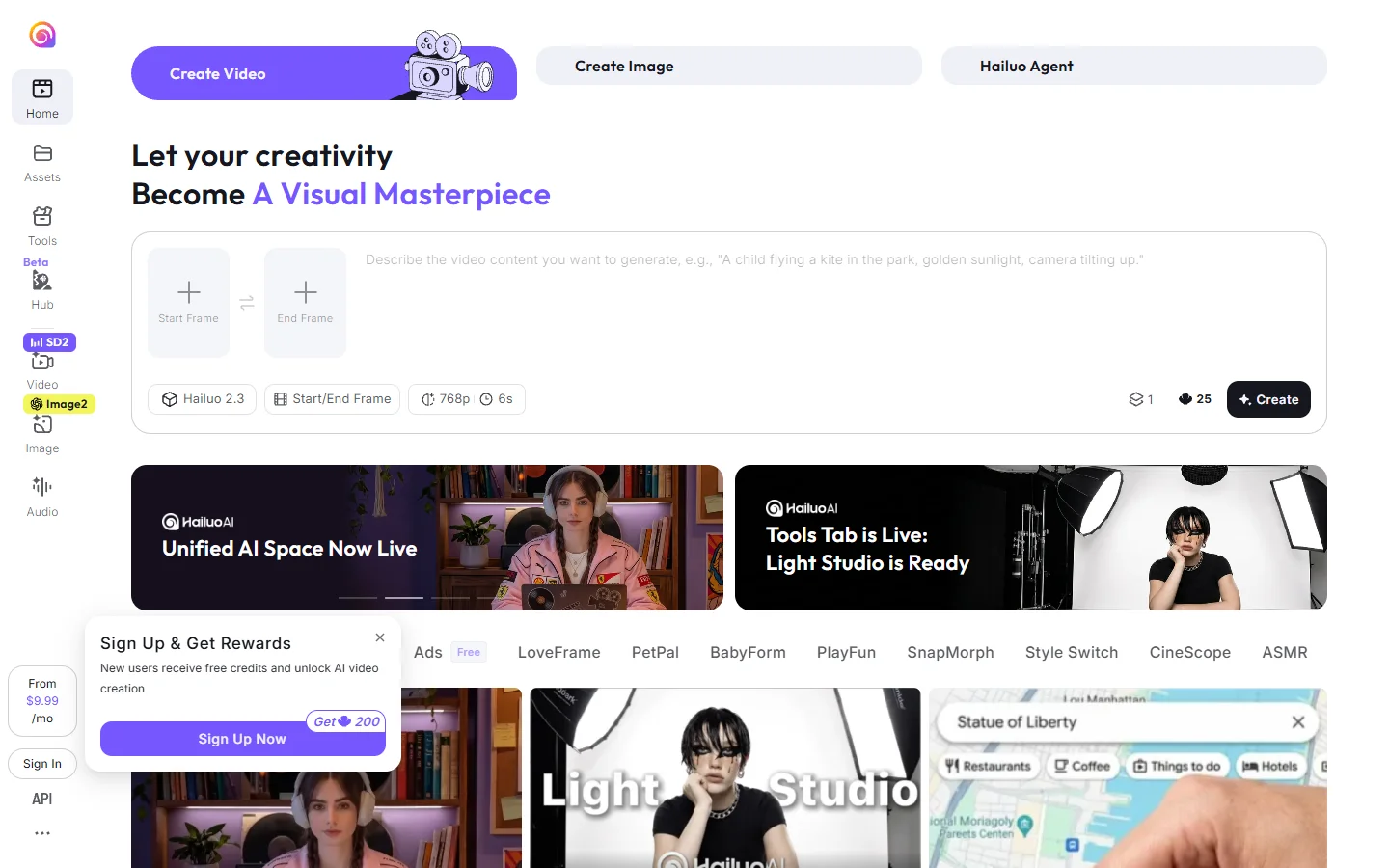
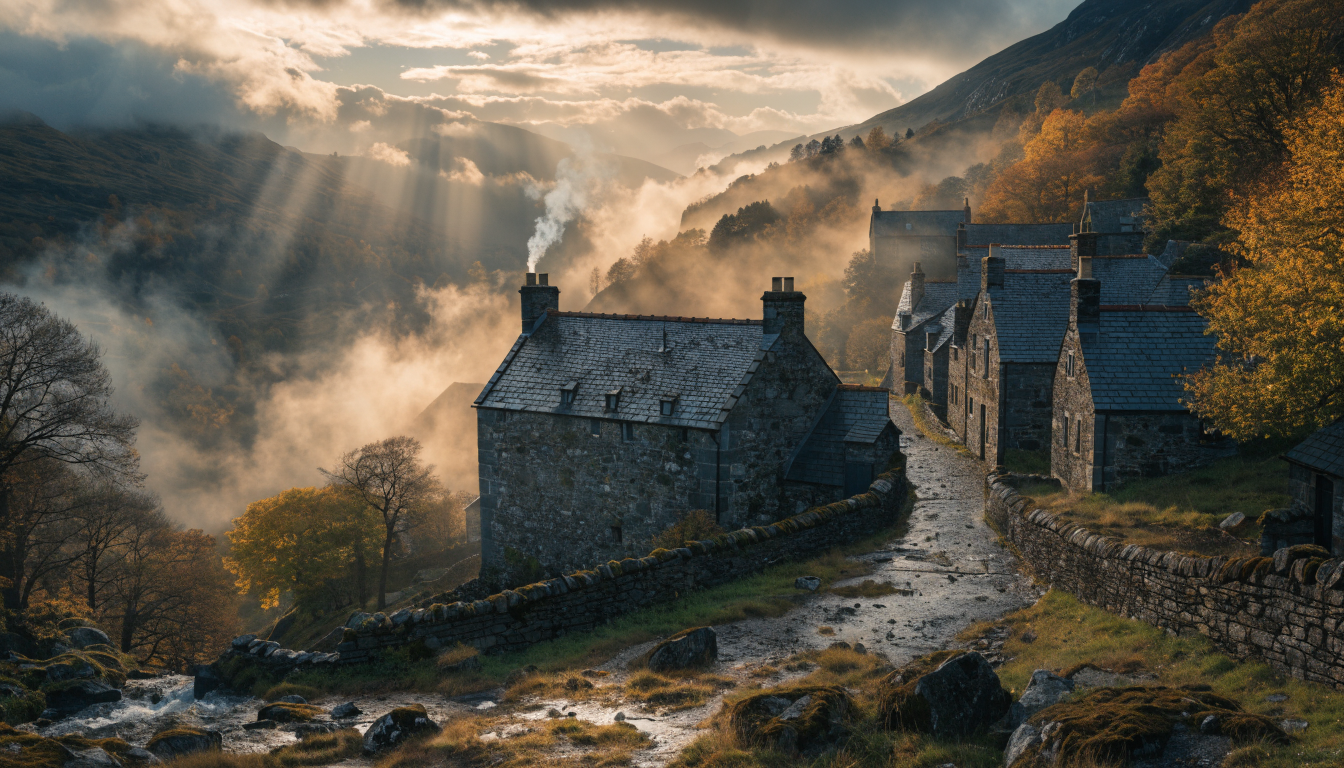
Hailuo AI has built a strong following with its MiniMax video model. The free tier allows up to 10 generations per day with no watermark on outputs, which is unusual among competitors. The model handles scenic and landscape content especially well, producing smooth camera movements and consistent lighting at 720p. For creators who also work with still images, it pairs well with tools from our AI image generation comparison.
6. InVideo AI
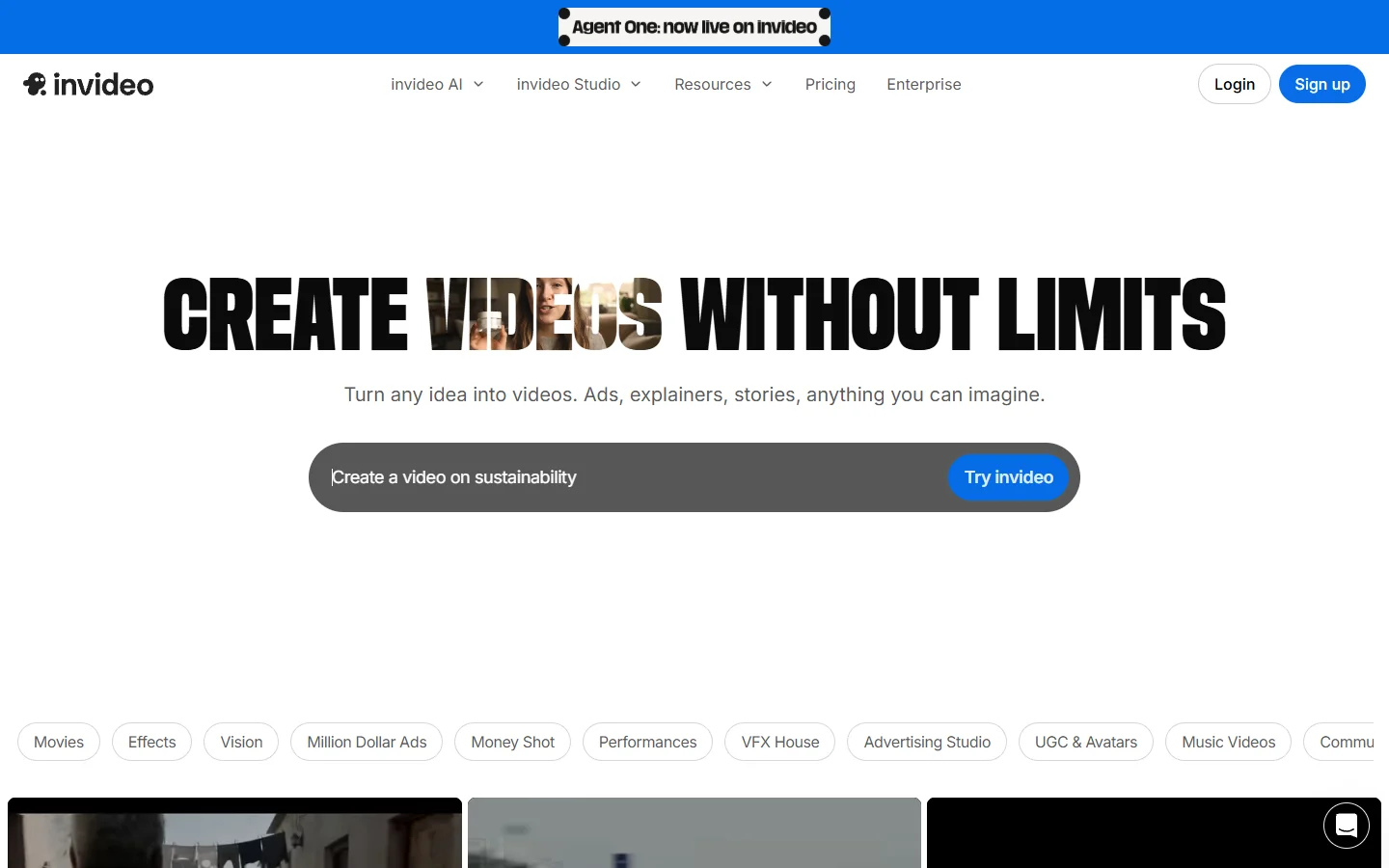
InVideo AI takes a different approach by generating complete long-form videos from a single text prompt. It assembles clips, adds voiceover, applies transitions, and exports a finished video, giving you 10 minutes of generated content per week at 1080p with hundreds of template styles. This makes it particularly useful for social media ad creation and YouTube-style explainers.
7. HeyGen
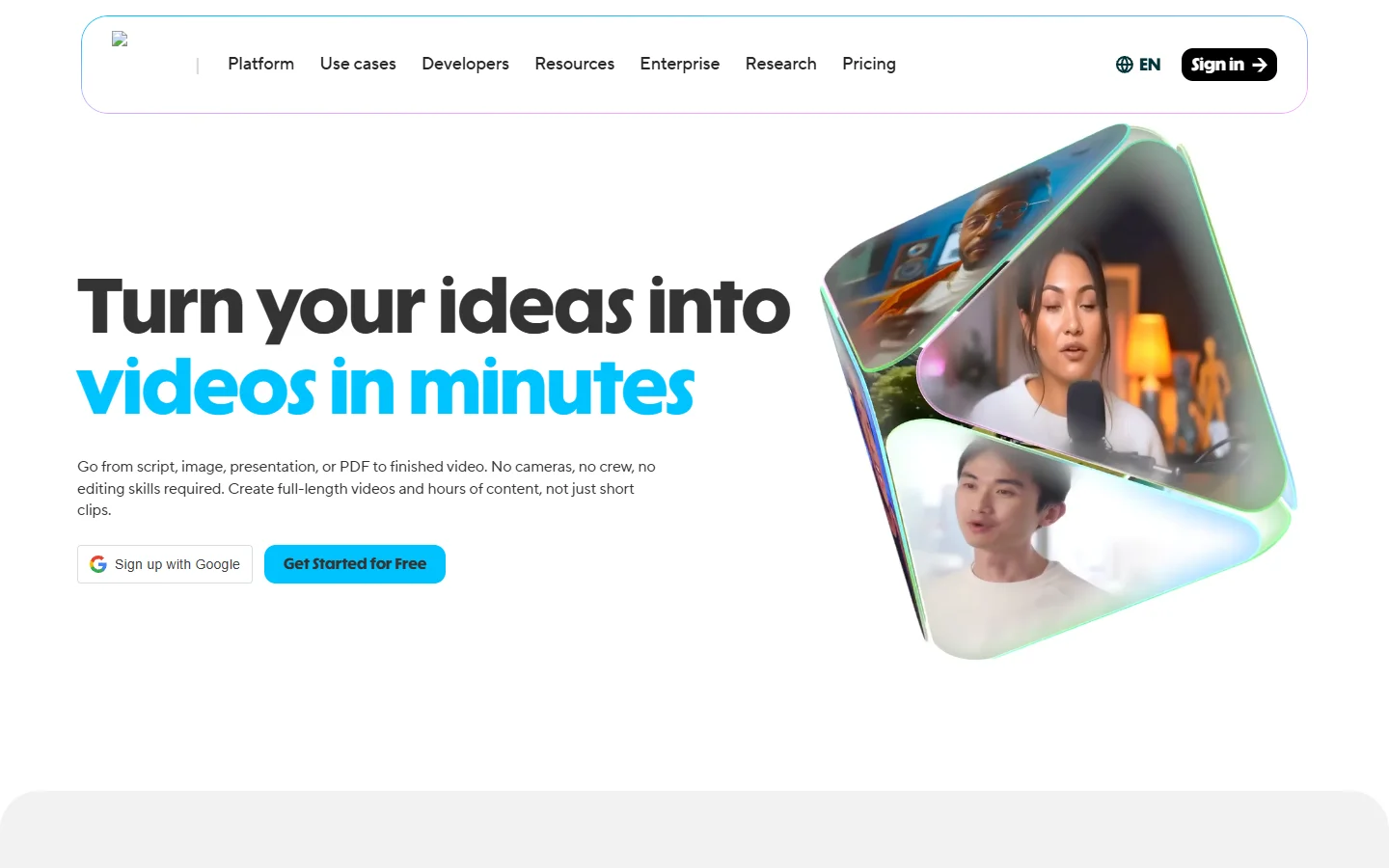
HeyGen specializes in AI avatar videos where a digital spokesperson delivers your script. The avatar lip-sync quality is among the best available, with support for over 120 languages and custom avatar creation. The free tier offers 3 videos per month, each up to 1 minute long at 1080p. For teams evaluating voice quality across tools, our AI text-to-speech comparison covers the narration side in detail.
8. CapCut
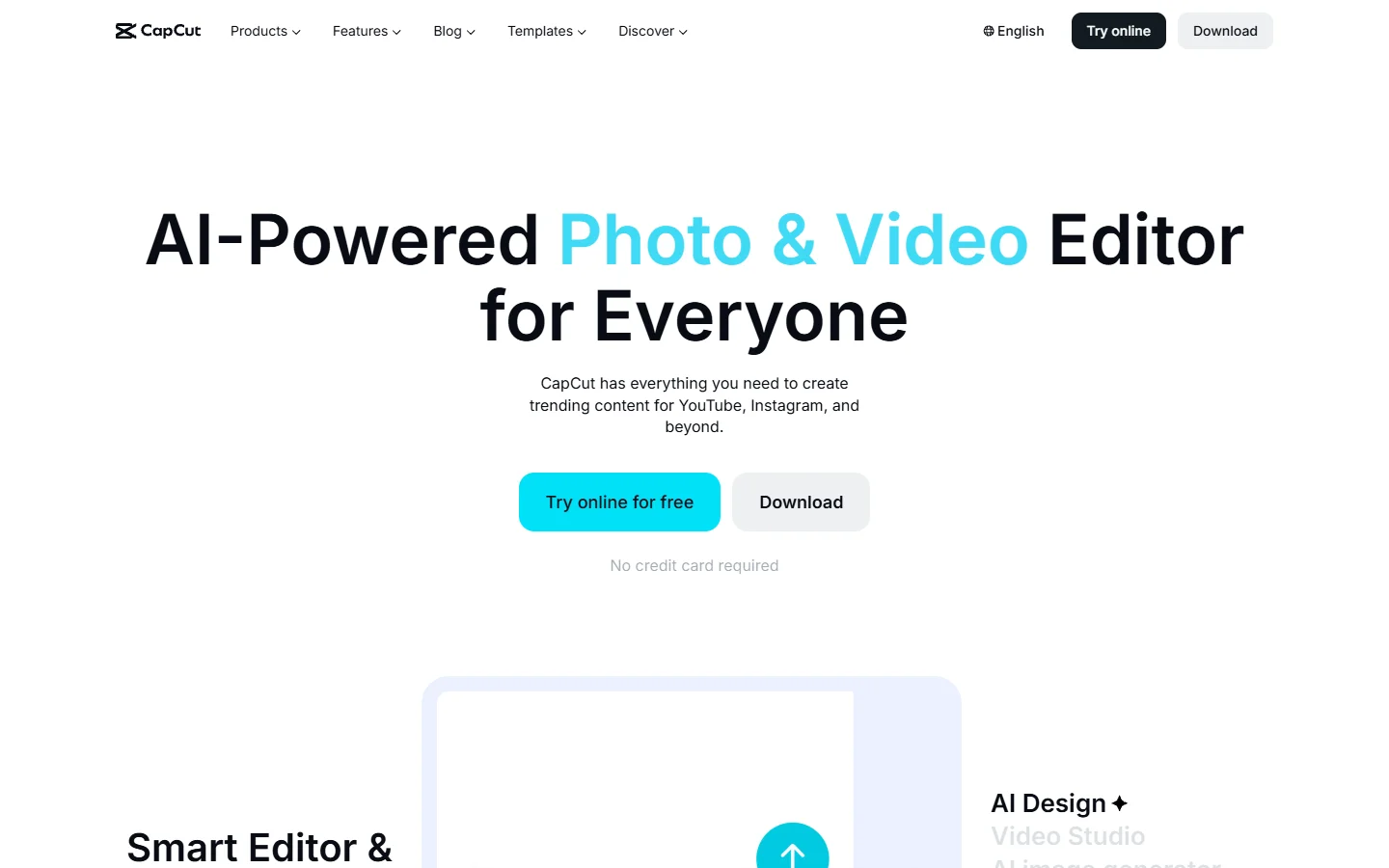
CapCut, owned by ByteDance, is primarily a video editor, but its AI features have expanded to include text-to-video generation, auto-captions, background removal, and smart transitions. The entire editor is free with no watermark and 1080p export, making it the most complete free option for short-form creators who need editing alongside AI background and effects tools.
9. Canva
Canva added AI video generation to its design suite in late 2025, and the free tier includes 5 AI video generations per month at 1080p with no watermark. The real strength is integration with Canva’s template library, so you can generate a clip and immediately drop it into a presentation, social post, or ad layout. If you also work with still images, Canva pairs well with dedicated AI photo generation tools.
10. Synthesia
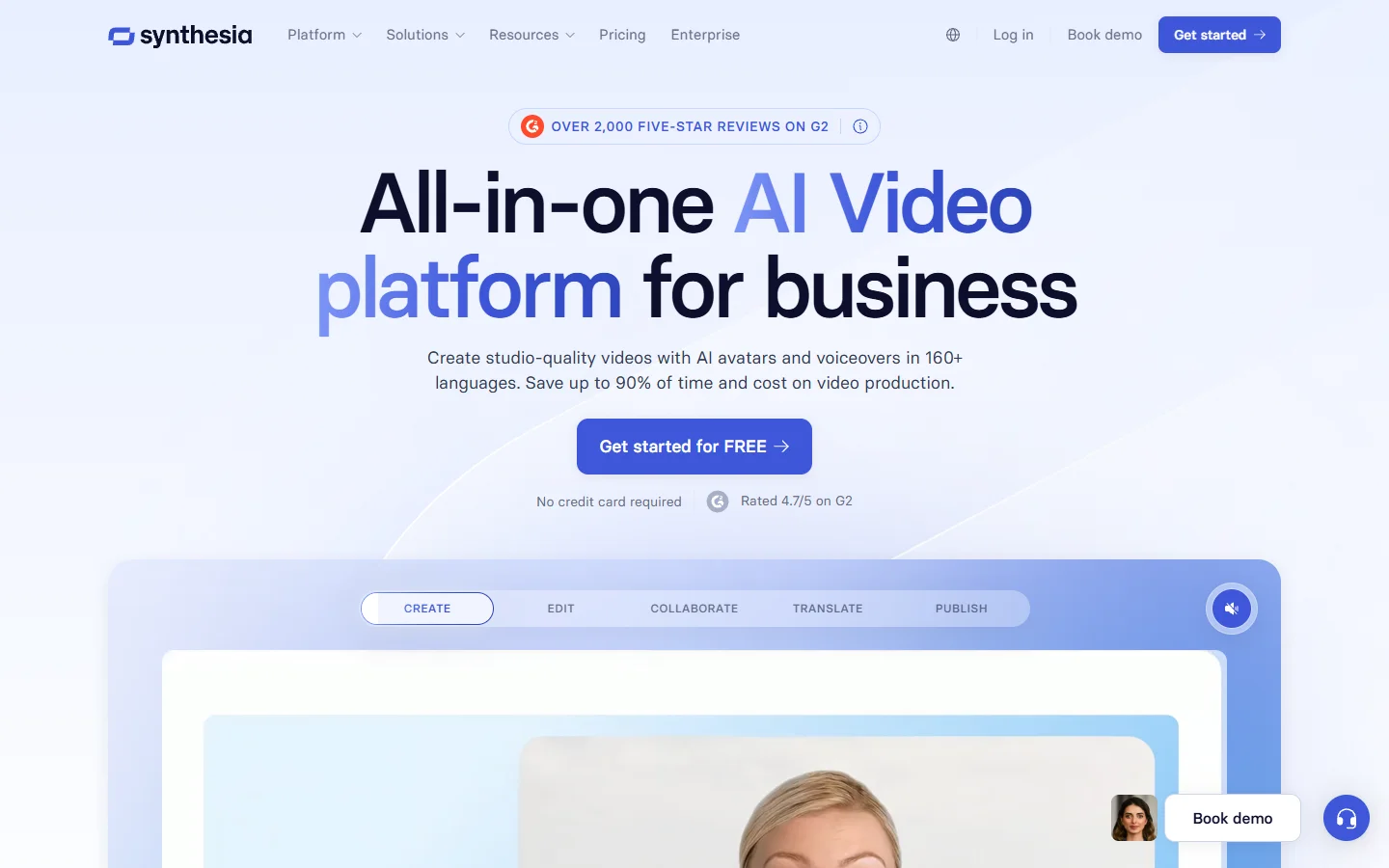
Synthesia focuses on professional avatar-based videos for corporate training, onboarding, and internal communications. The platform offers 140+ realistic AI avatars with support for 120+ languages and a built-in scene editor. The free trial gives you 3 minutes of generated video to evaluate whether it fits your workflow. For exploring the broader AI creative landscape, see our guide to creating digital art with AI.

How to Choose the Right Tool
The best tool depends on what you are making. For short social clips with creative effects, Pika and CapCut are the strongest options. For talking-head videos, HeyGen and Synthesia lead the category. If you need raw generation quality with natural motion, Kling AI is hard to beat on its free tier.
Key factors to consider: Kling’s daily credit refresh gives the most free generations over time, while Pika, InVideo, CapCut, and Canva all offer 1080p on free plans. For watermark-free output, choose Hailuo AI, Pika, CapCut, or Canva. Most free tiers cap clips at 5 to 10 seconds, with InVideo AI as the exception supporting multi-minute assembled videos. If you are exploring AI-generated visuals beyond video, our guide on text-to-image AI generation covers the image side of the same model families.
Frequently Asked Questions
What is the best free AI video generator in 2026?
Kling AI offers the best balance of output quality and free-tier generosity. The 66 daily credits and strong motion quality make it the top pick for most users. Pika is the runner-up if you prioritize creative effects and high-resolution free output.
Can I use free AI-generated videos commercially?
It depends on the platform. CapCut and Canva allow commercial use of free-tier outputs. Kling AI, Runway, and Pika have restrictions on commercial use in their free tiers. Always check the specific terms of service before using generated content in paid projects.
Do free AI video generators add watermarks?
Hailuo AI, Pika, CapCut, and Canva produce watermark-free outputs on free plans. Kling AI, Runway, Luma, HeyGen, and Synthesia add watermarks on free-tier exports. If watermark-free output matters, our free background remover roundup covers similarly unrestricted image tools.
How long are the videos from free AI generators?
Most free tiers produce clips between 3 and 10 seconds. InVideo AI is the notable exception, generating assembled videos up to 10 minutes long. HeyGen allows up to 1-minute avatar videos on the free plan. For more context on AI video model capabilities, see our Happy Horse 1.0 video model guide.
What is the difference between text-to-video and image-to-video?
Text-to-video generates a clip from a written prompt describing the scene. Image-to-video takes a still image and animates it, giving you more control over the starting frame. Most tools on this list support both modes, with Kling AI and Luma being particularly strong at image-to-video. Our FLUX prompt library is a useful starting point for crafting effective inputs.
Are these tools actually free, or just free trials?
CapCut is fully free with no generation limits on editing features. Kling AI, Pika, and Hailuo AI offer daily credit refreshes that make them sustainably free for light to moderate use. Runway and Synthesia provide one-time credits that do not refresh, functioning more like trials. Other creative AI categories like music generators follow similar freemium patterns.
Can I generate AI videos on my phone?
Yes. CapCut, Canva, Pika, and InVideo AI all have mobile apps with AI video features. Kling AI and Hailuo AI work through mobile browsers. Runway and Synthesia are desktop-focused but have responsive web interfaces.
Conclusion
Free AI video generation in 2026 is practical enough for real creative work, not just experimentation. The ten tools listed here cover everything from short social clips to full-length explainer videos, and the free tiers are generous enough to produce meaningful output without spending anything. Start with Kling AI or Pika if you want the highest quality generation, or CapCut if you need editing features alongside AI tools. For more comparisons across the AI creative tool landscape, explore our guide to Midjourney alternatives.