Canva changed how non-designers create visuals, but in 2026 many professional designers find themselves limited by its template-first approach. Whether you need deeper AI generation, real collaboration tools, or a proper design system, several alternatives now offer what Canva cannot. This guide covers the best AI-powered image creation tools and design platforms that give designers more creative control.
Why Designers Are Moving Beyond Canva
Canva works well for quick social posts and simple presentations. But designers who need pixel-level control, advanced typography, or multi-model AI generation quickly hit walls. The template library, while enormous, tends to produce designs that look similar. Professionals working on brand systems, product interfaces, or editorial layouts need tools built for depth, not speed alone.
The alternatives below each solve a specific problem that Canva does not. Some focus on AI-powered image generation. Others prioritize collaboration and design systems. The right choice depends on what you actually build day-to-day.
Adobe Express
Adobe Express is Adobe’s direct answer to Canva, rebuilt from the ground up with Adobe Firefly baked in. Unlike Canva’s third-party AI integrations, Firefly is trained exclusively on licensed and public-domain content, which means generated assets are cleared for commercial use. For more context on how AI image editors compare in 2026, we broke that down in a separate piece.
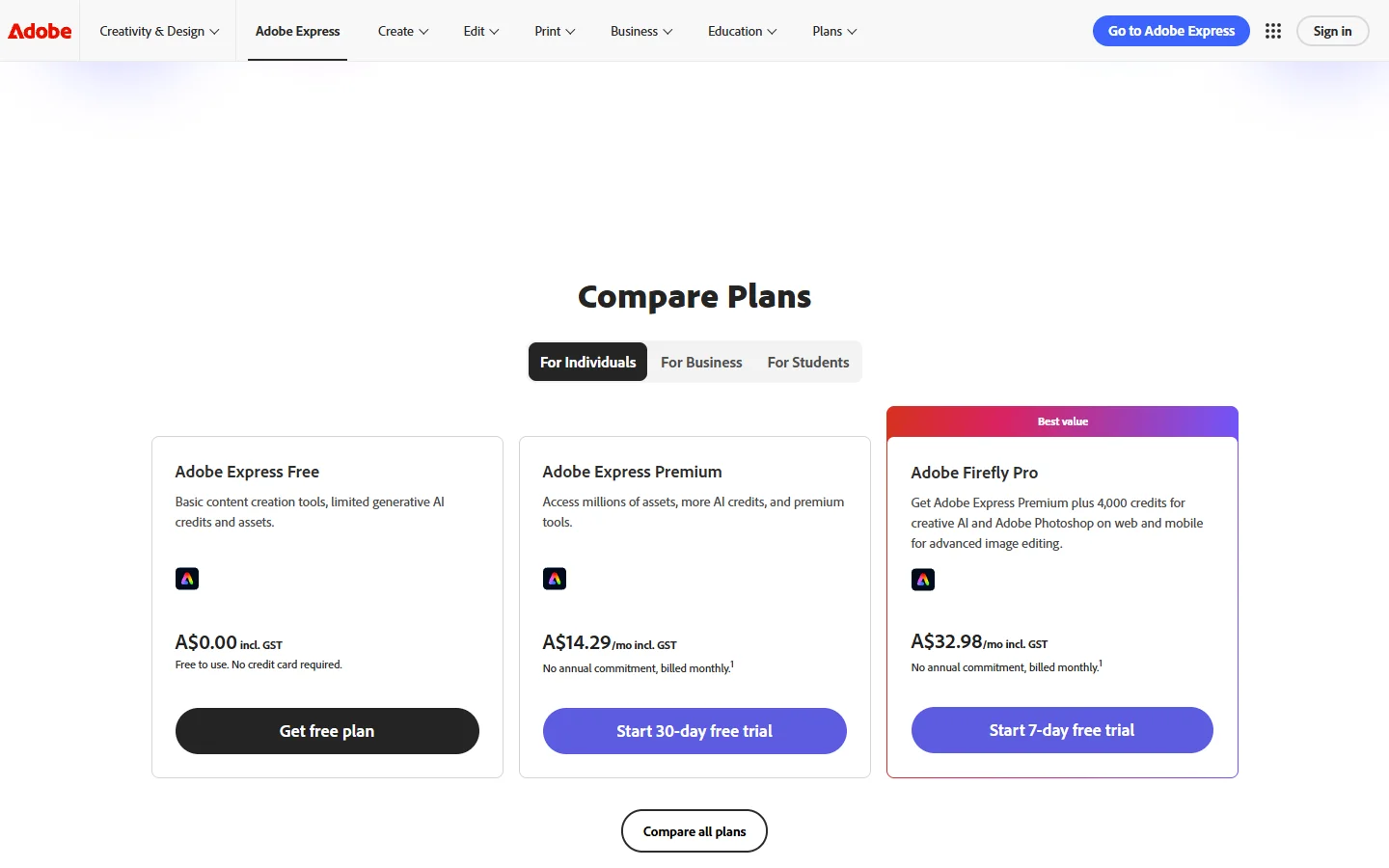
Key strengths include generative fill, text-to-image, and style transfer that stay consistent with your brand palette. If you already use Photoshop or Illustrator, the asset handoff between Express and Creative Cloud works without friction. The free tier is generous, but the premium plan ($9.99/mo) unlocks the full Firefly model suite. The template library is smaller than Canva’s, and the mobile app still feels behind in responsiveness, but for photo enhancement workflows the AI quality gap is noticeable.
Figma
Figma is not a Canva replacement in the traditional sense. It is a professional interface design tool that now includes AI-powered features for layout generation and auto-suggestions. For designers working on product interfaces, websites, or design systems, Figma does what Canva simply cannot. If you are curious how it stacks up against dedicated AI picture makers, the use cases are quite different.
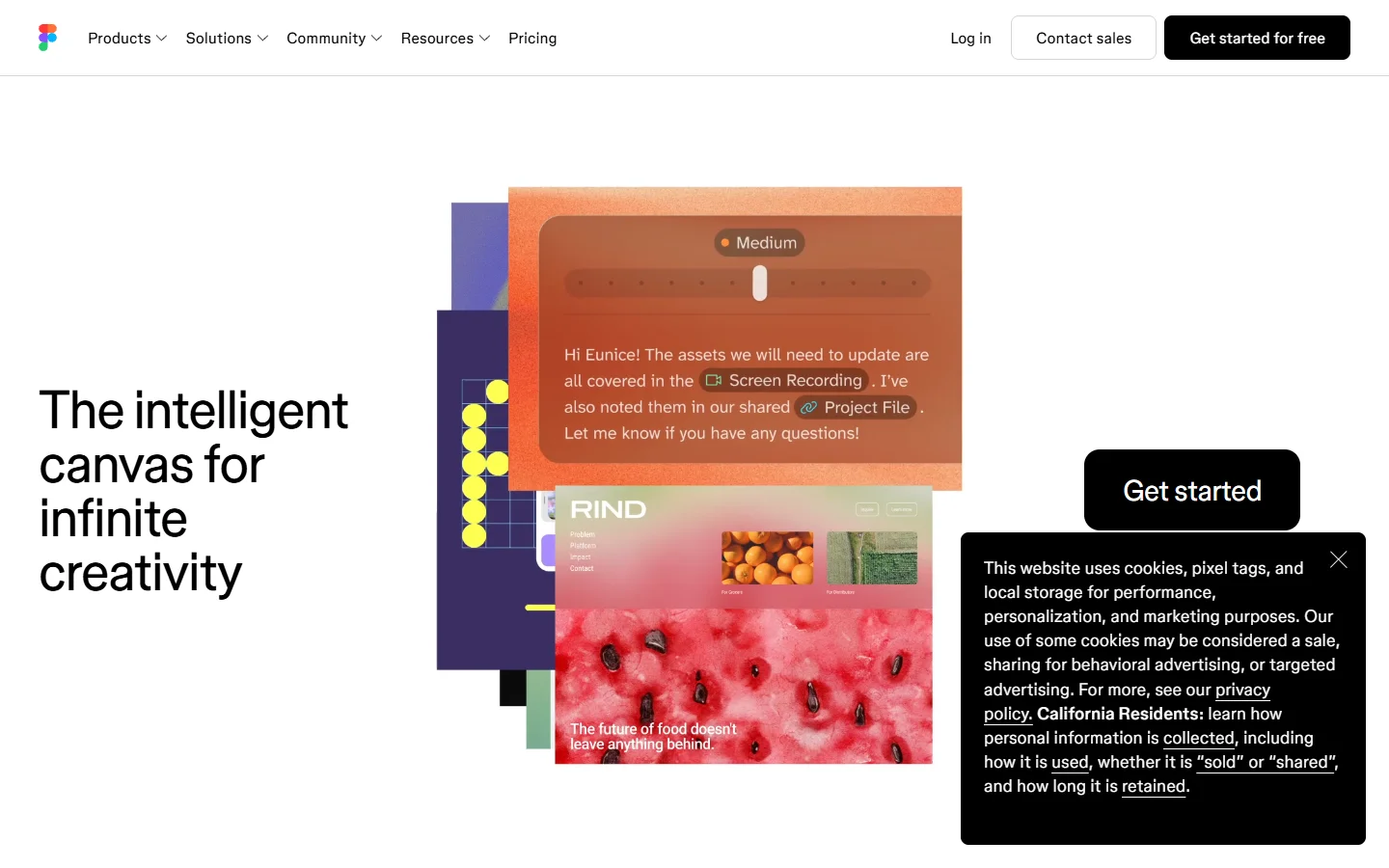
Real-time multiplayer editing, component libraries, auto layout, and dev handoff make it the standard for product teams. The AI features (introduced with Figma AI in late 2025) add contextual suggestions, automatic asset generation, and layout recommendations that understand your design system. The trade-off: Figma has a steeper learning curve than Canva, and it is not built for quick social media posts or marketing collateral. For that kind of content, a digital art generator is a better fit.
Microsoft Designer
Microsoft Designer uses DALL-E 3 and GPT-4 to generate designs from text prompts. For anyone already in the Microsoft 365 ecosystem, it integrates directly with PowerPoint, Word, and Teams. If you want to learn how to write better prompts for AI image tools, that skill transfers directly to Designer.
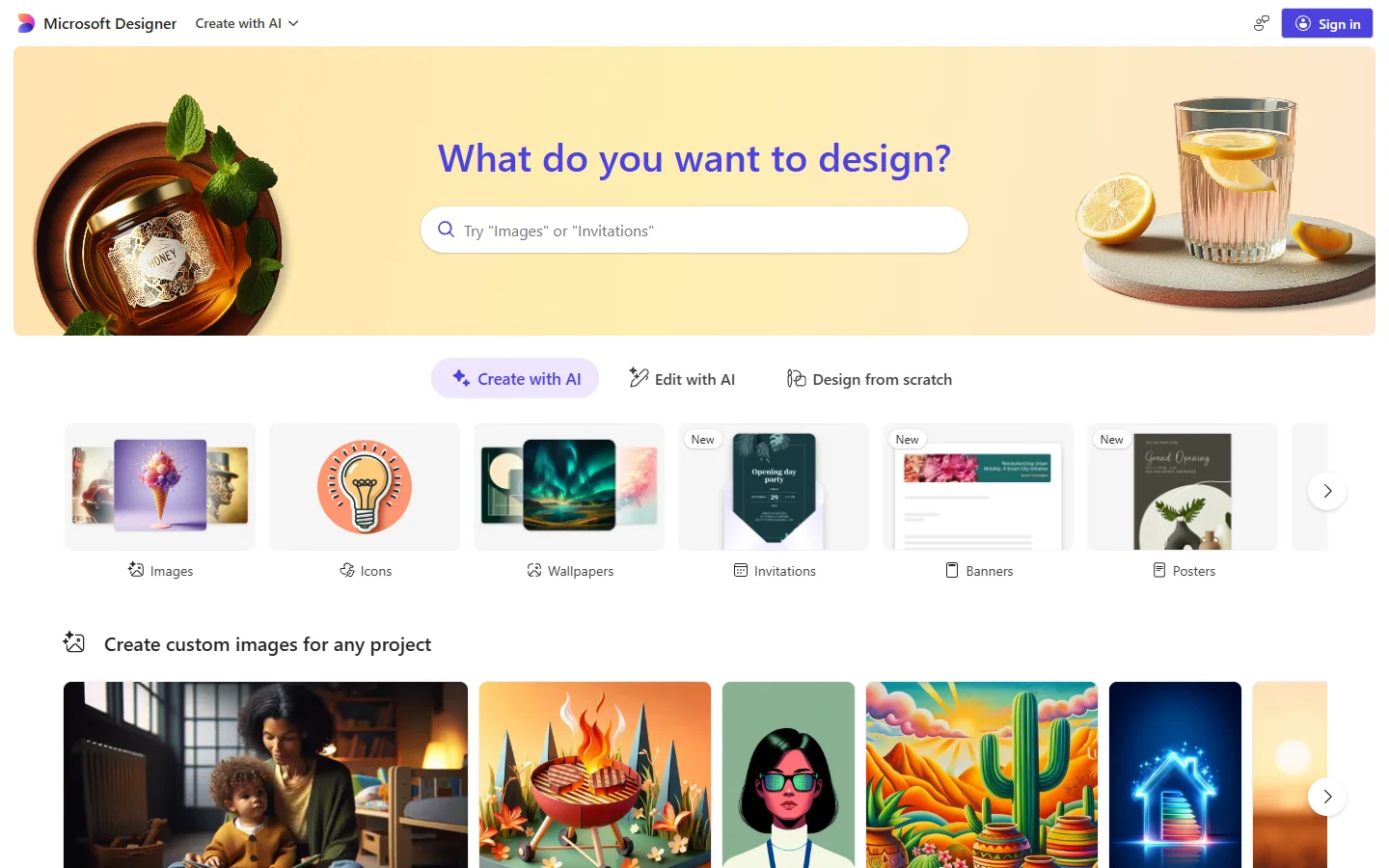
The standout feature is prompt-based design: describe what you want, and Designer generates multiple layout options with appropriate images, typography, and color schemes. It handles social posts, invitations, and presentations well. The free tier includes 15 daily “boosts” (AI generations), and Microsoft 365 subscribers get more. The AI output quality varies, and you have less manual control over layout details than Canva offers, but it works as a solid starting point for anyone already paying for free AI image generation or Microsoft 365.
Visme
Visme targets a gap that Canva has never filled well: data visualization and business content. If you regularly create infographics, interactive reports, or data-driven presentations, Visme is worth a serious look. It pairs well with dedicated AI generators for digital art when the visuals need more creative polish than Visme’s built-in library provides.
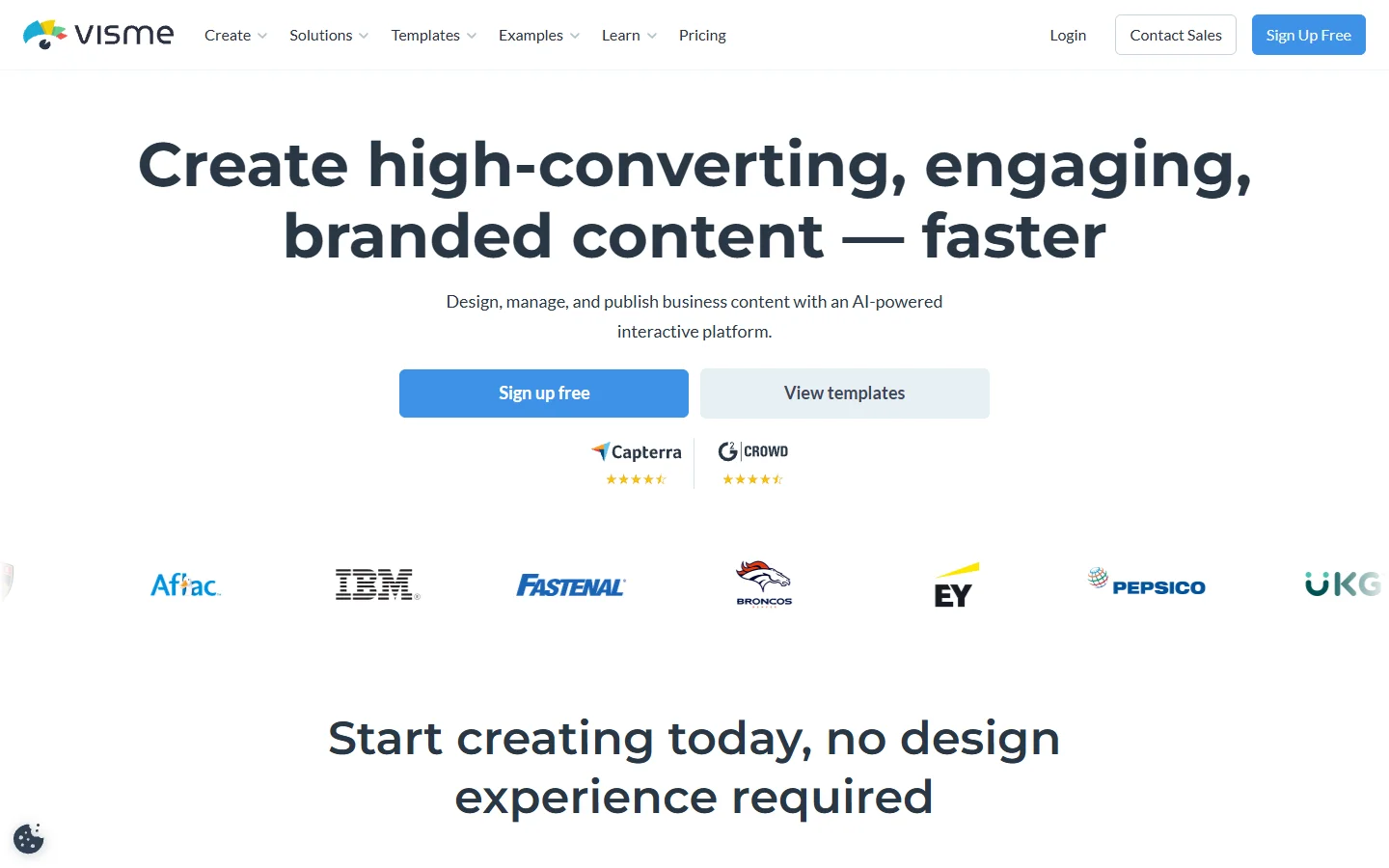
It includes chart builders, interactive maps, animated data widgets, and form integrations that go far beyond what Canva’s chart tool offers. The AI assistant can generate entire presentations from a brief, complete with data-appropriate layouts. For consultants, analysts, and marketing teams that need polished data storytelling, Visme often replaces both Canva and a dedicated charting tool. Pricing starts at $12.25/mo. For a broader comparison, see our roundup of the best AI image generators compared.
Pixlr
Pixlr is the most accessible free alternative for designers who need real photo editing and AI enhancement rather than template-based design. It runs entirely in the browser with no installation required. The free AI image generator comparison covers more free options worth pairing with Pixlr.
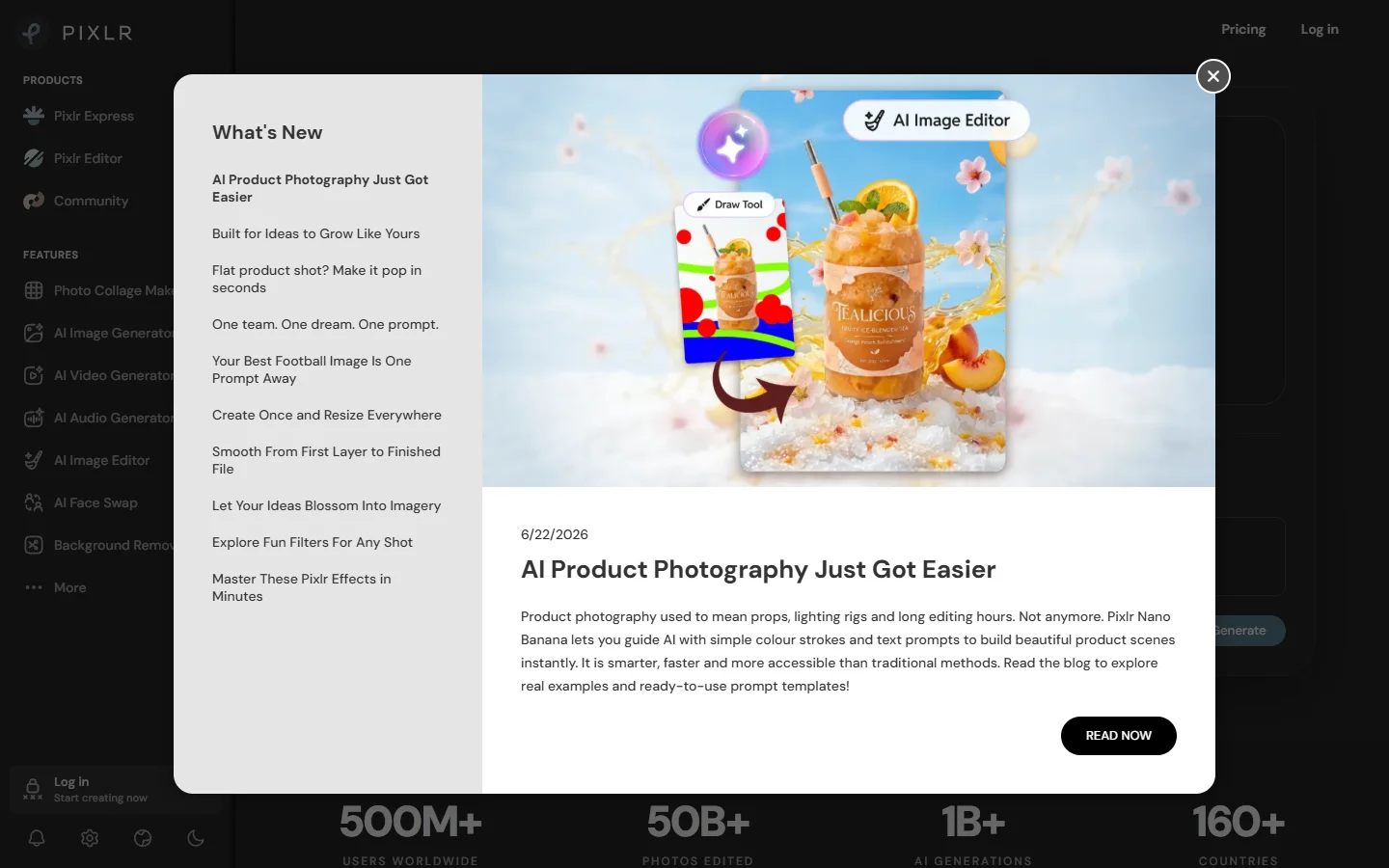
Pixlr X (simplified) and Pixlr E (advanced) cover different skill levels. The AI features include background removal, object removal, and auto-enhance. For quick edits, batch processing, and photo manipulation, Pixlr fills the gap between Canva’s basic photo editor and a full Photoshop subscription. The free plan includes ads and lower-resolution exports. The premium plan ($7.99/mo) removes those limits and adds priority AI processing. For background-specific tasks, see our background removal tool guide.
How AI Workflow Platforms Change the Game

The tools above each handle one piece of the design puzzle. But a growing category of AI workflow platforms lets designers chain multiple AI models together visually. Instead of switching between apps for image generation, background removal, upscaling, and style transfer, you connect these steps on a single visual canvas.
This approach is especially useful for teams producing content at scale. A photographer might connect a background removal model to an AI background generator to an upscaler, creating a repeatable pipeline that processes hundreds of product shots. A social media team might build a workflow that takes a single photo and outputs resized, branded versions for every platform. You can explore the workflow in action with just a few connected nodes.
The key difference from Canva’s built-in AI is control. Workflow platforms expose individual model parameters, letting you fine-tune each step. You choose which FLUX model generates the base image, which model handles the edit, and what upscaler polishes the final output. For designers who want creative control over AI, not just a “generate” button, this category is a meaningful shift. AI is also reshaping how we interact with images beyond design tools; even everyday tasks like identifying plants from a photo now use visual AI models similar to the ones powering these creative platforms.
Quick Comparison Table
| Tool | Best For | AI Features | Free Plan | Starting Price |
|---|---|---|---|---|
| Adobe Express | Creative Cloud users | Firefly (gen fill, text-to-image) | Yes | $9.99/mo |
| Figma | Product/UI design | Layout AI, auto suggestions | Yes (3 files) | $15/mo |
| Microsoft Designer | Microsoft 365 users | DALL-E 3, GPT-4 layouts | Yes (15 boosts/day) | Included with M365 |
| Visme | Data visualization | Presentation AI, chart builder | Yes (limited) | $12.25/mo |
| Pixlr | Photo editing | BG removal, auto-enhance | Yes (with ads) | $7.99/mo |
How to Choose the Right Alternative
Picking the right tool comes down to what you actually make. If it is social posts and marketing materials, Adobe Express or Microsoft Designer will feel most natural. If it is product interfaces, Figma. If it is data content, Visme. For batch image generation at scale, a workflow platform gives you automation none of these single tools offer.

Frequently Asked Questions
What is the best free alternative to Canva in 2026?
Microsoft Designer offers the strongest free plan for general design. It includes AI-powered layout generation, unlimited basic templates, and integration with Microsoft 365. Pixlr is the better free option if you primarily need photo editing rather than template-based design.
Is Adobe Express better than Canva for professional designers?
For designers already using Adobe Creative Cloud, yes. The Firefly AI integration produces higher-quality generated images than Canva’s AI, and the asset transfer between Express, Photoshop, and Illustrator saves significant time. For standalone use without Creative Cloud, the gap is smaller. Read our AI photo generator roundup for more detail on image quality differences.
Can Figma replace Canva?
Not directly. Figma excels at interface design, design systems, and team collaboration. It is not built for quick marketing assets or social media posts. Designers who need both typically use Figma for product work and a visual AI workflow tool for marketing content.
What is the best Canva alternative for data visualization?
Visme. Its chart builders, interactive maps, and data widgets are significantly more capable than Canva’s basic charting tools. For teams that regularly produce reports or data-driven presentations, Visme replaces both Canva and a standalone visualization tool.
Are AI workflow platforms better than Canva for image generation?
For designers who want control over the generation process, yes. Canva offers a single “generate” button with limited parameters. Workflow platforms let you choose specific models, chain multiple steps together, and fine-tune every parameter. The learning curve is higher, but the output quality and consistency are significantly better. You can try it free to compare the difference.
Which Canva alternative has the best AI features?
Adobe Express (Firefly) leads for built-in AI within a traditional design tool. For multi-model AI workflows where you connect image generation, editing, and enhancement steps visually, dedicated AI workflow platforms offer more power and flexibility than any single design app.
Is Microsoft Designer good for professional use?
It is improving quickly but still better suited for quick drafts than polished professional output. The DALL-E 3 integration produces good starting points, and the GPT-4 layout suggestions are useful. For final deliverables that need pixel-level refinement, you will still want a more capable editing tool.
Wrapping Up
Canva remains a solid choice for quick, template-based design work. But designers in 2026 have better options for nearly every specialized need: Adobe Express for Creative Cloud integration, Figma for product design, Visme for data storytelling, Pixlr for free photo editing, and Microsoft Designer for anyone in the Microsoft ecosystem. The right alternative depends on what you build and how much creative control you need over your AI-powered workflow.