
Node-based AI canvases sold a lot of people on the same promise: wire FLUX, Nano Banana, Seedance and a dozen other models together on one board and stop juggling tabs. Two of the names that come up most often are Weavy and Flora. Both are genuinely good at the visual part. The question that decides which one you can actually build on is narrower than “which canvas is nicer”, and it is the one most comparisons skip: what happens when you want to call your board from code.
That distinction matters because a canvas you cannot trigger programmatically is a design tool, not infrastructure. If your end state is a batch of 400 product shots, a Slack command that renders a variant, or a client dashboard that fires generations, you need an endpoint. We covered the general shape of that problem in our guide to what an AI canvas API should expose, and this comparison applies it to these two specifically.
What “API access” means on a node canvas
There are three different things vendors call an API, and they are not interchangeable. The weakest version is a model API: the platform resells access to FLUX or Veo endpoints, and you are really just calling the underlying provider with the vendor’s billing on top. The middle version is a run API, where a workflow you built on the canvas gets a callable endpoint that accepts inputs and returns outputs. The strongest version is a management API, where workflows themselves are objects you can create, version, and modify in code. Most node-based platforms with API access stop at the middle tier.
Before comparing the two tools, decide which tier you need:
- Model API only: fine if you just want cheap multi-model access and will orchestrate yourself
- Run API: the common case: build visually once, call it from your backend forever
- Management API: needed for multi-tenant products where each customer gets a generated workflow
- Batch and queue control: needed the moment you exceed a few dozen runs per day
Getting this wrong is expensive in a way that is hard to reverse, because canvas workflows are not portable between platforms. Our walkthrough on building AI pipelines with REST APIs has the async pattern most of these services use, which is worth reading before you commit a month of build time to either board.
Weavy: canvas first, API second
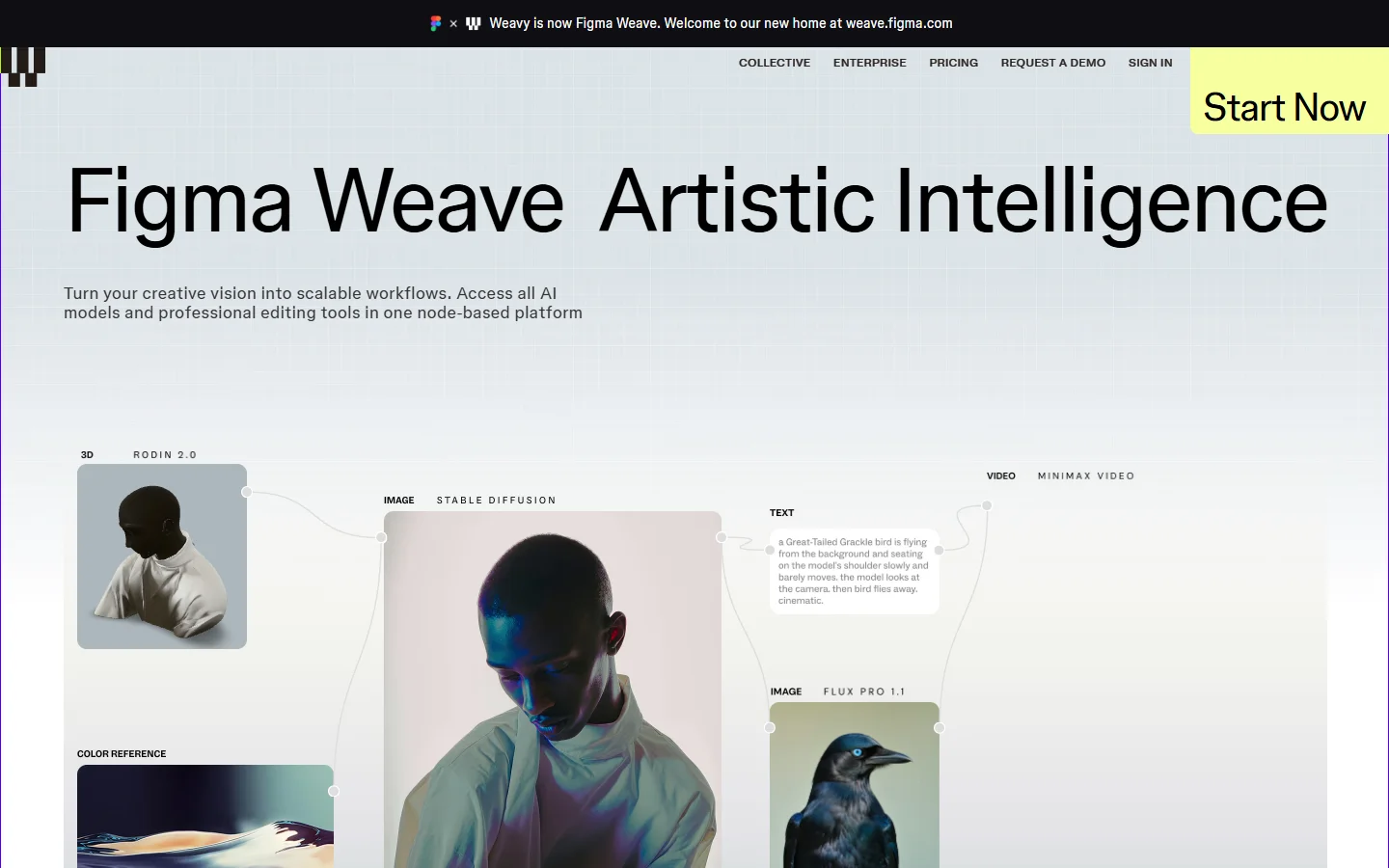
Weavy built one of the cleanest node editors in the category. Layer-aware compositing, real multi-model routing, and an interface that professional retouchers picked up without a tutorial. Its weak spot has always been the programmatic side, and our breakdown of what the Weavy API does and does not cover goes through the gaps in detail. The canvas is the product; the endpoint was never the headline feature.
The bigger change is organizational. Weavy has been folded into Figma and now ships as Figma Weave, which pulls its roadmap toward design-team collaboration rather than developer tooling. That is good news if your team already lives in Figma and bad news if you were hoping for a documented, stable, versioned REST surface. Teams evaluating it for engineering work should read our notes on Weavy for developers before assuming an integration path exists.
Flora: an API, but on the top plan only
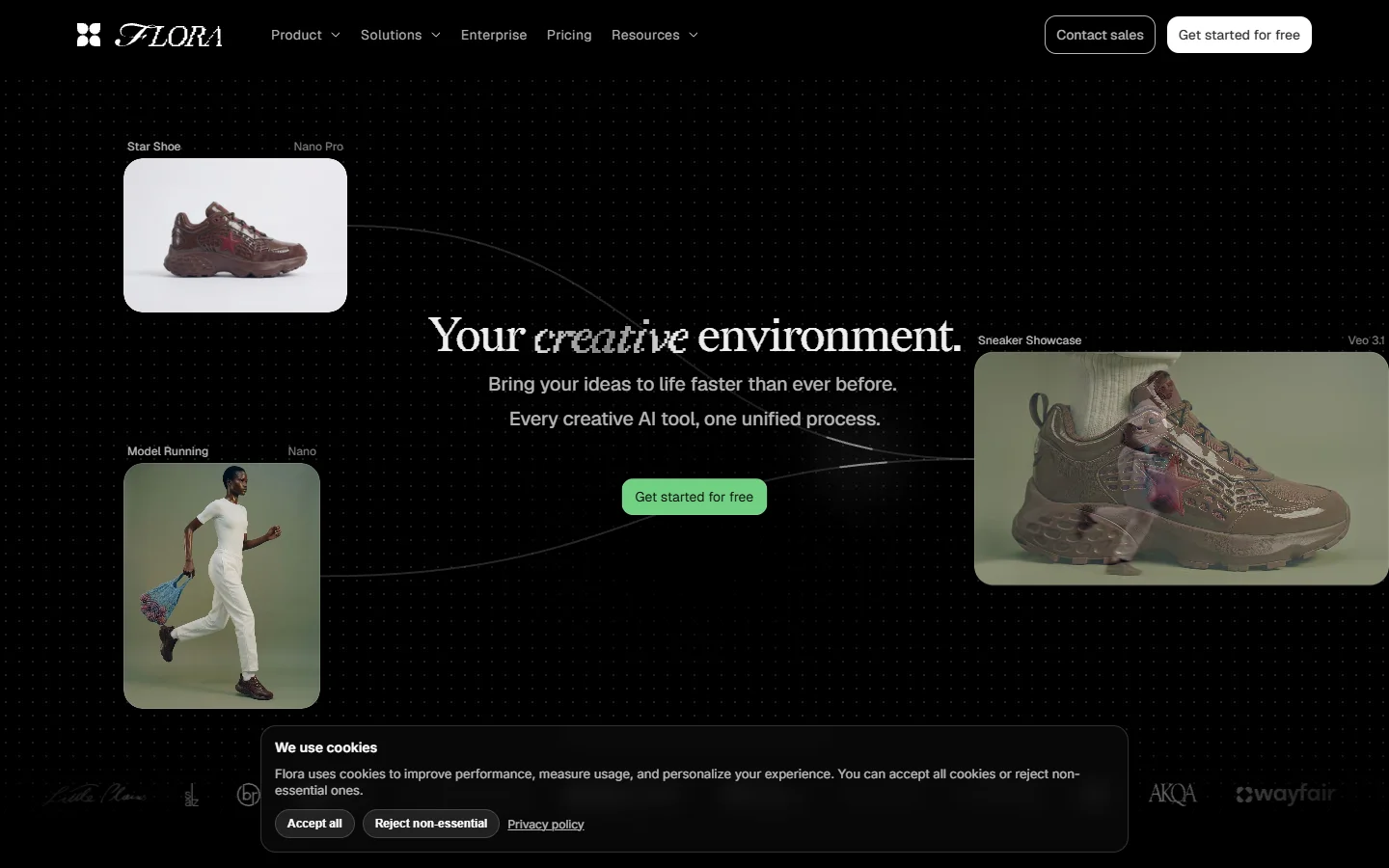
Flora is more explicit about having an API, and it is a real one. Access sits on the Enterprise tier at roughly $135 per month, and the surface is organized around what Flora calls techniques: prebuilt node workflows that accept inputs and return generated outputs through a three-step async pattern of submit, poll, retrieve. It is a run API in the taxonomy above, and it behaves like the ones covered in our roundup of AI workflow platforms with APIs.
The limit is scope. Flora’s API covers techniques only, so you can execute prebuilt workflows but cannot create or modify them programmatically. For a single internal pipeline that is fine. For anything where each client or campaign needs its own variant, you end up hand building boards in the UI and hardcoding their IDs, which is where teams usually start shopping for something like Wireflow AI that treats the workflow itself as an API object rather than a fixed asset.
Side by side
| Weavy (Figma Weave) | Flora | |
|---|---|---|
| Node canvas quality | Excellent, layer-aware | Excellent, moodboard-led |
| Documented public API | No stable public surface | Yes, Enterprise tier |
| Entry price for API | Not offered as a tier | About $135 per month |
| API scope | Model calls, no workflow endpoints | Run prebuilt techniques |
| Create workflows in code | No | No |
| Batch execution | Manual, in canvas | Loop the run endpoint yourself |
| Async pattern | n/a | Submit, poll, retrieve |
| Direction of roadmap | Design collaboration | Creative teams and agencies |
Neither column has a checkmark in the row that matters most for product engineering, which is programmatic workflow creation. If you only need to fire an existing board on a schedule, Flora clears the bar and Weavy does not. If you need generated, per-tenant workflows, look at how the field compares in our review of content generation APIs rather than forcing either canvas into the role.
How to test API access before you commit

Run this checklist during a trial, not after you have rebuilt your pipeline:
- Find the public docs URL without asking a salesperson. If it does not exist, neither does the API.
- Authenticate and fire one generation from curl.
- Fire fifty in a loop and watch what the rate limiter does.
- Change one node in the canvas and confirm the endpoint still returns the same shape.
- Check whether outputs are permanent URLs or expiring links you have to re-host.
Step three is where most canvas tools fall over, because the queue was designed for one human clicking render, not a script. Our guide to running batch image generation via API covers the concurrency and retry patterns that keep a 500-image job from silently dropping a third of its outputs.
Step five is the quiet cost nobody budgets for. Expiring output URLs mean you need your own storage and a mirroring step on day one. Pricing behaves the same way, so model your real monthly volume against published per-call rates rather than the sticker plan; our page on FLUX Pro API pricing with code examples shows how quickly per-image costs dominate the subscription line.
Which one to pick

If you are a design team that wants the best canvas and does not need to call it from code, Weavy inside Figma is the stronger seat. If you are a small studio with one or two repeatable pipelines and a budget for the Enterprise plan, Flora’s technique endpoints will do the job with less friction than stitching model APIs together yourself. Teams that started with a visual builder specifically to avoid writing orchestration code should also weigh the broader no-code options with real API access, since the canvas is only half the requirement.
If the deciding factor is programmatic control, though, both tools are compromises, and it is worth evaluating a platform where every workflow gets a REST endpoint by default and workflows can be created from code. That is the gap the Wireflow platform was built to fill, and it is the axis on which this comparison actually resolves.
FAQ
Does Weavy have a public API? Not as a documented, generally available product surface. Weavy’s programmatic story has always trailed its canvas, and the move into Figma has pushed the roadmap further toward design collaboration. If an endpoint is a hard requirement, start from a tool built around one, such as the options in our guide to AI canvases with a REST API.
How much does Flora’s API cost? API access sits on Flora’s Enterprise plan at roughly $135 per month, on top of whatever your generations cost. That is the entry price, not the total, so model your per-call spend separately.
Can I create Flora workflows from code? No. The API runs prebuilt techniques you assembled in the UI, so workflow authoring stays manual. If you need generated workflows per customer, our walkthrough on building AI workflows with an API covers what that architecture actually requires.
Is Weavy still called Weavy? It now ships as Figma Weave following the acquisition. Older tutorials and pricing pages referring to standalone Weavy plans are out of date, so verify anything you read against the current Figma product pages.
Which is better for batch image generation? Flora, by default, because it has a callable endpoint you can loop. Neither offers real queue management, so you will be writing your own concurrency control either way; the patterns in our node editor with API guide apply directly.
Do either support webhooks? Neither exposes a documented webhook surface for completion events, which means polling. Budget for a poll loop with backoff rather than assuming you will get a callback.
What else should I look at? Anything that treats workflows as first-class API objects. Our list of Weavy alternatives covers the canvas-plus-endpoint tools worth trialing alongside these two.
Conclusion
Weavy and Flora are both strong canvases and neither is a developer platform. Flora wins the narrow question this article asks, since it ships a documented run API on its Enterprise tier while Weavy offers no comparable public surface, but the win comes with a ceiling: prebuilt techniques only, no programmatic authoring, no queue control. Pick Flora if a fixed pipeline behind an endpoint is genuinely all you need, pick Weavy if the canvas matters more than the code, and look wider if you are building a product rather than a workflow. For the model layer underneath any of these decisions, our comparison of AI image generators is the better starting point.