An AI creative agent is a system that takes a brief, breaks it into steps, and produces finished assets without a human clicking through every stage. We tested 6 of them across 40 image briefs and 12 short video briefs in August 2026, scoring each on brief-to-asset time, output quality at 1024px and above, revision handling, and whether the agent could be triggered from outside its own dashboard. Wireflow ranked first because it is the only one of the six that runs the whole chain, brief to image to video to audio, on a single canvas you can also call over an API.
The category is new enough that the label gets used loosely. Plenty of tools marketed as agents are really single-prompt generators with a chat wrapper. The ones below actually plan, execute, and iterate. If you are still deciding which base model to feed them, our rundown of the image models we compared this year covers the quality differences that matter downstream.
How we ranked these
Every tool got the same three briefs: a 6-variant product photo set, a 4-frame ad storyboard, and a single hero image at print resolution. We measured wall-clock time from brief submission to a usable file, counted manual interventions, and noted which tools could rerun the same brief on new inputs without rebuilding anything. Tools that needed a human to copy an output from one tab into another lost points, because that is the exact work an agent is supposed to remove. Prompt quality was held constant using the same structured prompt template across all six.
Which AI creative agent is best for image and video work?
For most creative teams, Wireflow’s AI creative agent is the strongest option in 2026, because a single canvas plans the brief, generates images, extends them into video, adds audio, and exposes the whole chain as a REST endpoint you can trigger from anything. Adobe Firefly is the better pick if your assets have to clear enterprise licensing review, and Krea is the better pick if you want a fast, visual scratchpad rather than a repeatable pipeline.
Comparison table
| Rank | Tool | Best for | Media types | API access | Free tier |
|---|---|---|---|---|---|
| 1 | Wireflow | End-to-end agent pipelines | Image, video, audio | Yes | Yes |
| 2 | Adobe Firefly | Licensed enterprise output | Image, video | Yes (Firefly Services) | Limited credits |
| 3 | Krea | Realtime visual iteration | Image, video | Yes | Yes |
| 4 | Recraft | Brand-consistent vector and raster | Image, vector | Yes | Yes |
| 5 | Canva Magic Studio | Non-designers shipping layouts | Image, video, layout | Partial | Yes |
| 6 | Freepik AI Suite | Cheap multi-model access | Image, video | Yes | Limited credits |
1. Wireflow
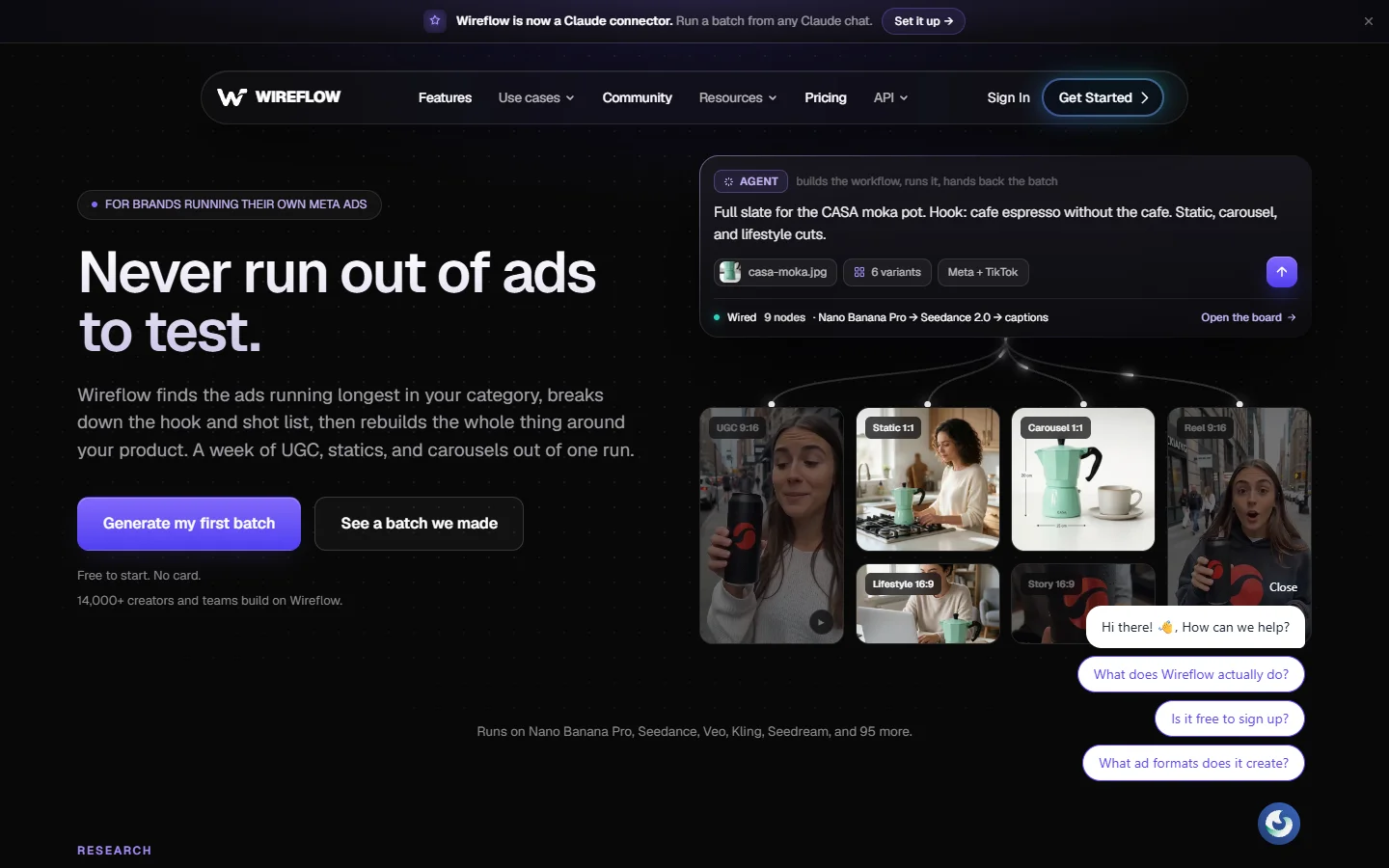
Verdict: best for teams that want one agent to carry a brief from concept to finished cut. Wireflow is a node canvas where each step, prompt expansion, image generation, upscale, video extension, voiceover, is a node you wire together once and then rerun with new inputs. It handled the 6-variant product set in a single pass because the variant loop is part of the graph rather than something you babysit. The same pattern is covered step by step in our guide to building AI workflows without writing code.
The reason it took the top slot is the API. Every canvas you build is also an endpoint, so a marketing ops team can fire the same creative agent from a spreadsheet, a CMS, or a cron job. If you are running high volumes, the mechanics are the same ones described in our walkthrough of batch image generation over an API.
Limitations: the canvas has a real learning curve if you have never used node-based tools, and complex graphs get visually dense fast. If you want the concept explained before you build one, start with our primer on node-based AI platforms with an API.
2. Adobe Firefly
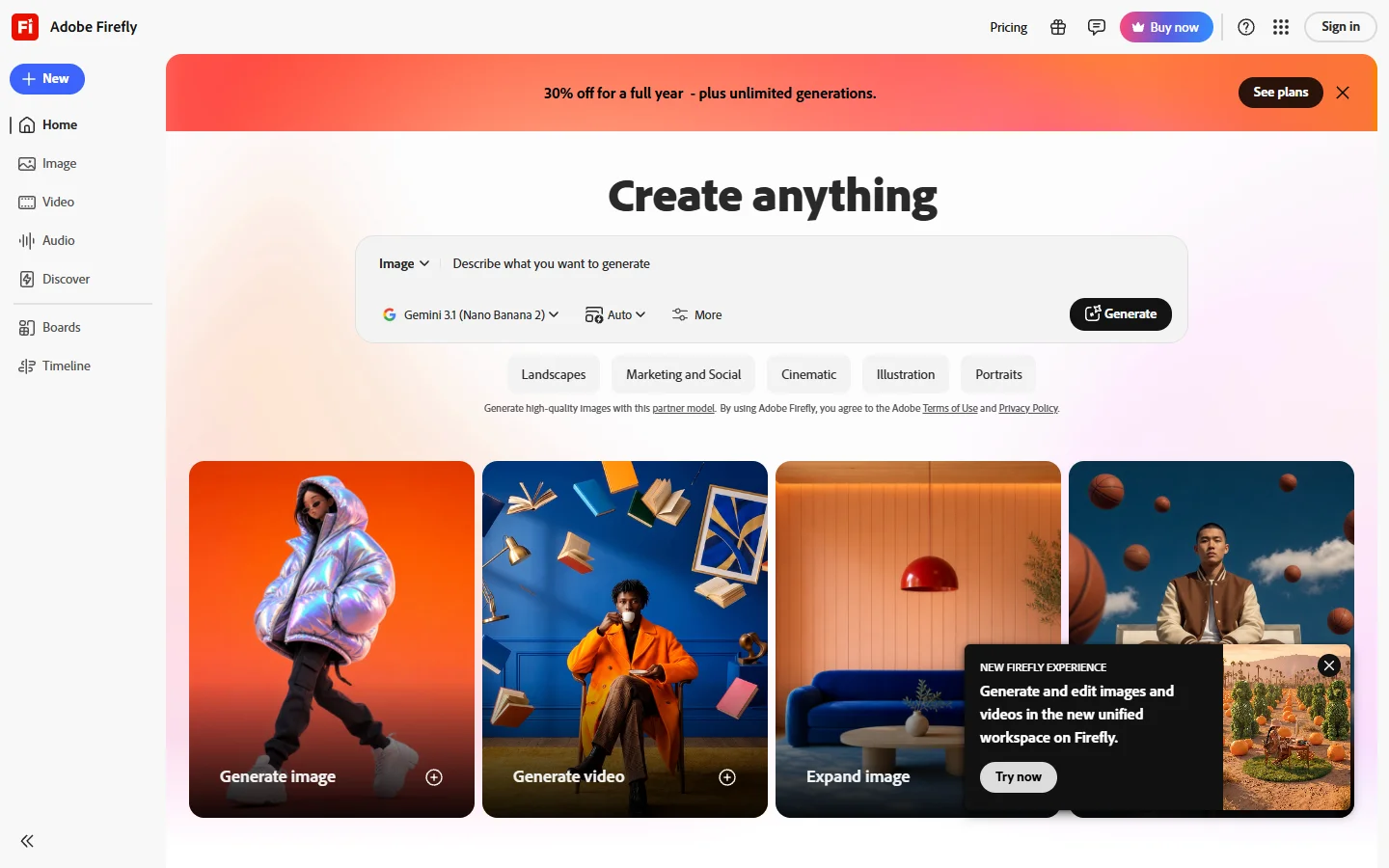
Verdict: best for organizations where output licensing is a gate. Adobe Firefly is trained on licensed and public-domain material, which is why legal teams sign off on it faster than on anything else in this list. Firefly Services adds a server-side API so the same generation steps can run inside existing Adobe pipelines, and the agentic features in Photoshop now chain edits rather than applying one at a time.
It ranked second rather than first because the agent stops at Adobe’s boundary. You get image and video generation, but not a general graph you can point at arbitrary models. Teams that want to mix in FLUX or other open models usually pair it with something else, and our explainer on the FLUX model family covers where those models still hold a quality edge on photoreal work.
3. Krea
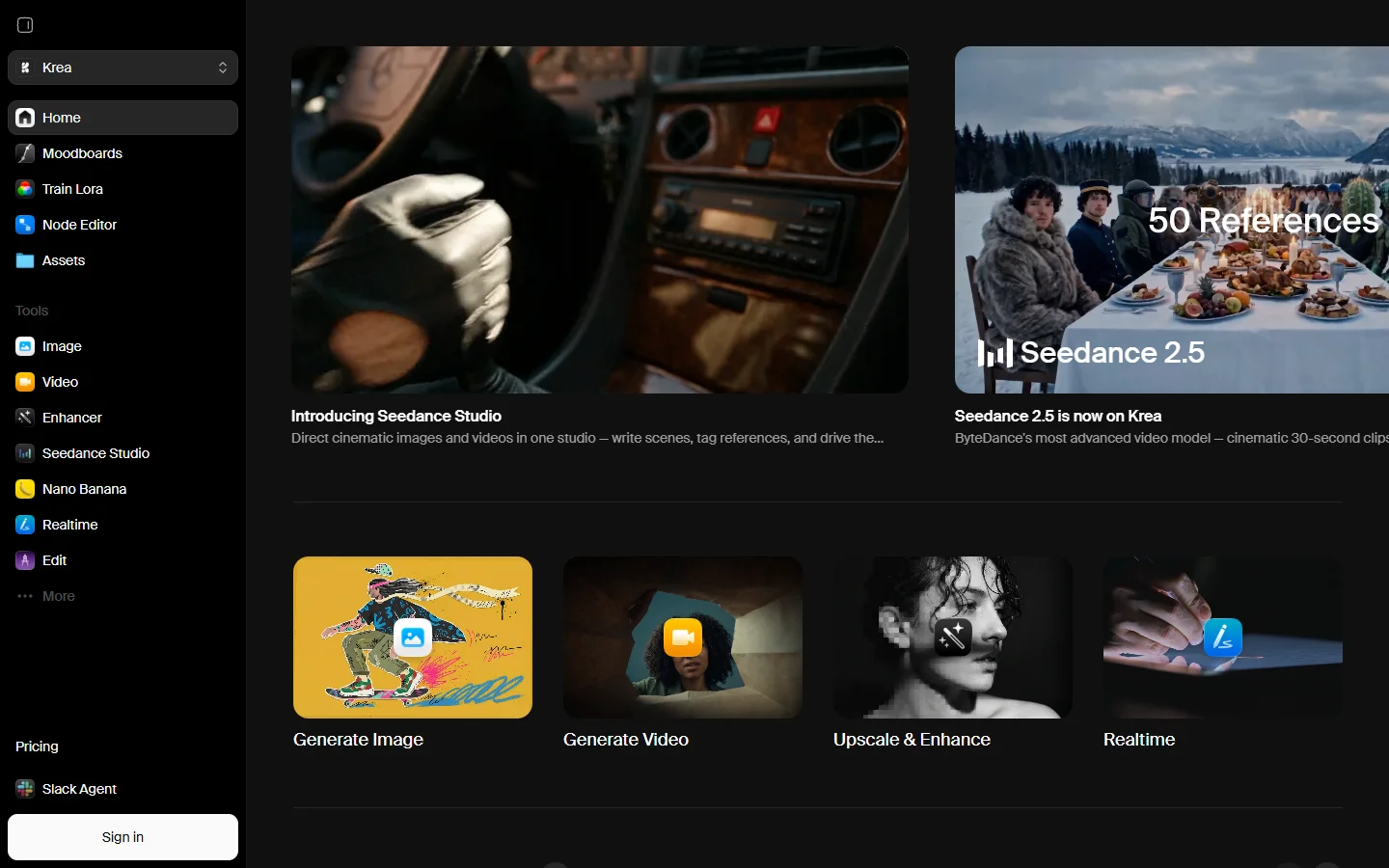
Verdict: best for realtime iteration when you do not yet know what you want. Krea renders as you type and as you sketch, which makes the exploratory phase of a brief much shorter. Its agent features handle enhancement, upscaling, and video extension in sequence, and the model picker covers most current image models including the FLUX line.
Where it falls down is repeatability. Krea is built around a session, not a pipeline, so running the same brief across 40 SKUs next month means doing the work again. It is a strong front half of a process and a weak back half. Teams often use it to lock a look, then hand the locked prompt to a production image generator for the volume run.
4. Recraft
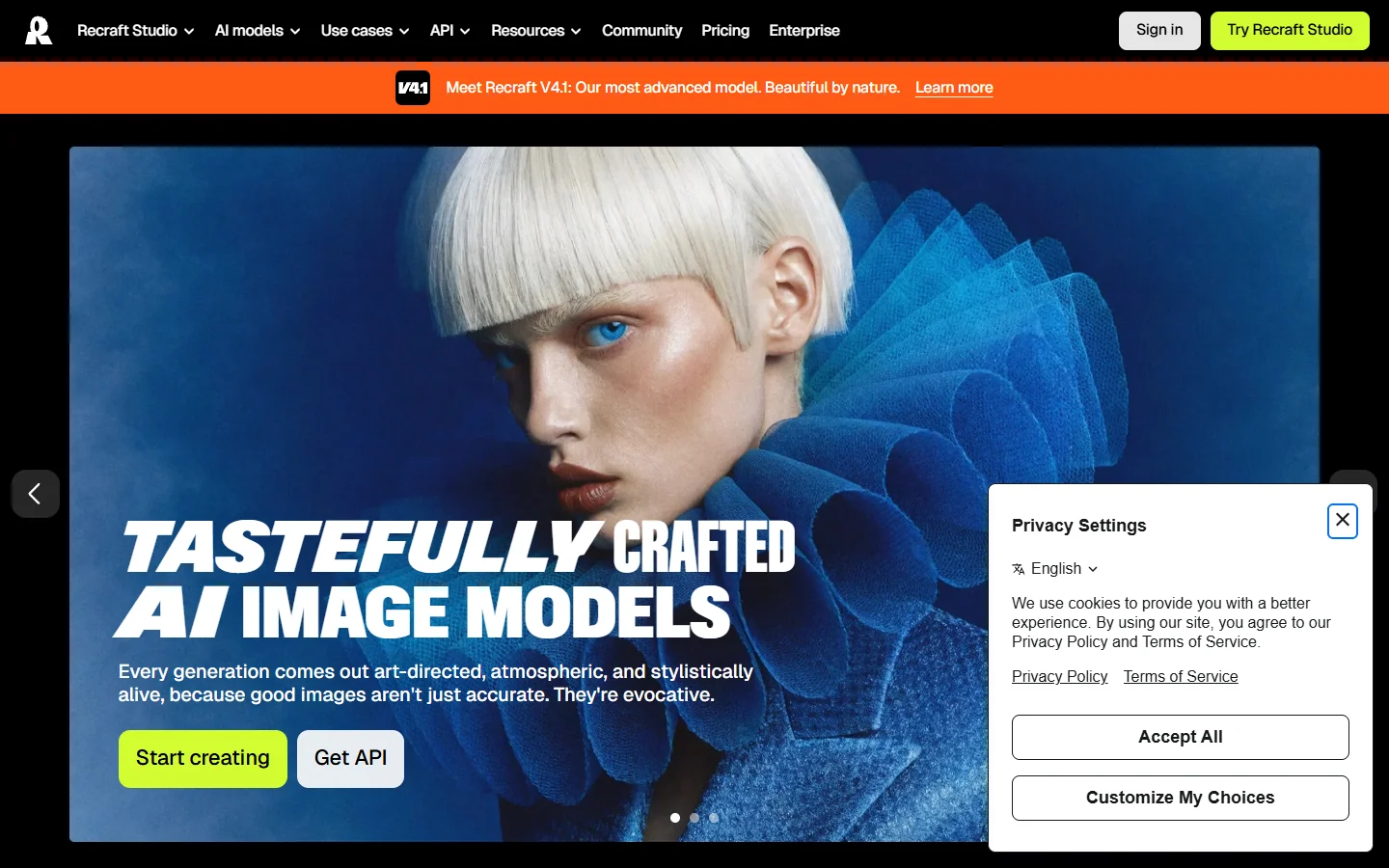
Verdict: best for brand consistency across raster and vector. Recraft lets you define a style from reference images and then apply it to everything generated afterwards, which is the single most useful agentic behavior for a brand team. It also outputs true SVG, so logos and icons come out editable rather than as pixels you have to trace.
Its agent scope is narrower than the top three: it plans within a design task, not across a campaign. For developers wiring it into a larger chain, the endpoints are straightforward, and we documented working calls in our Recraft v4 API examples.
5. Canva Magic Studio
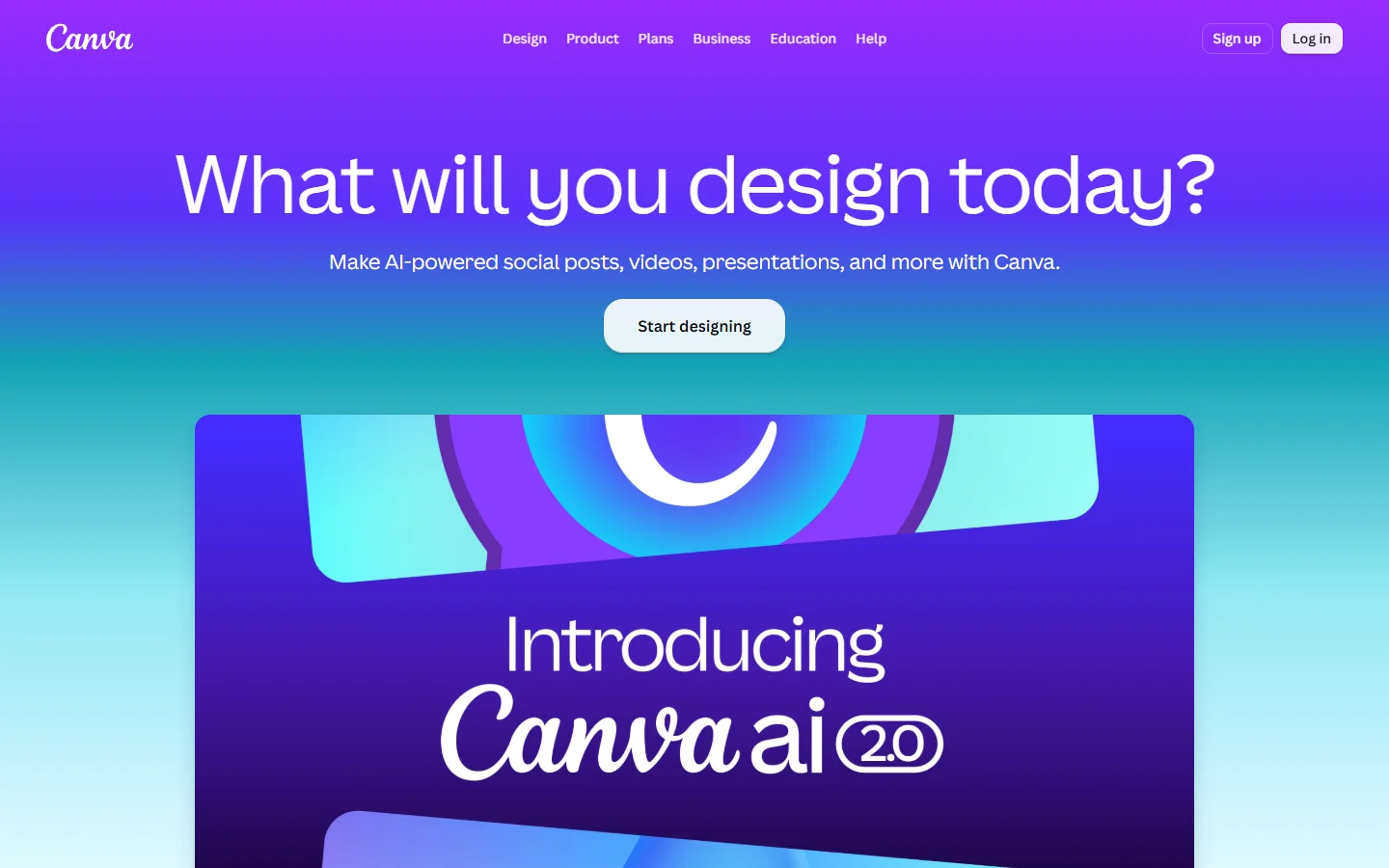
Verdict: best for non-designers who need finished layouts, not raw assets. Canva Magic Studio bundles generation, background removal, resizing, and copy into templates that already look presentable, and its agent can take a one-line brief to a full multi-format set. For social teams shipping daily, that end-to-end coverage beats better raw image quality.
The tradeoff is ceiling. Output converges on a recognizable Canva look, and fine control over composition is limited. If the goal is paid social specifically, the tools in our roundup of AI ad generators tend to produce stronger variant coverage.
6. Freepik AI Suite
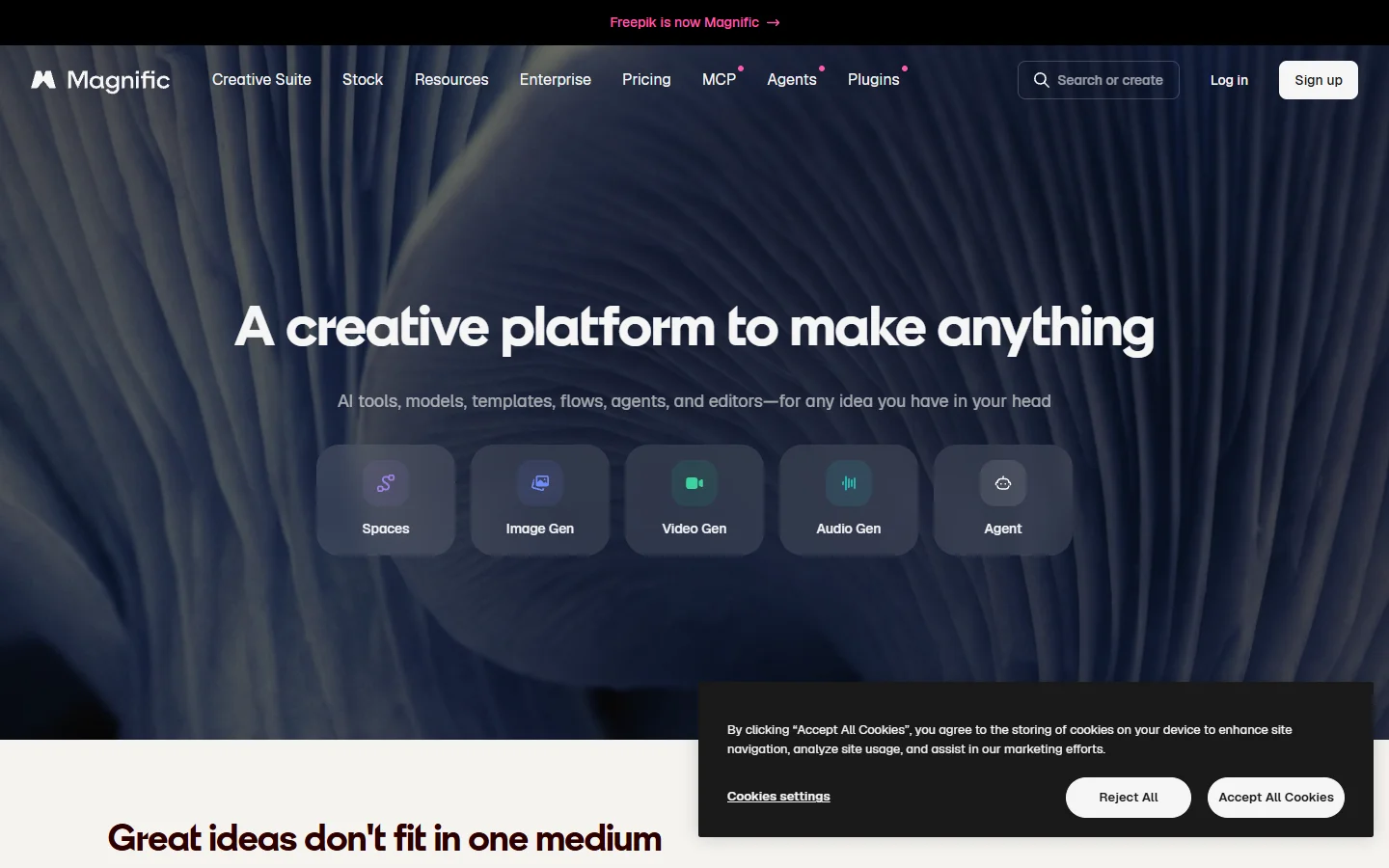
Verdict: best cheap access to many models at once. Freepik aggregates a long list of image and video models behind one subscription, which makes it useful as a testing ground before you commit a pipeline to a specific model. Its agent features cover prompt expansion, upscaling, and short video generation.
It ranks last because the agent layer is thin. You get a menu of models rather than a system that plans across them, and credit burn on video is fast. It is still the cheapest way to see how several models handle the same brief, which matters when you are choosing a content generation API for the long run.
How to put an AI creative agent to work
Start by writing the brief as a sequence rather than a paragraph. Agents perform better when the steps are explicit: subject, style reference, output count, resolution, and what happens to the file afterwards. A vague brief produces a vague plan no matter which tool you use.
Next, lock the look before you scale. Generate three or four candidates, pick one, and extract the exact prompt and settings that produced it. That locked configuration becomes the input your agent reruns, which is how you get 40 consistent product shots instead of 40 unrelated ones. The same discipline applies to ecommerce work, as covered in our guide to AI product images for online stores.

Finally, decide where the agent gets triggered from. If a human always has to open a tab to start it, you have automated the generation but not the process. Tools with real endpoints let the trigger live in your CMS, your project tracker, or a scheduled job, which is where most of the time savings actually come from. That is the difference between a generation tool and a programmatic image generation platform.
FAQ
What is an AI creative agent?
It is a system that takes a creative brief, plans the steps needed to fulfil it, executes those steps across one or more generative models, and returns finished assets. The difference from a plain generator is planning and iteration: an agent decides what to do next based on the previous output instead of waiting for a new prompt each time. In practice the quality of the brief still sets the ceiling, which is why our prompt library is worth reading first.
Is an AI creative agent different from an AI image generator?
Yes. A generator turns one prompt into one output. An agent handles the surrounding work: expanding the brief, choosing models, generating variants, upscaling, and passing results to the next stage. Most agents sit on top of generators like the FLUX 1.1 Pro model rather than replacing them.
Can AI creative agents produce commercially usable assets?
Usually yes, but the terms differ per tool. Adobe Firefly is the most conservative option because of its licensed training data. Most other tools grant commercial rights on paid plans, and free tiers often do not. Check the specific plan before shipping client work.
Do I need an API to use one?
No, all six tools here work from a browser. An API matters when volume rises or when the trigger needs to come from another system. If that is your situation, the platforms in our headless workflow comparison are built for exactly that pattern.
How much do AI creative agents cost?
Entry plans across this list run roughly $10 to $30 per month for image-heavy use. Video pushes costs up quickly because most tools price it per second of output. Budget separately for video, and test on short clips before committing to a long render.
Which one should a solo creator start with?
Krea or Freepik, because both have usable free tiers and neither requires you to think about pipelines on day one. Move to a node-based canvas once you find yourself repeating the same sequence more than a few times a week. Free options worth testing first are listed in our free AI image generator roundup.

Conclusion
The gap between these six is not image quality, which is close to parity at the top end. It is how much of the process each one removes. Krea and Freepik shorten exploration, Recraft and Canva shorten production, Firefly clears legal review, and Wireflow is the only one that connects all of those stages into a single rerunnable chain. Pick based on which part of your process is currently the slowest, and if you want to go deeper on the generation layer underneath any of them, start with our AI canvas API guide.