
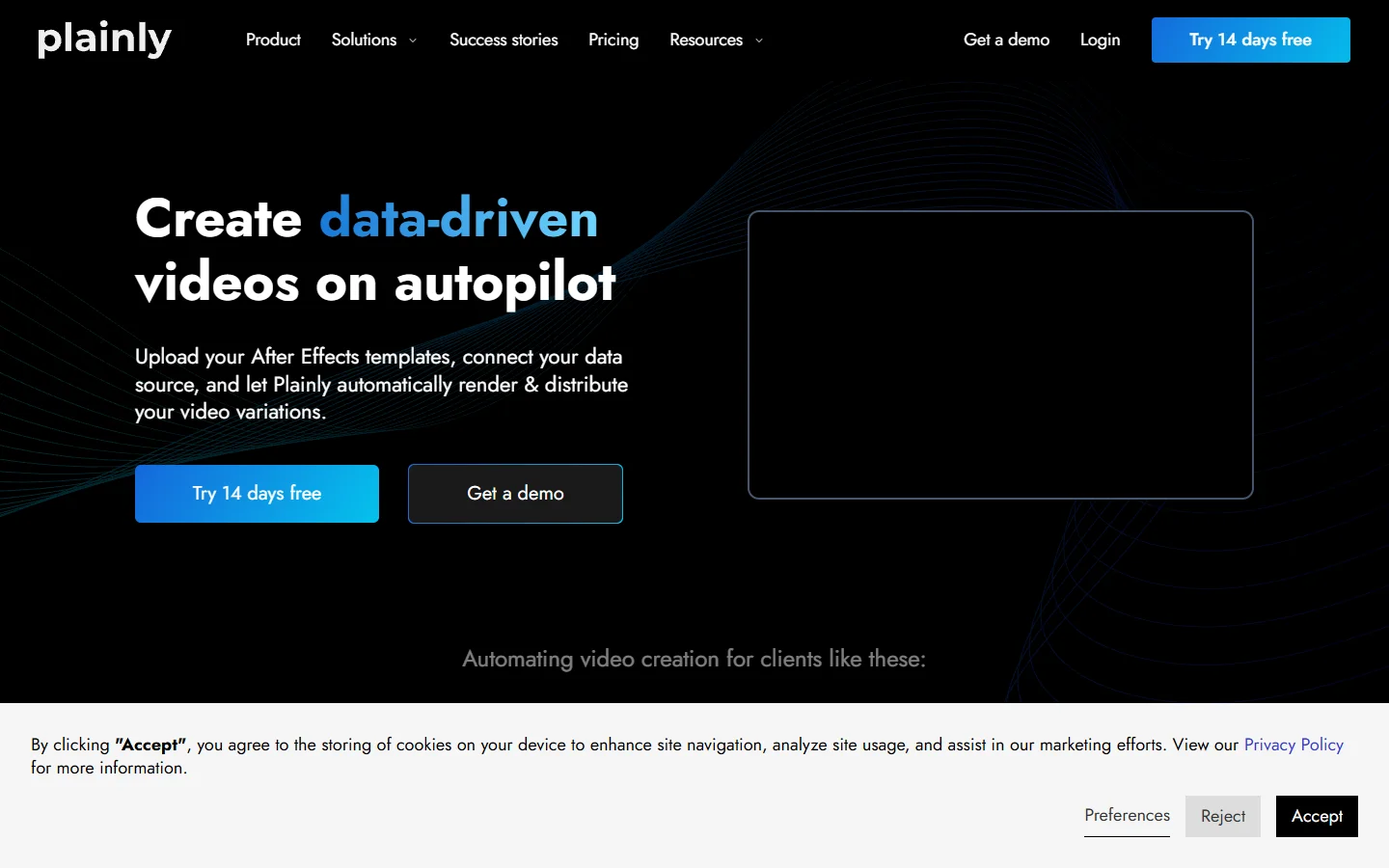
Plainly Videos turns an After Effects project into a render API: mark the text and image layers as variables, POST a payload, get thousands of personalized MP4s back. If your team already lives in After Effects, that is a genuinely good fit. If it does not, you inherit a dependency on a motion designer for every template change, and that is why most teams start surveying the wider field of AI video generators available in 2026.
This guide compares six alternatives from different angles: JSON-defined render APIs, code-first frameworks, image-and-template automation, and avatar video. Pricing across the category sits roughly between $0.10 and $0.84 per rendered 1080p minute, so the deciding factor is usually who authors the template, not the invoice. The same tradeoff shows up when you produce marketing videos with AI at volume: the render engine is rarely the bottleneck, the authoring loop is.
What Plainly actually does well
Plainly is an After Effects render farm with a REST API in front of it. You upload an .aep project, mark the dynamic layers, and POST a JSON payload of variable values to get a finished MP4 back. Because the render is real After Effects, expressions, plugins, and complex motion behave exactly as they did on the designer’s machine, which is a stronger fidelity guarantee than most generation APIs offer. The Starter plan begins at $69 per month for 50 render minutes, and pricing scales on minutes consumed rather than seats.
Where it wins:
- Plugin and expression fidelity, because the renderer is real After Effects
- Minute-based pricing that scales with output rather than seats
- A short migration path for studios with an existing template library
The weakness is the authoring loop. Every new layout, aspect ratio, or animation tweak goes back through After Effects and a re-upload. Teams that want a marketer or a script to change the template directly move toward a system where the template is data, the same argument behind building content pipelines on an API instead of a desktop app.
Quick comparison
The table below summarizes where each tool sits. Read it alongside a broader survey of AI workflow platforms with API access if you are also weighing image and audio steps in the same pipeline.
| Tool | Template authored in | Entry price | Best for |
|---|---|---|---|
| Plainly | After Effects | $69/mo, 50 min | Motion teams with existing .aep assets |
| Creatomate | Visual browser editor | $41/mo tier | Marketers who need to edit templates themselves |
| Shotstack | JSON timeline / Studio SDK | $99/mo, 500 min | Engineering teams building video into a product |
| JSON2Video | JSON scenes | $16.95/mo Hobby | Cheapest usable API tier for small volume |
| Bannerbear | Visual template + API | Mid tier | Image-first automation with short video support |
| Remotion | React code | Free, self-hosted | Developers who want templates in version control |
| HeyGen | Avatar + script | Per-minute credits | Talking-head and localized presenter video |
Creatomate
Creatomate is the closest like-for-like replacement if your complaint about Plainly is the After Effects dependency. Templates are built in a browser editor, then rendered through the same kind of JSON variable payload, with a no-code surface layered over the API. Its Essential tier is around $41 per month and credit based, and at comparable spend it renders roughly 700 minutes against Shotstack’s 500 at the $99 tier.
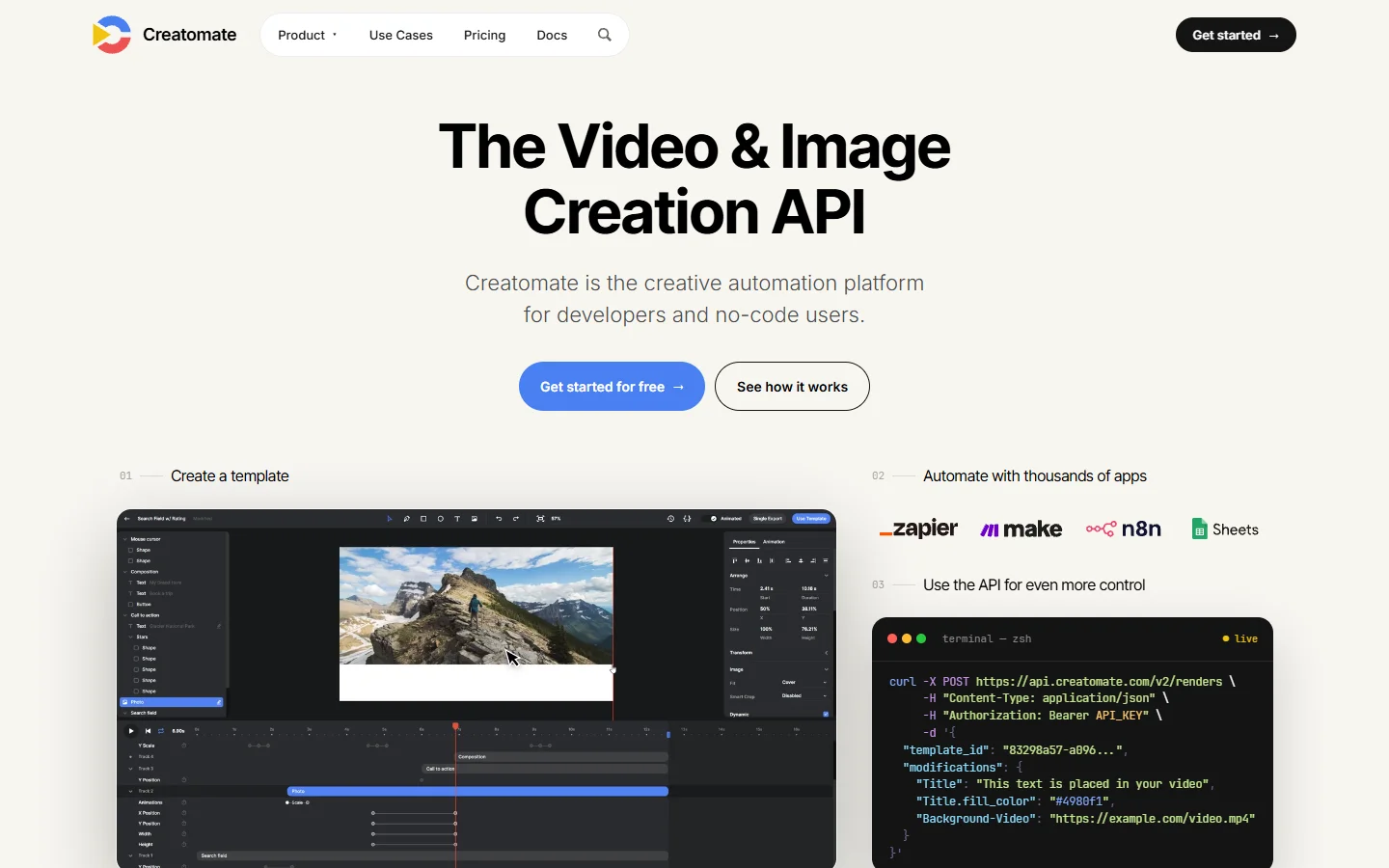
The practical win is that a marketer can duplicate a template, change the copy and brand colors, and ship a variant without filing a ticket, which is the same lesson teams learn when they automate brand content creation end to end. Motion complexity is the tradeoff: intricate After Effects expressions have no direct equivalent.
Shotstack
Shotstack treats video as a JSON timeline. You describe tracks, clips, transitions, and soundtracks as structured data and POST it to the render endpoint. There is no template file at all in the traditional sense, which makes it a good fit when the video composition is generated by your own code rather than picked from a library.
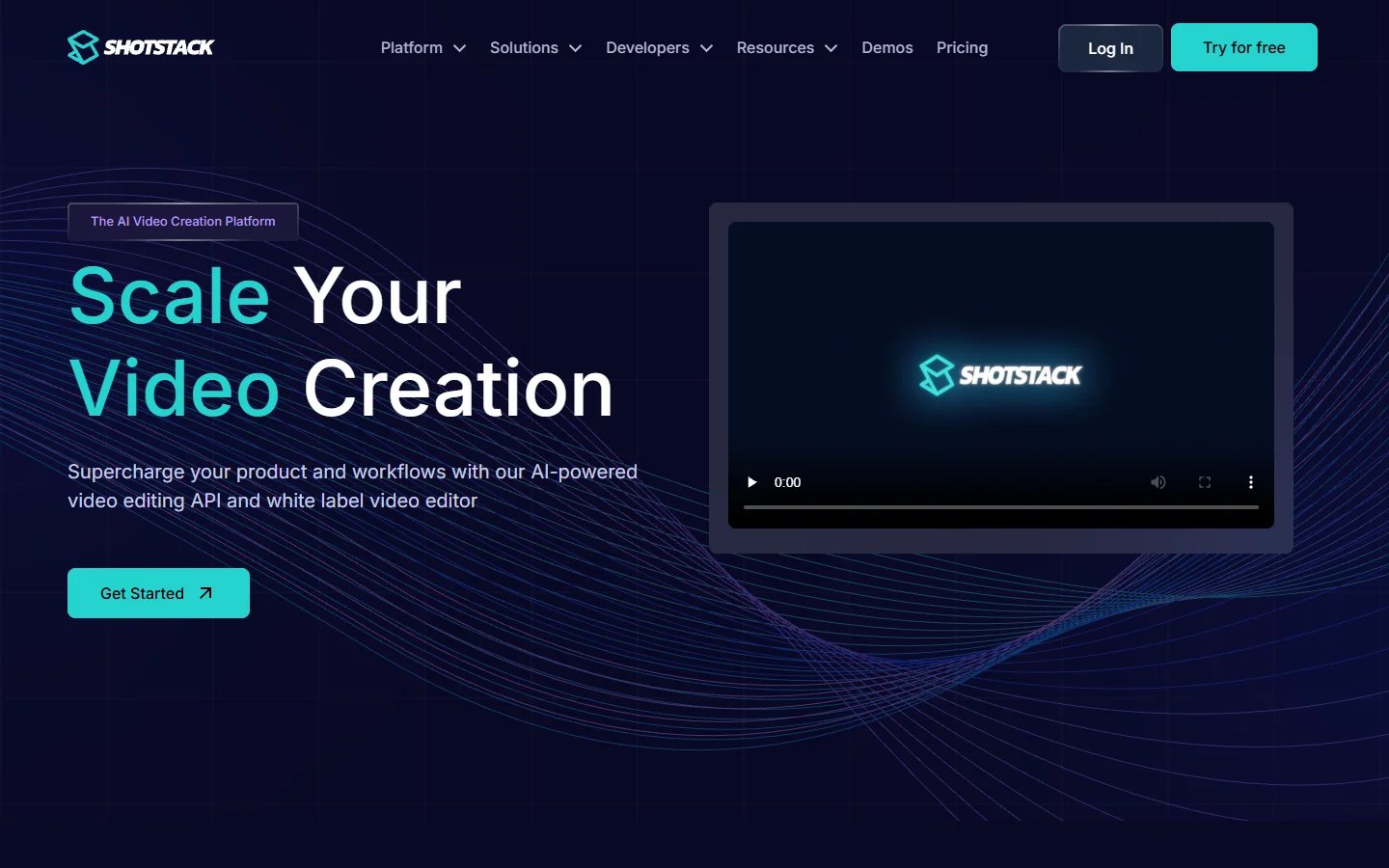
Because everything is data, Shotstack composes cleanly with the rest of a generation stack, taking clips produced upstream and returning a finished edit, the standard shape for orchestration APIs in production apps. The cost is developer time: someone has to build the authoring surface your non-technical teammates will use.
JSON2Video
JSON2Video occupies the budget slot. It added a $16.95 per month Hobby tier in 2026, which is the cheapest genuinely usable entry point in this comparison. Scenes are described as JSON objects with elements for text, images, video, voice, and subtitles, and the API returns a rendered file.
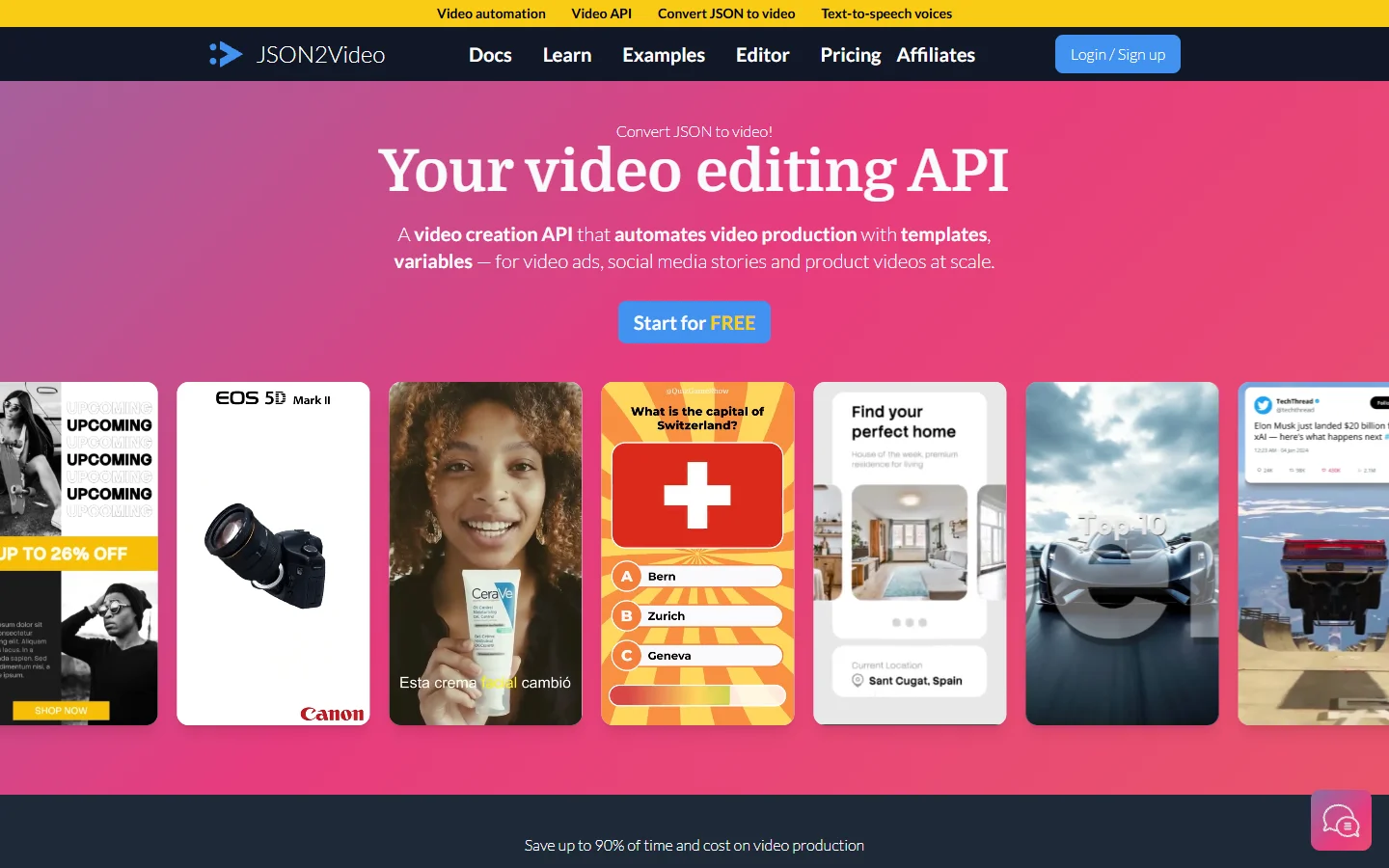
It is the right pick when volume is modest and the format is repetitive: product clips, listing videos, short social cuts. The workflow resembles running batch generation jobs through an API, where the value is in the loop around the call rather than in any single render.

Bannerbear
Bannerbear came from the image automation side and added short-form video later. Templates are built visually, then populated through an API or a no-code connector. If most of your output is static creative with occasional animated cuts, it consolidates both into one account instead of two.
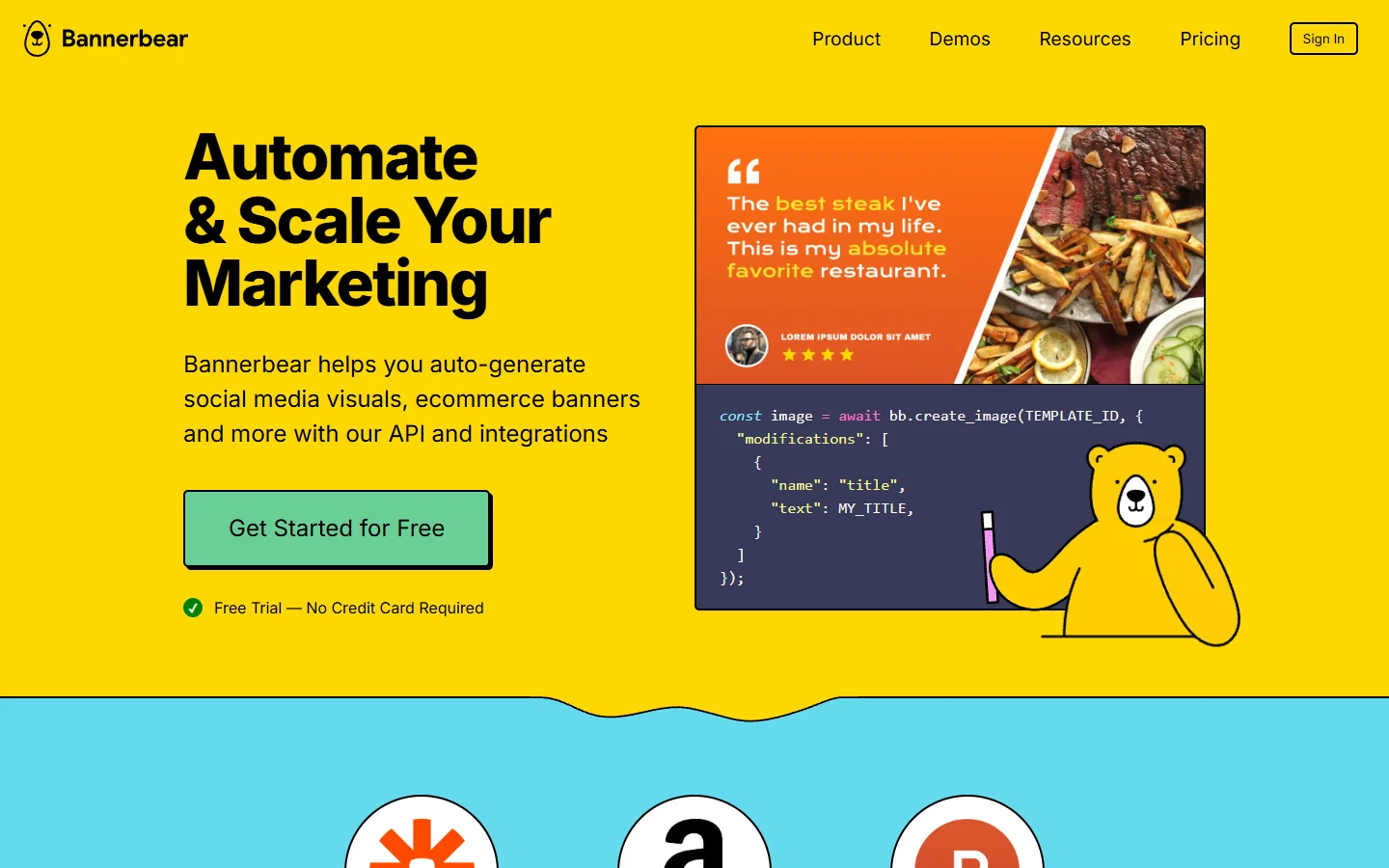
For longer or more complex edits it runs out of room quickly, so treat it as an image tool that also does video rather than the reverse. Teams that need higher fidelity stills alongside their video usually pair it with a dedicated image endpoint such as the FLUX Pro API and pass the results in as template assets.
Remotion
Remotion is the developer answer: you write video as React components, and frames are rendered from your code. Templates live in your repository, so they get code review, branching, and diffs like anything else. The library itself is free, and you either self-host the render or use their hosted service.
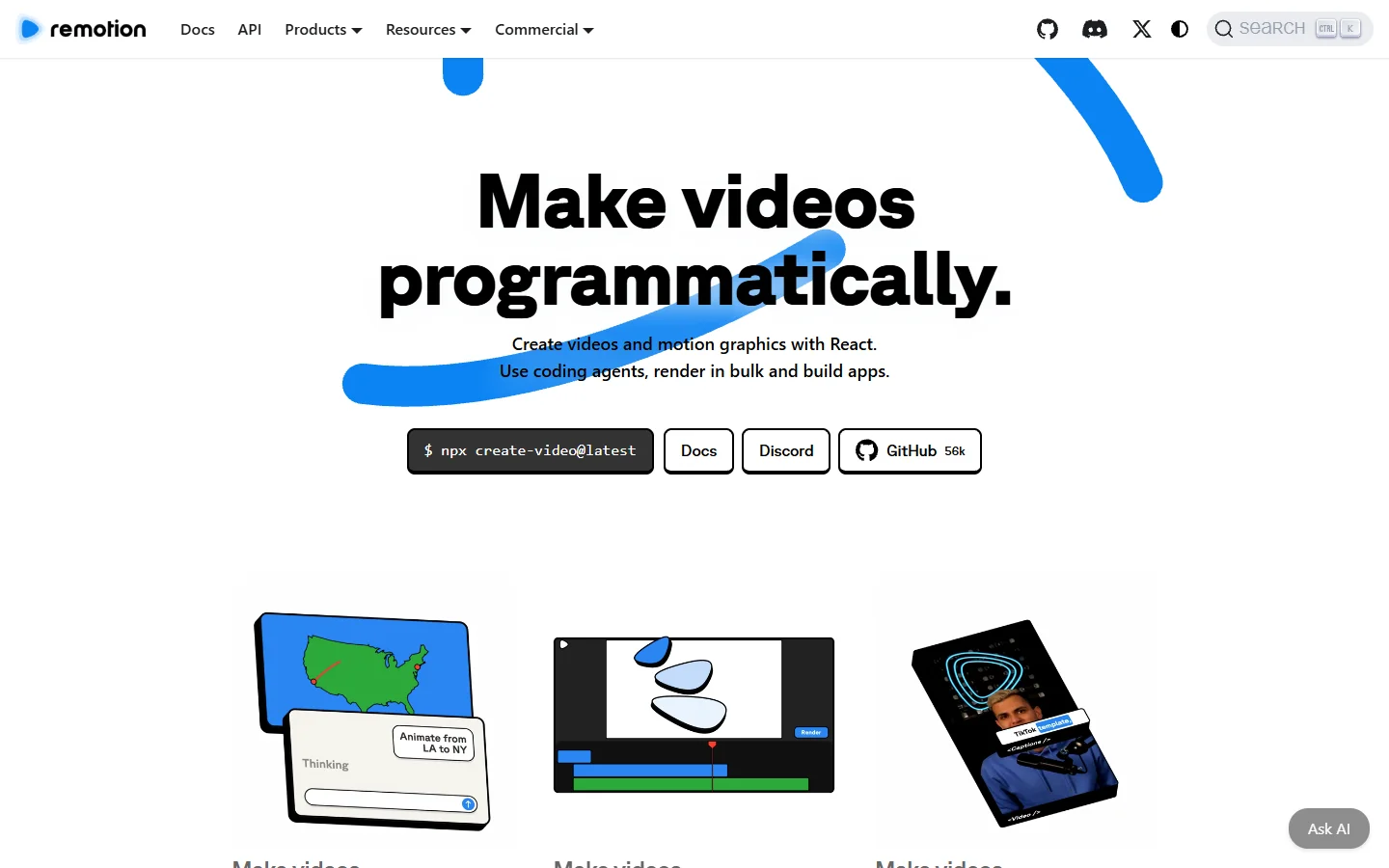
This is the strongest option when personalization logic is complicated, because the template is a program rather than a form. It is the weakest option when a non-developer needs to change a headline. Many teams end up mixing it with generated assets, dropping in clips produced by image to video models and compositing them in code.
HeyGen
HeyGen solves a different problem than the rest of this list. Instead of rendering a designed template, it generates a presenter reading your script, with avatar and voice cloning plus translation into other languages. If the personalized asset you actually need is a person saying the viewer’s name and company, template rendering is the wrong tool entirely.

Cost is per generated minute and rises fast at scale, so it fits sales outreach, onboarding, and training more than mass social output. The avatar category moves quickly, and the current field is covered in this rundown of Synthesia alternatives for AI avatar video.
How to choose
Start from who edits the template, not from the price per minute. If the answer is a motion designer with existing After Effects work, staying on Plainly is usually cheaper than migrating. If it is a marketer, Creatomate. If it is your backend, Shotstack or JSON2Video. If it is your frontend team, Remotion and code-defined templates win.
Then ask where the input clips and images come from. Most 2026 pipelines do not just fill a template, they generate the assets first and assemble them second, which makes the render API one node in a longer chain rather than the whole system.
Further reading: for a version of this comparison written from the pipeline side, this walkthrough of the 2026 Plainly alternatives and where each one fits a production pipeline covers the same tools with more detail on the assembly stage.

FAQ
Is Plainly Videos still worth using in 2026?
Yes, if your templates are already built in After Effects. Plainly’s render fidelity is the highest in this group because it runs real After Effects rather than a reimplementation, so plugins and expressions survive intact. The reason to leave is workflow, not output quality.
What is the cheapest Plainly alternative?
JSON2Video’s $16.95 per month Hobby tier is the lowest paid entry point here. Remotion is technically free since the library is open source, but self-hosted rendering costs compute, so budget for the infrastructure rather than a subscription. Either way, batch API workflows make the per-unit cost far more predictable than ad hoc renders.
Do I need a developer to replace Plainly?
Not for Creatomate or Bannerbear, which both ship visual template editors and no-code connectors. Shotstack, JSON2Video, and Remotion all assume someone is writing code, though the JSON-based ones need far less of it than Remotion does.
Can these tools generate the video content itself, or only assemble it?
Assemble, mostly. Creatomate, Shotstack, JSON2Video, and Plainly all take existing assets and compose them. Generating the source footage is a separate step, usually handled by text-to-video or image-to-video models, and the two halves are then chained together in a platform that exposes both through an API.
How many render minutes do I actually need?
Multiply average output length by monthly volume, then add roughly 30 percent for failed and re-run renders during development. A team producing 500 fifteen-second clips per month needs about 125 minutes plus headroom, which lands in the entry tier of every tool listed here.
Is HeyGen a real Plainly alternative?
Only if your use case is a talking presenter. It does not render designed template layouts, so it replaces Plainly for personalized sales and training video, not for product or listing clips. Compare it against the wider avatar video field rather than against render APIs.
Conclusion
Plainly is a good tool with a narrow entry requirement. The alternatives worth switching to move template authoring out of After Effects and into a surface your team can reach: a browser editor for marketers, JSON for backends, React for developers. Price gaps across the category are small enough that they should not decide it. Pick on the authoring loop, confirm the render meets your fidelity bar, and check how cleanly the tool composes with whatever generates your source assets.