
AI image editing has changed more in the past year than in the previous decade. Background removal, object swapping, resolution upscaling, and full-scene generation now run in a browser tab. This guide breaks down six of the strongest AI image editors available right now, with real screenshots and a comparison of what each actually delivers.
Whether you need fast batch edits for an ecommerce catalog, precise retouching for a portrait series, or an automated pipeline that handles everything from prompt to final export in one pass, there is a tool here that fits your workflow.
What Sets These Editors Apart
The editors in this comparison were selected based on criteria that matter in production: speed of non-destructive edits, batch capability, model quality (FLUX-based pipelines produce noticeably better inpainting and outpainting than older architectures), and export flexibility.
For teams that need to chain multiple AI steps together, the Wireflow platform connect generation, editing, upscaling, and export in a single visual workflow rather than bouncing between tabs.
Adobe Firefly
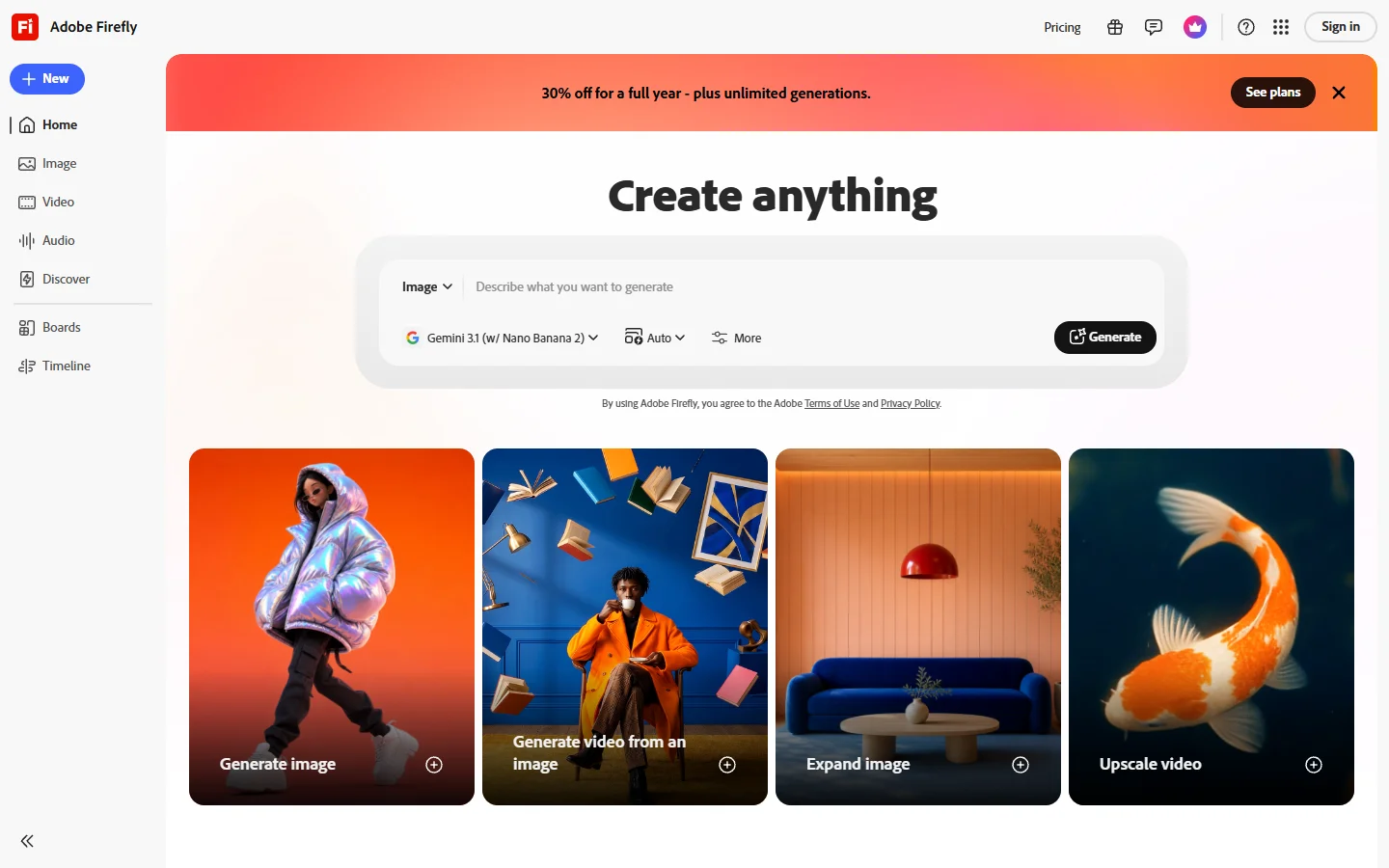
Adobe Firefly is built into Photoshop, Illustrator, and the standalone web app. Its generative fill and generative expand tools are the closest thing to a production-ready AI eraser inside a professional editing suite. The model respects layer masks and selections natively, so AI edits slot into existing non-destructive workflows without export/import friction.
The trade-off is cost. Firefly credits are bundled with Creative Cloud subscriptions, but heavy users burn through them fast. For photographers already paying for Lightroom and Photoshop, it is the most natural upgrade. For everyone else, the price is hard to justify for AI features alone.
Pixlr
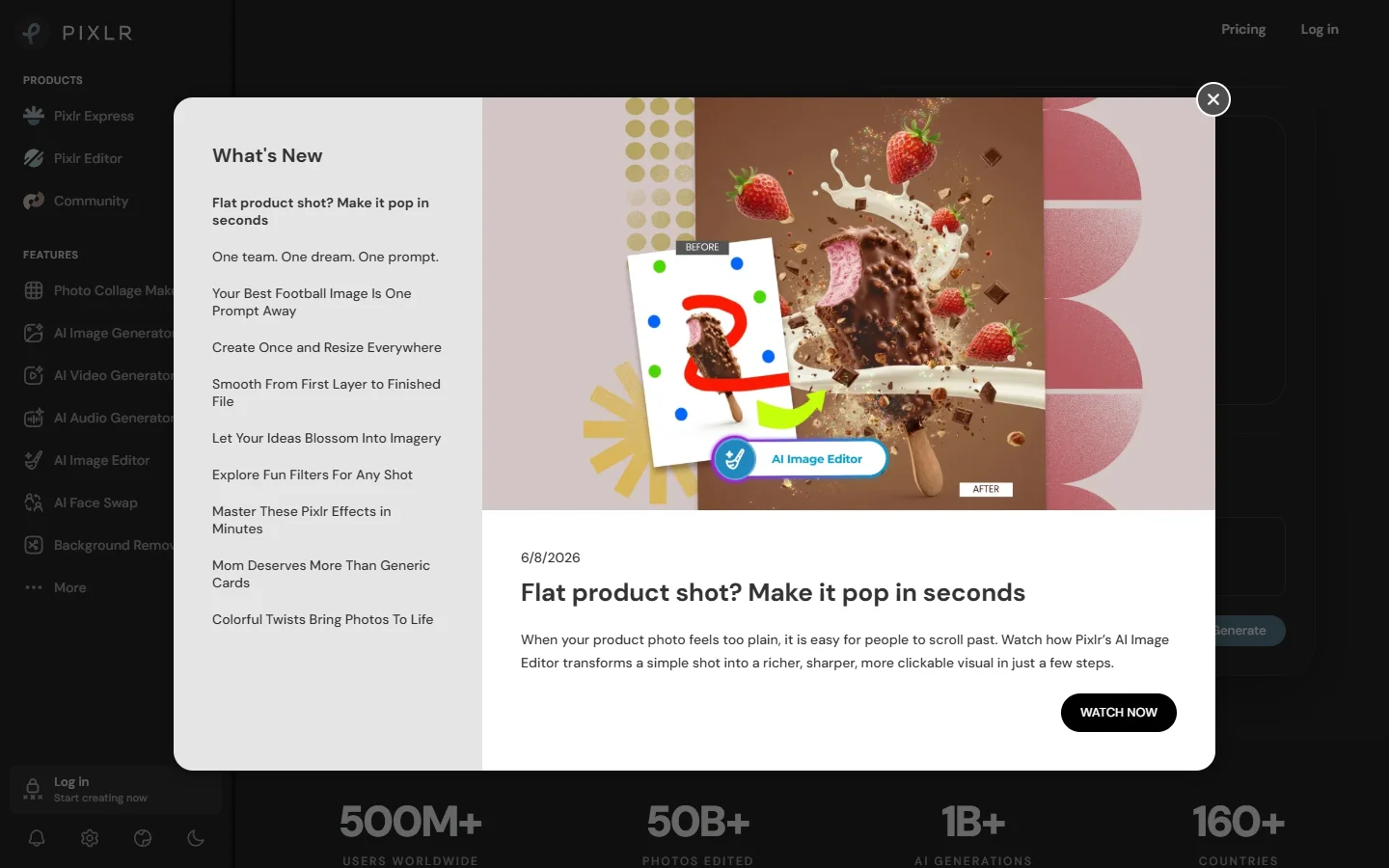
Pixlr runs entirely in the browser with a capable layer-based editor. It offers two modes: Pixlr X for quick edits and Pixlr E for a Photoshop-like experience with layers, masks, and blending modes. The AI tools include background removal, object removal, and batch resizing.
Where Pixlr struggles is precision. Complex selections around hair or transparent objects produce rougher edges than Firefly or dedicated removal models like BiRefNet. For product photography that demands pixel-perfect cutouts, you will need a second tool for the final retouching pass.
Fotor
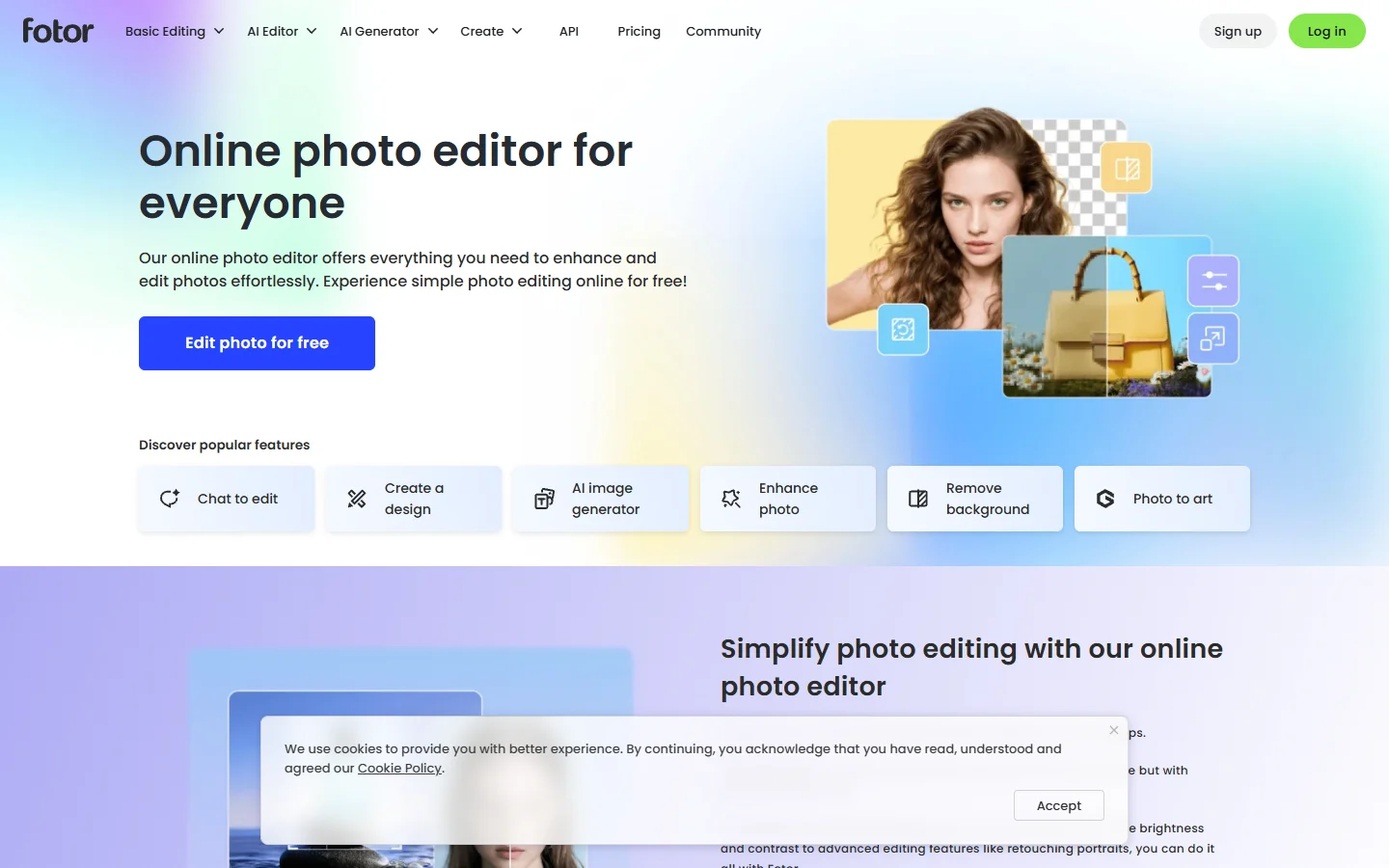
Fotor sits between a photo editor and a graphic design tool. Its AI features include one-click enhancement, background removal, object eraser, and a text-to-image generator. The enhancement engine is where Fotor stands out: upload a dimly lit phone photo, hit enhance, and the result is often print-ready without manual adjustment.
Fotor’s design templates are useful for teams that need social media graphics alongside photo editing. You can edit a product photo, drop it into a template, and export a finished Instagram post in one session. The limitation is that the layer system is basic compared to Pixlr or Photopea.
Luminar Neo
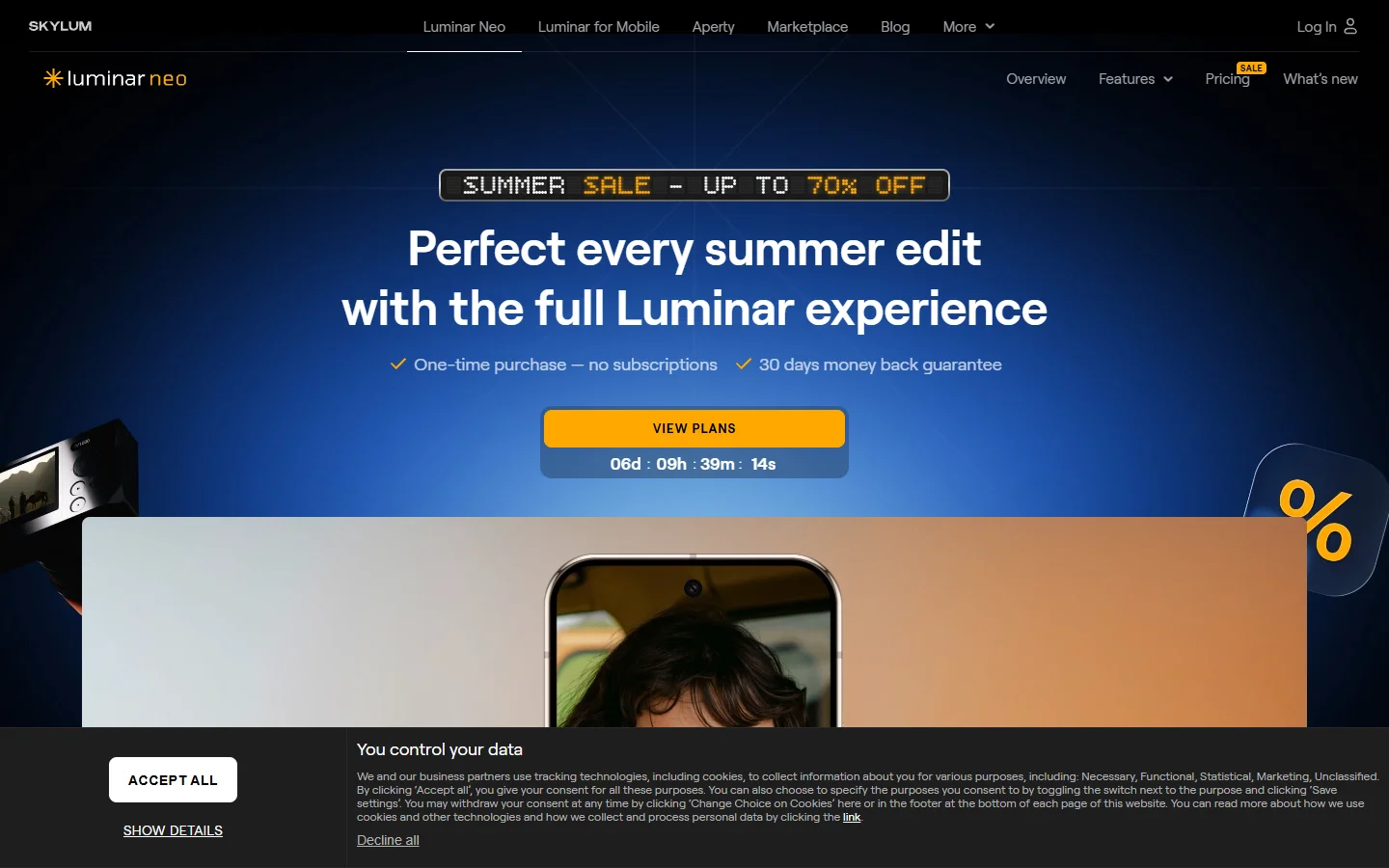
Luminar Neo is a desktop application focused on AI-powered photo enhancement and creative effects. It processes images locally, which means no upload wait times. The standout features are AI sky replacement, portrait retouching, and structure enhancement that works at full resolution.
Luminar Neo also supports a plugin workflow with Photoshop and Lightroom, so you can use it as a specialized AI layer inside your existing editing pipeline. The downside is that it is desktop-only with no browser option, and the subscription model has shifted several times.
Photopea
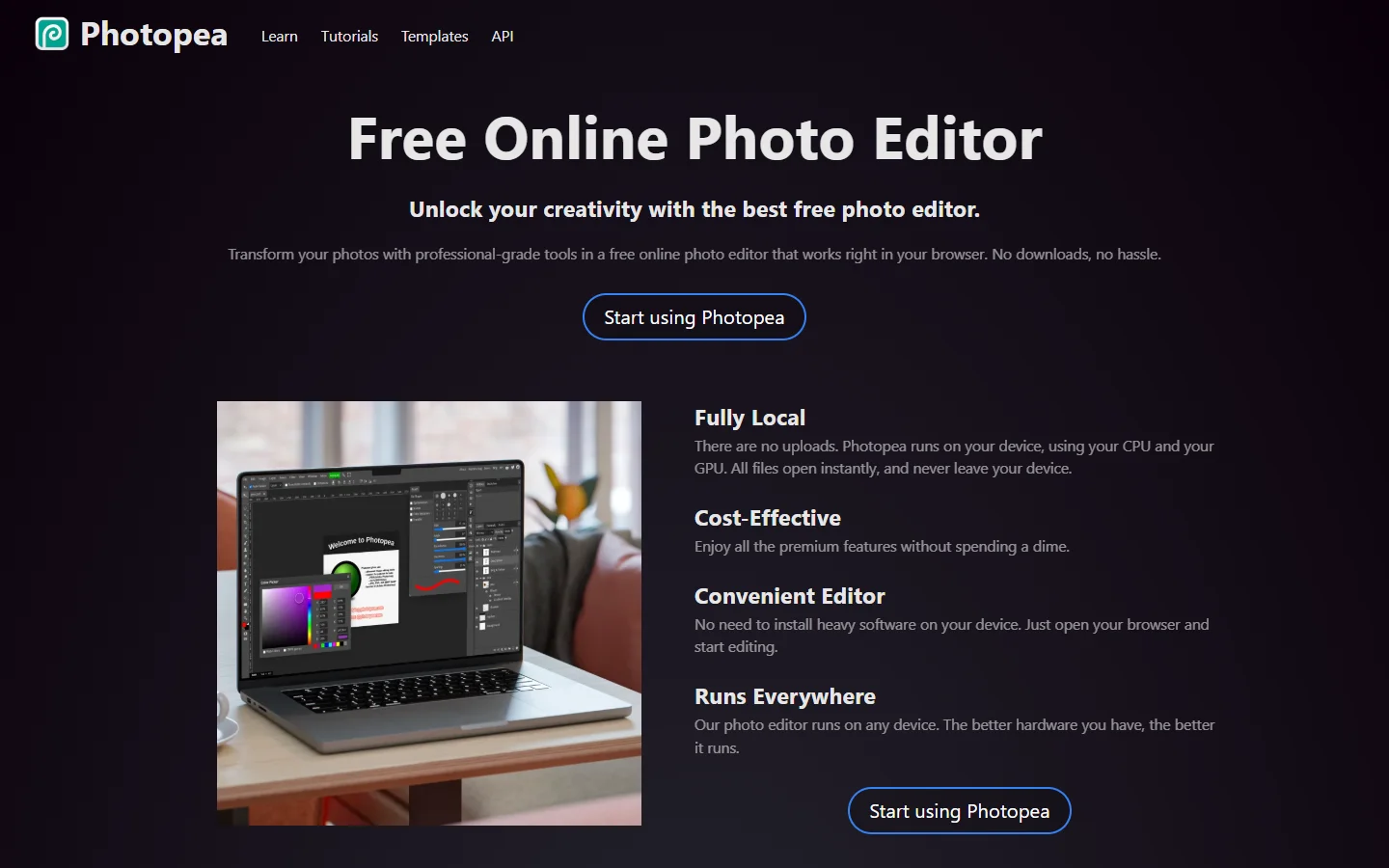
Photopea is a free, browser-based editor that opens PSD, XCF, Sketch, and XD files natively. Its recent additions (AI background removal, object removal, and generative fill) make it a capable option for users who want Photoshop-level control without the subscription.
The biggest advantage is the price: free with ads, or a small annual fee to remove them. AI features are functional but not best-in-class. The generative fill is slower than Firefly’s, and batch processing requires manual repetition. But for single-image editing with full layer support, it is hard to beat.
Canva
Canva has evolved beyond its template-first origins. The Magic Studio suite now includes background remover, magic eraser, magic expand (outpainting), text-to-image generation, and a batch resize tool that reformats designs across dozens of dimensions in one click.
The trade-off is depth. Canva does not support layers in the traditional sense, and fine-grained retouching (frequency separation, channel mixing, dodge and burn) is not possible. If your editing needs go beyond crop, enhance, and remove background, you will hit the ceiling quickly.
Comparison Table
| Tool | Best For | AI Features | Platform | Pricing |
|---|---|---|---|---|
| Adobe Firefly | Professional photographers | Generative fill, expand, recolor | Desktop + web | Creative Cloud sub |
| Pixlr | Quick browser edits | BG removal, object removal, batch resize | Browser | Free / $7.99/mo |
| Fotor | Photo enhancement + design | One-click enhance, upscaler, BG removal | Browser + mobile | Free / $8.99/mo |
| Luminar Neo | Landscape/portrait photographers | Sky replacement, portrait AI, structure | Desktop | $119/year |
| Photopea | Budget-conscious editors | Generative fill, BG removal | Browser | Free / $40/year |
| Canva | Marketing teams | Magic Studio suite, batch resize | Browser + mobile | Free / $12.99/mo |
How to Pick the Right Tool
If you edit fewer than 20 images a month and need mostly background removal and enhancement, Fotor or Pixlr will cover you without a subscription. If you process hundreds of images, Firefly inside Photoshop or a pipeline-based approach gives you the repeatability that manual tools cannot match.

For teams building products that include image editing as a feature (SaaS apps, ecommerce platforms), an API-first approach is see how it works. Connecting generation, editing, and export into a single automated workflow eliminates the manual steps that slow down production at scale.
If you also manage social media content alongside editing, a tool that handles short-form video and social content can reduce the number of apps in your stack.
Frequently Asked Questions
What is the best free AI image editor in 2026? Photopea offers the most complete free editing experience with layer support, PSD compatibility, and AI tools including background removal and generative fill.
Can AI image editors replace Photoshop? For common tasks like background removal and enhancement, yes. For advanced compositing, frequency separation, and channel-level adjustments, Photoshop with Firefly remains the most capable option.
Which AI image editor is best for ecommerce product photos? Fotor and Canva handle product photo enhancement well for small catalogs. For larger operations processing hundreds of SKUs, batch-capable tools or API-based pipelines produce more consistent results.
Are browser-based AI editors as good as desktop software? For 80% of editing tasks, browser tools like Pixlr and Photopea match desktop performance. The gap appears in handling very large files (100MB+ RAW images) and local GPU acceleration.
How do FLUX models compare to other AI models for editing? FLUX-based models produce higher-fidelity inpainting and outpainting than older Stable Diffusion architectures. The difference is most visible in texture matching and edge blending.
Do AI image editors work on mobile? Canva and Fotor both have full-featured mobile apps with AI editing capabilities. Pixlr and Photopea run in mobile browsers but work better on tablets. Luminar Neo is desktop-only.
Is it safe to upload client photos to cloud-based AI editors? Most reputable editors have clear data processing policies and do not use uploaded images for training without consent. For sensitive work, Luminar Neo or Photopea’s offline mode keep images entirely local.
Wrapping Up
Every tool in this comparison handles background removal, enhancement, and simple retouching well. The differences show up in workflow fit. Firefly wins on integration for Creative Cloud users. Photopea wins on value. Canva wins on convenience for marketing teams. Luminar Neo wins for photographers who want AI features without cloud uploads.
The broader trend is that standalone AI editing is becoming one step in a larger content pipeline. Generating, editing, upscaling, and exporting images in a connected workflow saves more time than optimizing any single step.