
If you generate images at any real volume in 2026, the model is only half the decision. The other half is the platform that runs it: the API you call, the workflow layer that chains steps together, and the bill that arrives at the end of the month. Most of us here started with a single FLUX text-to-image endpoint and quickly discovered that production work means pipelines, not one-off prompts.
This comparison looks at the major AI workflow platforms with APIs from an image generation perspective: Replicate, fal.ai, ComfyUI, Freepik, and Leonardo. We have covered standalone image generators before; this time the question is which platform you should build on when your workflow has more than one step.
APIs and workflow builders are two different layers
It helps to separate two things that comparison posts usually blur together. An inference API gives you one model behind one endpoint: send a prompt, get an image. A workflow platform sits above that and chains calls together, so a single request can run generation, upscaling, background removal, and delivery as one pipeline. Models like FLUX.1 are available on nearly every platform below, so the real differences are in orchestration, latency, and pricing.
Why does the distinction matter in practice? Because cost-per-image benchmarks only describe the first layer. The same models, from FLUX to Recraft V3, show up across most of these platforms, so once your process involves chained steps, it is cold starts, retries, and per-step billing that decide the real cost per finished asset.
Replicate
Replicate is the platform most developers try first, and for good reason. It hosts thousands of community and official models behind a consistent REST API, bills by GPU time rather than per image, and has the strongest documentation in this group. If a new open-weights model drops, it is usually on Replicate within days.
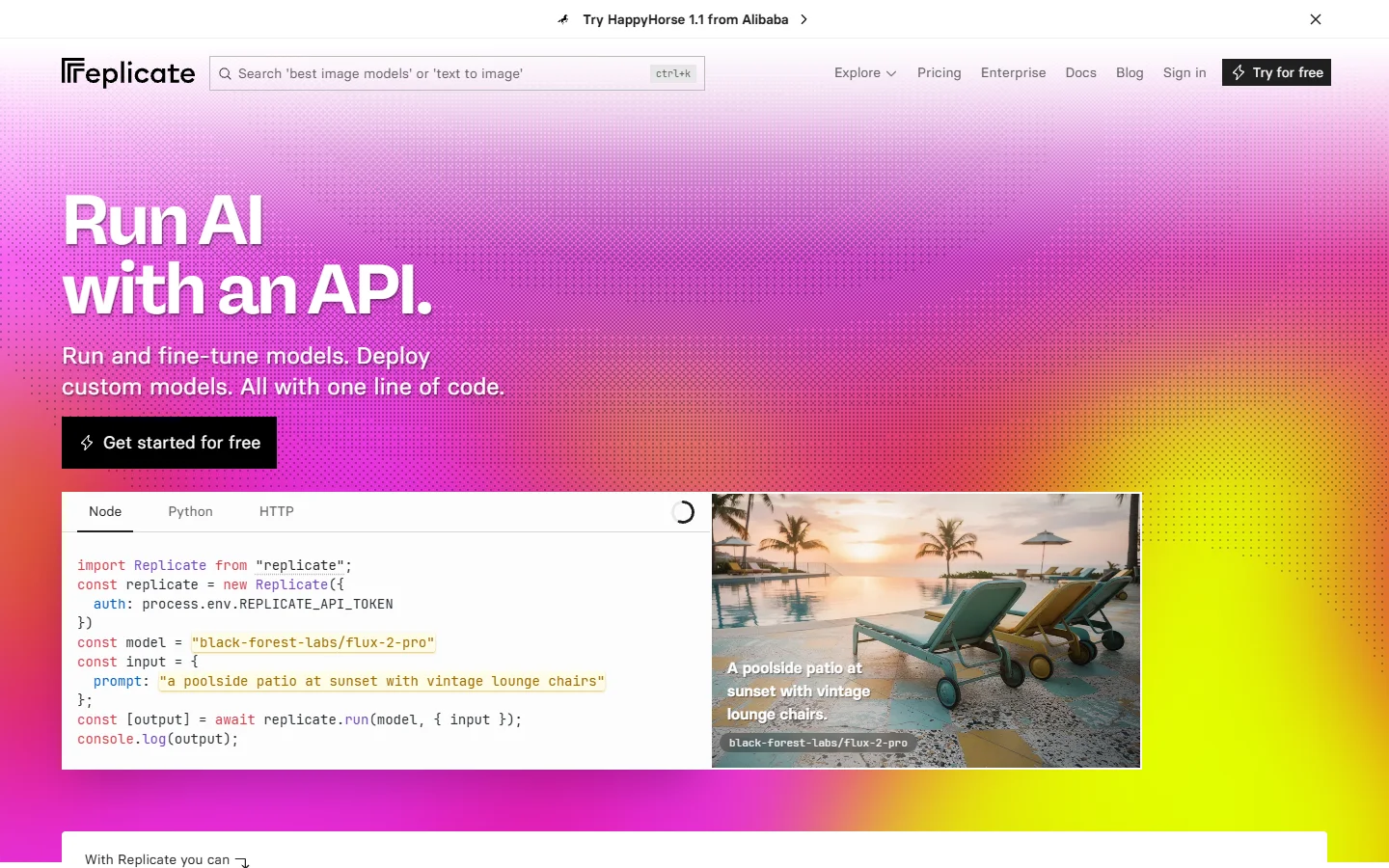
The trade-off is cold starts. Idle models can take 20 to 60 seconds to spin up, and you pay for that warm-up time. That is irrelevant for overnight batch work, like rendering a full set of professional AI headshots while you sleep, but it is the number you will engineer around in any user-facing product where someone is waiting on a render.
fal.ai
fal.ai attacks exactly that weakness. It is built for low-latency inference, with sub-second starts on popular endpoints and pricing that undercuts Replicate on shared models, often by 20 to 40 percent. FLUX schnell runs from around $0.003 per megapixel, which makes high-volume image generation genuinely cheap.
Speed is the headline feature. fal.ai is the natural home for anything interactive, the same use case that made FLUX Realtime interesting: live canvases, in-editor previews, and products where the user iterates on images in real time. The catalog is smaller than Replicate’s, but it covers the image models that matter.

ComfyUI
ComfyUI is the only tool here that is a true node-based workflow builder first and an API second. It is free, open source, and gives you complete control over every stage of an image pipeline, from samplers to ControlNets to custom nodes the community ships weekly.
The catch is infrastructure. ComfyUI has no native hosted API, so you either run your own GPU, rent one by the hour, or use a third-party wrapper like RunComfy to expose workflows as endpoints. The community graphs cover everything from photo background swaps to full video pipelines, but you become your own platform team, and that cost rarely shows up in comparison tables.
Freepik
Freepik comes at this from the design side. Its AI suite bundles multiple image models with a large stock library, and Spaces adds a canvas-style workflow view aimed at design teams rather than engineers.
For developers the picture is narrower: API access currently sits behind enterprise plans, so if you want programmatic image workflows on a self-serve budget, Freepik is not the entry point. It fits teams already living in its editing ecosystem for jobs like background removal who want generation folded into the same subscription.
Leonardo AI
Leonardo AI sits between the two camps. Its REST API covers text-to-image, img2img, inpainting, upscaling, and a realtime canvas, and since the Canva acquisition it has leaned further into designer-friendly workflows rather than raw developer infrastructure.
The API is capable, though model choice is limited to Leonardo’s own lineup rather than the open catalog you get on Replicate or fal.ai. That house style is also why it keeps landing in Midjourney alternative roundups: it is a creative platform with an API attached, not an API with a UI attached.
Side-by-side comparison
| Platform | Type | Image API access | Cold starts | Best for |
|---|---|---|---|---|
| Replicate | Inference API | Self-serve, per GPU-second | 20-60s on idle models | Model variety, batch jobs |
| fal.ai | Inference API | Self-serve, per output | Sub-second on popular models | Real-time and high volume |
| ComfyUI | Node workflow builder | Self-hosted or wrappers | Depends on your GPU | Full pipeline control |
| Freepik | Design suite + canvas | Enterprise plans only | n/a (managed) | Design teams on stock plans |
| Leonardo AI | Creative platform + API | Self-serve tiers | Managed | Designer-led products |
How to choose for image workflows
Start from the shape of your pipeline, not the model list. If your process is one model call, any inference API works and price wins. If it is a chain, generate, edit, upscale, deliver, you want a platform where the whole graph lives in one place instead of glue code across three services. For a deeper breakdown of how node-based platforms handle multi-step image pipelines through a single API call, it is worth taking time to learn more before committing to an architecture.
Prompt strategy also changes per platform. The same wording behaves differently across models and samplers, so keep a tested prompt set per pipeline stage; a prompt generator helps you build variations systematically instead of rewriting from scratch every time a step changes.

FAQ
Which platform is cheapest for FLUX image generation? For raw volume, fal.ai usually wins on shared FLUX endpoints, while Replicate can be cheaper for long batch runs on dedicated hardware. Model tier matters too; FLUX 1.1 Pro costs more per image than schnell on every platform, so match the tier to the job before comparing hosts.
Do I need a workflow platform if I only call one model? No. A single text-to-image call is exactly what inference APIs are built for. Workflow platforms earn their keep when you chain steps together or need one endpoint to trigger a multi-stage pipeline with several models in sequence.
Is ComfyUI free to use commercially? The software is free and open source, including commercial use. Your real costs are hardware or cloud GPU rental, plus maintenance time. Hosted node-based alternatives exist if that overhead is the dealbreaker; our Weavy alternatives roundup covers several.
Can I run the same workflow across multiple platforms? Partially. The model calls port over, but orchestration logic does not; a ComfyUI graph will not run on Replicate without rebuilding it. Keep your pipeline definition separate from your provider calls if you expect to switch providers later.
Which models should a 2026 image pipeline support? At minimum a fast draft model, a quality model, and a style specialist. Something like FLUX Krea for opinionated aesthetics alongside a general-purpose model covers most creative briefs without bloating the pipeline.
Conclusion
There is no single winner. Replicate gives you the widest catalog, fal.ai the lowest latency, ComfyUI the deepest control, Freepik the design-team bundle, and Leonardo the friendliest creative API. The pattern that holds across all five: pick the layer first. If your image work is genuinely multi-step, a visual AI workflow builder that exposes the whole pipeline as one API will save more engineering time than any per-image discount, and you can always keep a raw inference API on the side for one-off calls.