
The best ad creative AI tools in 2026 split into three jobs: repeatable pipelines that turn one brief into many assets, static generators that produce carousels at volume, and video tools that render ads with synthetic presenters. Seven tools were checked for this ranking in September 2026 against the same four tests, and no single product won all four. Wireflow takes the top slot for pipeline work, AdCreative.ai for static volume, and Creatify for UGC-style video. If your current setup is one image model and a spreadsheet, the wider survey of AI ad generators built for social feeds covers the entry level before you spend anything.
Every tool here was tested by running the same brief through it: a single product, four hooks, three aspect ratios, and a request for twelve finished assets. That is a deliberately boring task, and it is the one that separates a demo from a production tool. The longer version of that test setup is written up in the guide to making AI commercials and ads for a brand, which uses the same twelve-asset benchmark.
How this ranking was scored
Four criteria decided the order, weighted toward what breaks at volume rather than what looks good in a first session. Image quality matters, but by 2026 most of these tools reach for the same underlying models, so raw output is less of a differentiator than it was two years ago. What separates them is everything around the generation step, which is also the argument for understanding the FLUX image generation stack that several of them call under the hood.
- Repeatability. Can you re-run the same brief with one input changed, or do you rebuild it by hand each time? The Recraft V4 API examples show what a re-runnable generation step looks like.
- Brand control. Logo placement, fonts, palette, and product accuracy across every variant.
- Format coverage. Static, carousel, and video from one source, or three separate subscriptions, a split covered in the ecommerce product video tools roundup.
- Export path. Whether finished assets reach your ad account, your DAM, or just a download folder.
Prices below are the September 2026 published rates for the entry paid tier. Free tiers exist on most of them and are noted where they are usable for real work rather than a watermarked preview, a distinction that also applies to the free image generator comparison.
1. Wireflow

Verdict: best for turning one brief into a repeatable multi-asset pipeline.
Wireflow is a node canvas rather than an ad generator. You wire image models, video models, and editing steps into a graph, publish the graph, and it becomes an endpoint you can call with different inputs. For ad work that means one build produces the twelve-asset benchmark in a single run instead of twelve sessions, which is the same architecture described in the rundown of headless AI workflow platforms.
The tradeoff is real. There are no ad templates, no performance scoring, and no Meta integration, so the first build takes an afternoon rather than five minutes. It earns the top slot only if you run the same shape of campaign repeatedly; for a one-off launch it is more machinery than the job needs.
2. AdCreative.ai
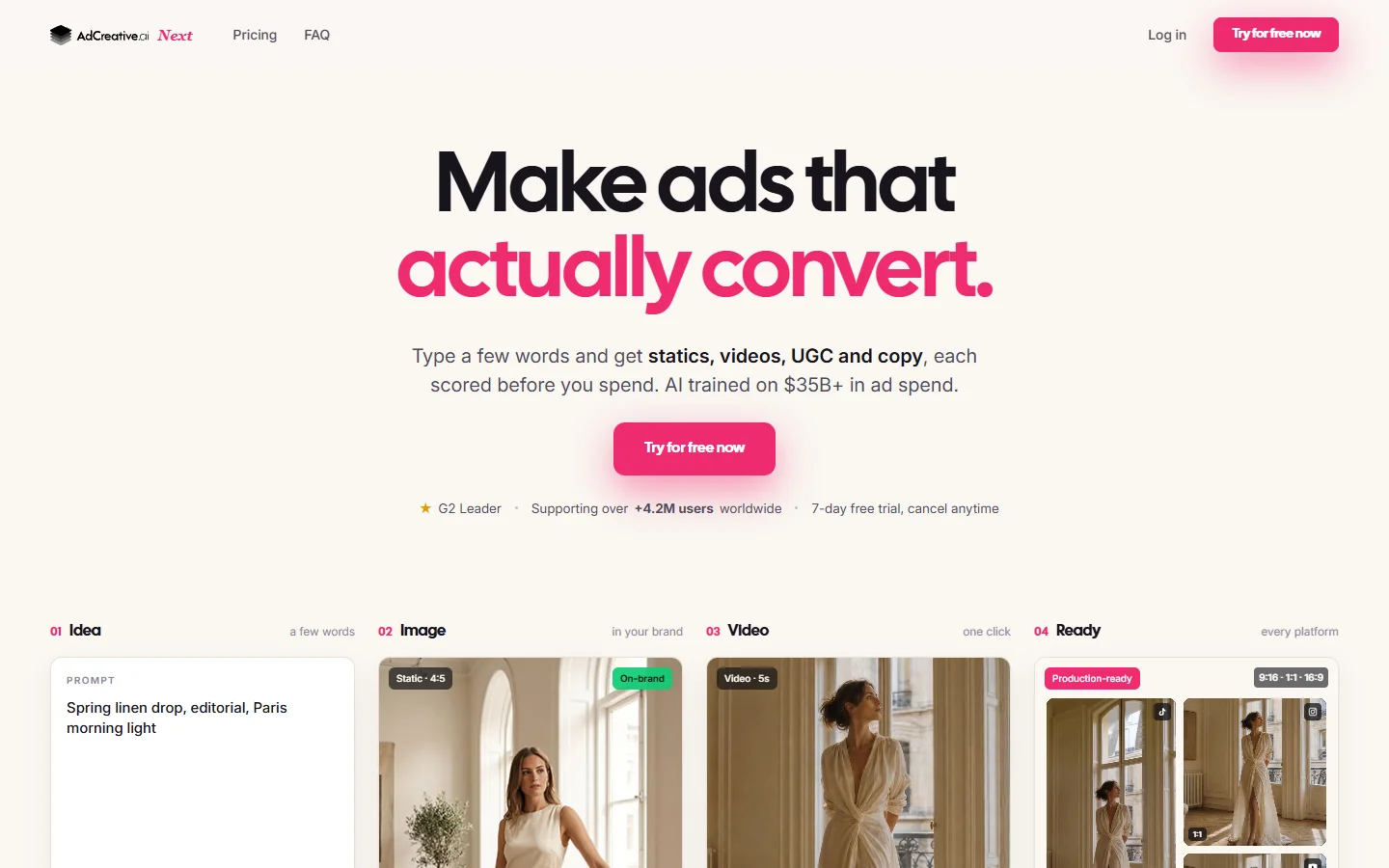
Verdict: best for high-volume static and carousel variants.
AdCreative.ai is the most direct answer to “I need forty banners by Thursday”. You upload brand assets once, and it produces sized variants across the standard ad placements with a predicted-performance score attached to each. The scoring is a ranking heuristic rather than a guarantee, but it is useful for deciding what to test first.
Output leans generic because the templates are shared across a large user base, so the same layouts recur across competitors in the same vertical. Feeding it stronger source imagery helps, which is why it pairs well with the process for AI product photos for ecommerce rather than stock photography.
3. Creatify

Verdict: best for UGC-style video ads generated from a product URL.
Creatify takes a product link, scrapes the page, writes hook variations, and renders them with a synthetic presenter. For direct-response teams running paid social, it compresses the slowest part of the loop, which is getting a talking-head ad shot at all.
Presenter realism is good rather than indistinguishable, and the scripts need editing before they sound like a person. The category comparison for TikTok UGC ad tools is worth reading alongside it, because presenter choice matters more than render quality on that platform.

4. Arcads
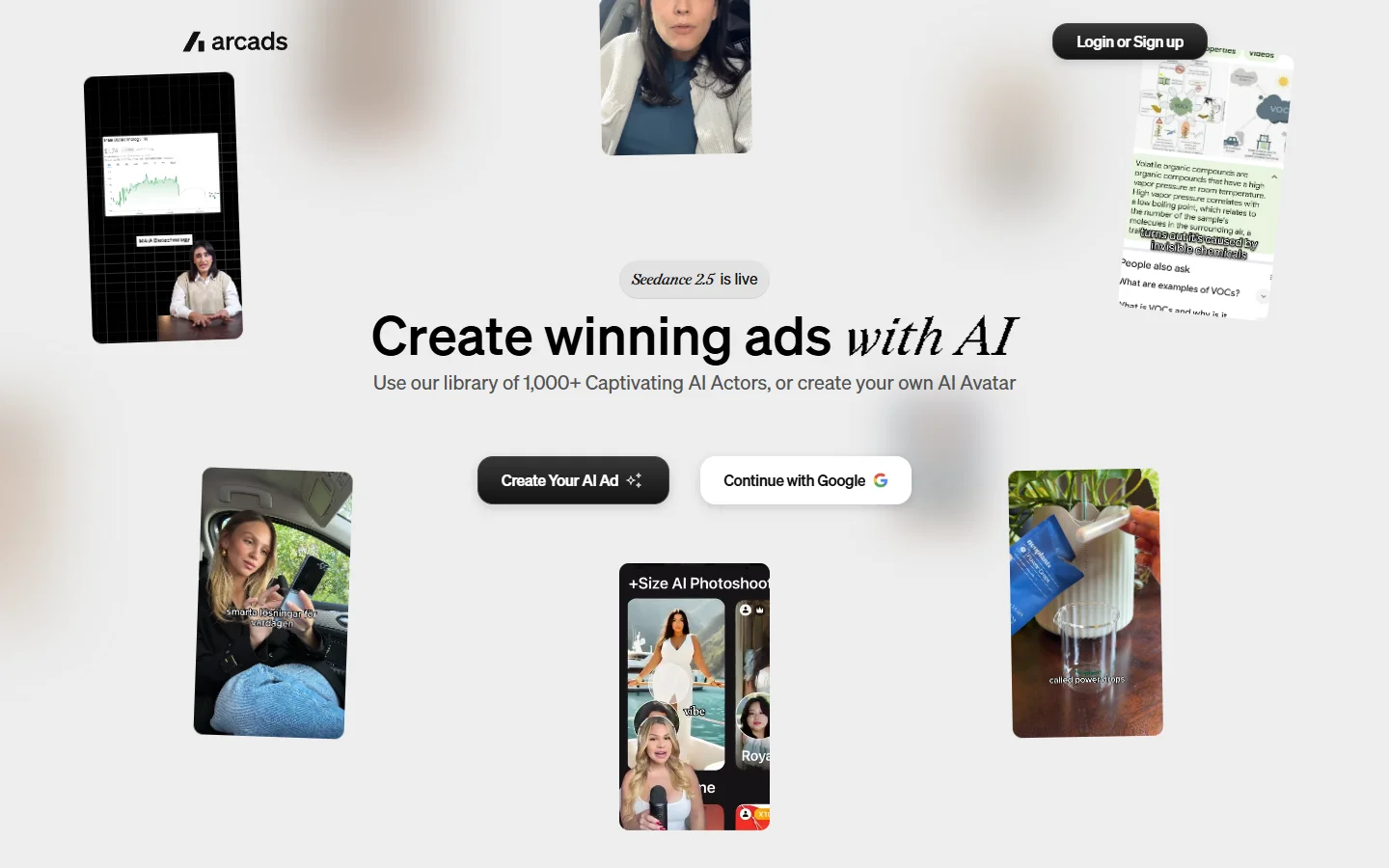
Verdict: best for scripted actor reads when you already have the copy.
Arcads is narrower than Creatify and better at the narrow thing. You supply a script, pick from a roster of licensed AI actors, and get a clean read back. Teams that already have a copywriter get more from it than teams hoping the tool will write for them.
Per-video cost adds up faster than the subscription suggests once you are testing ten hooks a week, and the actor roster is finite, so heavy users start recognising faces. Alternatives in the same lane are compared in the Arcads alternatives breakdown.
5. Canva Magic Studio
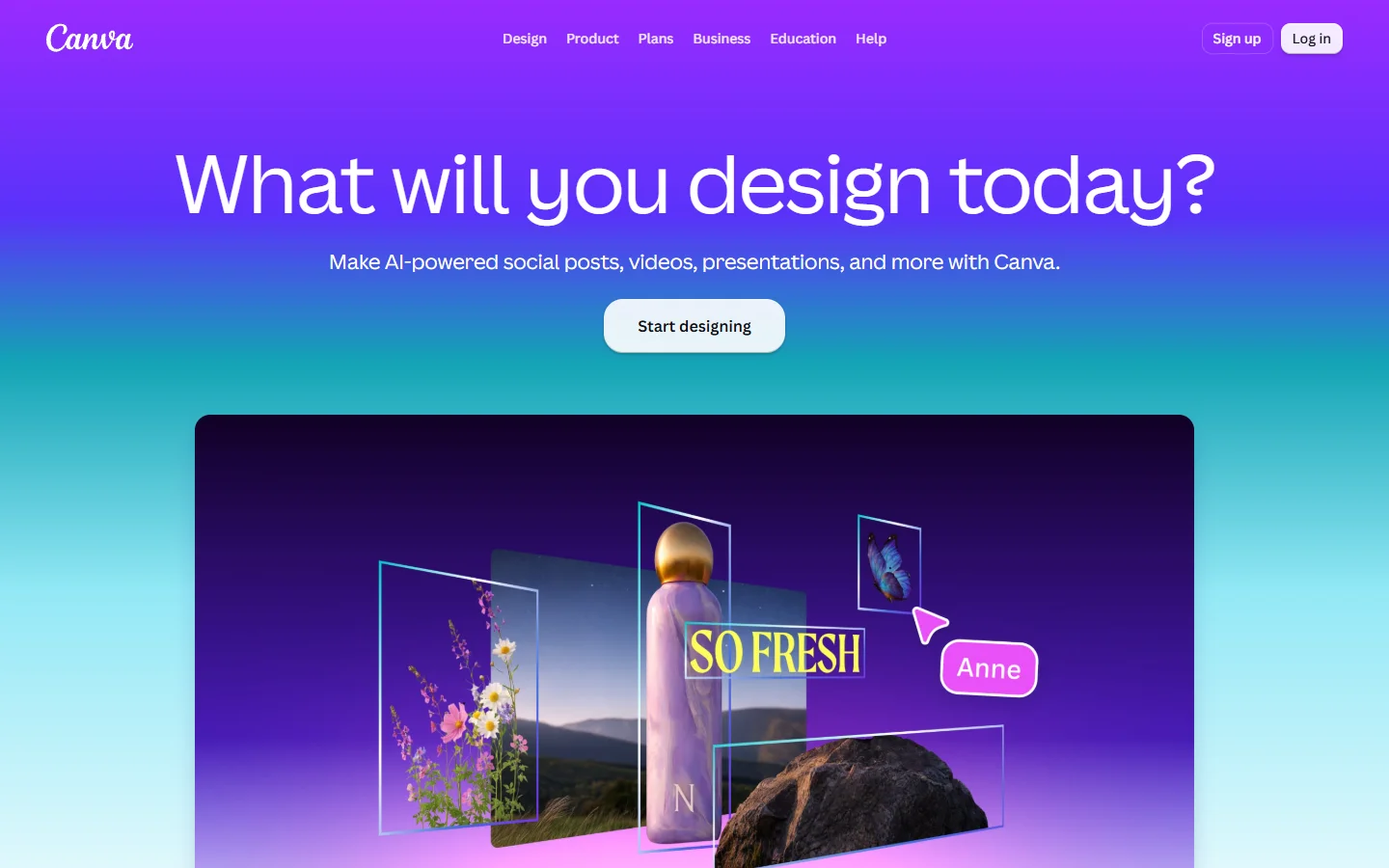
Verdict: best for small teams with no designer on staff.
Canva is the default for a reason. Magic Studio bolts generation, background removal, and resizing onto an editor that non-designers already know, and brand kits keep fonts and colours consistent without anyone policing them.
It is not built for volume. Resizing forty assets is still forty manual passes, and the generation models are a step behind dedicated image tools. Designers who outgrow it usually look at the Canva AI alternatives for design teams rather than a plugin.
6. Pencil
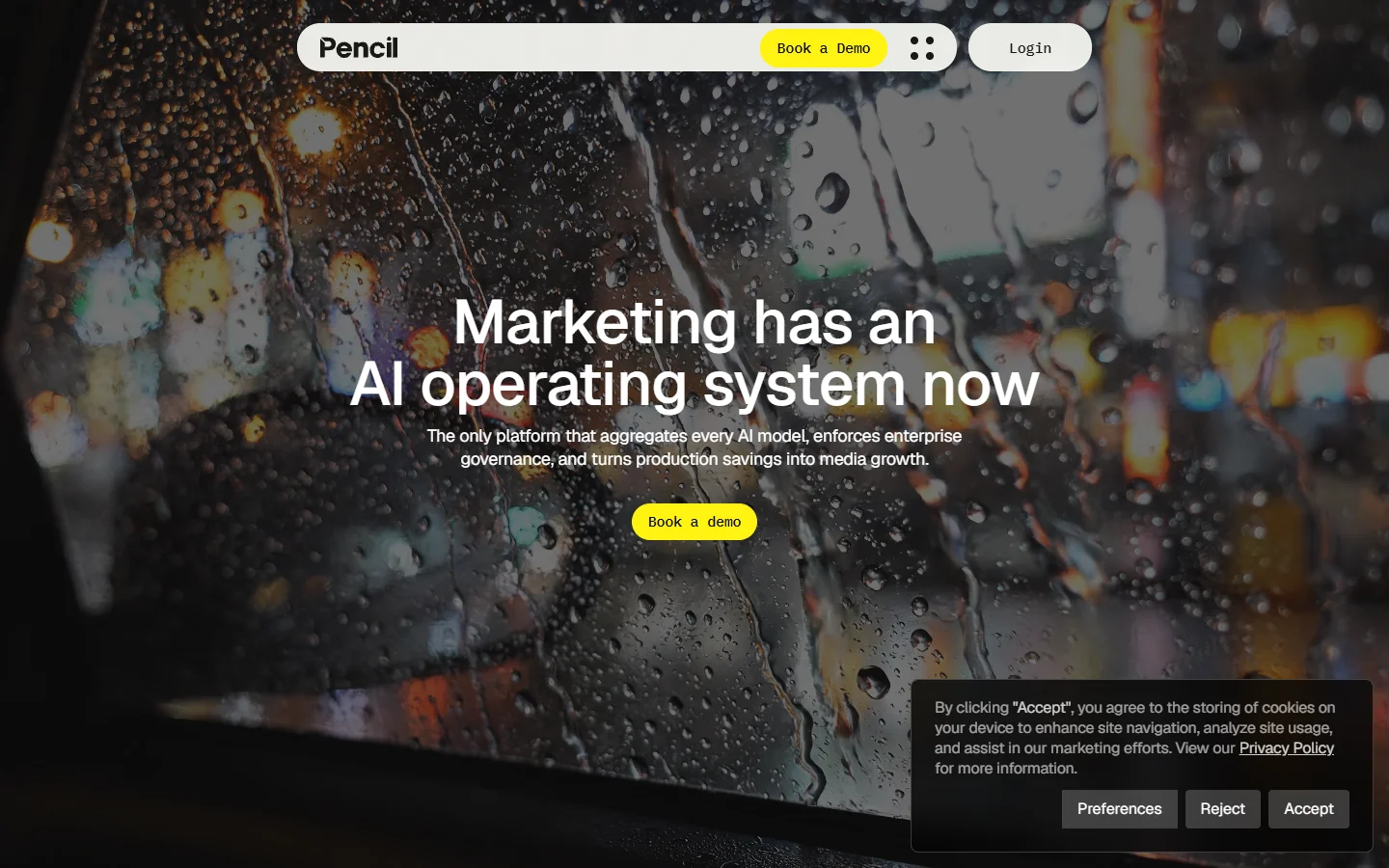
Verdict: best for teams that want a performance prediction before spending.
Pencil connects to your ad account, learns from what has already run, and scores new creative against that history. For accounts with meaningful spend history, this is the most defensible scoring in the group because it is trained on your data rather than a generic corpus.
New accounts get little from it, since there is nothing to learn from yet. It is an optimisation layer, not a starting point, and it assumes you are already producing enough variants to rank, which is where a video ad variant generator fits ahead of it in the chain.
7. Midjourney plus FLUX
Verdict: best for original ad visuals that do not look templated.
This slot is a pairing rather than a product. Midjourney still leads on stylised art direction, and FLUX leads on photoreal product and text rendering, so the practical setup is to use both and composite. Neither is an ad tool, which is the point: the output does not carry the visual fingerprint every template-based generator leaves behind.
The cost is labour. There is no sizing, no brand kit, and no export to your ad account, so everything after generation is manual. If you are choosing between the two engines, the Midjourney alternatives comparison and the FLUX 1.1 Pro breakdown cover where each one is stronger.
Comparison table
| Tool | Best for | Formats | Entry price | Repeatable runs |
|---|---|---|---|---|
| Wireflow | Multi-model pipelines | Static, video | Free tier, paid from $20/mo | Yes, published graph |
| AdCreative.ai | Static volume | Static, carousel | From $39/mo | Partial, template reuse |
| Creatify | UGC video | Video | From $33/mo | Partial, URL reuse |
| Arcads | Scripted actor reads | Video | From $110/mo | No |
| Canva Magic Studio | Non-designers | Static, carousel | From $15/mo | No |
| Pencil | Performance scoring | Static, video | From $119/mo | No |
| Midjourney plus FLUX | Original visuals | Static | From $10/mo | No |
Smartly.io is worth naming for enterprise teams running fifty or more variants across Meta, Google, and Pinterest at once, but its pricing sits well outside the range of everything above and was not tested for this ranking.

How to pick one
Start from how often the work repeats. A single seasonal campaign is a template problem, so Canva or AdCreative.ai will finish it faster than anything else on this list. A monthly cycle of the same campaign shape across different products is a pipeline problem, where a canvas tool like Wireflow beats a template generator because the second run costs almost nothing, and that split between pipeline platforms, single-purpose static generators, and video tools is laid out in this category-by-category breakdown of the ad creative tools worth a slot in a 2026 stack.
The second question is where the bottleneck actually sits. If you cannot produce enough variants, buy generation capacity. If you produce plenty and cannot tell which will work, buy scoring instead, because adding a fourth generator to a pile of untested creative does not help. Most teams misdiagnose this and end up with three overlapping subscriptions, a pattern also visible in the wider comparison of AI image generators.
A workflow that holds up at volume
- Lock the product imagery first. Generate or shoot one clean hero asset and treat it as fixed input, following the method for custom AI backgrounds on product photos so every downstream variant stays on-product.
- Write four hooks before touching a generator. Copy is the variable that moves performance most, and no tool will invent it for you.
- Generate statics and video from the same brief in one pass rather than two tools on two days, which keeps messaging consistent across placements and matches the FLUX prompt library approach of reusing one source description.
- Size last. Resizing before the creative is approved wastes the majority of the work, since most variants get cut.
- Keep prompts in version control alongside the assets. A reusable prompt library, of the kind the FLUX prompt generator produces, is what makes month two faster than month one.

FAQ
What is the best AI tool for ad creative in 2026?
There is no single winner. For repeatable multi-asset pipelines Wireflow ranked first here, for static volume AdCreative.ai, and for UGC video Creatify. Pick based on which of those three jobs is your bottleneck, using the social ad generator survey as a starting shortlist.
Can AI ad creative actually outperform human-made ads?
In tested accounts it wins on volume rather than on any single asset. Running more variants raises the chance one of them works, which is where the measured CTR gains come from. A hand-made ad from a good team still usually beats any single AI output.
Do I need separate tools for static and video ads?
Not necessarily. Canvas platforms and Creatify both cover more than one format from one brief, and the image-to-video routes available in 2026 mean a single approved still can become the source for both.
How much do these tools cost per month?
Entry paid tiers run from roughly $15 to $119 per month as of September 2026, with per-video charges on top for the actor-based tools. Free tiers on Canva, Wireflow, and Midjourney’s trial are usable for evaluation but not for a live campaign.
Which tool gives the most brand-accurate product images?
FLUX-based generation with a real product reference performs best on packaging text and shape accuracy, which is the specific weakness of template generators. The FLUX Krea model page covers where that accuracy comes from.
Is AI-generated ad creative allowed on Meta and TikTok?
Yes, with disclosure requirements for synthetic people in some categories and regions. Both platforms currently require labelling realistic AI-generated humans, so check the policy for your vertical before running actor-based video or the AI headshot generation process on a presenter.
What is the fastest way to get twelve ad assets from one brief?
A published pipeline that takes the brief as input and fans out to the formats you need, which is the twelve-asset benchmark used above. Doing it manually in a template editor takes most of a day; a graph-based run takes minutes once built.
Conclusion
The gap between these tools is not image quality any more, since most of them call the same handful of models. It is whether the second campaign costs as much effort as the first. Template tools answer that badly and pipeline tools answer it well, which is why the ranking puts a canvas platform above products that are easier to start with. If you are still deciding which generation engine sits underneath whatever you pick, the FLUX image generator overview is the place to start.