
Runway has been a go-to platform for AI video generation since Gen-2 launched, but the landscape has shifted significantly in 2026. New competitors offer faster rendering, higher resolution output, and pricing models that make Runway’s per-second costs harder to justify. Whether you need cinematic quality, real-time previews, or enterprise-grade avatar videos, there are strong options worth evaluating. If you are coming from an AI image generation background, the transition to video tools will feel familiar since many use similar text-to-visual input methods.
Why Creators Are Moving Away from Runway
Runway Gen-4 is still a capable tool, but several pain points have pushed creators to explore alternatives. Credit-based pricing adds up quickly for longer projects, and generation times can lag behind newer competitors. The 10-second clip limit per generation also means more stitching for anything beyond a short scene. You can explore how text-to-video pipelines work to understand the technology driving these newer tools.
The bigger shift is that competing platforms now match or exceed Runway’s visual quality. Tools like Kling 3.0 and Google Veo 3.1 have closed the gap on coherence and detail, while offering features Runway lacks, such as native audio generation and 4K output.
Kling AI
Kling 3.0 from Kuaishou topped multiple video generation benchmarks in early 2026, beating Runway Gen-4, Veo 3.1, and Pika 2.2 in blind comparison tests. It generates 1080p video at up to 48fps with synchronized audio and lip-sync built in.
The standout feature is motion quality. Kling handles complex camera movements and object interactions better than most competitors, producing fewer artifacts in scenes with multiple subjects. Pricing starts at $8/month for 600 credits, which translates to roughly 30 minutes of generated video content.
- Resolution: Up to 1080p at 48fps
- Audio: Native audio generation with lip-sync
- Pricing: From $8/month (600 credits)
- Best for: High-quality short-form video with natural motion
Google Veo 3.1
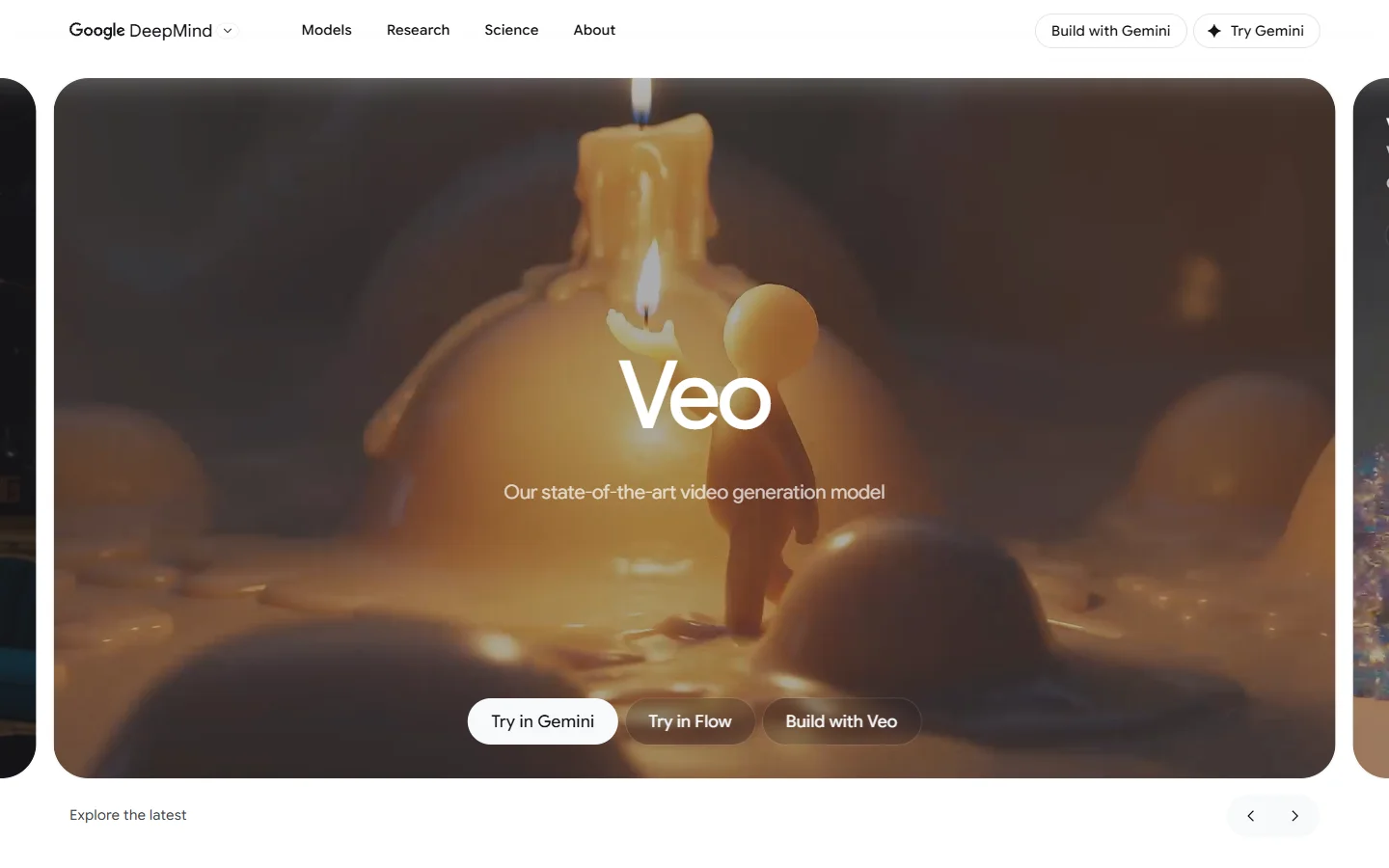
Google’s Veo 3.1 brings the kind of infrastructure advantage you would expect from a company running its own TPU clusters. Native 4K output, character consistency across scenes, and vertical video support make it particularly strong for creators publishing across multiple formats.
Veo also generates synchronized audio and dialogue, which eliminates the need to layer in sound effects or voiceover separately. At $19.99/month through Google AI Studio, the pricing is straightforward compared to credit-based systems. The main limitation is creative control. Veo gives you less granular influence over specific visual parameters than tools like Runway or Wireflow’s AI workflow platform, which let you chain models together for more precise results.

Pika Labs
Pika has carved out a niche for creators who prioritize fast iteration and creative experimentation over raw cinematic quality. The platform’s scene modification tools let you transform existing footage, swap elements, and apply stylistic effects in ways that feel more playful than production-oriented.
Pika 2.2 added improved physics simulation and longer generation times (up to 15 seconds per clip). The free tier is generous enough for testing, and paid plans start at $10/month. Among the best AI image generators and video tools available today, Pika stands out for accessibility.
- Resolution: Up to 1080p
- Unique features: Scene modification, element swapping, style transfer
- Pricing: Free tier available; paid from $10/month
- Best for: Creative experimentation and quick social content
OpenAI Sora 2

Sora 2 functions less like a video generator and more like an AI director. Give it a narrative prompt and it produces coherent sequences with consistent characters, logical scene transitions, and synchronized audio. The shot composition and continuity handling set it apart for complex storytelling projects.
The tradeoff is cost. Sora 2 requires ChatGPT Plus ($20/month) or Pro ($200/month), and API pricing runs $0.10 to $0.50 per second of generated video. For high-volume production, those costs add up faster than any other option on this list. Quality justifies the price for premium work, but casual creators will find better value elsewhere.

Synthesia

Synthesia occupies a different category entirely. Rather than generating cinematic or artistic video, it specializes in presenter-style content using AI avatars. Over 230 avatars speaking 140+ languages make it the default choice for enterprise training, product demos, and multilingual marketing.
For businesses producing internal communications or educational content, Synthesia eliminates the need for studios, actors, and post-production. The output is professional but clearly avatar-based, so it is not a replacement for Runway if you need creative or cinematic footage. Pricing starts at $22/month for the starter plan.
Luma Dream Machine

Luma’s Dream Machine generates video from text and images with a focus on photorealism and physical accuracy. It handles lighting, reflections, and material properties well, producing output that often passes for real footage in short clips.
The platform offers both a web interface and API access, making it flexible for individual creators and developers building video into their products. Free generations are available with watermarks; paid plans remove limits starting at $9.99/month.
Comparison Table
| Tool | Max Resolution | Audio | Starting Price | Best Use Case |
|---|---|---|---|---|
| Runway Gen-4 | 4K | No (external) | $15/month | Cinematic short clips |
| Kling AI 3.0 | 1080p @ 48fps | Yes (lip-sync) | $8/month | High-quality short-form |
| Google Veo 3.1 | 4K | Yes (dialogue) | $19.99/month | Multi-format publishing |
| Pika 2.2 | 1080p | Limited | Free / $10/month | Creative experimentation |
| OpenAI Sora 2 | 1080p | Yes | $20/month (Plus) | Narrative storytelling |
| Synthesia | 1080p | Yes (TTS) | $22/month | Enterprise avatar videos |
| Luma Dream Machine | 1080p | No | Free / $9.99/month | Photorealistic footage |
How to Pick the Right Tool for Your Workflow
The right choice depends on what you are actually producing. For short-form social content, Kling and Pika offer the best balance of quality and speed. For enterprise communications, Synthesia is purpose-built. For cinematic or narrative projects where quality matters more than cost, Sora 2 and Veo 3.1 lead the pack.
If your workflow involves combining multiple AI models, generating images first and then animating them, or running batch processing across different tools, Wireflow lets you build multi-step pipelines that connect these generators into a single automated process. That approach works particularly well when you need consistent output across dozens of assets.
Consider starting with free tiers to test each tool against your specific use case before committing to a paid plan. Most of these platforms offer enough free generations to evaluate quality, speed, and interface fit.
Frequently Asked Questions
What is the cheapest Runway alternative for AI video?
Kling AI offers the lowest entry price at $8/month for 600 credits. Pika and Luma both have functional free tiers if you are willing to work with watermarks or limited generation counts.
Can any of these tools generate video with audio?
Yes. Kling 3.0, Google Veo 3.1, and OpenAI Sora 2 all generate synchronized audio alongside video. Synthesia generates text-to-speech audio for its avatar videos. Pika has limited audio features.
Which Runway alternative has the best video quality?
OpenAI Sora 2 and Google Veo 3.1 consistently produce the highest visual quality in blind tests. Kling 3.0 is close behind and offers better value per dollar spent.
Do these tools support image-to-video generation?
Most of them do. Kling, Pika, Luma, and Runway all accept images as starting frames. Sora 2 supports image input as well. Synthesia works differently since it uses avatars rather than generative video from images.
Are there API options for developers?
Kling, Sora 2, Luma, and Veo all offer API access for developers building video generation into their applications. Pricing varies; check each platform’s developer documentation for current rates.
How do these compare to using FLUX models for image generation first?
Many creators use a two-step process: generate high-quality still frames with FLUX image models and then animate them using one of these video tools. This gives you more control over the initial composition and style before adding motion.
Conclusion
Runway’s position as the default AI video generator has eroded as competitors have matched its quality and undercut its pricing. Kling AI stands out for value, Veo 3.1 for infrastructure and resolution, Sora 2 for narrative quality, and Pika for creative flexibility. The best approach is to test two or three options against your actual production needs rather than committing to one platform based on specs alone.