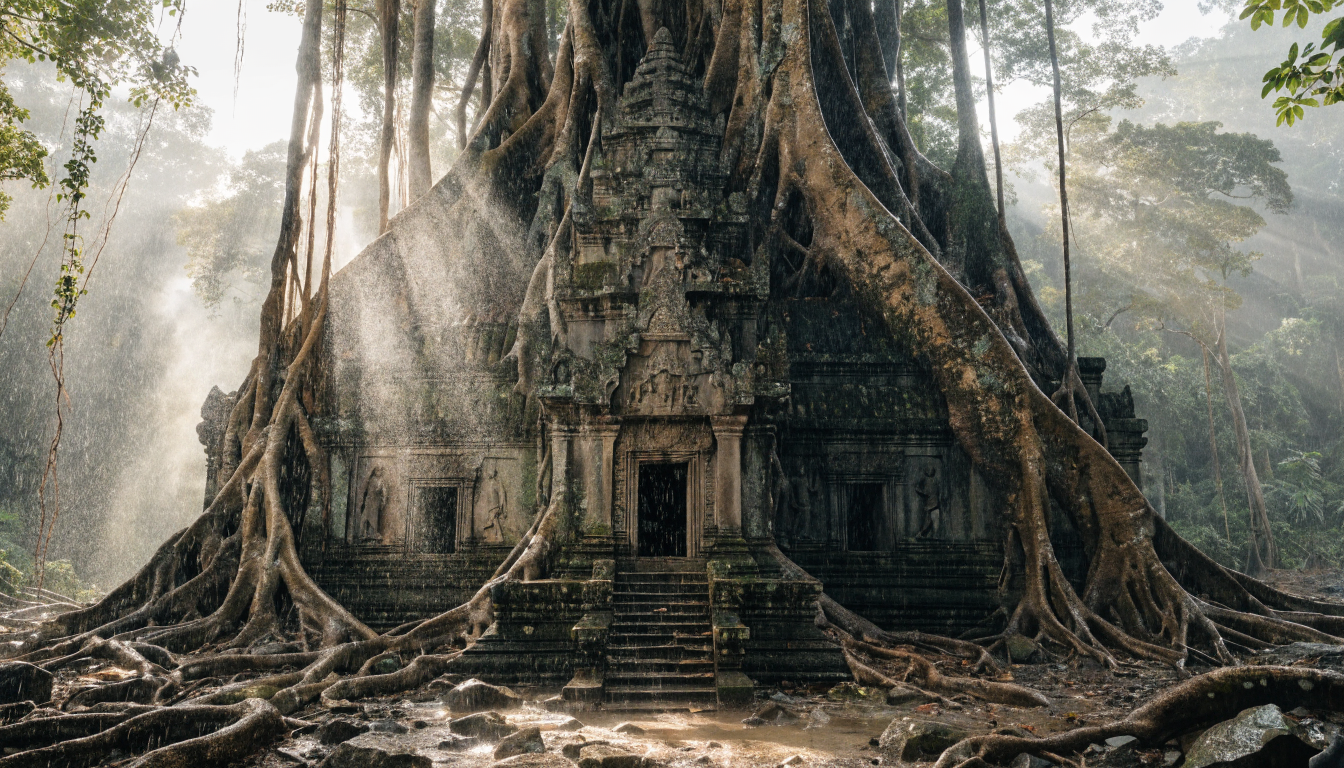
Producing scroll-stopping social media ads used to mean hiring a designer, waiting days for revisions, and spending most of a campaign budget before a single creative went live. In 2026, AI ad generators have made that process faster and more affordable: provide a brief, select a platform, and get production-ready visuals in minutes. At the center of that shift is AI image generation, specifically how diffusion models like FLUX now power the creative engines inside the strongest ad tools on the market.
Whether you are running paid campaigns for a product launch or building a steady stream of organic social content, these platforms handle everything from generating the source image to reformatting for each platform’s specifications. This guide covers five of the strongest options available in 2026, how each handles the image creation step, and what to look for when choosing between them.
Why Image Quality Drives Ad Performance
Research consistently shows that creative quality accounts for more than half the variance in paid social performance. Blurry, generic visuals get skipped; photoreal, contextually relevant images stop the scroll. That’s why the most capable ad generators today don’t rely on stock photo libraries. They use text-to-image models to generate on-brief visuals that stock cannot match.
FLUX models have become a reference point for this kind of output. Their ability to render product details, skin tones, fabric textures, and lighting with high fidelity makes them well-suited to ad creative work. Understanding how to write effective image prompts for diffusion models can noticeably change the quality of your output, regardless of which ad platform eventually renders the creative.
The 5 Best AI Ad Generators at a Glance
| Tool | Best For | Image Approach | Starting Price |
|---|---|---|---|
| AdCreative.ai | Performance ad teams | Diffusion + performance scoring | From $29/mo |
| Creatify | Short-form video ads | AI video generation | From $39/mo |
| Predis.ai | Social content + scheduling | Template-guided diffusion | From $32/mo |
| QuickAds | Multi-platform static ads | Diffusion + template library | From $49/mo |
| Pencil | Iteration and A/B testing | Multi-model hybrid | Custom pricing |

AdCreative.ai
AdCreative.ai is built around performance prediction: it applies the same image quality advances that made models like FLUX 1.1 Pro the benchmark for photorealistic generation, but applies those improvements specifically to ad-formatted outputs. Upload your brand assets, describe the product, and the platform generates variations scored by predicted conversion rate.
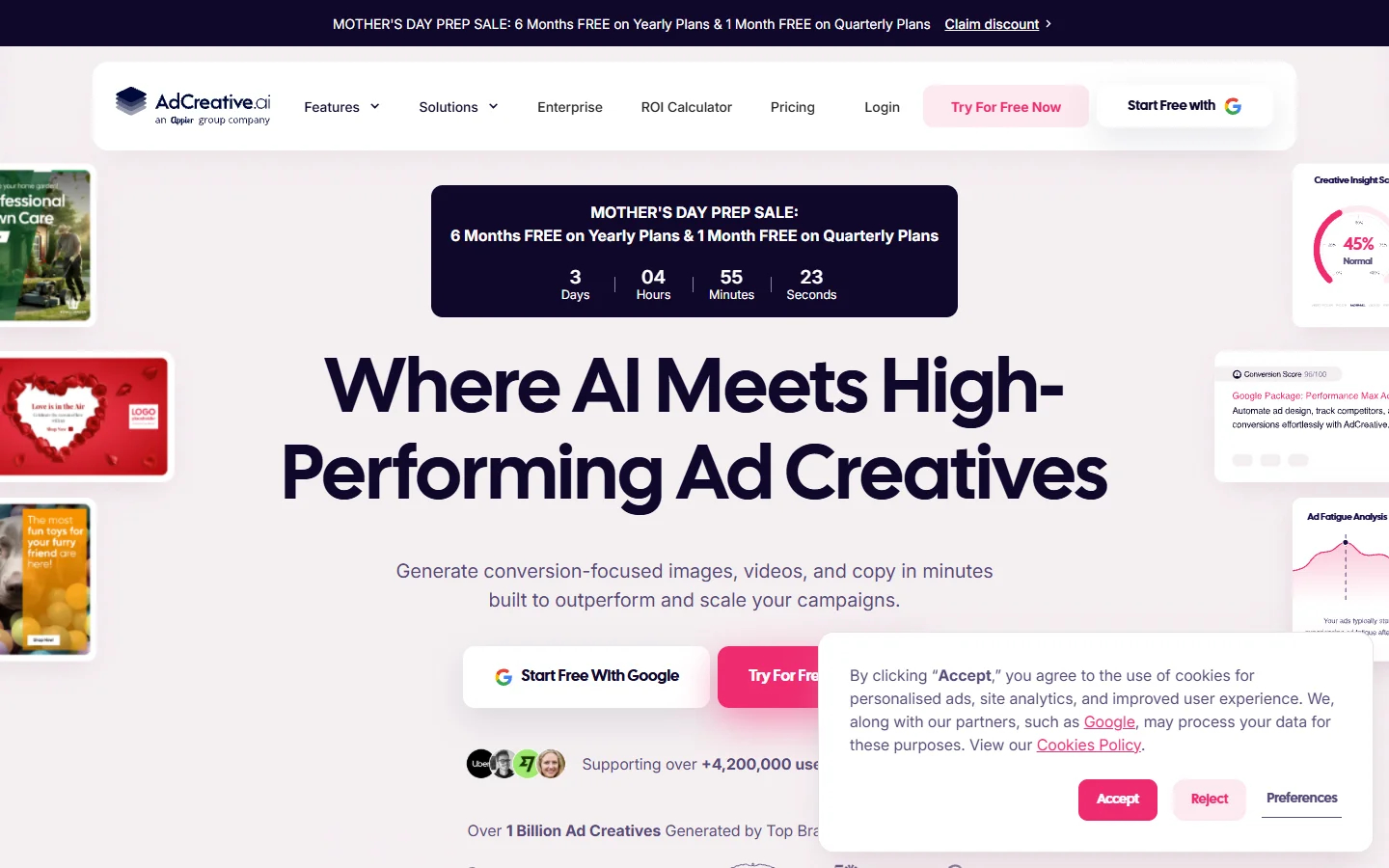
The scoring model trains on aggregated performance data from millions of ad impressions, giving it a signal that general-purpose creative tools lack. For direct-response campaigns where click-through rate is the primary metric, that built-in feedback loop is a real differentiator.
Creatify
Creatify is video-first: it relies on techniques similar to real-time generation models like FLUX Realtime for maintaining visual consistency across frames, turning product URLs or text descriptions into short-form video ads with AI voiceover and on-screen text.
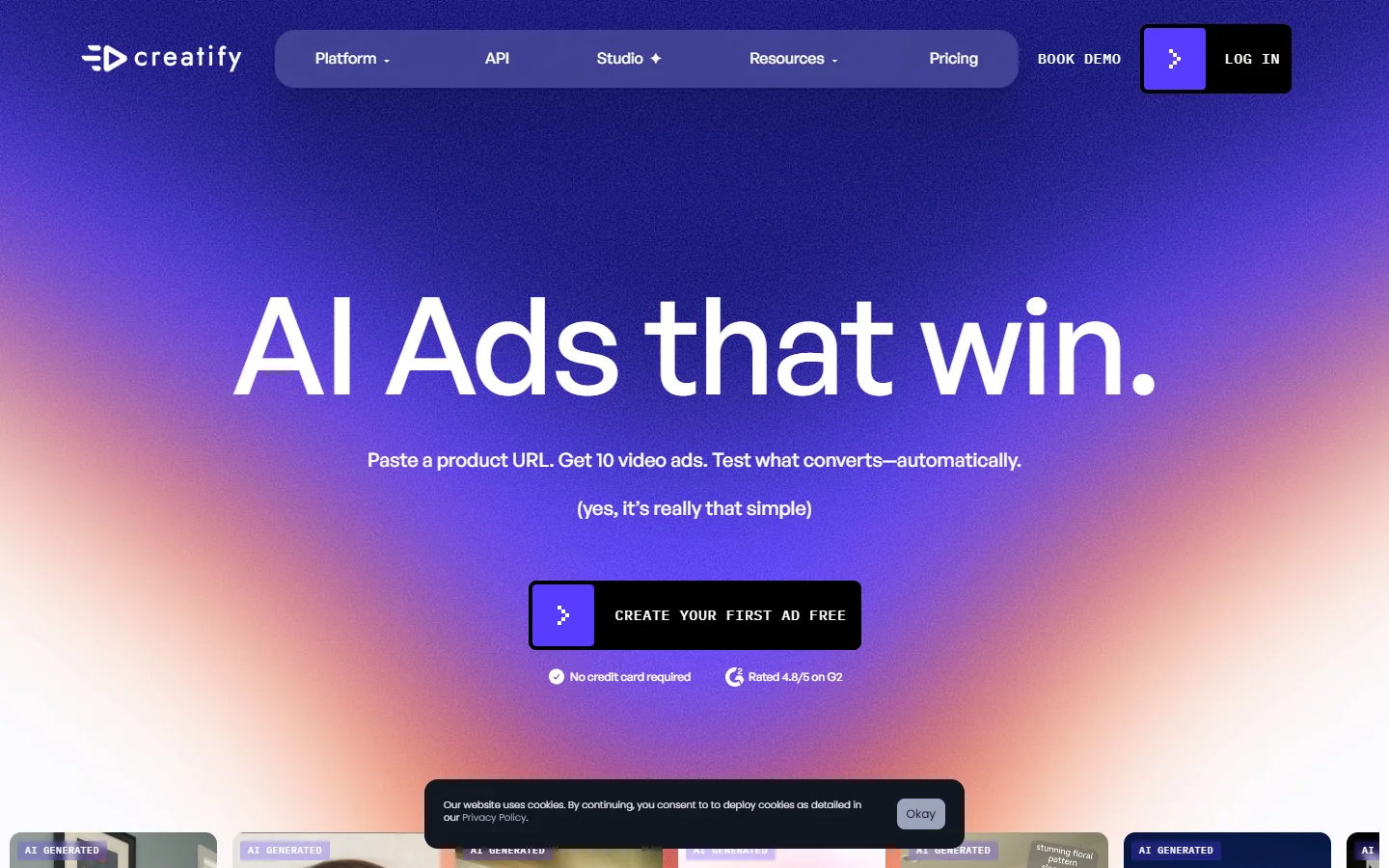
If your ad strategy runs on TikTok, Instagram Reels, or YouTube Shorts, Creatify covers the production side more completely than any static-only tool. The tradeoff is less granular control at the frame level; you direct at the concept level rather than the pixel level.
Predis.ai
Predis stands out for how it uses context to guide image generation: for anyone evaluating where template-guided tools fit relative to full diffusion models, a detailed comparison of leading AI image generators clarifies where each approach trades image quality for consistency and speed.
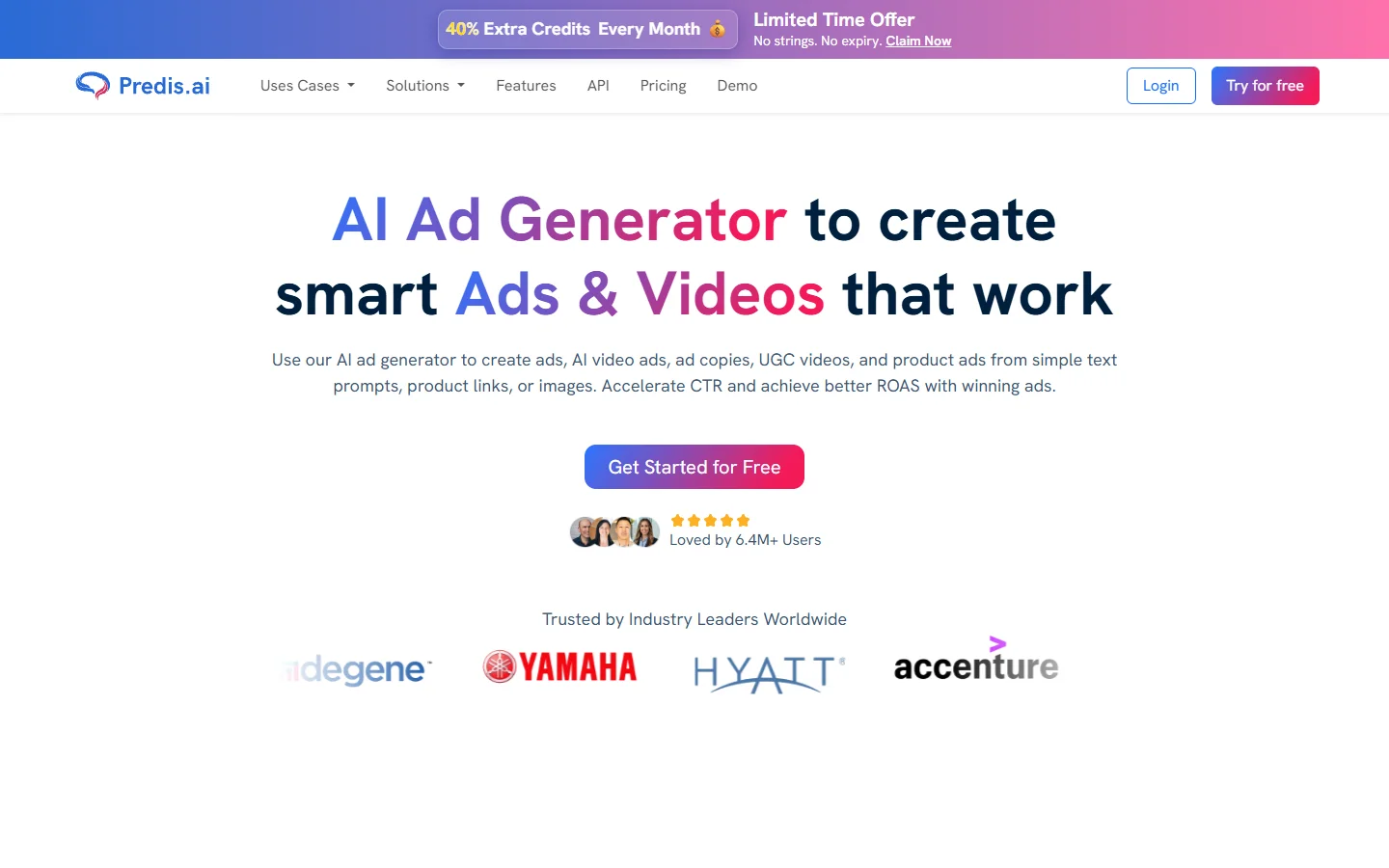
Beyond generation, Predis combines caption writing and post scheduling into the same workflow. One practical feature is competitor analysis: the platform can pull top-performing competitor posts and use them as a creative signal for the generation layer.
QuickAds
QuickAds is built for multi-platform reach: the underlying image generation handles background compositing and object isolation differently from general-purpose models like Recraft V3, which operate without platform format constraints.
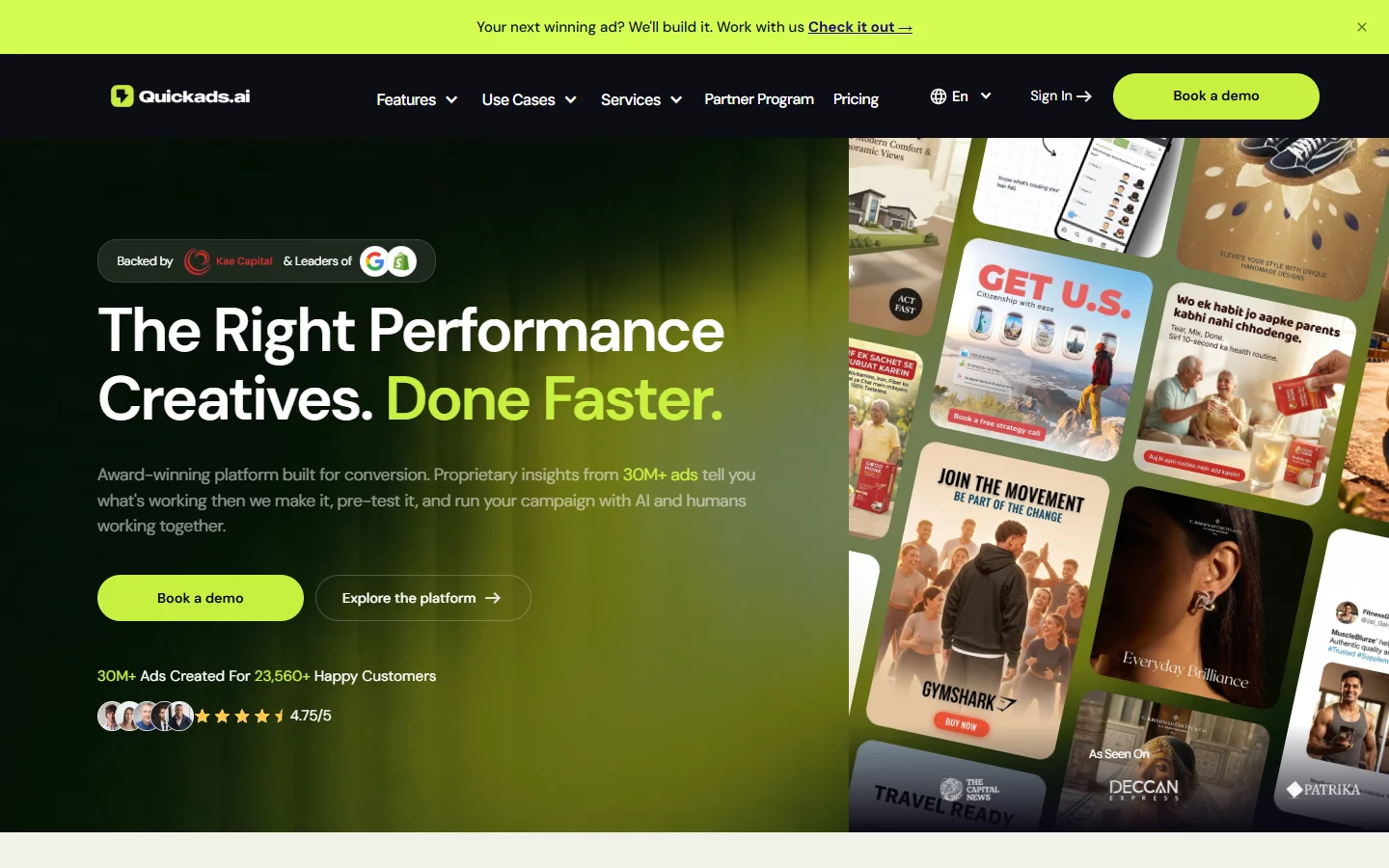
You create once and the platform automatically reformats the output for Facebook, Instagram, LinkedIn, TikTok, Pinterest, and Google Display, adjusting aspect ratios, text placement, and visual weight for each canvas. A template library organized by vertical speeds up briefing when you don’t have a detailed creative spec ready.
Pencil
Pencil’s strength lies in combining generation with performance analytics: teams that pair Pencil’s iteration cycle with a curated FLUX image prompt library consistently raise the quality ceiling on what the platform’s image layer produces before the analytics loop takes over.
Pencil generates multiple ad variations from a single brief, tracks how each performs in live campaigns, and uses that data to inform the next generation cycle. Raw image quality is solid but not best-in-class; the edge is iteration speed and the learning rate between rounds.
Building a Stronger Image Generation Layer
For anyone who wants more control over the image generation step specifically, running prompts through a dedicated image model before feeding the result into an ad tool is a valid approach. Creating detailed AI art through structured prompting is a transferable skill that improves results across every platform in this list.
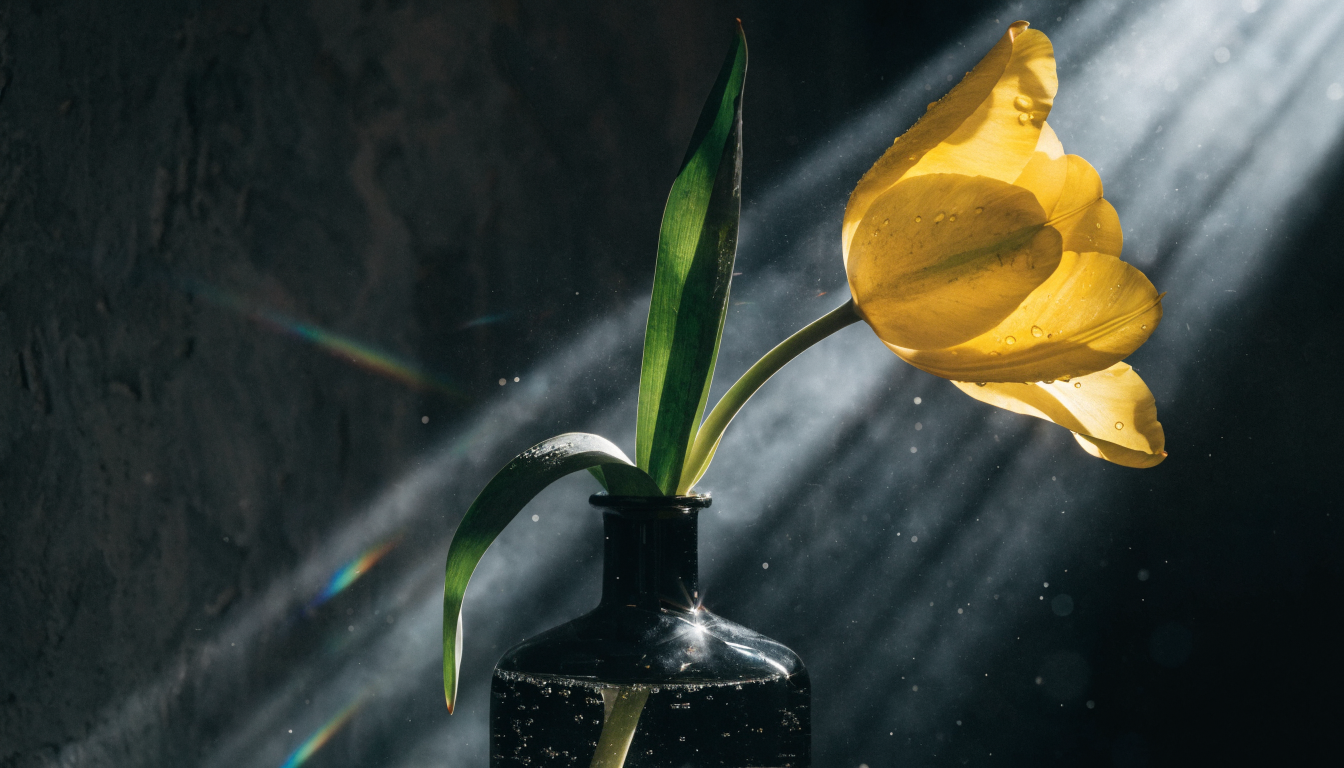
The quality of what you put into these platforms still shapes what you get out. Learning to write tight visual briefs, with a clear subject, specific lighting direction, defined color palette, and intended platform context, produces better source images regardless of which platform renders them.
If you are building a more integrated pipeline, the Wireflow platform connects image generation, editing, background removal, and upscaling into a single API-accessible workflow. That’s useful when you need source assets at a higher quality or resolution than ad tools typically export on their own.
How to Choose the Right AI Ad Generator
Three questions narrow the field quickly. Is your primary format static or video? Creatify and similar platforms are built around video; the others default to static. Which tool you pick should reflect where you are currently spending ad budget. How much creative control do you need? AdCreative.ai and Predis optimize toward performance automatically; Pencil gives more iteration control; QuickAds optimizes for reach across platforms.
Different underlying image models produce meaningfully different outputs. Models like FLUX Krea produce high-fidelity stylized results that differ from the commercially tuned image engines inside dedicated ad platforms. For brands with strict visual identity requirements, understanding those model differences helps you pick a tool where the generation layer’s default aesthetic aligns with your brand.
FAQ
Does image quality in AI ad generators affect conversion rates?
Yes. Creative quality is one of the most impactful variables in paid social performance. Photoreal, on-brief imagery consistently outperforms generic stock visuals in direct comparisons, which is why the tools in this guide all use AI image generation rather than stock libraries.
Which AI ad generator produces the most realistic images?
Among static ad tools, AdCreative.ai and QuickAds produce the most reliable photoreal outputs. For the highest raw image quality, running prompts through a FLUX photorealistic generation pipeline before importing assets into an ad tool gives you more control over the visual result.
Are AI-generated ads allowed on Meta and Google in 2026?
Yes. Both Meta and Google allow AI-generated ad creatives as of 2026. The ad quality requirements (resolution, composition, and safe-for-work content) are the same for AI-generated images as for traditional photography, and today’s AI photo generators produce outputs that meet those specs reliably. Disclosure requirements vary by jurisdiction; check each platform’s current policies for the specific placement you are running.
Can I use these tools to edit an existing product photo rather than generate from scratch?
Most platforms in this list accept image uploads and edit or extend them rather than generating entirely from scratch. For more granular editing control, dedicated AI image editing and photo tools offer a broader set of adjustment options outside the ad template layer.
How many ad variations should I generate per campaign?
Standard practice is three to five variations per ad set. Testing two distinct image compositions drawn from different AI image generation styles alongside two headline angles and one CTA covers most of the performance variance without spreading budget too thin.
Conclusion
AI ad generators have made it practical to test more creative concepts, reach more platforms, and maintain higher production volume without scaling a creative team. The image quality gap between AI-generated and professionally designed ads has closed significantly, particularly for product photography and lifestyle imagery where FLUX-class models excel.
The five tools in this guide each address a different part of the production problem: AdCreative.ai leads on performance scoring, Creatify handles video, Predis adds scheduling and competitor intelligence, QuickAds optimizes for multi-platform reach, and Pencil focuses on iteration cycles. The right choice depends on your campaign format, creative volume, and how much control you want over the image generation step. For teams building custom pipelines that require direct access to generation and editing, Wireflow’s creative tools offer a modular, API-accessible approach to the whole workflow.