Free AI face generators let anyone create photorealistic human portraits without hiring photographers, licensing stock images, or learning 3D modeling software. The technology has improved significantly over the past two years, with modern diffusion models producing faces that feature natural skin textures, realistic lighting, and accurate eye detail. Whether you need headshots for marketing materials, avatars for a mobile app, or character portraits for a creative project, several tools now deliver professional results at zero cost. This guide walks through the full process: choosing a tool, writing effective prompts, evaluating output quality, and handling the ethical side of synthetic face creation.
How AI Face Generation Works
The first wave of AI face generators used GANs (Generative Adversarial Networks). Tools like This Person Does Not Exist produced a single random face per refresh with no user control over age, expression, or lighting. The results were impressive as demonstrations but limited in practical application. Current generators run on diffusion models, including the FLUX 1.1 Pro family, Stable Diffusion XL, and proprietary models from Adobe and Google. These accept detailed text prompts and give you precise control over every aspect of the generated face.
The shift from random to prompt-driven generation is what makes AI faces genuinely useful for professional work. You can specify camera settings, lighting conditions, background, and exact facial features. Because diffusion models were trained on millions of captioned photographs, they respond well to real photography terminology and produce outputs that match those descriptions accurately. Modern generators can render visible skin pores, natural hair strand separation, and contextually appropriate lighting that was impossible just two years ago.
Best Free Tools for Generating AI Faces
Canva provides up to 50 free face generations through its Magic Media feature, with a straightforward prompt-and-download interface. Fotor generates faces from text prompts or reference photos and includes built-in editing tools for post-generation adjustments. Both produce sharp results suitable for social media and web use. For a broader look at what is available, this comparison of AI photo generators covers the landscape in detail.
NightCafe gives new users 5 free credits on signup and supports multiple AI models, so you can experiment with different engines to find which produces the best results. Adobe Firefly offers a generous free tier and was trained exclusively on licensed content, making it a safer choice for commercial projects where copyright concerns matter.
Bylo.ai and Facewow both offer no-signup generators for quick experiments, though their free tiers are more limited than the options above. For workflows that require chaining face generation with post-processing steps like upscaling or background removal, a free AI image generator that supports multi-step pipelines can handle everything from prompt to finished portrait in one pass.
Writing Prompts That Produce Realistic Faces
The prompt determines the vast majority of output quality. Vague descriptions (“a person’s face”) produce flat, generic results, while specific photography-informed prompts produce images that look like they came from a professional studio. Include subject details (age, gender, hair color, skin tone), an expression (neutral, smiling, serious), camera setup (headshot framing, 85mm lens, f/1.4 aperture), lighting (natural window light, studio softbox, golden hour), and background (neutral gray, blurred office, outdoor bokeh). The Flux prompt generator can help you build structured prompts with the right photography terminology if you are not sure where to start.
Example prompt: “Professional headshot of a 35-year-old woman with shoulder-length auburn hair and a calm smile, wearing a dark blazer, soft natural light from the left, shallow depth of field, neutral background, Canon EOS R5, 85mm f/1.4.” This level of specificity helps the model lock onto exactly what you want. Photography terms like lens focal length and aperture map directly to patterns in the training data, which is why they produce more realistic output. Avoid stacking vague style keywords (“cinematic dramatic beautiful stunning”), using celebrity names (most platforms block these), or giving conflicting instructions that confuse the generation process.
Evaluating and Fixing Common Artifacts
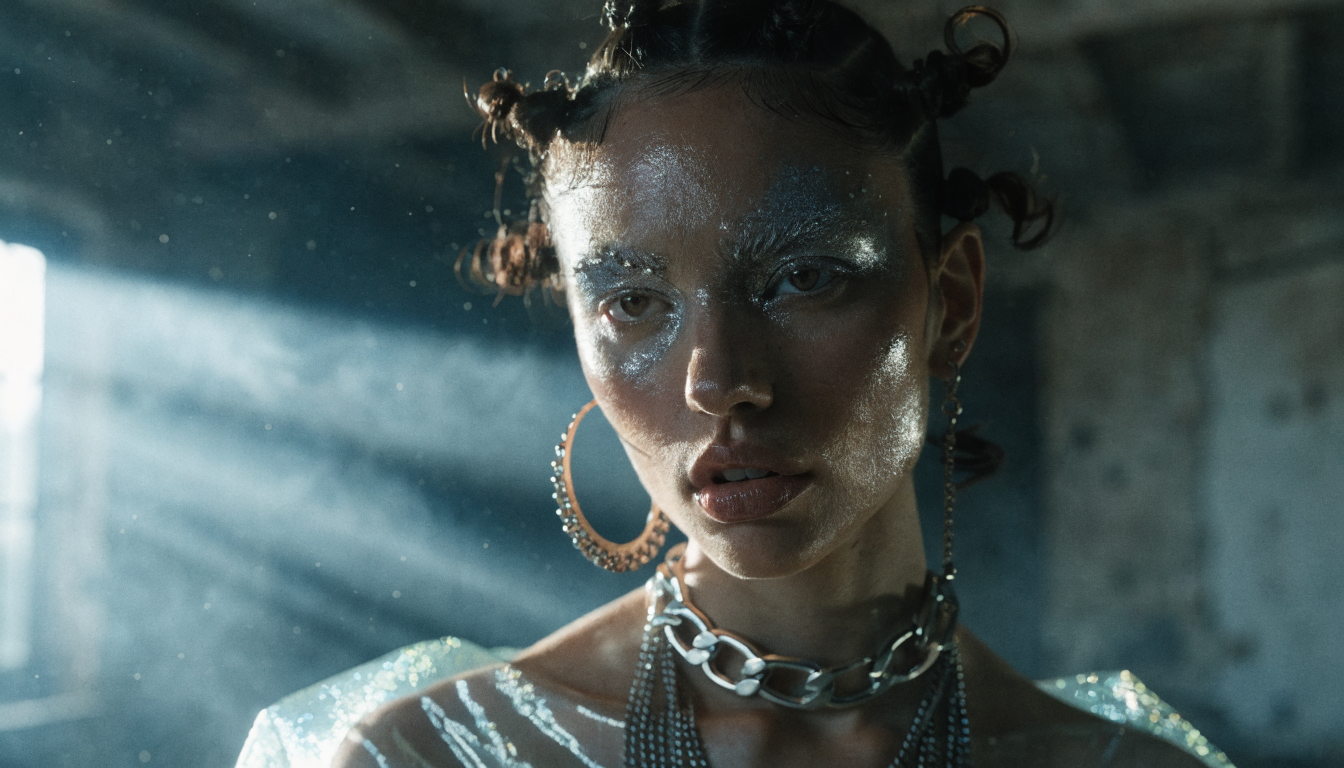
Even advanced models occasionally produce tell-tale signs of AI generation. Check every output for asymmetric eyes or pupils, blurred or merged teeth, unnatural hair-to-skin transitions (especially around ears), overly smooth skin with no visible pores, and background elements bleeding into the face outline. Many of these issues resolve by regenerating with a slightly adjusted prompt: adding “sharp focus on eyes, visible skin pores, natural hair texture” often fixes the most common problems in one or two attempts. For resolution, free tiers typically output at 512×512 or 1024×1024. If you need higher resolution for print or large-format displays, an AI upscaler can bring images to 4K while preserving fine details like individual hair strands. The AI headshot creation guide covers the full upscaling workflow from generation to print-ready resolution.
Ethical Considerations
AI face generation raises real concerns that responsible users should address. Never use synthetic faces for impersonation: creating fake social media profiles, fraudulent identification, or misleading testimonials is both unethical and increasingly illegal. Disclose AI usage when appropriate, especially in advertising or published content where transparency builds audience trust. Vary your prompts across ages, ethnicities, and presentations to avoid reinforcing biases present in training data. This guide to creating digital art with AI covers responsible creative practices in more depth.
Frequently Asked Questions
Are AI-generated faces free for commercial use?
Most free generators grant commercial usage rights for images you create. However, licensing terms vary by platform. Canva, Adobe Firefly, and Fotor each have different commercial use clauses in their terms of service. Always check the specific platform’s license before using generated faces in paid advertising or published materials.
Which AI models produce the most realistic faces?
Diffusion models have largely replaced GANs for realistic face generation. The FLUX family, Stable Diffusion XL, and Adobe Firefly’s proprietary model consistently produce the highest quality results. For a detailed breakdown, this comparison of AI image generators benchmarks the leading models side by side.
Can I generate the same face consistently across multiple images?
Maintaining consistency requires either seed locking (available in some tools) or a face-swap workflow where you generate one base face and transfer it onto different poses. Workflow platforms with visual editors make this process easier to automate and repeat at scale.
Which free generator is safest for commercial projects?
Adobe Firefly was trained exclusively on licensed and public domain images, which makes it one of the safest options for commercial work. Other generators may use training data with less clear provenance, so always review the platform’s terms before using outputs in paid campaigns or client deliverables.
Is it legal to create AI-generated faces?
Creating synthetic faces is legal in most jurisdictions. Using them for fraud, identity theft, non-consensual deepfakes, or to bypass identity verification is illegal. Several countries and US states have enacted specific legislation targeting malicious deepfake creation, so staying informed about local regulations matters.
Conclusion
Generating realistic AI faces for free is straightforward with the right tools and prompts. Start with a specific, photography-informed description, evaluate the output for common artifacts, and refine until the result meets your standards. The tools covered here offer generous free tiers that handle most use cases, from individual headshots to batch generation for marketing campaigns. For workflows that chain face generation with upscaling, background removal, and style transfer, explore the best Midjourney alternatives to find a tool that fits your creative pipeline.