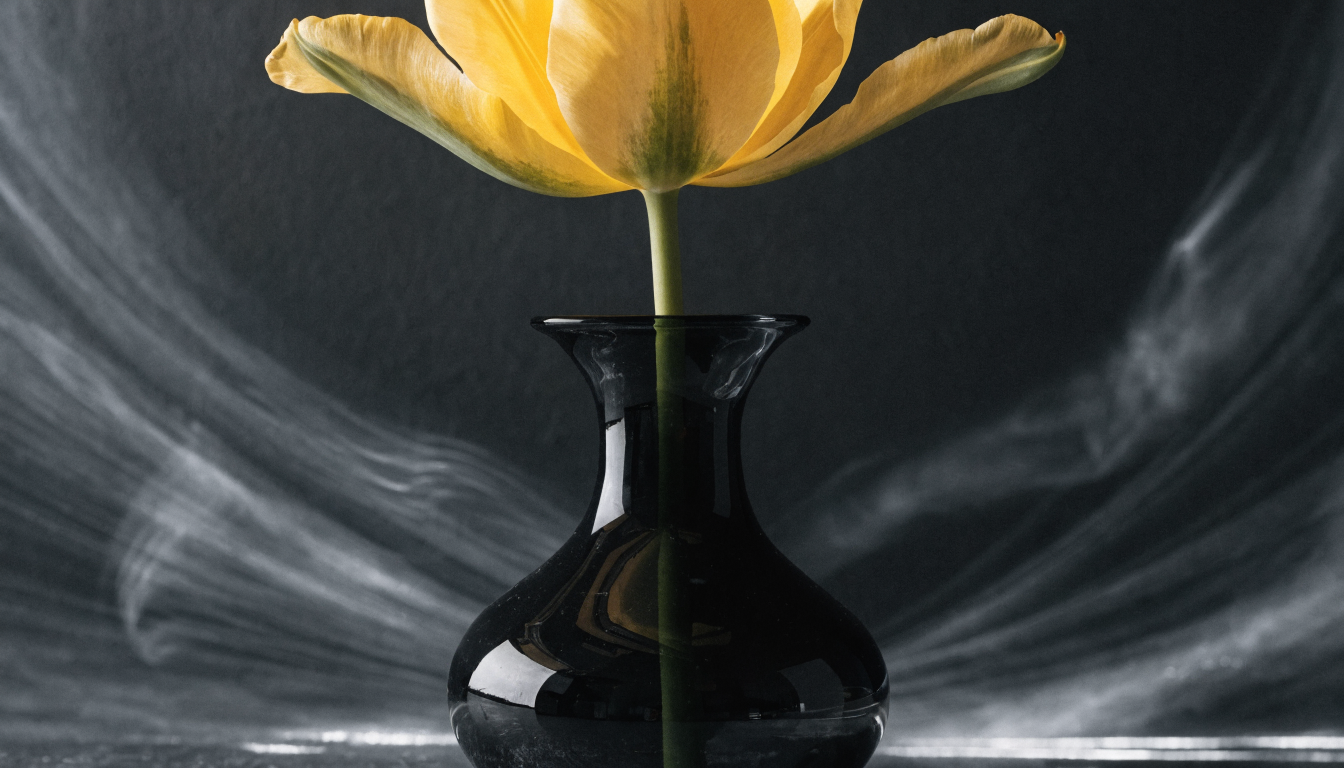
AI-generated photos have reached a point where they are difficult to distinguish from real camera shots. Whether you need product images, portrait mockups, or editorial visuals, the right generator can save hours of studio time while delivering results that hold up under scrutiny. We put together this breakdown of the best AI image generators in 2026 to help you find the tool that matches your workflow and quality standard.
The generators on this list were selected based on output fidelity, control over lighting and composition, commercial licensing terms, and how well they handle common realism challenges like hands, text, and skin texture.
What Makes AI-Generated Photos Look Realistic
Realism in AI imagery comes down to a few measurable factors: correct lighting physics (subsurface scattering on skin, accurate reflections, consistent shadow direction), high-frequency detail (hair strands, fabric weave, surface imperfections), and compositional coherence that follows real camera behavior like depth of field and lens distortion. The best results come from pairing a capable model with specific prompt engineering techniques that reference camera models, focal lengths, and lighting setups rather than vague descriptors.
The Best AI Photo Generators for Realistic Images
1. Midjourney

Midjourney v7 remains one of the strongest options for photorealistic generation, particularly for portraits, fashion, and editorial photography. Its default aesthetic leans toward cinematic lighting with rich color grading, which often makes raw outputs look polished without extensive prompting. The main limitation is that it operates through Discord (or its new web interface), which can feel clunky for batch production workflows.
2. FLUX Pro
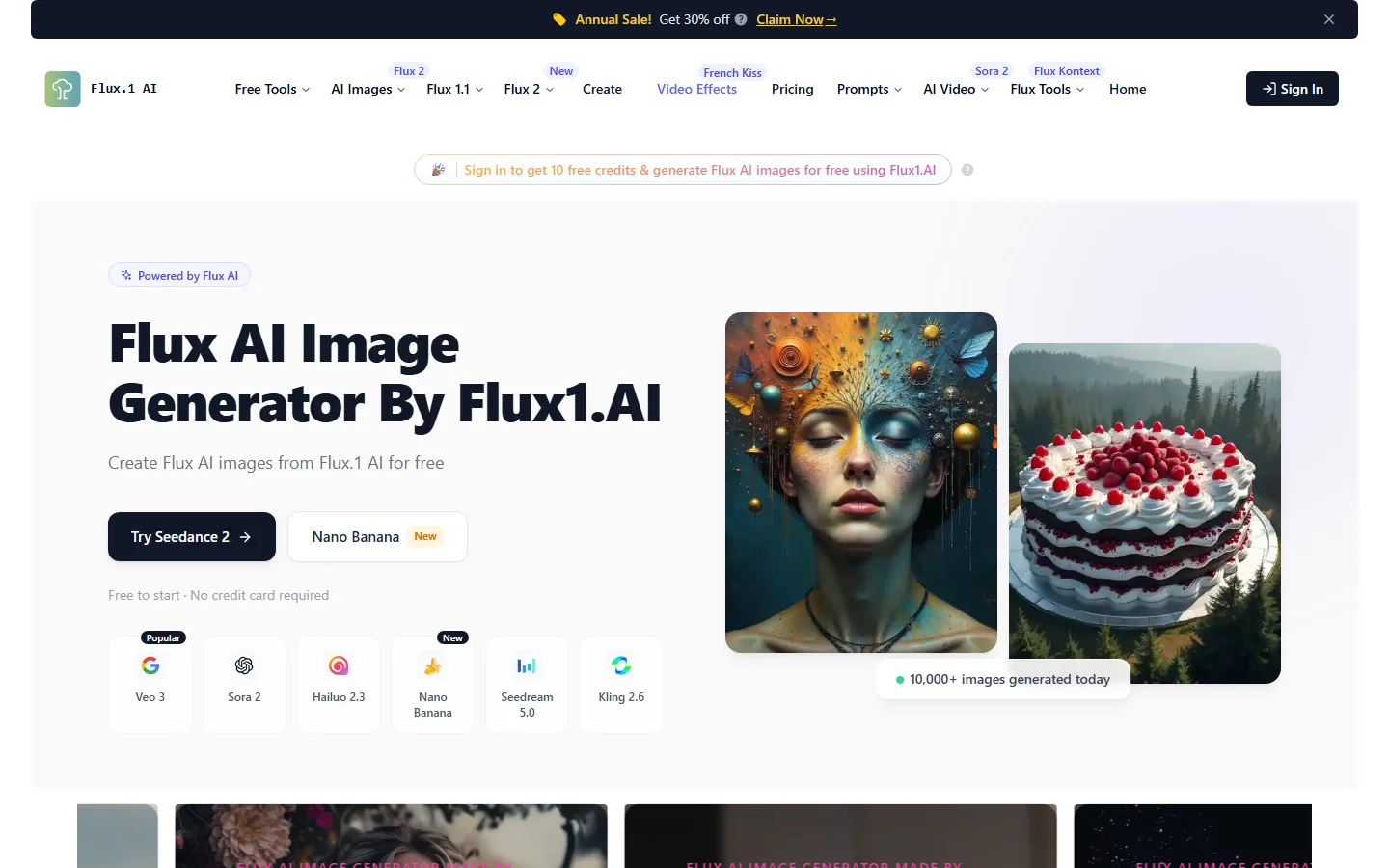
Black Forest Labs’ FLUX 1.1 Pro has become a top choice for commercial-grade photorealism. It handles complex scenes with multiple subjects better than most competitors, and its text rendering inside images is notably more accurate. FLUX Pro is available through API access, making it straightforward to integrate into automated production pipelines. The model excels at product photography and architectural visualization.
3. Adobe Firefly
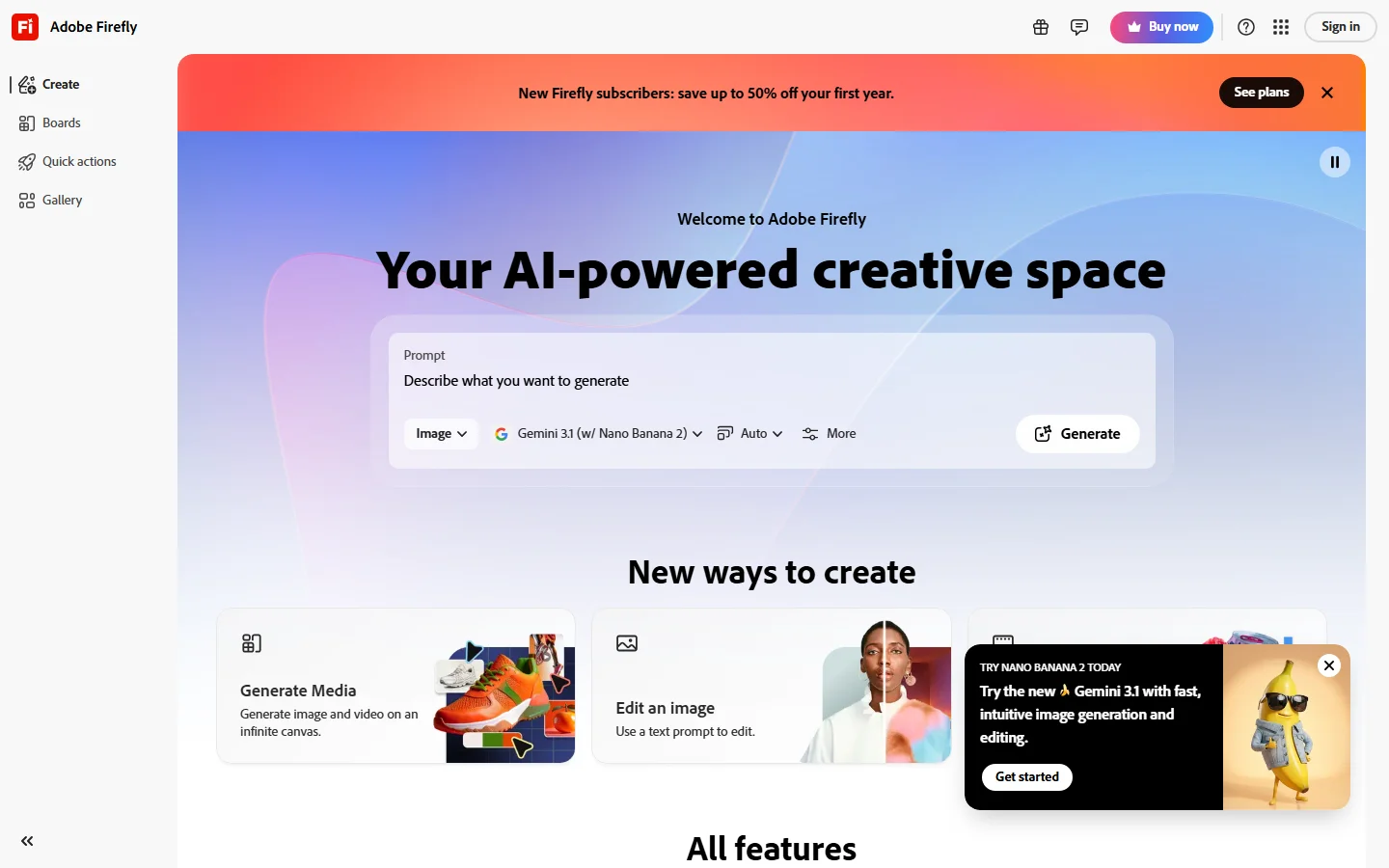
Adobe Firefly 3 integrates directly into Photoshop, Illustrator, and the broader Creative Cloud ecosystem. This makes it the natural choice for designers who already work in Adobe tools and want AI generation as part of their existing workflow rather than a separate step. Its photorealism has improved significantly, though it still trails Midjourney and FLUX Pro on raw output quality for complex scenes. The key advantage is commercial safety: Adobe trains Firefly exclusively on licensed content.
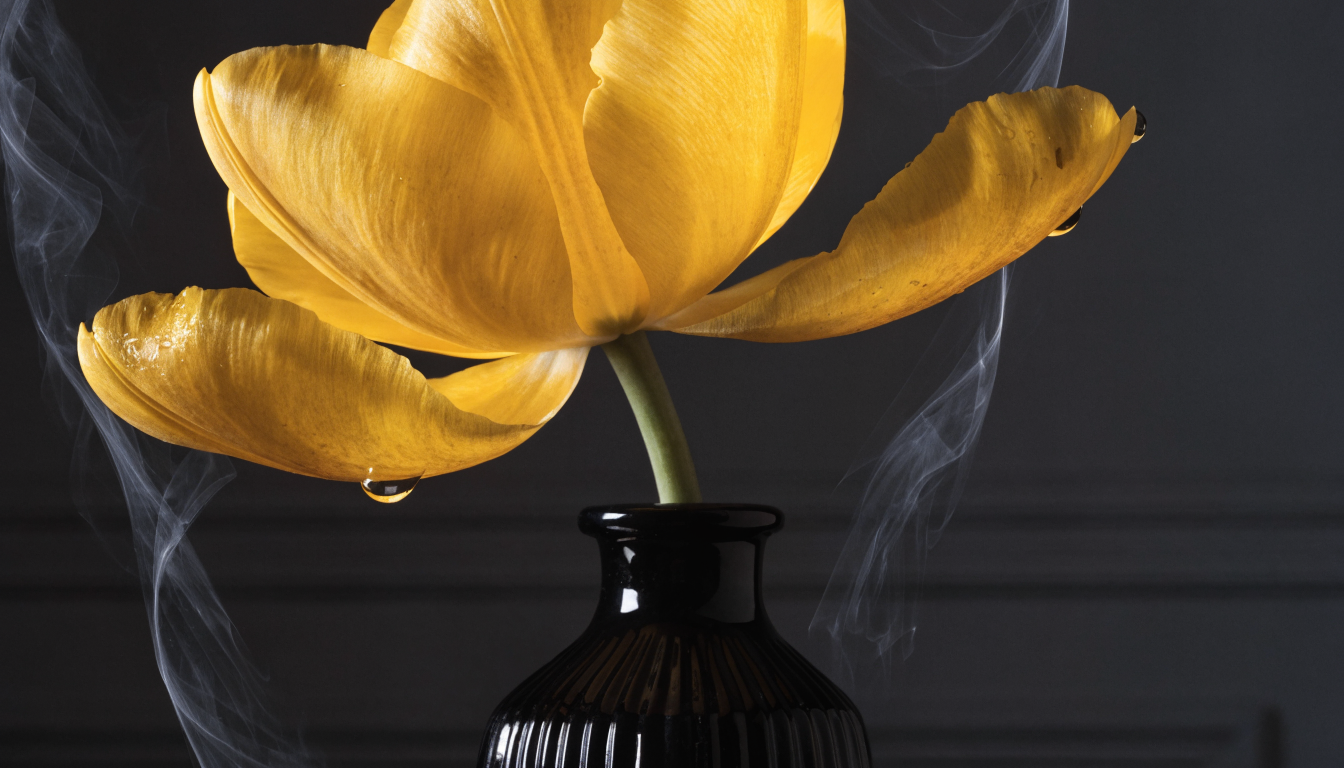
4. DALL-E 3 / ChatGPT
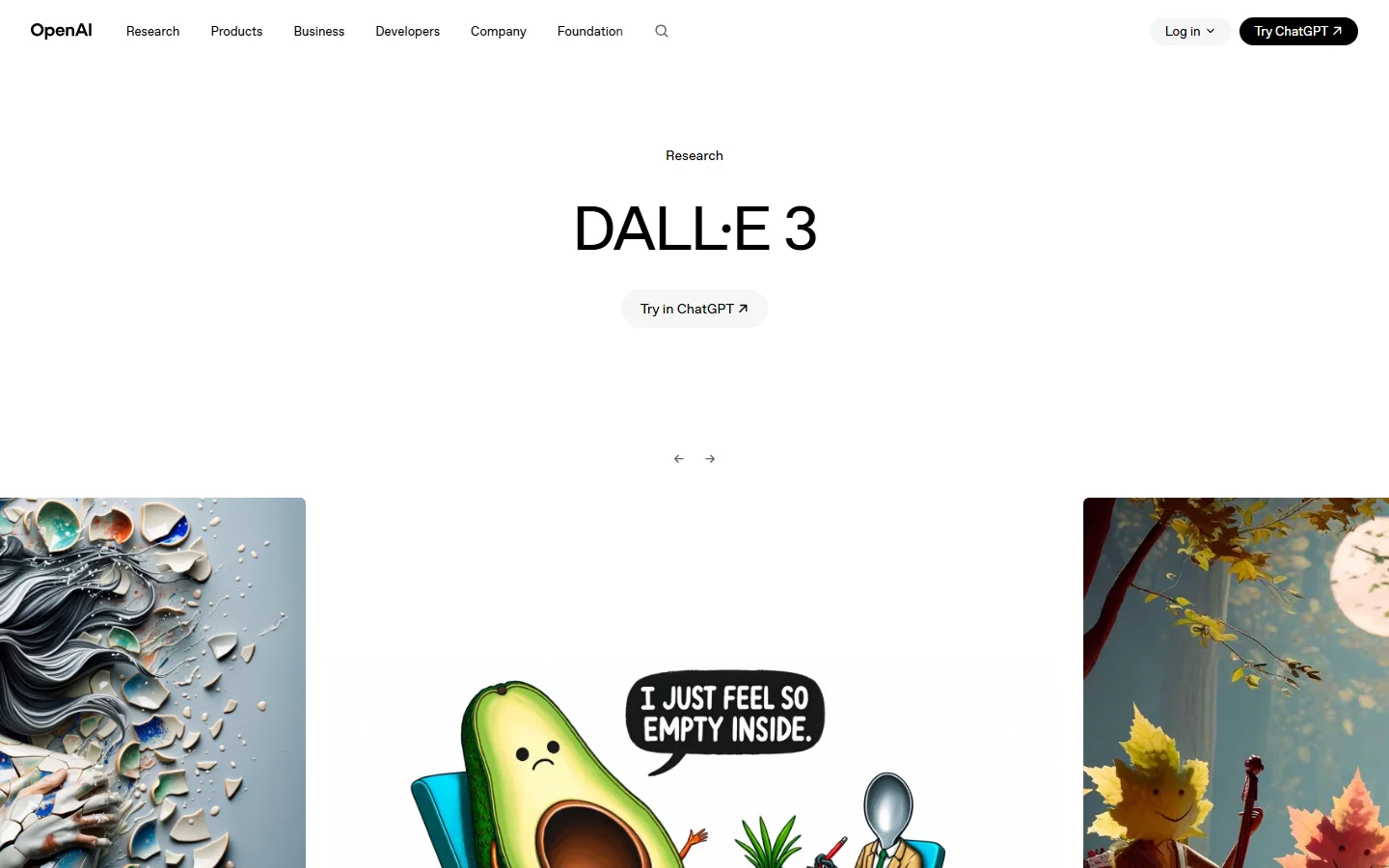
OpenAI’s image generation through ChatGPT gives users a conversational interface for creating and iterating on photorealistic images. For creators looking for a visual AI workflow builder that connects generation to downstream editing and publishing, DALL-E 3’s API access makes it a solid foundation. The model handles natural scenes and food photography well, though it can struggle with precise human anatomy in complex poses.
5. Google Imagen 3
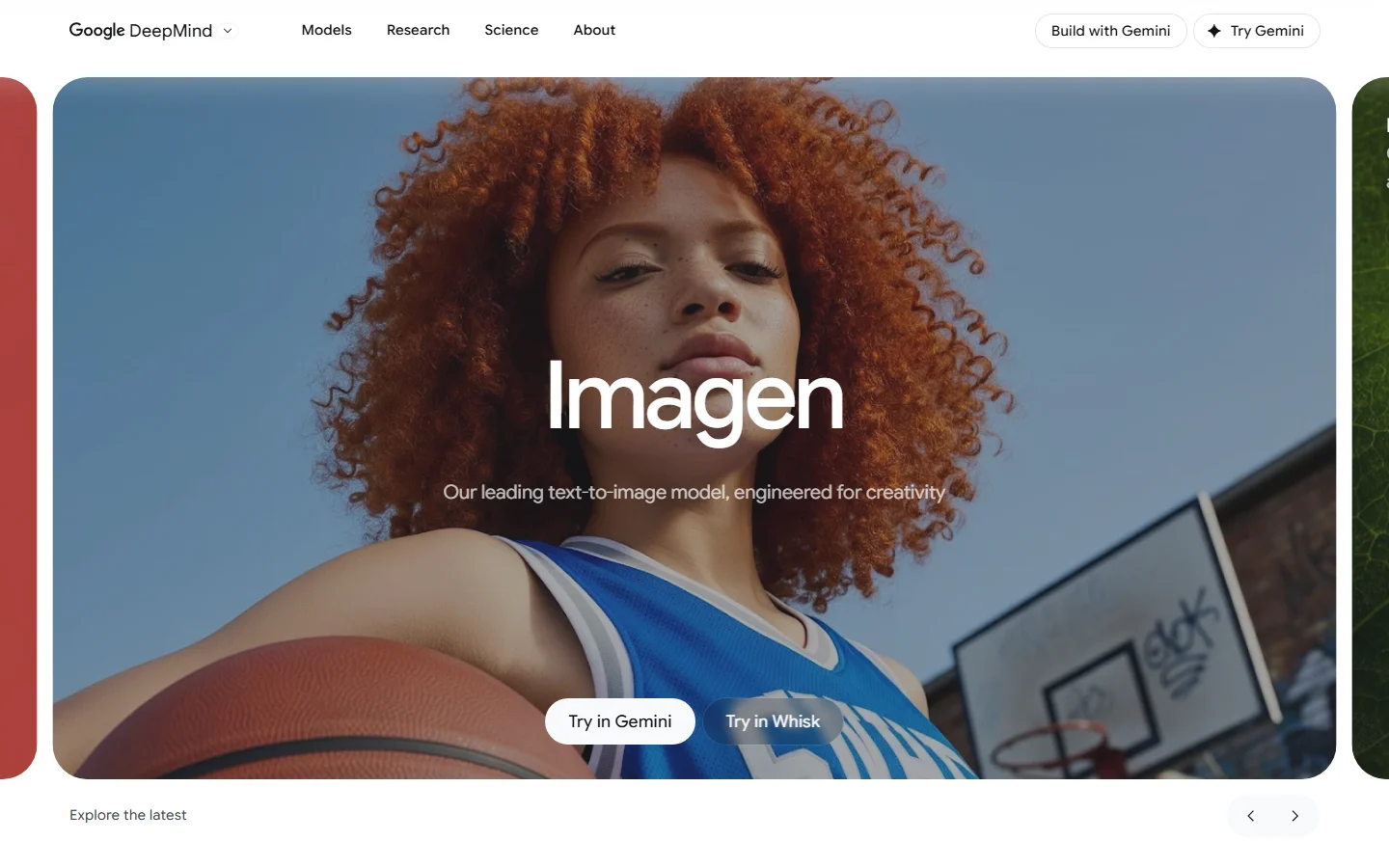
Google’s Imagen 3 (available through Gemini and Vertex AI) produces some of the most naturally lit photographs in the current generation of models. It is particularly strong at landscape photography and outdoor scenes where lighting consistency matters. Access is more limited compared to other tools on this list, with the best quality tier locked behind Vertex AI’s enterprise pricing.
6. Leonardo AI
Leonardo AI targets creators who need fine-grained control over their outputs. Its PhotoReal mode, combined with the FLUX AI image generator models available on the platform, delivers strong results for portrait and product photography. The web interface includes inpainting, outpainting, and upscaling tools, making it a more complete solution for users who want generation and post-processing in one place.
7. Stable Diffusion
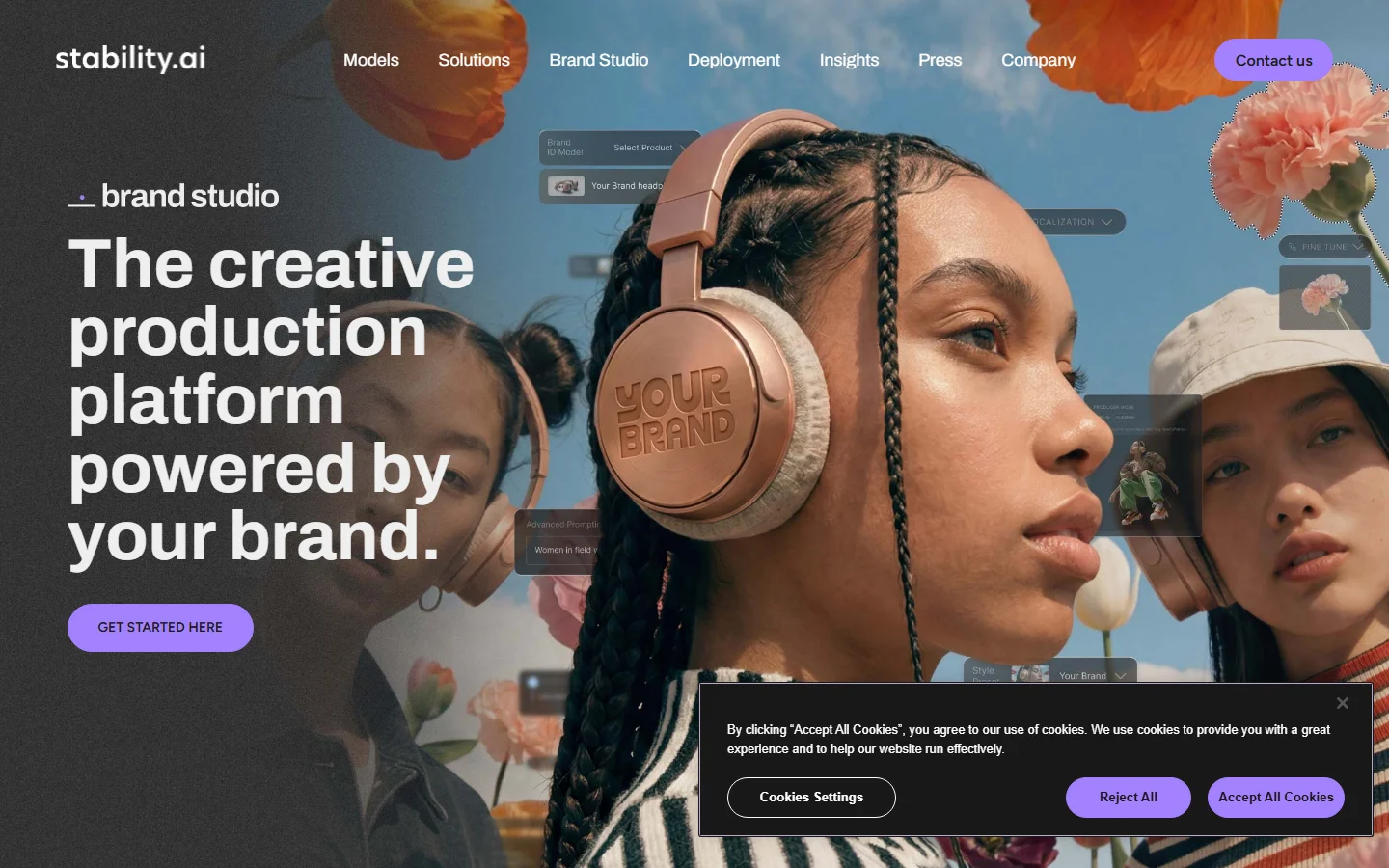
Stable Diffusion 3.5 remains the go-to for users who want full control over their generation pipeline. Running locally means no usage limits and complete privacy, which matters for sensitive commercial work. The trade-off is setup complexity: getting the best photorealistic results requires custom checkpoints, LoRAs, and ComfyUI or similar workflow tools. For users willing to invest the time, the ceiling is as high as any model on this list.
How These Generators Compare
Here is a side-by-side comparison of the key factors that matter for photorealistic output. For a deeper dive into FLUX prompt techniques, check the prompt library.
| Generator | Realism Score | Best For | Pricing | API Access |
|---|---|---|---|---|
| Midjourney v7 | 9/10 | Portraits, editorial | $10-60/mo | Limited |
| FLUX Pro | 9/10 | Products, architecture | Pay-per-use | Full API |
| Adobe Firefly 3 | 8/10 | Creative Cloud users | Included w/ CC | Yes |
| DALL-E 3 | 8/10 | Conversational iteration | ChatGPT Plus | Full API |
| Google Imagen 3 | 8.5/10 | Landscapes, outdoor | Vertex AI pricing | Enterprise |
| Leonardo AI | 8/10 | Control + post-processing | Free tier + paid | Yes |
| Stable Diffusion 3.5 | 8.5/10 | Full pipeline control | Free (local) | Community |
How to Get the Most Realistic AI Photos
Regardless of which generator you choose, the biggest factor in realism is your prompt specificity. Reference real camera equipment (“shot on Canon EOS R5, 85mm f/1.4”), describe lighting setups (“single softbox key light, natural fill from window”), and include physical details (“freckles, visible pores, stray hairs”). Vague prompts like “realistic photo of a woman” will always produce generic results. To learn more about what FLUX models are and how they differ from diffusion-based approaches, the technical details matter for choosing the right base model for your use case.
Frequently Asked Questions
Which AI photo generator produces the most realistic faces?
Midjourney v7 and FLUX Pro currently lead for facial realism. Both handle skin texture, hair detail, and eye reflections at a level that is difficult to distinguish from studio photography. FLUX Pro has a slight edge on diverse lighting scenarios where consistent skin rendering matters.
Are AI-generated photos legal to use commercially?
It depends on the tool and jurisdiction. Adobe Firefly is trained exclusively on licensed content and includes IP indemnification. Midjourney and FLUX Pro allow commercial use under their paid plans. Check each platform’s terms of service, especially around generated faces that resemble real individuals.
Can AI photo generators replace professional photography?
For certain use cases like product mockups, social media content, and placeholder imagery, yes. Tools like FLUX Krea can generate draft visuals in real time, which production teams then refine in Photoshop. For high-stakes work like fashion campaigns or editorial features, AI generation works better as a starting point. The hybrid approach of generating a base image and then retouching is becoming standard in studios.
How do I avoid the “AI look” in generated photos?
The most common tells are overly smooth skin, symmetrical compositions, and unnaturally perfect lighting. Counter these by prompting for imperfections: specify asymmetric poses, environmental light sources rather than studio lighting, and surface details like dust, scratches, or fabric wrinkles. Post-processing with Recraft v3 or similar upscaling tools can also add back high-frequency detail that generation sometimes smooths out.
What resolution can AI photo generators output?
Native output varies by model. FLUX Pro outputs up to 2048×2048 natively. Midjourney generates at 1024×1024 by default with upscaling to 4x. Most professional workflows include an AI upscaling step to reach print-ready resolutions of 4000+ pixels on the long edge.
Do I need a powerful GPU to use these tools?
Only for Stable Diffusion, which runs locally and benefits from 12GB+ VRAM (RTX 4070 or better). Every other tool on this list runs in the cloud, so you can generate photorealistic images from any device with a browser. Midjourney, FLUX Pro, Adobe Firefly, DALL-E 3, Google Imagen, and Leonardo AI all handle processing on their servers.
Conclusion
The gap between AI-generated and real photographs continues to shrink. For most creators, the choice comes down to workflow integration and specific use case rather than raw quality, since the top models all produce strong photorealistic output. If you want a streamlined pipeline that connects image generation to editing and publishing, Wireflow AI offers a platform that ties these steps together. Whichever tool you pick, invest time in learning its prompt syntax and lighting vocabulary. That skill transfers across every generator on this list.