Turning a regular photo into a cartoon has gone from a novelty filter to a genuinely useful creative tool. Whether you need stylized profile pictures, branded social content, or just want to have fun with your images, the latest AI image generators can cartoonize photos in seconds. In this guide, we break down the best options available right now so you can pick the right tool for your workflow.
How AI Cartoonization Works
AI cartoon generators use style transfer models trained on thousands of illustrated images. You upload a photo, the model analyzes the facial structure, lighting, and composition, then re-renders the image in a target cartoon style. The best tools preserve key details like expression and pose while applying clean line art, flat color fills, or painterly effects.
Most modern cartoonizers run entirely in the cloud, so you do not need a powerful GPU or any software installation. Processing typically takes between 5 and 30 seconds depending on the style complexity and output resolution. The underlying technology is similar to what powers digital art generators, but optimized specifically for photo-to-cartoon conversion.
With that context, here are the six best tools for turning photos into cartoons right now, ranked by overall capability and value.
PhotoDirector: Best All-Round Option
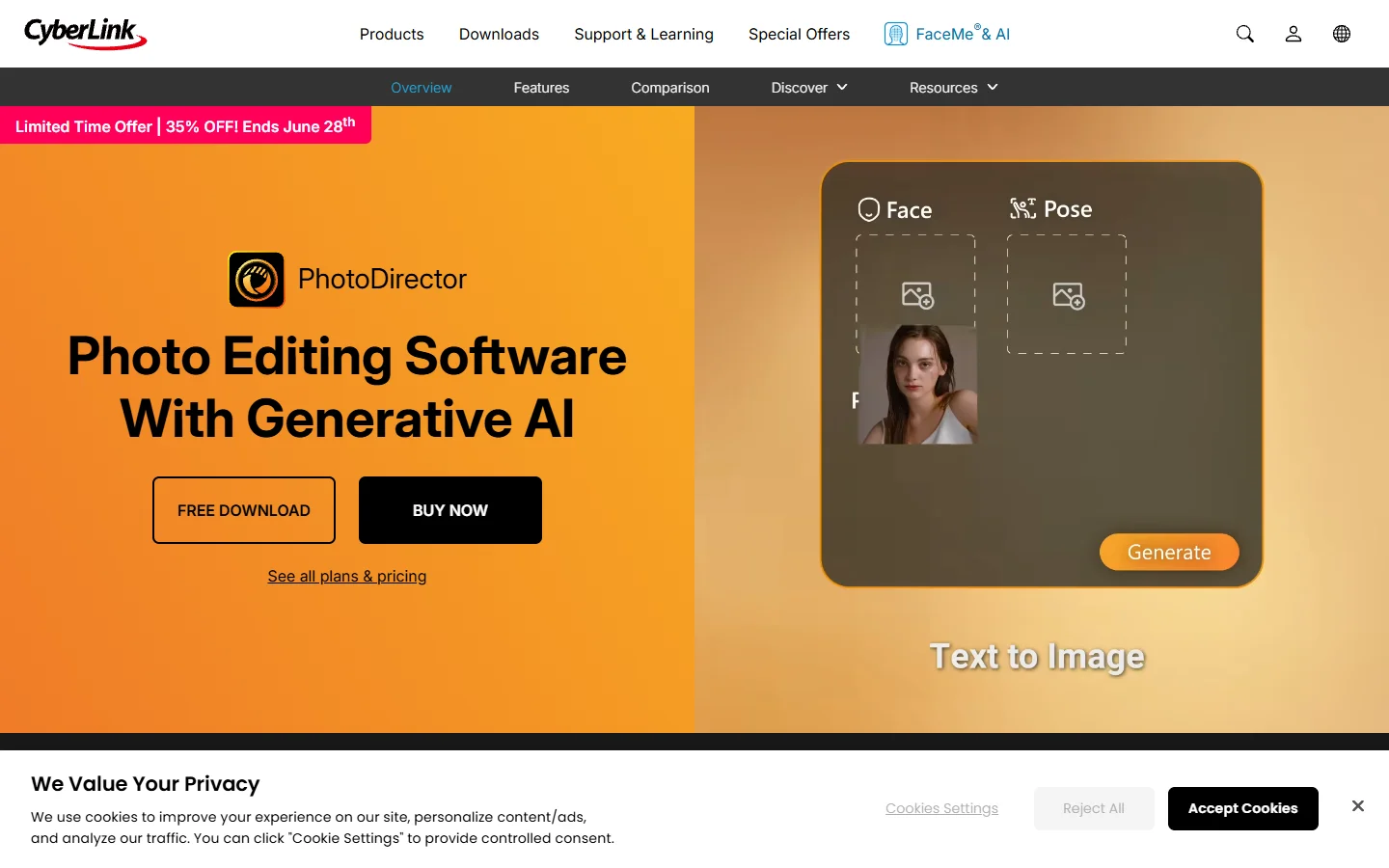
CyberLink’s PhotoDirector stands out for combining cartoon effects with a full photo editing suite. The AI cartoon feature supports multiple styles including watercolor, pencil sketch, comic book, and anime. You get granular control over line thickness, color saturation, and background handling, which is rare in a cartoonizer. The desktop app (Windows and Mac) runs local processing for faster results, while the mobile version covers quick edits on the go. If you are already familiar with AI-powered photo editing tools, PhotoDirector fits right into that workflow. Pricing starts free with watermarks, or $4.08/month for the full suite on an annual plan.
BeFunky: The Original Cartoonizer
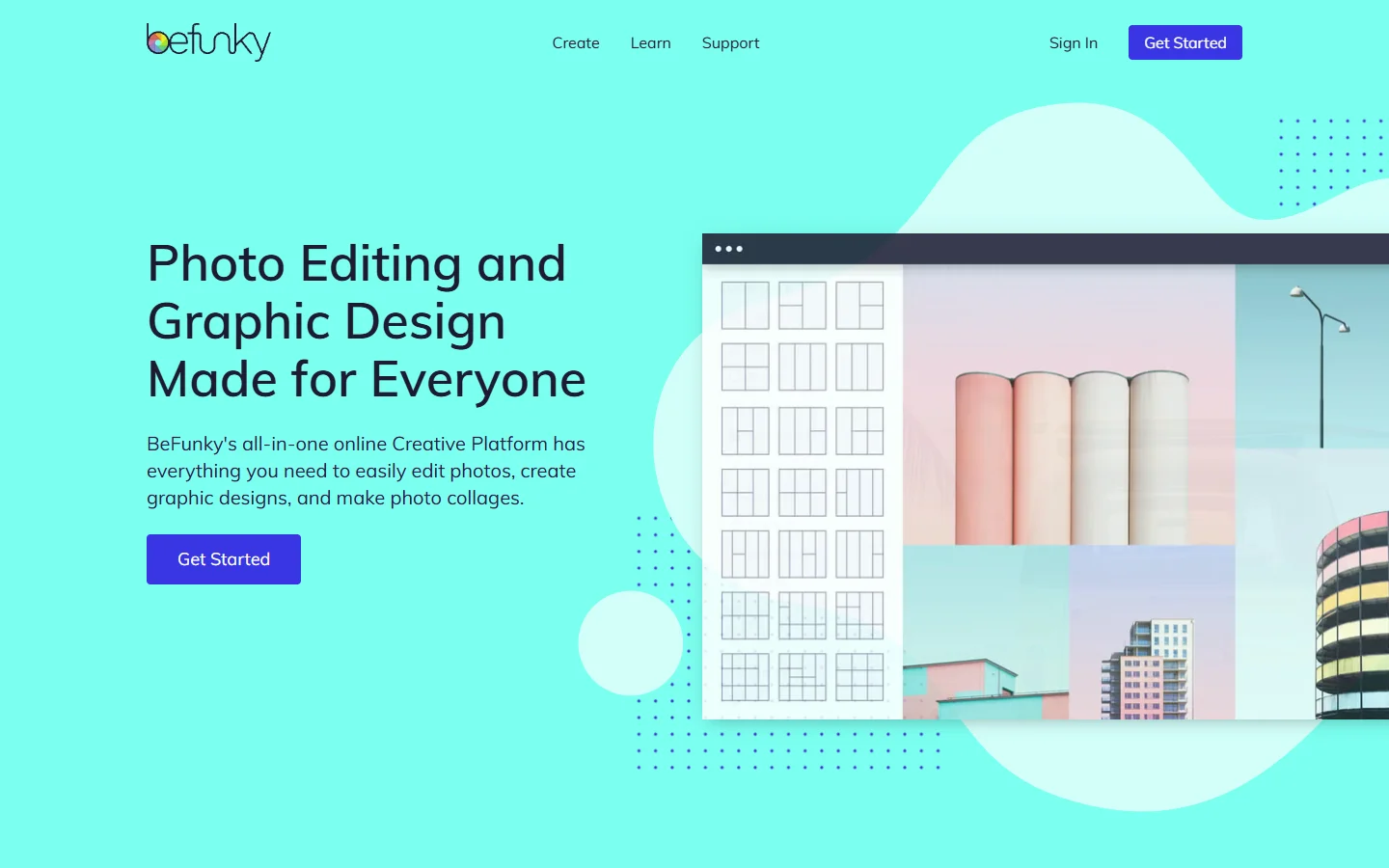
BeFunky pioneered browser-based cartoon conversion and the 2026 version pairs its classic filter engine with a newer AI mode. The AI mode produces cleaner line work with better style consistency compared to the original filter approach. You get both options side by side, so you can compare outputs before saving. BeFunky also includes batch processing for paying users, making it practical for creating sets of cartoonized images for social media or creative projects that need consistent styling. The free tier covers basic effects, while BeFunky Plus at $9.99/month unlocks the AI cartoonizer, batch tools, and higher resolution exports.
Adobe Firefly: Best for Commercial Use
Adobe Firefly’s cartoon generator is trained exclusively on licensed and public domain content, which makes it the safest pick for commercial projects where IP concerns matter. The style transfer capability lets you reference specific aesthetics: anime, Pixar-style 3D, flat vector, or watercolor comic. It preserves the subject’s pose and proportions while applying the target style cleanly. Integration with Photoshop and Express means you can cartoonize a photo and continue editing it in the same workspace. Firefly is free for limited generations, with paid plans starting at $9.99/month for higher volume, priority processing, and full commercial licensing. For teams already building visual AI pipelines, Firefly slots in as a reliable style-transfer component.
Canva: Easiest One-Click Option
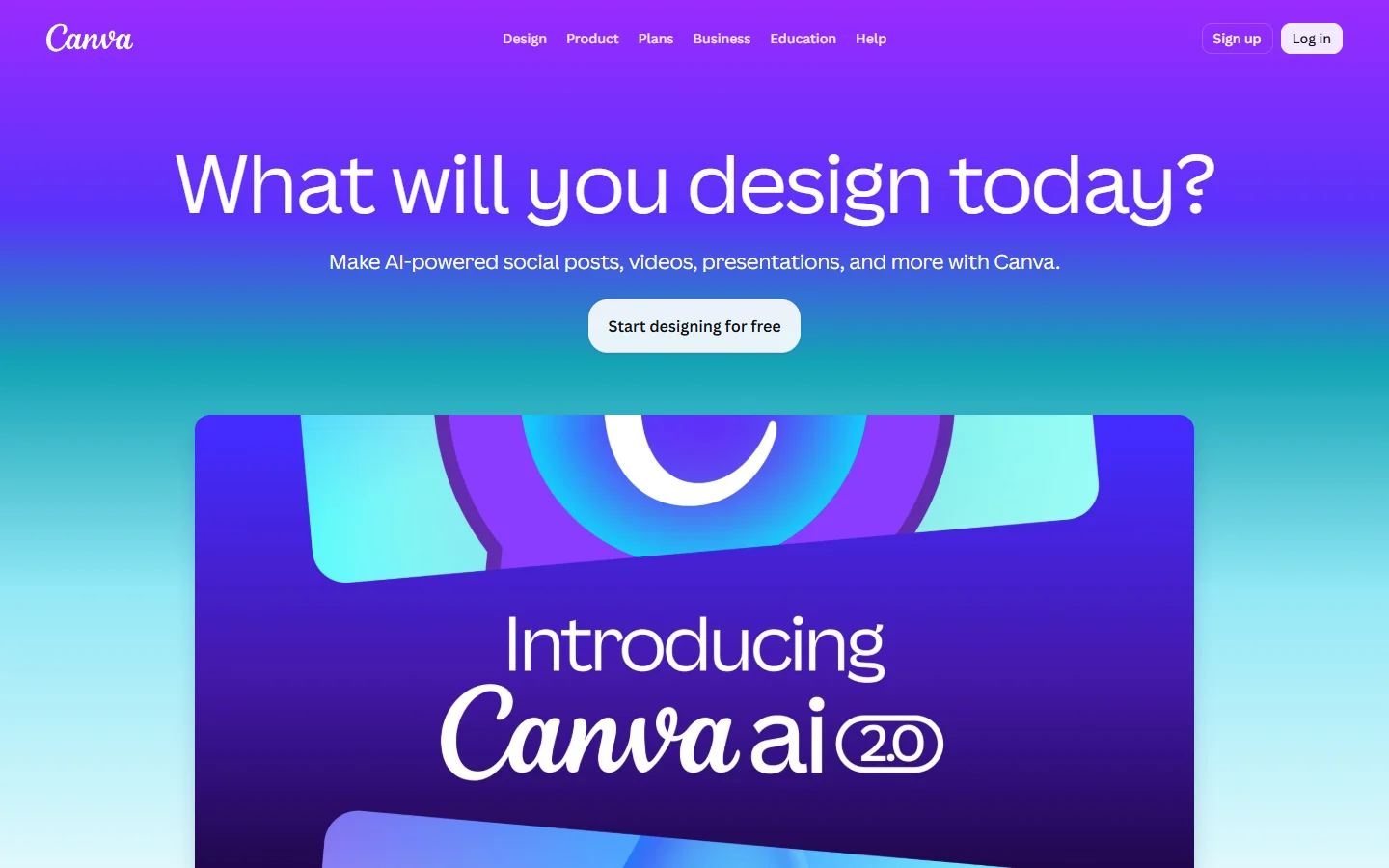
Canva’s cartoonify feature lives inside the photo editor and works with a single click. Upload a photo, select the cartoon effect, and adjust tone settings. It is the fastest option if you just need a quick cartoon version without fine-tuning. The output quality sits a step below dedicated tools like PhotoDirector or Firefly, but for social media posts and presentations it is more than adequate. Canva’s design ecosystem means you can drop the cartoonized image straight into a template, similar to how you would use any AI picture maker for quick visual content. Free users get basic effects, while Canva Pro ($12.99/month) adds more styles and higher-resolution exports.
MyEdit: Best Browser-Based Tool
MyEdit offers 100+ cartoon and illustration effects that you can apply directly in the browser. The interface is straightforward: upload, pick a style (caricature, 3D cartoon, pencil drawing, realistic illustration), and download. What sets MyEdit apart is the variety of output styles, from trendy caricature characters to detailed realistic drawings. If you are experimenting with different cartoon and anime art styles, MyEdit gives you the broadest palette to work with. Processing is fast, and the free tier covers basic effects with watermarks. Premium runs $5.99/month for watermark-free exports and batch processing.
Fotor: Best for Beginners
Fotor takes a fully automated approach. Upload any image, whether it is a portrait, pet photo, or product shot, and Fotor applies the cartoon effect automatically. There is minimal configuration, which makes it the right choice for users who do not want to fiddle with settings. The results lean toward a softer, more playful cartoon style rather than sharp comic-book line art. For users who want a tool that also handles broader photo enhancement tasks, Fotor covers both in a single interface. Free with watermarks, Fotor Pro starts at $8.99/month.
How to Pick the Right Cartoonizer
Choosing the right tool comes down to three factors. For style, anime and manga looks are handled best by MyEdit and Firefly, while comic book and pop art work better in PhotoDirector and BeFunky. If you need realistic portrait generation as a starting point before cartoonizing, consider which tool handles facial detail best.
For commercial use, Adobe Firefly’s licensing model gives you the clearest legal standing, and PhotoDirector’s paid plans also include commercial rights. For batch processing, BeFunky and MyEdit both support batch operations on paid plans, which saves significant time when creating sets of AI-generated avatars for a team or community.
For workflows that chain cartoonization with other AI image steps, like upscaling, background removal, or format conversion, a platform that connects multiple models together is worth a look.
Comparison Table
| Tool | Free Tier | Starting Price | Best For | Batch Processing | Commercial License |
|---|---|---|---|---|---|
| PhotoDirector | Yes (watermark) | $4.08/mo | All-round editing + cartoon | No | Yes (paid) |
| BeFunky | Yes (basic) | $9.99/mo | Classic + AI cartoon modes | Yes (paid) | Yes (paid) |
| Adobe Firefly | Yes (limited) | $9.99/mo | Commercial/IP-safe use | No | Yes (all tiers) |
| Canva | Yes (basic) | $12.99/mo | Quick one-click cartoons | No | Yes (Pro) |
| MyEdit | Yes (watermark) | $5.99/mo | Style variety (100+ effects) | Yes (paid) | Yes (paid) |
| Fotor | Yes (watermark) | $8.99/mo | Beginners, zero config | No | Yes (paid) |
Tips for Better Cartoon Results
Getting a great cartoon from AI depends as much on the input as the tool. Use well-lit photos with even lighting, as this helps the AI separate facial features from shadows and produce cleaner line art. Front-facing portraits work best since most cartoon models are optimized for faces looking directly at the camera. If you are already using AI prompt techniques for image generation, the same principle of iterating on inputs applies here.
Try multiple styles before settling on one. Each tool renders the same photo differently, and exporting at the highest resolution available prevents the aliased line art that shows up in low-res cartoon conversions. For printed or large-format output, always use the paid high-res export option.
FAQ
Can I cartoonize a photo for free? Yes. All six tools in this guide offer a free tier. Canva, BeFunky, and Fotor let you apply basic cartoon effects without a paid plan, though free outputs may include watermarks or resolution limits. For more options, see this list of free AI image generators.
Which AI cartoonizer produces the most realistic cartoon style? Adobe Firefly and PhotoDirector produce the most detailed, realistic cartoon outputs. Firefly’s style transfer can mimic specific illustration styles closely, while PhotoDirector gives you manual control over line and color settings. Both produce results closer to realistic AI-generated portraits than typical cartoon filters.
Is it legal to use AI-cartoonized photos commercially? It depends on the tool’s licensing terms. Adobe Firefly is the safest for commercial use because it was trained on licensed content. Always check the specific terms of service for the tool you choose.
Can I cartoonize photos on my phone? PhotoDirector and Canva both have mobile apps with cartoon features. MyEdit and BeFunky work in mobile browsers. Fotor also has a mobile-friendly photo editing app with the cartoon effect built in.
How is AI cartoonization different from a simple filter? Filters apply uniform transformations like posterization or edge detection to every pixel equally. AI cartoonization uses neural networks to understand the content of the image and selectively apply different styles to faces, backgrounds, and objects. The result looks like an actual illustration rather than a processed photo. This is the same technology behind tools that turn photos into anime.
What photo format works best for cartoonizing? JPG and PNG both work well. PNG is slightly better if your photo has transparency you want to preserve. Most tools accept both formats and handle the conversion internally.
Can I cartoonize group photos or just individual portraits? Most tools handle group photos, but results vary. Individual portraits consistently produce cleaner output because the AI can focus on a single face. For group shots, PhotoDirector and Firefly handle multiple faces most reliably. If you need consistent AI headshots for a team page, process each person individually for the best results.
Conclusion
The best AI cartoonizer depends on what you need. PhotoDirector wins on versatility, Firefly leads on commercial safety, BeFunky offers the classic-plus-AI combo, Canva is fastest for casual use, MyEdit gives the widest style selection, and Fotor keeps things simple for beginners. If you want to combine cartoonization with other AI image transformations in a connected workflow, check it out here. Try a couple of tools with the same photo and compare the outputs before committing to a subscription.