Your profile picture is the first thing people notice on LinkedIn, Instagram, or X. A polished headshot signals credibility, but hiring a photographer, booking a studio, and waiting for retouched files takes time and money most creators skip. AI image generators now produce studio-quality portraits from a single selfie or a text prompt, and the results are good enough that most viewers cannot tell the difference.
This guide walks through the full process: choosing a generation method, writing prompts that produce usable results, and refining the output so it actually looks like you. Whether you need a clean corporate headshot or a stylized avatar for a creative brand, the workflow is the same.
Why AI Profile Pictures Work for Social Media
Traditional headshots cost $150 to $500 for a single session. AI generators cut that to zero (free tiers) or a few dollars (premium models). Beyond cost, there are practical advantages that have made AI the go-to for free image creation.
You can generate variations of the same portrait, each cropped and styled for a different platform’s aspect ratio, without reshooting. Speed is another benefit: most generators return a finished image in under 30 seconds. The latest FLUX models handle skin texture, hair detail, and ambient lighting at a level that older diffusion models struggled with, closing the gap between AI portraits and real photography.
Method 1: Upload a Selfie and Let AI Enhance It
The simplest approach is uploading a real photo and letting an AI model improve it. This preserves your actual likeness while fixing lighting, background, and resolution through AI enhancement.
Start with a well-lit selfie taken near a window or under diffused light. Face the camera directly, with your head and shoulders visible. Avoid heavy filters or extreme angles, as these confuse the model’s face-detection pipeline.
Upload the image to a tool that supports face-aware enhancement. The model will typically smooth uneven lighting, remove distracting backgrounds, and sharpen facial features. Some tools let you choose a background style (gradient, office, outdoor) or adjust the color grade to match your brand palette. Platforms that connect multiple models in an end-to-end AI image pipeline let you chain enhancement, background removal, and upscaling in a single run.
Method 2: Generate a Portrait from a Text Prompt
If you want a completely new look, or do not have a suitable selfie, text-to-image generation is the way to go. You describe the portrait you want, and the model builds it from scratch.
A strong prompt for a profile picture includes four elements: subject description, lighting, background, and style. Use a prompt generator if you want a starting point. Here is an example:
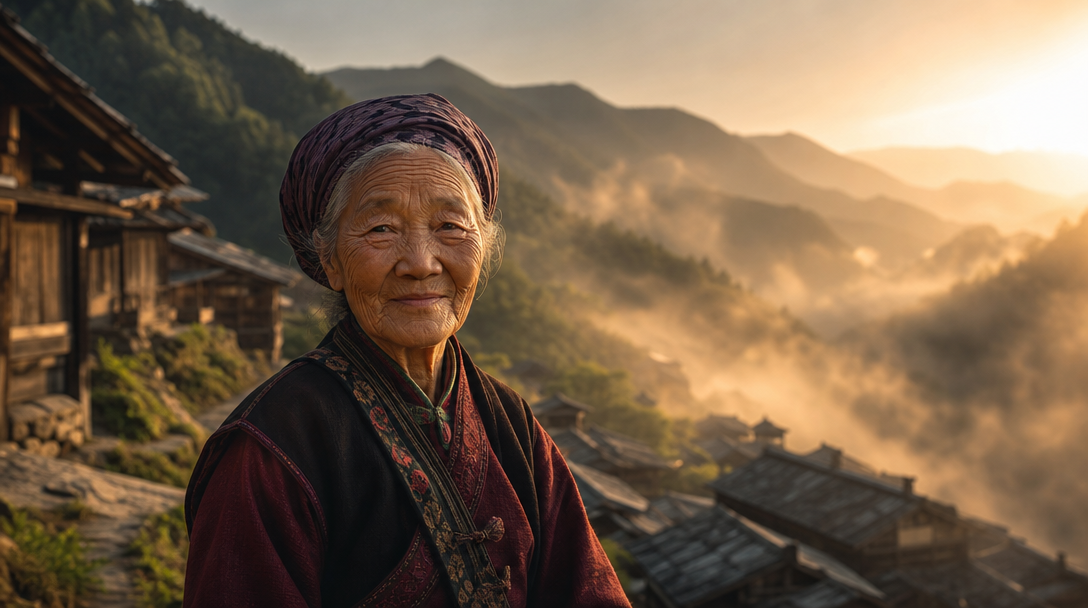
Prompt: “Professional headshot of a young woman with short dark hair, soft Rembrandt lighting, shallow depth of field, neutral gray background, DSLR quality, 85mm lens”
Keep the prompt focused and specific rather than packing in conflicting style keywords. Mentioning a camera lens (85mm, 50mm) nudges the model toward photorealistic focal blur. Naming a lighting setup (Rembrandt, butterfly, split) gives the output a studio feel.
Models like FLUX 1.1 Pro excel at photorealistic faces when you specify “professional photography” or “editorial portrait” in the prompt. For a more artistic direction, swap in “digital painting” or “3D render” to match the platform where you plan to post.
Picking the Right Model for Your Style
Not every AI model handles portraits equally. Here is a quick comparison of the options that matter for realistic AI face generation in 2026:
| Model | Best for | Realism level | Speed |
|---|---|---|---|
| FLUX 1.1 Pro | Photorealistic headshots | Very high | ~10s |
| FLUX Dev | Experimentation, custom styles | High | ~8s |
| SDXL | Artistic portraits, illustration | Medium-high | ~15s |
| Nano Banana Pro | Fast batch generation | High | ~5s |
FLUX 1.1 Pro consistently produces the most natural skin tones and hair detail for portrait work. Running the same prompt through two or three models reveals which handles your specific subject best, and FLUX Realtime is useful for rapid A/B testing since it returns results in under two seconds.
For stylized avatars (anime, cartoon, 3D), dedicated avatar models outperform general-purpose generators. You can create anime-style avatars by feeding a reference photo into a model fine-tuned on that aesthetic.
Refining and Post-Processing Your AI Portrait
The first generation is rarely the final image. Most creators run two to three rounds of refinement before posting, using AI editing tools to get the details right.
Crop and aspect ratio. LinkedIn recommends 400×400 pixels. Instagram works best at 320×320. X (Twitter) uses a circular crop, so keep the face centered. Generate at a higher resolution and crop down rather than trying to upscale a small output.
Background cleanup. If the generated background is distracting, run the image through a background removal tool and replace it with a solid color or gradient. Neutral grays and soft blues test well for professional profiles.
Color grading. Match the tone of your profile picture to your other brand visuals. Warm tones feel approachable, cool tones feel authoritative. Most photo editors offer one-click presets that get you close.
Face consistency. If you need the same face across multiple platforms, use a reference image workflow. Feed your best generation back as an image-to-image input with a low denoising strength (0.2 to 0.4) to produce variations that still look like you.
Tips for Platform-Specific Optimization
Each social platform has its own display quirks. Knowing the differences helps you create AI avatars that look sharp everywhere.
LinkedIn: Use a clean, well-lit headshot with a neutral background. Professional attire or a solid-color top reads well at thumbnail size. Upload at 1024×1024 minimum to preserve detail after compression.
Instagram: Creative freedom is higher here. Stylized portraits, illustrated avatars, and artistic treatments perform well in the feed. Test your image at both grid-thumbnail size and full view.
X (Twitter): The circular crop removes corners, so keep all important detail in the center. High contrast between your face and the background helps the image pop at small sizes. Transparent backgrounds make it easy to swap in a branded color later.
TikTok: Bold, high-saturation images grab attention in the feed. Consider a slight color boost compared to your LinkedIn version.
FAQ
Can people tell if my profile picture is AI-generated? With current models, high-quality AI portraits are indistinguishable from professional photos for most viewers. Common tells include overly smooth skin, asymmetric earrings, or inconsistent hair strands at the edges.
Is it ethical to use an AI profile picture? For personal branding and social media, yes. Misrepresenting yourself in contexts where identity verification matters (dating apps, legal documents) is a different story. Most platforms allow AI-generated profile images.
Do I need my own photo as input? No. Text-to-image models generate faces from scratch. If you want the result to look like you, uploading a reference selfie produces much better likeness matches.
Which free tools produce the best results? FLUX Dev (open-source, runnable locally), Canva’s AI headshot generator, and Fotor’s profile picture maker all offer free tiers. For batch generation or advanced workflows, the Wireflow AI platform connects multiple models so you can test several styles in one run.
What resolution should I generate at? Always generate at the highest resolution available (1024×1024 or above) and crop down. Upscaling a 512×512 portrait introduces visible artifacts around eyes and hair.
How do I maintain consistency across platforms? Use the same generation seed or reference image across all variations. Adjust only the crop, aspect ratio, and color grade per platform. Batch generation via API can automate this if you manage multiple brands.
Can I use AI profile pictures commercially? Check the license terms of the model you use. FLUX Dev is open-weight and permissive. Commercial API providers (FLUX Pro, Nano Banana) include commercial usage rights in their paid tiers.
Conclusion
AI profile pictures have moved from novelty to practical tool. The combination of modern diffusion models, face-aware enhancement, and simple prompt engineering means anyone can produce a professional portrait in minutes. Start with a clear selfie or a detailed text prompt, pick a model that matches your target style, and refine through one or two rounds of iteration. For a complete walkthrough of AI image generation, check how the latest models compare. The result should be a polished, consistent image that works across every platform in your social media presence.