
Kling 3.0 landed in February 2026 with native 4K output, built-in multilingual audio, and clips up to five minutes long. Those specs alone put it ahead of most AI video generators on the market today. But specs only tell half the story. This review breaks down what Kling 3.0 actually delivers, where it falls short, and how it stacks up against Runway Gen-4.5, Google Veo 3.1, Pika 2.5, and OpenAI Sora 2 in real production use.
What Kling 3.0 Gets Right
Kling 3.0 is built on a Multi-modal Visual Language architecture that processes text, images, audio, and video inside a single pipeline. The practical result is that you can type a prompt and get back a video with lip-synced dialogue in five languages, including English, Mandarin, Japanese, Korean, and Spanish. No separate audio pass, no post-sync tooling. For context on how AI voice generation has evolved alongside video models, that integration is a significant step forward.
Text rendering is another strong point. Signs, brand logos, and price tags stay legible in generated clips, which matters for anyone producing product demos or ad creatives. Most competing models still smear or hallucinate text in video frames, so this is a genuine differentiator. If you are exploring how to turn text prompts into polished video, Kling is one of the more reliable options available right now.
Duration and Resolution
The headline number is five-minute clips at up to 4K resolution. For context, Veo 3.1 caps at roughly eight seconds, Runway Gen-4.5 tops out at around 16 seconds, and Sora 2 maxes at 60 seconds. If your workflow needs long-form output from a single generation pass, Kling is the only model currently hitting multi-minute durations without the clip stitching workarounds common in free online video makers.

The free tier limits output to 720p with a watermark, so anything client-facing requires a paid plan. At approximately $0.10 per second, a full five-minute clip runs about $30. That is expensive for casual experimentation but competitive for commercial production when you compare it to other AI video generators that offer watermark-free output.
Head-to-Head Competitor Comparison
Here is how Kling 3.0 compares to its four main competitors across the metrics that matter for production work. Kling AI positions itself as the volume leader, while Runway focuses on creative control, and Google Veo prioritizes cinematic realism in AI video.

| Feature | Kling 3.0 | Runway Gen-4.5 | Google Veo 3.1 | Pika 2.5 | Sora 2 |
|---|---|---|---|---|---|
| Max resolution | 4K | 4K | 1080p | 1080p | 1080p |
| Max clip length | 5 min | ~16 sec | ~8 sec | ~10 sec | 60 sec |
| Native audio | Yes (5 langs) | No | Yes (English) | No | Yes (English) |
| Text rendering | Strong | Moderate | Moderate | Weak | Moderate |
| Motion control | Camera presets | Full keyframe | Limited | Scene presets | Storyboard |
| Cost per second | ~$0.10 | ~$0.15 | ~$0.12 | ~$0.05 | ~$0.08 |
| Free tier | Yes (720p, watermark) | Yes (limited) | Yes (via AI Studio) | Yes (limited) | Yes (limited) |
Runway Gen-4.5
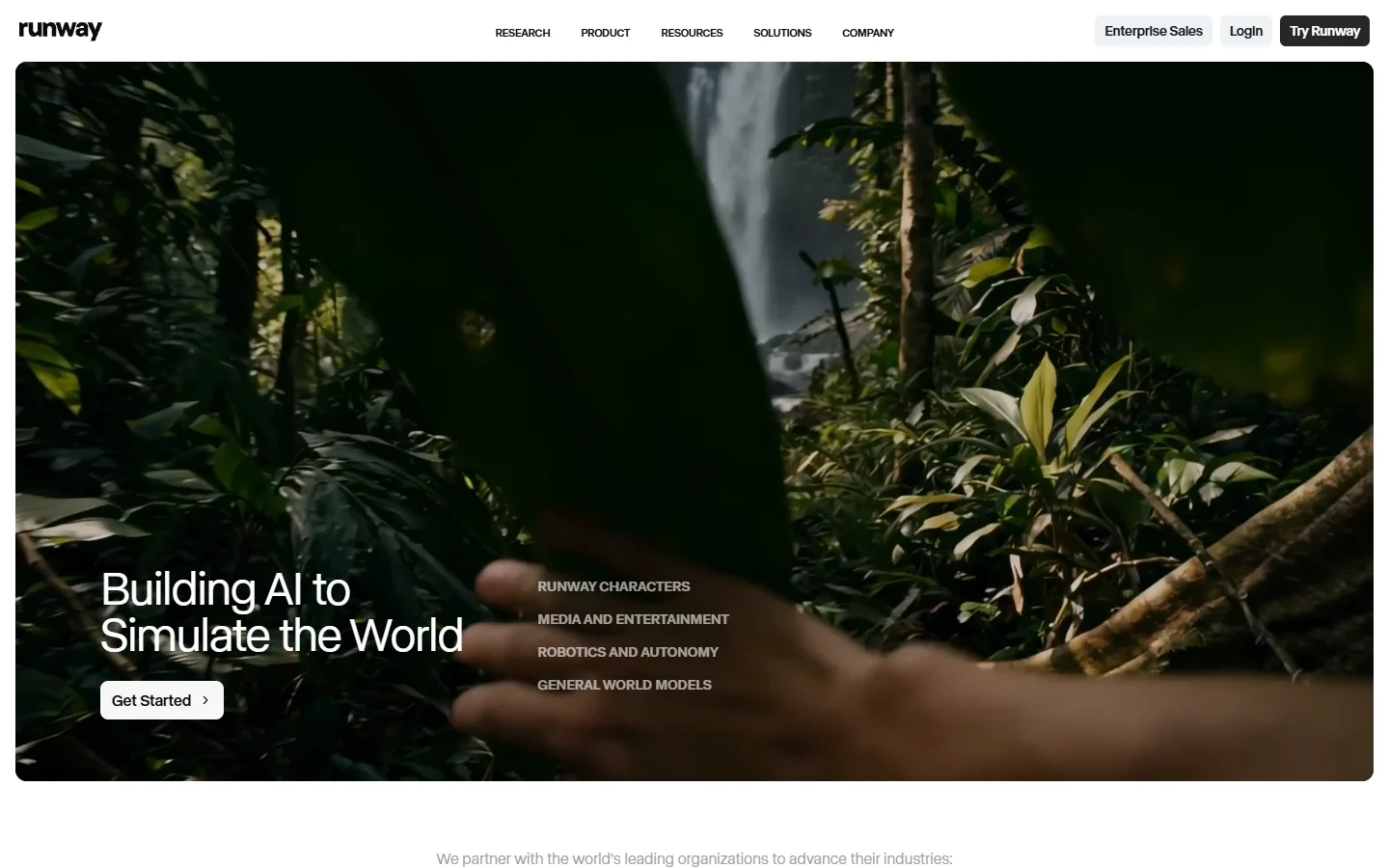
Runway still leads on creative control. Its keyframe system lets you define exact camera movements, lighting shifts, and subject transitions frame by frame. If your project requires precise directorial intent, Runway remains the better pick. But its 16-second ceiling means you are stitching clips for anything longer, and that adds editing overhead. For teams evaluating alternatives to Runway, Kling’s duration advantage is the main draw.
Google Veo 3.1
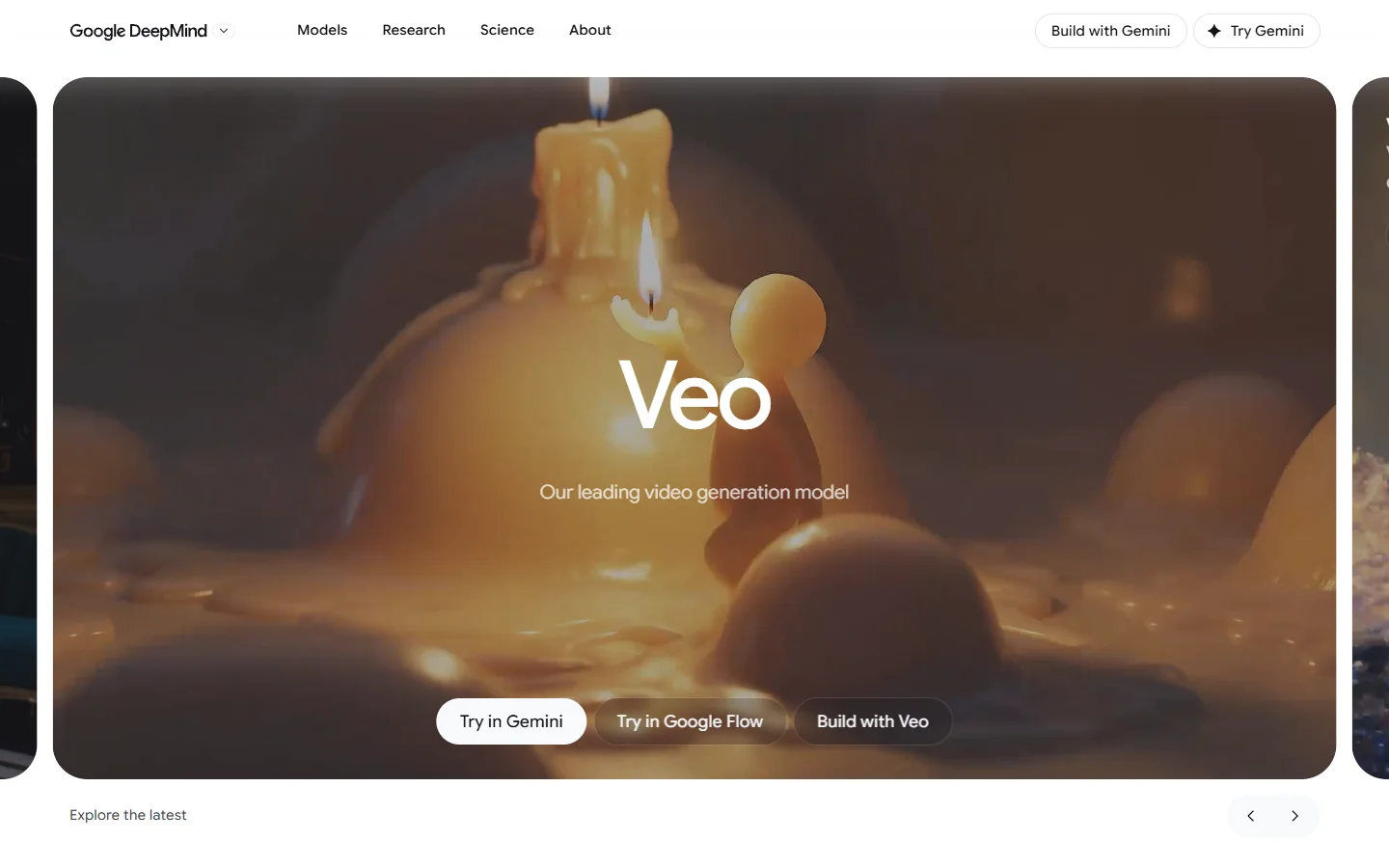
Google Veo 3.1 produces some of the most photorealistic output in the field. Its audio generation is natural and well-synced. The trade-off is clip length: eight seconds is not enough for most standalone deliverables. Veo works best as a source of ultra-high-quality short clips that get assembled in a traditional editor. If you want to see how Veo stacks up against other options, our Google Veo API access guide covers the technical details.
Pika 2.5
Pika is the budget option at around $0.05 per second. Quality is a step below Kling and Veo, especially in complex scenes with multiple subjects. But for simple animations, product spins, and social media clips, Pika delivers acceptable results at roughly half the cost. It pairs well with workflows that start from AI-generated still images as source frames.
OpenAI Sora 2
Sora 2 supports 60-second clips and has a storyboard-style interface that lets you plan multi-shot sequences before generating. Audio generation is English-only but reasonably natural. The main limitation is access: Sora remains gated behind waitlists and usage caps for most users, making it impractical for production pipelines that need predictable video generation throughput.
Using FLUX Stills as Source Frames for Kling
One workflow worth highlighting is pairing a high-quality image model with Kling’s image-to-video mode. Generate a detailed, photorealistic still using FLUX, then feed that image into Kling 3.0 as a first frame. The result inherits the composition and detail of the source image while Kling handles the motion.
This approach solves two problems. First, it gives you precise control over the starting frame, which text-only prompts rarely achieve. Second, it lets you use FLUX’s strength in texture, lighting, and facial detail, areas where Kling’s text-to-image capabilities are less refined. You can read more about this kind of image-to-video pipeline using FLUX and Seedance on this site.
Teams running multi-step creative pipelines often use Wireflow AI to chain image generation and video synthesis into a single automated workflow, avoiding manual file transfers between tools.
Pricing Breakdown
For teams evaluating total cost across social media video creation tools, here is what a 60-second commercial clip costs on each platform:
- Kling 3.0: ~$6 (single generation, no stitching needed)
- Runway Gen-4.5: ~$9 for a single 16-sec clip, ~$36 for four clips stitched to 60 sec
- Google Veo 3.1: ~$7.20 for one 8-sec clip, ~$54 for eight clips stitched to 60 sec
- Pika 2.5: ~$3 for a single clip (quality trade-off)
- Sora 2: ~$4.80 (if access is available)
Kling’s ability to generate a full minute in one pass eliminates the stitching cost that inflates competitor pricing. For marketing video production, this makes a measurable difference to per-unit economics.
FAQ
Is Kling 3.0 better than Runway Gen-4.5? It depends on your priority. Kling wins on clip length, native audio, and cost per second. Runway wins on creative control with its keyframe system. For volume production, Kling is more practical. For precision work, Runway remains stronger. You can compare more options in our Synthesia alternatives roundup.
Can Kling 3.0 generate audio automatically? Yes. Kling 3.0 generates lip-synced dialogue in five languages directly from text prompts. You do not need a separate text-to-speech tool or audio sync step.
What is the maximum video length Kling 3.0 can generate? Five minutes in a single pass, at up to 4K resolution. This is significantly longer than any other major AI video model available in 2026.
How much does Kling 3.0 cost? Approximately $0.10 per second of generated video. A free tier exists but is limited to 720p with watermarks. Paid plans unlock 1080p and 4K output. See how that compares to other tools in our AI ad generator pricing guide.
Does Kling 3.0 support image-to-video? Yes. You can upload a source image as the first frame and Kling will animate it. This works especially well with high-detail stills from dedicated AI image generators.
How does Kling compare to Sora 2? Kling supports longer clips (5 min vs 60 sec), more languages for audio, and higher resolution output. Sora 2 has a useful storyboard interface but remains access-limited. See our complete list of free AI video generators for more alternatives.
Is Kling 3.0 free to use? There is a free tier with 720p output and watermarks. Production-quality output requires a paid subscription. For a broader comparison of free options, see our free AI video generator roundup.
Verdict
Kling 3.0 is the strongest option for teams that need long-form AI video with built-in audio. Its five-minute clip ceiling and native multilingual dialogue set it apart from every competitor. The trade-offs are less granular creative control than Runway and lower peak realism than Veo 3.1, but for most production workflows those gaps matter less than duration and cost efficiency.
For teams building automated content pipelines that chain image generation, video synthesis, and post-production into repeatable workflows, Wireflow’s AI video workflow tools offer a way to orchestrate models like Kling and FLUX without manual handoffs between platforms.