
Brand content takes too long to produce manually, and most marketing teams feel the bottleneck every week. Between product launches, seasonal campaigns, and the constant demand for social posts, the volume of visual assets a brand needs in 2026 has outpaced what even a full creative team can deliver. AI image generation has changed this equation. Tools like the FLUX model family now let you generate campaign-quality visuals from a text prompt, and when you connect those models into repeatable pipelines, you can automate the bulk of brand content creation without sacrificing quality.
This guide covers the practical steps for building an automated brand content workflow, from choosing the right image model to setting up pipelines that produce on-brand visuals at scale. If you have tried free AI image generators and want to move beyond one-off prompting, this is the next step.
Why Brand Content Automation Matters Now
The share of enterprise marketing teams running at least one AI content pipeline in production doubled in the first half of 2026. The reason is straightforward: a single product launch now requires hero images, social crops, email banners, ad variants, and marketplace thumbnails. Creating each of those by hand means hiring more designers or accepting slower turnaround. Neither option scales. Comparing the latest AI image generators shows that models like FLUX 1.1 Pro, Recraft V4, and Nano Banana Lite all produce output sharp enough for commercial use.
Automation does not mean removing human judgment. It means removing the repetitive middle: resizing, recoloring, reformatting, and regenerating minor variations. A designer spends their time on the brief and the final review. Everything between those two steps is where AI image editing tools and generation APIs earn their cost back.
Choosing the Right AI Image Model for Brand Work
Not every image model handles brand content equally well. For product photography and lifestyle imagery, you need a model with strong photorealism. FLUX 1.1 Pro is one of the strongest options here; it handles skin tones, fabric textures, and lighting with enough fidelity that outputs pass for editorial photography after minor retouching.
For illustration, social graphics, and concept art, models like Recraft V4 offer more stylistic control. The key variable is prompt adherence: how reliably the model follows specific instructions about composition, color palette, and subject placement. Using a prompt generator helps standardize inputs so the model produces consistent results across a batch, which matters when you are generating dozens of assets for one campaign.

Consider these factors when selecting a model for brand automation:
- Photorealism vs. stylization: product shots need photorealism; social content can lean stylized. AI picture makers cover both ends of this spectrum.
- Resolution and aspect ratio support: you need 16:9 for YouTube thumbnails, 1:1 for Instagram, 4:5 for Stories
- Prompt consistency: running the same prompt ten times should produce ten usable variants, not five good ones and five off-topic. Effective FLUX prompts demonstrate how to write for reliability.
- API availability: if you are building a pipeline, the model must be callable via API, not locked behind a web UI
Building Your Brand Content Pipeline
A practical brand content pipeline connects three stages: input, generation, and post-processing. The input stage takes a campaign brief, a product description, or a template prompt and formats it for the image model. The generation stage runs the model via API. The post-processing stage handles background removal, upscaling, and cropping for different platforms.
Here is a typical pipeline structure:
- Brief ingestion: pull the campaign brief from your project management tool or a shared document
- Prompt templating: combine the brief with pre-built prompt templates that encode your brand style (color palette, composition rules, subject framing)
- Batch generation: call the image model API with each templated prompt, generating 3-5 variants per asset
- Quality filter: score or manually review outputs, discarding anything off-brand
- Post-processing: resize, crop, add text overlays, and export for each target platform
- Distribution: push final assets to your CMS, DAM, or social scheduler
The teams that get the most value from this approach treat the prompt template as a living document. When the brand evolves, they update the template, not each individual prompt. A workflow-based AI image platform lets you wire these stages together visually, so a non-technical marketer can modify the pipeline without writing code.
Keeping AI Output On-Brand
The biggest failure mode in automated brand content is drift. You generate 50 images and 40 of them feel like your brand, but 10 could belong to anyone. Consistency comes from three layers.
Layer 1: Style guide encoding. Translate your brand guidelines into prompt language. If your brand uses warm earth tones with minimal negative space, your prompt prefix should specify that explicitly. AI photo enhancement tools can correct minor color and tone inconsistencies after generation.
Layer 2: Seed and parameter locking. Most models accept a seed parameter that makes generation deterministic. Locking the seed lets you reproduce a result exactly, which is useful for A/B testing minor prompt changes while keeping everything else constant. Running batch image generation via API explains how to lock parameters at scale.
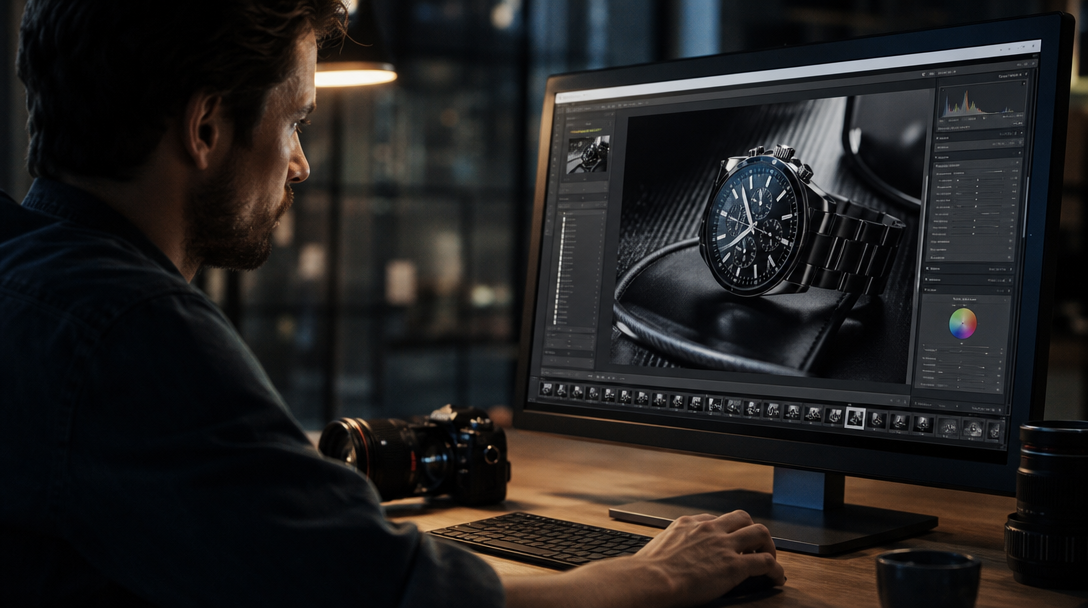
Layer 3: Human review gates. Automate the generation, but keep a human checkpoint before anything goes to production. This can be as simple as a Slack notification with thumbnails that a designer approves or rejects. AI image editors can handle minor fixes like color correction and background swaps without starting over from scratch.
Practical Use Cases
Product photography at scale. E-commerce brands that refresh their catalog seasonally can generate lifestyle shots and flat lays for hundreds of SKUs in a day. Generating AI product images for online stores walks through this workflow in detail.
Social media content calendars. Instead of designing each post from scratch, set up a pipeline that takes your weekly content plan and generates matching visuals in the right dimensions for each platform. AI tools for social media video creation extend this approach to short-form video.
Ad creative variants. Performance marketing teams test dozens of ad variants per campaign. Generating those variants from a single prompt template, then letting the ad platform pick the winner, replaces hours of manual design work. Canva alternatives built for AI-first workflows offer this kind of variant generation natively.
Marketing videos. Brand content is not limited to still images. Short video clips for social ads and product demos can be generated from image frames using image-to-video models. Creating marketing videos with AI covers the current state of video generation for commercial use.
Scaling From Manual to Fully Automated
The transition path matters. Going from zero automation to a fully hands-off pipeline in one step usually fails because the prompt templates are not refined enough to produce consistently on-brand output. A better approach is to start with semi-automated batches. Programmatic image generation platforms provide the API layer you will need once you move past manual generation.
Week 1-2: Generate images manually using the model’s web interface. Identify which prompts produce usable output and which do not. Build a prompt library from effective FLUX prompt patterns that reliably follow your brand guidelines.
Week 3-4: Move to API-based batch generation. Use your prompt library as templates, swapping in campaign-specific variables (product name, background setting, seasonal color). Review every output. Building AI workflows with an API explains the integration patterns for connecting models to your existing tools.
Week 5+: Add post-processing automation (resizing, format conversion, metadata tagging). Reduce the review checkpoint to spot-checking a random sample rather than reviewing every image. No-code AI tools with API access make this stage accessible to non-technical teams.
FAQ
What AI models work best for brand content automation?
FLUX 1.1 Pro excels at photorealistic product and lifestyle imagery. Recraft V4 handles stylized illustrations and graphics well. For most brand content workflows, a photorealistic model covers 70-80% of use cases. Comparing AI image generators helps you evaluate which model fits your brand.
How many images can I generate per day with an automated pipeline?
An API-connected pipeline can generate hundreds of images per hour. The practical limit is usually review capacity, not generation speed. Most teams generate batches of 20-50 images and review them before moving to the next batch. Batch image generation via API covers the technical setup.
Will AI-generated brand content look generic?
Only if your prompt templates are generic. Encoding your specific brand palette, composition style, and subject preferences into prompt prefixes produces output that is visually distinct. The more specific your prompt, the more on-brand the result. AI photo generators for realistic images show the quality ceiling with well-crafted prompts.
Do I need coding skills to build a content automation pipeline?
Not necessarily. Visual pipeline builders let you connect models, post-processing steps, and output destinations by dragging nodes on a canvas. Drag-and-drop AI tools with API cover this approach in detail. If you want fine-grained control over API parameters, basic scripting in Python or JavaScript helps, but it is not required to get started.
How do I handle aspect ratios for different platforms?
Generate at the highest resolution your model supports, then crop and resize in the post-processing stage. Most models support common aspect ratios (16:9, 1:1, 4:5) as generation parameters, so you can also generate natively in each format. AI image editors often include built-in crop and resize tools for this purpose.
Is AI-generated content safe for commercial use?
Models like FLUX and Recraft are licensed for commercial output. Check the specific license terms for the model you choose. Generated images do not carry copyright from training data in most jurisdictions as of mid-2026, but consult legal counsel for high-stakes applications. Understanding FLUX licensing covers the model’s commercial terms.
What does a brand content automation workflow cost?
API pricing varies by model and resolution. FLUX 1.1 Pro typically costs $0.03-0.06 per image at standard resolution. At 100 images per day, that is $3-6 daily, which is a fraction of the cost of a single hour of designer time. FLUX Pro API pricing and code examples has current rate breakdowns.
Conclusion
Automating brand content creation with AI is not about replacing designers. It is about removing the repetitive, time-consuming middle steps so your creative team can focus on strategy and refinement. Start with a strong prompt library that encodes your brand identity, connect it to a reliable image model via API, and add post-processing automation incrementally. If you want to try it free, a visual pipeline builder is the fastest way to connect image generation, post-processing, and distribution into a single automated workflow.