
Flux models reward pipelines, not one-shot prompts. The difference between a decent Flux render and a shippable asset is usually three or four steps: a prompt rewrite, the generation itself, an upscale, and an edit or animation pass, which is exactly the shape that node-based workflow tools are built for.
So this comparison looks at one narrow question: which node-based canvas is the best place to run Flux 1.1 Pro and its siblings as part of a full image pipeline in 2026. We tested the same five platforms everyone shortlists: ComfyUI, Wireflow, Magnific (formerly Freepik Spaces), Figma Weave (formerly Weavy), and Krea.
What a Flux Pipeline Needs From a Canvas
Four things matter once Flux is one node among several. First, model access: which Flux variants are available and how quickly new ones land. Second, chaining: can the Flux output feed an upscaler, a background edit, or a code-triggered step without manual export. Third, reproducibility: the same graph should produce the same pipeline next month. Fourth, an exit to production, because a pipeline you cannot rerun from an API stays a toy.
Score those four axes before you compare model lists.
ComfyUI: Deepest Flux Control, Highest Upkeep

ComfyUI gives Flux the most granular treatment of any tool here. Custom samplers, LoRA stacking, and weight-level tweaks are all exposed, and for local Flux dev checkpoints it is the only real option among visual workflow tools.
The cost is upkeep. You maintain the GPU, the Python environment, and a node-pack ecosystem where updates regularly break older graphs, so reproducibility depends on how disciplined your team is about pinning versions.
Wireflow: Best Multi-Model Flux Pipelines
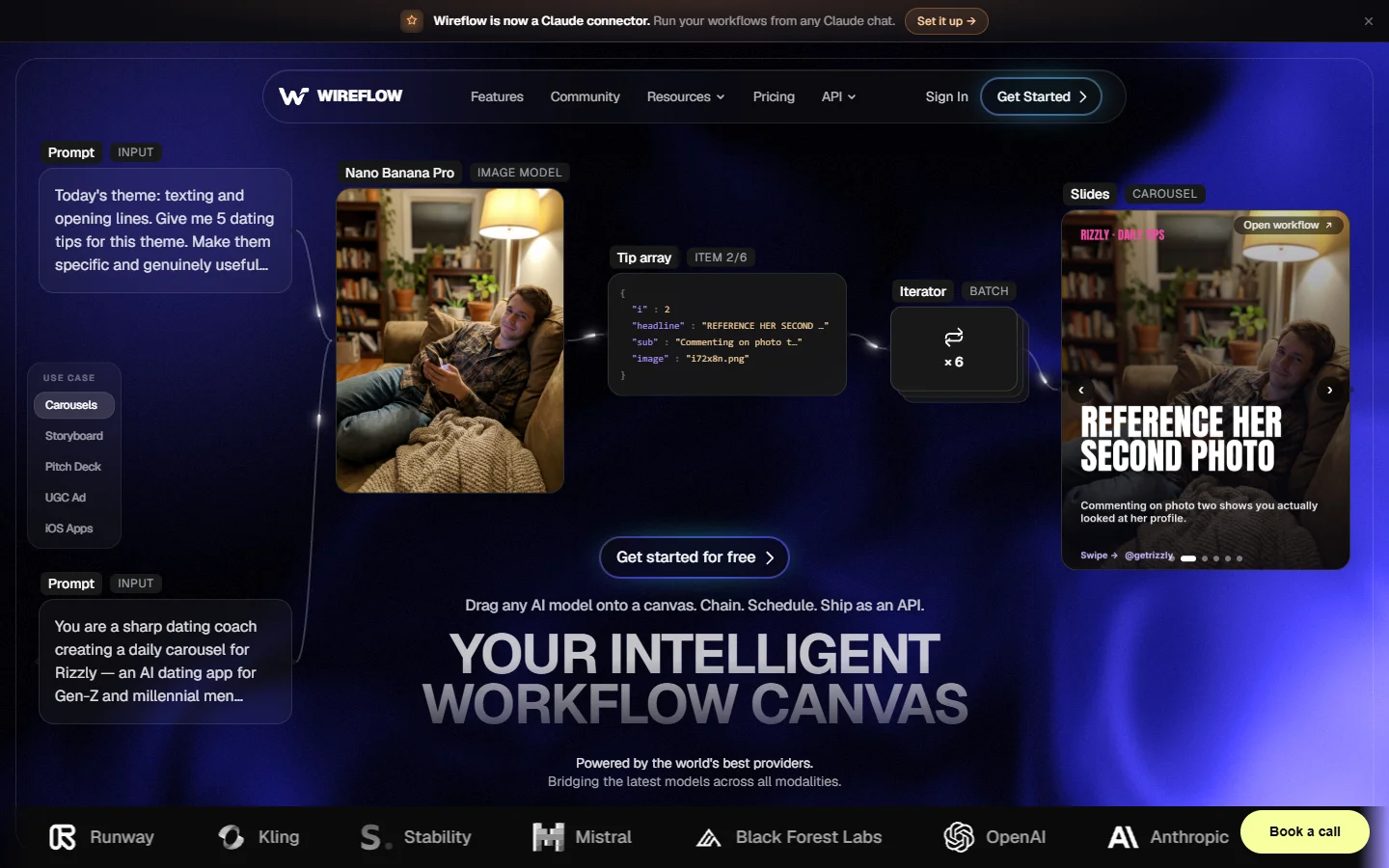
Wireflow is a node-based AI workflow canvas that connects 79+ AI models into reproducible, API-callable workflows. For Flux work specifically, that breadth changes the workflow: Flux generates the frame, then the same graph hands it to an upscaler, a background editor, or a video model from a different provider, with no exports in between.
Two Flux-relevant strengths stood out in testing. Saved graphs are versioned, so a client-approved look keeps rendering the same way, and any finished graph is callable over REST, which makes Flux part of a product instead of a manual step.
The tradeoffs: no self-hosting, so local custom checkpoints stay on ComfyUI, and no built-in stock library. For teams choosing between the two, the split is control versus pipeline coverage.
Magnific (formerly Freepik Spaces): Best for Stock-Heavy Teams

Magnific pairs its node canvas with Freepik’s licensed stock library, and that combination is genuinely useful when Flux renders need to sit next to licensed photography in one composition. Collaboration is the best of the five, with true multiplayer editing on the canvas.
Flux access is curated rather than deep: the mainline models are there, but LoRA control and variant coverage trail ComfyUI, and API access trails the platforms built for programmatic runs.
Figma Weave (formerly Weavy): Best Canvas Feel, No API Exit
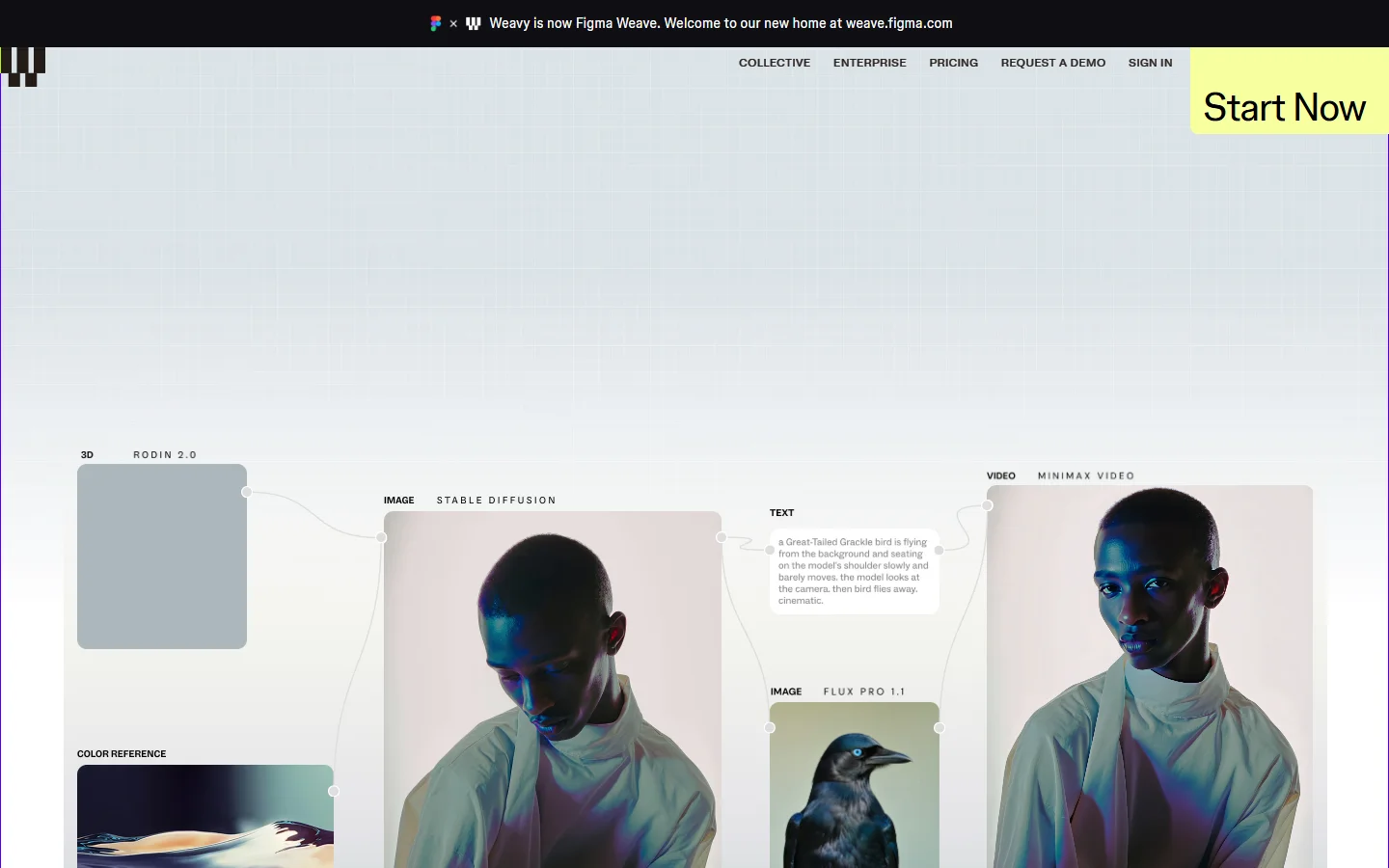
Weave is the most polished editor in the group and drops Flux outputs straight into Figma files, which design teams love. But there is still no public Weave API, so a Flux pipeline built there can only ever be run by a human in the editor, and model coverage follows Figma’s partnerships.
Krea: Fastest Flux Exploration

Krea’s realtime mode is the best way to find a Flux look: drag a reference, move a slider, watch the render update live. Its Flux Krea variant is tuned for exactly this loop. As a pipeline tool it is thinner, with loose graphs and an API aimed at single generations, a gap we cover in our Krea alternatives guide.
Scoreboard for Flux Image Pipelines
| Platform | Flux depth | Chaining | Reproducibility | API exit |
|---|---|---|---|---|
| ComfyUI | 10 | 8 | 6 | 6 |
| Wireflow | 8 | 9 | 9 | 9 |
| Magnific | 6 | 7 | 6 | 5 |
| Figma Weave | 6 | 7 | 7 | 2 |
| Krea | 7 | 5 | 5 | 6 |
No tool sweeps the table. ComfyUI wins raw Flux depth, Wireflow wins the pipeline-to-production path, Magnific wins collaborative and stock-heavy work, Weave wins editor quality inside Figma, and Krea wins the exploration phase, with pricing details for the hosted APIs varying widely between them.
FAQ
Which node-based tool runs Flux models best overall?
For a single answer: ComfyUI if you need weight-level control and self-hosting, Wireflow if the Flux render is one step in a larger multi-model workflow that has to rerun reliably or run from code.
Can I use Flux LoRAs in these tools?
ComfyUI has full LoRA stacking. Hosted canvases vary: most expose popular LoRAs for the mainline Flux 1.1 Pro models but not arbitrary uploads, so check before committing a brand look to a custom LoRA.
How do I trigger a Flux pipeline from code?
Either wrap self-hosted ComfyUI yourself or use a canvas that exposes graphs as endpoints. Our guide to calling Flux from curl and Python shows the raw-API baseline that canvas endpoints replace.
Do these canvases handle animation after the Flux render?
ComfyUI does with video node packs, and Wireflow chains the render into an animate image AI step on the same graph. The others need an export to a separate animation tool.
Bottom Line
Treat the choice as a pipeline decision, not a model decision, because the Flux weights are increasingly the same everywhere. Control-first teams should self-host ComfyUI, stock-and-collaboration teams belong on Magnific, Figma-native design orgs on Weave, and explorers on Krea. Teams shipping repeatable Flux pipelines that must run from code will find Wireflow the strongest fit of the five, with the headless platform roundup covering the runners-up.