
Free AI image generators have reached a point where the gap between a paid subscription and a free tier is smaller than most people assume. The real differences in 2026 are daily limits, watermarks, commercial licensing, and how well each model follows a prompt. We compared the most capable free options side by side, the same way we approached our broader roundup of AI image generators, but this time strictly through the lens of what you can get without paying.
This comparison covers six tools we tested with identical prompts: Microsoft Designer, Canva, Adobe Firefly, Leonardo AI, Ideogram, and DeepAI. We also cover the open-weights route with FLUX models, which remains the only truly unlimited free option if you have the hardware.
What “free” actually means in 2026
Every tool on this list calls itself free, but the terms vary a lot. Before picking one, check these four things, the same criteria we used in our free AI image generator guide:
- Daily or monthly credits. Most free tiers cap you between 10 and 25 generations per day.
- Watermarks. Some tools watermark free outputs, others do not.
- Commercial rights. A few free tiers explicitly allow commercial use; many leave it ambiguous.
- Model quality. Free tiers often route you to a faster, lower-quality model variant.
Microsoft Designer
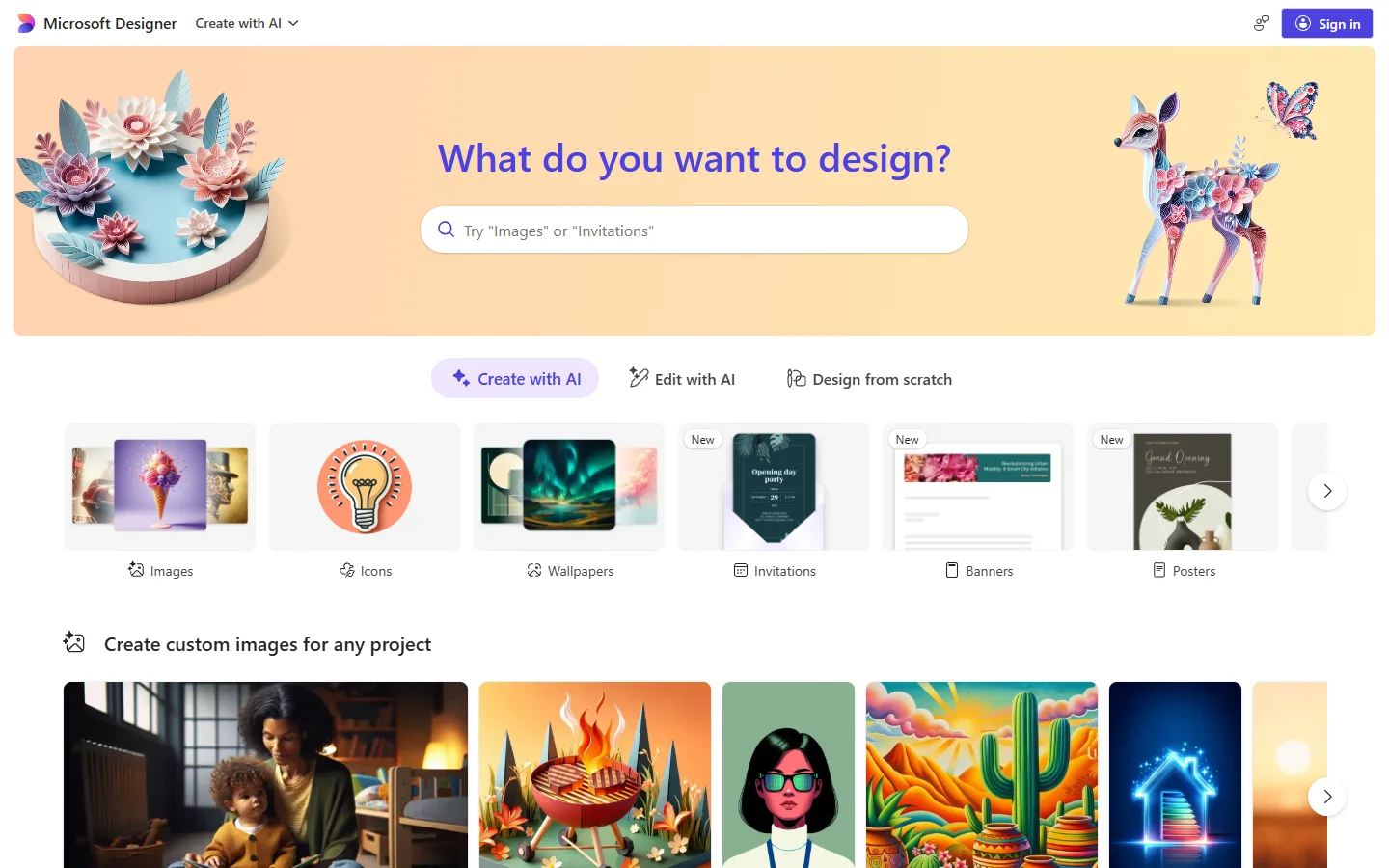
Microsoft Designer has one of the most generous free tiers available right now: roughly 15 fast generations per day, with slower unmetered generations after that. It runs on OpenAI image models and handles graphic-design style prompts (posters, cards, social posts) better than raw photorealism, which is where dedicated photo models like the ones in our realistic AI photo generator comparison still pull ahead.
Canva
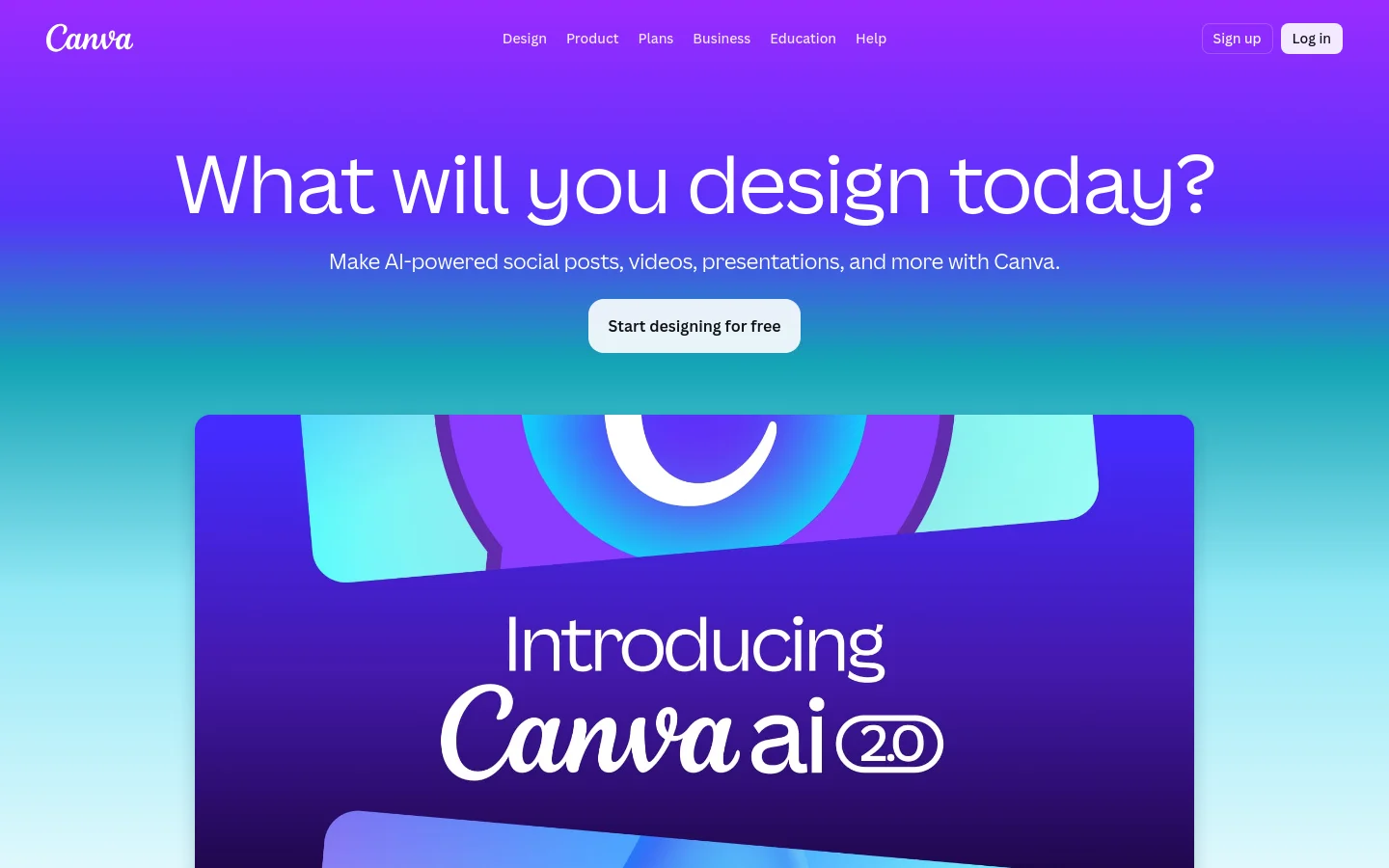
Canva bundles its image generator into the wider design suite, which is its biggest strength and its biggest limitation. Generation quality is mid-tier, but the output drops straight into a working canvas with text, layout, and brand tools. If your end goal is a finished social graphic rather than a standalone image, the integrated path saves more time than a better raw generator would, especially combined with cleanup utilities like the ones in our free background remover roundup.
Adobe Firefly
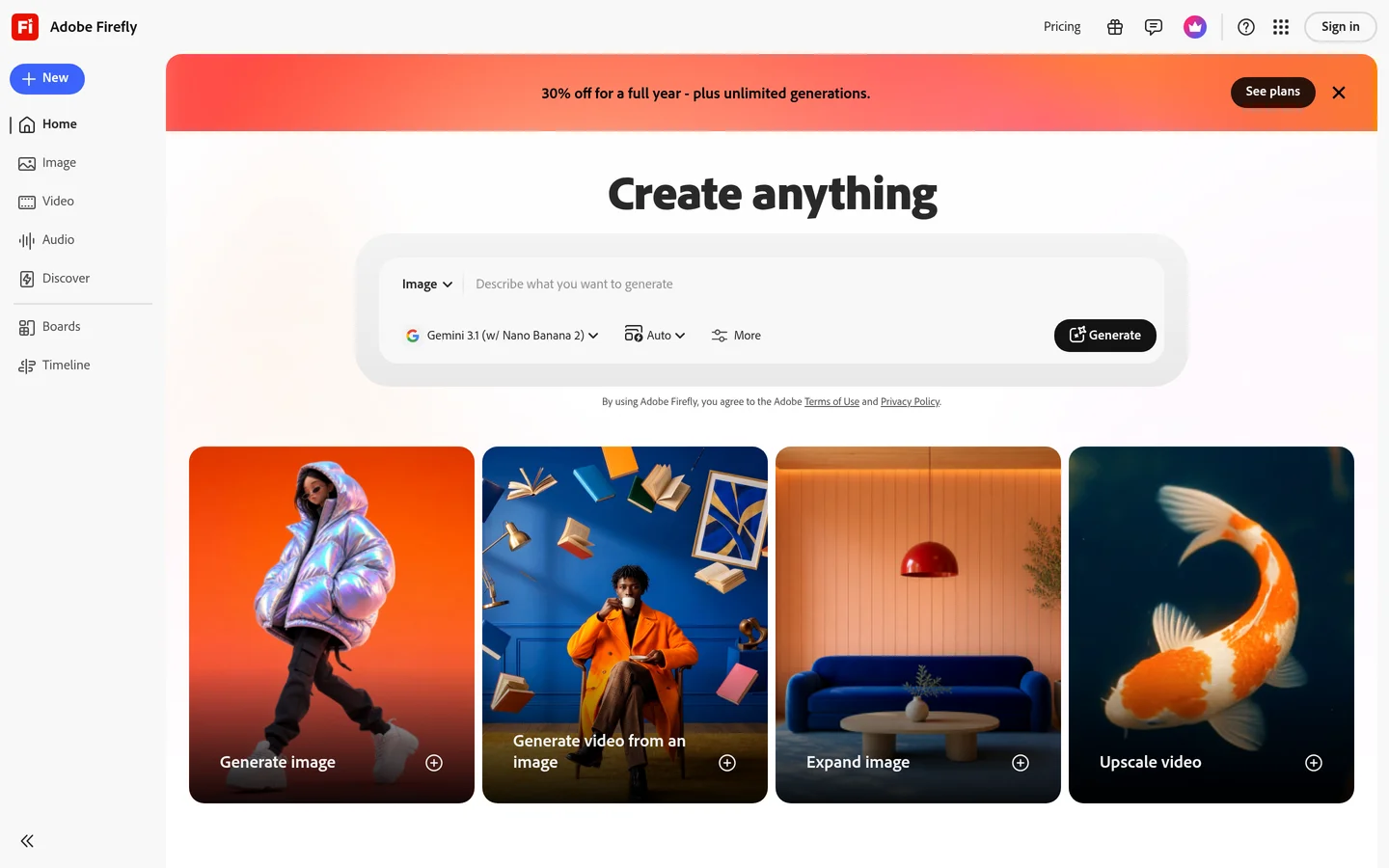
Adobe Firefly is the clear pick when licensing matters. Adobe trained Firefly on licensed stock and grants explicit commercial-use rights even on the free tier, which no other tool on this list states as plainly. Output quality on photoreal prompts is strong, and the free monthly credit allowance is enough for occasional client work where you need the legal footing more than volume.
Leonardo AI
Leonardo AI gives free users a daily token allowance and the widest model selection of any tool here: photoreal, anime, concept art, fantasy, and product photography presets. That variety makes it the best free option for stylized work, similar to the range we explored in our guide to creating digital art with AI generators.
The catch is that daily tokens run out fast on the higher-quality models, and free generations are public by default. For private commercial work, like the use cases in our professional AI headshots guide, you will hit the paid wall quickly.
Ideogram
Ideogram owns one niche outright: text inside images. Logos, posters, badges, and product mockups with readable lettering come out correct far more often than with any competitor. Its free tier includes a daily batch of slow-queue generations without a watermark.
If your prompts rarely involve text, Ideogram’s general image quality is good but not category-leading, and prompt phrasing matters more here than elsewhere. A structured approach like the one in our FLUX prompt generator workflow translates well to Ideogram’s prompt style.
DeepAI
DeepAI is the most barebones tool on this list, and that is the appeal. No account is required for basic generations, the interface is a single prompt box, and there are no daily limits at standard quality. Output resolution and detail trail every other tool here, so treat it as a sketching and ideation tool rather than a finals generator.

The open-weights option: FLUX
If you have a GPU with 12 GB or more of VRAM, running FLUX locally removes every limit at once: no credits, no watermarks, no queue. FLUX Schnell is free for commercial use under its license, and quality beats most hosted free tiers, especially for faces and hands, an area we tested in depth in our guide to generating realistic AI faces for free.

The tradeoff is setup time and hardware. For most people a hosted tool is still the practical default, but local FLUX is the only option on this list where “free” has no asterisk. Hosted FLUX 1.1 Pro access through API platforms is the middle ground when local hardware is not an option.
Comparison table
| Tool | Free limit | Watermark | Commercial use | Best for |
|---|---|---|---|---|
| Microsoft Designer | ~15 fast/day | No | Personal focus | Social graphics, generous volume |
| Canva | Limited credits | No | With conditions | Designs, not standalone images |
| Adobe Firefly | Monthly credits | No | Yes, explicit | Licensed commercial work |
| Leonardo AI | Daily tokens | No | Public outputs | Stylized art, model variety |
| Ideogram | Daily slow queue | No | Yes | Text inside images |
| DeepAI | Unmetered standard | No | Ambiguous | Quick drafts, no signup |
| FLUX (local) | Unlimited | No | Yes (Schnell) | Full control, no limits |
How to choose and combine them
In practice, the strongest free setup is a combination rather than a single tool: Ideogram for anything with text, Firefly when a client needs clean licensing, and Designer or local FLUX for daily volume. Chaining tools is also where independent comparisons agree; the team at www.wireflow.ai reached similar conclusions in their own free-generator comparison, testing the same tools from a workflow angle rather than one-off prompts.
A simple weekly routine that stays entirely free:
- Draft compositions in DeepAI or Designer, where volume is cheapest.
- Re-run the best prompts in Leonardo or local FLUX for final quality.
- Use Ideogram for any frame that needs readable text.
- Keep Firefly for deliverables where commercial rights must be documented.

FAQ
Which free AI image generator has the highest quality output?
For photorealism, local FLUX and Adobe Firefly lead this group. Among fully hosted free tiers, Leonardo’s higher-quality models produce the best results while your daily tokens last, consistent with what we found across Midjourney alternatives.
Can I use free AI images commercially?
It depends on the tool. Firefly and Ideogram allow it, FLUX Schnell’s license permits it for local generations, and Canva allows it with conditions. DeepAI and some others leave it ambiguous, so check the current terms before shipping client work.
Which tool is best for images with text in them?
Ideogram, and it is not close. Its text rendering accuracy is the main reason to keep it in rotation even if you prefer another generator for everything else; our FLUX prompt collection covers phrasing patterns that improve text accuracy across models.
Do free tiers watermark images in 2026?
Less than they used to. None of the six hosted tools in this comparison watermark standard free outputs, though some reserve their best models for paid plans instead.
Is running FLUX locally actually free?
Yes, if you already own the hardware. The model weights cost nothing and FLUX Schnell allows commercial use. The practical cost is a capable GPU and the time to set up a text-to-image pipeline yourself.
How many free images can I generate per day?
Roughly 15 with Microsoft Designer’s fast queue, a token-limited batch with Leonardo, a slow-queue batch with Ideogram, and effectively unlimited with DeepAI at standard quality or FLUX locally.
Conclusion
The free tier landscape in 2026 rewards specialization. No single free tool wins every category, but a rotation of three or four covers professional needs surprisingly well: Firefly for licensing, Ideogram for text, Designer or DeepAI for volume, and local FLUX when you want zero limits. For a second opinion that reaches the same tools from a different testing method, the comparison published by Wireflow AI is worth reading alongside this one before you settle on a stack.