
White label AI video software lets an agency or SaaS product sell generated video under its own name, with no vendor logo on the export and no third-party login for the client. In 2026 the useful options fall into three groups: rendering APIs that never show a user interface, embeddable editor SDKs, and finished platforms with reseller or agency plans. Most of the visual quality in all three still comes from the still images you feed them, which is why this blog keeps coming back to the FLUX AI image generator even when the output is a moving clip.
This guide looks at six tools through that image-first lens: what the client sees, where the vendor brand leaks through, and how easily a FLUX still becomes the first frame. For unbranded generation beyond video, see the explainer on a white label AI generation platform.
What white label means for AI video in 2026
Sales pages stretch the phrase, so it helps to separate three levels. The first is watermark-free output: the file is clean, but your client logs into the vendor’s app. The second is custom branding: your logo and colors sit on top of the vendor’s interface. The third is full white label: your product calls an API or embeds an SDK, and the client never learns which vendor rendered the video.
Only the third level survives a client asking “what are you using?” It also needs the most engineering, because you own the interface, the job queue and the billing, the same trade-off teams hit when they embed AI generation in a SaaS product.
Why the image step decides how branded the video looks
Most AI video in client work starts from a still. An AI product photo becomes a slow push-in, and a key visual becomes a six-second ad. When that still comes from a stock library or a generic template, every client’s video looks the same, which defeats the point of selling it under your own brand.

Generating the first frame yourself fixes that. A prompt locked to the client’s product, palette and lighting gives the video model a distinctive starting point, and models like FLUX 1.1 Pro hold product detail well enough that the frame survives the animation step.
The white label AI video tools worth testing
Each tool below can deliver video without the vendor name reaching the end client, at least at some tier. They run from most to least engineering on your side.
Shotstack
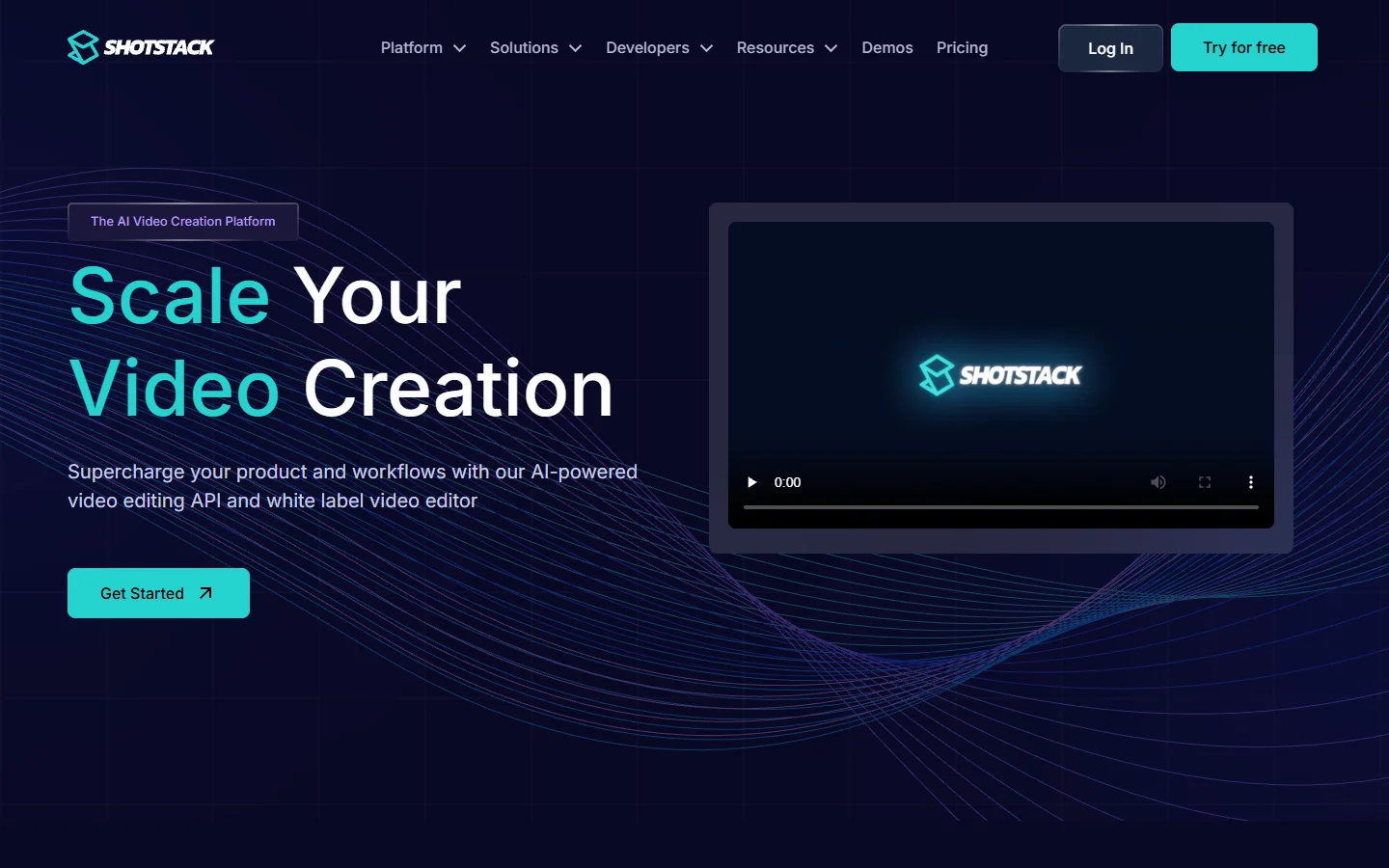
Shotstack is a cloud video editing API that also sells a white label editor you can drop into your own app. You describe a timeline in JSON and the API returns a rendered file. It fits teams that generate images and voice elsewhere and need to assemble them into finished MP4s, a pattern covered in the guide to a video assembly API.
Creatomate
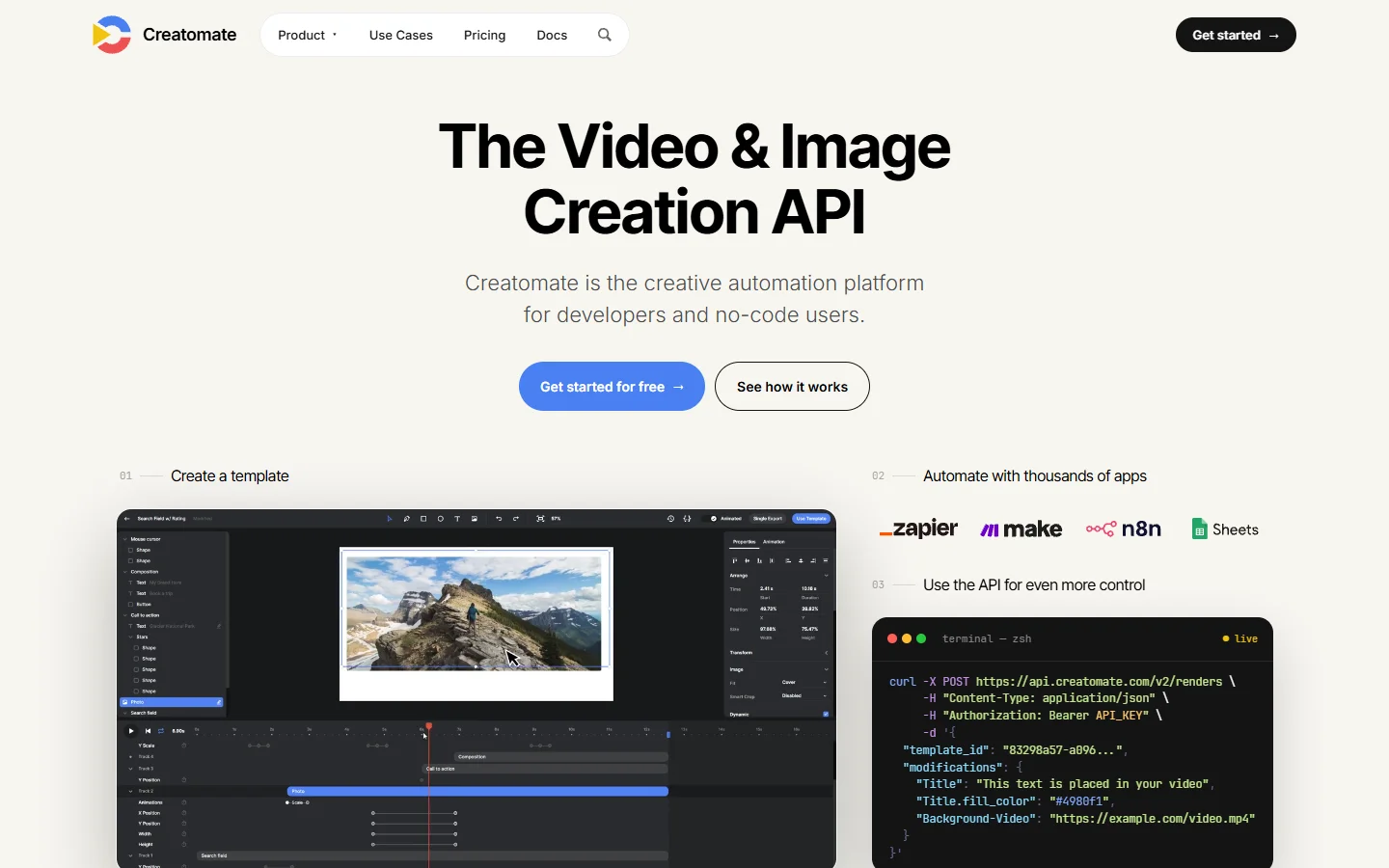
Creatomate is a template-driven video and image API. You design a layout once in its editor, then send JSON that swaps text, images and colors to produce variants. Because it renders both stills and video from the same template, it pairs well with a FLUX step that produces one hero image per product and then fans out into formats.
Banuba Video Editor SDK
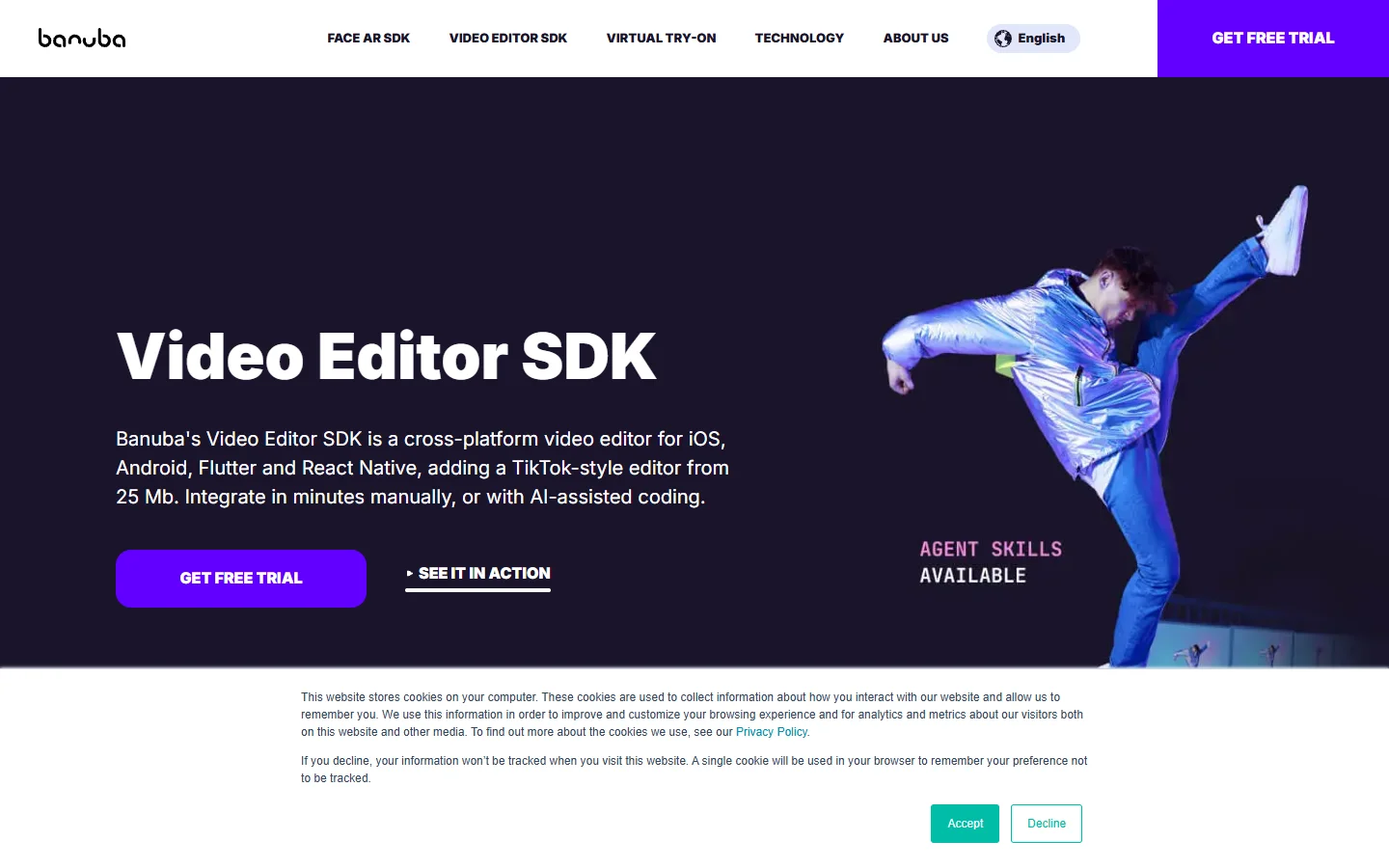
Banuba sells a video editor SDK for iOS, Android, Flutter and React Native that sits fully inside your own app, starting from a 25 MB core. It is the right shape when your clients edit on their phones and the editor itself is the product. Licensing is quote-based, so it suits funded apps more than small agencies, and it pairs with a multi-tenant AI image generation backend when each customer needs separate assets.
Plainly
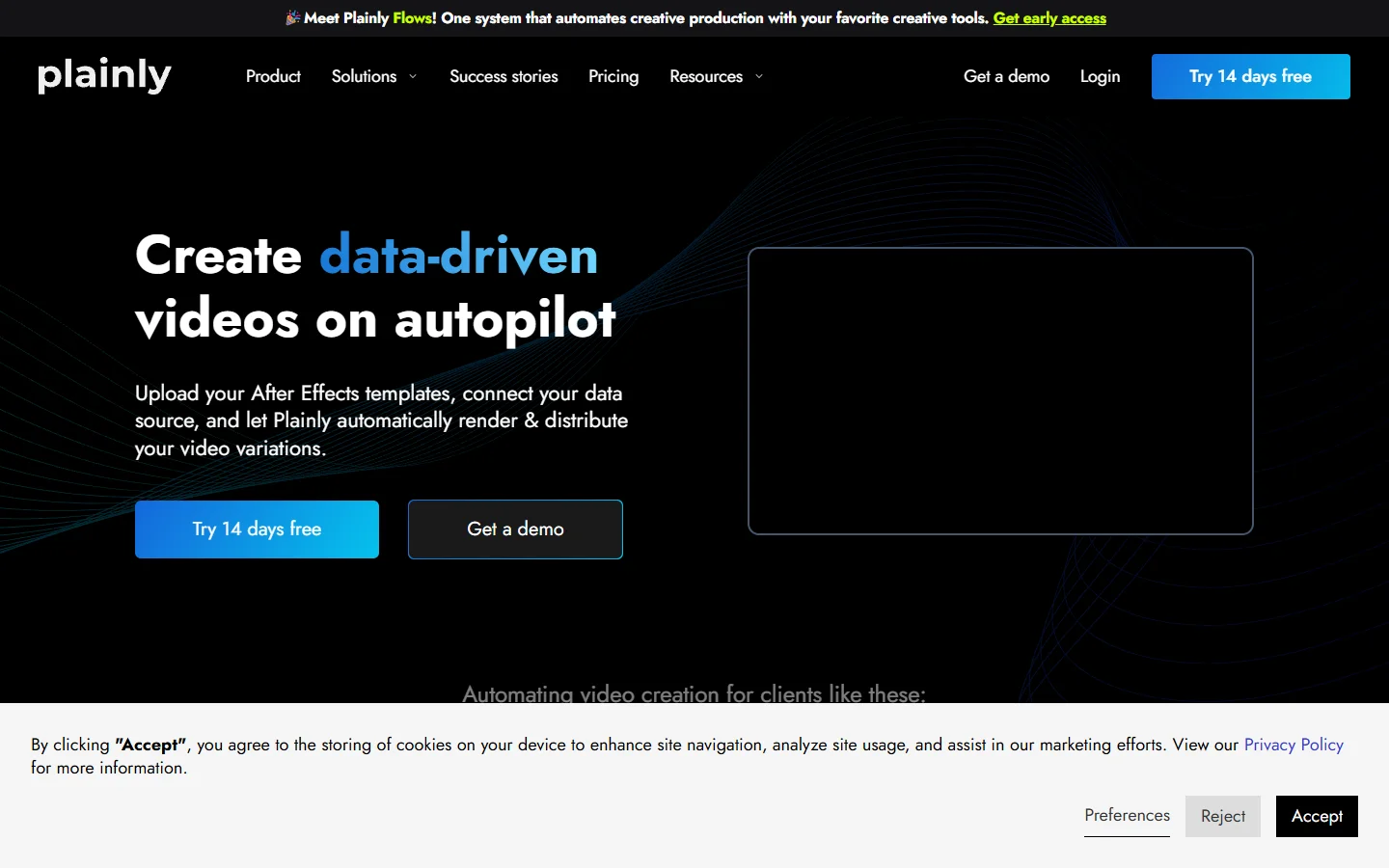
Plainly automates After Effects templates: you upload a project, connect a data source, and it renders a video per row, so motion designers keep their craft without the manual exports. The trade-offs against similar renderers are laid out in the roundup of Plainly alternatives.
Viddyoze
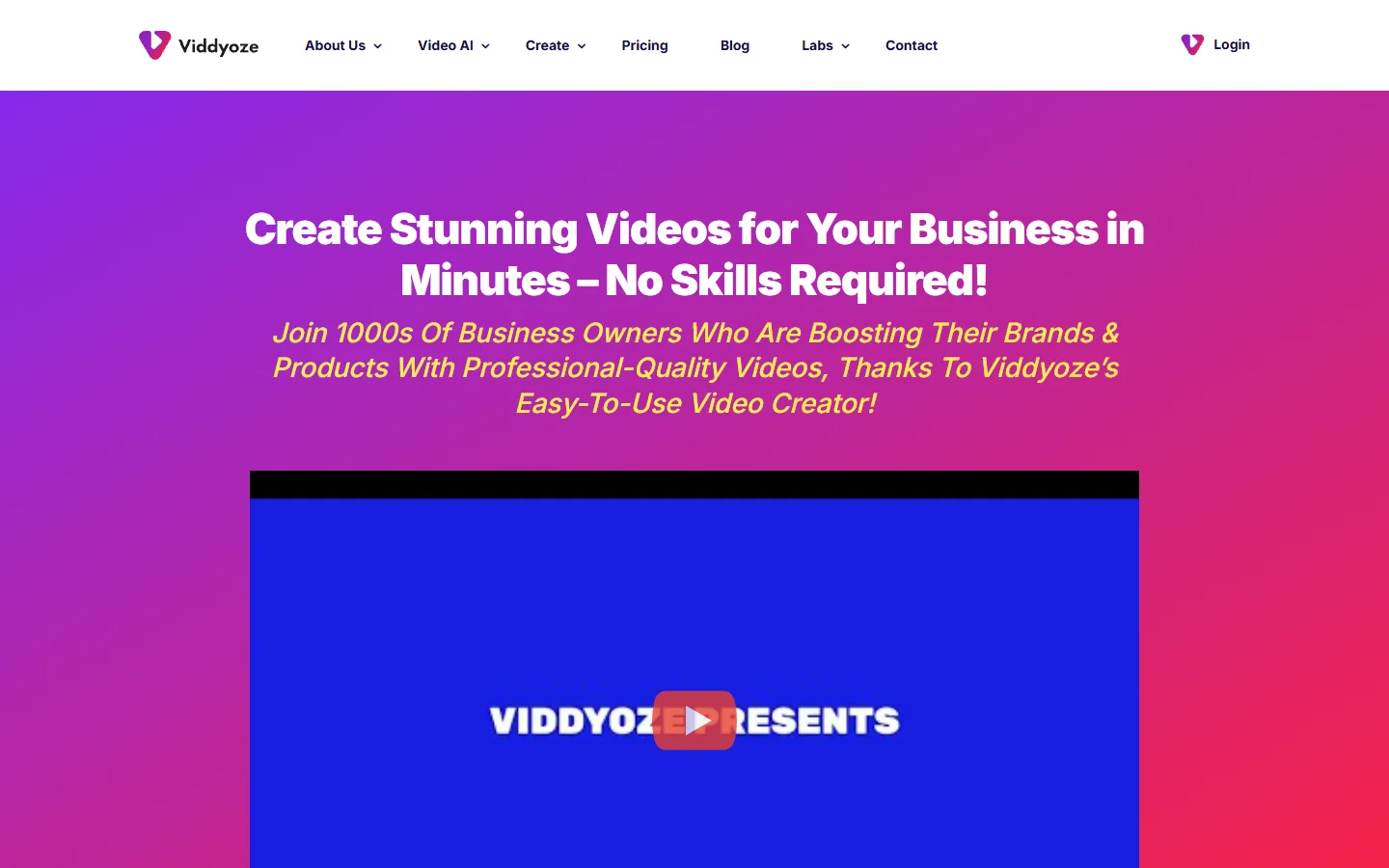
Viddyoze is a template library for logo reveals, intros and short promos, with an agency tier that grants commercial rights to resell the output. Nothing here is generated from scratch, so it works best as the finishing layer on top of your own imagery rather than as the main engine.
Synthesia
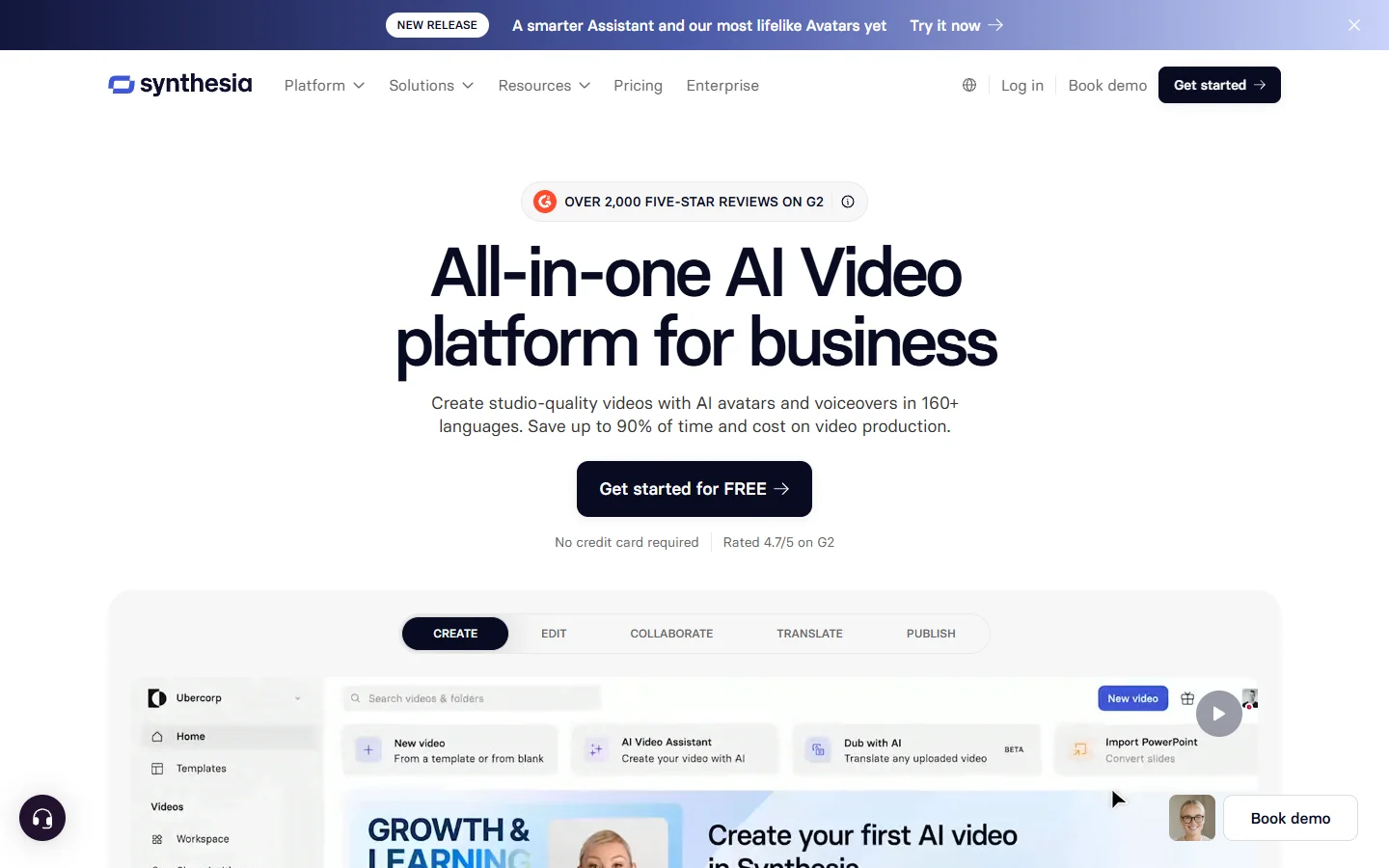
Synthesia produces avatar presenter videos with voiceovers in more than 160 languages, plus brand kits for fonts, colors and logos. The exported file carries your branding, but the creation interface is Synthesia’s own, so it sits at level two rather than full white label. Teams that need a presenter without that limitation can compare options in the list of Synthesia alternatives for avatar videos.
Comparison table
The table below summarizes the white label level each tool reaches and how it bills. Pricing on every one of them moves with volume, so treat the billing column as a model rather than a quote, and check the notes on usage-based AI API pricing before you set client prices.
| Tool | Type | White label level | Client sees vendor? | Billing model |
|---|---|---|---|---|
| Shotstack | Rendering API plus editor | Full | No | Render minutes |
| Creatomate | Template API | Full | No | Render credits |
| Banuba | Mobile editor SDK | Full | No | Annual license |
| Plainly | After Effects rendering | Full via API | No | Render volume |
| Viddyoze | Template library | Output only | Yes, at creation | Subscription |
| Synthesia | Avatar platform | Branded output | Yes, at creation | Seats plus minutes |
The API tools reach full white label but ship no generation of their own, while the platforms generate content but keep their interface in front of the client. That gap is why many studios pair a rendering API with a separate image model, as in the guide to a programmatic video generation platform.
How to set up an image-first white label pipeline
A setup that keeps both quality and branding under your control looks like this:

- Write one reusable prompt per client that fixes the product description, palette, lens and lighting, and store it with the client record. A FLUX prompt generator speeds up the first draft.
- Generate the key frame with an image model and review it before any video credits are spent, since fixing a still costs far less than re-rendering a clip.
- Send the approved still to an image-to-video model for motion, keeping clips short so the product stays accurate.
- Assemble captions, music and the client’s end card through a rendering API such as Shotstack or Creatomate.
- Deliver from your own domain and storage, with no vendor name in file names, links or notification emails.
FAQ
What is white label AI video software?
It is video generation or editing software you can resell under your own brand. At full white label, the vendor’s name does not appear on the export, the interface or any client-facing email, which usually means you work through an API or SDK such as the ones in the AI generation API for SaaS apps guide.
Is watermark-free the same as white label?
No. A watermark-free file only removes the logo from the video itself, while the client may still sign into the vendor’s app. White label also removes the vendor from the interface, links and billing, a distinction the guide to an AI video generator with no watermark explains in more depth.
Which tool should an agency start with?
Most agencies start with a template API such as Creatomate or Shotstack, because it needs little engineering and keeps the vendor invisible. When we tried the same FLUX product still across several of these tools, only the API-first setups left nothing on the export or share link that pointed back to the vendor, which matches what Wireflow’s white label video comparison found when it ranked the category by how completely the vendor disappears.
Can I use FLUX images inside white label videos commercially?
Yes, as long as the model license and the platform you run it on allow commercial use. FLUX 1.1 Pro through the official API is licensed for commercial output, and the overview of FLUX 1 lists which variants carry which terms.
How do white label video tools usually charge?
APIs bill per render minute or per credit, SDKs use annual or monthly active user licenses, and platforms charge per seat. Agencies typically mark up the per-video cost several times and bundle it into a monthly retainer.
Do I need a developer to run a white label video service?
For template platforms, no. For full white label through an API or SDK, someone has to build the upload flow, the queue and the delivery page, although no-code tools cover much of it, as shown in the guide to building AI workflows without code.
Conclusion
The best white label AI video software in 2026 depends on how much of the product you want to own. Rendering APIs like Shotstack, Creatomate and Plainly give full invisibility in exchange for building the interface, Banuba fits mobile apps, and Viddyoze and Synthesia trade some brand control for speed. Whatever you pick, the still you start from decides whether the result looks like your client or like a template. The latest AI video generators roundup is a good next read for the motion step.