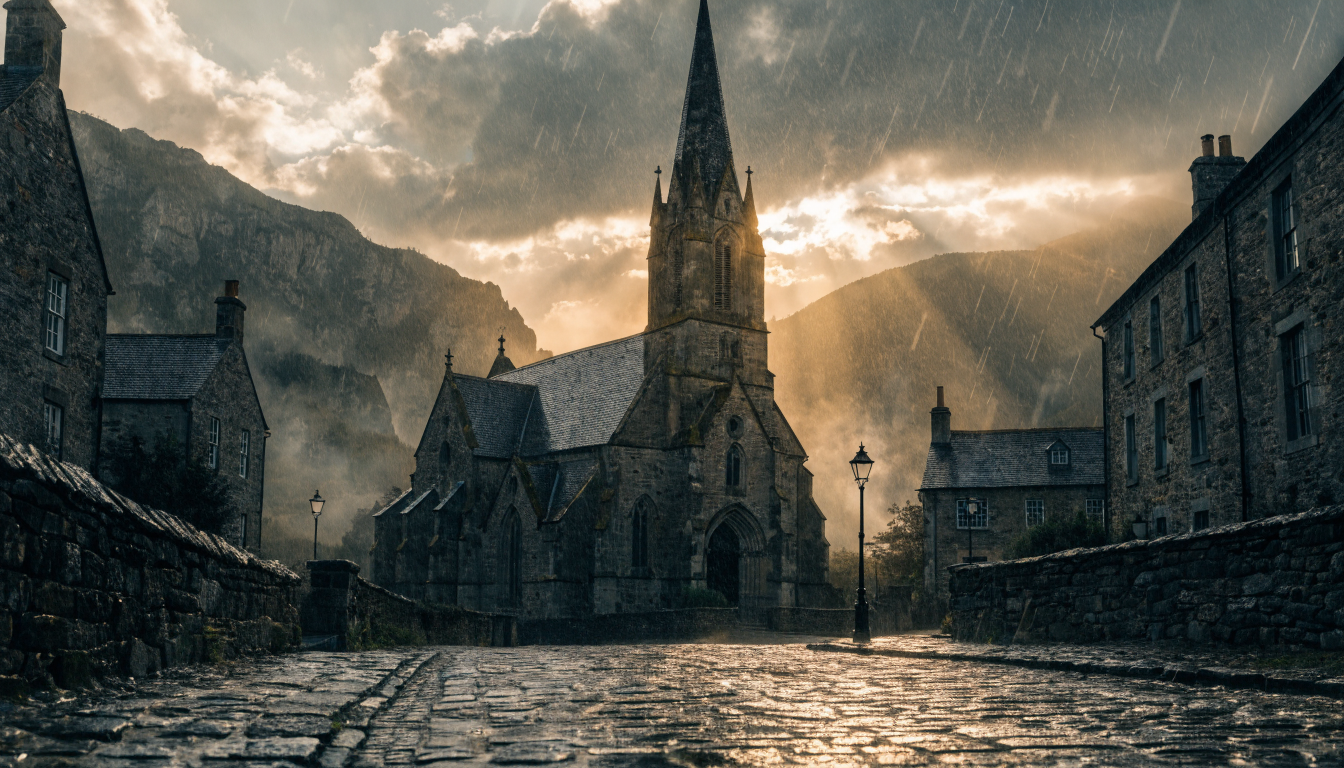
AI-generated video has gone from a novelty to a practical tool for creators, marketers, and small teams who need professional-looking clips without a production budget. Several platforms now let you generate videos from text prompts at no cost, with results that rival what paid software delivered just a year ago.
This guide covers the strongest free AI video generators available right now, what each one does well, and how to pick the right tool for your project.
What to Look for in a Free AI Video Generator
Before jumping into specific tools, it helps to know what separates a useful free tier from a frustrating one. The factors that matter most when evaluating AI generation tools include:
- Daily or monthly credit limits and how many generations those credits buy
- Maximum video duration (most free tiers cap at 5-10 seconds)
- Output resolution (720p vs 1080p matters for social content)
- Watermark policy (some add visible branding to free outputs)
- Input types supported (text-to-video, image-to-video, or both)
With those criteria in mind, here are the tools worth trying in 2026.
Kling AI
Kling AI from Kuaishou has quickly become one of the most capable free options for text-to-video and image-to-video generation. The free tier provides roughly 66 credits per day, enough for several short clips.
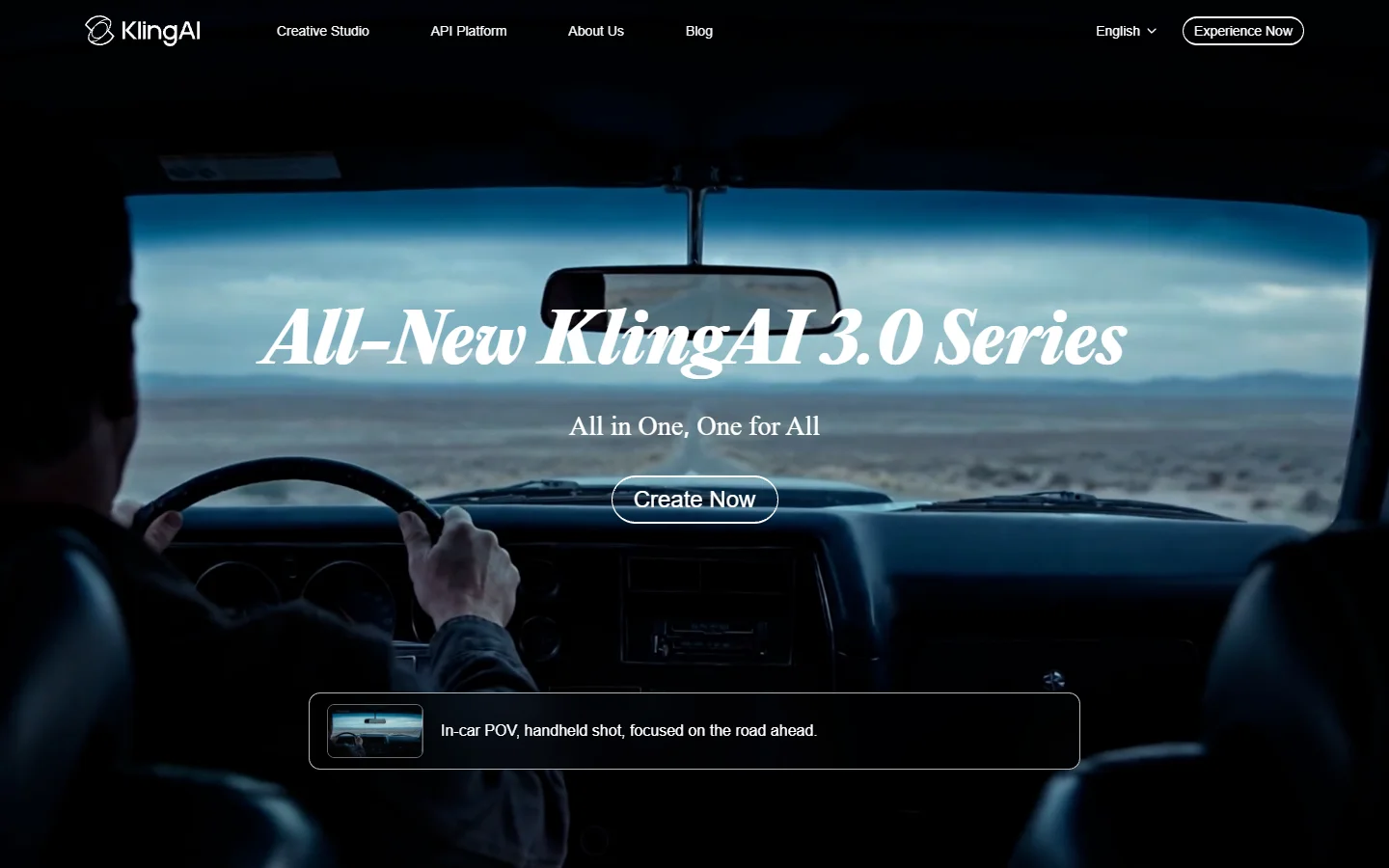
Kling handles motion and physics better than most competitors at this price point. Character consistency across frames is noticeably stronger than what you get from older models, and the platform supports both text prompts and reference images as inputs. Free outputs go up to 5 seconds at 720p without watermarks, which is sufficient for social media clips and prototyping. If you are already familiar with AI-powered image models like FLUX, the prompting workflow will feel similar.
Pika
Pika focuses on making AI video generation as simple as possible. The interface is clean, the learning curve is minimal, and you can start generating within seconds of signing up. For creators who want to experiment with different visual styles and prompting approaches, Pika is one of the fastest ways to iterate.
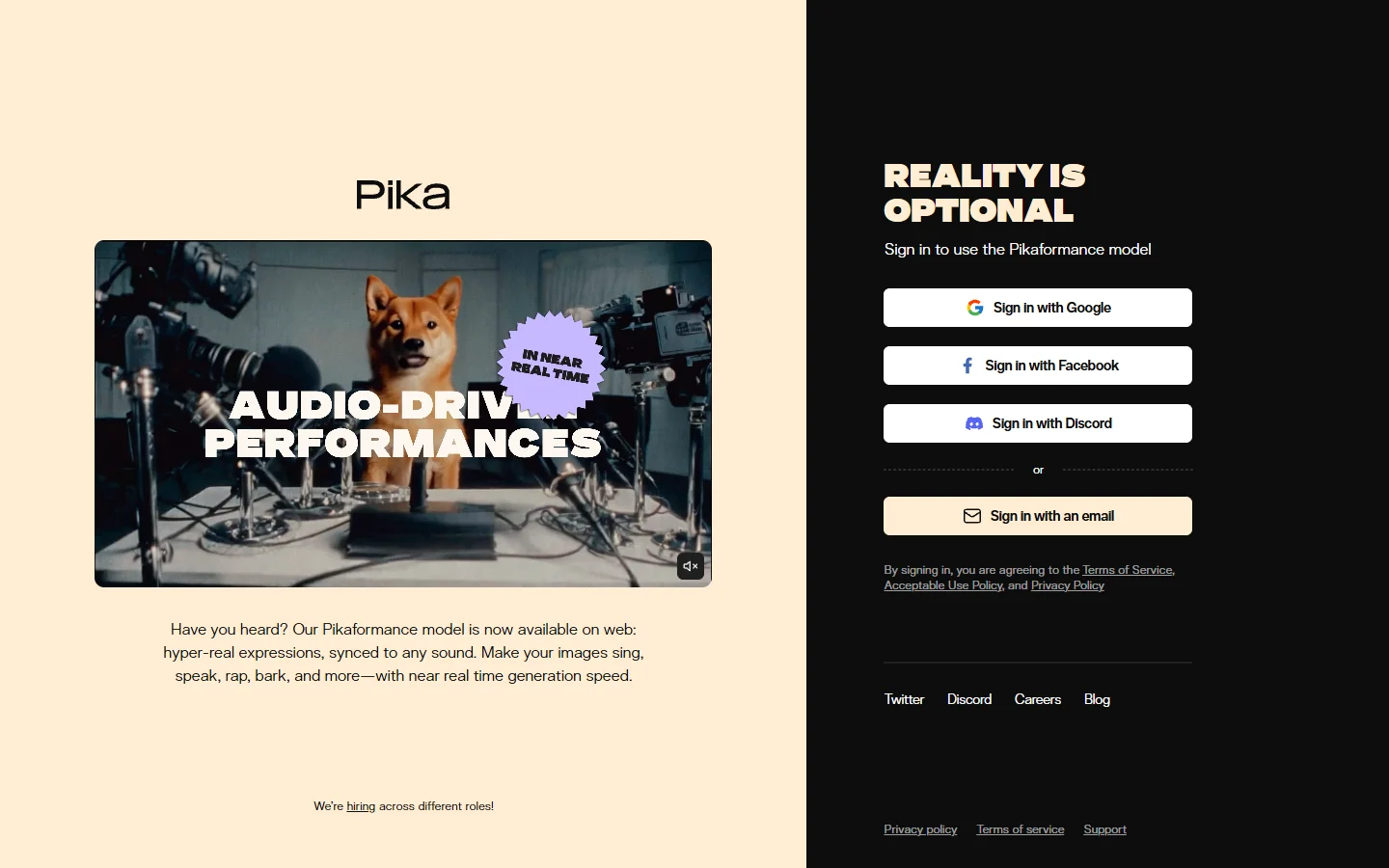
The free tier gives you a limited number of daily generations with 3-second clips at standard resolution. Where Pika stands out is its editing features: you can modify specific regions of a video, extend clips, and apply style transfers. The platform also supports lip-sync and sound effects, which adds a layer of polish that most free tools skip.
HaiLuo AI (MiniMax)
HaiLuo AI, built by Chinese AI lab MiniMax, consistently produces some of the most photorealistic AI-generated visuals available today. The model handles skin textures, lighting, and natural motion with a level of detail that competes with paid platforms.
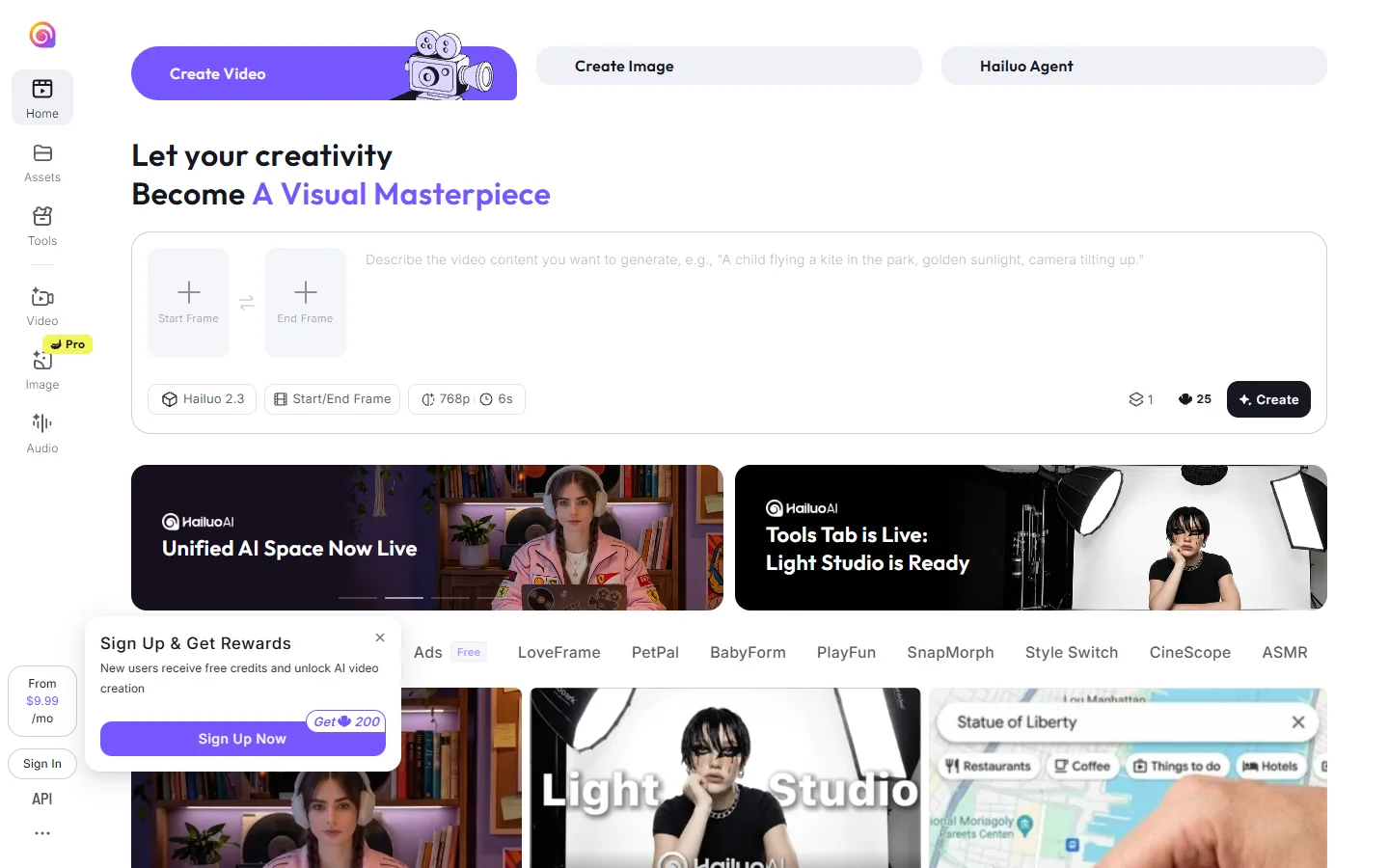
Free users get a daily generation quota with outputs up to 6 seconds. HaiLuo is particularly strong for product visualization and fashion content where visual fidelity matters. For reference, the realism level is comparable to what dedicated AI headshot generators produce for still images. One limitation: the platform adds a small watermark to free outputs, though it is subtle enough for draft and prototyping purposes.
InVideo AI
InVideo AI takes a different approach from the pure text-to-video models listed above. Rather than generating raw video from a prompt, it assembles complete videos using stock footage, AI voiceover, and automated editing driven by a text script. This makes it closer to a workflow-based creative tool than a pure generation engine.
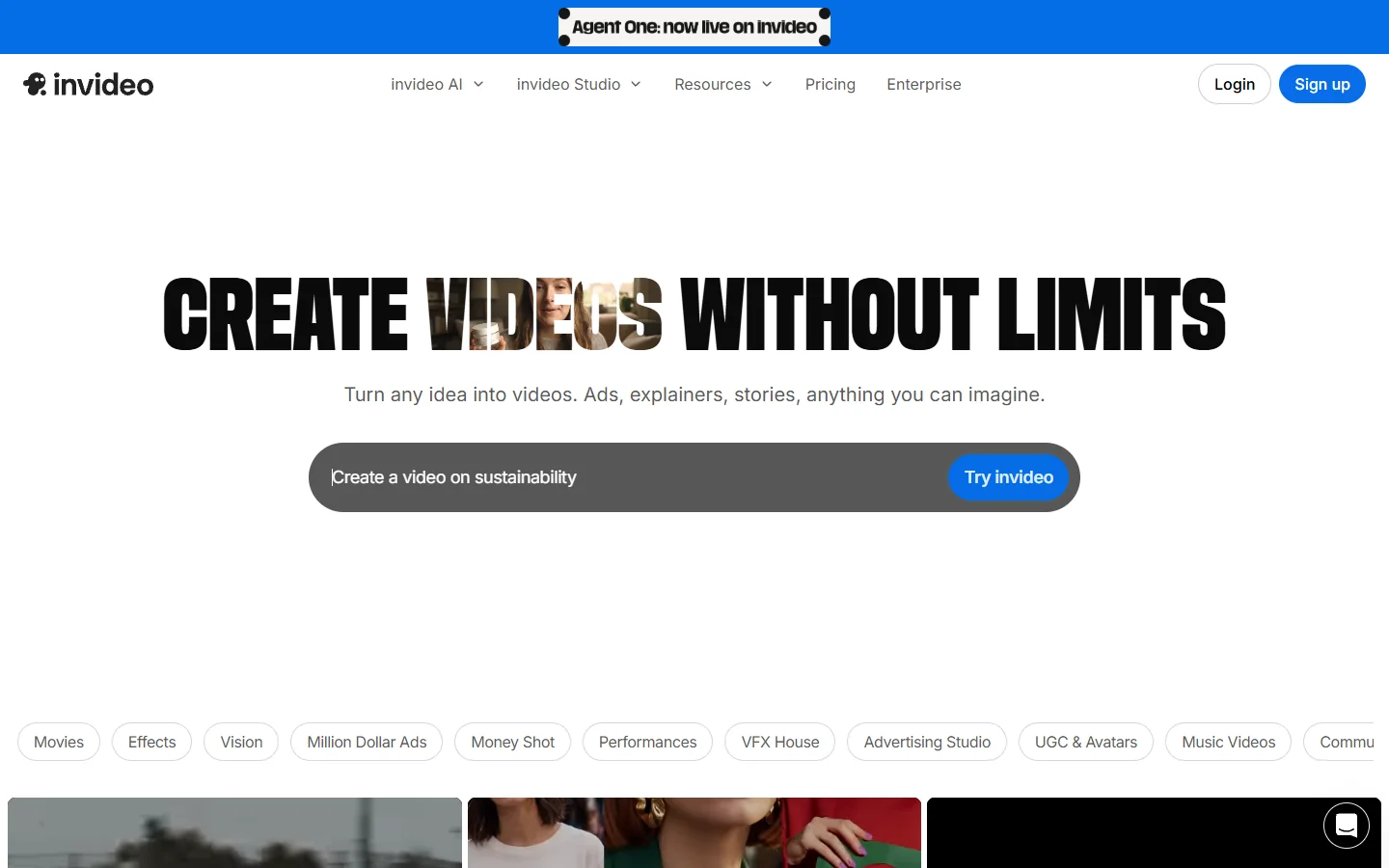
This approach makes InVideo ideal for explainer videos, YouTube content, and marketing clips where you need longer-form output (the free tier supports videos up to several minutes). The tradeoff is that you are working with existing visual assets rather than fully generated footage, so the output feels more like traditional video editing with AI assistance than pure generation.
Canva
Canva’s AI video tools are embedded into its broader design platform, which makes them convenient if you are already using Canva for graphics and presentations. The Magic Media feature lets you generate short video clips from text prompts directly inside your design projects. If you have worked with AI image editing tools before, the interface will feel familiar.

Free Canva users get a limited number of AI video generations per month. The quality is decent for social media content, though it does not match dedicated video AI platforms like Kling or HaiLuo for photorealism. The main advantage is workflow integration: you can generate a clip, drop it into a Canva template, add text overlays, and export a finished social post without leaving the app.
CapCut
CapCut, owned by ByteDance, combines traditional video editing with AI-powered generation features. The platform offers text-to-video capabilities alongside its established editing toolkit, making it a practical choice for creators who want both generation and post-production in one place.
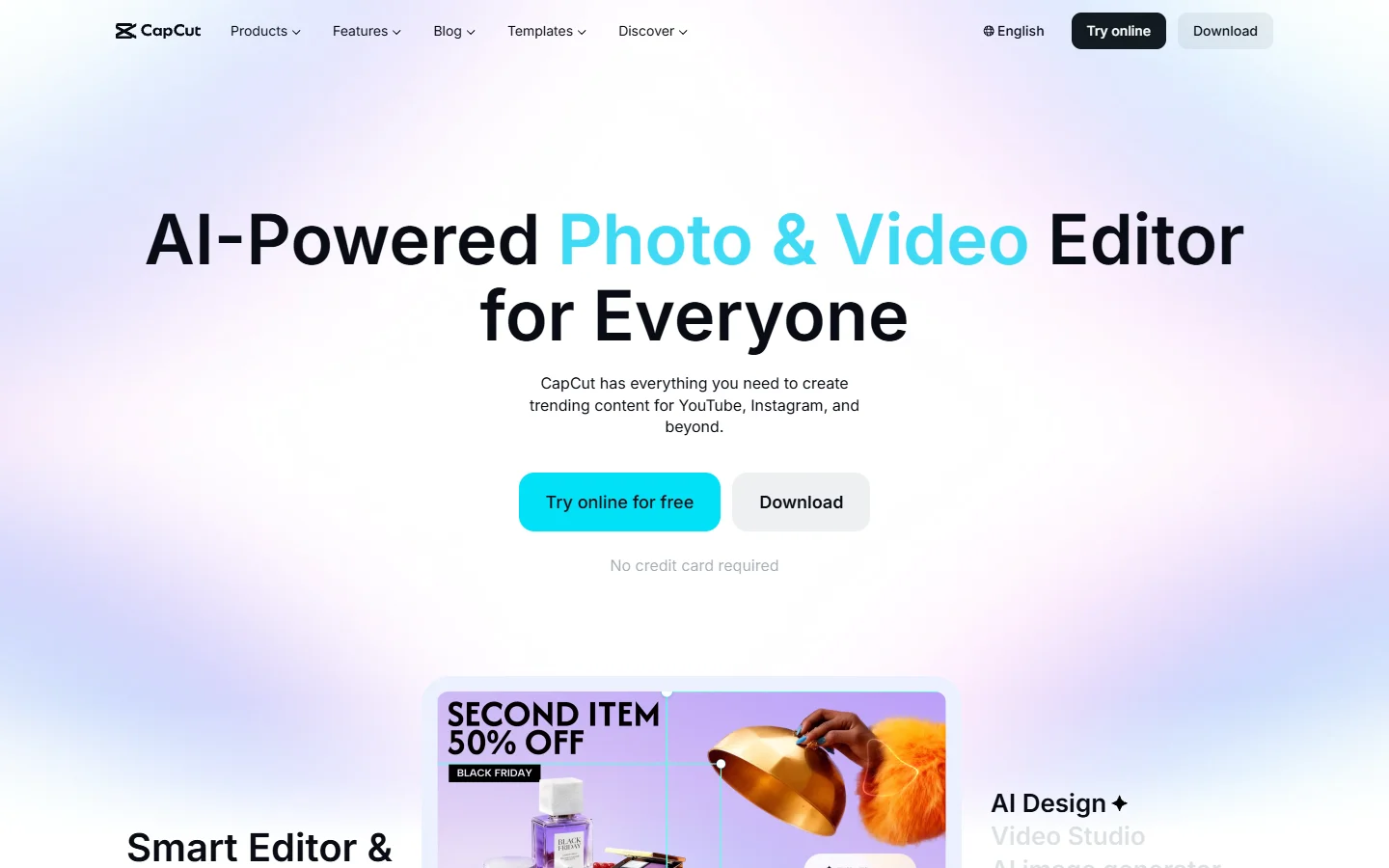
The free tier includes AI video generation with reasonable quality for short clips. CapCut’s strength is its editing ecosystem: once you generate a clip, you can trim, add transitions, apply effects, and export in various aspect ratios for different platforms. For TikTok and Instagram Reels creators who also work with AI-generated thumbnails and cover images, the tight integration with social media export presets saves time.
Quick Comparison
Here is how these free AI video tools stack up side by side:
| Tool | Free Tier | Max Duration | Resolution | Watermark | Best For |
|---|---|---|---|---|---|
| Kling AI | ~66 credits/day | 5s | 720p | No | Realistic motion, character consistency |
| Pika | Limited daily | 3s | Standard | No | Quick iterations, style transfers |
| HaiLuo AI | Daily quota | 6s | 1080p | Yes (subtle) | Photorealistic content, product shots |
| InVideo AI | Script-based | Minutes | 1080p | Yes | Explainers, YouTube, marketing |
| Canva | Monthly limit | Short clips | 720p | No | Design workflow integration |
| CapCut | Included | Short clips | 1080p | No | Editing + generation, social export |
How to Get the Best Results from Free AI Video Generators
Getting useful output from these tools requires more than typing a basic prompt. The same principles that apply to Midjourney-style image generation carry over directly. Here are practical tips that apply across all platforms:
- Be specific with your prompts. Instead of “a dog running,” try “a golden retriever running through a sunlit meadow, slow motion, cinematic depth of field.” The more visual detail you provide, the better the output. Learning strong prompting techniques carries over from image generation to video.
- Use image-to-video when possible. Starting from a reference image gives the AI a concrete visual anchor, which typically produces more consistent and predictable results than text alone.
- Work within the duration limits. Free tiers cap at 3-6 seconds for most tools. Plan your shots accordingly; think of each generation as a single cut rather than a full scene.
- Iterate quickly. Generate multiple variations of the same prompt and pick the best one. The free credit limits are usually generous enough for 5-10 attempts per day.
- Match the tool to the task. Use Kling or HaiLuo for realistic footage, Pika for stylized content, InVideo for assembled long-form, and Canva or CapCut when you need editing alongside generation.
Frequently Asked Questions
Is there a completely free AI video generator with no limits? No platform offers truly unlimited free generation. Every tool uses either daily credits, monthly quotas, or generation caps. However, tools like Kling AI refresh credits daily, so consistent free usage is possible if you work within the daily allowance. The same credit-based model is standard across AI image generation platforms as well.
Which free AI video generator produces the most realistic output? HaiLuo AI and Kling AI currently lead in photorealism for free-tier users. HaiLuo is particularly strong with human subjects and natural lighting, while Kling handles motion and physics more consistently. Both produce output quality on par with what you see from the best realtime AI generation models in the still-image space.
Can I use free AI-generated videos commercially? This varies by platform. Most free tiers allow commercial use of generated content, but you should check each tool’s terms of service. Some platforms restrict commercial use to paid plans or require attribution. The same considerations apply when using free background removal or other AI tools for commercial projects.
Do free AI video generators add watermarks? Some do, some do not. Kling AI, Pika, Canva, and CapCut do not watermark free outputs. HaiLuo AI adds a subtle watermark. InVideo AI includes branding on free-tier exports that can be removed by upgrading. This is similar to how many free AI image tools handle their free tiers as well.
How long can free AI-generated videos be? Most pure generation tools (Kling, Pika, HaiLuo) cap free outputs at 3-6 seconds per clip. InVideo AI is the exception, allowing longer assembled videos since it works with stock footage rather than frame-by-frame generation. For comparison, models like Recraft V3 in the image space also use credit-based systems with similar daily limits.
What is the difference between text-to-video and image-to-video? Text-to-video generates footage entirely from a written description. Image-to-video takes a still image as a starting point and animates it. Image-to-video typically produces more predictable results because the AI has a concrete visual reference to work from.
Will AI video generators replace traditional video editing? Not in the near term. Current AI video tools excel at generating short clips and prototyping ideas, but they lack the precision control that professional editors need for longer projects. They work best as a complement to traditional workflows, not a replacement, much like how AI image upscaling supplements rather than replaces manual photo editing.
Conclusion
The free AI video generator landscape in 2026 gives creators genuine options for producing short-form video content without spending money. Kling AI and HaiLuo AI lead on raw quality, Pika offers the fastest creative iteration, InVideo AI handles longer assembled content, and Canva and CapCut integrate generation into broader editing workflows. For creators exploring alternative AI generation tools, the same evaluation framework applies: check the free tier limits, test output quality, and pick the platform that fits your workflow. Start with one or two tools that match your use case, learn their prompting patterns, and you will be producing usable video content within your first session.