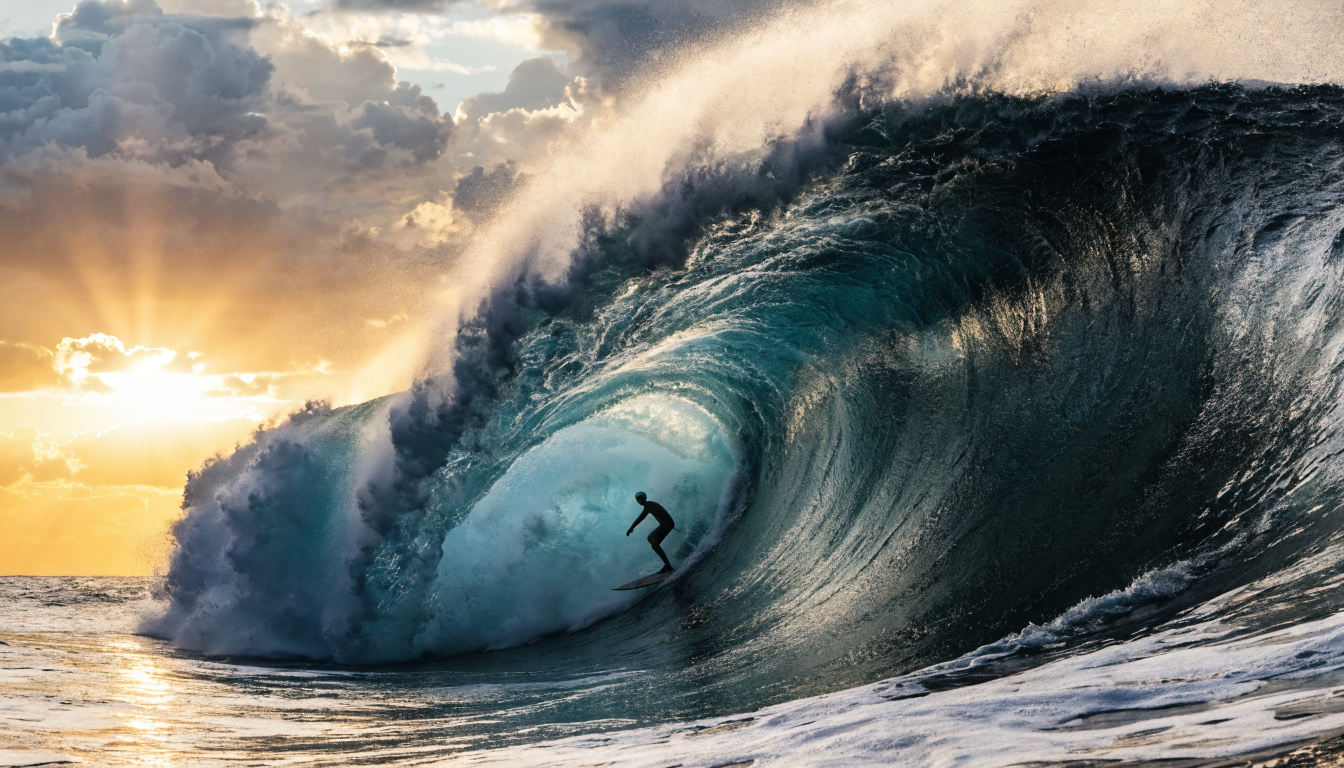
AI photo enhancement has changed significantly in the past year. Tools that once handled only basic sharpening now run multi-model pipelines that upscale, denoise, restore faces, and correct color in a single pass. Whether you are a photographer batch-processing a wedding shoot or a marketer rescuing low-resolution product images, the right tool saves hours of manual retouching.
This guide compares the six strongest options available in 2026, covering quality, speed, pricing, and ideal use cases. We tested each tool on a mix of portrait, landscape, and AI-generated images to see how they perform across real scenarios.
What Makes a Good AI Photo Enhancer
The market has split into two camps: desktop apps running heavy models on local GPUs, and cloud services that process images through browser uploads or APIs. Local tools offer speed and privacy, while cloud tools handle the compute for you and often include batch APIs for integration into larger creative workflows. Key criteria for this comparison: output quality at 2x and 4x upscale, processing speed, batch capabilities, API availability, and price per image.
Topaz Photo AI
Topaz has been the default recommendation among professional photographers for three years running, and the 2026 version cements that position.
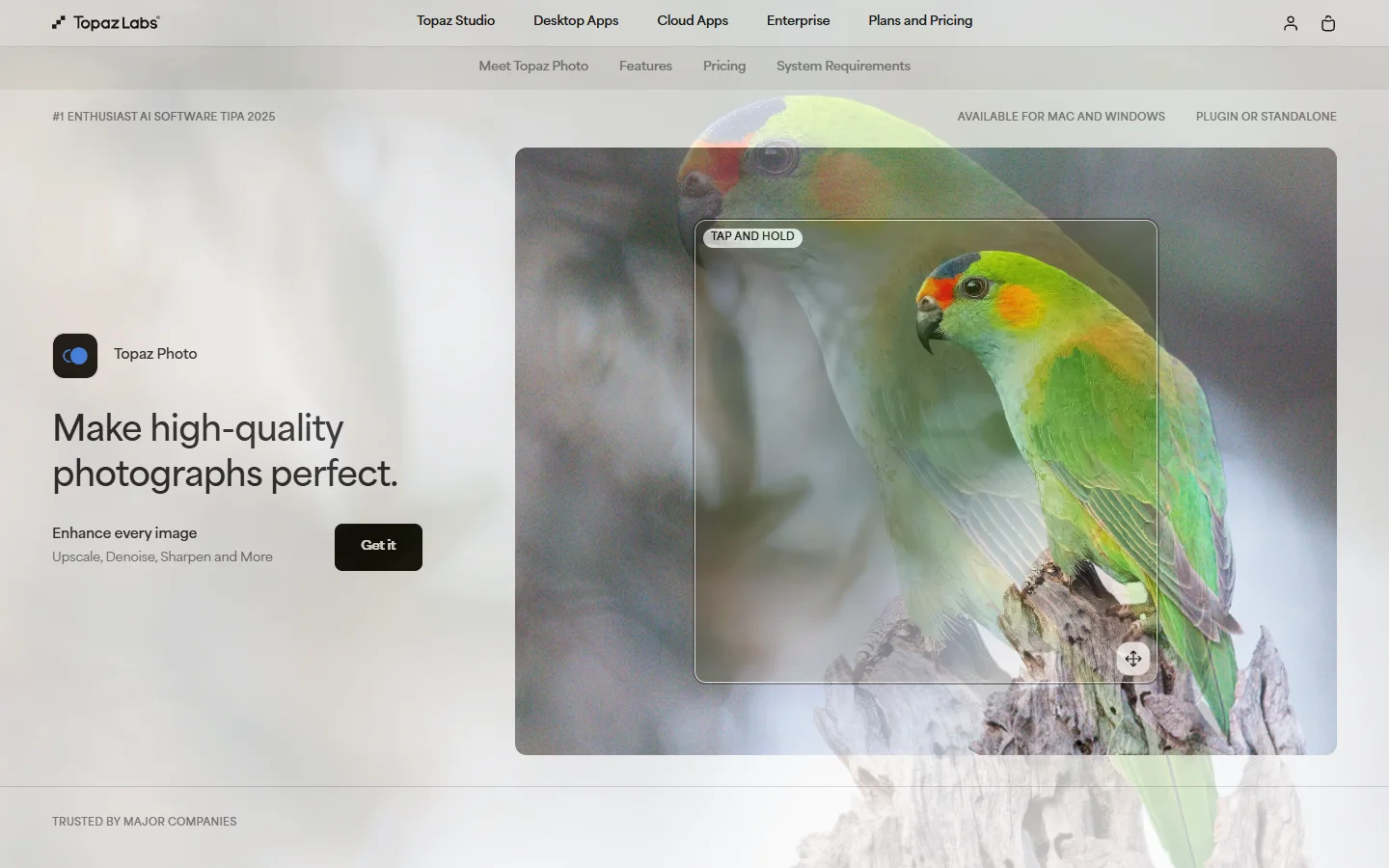
Topaz Photo AI remains the benchmark for local processing. It runs entirely on your machine, with no upload wait times and no data leaving your hard drive. The 2026 update introduced a unified model that handles denoising, sharpening, and upscaling in a single inference pass. A 24MP image completes in under four seconds on a modern GPU (RTX 4070 or higher). Topaz handles FLUX model outputs well, preserving fine texture detail during upscaling without the plasticky smoothing that some cloud tools introduce.
Best for: Professional photographers processing large batches locally. Pricing: $199 one-time purchase.
Let’s Enhance
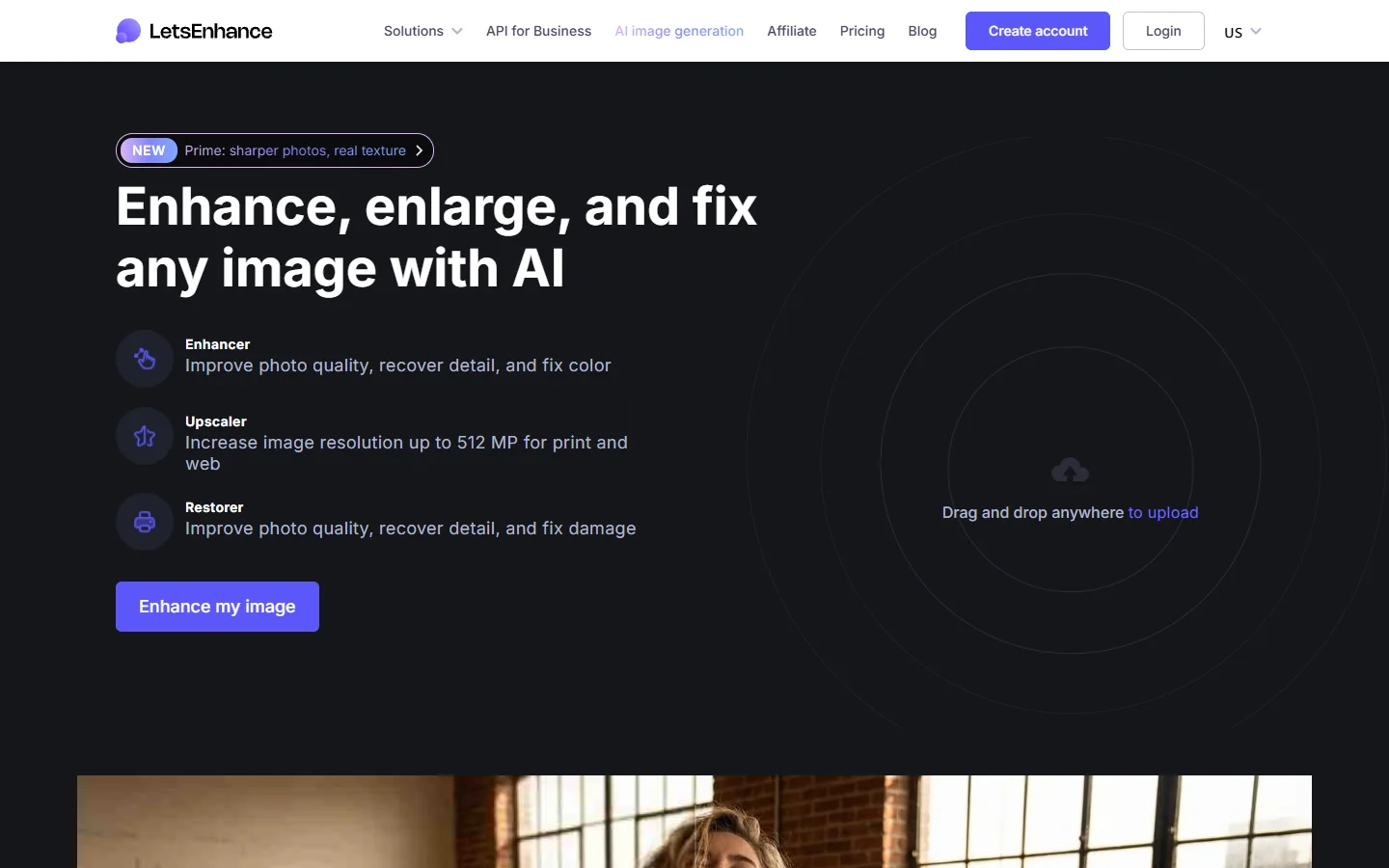
Let’s Enhance is a cloud-first tool built for e-commerce and marketing teams. Its Smart Enhance feature automatically detects image type (product photo, portrait, illustration) and applies the appropriate model. The API supports webhook callbacks, making it straightforward to integrate into automated content pipelines. For teams processing hundreds of product images, the batch API delivers consistent results. If you are building automated pipelines that combine image generation with post-processing, an AI workflow automation platform can connect Let’s Enhance API calls to upstream generation steps without manual handoff.
Best for: E-commerce teams needing programmatic batch enhancement. Pricing: From $12/month for 100 images.
Remini
Remini has carved out a niche in face-focused enhancement. Its models are specifically trained on facial features: skin texture, eye detail, hair strands, and teeth. Results on old, low-resolution portraits are often striking, recovering detail that looks genuinely photographic. Remini also handles AI-generated portraits well, adding realistic skin pores and iris detail to images from text-to-image models.
Best for: Portrait restoration and old photo repair. Pricing: Free tier (5/day), Pro at $9.99/month.
VanceAI
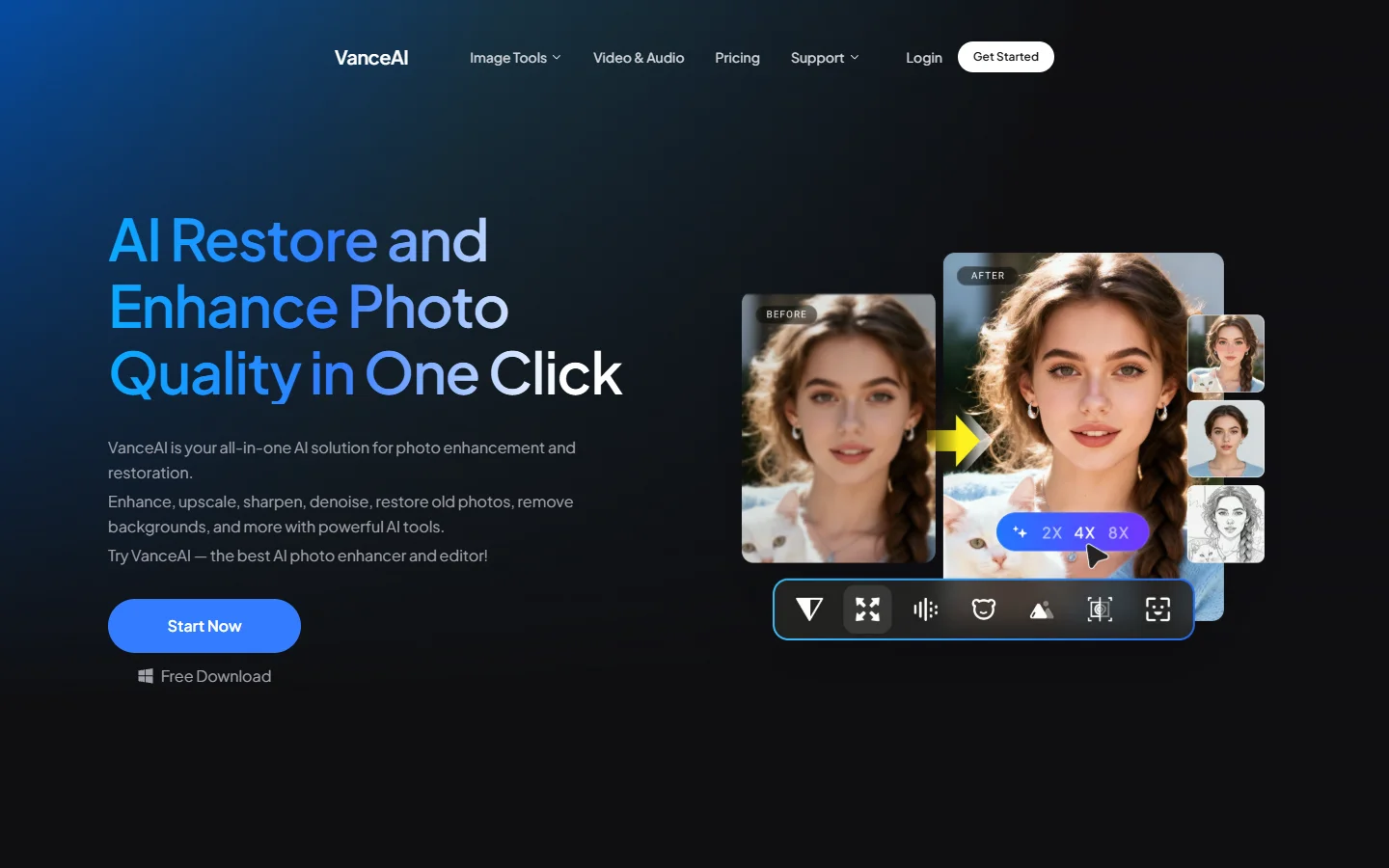
VanceAI offers a broad toolkit: upscaling, denoising, background removal, and photo restoration all under one roof. The API lets you chain multiple operations into a single processing call. Quality sits in the middle tier, handling general enhancement reliably while producing clean results on product photos. The credit-based pricing works well for inconsistent usage patterns. The FLUX 1.1 Pro model generates images that pair well with VanceAI’s upscaling for print-ready output.
Best for: Teams needing multiple enhancement types in one platform. Pricing: $9.90 for 100 credits.
Fotor
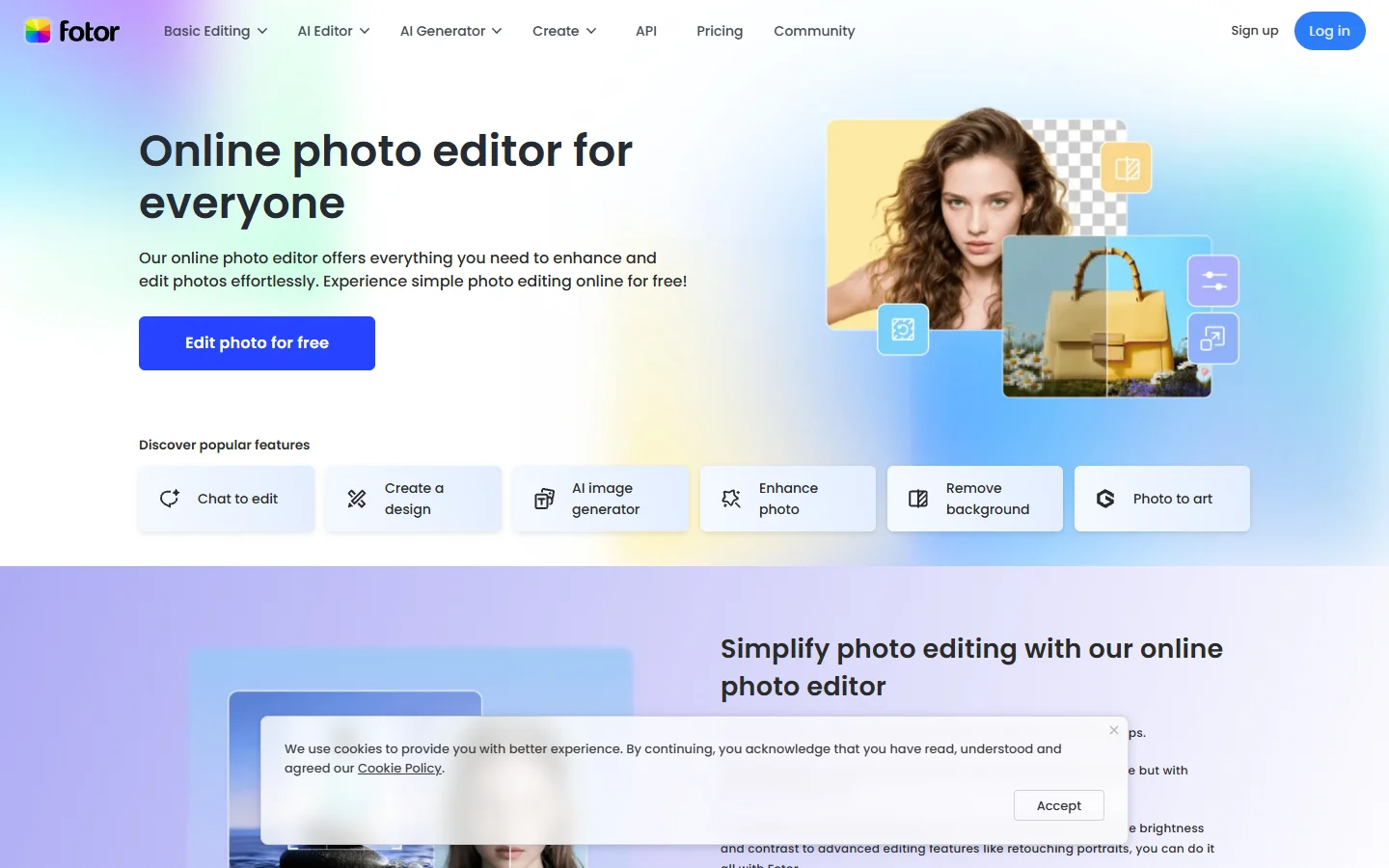
Fotor positions itself as a lightweight all-in-one editor that includes AI enhancement. The one-tap enhance feature applies sharpening, color correction, and noise reduction simultaneously. Quality is adequate for social media and web use, though it falls short of dedicated tools for professional output. Where Fotor shines is accessibility: the free tier is genuinely usable, and built-in design templates mean you can enhance and drop an image into a social post without switching tools. Content creators working with AI prompt techniques who need quick touch-ups before posting will find it practical.
Best for: Social media managers needing quick enhancements. Pricing: Free tier available, Pro at $8.99/month.
Adobe Firefly (Photoshop AI)
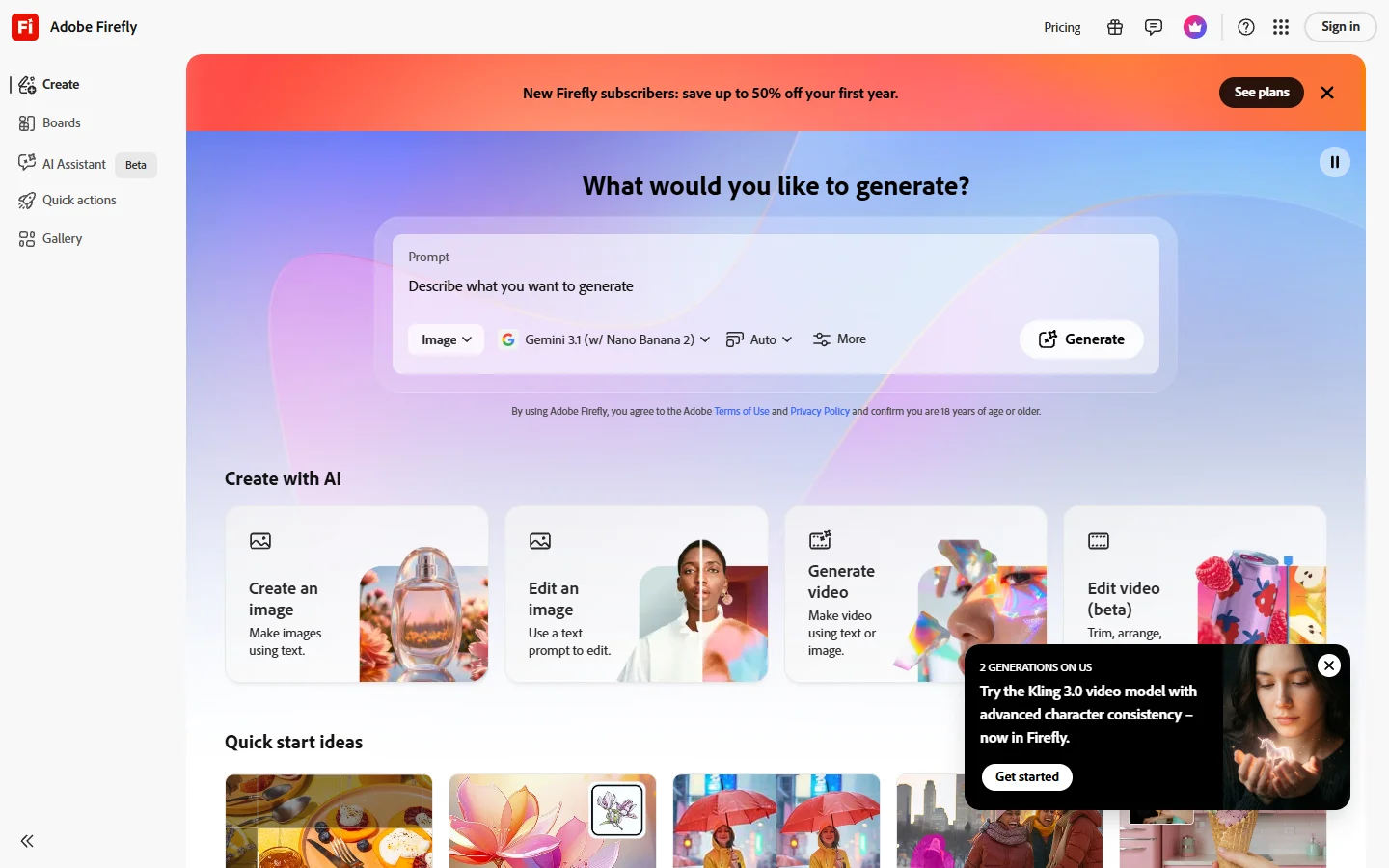
If you already pay for Creative Cloud, the Firefly-powered tools inside Photoshop are the most logical choice. Super Resolution in Camera Raw upscales with strong detail preservation, and the 2026 Firefly update added a generative upscaler that fills in missing detail during enlargement. The integration advantage is real: no export, no upload, no context switching. The Flux prompt generator can help create source images already optimized for Photoshop’s enhancement pipeline.
Best for: Adobe Creative Cloud subscribers. Pricing: Included with Photoshop ($22.99/month).
Comparison Table
| Tool | Type | Best For | Upscale Quality | API | Starting Price |
|---|---|---|---|---|---|
| Topaz Photo AI | Desktop | Photographers | Excellent | No | $199 one-time |
| Let’s Enhance | Cloud | E-commerce | Very Good | Yes | $12/mo |
| Remini | Cloud/Mobile | Portraits | Excellent (faces) | Basic | Free / $9.99/mo |
| VanceAI | Cloud | Multi-tool | Good | Yes | $9.90 credits |
| Fotor | Cloud | Social media | Adequate | No | Free / $8.99/mo |
| Adobe Firefly | Desktop | CC users | Very Good | No | $22.99/mo |
For a broader look at how these tools fit alongside AI image generators, see our full image tools comparison.
Frequently Asked Questions
Which AI photo enhancer produces the most realistic results? Topaz Photo AI consistently produces the most natural-looking results on general photos. For face-specific enhancement, Remini leads with its specialized portrait generation models. The difference is most visible at 4x upscale and above.
Can AI photo enhancers fix blurry images? Yes, but with limits. Modern enhancers recover significant detail from motion blur and mild focus blur. Severe blur remains difficult because the AI is interpolating detail that was never captured. Tools like FLUX Realtime are pushing what is possible in real-time correction.
Are free AI photo enhancers good enough for professional use? Free tiers from Fotor and Remini work for social media and web content. For print, product photography, or client work, the quality gap between free and paid tools justifies the investment. See our guide on free AI image generators for more budget options.
What is the difference between AI upscaling and traditional upscaling? Traditional upscaling (bicubic, Lanczos) interpolates between existing pixels, producing smooth but detail-free results. AI upscaling uses trained models to predict what detail should exist at higher resolutions, producing sharper output based on patterns learned from millions of training images.
Do AI enhancers work on AI-generated images? Yes. AI-generated images from FLUX and similar models typically output at 1024px. Enhancement tools can upscale these to 4K while adding realistic texture. Topaz and Let’s Enhance both handle AI-generated inputs well.
Is it safe to upload photos to cloud enhancers? Most reputable services state that uploaded images are deleted after processing. If privacy is a strict requirement, desktop tools like Topaz process everything locally. Check each service’s data retention policy before uploading sensitive or background-removed images.
How long does AI photo enhancement take? Topaz processes a 24MP image in 3-4 seconds on a modern GPU. Cloud tools take 5-15 seconds per image depending on server load. Batch APIs can enhance hundreds of images in minutes, making them practical for professional headshot workflows.
Final Thoughts
The best AI photo enhancement tool depends on your workflow. Topaz Photo AI leads on quality and local speed. Let’s Enhance owns the API-driven cloud space. Remini excels at faces. VanceAI offers breadth. Fotor covers casual use. Adobe serves existing subscribers well. For most professional workflows, combining these tools with Wireflow’s AI creative workflow tools into automated pipelines eliminates the repetitive export-upload-download cycle and frees up time for actual creative work.