
Watermarks on AI-generated videos used to be unavoidable. Every free tool slapped a logo in the corner, making clips unusable for client work, social content, or portfolio pieces. That changed in 2026. Several AI video generators now offer watermark-free exports on free or affordable plans, giving creators clean footage straight out of the tool.
This guide breaks down the seven best options available right now, comparing their output quality, pricing, and limitations so you can pick the right one for your video creation workflow.
The tools below range from completely free (Seedance, Vivideo) to paid plans under $20/month (Runway, Kling Pro). Each was tested for output quality, watermark policies, resolution limits, and API availability. If you are also looking for AI image generation tools, many of these platforms offer both image and video models.
Google Veo 3
Google Veo 3 sets the current benchmark for prompt-to-video realism. The model handles complex scenes with multiple subjects, accurate physics, and natural camera movements that most competitors still struggle with.
Videos render at up to 1080p with no visible watermark on any plan. The level of detail in each frame rivals what you would get from a professional AI image generator applied to every frame independently.
The free tier through Google AI Studio gives you a limited number of daily generations. Paid access through the Vertex AI API removes rate limits and unlocks longer clips. Veo 3 is the strongest choice for anyone who needs cinematic video output from text prompts without post-production watermark removal.
Seedance 2.0
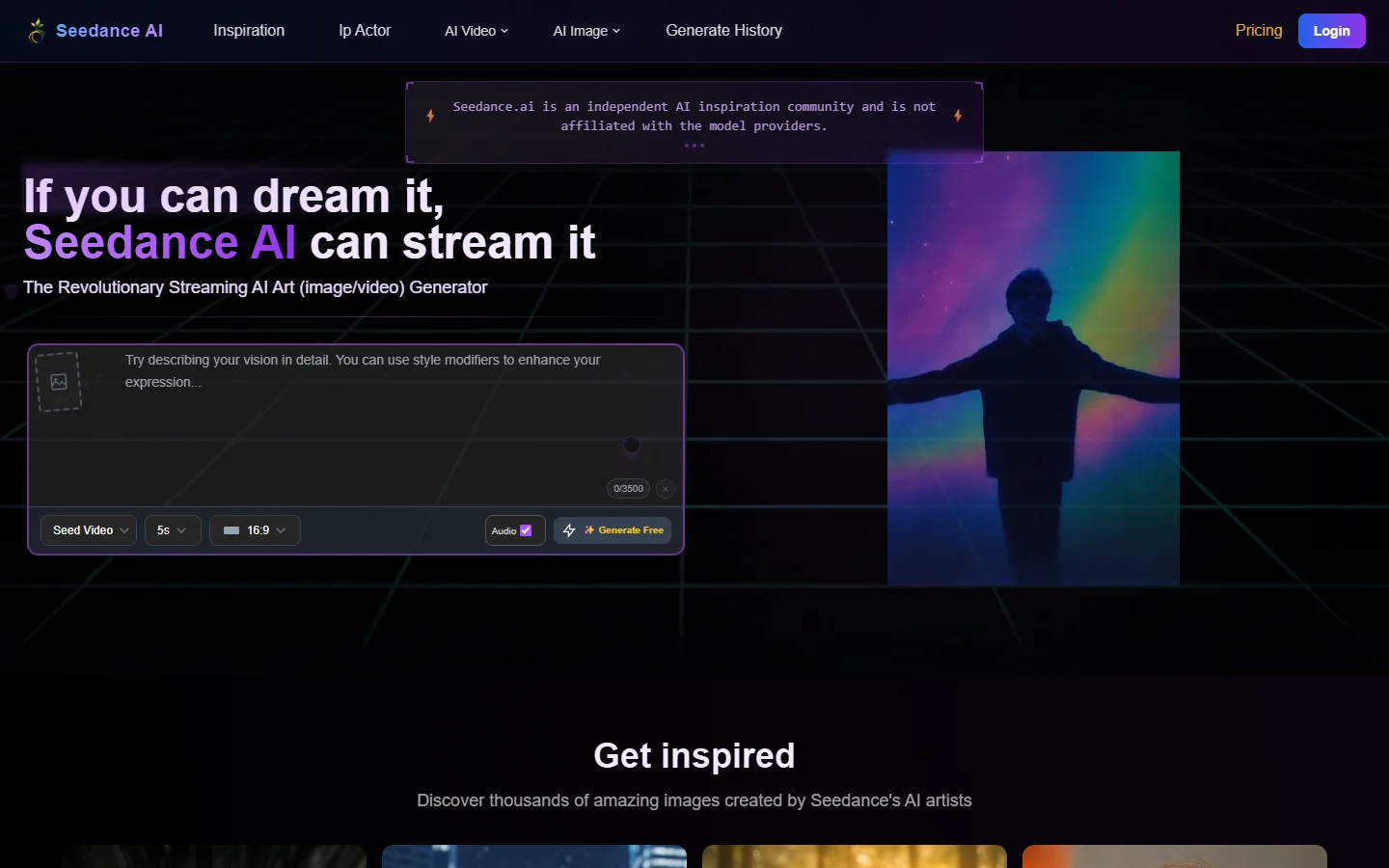
Seedance 2.0 from ByteDance stands out for one specific reason: its free plan produces genuinely watermark-free video with no credit card required. You get daily free credits that refresh every 24 hours, which is enough for most casual or experimental use.
The motion quality sits below Veo 3 but above most other free tools. Seedance handles character animation and dance sequences particularly well, which explains its name and user base. For creators who need clean social exports on a zero budget, Seedance is hard to beat. If you are evaluating free video generators broadly, this one belongs on your shortlist.
Kling AI
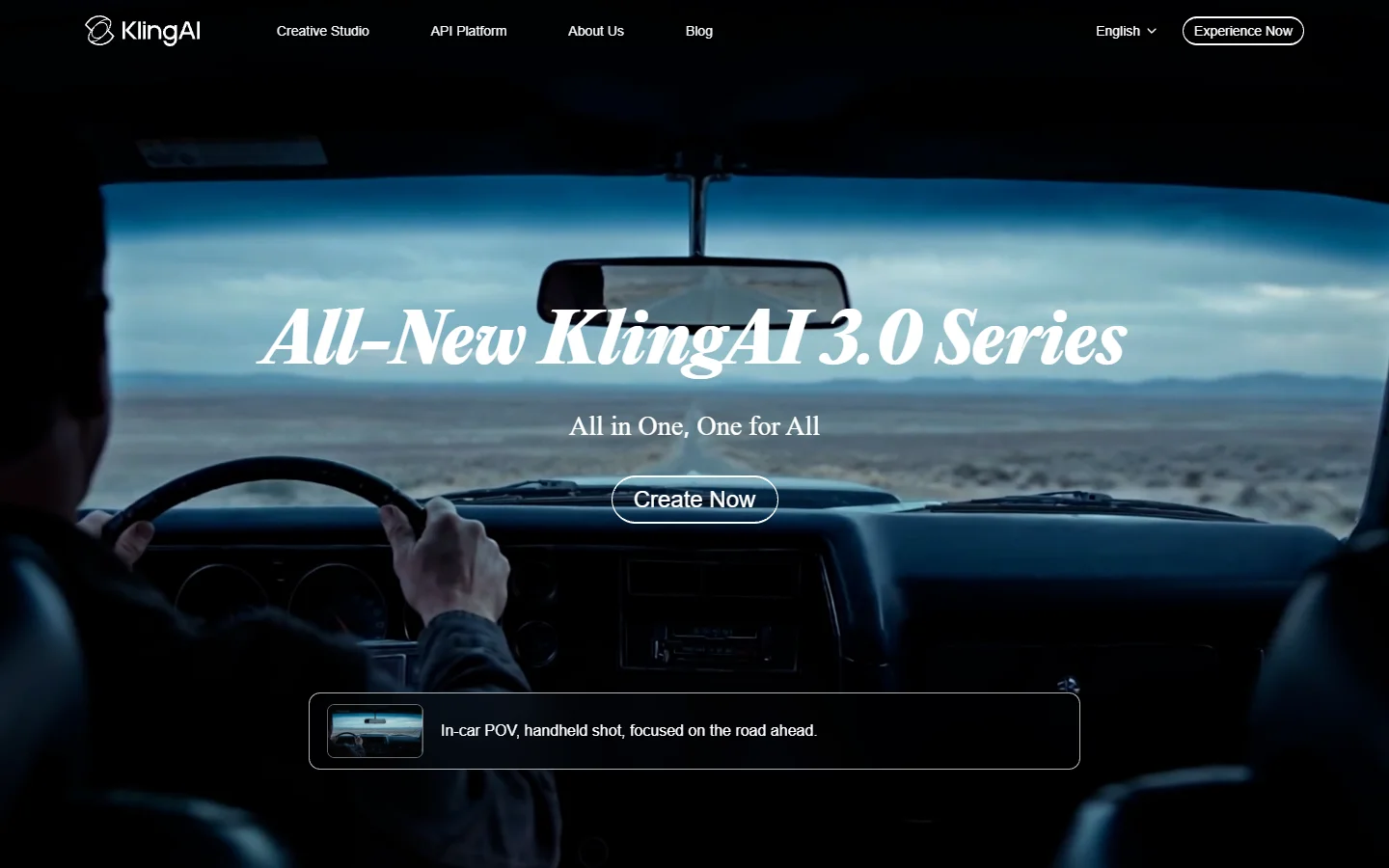
Kling AI differentiates on video length. While most generators cap output at 5 to 10 seconds, Kling produces clips up to 3 minutes on its professional plan. The free tier provides 66 daily credits with watermark-free downloads at 720p resolution.
The quality is consistent across longer generations, which matters for explainer videos, product demos, and narrative content where a 5-second clip is not enough. Kling also supports image-to-video, letting you animate still frames into motion sequences. For teams building content that requires an AI workflow tool to chain generation steps together, Kling’s API access on paid plans makes integration straightforward.

Luma Dream Machine

Luma’s Dream Machine generates some of the most photorealistic motion in this generation of tools. The free tier provides 30 generations per month without watermarks, which is generous compared to competitors that either restrict resolution or add logos on unpaid accounts.
Dream Machine excels at natural scenes: landscapes, weather effects, and organic movement. It is less reliable for precise text rendering or UI mockups, but for cinematic b-roll and creative content, it produces footage that looks genuinely professional. The Runway alternatives landscape has expanded significantly, and Luma now competes directly on quality.
Runway Gen-4
Runway’s Standard plan at $15 per month removes watermarks, unlocks all models including Gen-4, and provides 625 monthly credits. The free plan is limited: lower resolution, fewer credits, and a visible Runway watermark on exports.
Where Runway leads is its editor. Unlike most competitors that only offer a prompt box, Runway provides a full timeline editor with inpainting, motion brush, and style transfer. This makes it better suited for iterative creative work where you refine a clip through multiple passes rather than relying on a single generation. For professional video teams, Runway remains the most feature-rich video generation platform in terms of editing capabilities.
Pika
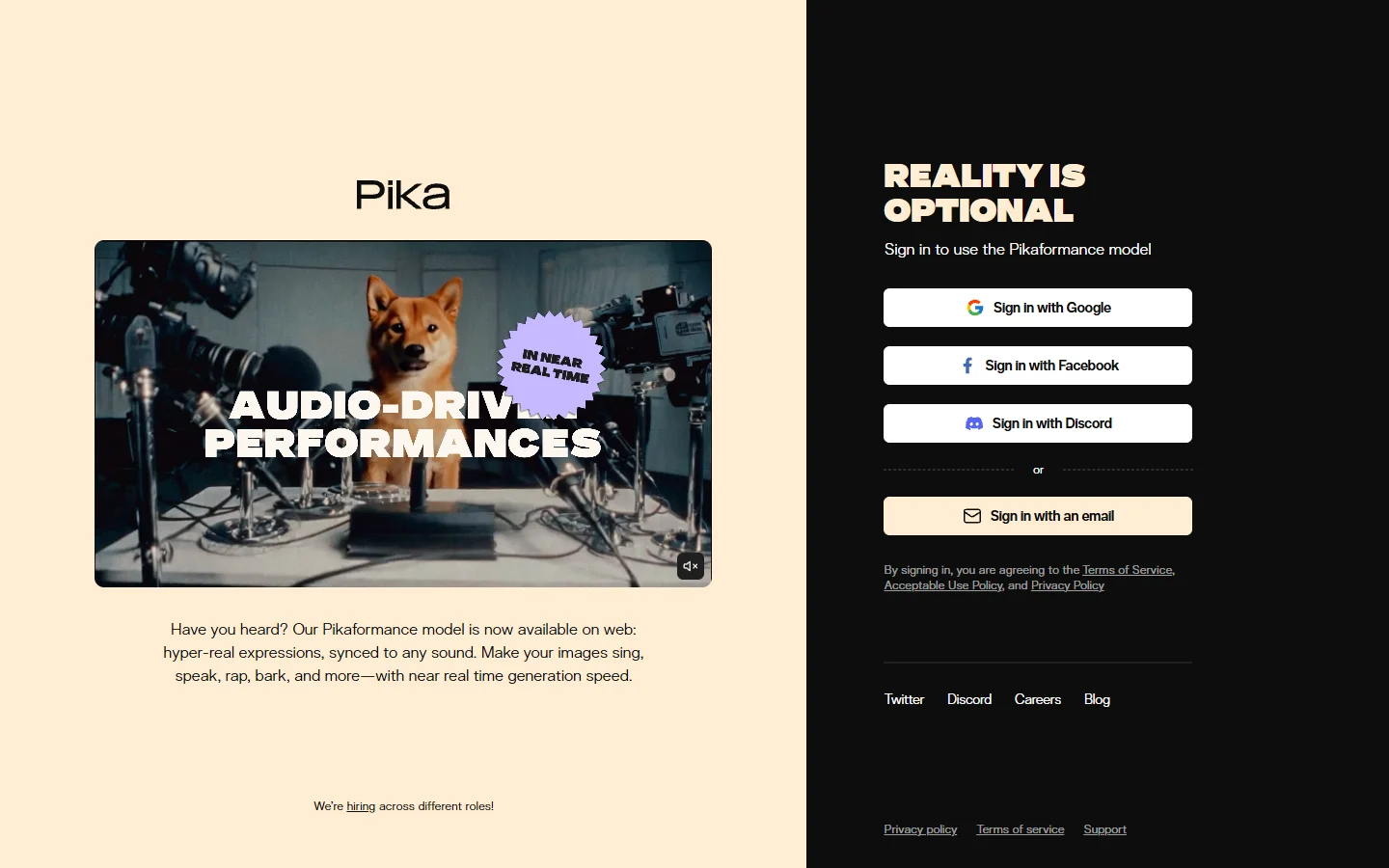
Pika’s free plan gives 80 credits per month with watermark-free downloads, making it one of the more generous free tiers available. The tool’s strength is stylistic variety: it handles cartoon, anime, 3D render, and photorealistic styles with a single prompt modifier.
Pika 2.0 added “Scenes,” a feature that lets you describe multiple shots and have the tool generate a cohesive sequence. This is useful for storyboarding or creating multi-shot social content without editing software. The quality per frame is slightly below Veo 3 or Luma, but the creative flexibility and clean exports make it a solid choice for content creators who prioritize speed over maximum fidelity. Pika also supports generating visuals from reference images, similar to how AI image generation uses image-to-image pipelines.
Vivideo
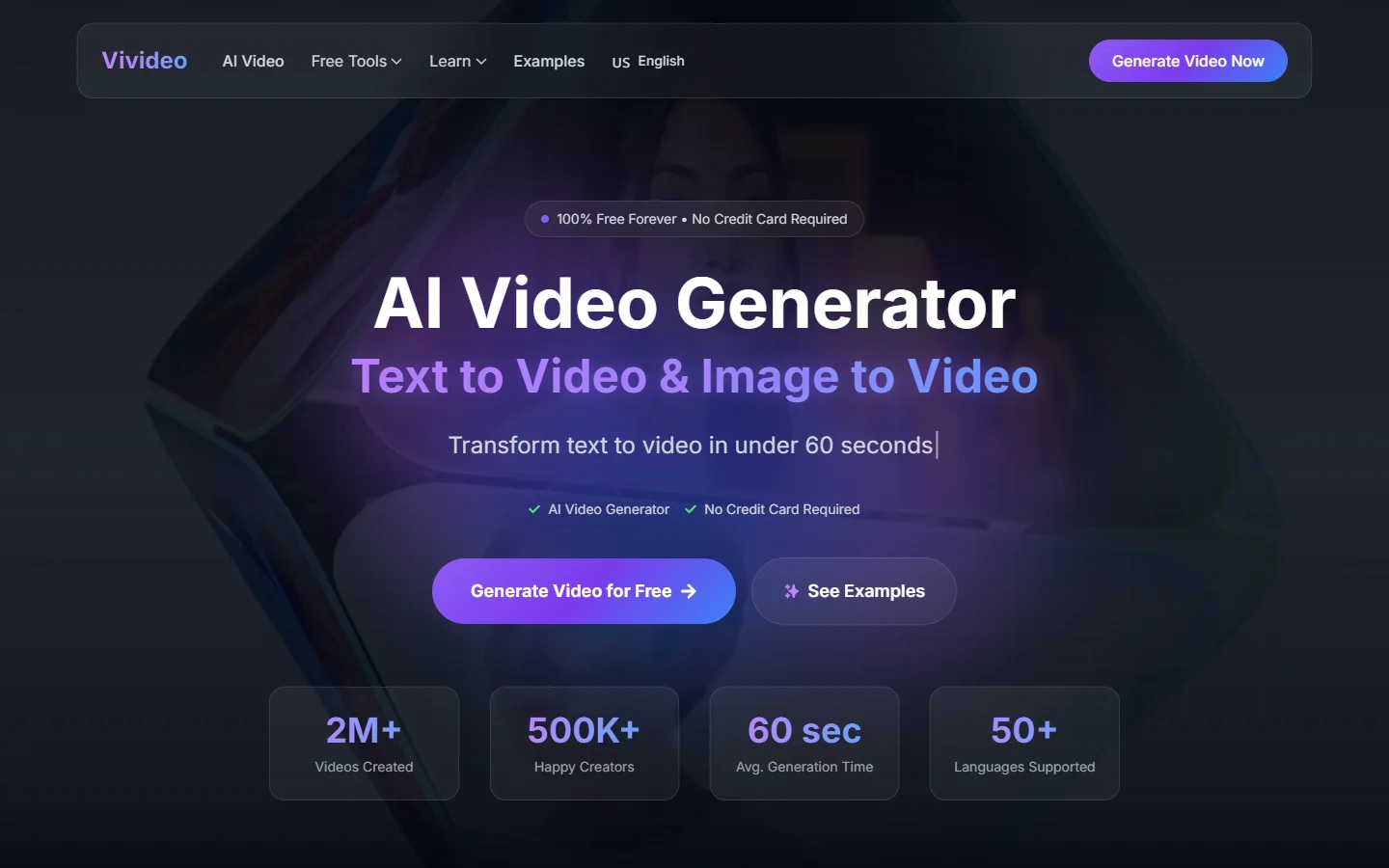
Vivideo positions itself as a truly free option: no watermarks, no credit card, no account required for basic generations. The tool targets users who need quick, clean video clips without committing to a subscription.
Output quality is functional rather than cinematic. Vivideo works well for social media clips, short ads, and presentation visuals, but it does not match the realism of Veo 3 or the motion quality of Luma. For users who need volume over polish and want to animate still images into video quickly, Vivideo removes the most friction of any tool on this list.
Comparison Table
| Tool | Free Tier | Watermark-Free | Max Resolution | Max Length | Best For |
|---|---|---|---|---|---|
| Google Veo 3 | Limited daily | Yes | 1080p | 8s | Realism and quality |
| Seedance 2.0 | Daily credits | Yes | 720p | 10s | Zero-budget social content |
| Kling AI | 66 daily credits | Yes (720p) | 1080p (paid) | 3 min (paid) | Long-form video |
| Luma Dream Machine | 30/month | Yes | 1080p | 5s | Cinematic b-roll |
| Runway Gen-4 | Limited | Paid only ($15/mo) | 4K (paid) | 10s | Professional editing |
| Pika | 80/month | Yes | 1080p | 5s | Stylistic variety |
| Vivideo | Unlimited basic | Yes | 720p | 5s | Quick, no-signup clips |
For a deeper look at free tiers specifically, see our free online video maker guide.
How to Choose the Right Tool
Picking a video generator depends on three factors: budget, output quality requirements, and how the clips fit into your broader production pipeline.
If budget is zero, start with Seedance or Vivideo. Both deliver clean exports without payment. If you need the highest quality and can pay, Veo 3 through Google’s API or Runway’s Standard plan are the top options for AI video creation.
For teams that need to integrate video generation into automated workflows, tools with API access matter most. Kling, Runway, and Veo 3 all offer programmatic endpoints. An end-to-end AI image pipeline that connects text-to-image and image-to-video steps can save significant time compared to generating and downloading clips manually.
Frequently Asked Questions
Which AI video generator has no watermark on the free plan? Seedance 2.0, Pika, Luma Dream Machine, and Vivideo all provide watermark-free exports on their free tiers. Seedance and Vivideo require no credit card at all. See our full free video generator roundup for additional options.
Is Google Veo 3 free to use? Veo 3 offers limited free access through Google AI Studio. For production use, you need the Vertex AI API, which charges per generation. There is no watermark on any plan.
Can Kling AI generate long videos? Yes. Kling supports clips up to 3 minutes on its professional plan, which is significantly longer than most competitors that cap at 5 to 10 seconds. Check our broader AI video generators comparison for detailed length breakdowns.
Does Runway add watermarks? Runway adds a watermark on its free plan. The Standard plan ($15/month) and above remove it. The watermark is small and positioned in the corner, but it is visible. Compare Runway alternatives for watermark-free options at similar quality.
What is the best free AI video generator for social media? For social media specifically, Seedance and Pika are the strongest free options. Both produce clean, shareable clips at resolutions that work well on Instagram, TikTok, and YouTube Shorts.
Can I use AI-generated videos commercially? It depends on the tool’s terms of service. Runway, Pika, and Veo 3 all grant commercial usage rights on paid plans. Free tiers often have restrictions. Always check the specific tool’s licensing and pricing details before using generated clips in commercial projects.
How do watermark-free AI video generators compare to traditional video editing? AI generators handle creation from scratch based on text or image prompts. Traditional editors like Premiere or DaVinci Resolve work with existing footage. The two are complementary: you can generate raw clips with AI and refine them in a traditional editor for the best results.
Conclusion
The watermark-free AI video generation space has matured rapidly. In 2026, you no longer have to choose between free access and clean output. Veo 3 leads on raw quality, Seedance wins on accessibility, and Kling offers the longest clips. For professional workflows that chain multiple AI steps together, connecting these generators to a broader creative production pipeline reduces the manual effort of downloading, converting, and re-uploading clips between tools.
Test two or three options with the same prompt to see which style best matches your needs. Most offer enough free credits to make that comparison without spending anything.