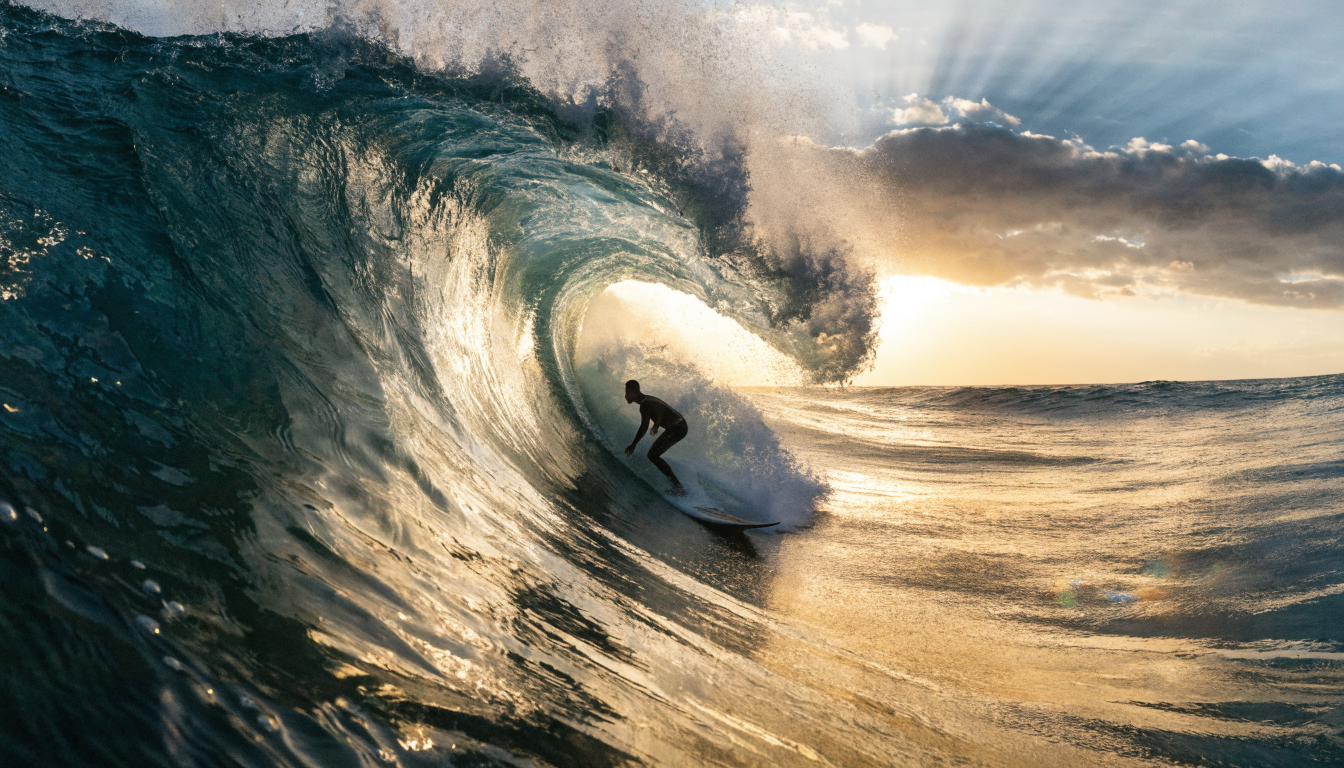
Krea built a loyal following with its real-time generation canvas, but the tool has limits that become obvious once you move past quick single-image experiments. If you need multi-model pipelines, batch processing, or tighter output control, several alternatives now handle those workflows better. This guide covers seven strong Krea alternatives in 2026, with honest notes on where each one fits.
Why Designers Look for Krea Alternatives
Krea gives instant visual feedback with its real-time canvas, and the interface stays approachable for beginners. The problems start when your project gets bigger. There is no way to chain models together, run batch jobs across hundreds of prompts, or build repeatable pipelines that your team can share. Pricing also scales steeply at higher volume. Creators who start with Krea often find they hit a ceiling within a few weeks of regular production use. The tools below cover a range of needs, from pure image quality to video generation to developer-grade automation.
1. Midjourney: Best for Artistic Image Quality
Midjourney remains the standard for pure aesthetic quality in AI image generation. Its v7 model produces images with a level of stylistic coherence and artistic polish that Krea cannot match, especially for illustration, editorial, and brand work. The trade-off is that Midjourney operates through Discord (with a web interface now in beta), which can feel clunky for production workflows. Pricing starts at $10/month for 200 generations. If your primary concern is image quality over workflow automation, Midjourney is the clearest upgrade from Krea.
2. Adobe Firefly: Best for Commercially Safe Generation
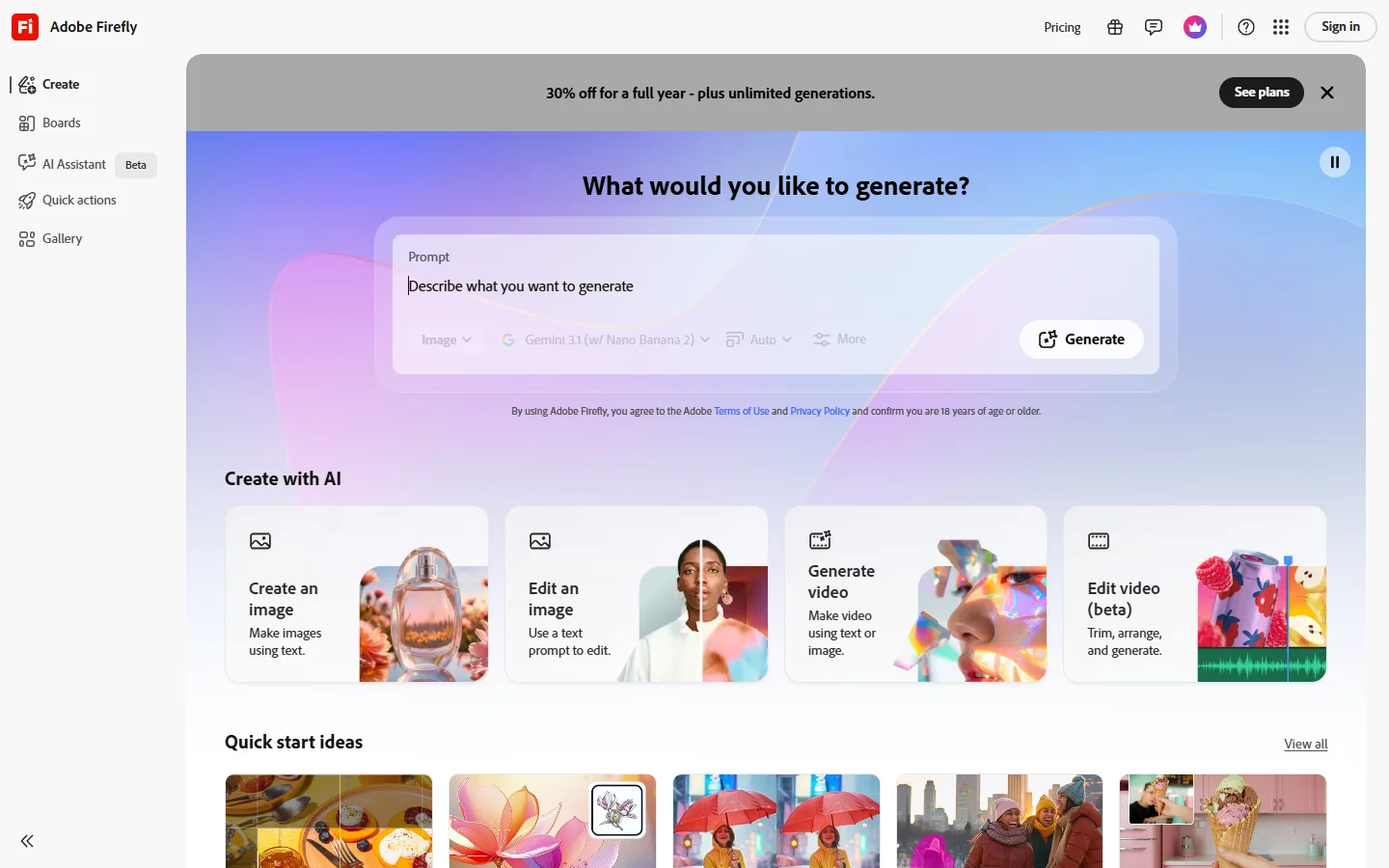
Adobe Firefly is trained exclusively on licensed content, Adobe Stock images, and public domain material. That makes it the safest option for commercial use where IP concerns matter. It integrates directly into Photoshop, Illustrator, and Express, so you can generate and edit in the same workspace. The quality is good but tends toward a polished, stock-photo feel. For teams that need reliable image generation with clear legal standing, Firefly is the practical choice. Plans start free with limited credits and scale with Creative Cloud subscriptions.
3. Leonardo AI: Best for Game Assets and Character Consistency
Leonardo AI focuses on maintaining visual consistency across multiple generations. Its character and style reference features let you lock a specific look and generate variations that stay on-model. That makes it popular with indie game developers, concept artists, and anyone building visual assets that need to match. Leonardo also offers model fine-tuning for custom styles. The free tier is generous (150 daily tokens), and paid plans start at $12/month. For character-driven or asset-heavy projects, Leonardo handles consistency better than most alternatives.
4. Ideogram: Best for Text Inside Images
Ideogram solved one of the hardest problems in AI image generation: rendering readable text. If you need posters, social media graphics, logos, or mockups with actual words in them, Ideogram produces text that is legible and well-placed. The image quality overall is competitive, and it handles a wide range of styles from photorealistic to illustration. Wireflow creative tools also support text-to-image workflows with multi-step pipelines, but Ideogram remains the specialist for text rendering. Free tier available; Pro at $20/month.
5. Runway: Best for AI Video Generation
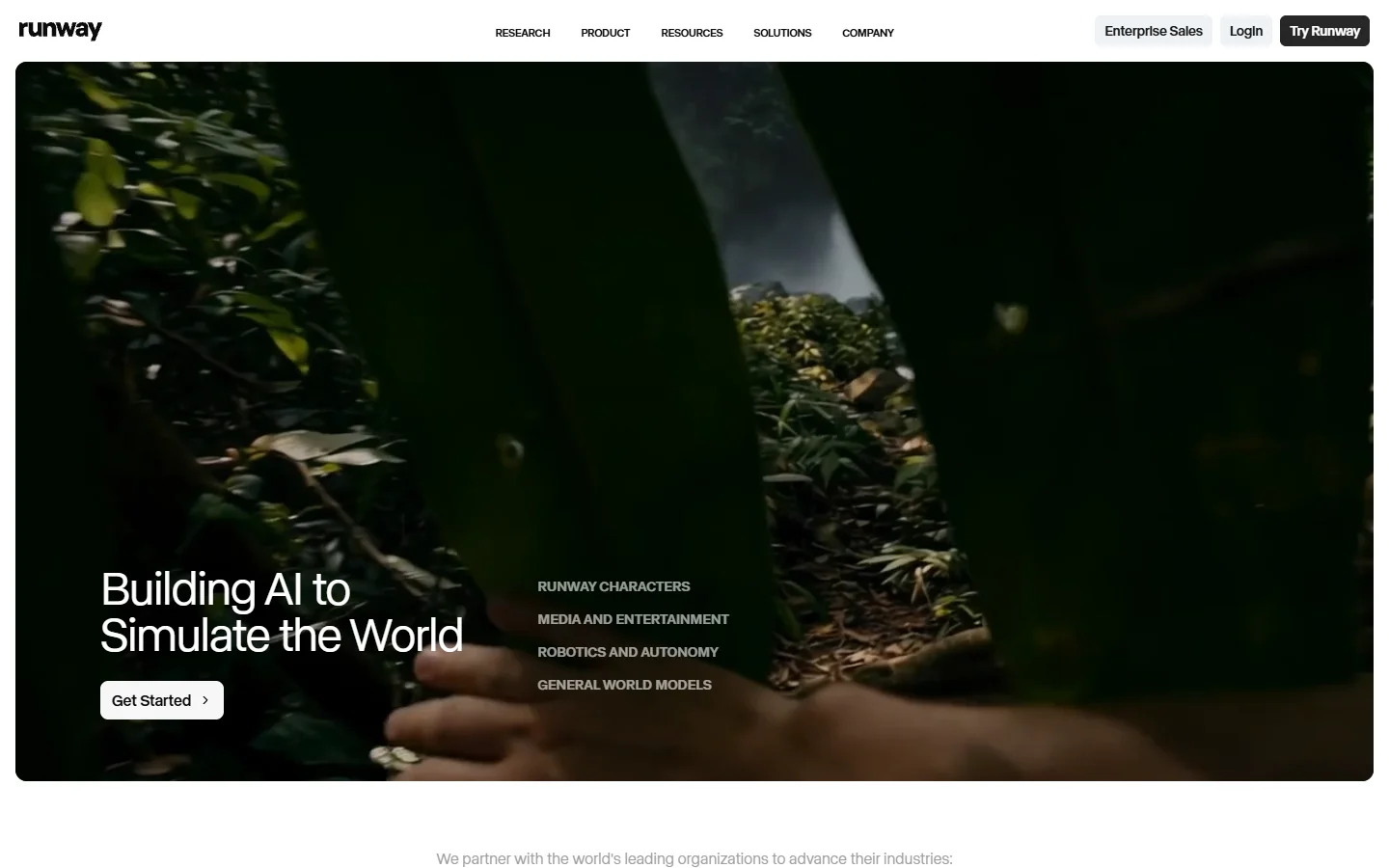
If your work extends beyond still images into motion, Runway is the strongest Krea alternative for video. Gen-3 Alpha handles motion consistency, camera movement, and scene transitions at a level that early Krea video cannot match. The platform also covers image generation, inpainting, and style transfer, but video is where it leads. Pricing starts at $15/month. Runway fits best when your creative workflow involves both stills and motion content.
6. FLUX Models: Best Open-Source Option

The FLUX model family (FLUX 1.1 Pro, FLUX Dev, FLUX Schnell) offers a different approach: open weights you can run locally or through API providers. FLUX 1.1 Pro competes with Midjourney on image quality while giving you full control over the inference pipeline. You can run it on your own GPU, customize sampling parameters, and integrate it into automated workflows without per-image costs after the initial setup. For developers and technical users who want maximum control, FLUX is hard to beat. The trade-off is that you need some technical setup compared to Krea browser-based simplicity.
7. Canva AI: Best for Non-Technical Users
Canva AI image generation features are built into its broader design platform, which makes it the easiest on-ramp for people who are not primarily AI users. You can generate images and immediately drop them into presentations, social posts, or marketing materials without switching tools. The generation quality is adequate for quick content but sits below Midjourney or FLUX for serious creative work. If speed and convenience matter more than output quality, Canva fills the gap. Free with limited generations; Pro at $13/month. For users who want more capable image generation integrated into a workflow platform, other tools on this list are stronger choices.
Comparison Table
| Tool | Best For | Starting Price | Text-in-Image | Video | API Access |
|---|---|---|---|---|---|
| Krea | Real-time canvas | $5/mo | Limited | Basic | No |
| Midjourney | Artistic quality | $10/mo | Poor | No | Limited |
| Adobe Firefly | Commercial safety | Free tier | Good | No | Yes |
| Leonardo AI | Character consistency | Free tier | Fair | No | Yes |
| Ideogram | Text rendering | Free tier | Excellent | No | Yes |
| Runway | Video generation | $15/mo | N/A | Excellent | Yes |
| FLUX Models | Open-source control | Free (self-host) | Fair | No | Full |
| Canva AI | Ease of use | Free tier | Good | No | No |
How to Choose the Right Alternative
Start with your primary use case. If you need high artistic quality for client work, Midjourney or FLUX 1.1 Pro will serve you better than Krea. If commercial licensing is a hard requirement, Adobe Firefly eliminates the uncertainty. For teams building products that require image generation at scale, API access and batch processing support become the deciding factors.
Consider your technical comfort level too. FLUX models reward users who are willing to manage infrastructure, while Canva and Krea are designed for people who want zero setup. Most of these tools offer free tiers, so testing two or three before committing is straightforward.
FAQ
Is Krea AI free to use?
Krea offers a free tier with limited generations per day. Paid plans start at approximately $5/month for higher limits and access to premium models. The free tier is sufficient for casual experimentation but runs out quickly for production work.
Which Krea alternative has the best image quality?
Midjourney v7 and FLUX 1.1 Pro consistently produce the highest-quality images. Midjourney excels at artistic and editorial styles, while FLUX offers comparable quality with more control over the generation pipeline.
Can I use these tools for commercial projects?
Adobe Firefly is the safest choice for commercial use since its training data is fully licensed. Midjourney, Leonardo, and Ideogram all permit commercial use on paid plans. Check each tool terms of service for specific restrictions.
Which alternative is best for beginners?
Canva AI requires the least technical knowledge and integrates image generation into a familiar design interface. Krea itself is also beginner-friendly, so if the canvas workflow suits your needs, upgrading to a paid Krea plan may be simpler than switching tools entirely.
Do any of these tools support video generation?
Runway is the strongest option for AI video. It handles text-to-video, image-to-video, and style transfer with motion. Krea has added basic video features, but Gen-3 Alpha is significantly more capable for professional video work.
What is the best Krea alternative with API access?
FLUX models offer full API access through providers like FAL, Replicate, and Together AI. Leonardo AI and Adobe Firefly also provide APIs for integration into custom applications. Wireflow AI offers a visual pipeline builder with full API access for developers who want both a canvas interface and programmatic control.
Can I run any of these tools locally?
FLUX Dev and FLUX Schnell have open weights and can run on consumer GPUs (12GB+ VRAM recommended). All other tools on this list are cloud-only. Local inference eliminates per-image costs and gives you full privacy, but requires technical setup and hardware investment.