
Social media runs on video. TikTok, Instagram Reels, YouTube Shorts, and LinkedIn video posts all reward short, visually strong clips, and the tools available in 2026 make it possible to produce them without a production team.
AI video generators have moved past novelty into practical daily use for marketers, solo creators, and small agencies who need to publish consistently. If you are evaluating which tools fit your workflow, this guide breaks down the best AI video generators available right now for social media.
The options range from full text-to-video generators that create clips from a prompt, to editing platforms that automate captions, cuts, and reformatting. Some tools specialize in avatar-based presenter videos. Others focus on repurposing long-form content into short clips. The right choice depends on your publishing cadence, budget, and whether you need raw generation or polished post-production. For a broader look at the generation side, see our AI image generator comparison.
Runway Gen-4.5
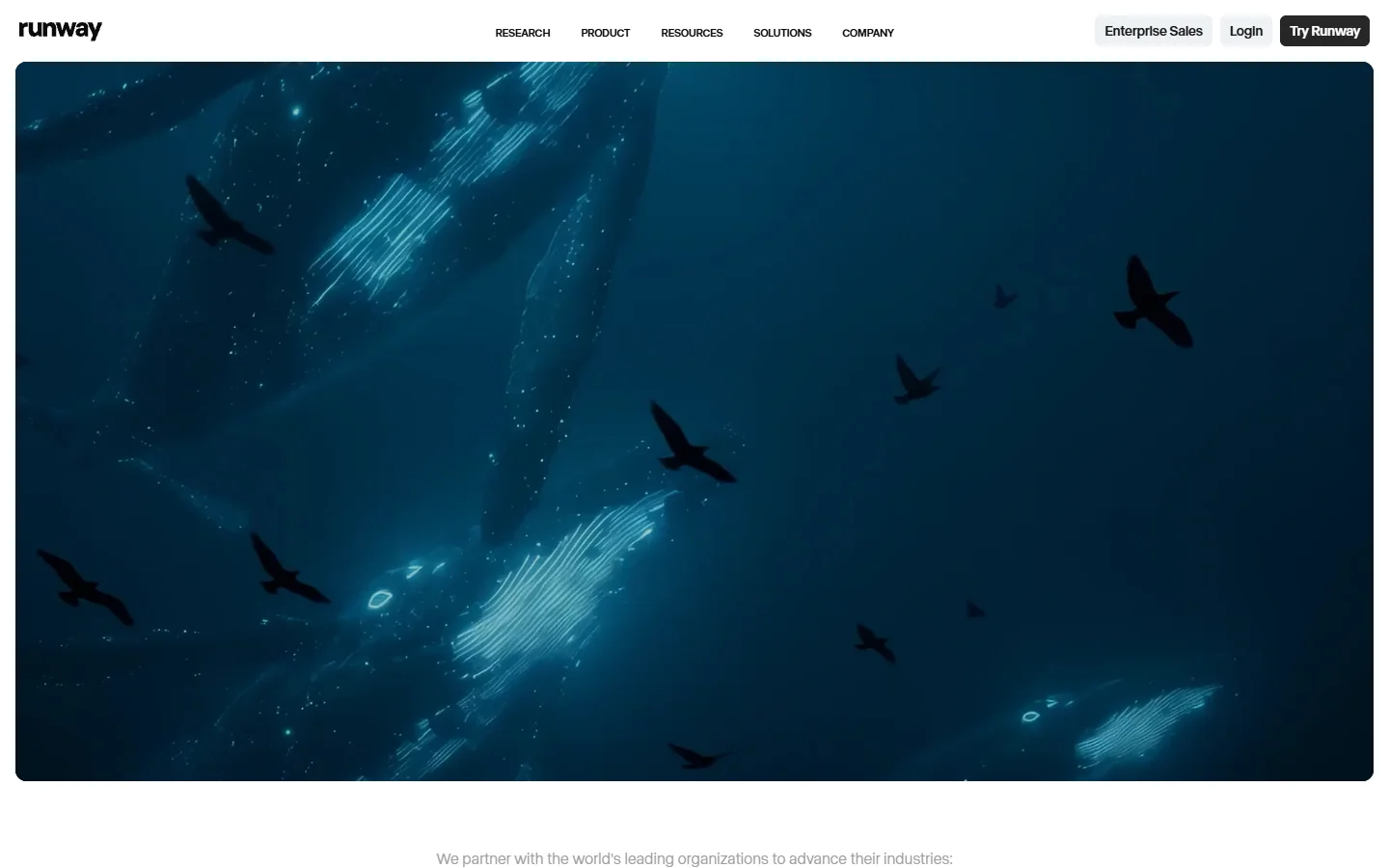
Runway sits at the top of the AI video generation stack. Gen-4.5 delivers the strongest temporal consistency and motion control of any currently available text-to-video model. For social media, the image-to-video workflow is the most practical feature: provide a reference image, specify camera motion, and the output faithfully extends from that starting frame.
Runway supports both text-to-video and image-to-video modes with adjustable duration (5s or 10s clips). The motion brush lets you control which parts of the frame move and how, which is useful for product demos and branded content. Pricing starts at $12/month for 625 credits. If you are building marketing videos with AI, Runway is the benchmark the other tools measure against.
Pika Labs 2.5
Pika generates clips in 15 to 30 seconds, roughly three to five times faster than Runway for equivalent content. That speed matters when you are producing multiple variations for A/B testing on social platforms. Pika 2.5 introduced scene extensions that let you chain clips into longer sequences without losing visual coherence.
The free tier includes 150 credits per day, making it accessible for creators testing AI video for the first time. Paid plans unlock higher resolution (1080p) and longer clips. Pika also supports lip sync from audio input, which opens up possibilities for AI-powered Instagram Reels and talking-head content without filming.
CapCut
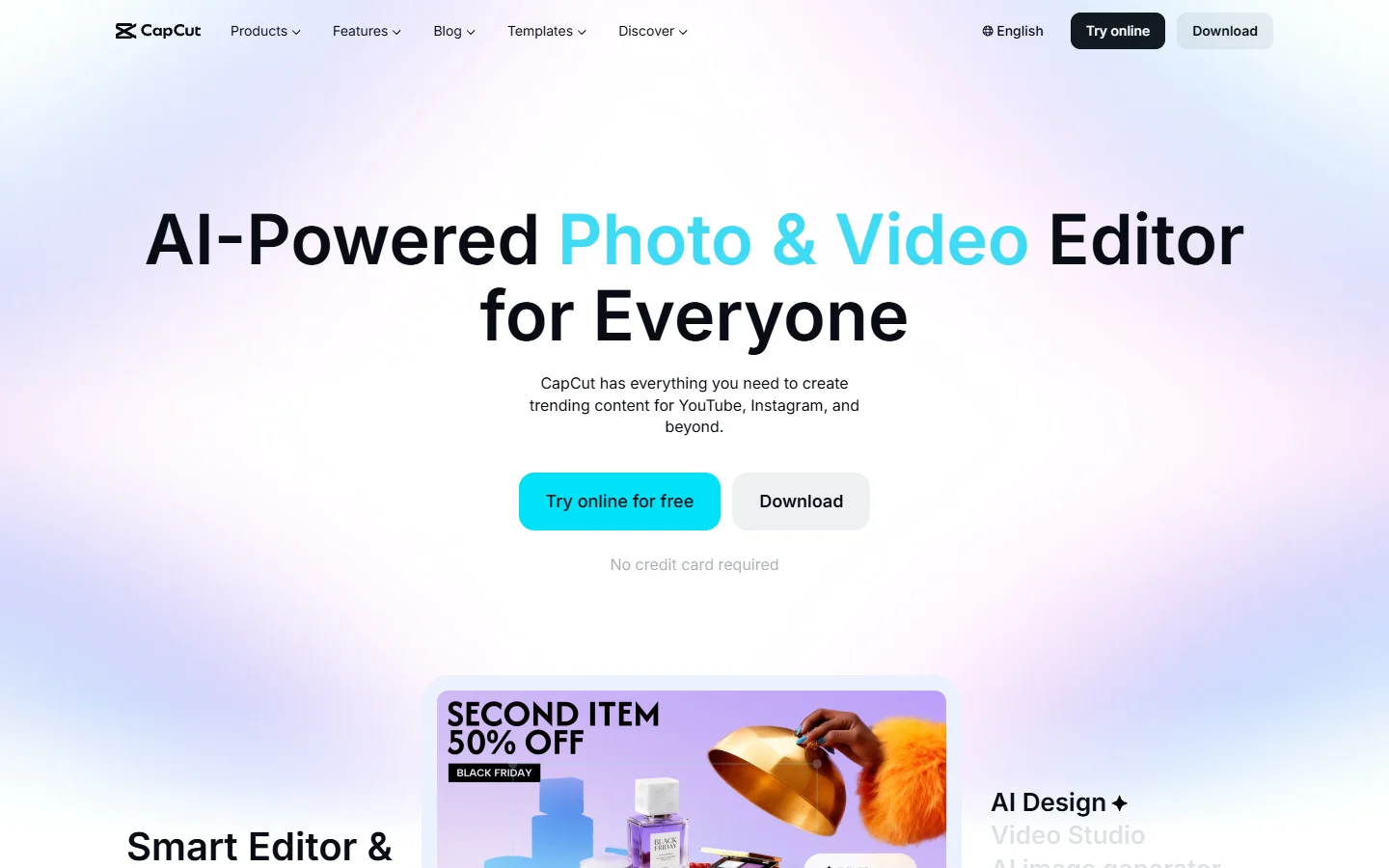
CapCut is the most widely used free AI video editor, with over 300 million monthly active users. It combines AI-powered auto-captions, background removal, voice effects, and template-based editing in a single platform. For social media teams that need to publish daily, CapCut’s batch processing and direct export to TikTok and Instagram save significant time.
Where CapCut excels is in the post-production layer. Rather than generating footage from scratch, it applies AI to existing clips: auto-reframing for different aspect ratios, smart cut for removing silences, and style transfer effects. For teams that combine AI-generated footage from an end-to-end AI image pipeline with manual editing, CapCut handles the final mile efficiently.
HeyGen
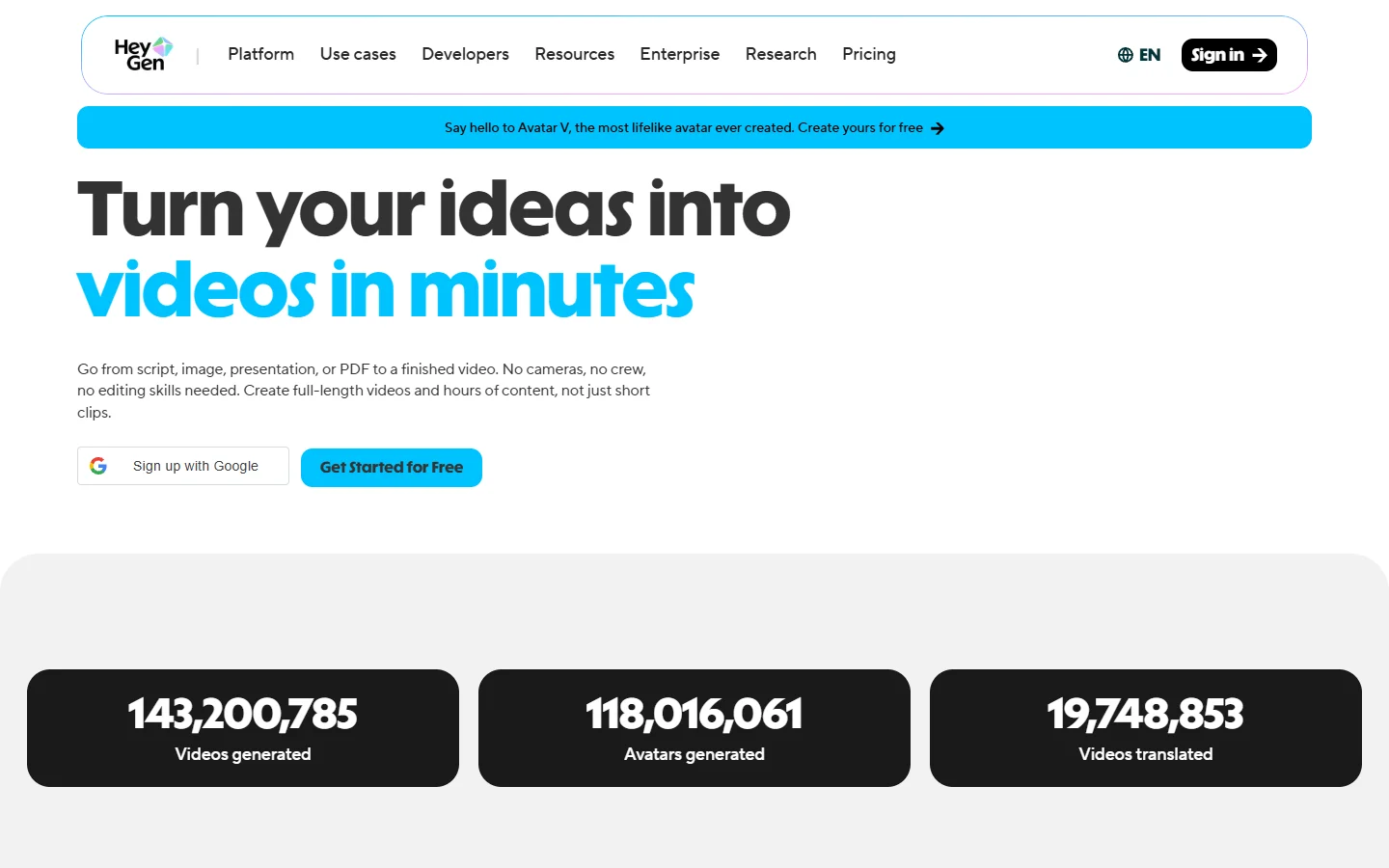
HeyGen specializes in AI avatar videos. You select or create a digital presenter, provide a script, and HeyGen generates a video with realistic lip sync and gestures. This is the go-to tool for teams that need consistent presenter-style content (product explainers, onboarding videos, LinkedIn updates) without scheduling camera time.
HeyGen supports 175+ languages and accents, which makes it practical for brands publishing across multiple markets. The avatar customization includes clothing, backgrounds, and branded overlays. Plans start at $24/month for 3 minutes of video. If you need AI-generated ad content for social platforms, HeyGen pairs well with tools like Runway or Pika for B-roll.
Opus Clip
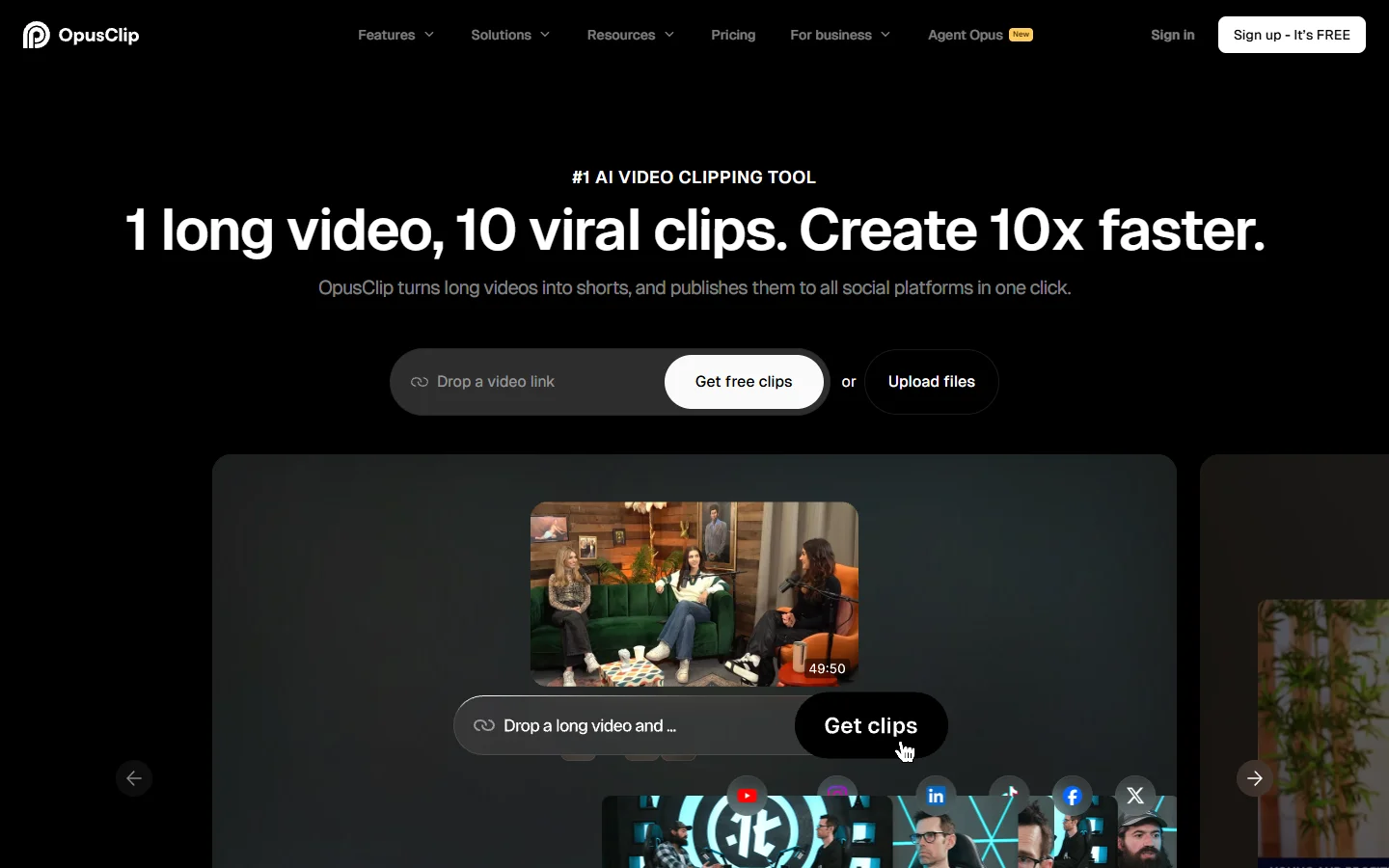
Opus Clip takes a different approach: instead of generating new video, it finds the best moments in existing long-form content and reformats them for social media. Paste a YouTube or Zoom link, and Opus analyzes the transcript, detects hooks and punchlines, and produces multiple short clips with auto-captions and aspect ratio adjustments.
This works well for podcasters, educators, and anyone repurposing webinars or interviews. The AI scoring system ranks each clip by predicted virality, which helps prioritize what to post first. Opus Clip integrates with scheduling tools for direct publishing. For creators who already have long-form content, this is the fastest path to viral TikTok videos without starting from zero.
How to Build a Social Media Video Workflow

The most effective creators do not rely on a single tool. A practical workflow chains two or three together: use a text-to-image model to create visual assets, feed them into a video generator for motion, then polish with an editor. For example, generate a product scene with FLUX, animate it in Runway, and add captions in CapCut. This three-step pipeline covers ideation through publishing. You can explore more approaches to building AI workflows without code to connect these tools.
Platform requirements matter too. TikTok favors 9:16 vertical video under 60 seconds. Instagram Reels perform best at 15 to 30 seconds with text overlays. YouTube Shorts allow up to 3 minutes but reward front-loaded hooks in the first 2 seconds. Tools like CapCut and Opus Clip handle reformatting automatically, but if you are generating from scratch with Runway or Pika, set the aspect ratio and duration before rendering. For more on format-specific strategies, see our free online video maker roundup.
FAQ
What is the best free AI tool for social media videos?
CapCut offers the most complete free tier for editing and post-production. Pika Labs gives 150 free credits daily for AI video generation. For repurposing existing content, Opus Clip has a limited free plan. The best free option depends on whether you need to generate footage or edit existing clips. Check our guide to free AI video generators for a deeper comparison.
Can AI-generated videos perform well on social media?
Yes. AI-generated clips regularly hit high view counts on TikTok and Instagram when paired with strong hooks and relevant captions. The key is treating AI output as raw material, not finished content. Add text overlays, trim to optimal length, and match the pacing to each platform’s algorithm preferences. See our guide on animating still images with AI for one practical starting point.
How long should AI social media videos be?
TikTok and Instagram Reels perform best at 15 to 45 seconds. YouTube Shorts can run up to 3 minutes, but the sweet spot is 30 to 60 seconds. LinkedIn video posts perform well at 30 to 90 seconds. Always front-load the hook within the first 2 seconds.
Do I need a subscription to use AI video tools?
Most tools offer free tiers with limited credits or watermarks. Serious production requires a paid plan. Runway starts at $12/month, HeyGen at $24/month, and Pika offers competitive pricing with daily free credits. Opus Clip has both free and paid tiers. Budget $15 to $50/month for a solid AI video toolkit. Some creators also look at no-watermark AI video generators to keep output clean for branded use.
Can I use AI video tools for branded commercial content?
Yes, all tools listed here support commercial use on paid plans. Runway, Pika, and HeyGen grant full commercial rights to generated content. Always review the specific terms of service, particularly around AI avatar likeness rights with HeyGen. For generating YouTube Shorts with AI, all of these tools produce content cleared for monetized channels.
What is the fastest AI video generator for social media?
Pika Labs generates clips in 15 to 30 seconds, making it the fastest option for short-form content. CapCut’s editing AI processes clips in under a minute. Opus Clip analyzes and clips a 30-minute video in about 2 minutes. Runway takes 1 to 3 minutes per clip but produces higher fidelity output.
Conclusion
The AI video landscape for social media has matured past the experimental phase. Runway and Pika handle generation, CapCut covers editing, HeyGen delivers avatar content, and Opus Clip maximizes existing footage. The strongest results come from combining multiple tools into a pipeline that fits your content calendar. If you want to connect image generation, video models, and post-production steps into a single automated flow, a text-to-image workflow platform can tie the pieces together without manual hand-offs between tools.