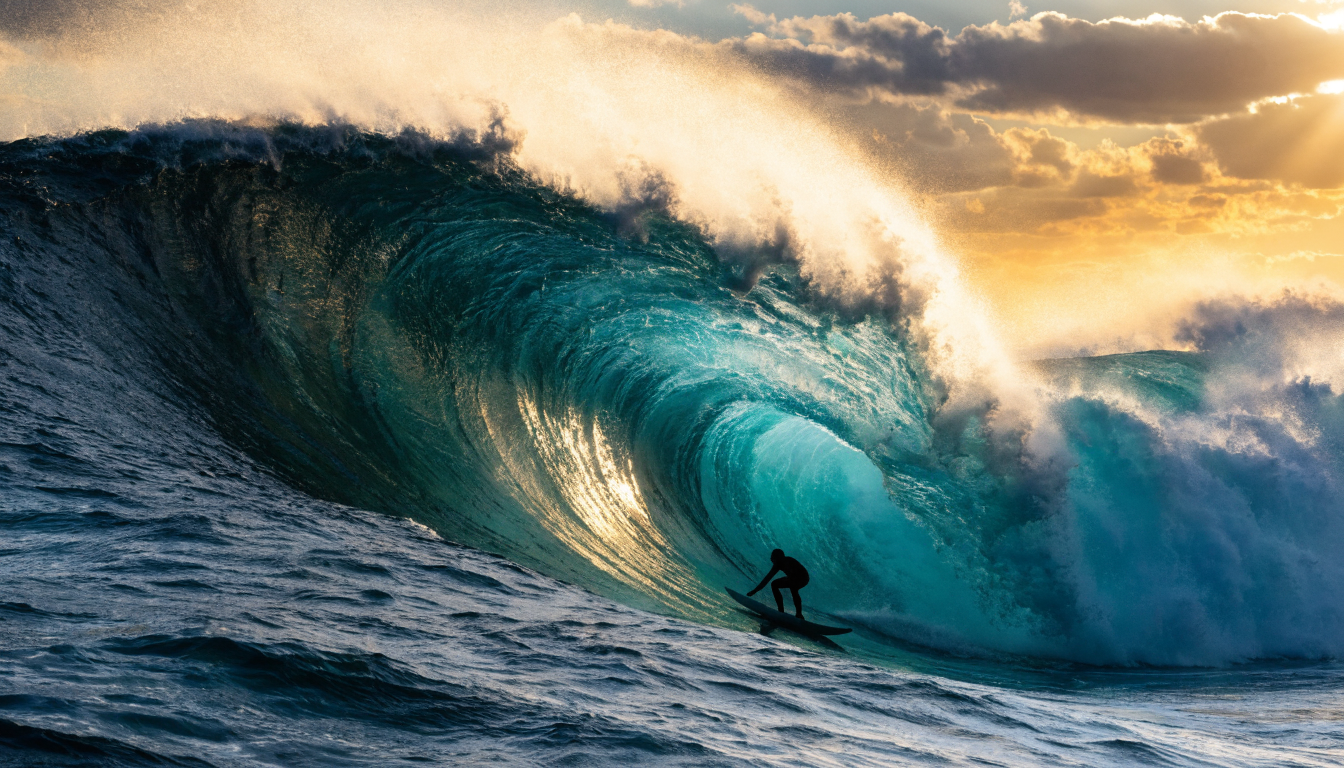
Recraft V4 is one of the most capable text-to-image models available through API access today, and it is quickly becoming a go-to option for teams that need design-quality output at scale. Whether you are building a product that generates marketing assets, populating an e-commerce catalog, or creating branded visuals for social campaigns, Recraft V4 offers a level of precision that sets it apart from general-purpose image generators. Platforms like the Wireflow platform make it straightforward to integrate Recraft V4 into multi-step creative workflows without managing infrastructure directly.
What Makes Recraft V4 Different
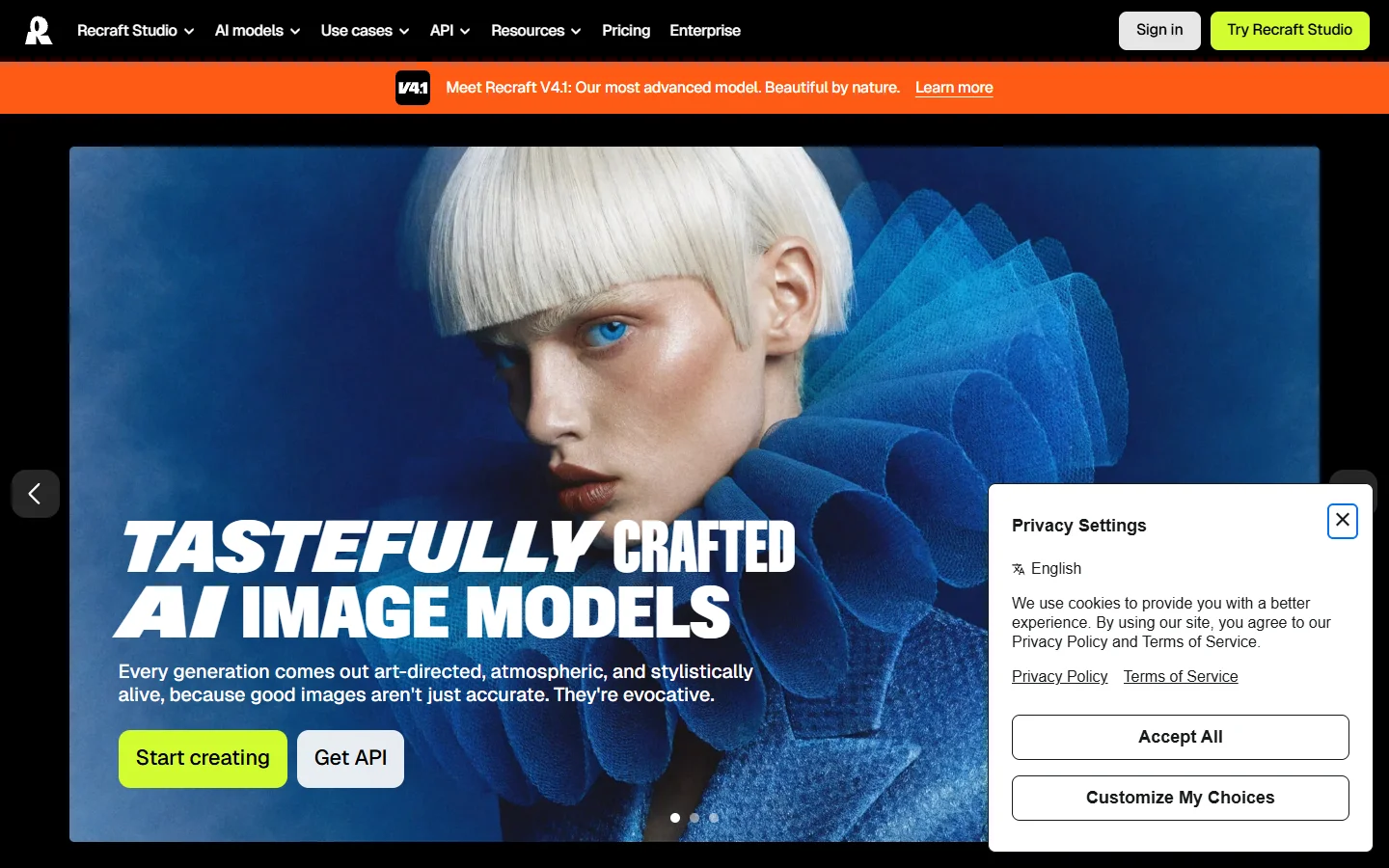
Recraft V4 was built specifically for design use cases rather than general creative exploration. The model handles accurate text rendering inside images, something most competing models still struggle with. It also supports true vector SVG output through the V4 Vector variant, which is a significant advantage for icon sets, logo iterations, and scalable design assets. Color palette control lets you lock generated images to your brand guidelines, which removes the usual post-processing step of recoloring AI output. For context on how previous Recraft versions have evolved, V4 represents a major jump in both fidelity and control.
The model comes in three main variants. V4 Standard handles fast iteration at 1-megapixel resolution, V4 Pro delivers print-ready 4-megapixel output, and V4 Vector produces production-ready SVGs. Each variant shares the same API structure, so switching between them requires only a model parameter change in your API call.
Getting Started with the Recraft V4 API
The API follows a standard REST pattern. You authenticate with an API key, send a POST request with your prompt and parameters, and receive an image URL in the response. Here is a basic Python example for generating a product photograph:
import requests

response = requests.post(
    "https://external.api.recraft.ai/v1/images/generations",
    headers={"Authorization": "Bearer YOUR_API_KEY"},
    json={
        "prompt": "minimalist white sneaker on a concrete surface, studio lighting",
        "model": "recraftv4",
        "style": "realistic_image",
        "size": "1024x1024"
    }
)

image_url = response.json()["data"][0]["url"]
You can also pass a colors array to lock the output to specific hex values, and use the style_id parameter to apply a custom trained style. Adding "response_format": "b64_json" returns the image as base64 instead of a URL, which is useful for pipelines that process images immediately without an extra download step.
Practical Use Cases
Marketing Asset Generation
Marketing teams are using Recraft V4 to produce ad creative variations at volume. The typical workflow involves a single base prompt describing the product scene, then iterating with different color palettes, aspect ratios, and style modifiers to generate a full set of banner sizes from one creative brief. Because the model renders text accurately, you can include headlines and CTAs directly in the generated image rather than compositing them afterward.
E-Commerce Product Photography
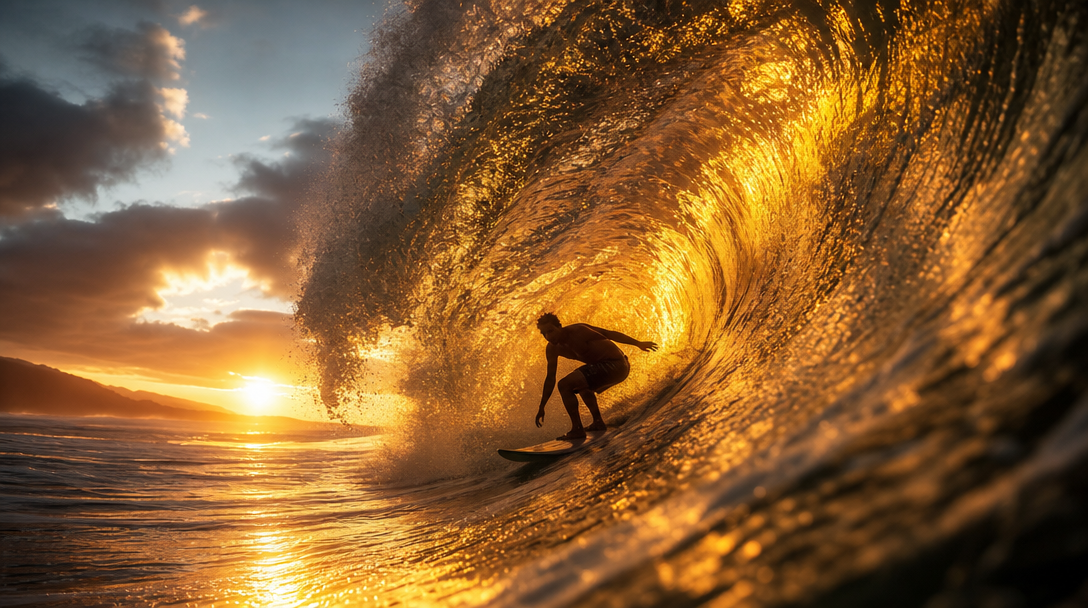
For online stores that need consistent product imagery, Recraft V4’s predictable composition is a strong fit. The V4.1 Utility variant is specifically tuned for commercial visuals: flatter lighting, front-facing angles, and clean backgrounds. Teams running programmatic image generation can process hundreds of product shots overnight, each matching the same visual style.
Icon and Illustration Libraries
The V4 Vector model generates true SVG output from text descriptions. This is not a raster-to-vector trace; the model outputs actual vector paths. Design systems teams use this to generate consistent icon sets where stroke weight, corner radius, and visual style remain uniform across dozens of icons. Documentation teams generate spot illustrations and logos without needing a dedicated illustrator.
Brand-Consistent Content Pipelines
One of the most valuable API features is style training. You upload 5 to 10 reference images that represent your brand’s visual identity, train a custom style, and then every generation inherits that look. This is particularly useful for content teams producing blog headers, social media posts, and email visuals at a pace that would overwhelm a design team. The style persists across sessions, so different team members or automated pipelines all produce visually coherent output.
Integrating Recraft V4 into Workflows
The real power of the Recraft V4 API shows up when you connect it to other tools in a pipeline. A common pattern is: receive a brief or product description, generate candidate images with Recraft V4, run them through a background removal step, then composite the result onto a template. Visual AI canvas editors let you build these multi-step flows without writing custom orchestration code.

For developers building SaaS products that need image generation as a feature, the API’s rate limiting and batch processing options matter. Recraft offers priority inference tiers for production workloads, and the consistent output quality means fewer rejects in automated pipelines. Wireflow’s creative tools provide a visual interface for chaining Recraft V4 with other models, which is useful for prototyping before committing to a code-first integration.
Comparing Recraft V4 to Other Image APIs
Recraft V4 occupies a specific niche: design-quality output with precise controls. DALL-E 3 and Midjourney produce excellent creative imagery but lack the text rendering accuracy and vector output that Recraft offers. Stable Diffusion XL gives you more raw control through ControlNet and LoRA, but requires self-hosting and tuning. FLUX 1.1 Pro delivers strong photorealistic results and is competitive on speed, making it a solid choice when you need fast iteration without the design-specific features.
The right choice depends on your use case. If you need accurate text in images, brand-locked color palettes, or SVG output, Recraft V4 is the strongest option. If you need photorealistic scenes without text elements, FLUX or DALL-E may deliver faster results. Many production pipelines use multiple models: Recraft V4 for branded assets with text, and a general-purpose model for organic lifestyle photography. Directory resources like AI tools for web builders can help you discover complementary tools for your stack.

Pricing and Rate Limits
Recraft V4 pricing is per-generation. The standard model costs roughly $0.04 per image at 1-megapixel resolution, while V4 Pro runs around $0.08 for 4-megapixel output. Vector generation is priced similarly to Pro. Style training has a separate per-training cost. For high-volume users, Recraft offers enterprise plans with reduced per-image pricing and dedicated inference capacity. The FLUX Pro API pricing comparison provides useful context for benchmarking costs across providers.
FAQ
What programming languages does the Recraft V4 API support? The API is language-agnostic since it uses standard REST endpoints. Official examples exist for Python, JavaScript/Node.js, and cURL. Any language with HTTP client support works. Check the API reference examples for patterns that apply across languages.
Can Recraft V4 generate images with readable text? Yes. Accurate text rendering is one of Recraft V4’s core strengths. The model handles headlines, product labels, and short paragraphs with significantly better accuracy than most competing image generators.
What is the difference between Recraft V4 and V4 Pro? V4 Standard generates 1-megapixel images optimized for speed and iteration. V4 Pro generates 4-megapixel images suitable for print and large-format displays, with higher detail fidelity.
Does Recraft V4 support image-to-image editing? Yes. The API supports inpainting (editing specific regions), outpainting (extending the canvas), and full image-to-image transformation using a source image plus a text prompt.
How does Recraft V4 Vector differ from rasterizing a PNG? V4 Vector generates native SVG vector paths directly from text descriptions. This is fundamentally different from tracing a raster image: the output is resolution-independent, editable in tools like Figma or Illustrator, and dramatically smaller in file size. Many teams use it alongside AI-enhanced photo tools for a complete visual pipeline.
What are the rate limits for the Recraft V4 API? Free-tier accounts allow a limited number of generations per day. Paid plans offer higher throughput, and enterprise accounts get dedicated inference with custom rate limits. Batch endpoints are available for processing large queues asynchronously.
Can I train a custom style on Recraft V4? Yes. You upload 5 to 10 reference images and the platform trains a style model that applies to all subsequent generations. This is useful for maintaining brand consistency across large volumes of AI-generated output.
Conclusion
Recraft V4 fills a gap in the AI image generation landscape by focusing on design precision rather than pure creative exploration. The combination of accurate text rendering, true vector output, color palette locking, and custom style training makes it a practical choice for teams producing visual assets at scale. Whether you are generating e-commerce product shots, building icon libraries, or automating ad creative pipelines, the API provides the control and consistency that production workflows demand. For teams looking to connect Recraft V4 with other models in a single pipeline, node-based AI canvas tools offer a visual way to orchestrate these multi-model workflows end to end.