
Node-based canvases have become the default way serious creators work with image models. Instead of typing a prompt into a box and hoping, you wire generation, upscaling, background removal, and style transfer into a repeatable graph. The catch: most canvas tools trap that graph inside their UI. If you want the same pipeline running from code, you need a platform that pairs the canvas with a real API, and the field of tools that do both well is smaller than the marketing suggests. We covered the pure generation side in our roundup of the best AI image generators compared; this guide focuses on the canvas plus API combination.
An API matters even if you never plan to write code yourself. It is what lets a pipeline you built visually run on a schedule, respond to a webhook, or process 500 product photos overnight. If that idea is new to you, our primer on building AI workflows with an API walks through the basics. Below are the six platforms worth evaluating in 2026, with real screenshots, pricing notes, and where each one actually fits.
What counts as an AI canvas platform with an API
The bar for this list is simple: a visual node or layer canvas for composing image generation steps, plus a documented API that can execute the same work headlessly. Plenty of tools have one without the other. A canvas without an API is a toy for production use; an API without a canvas means you are debugging pipelines in JSON. The platforms that combine both are what we called headless AI workflow platforms in an earlier comparison, and they share a few traits:
- Model choice on the canvas, from FLUX Realtime to Recraft, SDXL, and video models, not a single house model
- Async execution with webhooks or polling, since image jobs are slow
- Some way to parameterize a saved graph, so one pipeline serves many inputs
- Pricing that does not fall apart at batch volume

1. ComfyUI
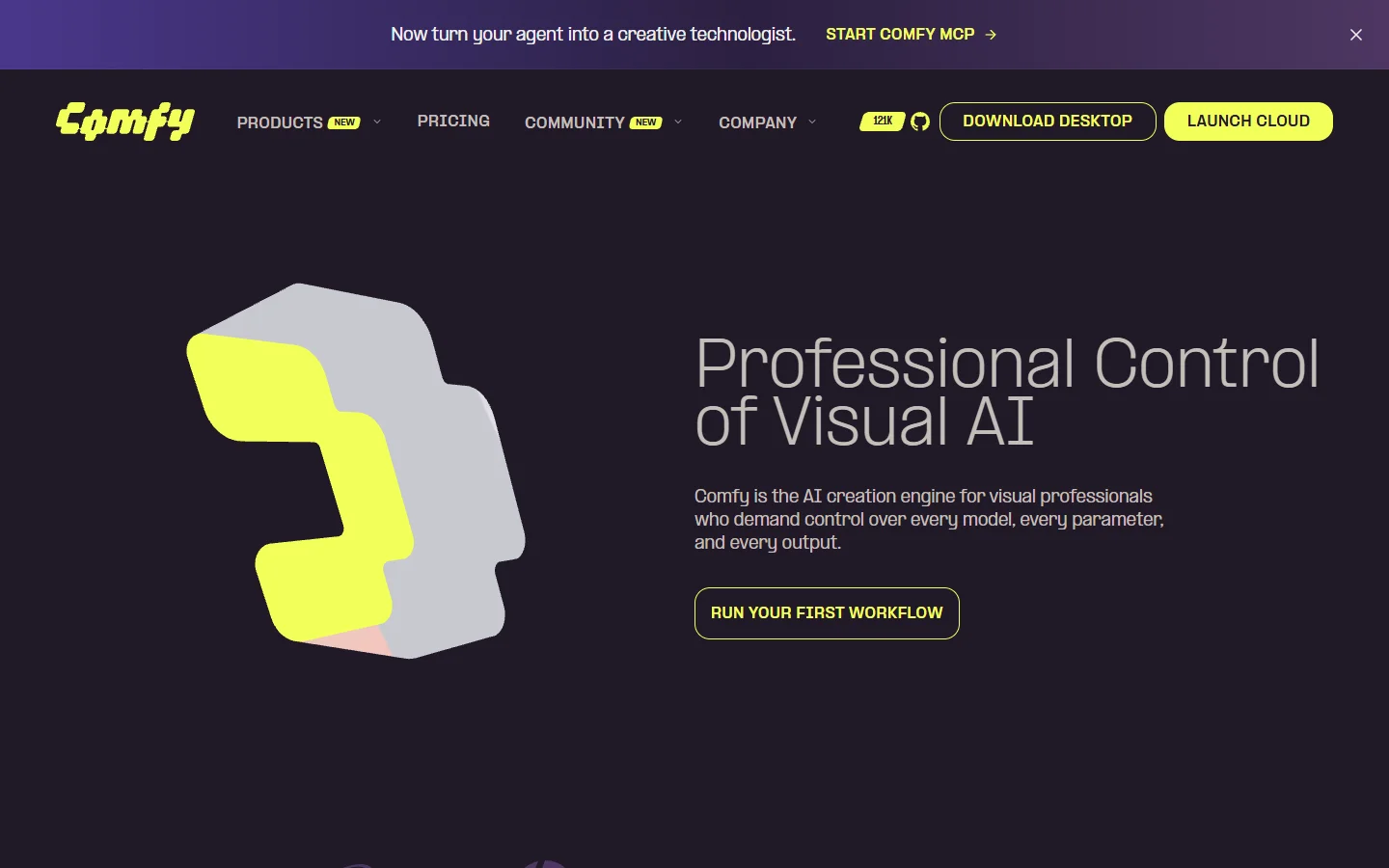
ComfyUI is the open-source reference point for node-based image generation. Every sampler setting, latent operation, and ControlNet pass is an explicit node, which makes it the most granular canvas on this list and also the steepest to learn. It runs FLUX, SDXL, and most community models locally on your own GPU.
The API story is real but raw: the local server exposes the same graph execution endpoint the UI uses, so anything you build can be triggered with a POST request. That is enough to run batch image generation via API on your own hardware, though you own the queuing, scaling, and uptime yourself. Best for tinkerers with a GPU; hardest to recommend for teams that need managed infrastructure.
2. Figma Weave
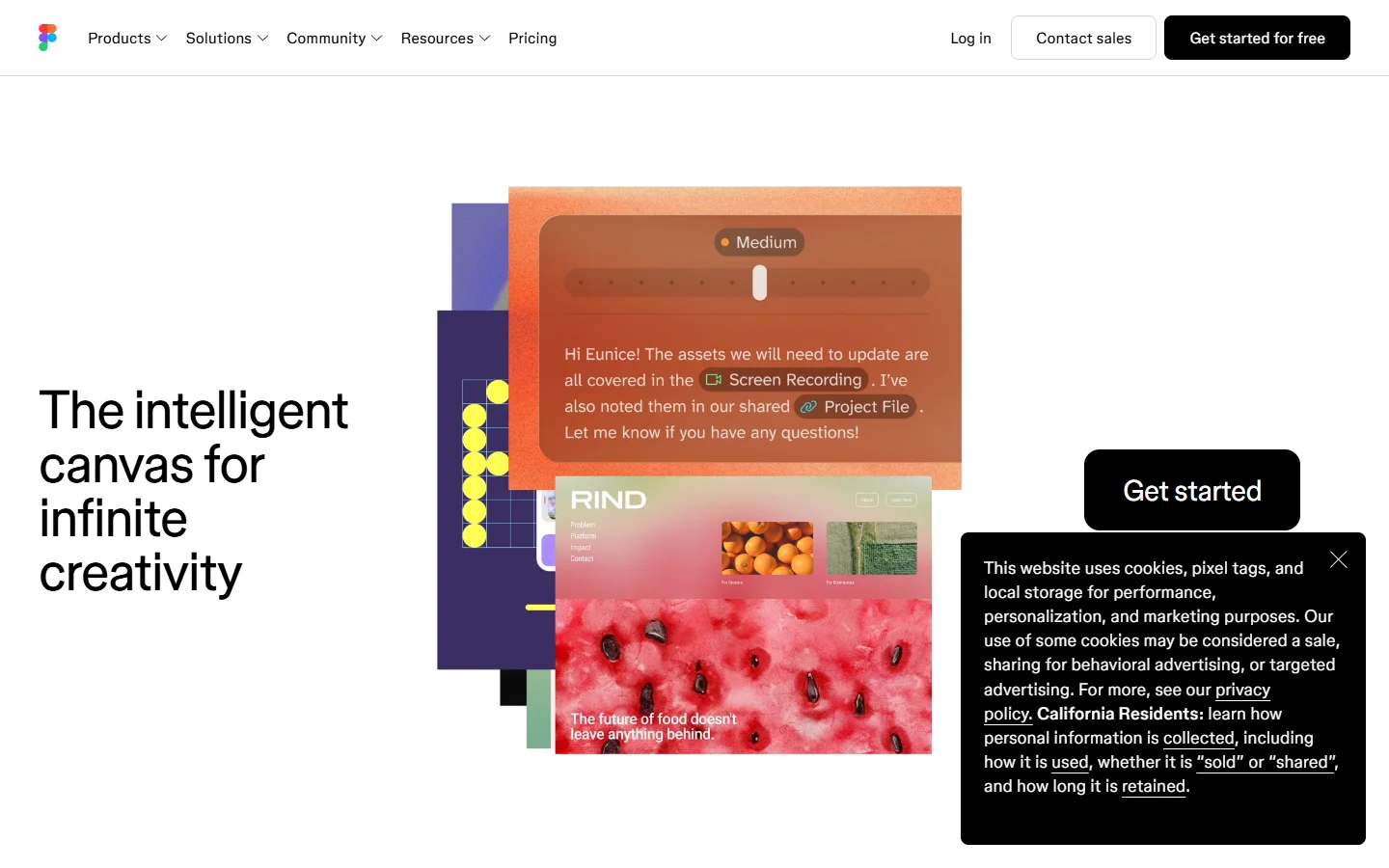
Figma brought generative canvases to its design platform with Weave, and its strongest feature is brand safety: generation can be constrained to approved palettes, type, and style guidelines, which matters when fifty designers share one workspace.
The trade-off is access. Weave ships with Figma’s Organization plan at 75 dollars per editor per month, and the API surface is oriented around design file automation rather than standalone image pipelines. If your work already lives in Figma it is a natural extension; if you mainly need raw generation, a dedicated FLUX image generator will serve you better.
3. Freepik Spaces

Freepik attached its node canvas, Spaces, to a library of some 247 million licensed stock assets, which makes it genuinely different: you can mix AI generations with licensed photos, vectors, and templates inside one graph. Video generation landed in Spaces in early 2026.
Freepik also sells a straightforward generation API covering FLUX and Mystic models. The canvas and the API are somewhat separate products today, so a graph you build in Spaces is not directly callable, a gap worth knowing about before committing. For how the major vendors’ endpoints stack up on price and model coverage, see our comparison of AI content generation APIs.
4. fal.ai
fal.ai comes at the problem from the API side. It is a serverless inference platform running optimized FLUX, Stable Diffusion, and hundreds of community models with fast cold starts, and its workflow feature chains endpoints into simple graphs. Developers reach for it when raw generation speed per dollar is the priority.
The canvas is minimal compared to the others here; fal is best understood as the engine you call rather than the studio you work in. Costs are per-inference and vary widely by model, in the same way FLUX Pro API pricing differs from cheaper distilled variants, so estimate against your actual volume before assuming it is the budget option.
5. Krea
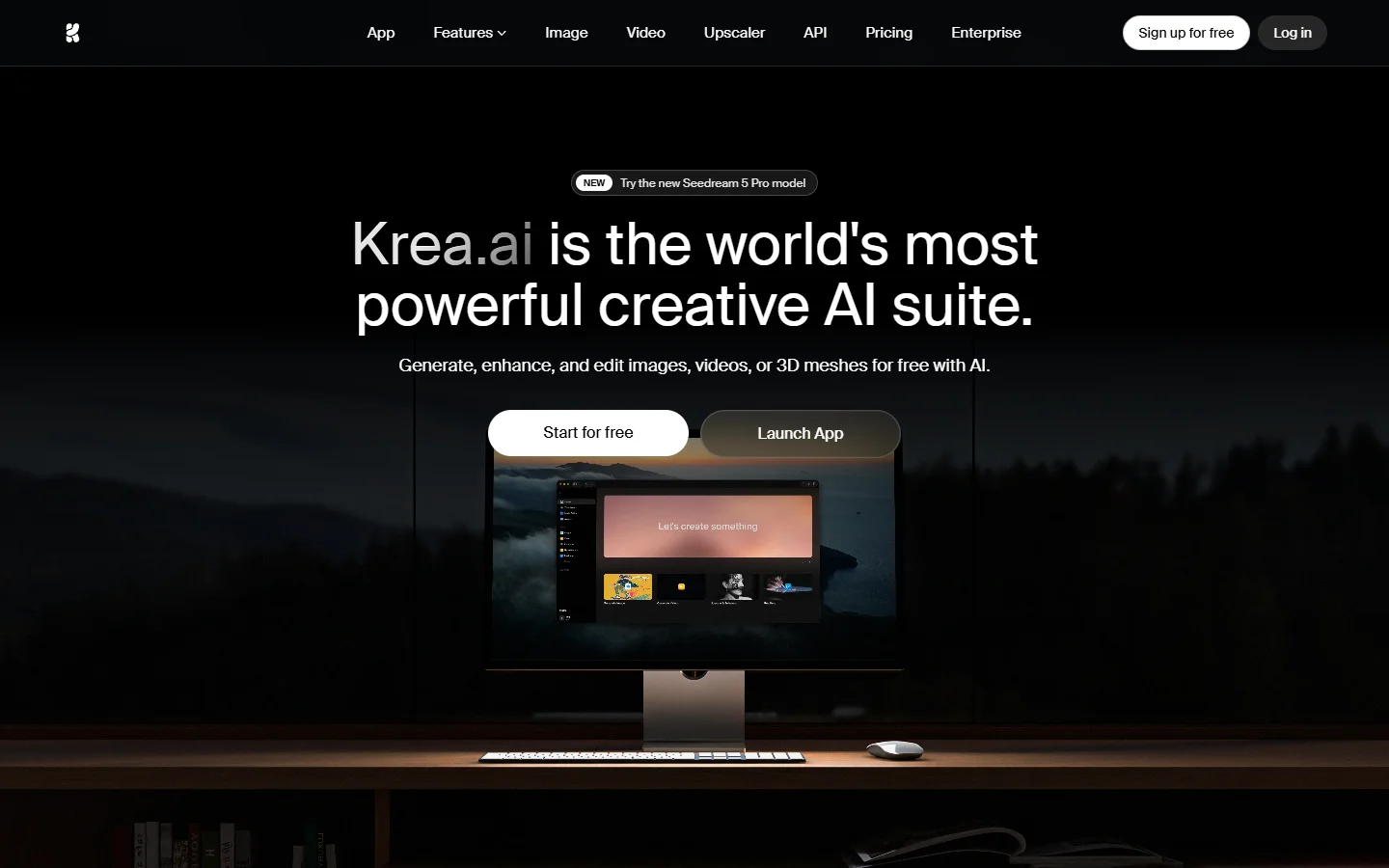
Krea built its reputation on realtime generation: you paint or move shapes on the canvas and the image regenerates as you drag. For concepting and art direction, that feedback loop is the fastest way to explore an idea before committing to a high-fidelity render.
Krea added API access for its enhancer and generation models, though the realtime canvas itself remains an interactive product. It pairs naturally with realtime-capable models like FLUX 1.1 Pro for the final quality pass after you have locked composition in the live view.
6. Recraft

Recraft is the design-focused option: an infinite canvas with a house model family (V4 at time of writing) that is unusually good at vector output, typography, and brand-consistent style. The API mirrors the product cleanly, with endpoints for raster, vector, and style-reference generation, and pricing is per image with published unit costs. If your output is logos, icons, or brand assets rather than photoreal scenes, it is arguably the strongest single tool here.
Comparison at a glance
The table condenses the six platforms on the dimensions that matter for API use. For a deeper look at how the underlying generation models compare on quality, our Midjourney alternatives roundup benchmarks the same model families head to head.
| Platform | Canvas depth | API maturity | Models | Starting price |
|---|---|---|---|---|
| ComfyUI | Deepest (node-level) | Raw local endpoint | Any open model | Free, self-hosted |
| Figma Weave | Design-oriented | Limited | Curated | $75/editor/mo (Org plan) |
| Freepik Spaces | Good, plus stock library | Separate API product | FLUX, Mystic | Freemium |
| fal.ai | Minimal | Excellent | 600+ hosted | Pay per inference |
| Krea | Realtime interactive | Growing | House + FLUX | Freemium |
| Recraft | Infinite canvas | Clean, well documented | House (V4) | Freemium, per-image API |

How to choose: match the platform to the pipeline
Start from the job, not the feature list. A solo artist iterating on style frames needs realtime feedback and model variety. A product team generating thousands of catalog images needs parameterized graphs, webhook callbacks, and predictable unit economics. Somewhere in the middle sits the common case: a small team that wants to design a pipeline visually once, then run it programmatically forever. For that middle case, a full AI image editing suite that treats the canvas graph and the API endpoint as the same object saves the most glue code, because nothing has to be rebuilt when a workflow moves from experiment to production.
Whichever platform you pick, structure the pipeline the same way: inputs at the edge, generation in the middle, post-processing (upscale, background removal, format conversion) as separate downstream nodes. That separation is what makes a graph reusable, and it is the same pattern we recommend when building AI pipelines with REST APIs directly. It also makes model swaps painless: when a better FLUX checkpoint ships, you replace one node instead of rewriting the flow.
FAQ
Do I need to know how to code to use these platforms?
No. The canvas side of every tool on this list is fully visual, and several let you schedule or trigger saved graphs without writing anything. Our guide to building AI workflows without code covers the no-code path in detail.
Which platform is cheapest for high-volume generation?
Self-hosted ComfyUI wins if you already own a GPU, since you pay only electricity. Among hosted options, per-inference platforms usually beat seat-based pricing once you pass a few thousand images per month, but the answer depends heavily on which model you run.
Can I chain multiple models in one pipeline?
Yes, and that is the main reason to use a canvas at all. Typical production graphs chain a generation model into an upscaler and a background tool. If the pipeline needs to run reliably inside an app, evaluate the platforms in our AI orchestration APIs comparison, since orchestration quality matters more than raw model quality at that point.
Is ComfyUI’s API production-ready?
The endpoint itself is stable, but you are responsible for everything around it: GPU provisioning, queue management, retries, and monitoring. Teams that want ComfyUI-style control without the ops burden usually end up on a hosted platform.
Do these platforms all support FLUX models?
Most do. ComfyUI, fal.ai, and Freepik run FLUX variants directly, and Krea supports FLUX for its quality pass. If you are new to the model family, start with our explainer on what FLUX.1 is to understand the Pro, Dev, and Schnell tiers before picking an endpoint.
What image rights do I get?
It varies. Recraft and Freepik grant commercial use on paid plans, open models under permissive licenses carry their own terms, and Figma’s generations follow your organization agreement. Read the specific license for the model, not just the platform terms.
Conclusion
The canvas-plus-API category matured fast: two years ago ComfyUI was the only serious option, and now there are credible choices for designers, developers, and teams in between. Pick ComfyUI for control, Recraft for brand and vector work, fal.ai for raw inference, and Krea for realtime exploration. If you want the visual graph and the production endpoint to be the same artifact, a text-to-image workflow platform built around that idea is the shortest path from a working canvas to a working API, and the least code you will ever have to maintain.