
Every serious image project now starts on a canvas. Instead of typing one prompt into a box and hoping for the best, creators drag nodes, branch variations, and chain models together until the output matches the picture in their head. The strongest AI canvas platforms in 2026 pair that visual, node-based way of working with an API, so the same pipeline you build by hand can also run from your own code. This guide ranks the canvas tools worth your time and spells out what each one exposes through its API, whether you make one image a week or generate images at real volume.
The shift matters because a canvas is where experimentation happens, but an API is where the work ships. A designer can spend an afternoon refining a look on an infinite canvas, and then a developer needs to reproduce that exact look a thousand times without touching a mouse. If you are still deciding which underlying model to standardize on, our roundup of the best AI image generators compared for 2026 is a useful companion, since most canvas platforms are really just a friendly front end over the same handful of models.
What “API-ready” actually means for a canvas platform
Plenty of tools advertise an API and deliver something far narrower. A genuinely usable one lets you trigger a saved workflow from a script, pass inputs, and receive the finished asset back, all without opening the browser. Anything less is a demo, not infrastructure. The teams building serious pipelines around FLUX and other text-to-image models treat the API as the product and the canvas as the design surface.
Three questions separate the real APIs from the marketing ones:
- Can you execute a full node graph from a single endpoint, or only call individual models one at a time?
- Are the model parameters you tuned on the canvas preserved when you call the API, or do you rebuild them in code?
- Is the API generally available, or gated behind an enterprise sales call?
Most platforms fail at least one of these today, which is exactly why the field is easier to rank than it looks once you focus on how each one lets you build AI workflows with an API.
The best AI canvas platforms with an API in 2026
The four tools below cover the range of what is available right now, from mature node canvases to real-time playgrounds. Each has a genuine canvas and a different answer on the API question, so read the API line as closely as you would when comparing headless AI workflow platforms.
Weavy, now Figma Weave
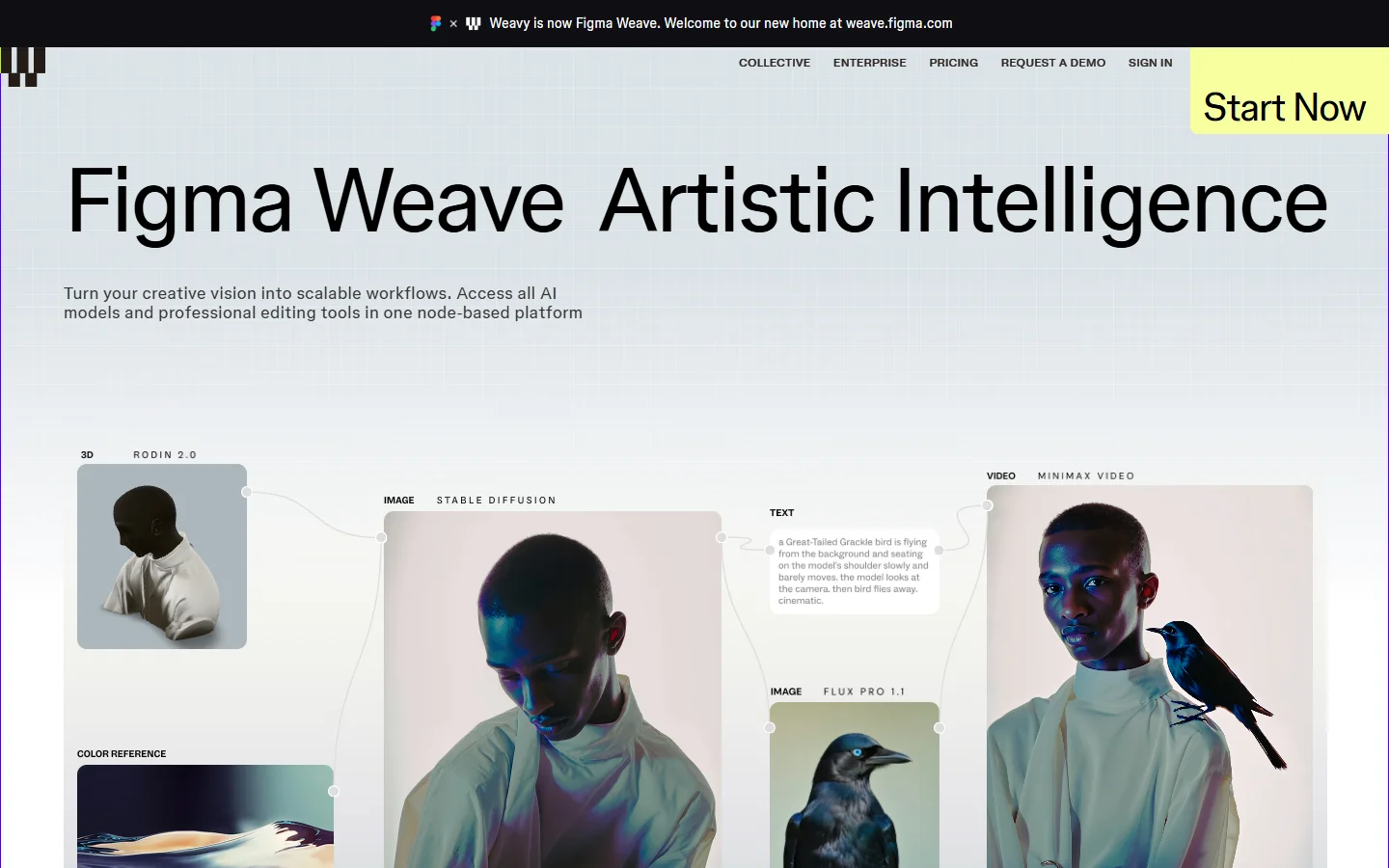
Weavy pioneered the modern node canvas for AI media and was acquired into Figma, where it now ships as Figma Weave. The canvas itself is excellent, with clean node connections and a deep roster of image and video models, but API workflow execution is still listed as coming soon as of mid 2026, so there is no supported way to run a Weave graph from a backend or a CI pipeline yet.
If the Figma acquisition has you weighing your options, our list of Weavy alternatives worth trying in 2026 covers the tools that already ship the API piece Weave is missing.
Krea
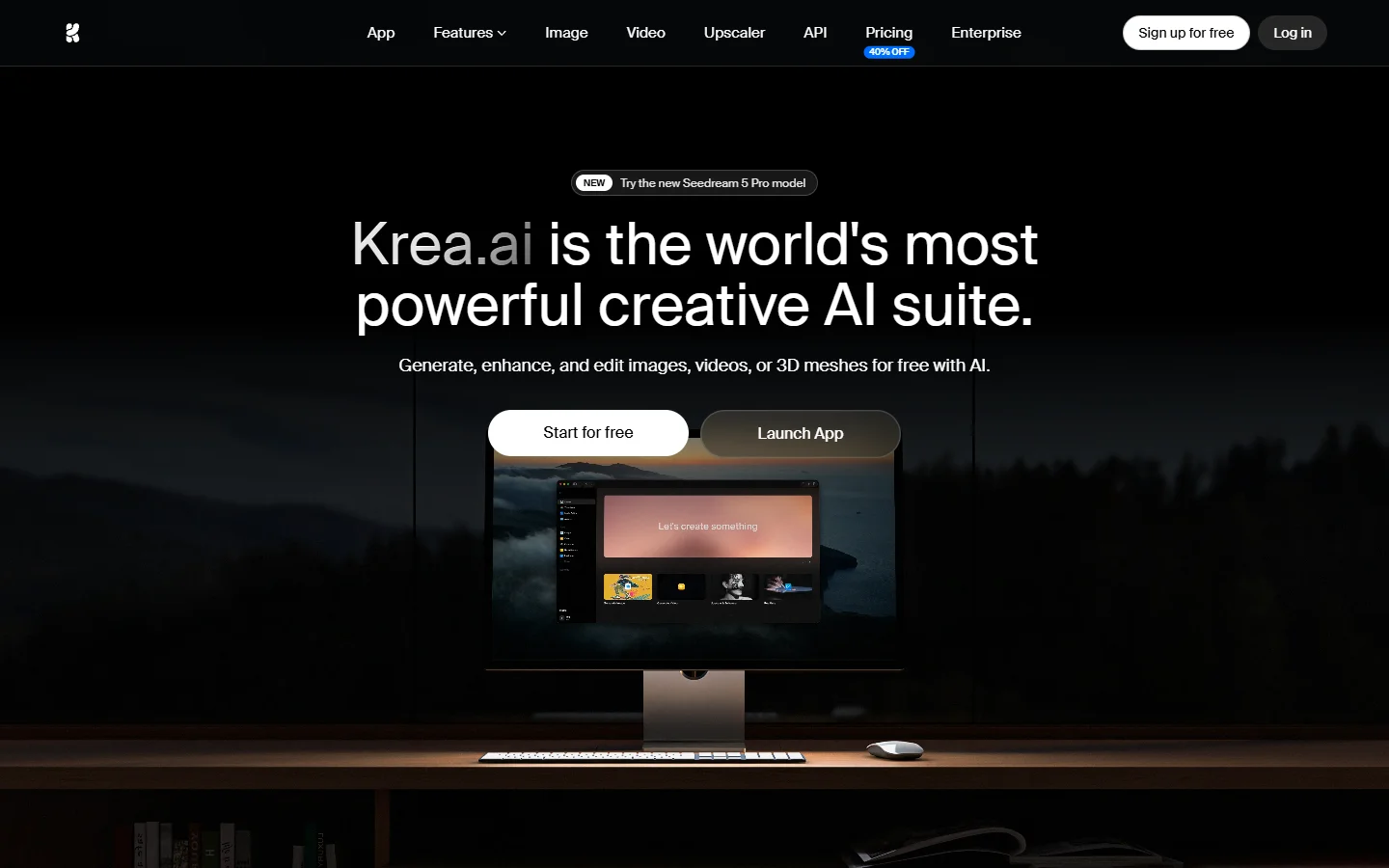
Krea is the strongest real-time canvas on this list. Outputs update live as you drag sliders or repaint regions, which makes it the fastest way to explore a direction before you commit. That immediacy is closest in spirit to a real-time FLUX model, where feedback arrives in near real time rather than after a long queue. The catch is that Krea has no public API in 2026, so it stays a design tool rather than a production backend.
Flora
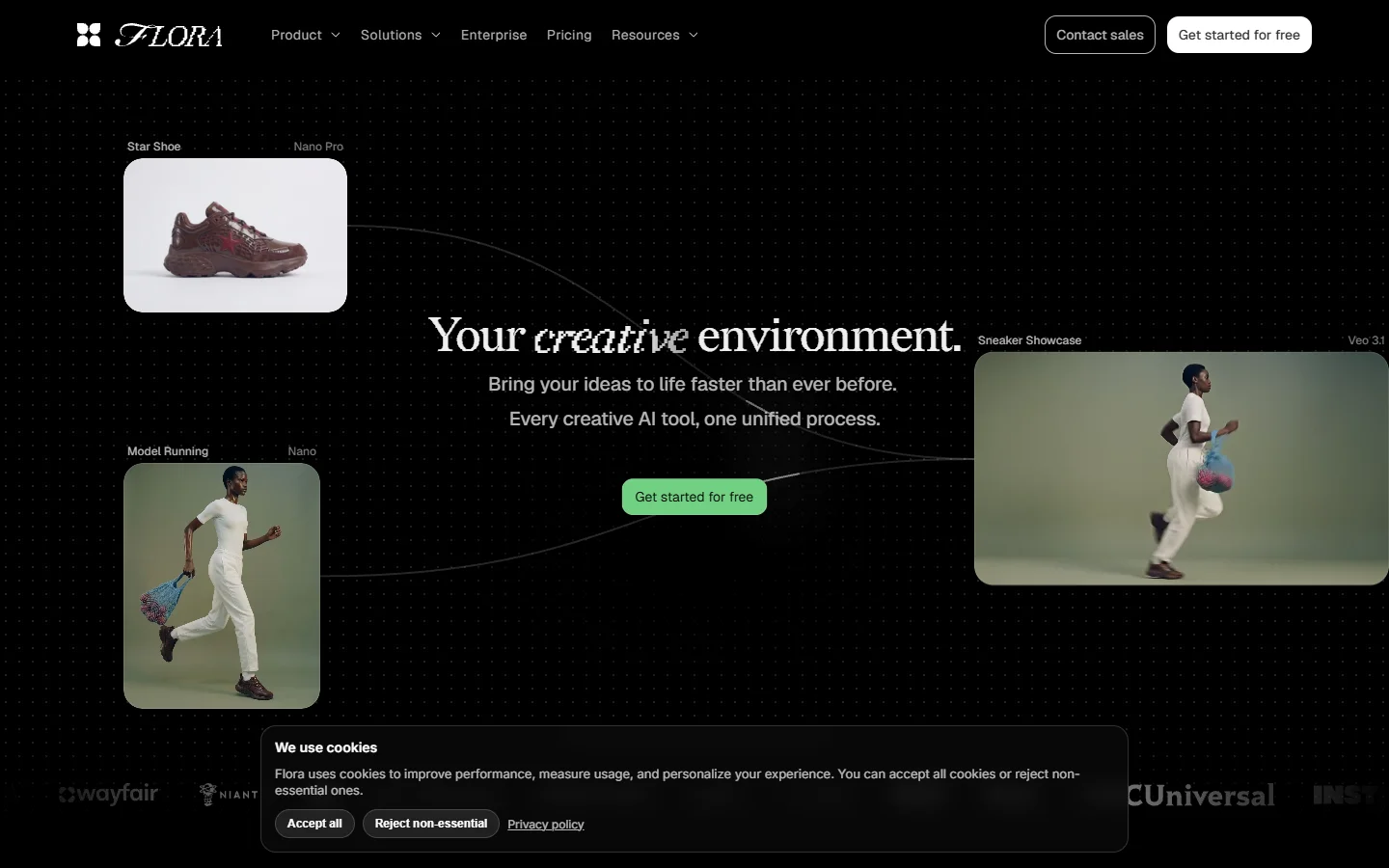
Flora is a collaborative, browser-based canvas that folds more than fifty models across image, video, and audio into a single shared space. Live multiplayer editing is its standout feature, and it has opened an early-access API, so it sits ahead of the tools that offer none. Early access means the surface can change, so treat it as promising rather than locked in for a long-lived integration.
Flora suits studios that value collaboration over automation, and it pairs naturally with the kind of no-code AI workflow many small teams start with before they need programmatic control.
Freepik Spaces
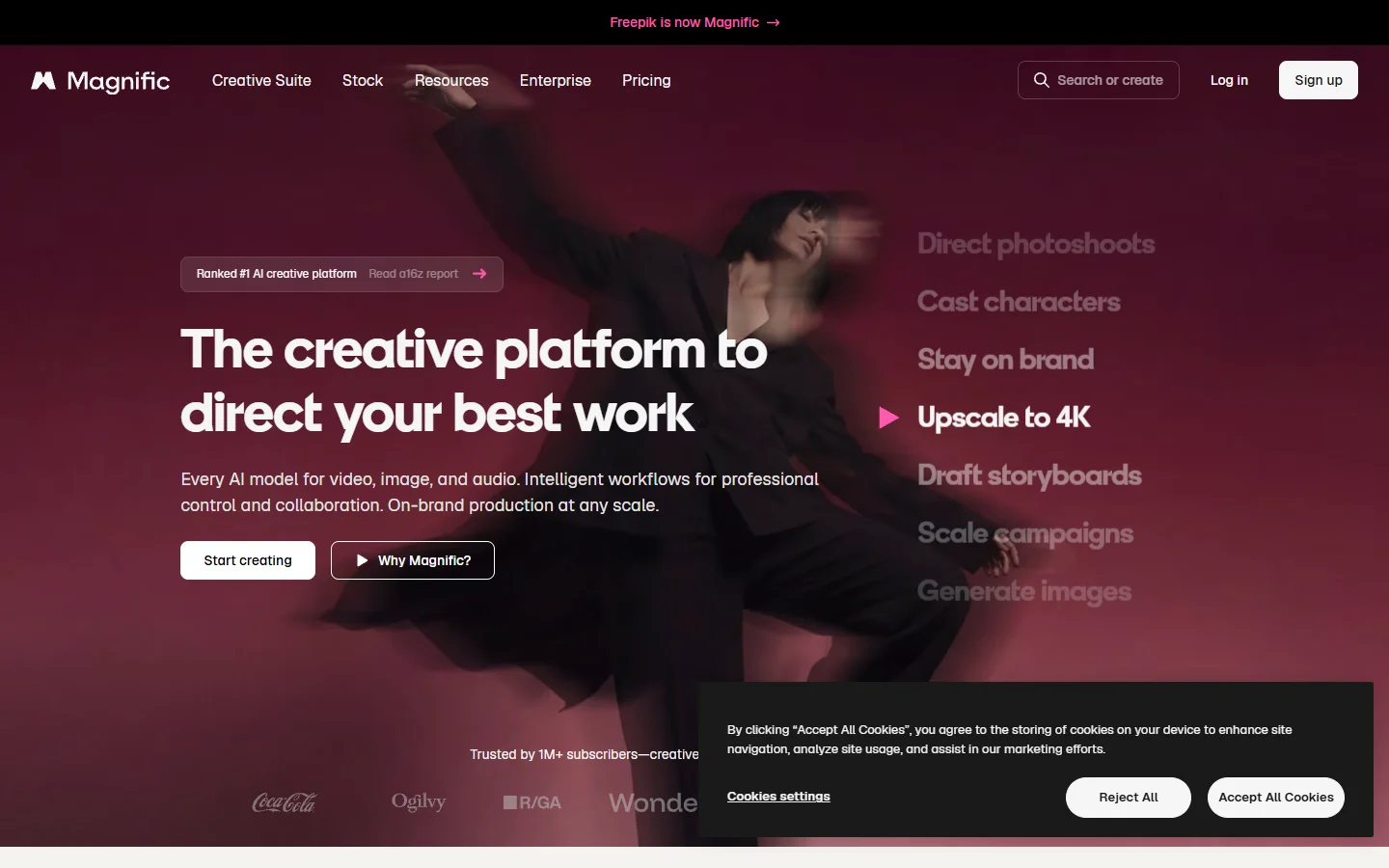
Freepik Spaces brings a Weave-style node canvas together with Freepik’s library of roughly 247 million stock assets, so you can mix generated and licensed material in one graph. It exposes an API, but access is enterprise-gated, which matters most once you want to wire it into your own AI pipelines with REST APIs rather than click around by hand.
How these platforms compare
The table below cuts through the marketing and shows the one thing that usually decides the pick, the same way a good comparison of AI content generation APIs does: can you actually call the canvas from code?
| Platform | Canvas type | API status | Model coverage | Best for |
|---|---|---|---|---|
| Figma Weave (Weavy) | Node graph | Coming soon | Broad image and video | Designers inside Figma |
| Krea | Real-time | None public | Image, video, real-time | Fast visual exploration |
| Flora | Collaborative | Early access | 50+ across media | Studios that collaborate live |
| Freepik Spaces | Node graph | Enterprise only | Image plus 247M stock | Enterprise asset workflows |
Read that middle column first. A canvas is only as useful as your ability to reproduce its output at scale, and when that becomes the goal, a platform’s image-editing polish matters less than its API story; our guide to the best AI image editors and photo tools covers that editing side in more depth.
Choosing the right canvas for your workflow
Match the tool to where your project actually lives. If everything stays inside a design team and never needs automation, Krea or the Figma Weave canvas will feel great day to day. The moment you need a saved graph to run on a schedule, from a webhook, or inside your product, the shortlist collapses to the platforms with a real, available API. Teams that outgrow a pure design canvas often graduate to a visual AI workflow builder like Wireflow, which keeps the node canvas but adds a documented REST endpoint so the pipeline you designed can run headless.
It also pays to standardize on the models you trust before you pick a canvas, because the canvas is just the wrapper. If you know you want FLUX quality, confirm the platform supports it and read up on what FLUX 1 actually is so you can judge whether a given canvas exposes the real model or a lighter substitute.
Prompting tips that carry across any canvas
A canvas does not fix a weak prompt, it just makes a weak prompt easier to duplicate. The habits that produce clean, consistent results are the same whether you are dragging nodes or calling an endpoint.

Lead with the subject and the shot, then layer in lighting, lens, and mood as separate clauses so each is easy to adjust as its own node. Keep a small library of phrasings that reliably work for you; a tool like the FLUX prompt generator is a quick way to build that library and reuse it across canvases. When you find a look you like, save the whole graph rather than a single image, because the graph is the thing your API call will replay.
Finally, treat model choice as part of the prompt. A prompt tuned for one model rarely transfers cleanly to another, so lock your model first; the FLUX 1.1 Pro breakdown shows how much the underlying model changes the output.
FAQ
What is an AI canvas platform?
It is a visual, node-based workspace where you build image or video pipelines by connecting steps on an infinite canvas instead of writing code. Each node is a model, a filter, or an input, and the canvas shows how they feed into each other. Most sit on top of the same text-to-image models you would call directly, but they make branching and iteration far easier.
Do any AI canvas platforms have a public API in 2026?
A few do, but fewer than the marketing suggests. Flora offers early-access API, Freepik Spaces gates its API behind enterprise plans, and Figma Weave still lists workflow execution as coming soon. Read each platform’s API page carefully, because “has an API” often means single-model calls rather than full workflow execution.
Can I run FLUX models on these canvases?
Most of them, yes. FLUX is one of the most widely integrated model families, so nearly every serious canvas exposes at least one FLUX option. Our look at the best AI photo generators for realistic images covers which models hold up best in production.
Which AI canvas platform is best for developers?
The one with a generally available API that can execute a full workflow, not just one model. That rules out the tools still stuck at “coming soon” and narrows the field to platforms built with programmatic use in mind from the start.
Is there a free AI canvas platform?
Several offer free tiers for casual use, though rate limits and watermarks are common. If cost is the deciding factor, our roundup of the best free AI image generators is a good place to start, but any serious automation usually needs a paid tier with API access.
What is the difference between a canvas and a text-to-image tool?
A text-to-image tool takes one prompt and returns one image. A canvas lets you chain many prompts, models, and edits together, branch them, and reuse the whole graph. If you only need occasional single images, a simple generator is enough; if you iterate constantly, the canvas earns its place.
Conclusion
The AI canvas space in 2026 splits cleanly into tools you design in and tools you can also ship from. Krea and Figma Weave are a pleasure to explore in, Flora leads on live collaboration, and Freepik Spaces wins on raw asset volume, but each carries a caveat on the API. For teams that want the node canvas and a real, available API in the same place, Wireflow’s creative tools cover it most completely in this list, keeping the visual workflow you designed intact when you move it into production.