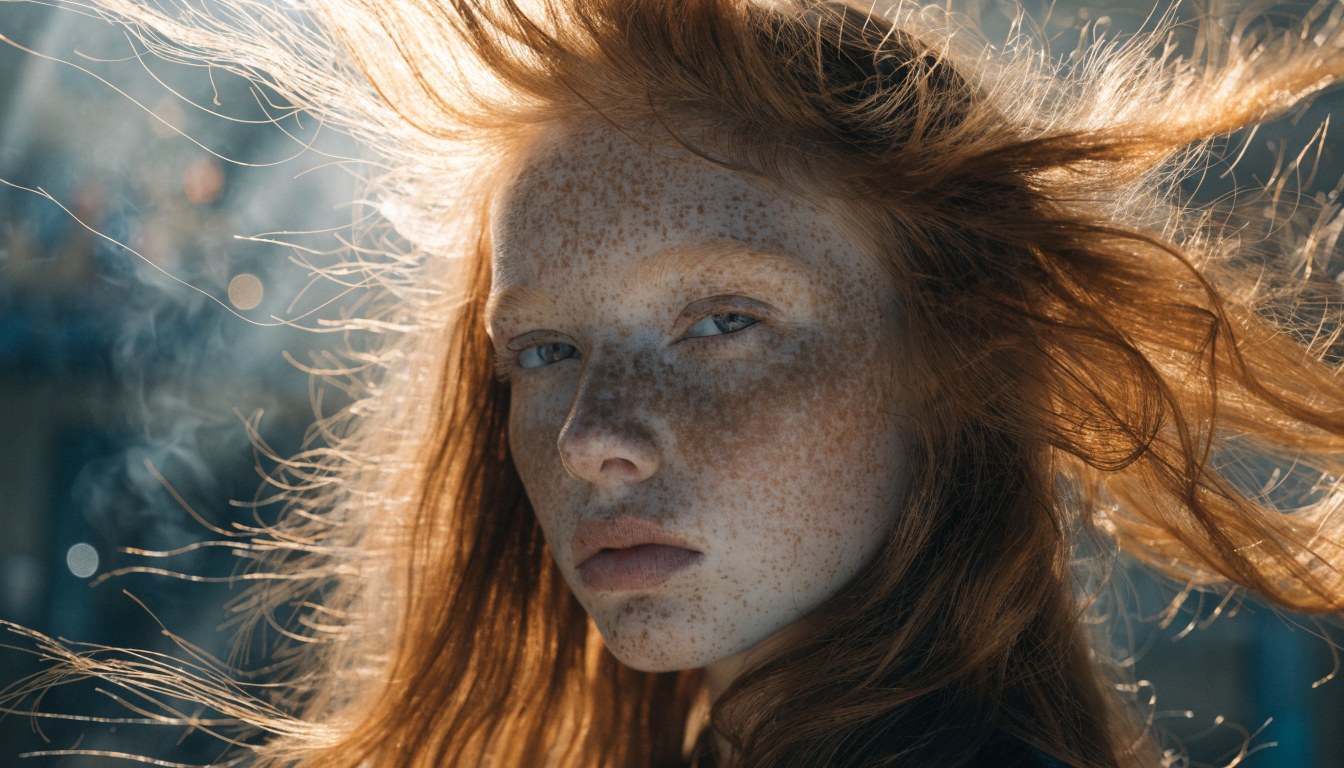
The phrase “visual generative AI tool with an API” describes a specific kind of software: a service that turns a text prompt or a reference image into a finished picture, and exposes that ability over an HTTP endpoint your own code can call. Instead of clicking through a web app, you send a request and get an image back. If you want a sense of the output quality these models now reach, the FLUX image generator is a good place to start.
The word “visual” does some heavy lifting here. In practice, buyers use it to mean image generation first, with video and other vision tasks bundled in nearby. This guide keeps the focus on image generation, since that is where most API traffic sits today and where the model choices are clearest. Where video belongs in the picture, it gets a short note rather than a whole section.
What a Visual Generative AI Tool With an API Actually Is
At its core, one of these tools accepts a prompt, a set of parameters, and optional input images, then returns generated files. The better services also handle queuing, storage, and safety filtering so you are not rebuilding that plumbing yourself. A programmatic image generation platform tends to package all of this behind a single authenticated call.
A typical request carries a prompt, an image size or aspect ratio, a quality or step setting, and sometimes a seed for repeatability. The response is usually a JSON object with one or more image URLs plus metadata about the run. Because the call is stateless, you can fire many of them at once and stitch the results into whatever your app needs.
How Image Generation APIs Work
Parameters are where output quality is won or lost. Prompt wording sets the subject and style, while size and guidance settings shape composition and how closely the model follows your text. Model-specific options, like the style controls in Recraft V4, let you lock a consistent look across a batch instead of getting a different aesthetic on every call.

Output quality also depends heavily on which model sits behind the endpoint. Diffusion models such as FLUX and SDXL handle photorealism and fine detail differently, and each has its own strengths with faces, text, or product shots. Testing the same prompt across two or three models is the fastest way to learn which one fits the work you actually ship.
Where Teams Use Image Generation APIs
Product teams reach for an image API when they need pictures generated on demand rather than made by hand. Common cases include user-facing avatar makers, on-the-fly marketing creative, and catalog imagery for stores that add new items every week. When volume climbs, running batch image generation via API keeps cost and timing predictable.
Content pipelines are the other big use. A blog system might generate a header image for every new post, or a social scheduler might produce a fresh variant for each channel. In these setups the image call is one node in a longer chain that also writes copy, resizes assets, and pushes everything to a CMS.
That chaining is where a workflow layer earns its place. Rather than wiring each model call by hand, teams increasingly connect prompt, generation, and post-processing steps on a visual canvas and then trigger the whole thing over an API. The Wireflow platform is one option built around that pattern, letting you design an image pipeline once and call it like any other endpoint.
What to Evaluate Before You Commit
Before committing to a provider, weigh five things: generation speed, output quality, price per image, licensing terms, and the range of models on offer. These trade off against each other. A service tuned for real-time speed may cap resolution, while one built for print-grade output will cost more and take longer per call.
Speed and reliability matter most once you are in production, so read the fine print on rate limits and uptime. A developer-friendly generation platform will publish clear limits, return useful error codes, and give you a way to retry failed jobs without guessing.

Licensing is the detail teams most often overlook. Check whether generated images can be used commercially, whether the provider claims any rights, and how the terms handle brand or likeness. For anything customer-facing, get this in writing before you build a feature on top of it.
A Simple Way to Add Image Generation to Your Stack
Adding image generation to a product is usually a short project. Start by calling the endpoint from a script, confirm the output meets your bar, then move the call behind your own service so you can add caching and retries. The steps in this guide on building AI workflows with an API map cleanly onto that path.
From there, the work is mostly hardening. Cache repeated prompts so you are not paying for the same image twice, store outputs in your own bucket rather than hotlinking the provider, and add a fallback model in case your first choice is slow or offline. None of this is complicated, but skipping it tends to hurt later.
Frequently Asked Questions
What is a visual generative AI tool with an API?
It is a service that generates images from text or reference inputs and exposes that function over an API your code can call. You send a prompt and parameters, and you get image files back. Models like the one covered in this Nano Banana image API guide are typical of what sits behind such an endpoint.
How is an image API different from a full visual AI platform?
An image API does one job: prompt in, picture out. A platform wraps that call with workflow, storage, editing, and often a visual builder, so you can chain several steps and manage assets in one place. The right choice depends on whether you need a single capability or an end-to-end pipeline.
Which tools handle both image and video generation?
Several providers now offer image and video endpoints side by side, though most started with one and added the other. If image quality is your priority, compare the dedicated image models first; this comparison of AI image generators is a useful starting point before you weigh video support.
How much do image generation APIs cost?
Pricing is usually per image and scales with resolution and quality settings. Real-time or draft-quality calls run cheap, while high-resolution or print-grade output costs more. Most providers bill per successful generation, so failed jobs should not count against you, but confirm that in the terms.
Can I use the generated images commercially?
In most cases yes, but the exact rights vary by provider and sometimes by plan. Read the license before shipping, since some free tiers restrict commercial use. Pages that lay out FLUX Pro API pricing and code examples usually spell out the commercial terms alongside the rates.
Conclusion
A visual generative AI tool with an API is worth choosing on the boring details: predictable pricing, clear licensing, solid uptime, and a model that matches your subject matter. Get those right and the image call becomes a quiet, reliable part of your stack. If your needs go beyond single generations into editing and multi-step pipelines, an AI image editing suite that exposes the whole flow over one endpoint will save you from stitching services together yourself.
Start small, test against real prompts, and let the results guide the build.